
Tool Box Labels, (US General), and Others


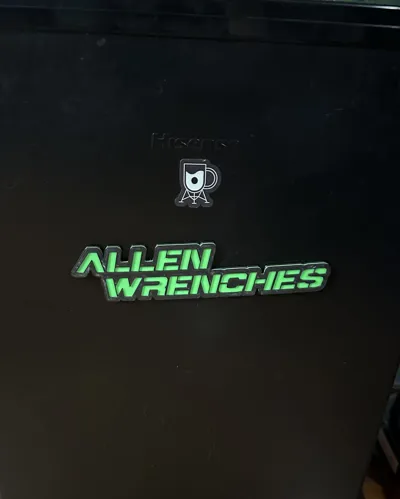

Print Profile(1)


Description
UPDATED VERSION ON PRINTABLES: https://www.printables.com/model/850191-tool-box-labels-us-general-and-others
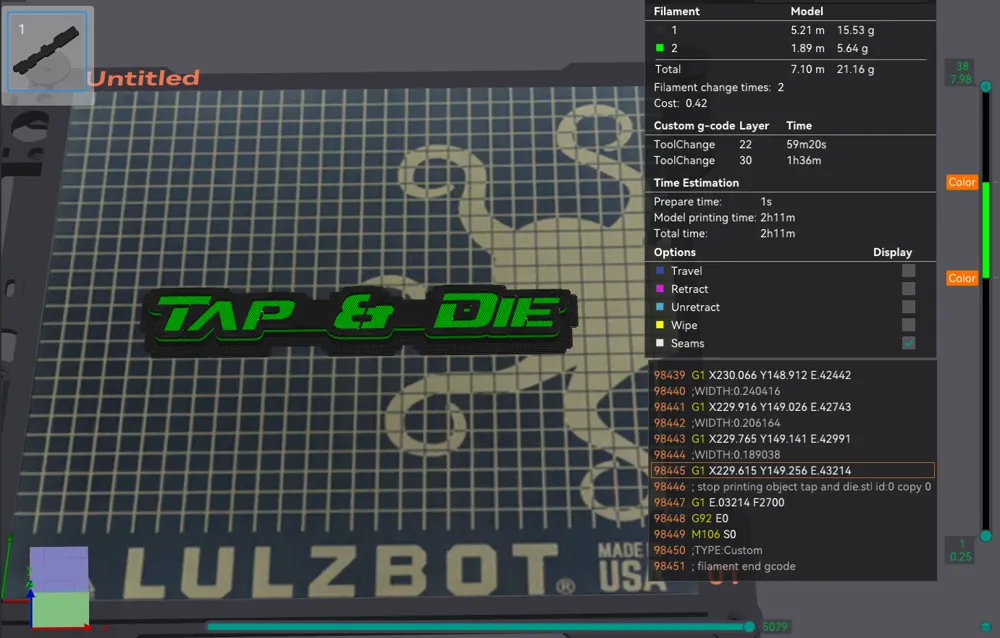
I used .20 Layer Heights with a .4 Nozzle on a highly modified Lulzbot Taz 6. ← in case you need that info, haha. ( idk if different layer heights or nozzle diameters will affect the depth of the pocket for the magnets, try at your own risk, I did not test this )
WARNING! Be careful if your probe for your Z offset is magnetic! I have a metal tip on my S1 Pro and the magnets will pull it down after inserting them. I had to put tape across the bottom of the tip to make sure the magnets didn't pull it down and drag across the pockets.
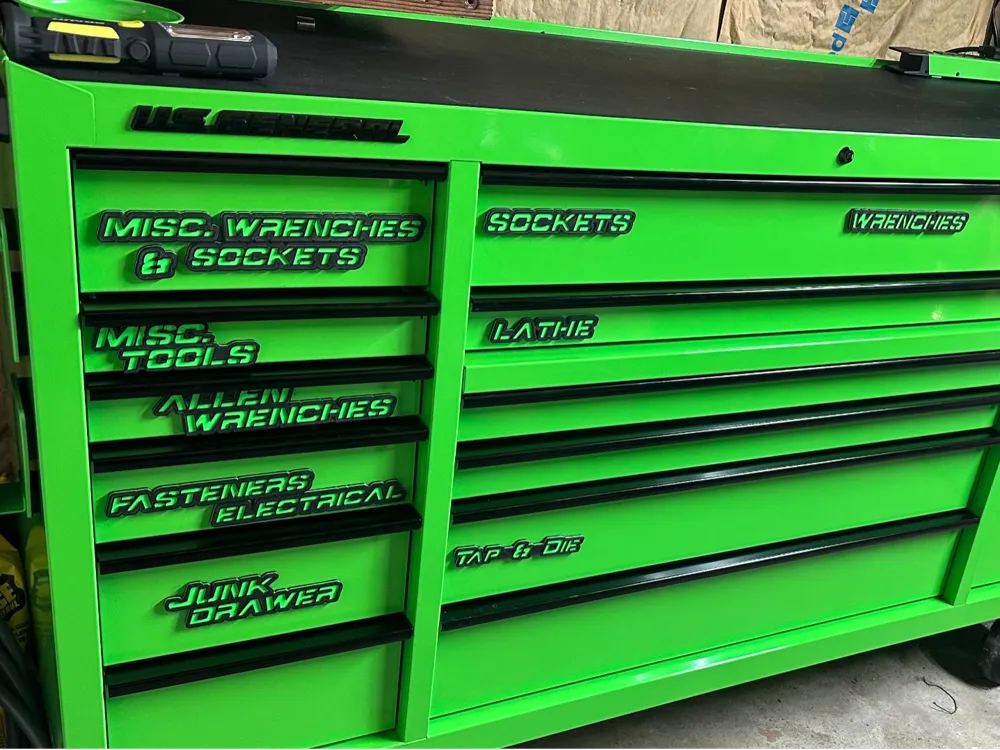
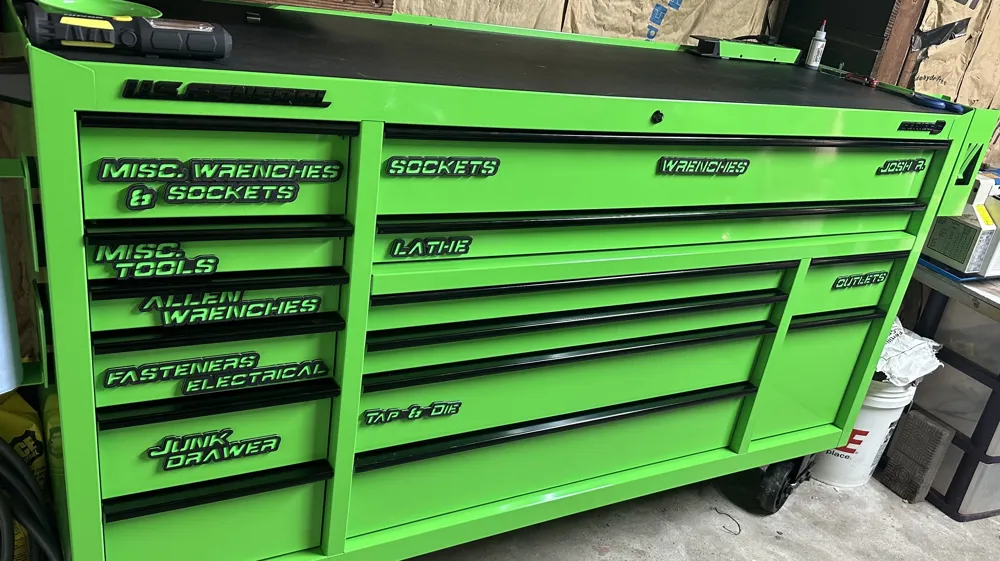
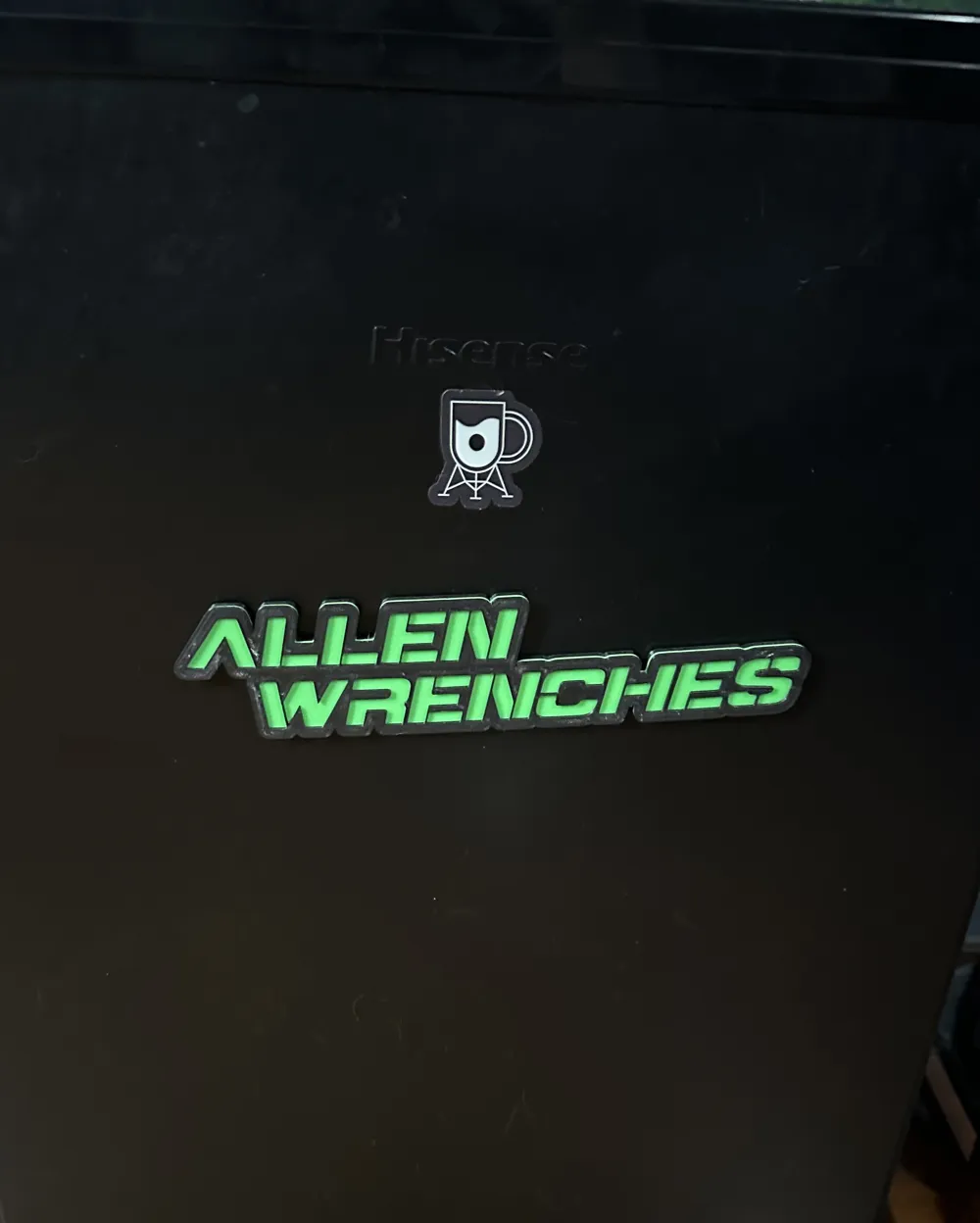
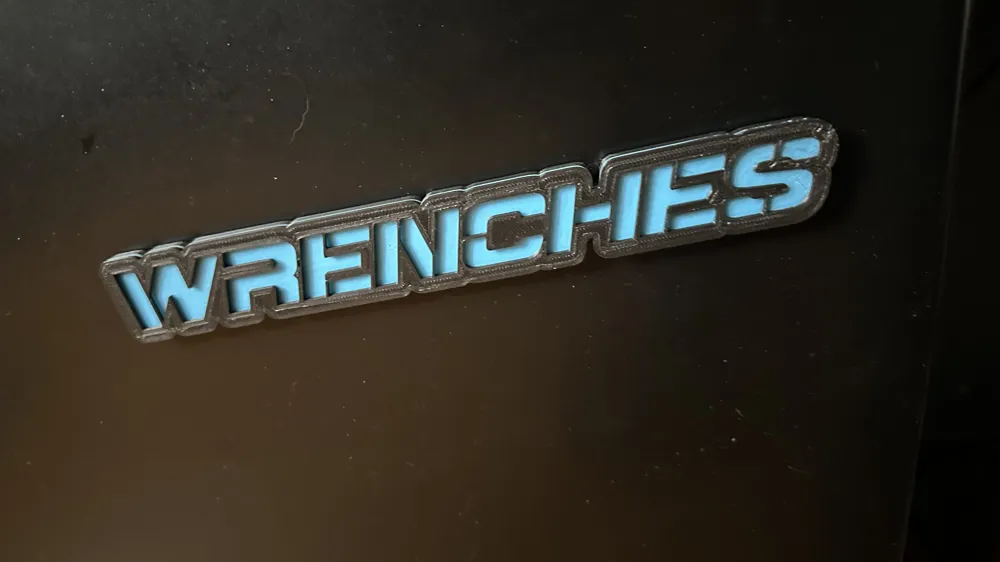
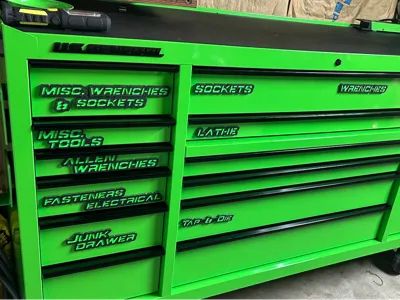
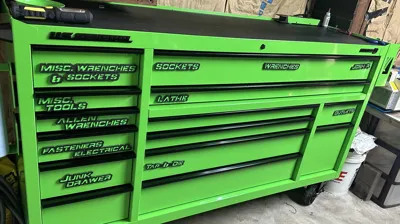
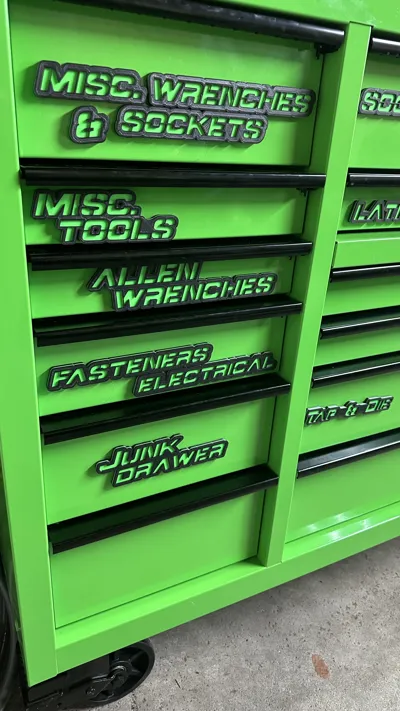
They are just some simple labels used for my tool box, ( See included Photos ). I will add more as I make them, ( or if someone requests certain ones, I will upload them to the “Files” list after I make them ).
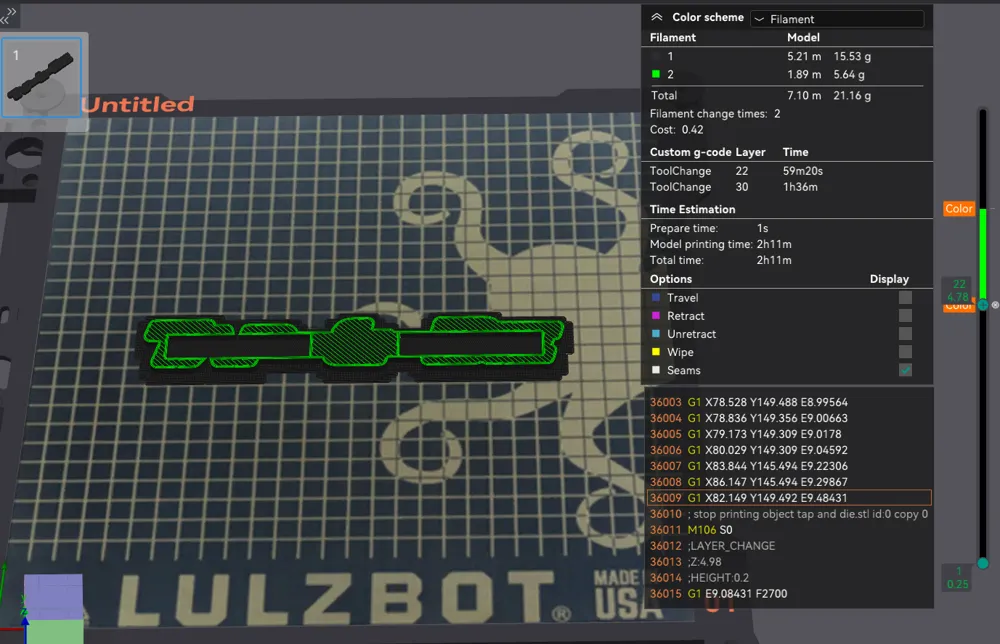
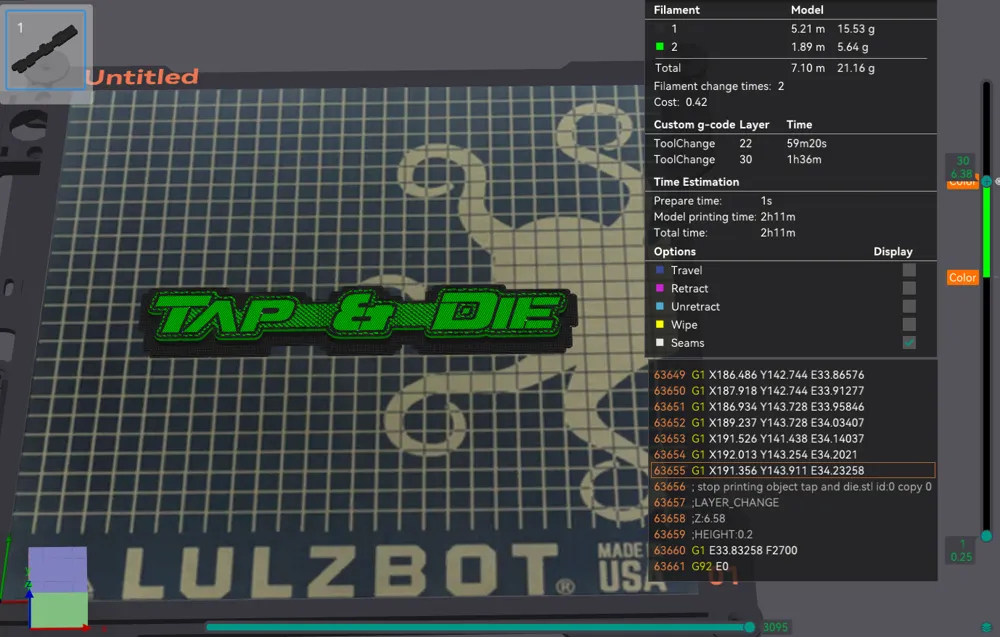
I HIGHLY suggest you DO A TEST PRINT to make sure you are pausing in the correct locations and the heights are correct for the magnets. I included a TEST.stl file to save filament before you attempt to print any full labels, ( there may be some trial and error here, be careful. Place magnet in the slot and make sure you can physically feel that magnet sits below the top layer that you paused on, ( I claim no responsibility for you not doing this and damaging your printer ).
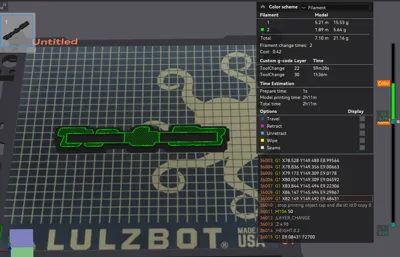
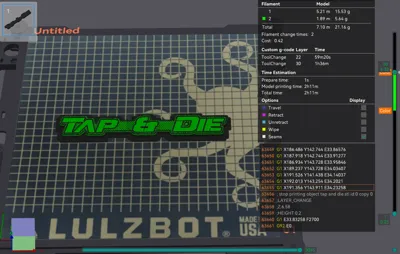
I had to pause twice for color changes and magnets. I don't have a multi color printer, so I have to pause to make them look pretty. ( Check inclulded photos for a reference, your pause/layer heights will be different, I had to use a raft for my printer ) Obviously, if you have a Bambu Labs or other multi color, you will only have to pause once for the magnets to be inserted.
SOME OF THE MAGNETS ARE IN CLOSE PROXIMITY TO EACH OTHER, BE CAREFUL THAT THEY DON'T SNAP TO EACH WHEN INSERTING THEM, THEY BREAK EASILY!
The magnets I used, I ordered from Amazon using this link:
https://a.co/d/5uaAxxC
The weird one of the bunch is the “ & ” in the “ Misc. Sockets & Wrenches ”
Obviously that has to use a smaller magnets instead of the longer ones.
I used these for that one: https://a.co/d/5UvBUMq
It can be very finicky to place these magnets and them not snapping toward each other, so use at your own risk
You been warned on that weird one :)
“AUTOMOTIVE” and “SANDPAPER” are also weird ones. It may be too long for some printers, so I broke it up. “1_Automotive.stl” and “2_Automotive.stl” are meant to be “AUTOMOTIVE” when combined. “1_Sandpaper.stl” and “2_Sandpaper.stl” are meant to be “Sandpaper” when combined.
If they slide down easily from closing the drawers over time because your paint is slick, you can use 3M Headliner Adhesive, spray it on the back, let it sit until it's past it's “tacky” stage, ( I waited 30 minutes to be safe ), and then put on the toolbox. It will give it some surface friction to help prevent them from falling, but it won't actually “glue” them in place, so you can move them later if need be. I recommend printing 2, 3, 4, labels and then laying them all out on a piece of cardboard, and then spray the back of them. This stuff will overspray, so be careful of your surroundings. This is what I used: https://a.co/d/fAKiokj
UPDATE: You can also use give this a shot as an alternative. Use magnetic sheets, trim to size, and glue them on the back of the labels, ( credit goes to: @Icanc4_432098 for this idea ), use this link for the sheets: https://a.co/d/ccsFF2X
UPDATE: I added Blanks in various sizes, in case anyone wants them.
UPDATE: I added a few more models. “Measurement” is two parts to make it easier to print for people with small print beds. I also included the full size versions in case you do have a big printer.
Plot Twist? You could just skip the magnets all together and glue them on, VHB double side tape them, etc, haha, but I like being able to move them to anywhere easily if I decide to reorganize my tools.
License



Comment & Rating (10)