
ColorFabb Varioshore TPU Calibration Cubes
Print Profile(1)

Description
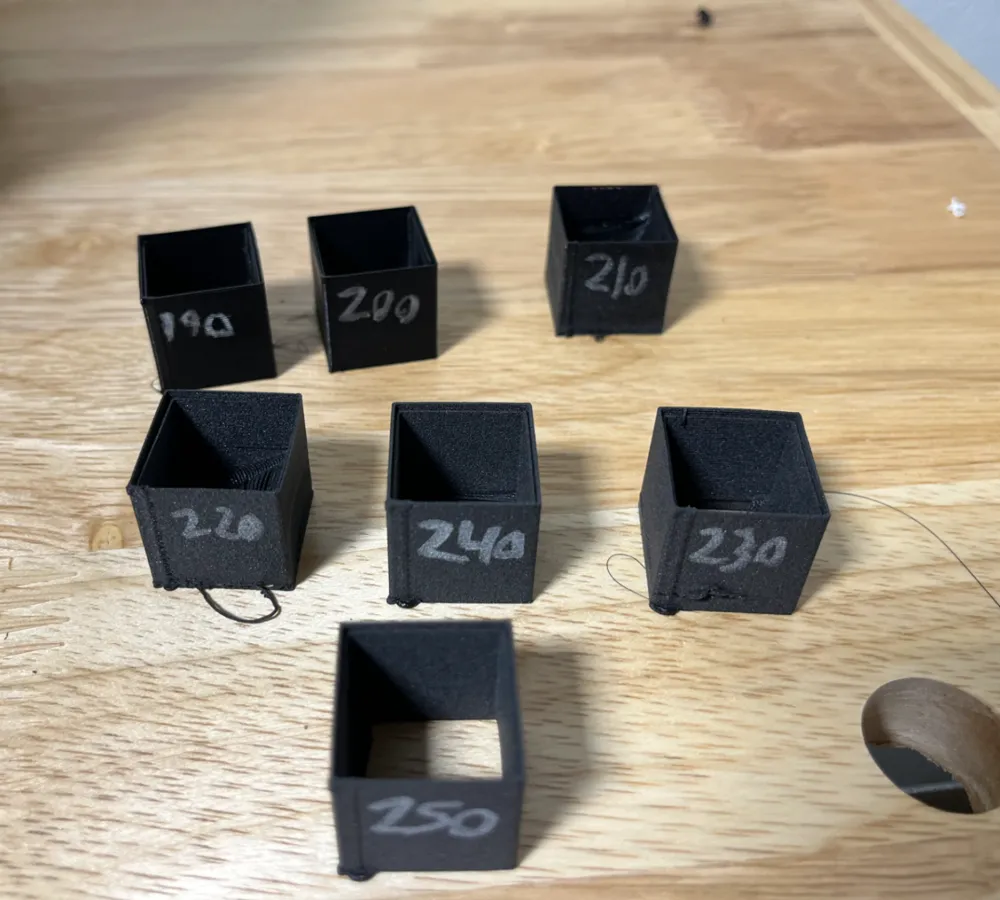
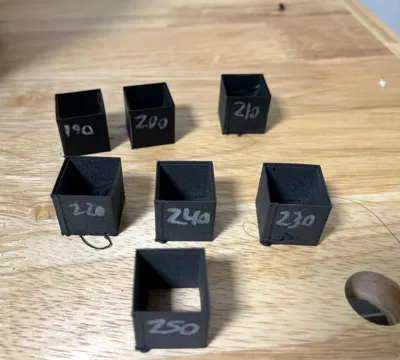
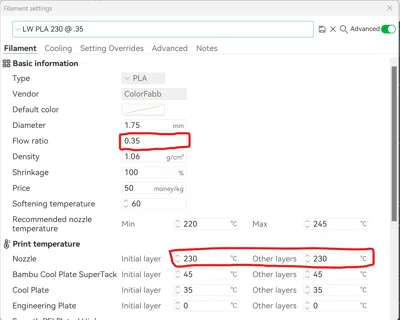
Test print for Colorfabb Varioshore TPU parameter optimization. I did not see a good way to optimize flow for Bambu printers. I made multiple profiles with different flow rates to optimize the settings for my P1S.
I am unable to upload the .3mf with custom filament profiles so I can walk you through the approach.
- Follow the link below “Bambu Labs Profiles”. These are custom profiles from ColorFabb for Bambu printers.
- Find and download “ColorFabb varioshore.3mf”.
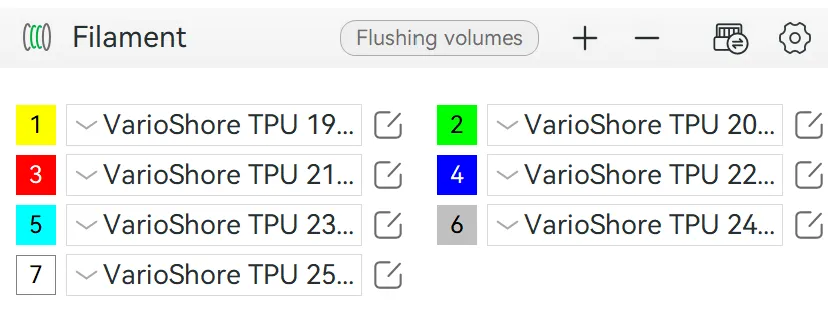
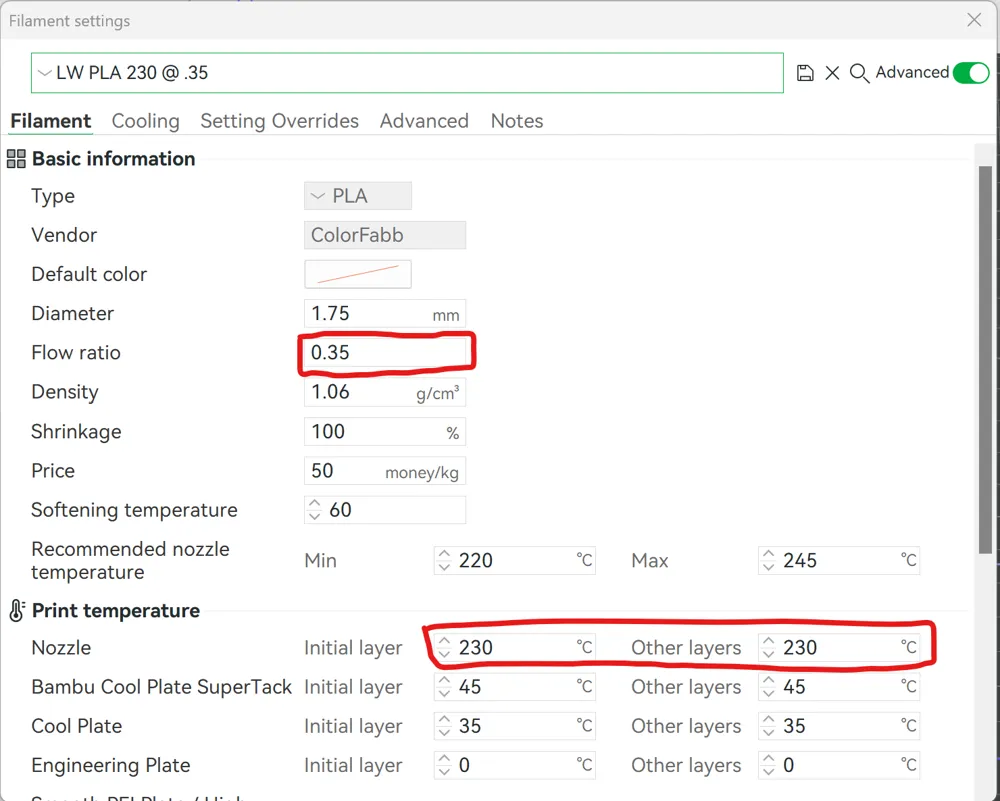
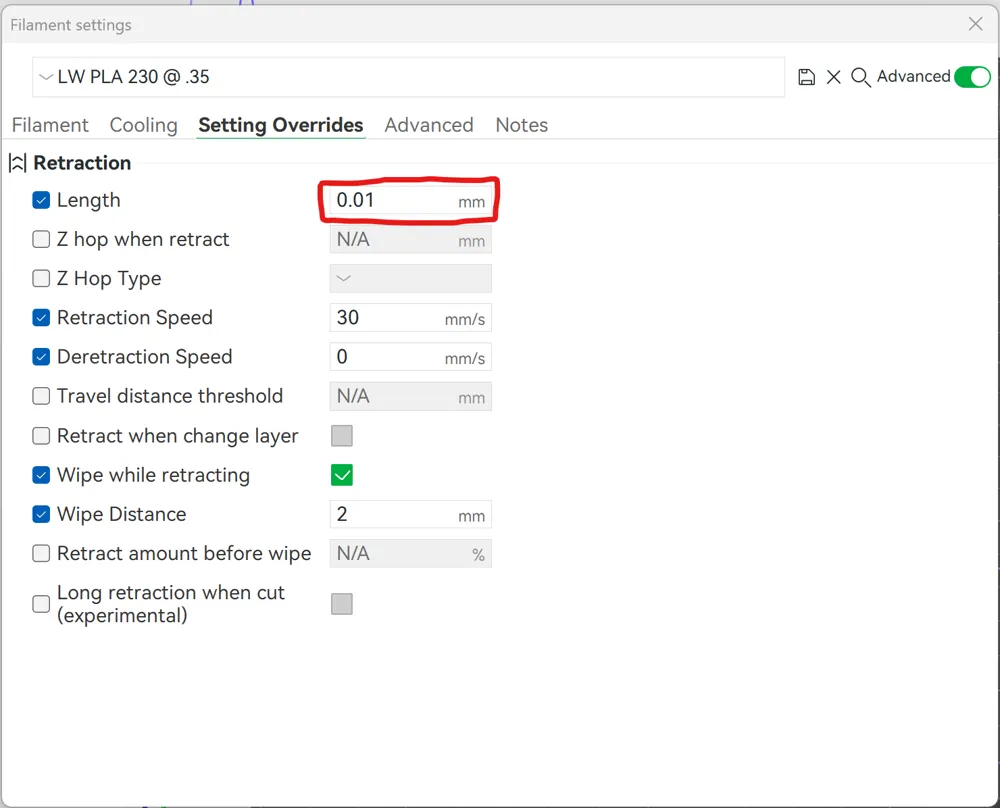
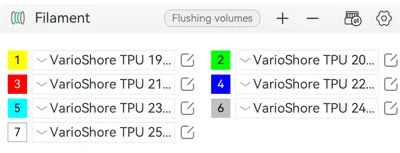
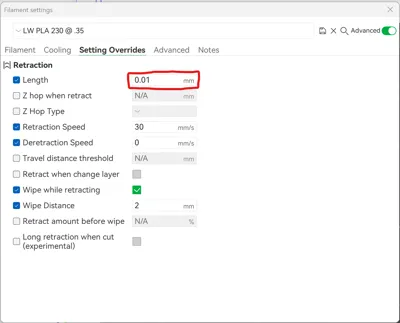
- Create 7 or so different parameters with different flow rates and temperatures. You can also adjust retraction settings but I would do an additional print to dial that in.
- Apply the custom profiles to the 7 different cubes. I went with 190 - 250 C with the flow rates in the CNC Kitchen graph to start.
I still need to optimize retraction to reduce stringing. This would be approached the same way.
The photo is from Varioshore TPU. I was unable to find the photo of LW PLA.
Bambu labs has a filament called PLA Aero. The approach should be very similar to dial in the material.
Bambu Labs Profiles
https://www.printables.com/model/438171-bambu-lab-profiles-x1c-x1e-and-p1s/files
CNC Kitchen
https://www.cnckitchen.com/blog/testing-colorfabb-varioshore-tpu-foaming-3d-printing-filament
Hollow Cube Test Print
https://www.thingiverse.com/thing:271736/files
License



Comment & Rating (6)