
Arrma 6s Tall Rear Body Mount
Print Profile(0)
Description
Summary
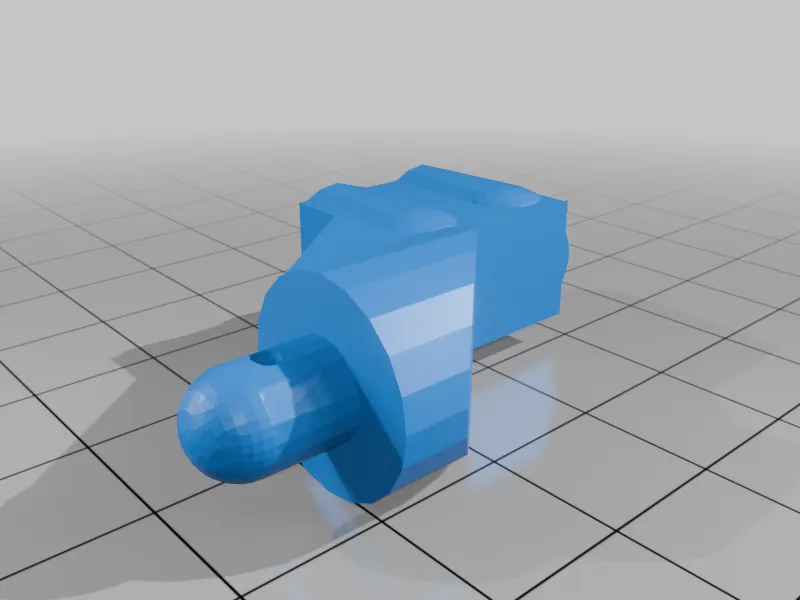
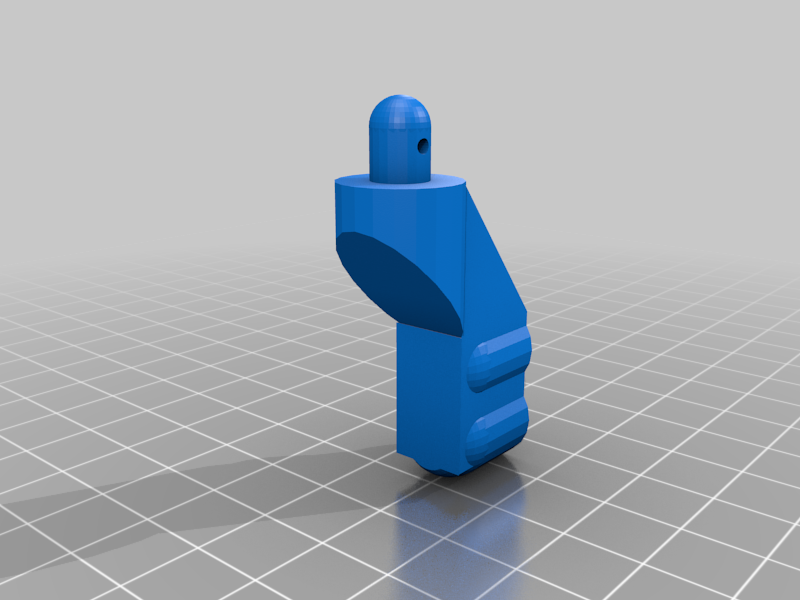
I installed a Max6 combo in my 100+mph Typhon and the body was too low to fit the fans and due to the poor fit it never looked great. I found some lifted body posts, but they were too high, so I adjusted them in TinkerCAD to be only slightly higher than stock.
Print Settings
Printer Brand:
ELEGOO
Printer:
ELEGOO NEPTUNE 3 Pro
Rafts:
No
Supports:
No
Resolution:
0.2
Infill:
100
Filament: Elegoo PLA+
Black
Notes:
Make sure there is a brim or adhesion with build plate glue otherwise it may not stick. You can use supports I guess but it will take a good bit longer. If you do use supports, make sure you only use build plate supports to prevent the holes getting messed up.
Post-Printing
Installation
First, you may need to drill out the screw holes on the print slightly, depending on your printer.
Then, remove the two screws on the back of the rear shock tower holding in the each of the stock posts (four screws in total) and remove the stock posts. Then, simply use the same hardware and install these posts in the same spot. Don't over tighten the screws.
This remix is based on
License



Comment & Rating (1)