
Prusa MK3/s *Mono Linear Rail* Upgrade
Print Profile(0)
Description
The content is too long and has been truncated
Summary
Hello,
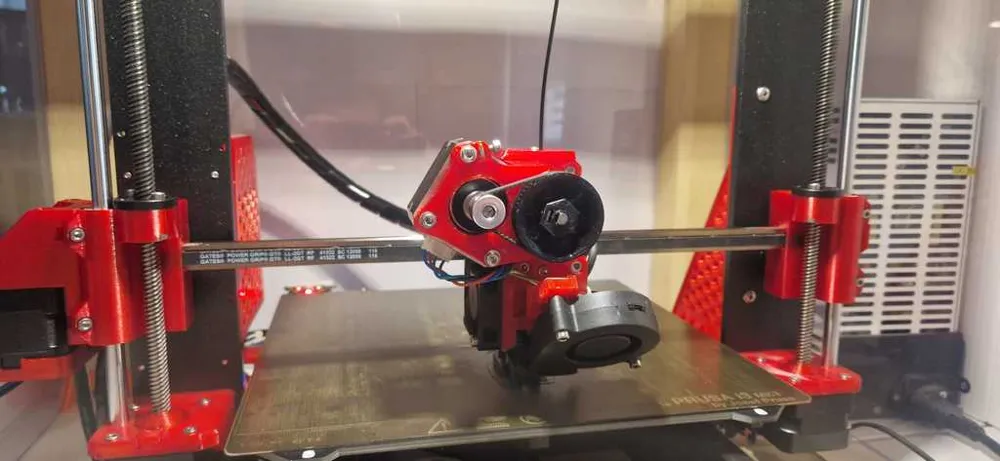
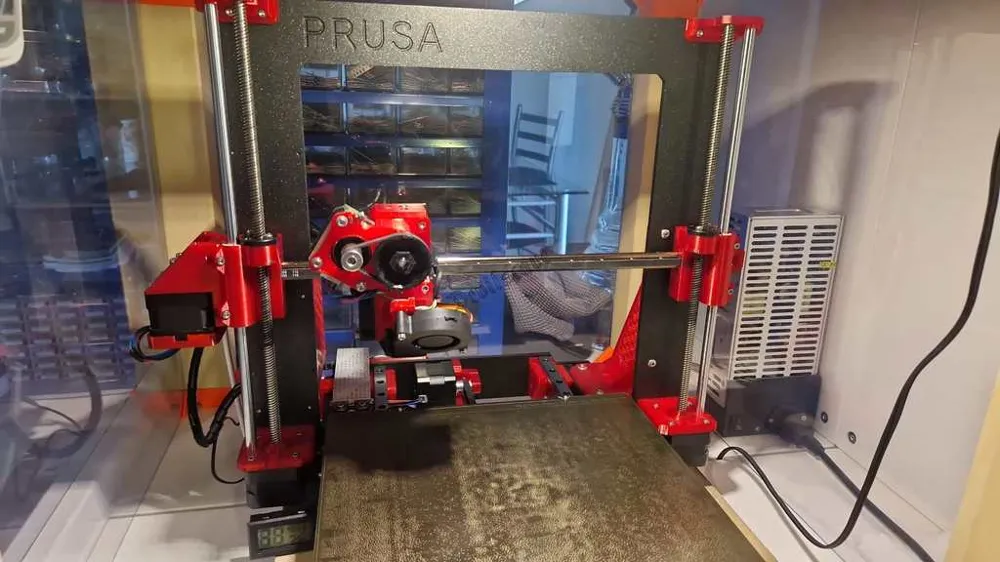
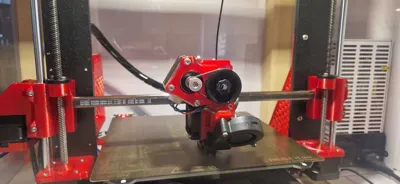
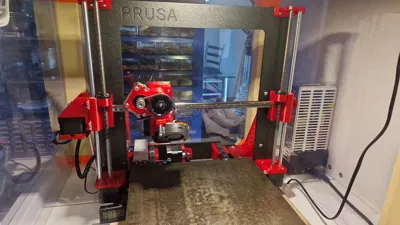
I have developed a mono linear X-axis for the MK3/s/+ here.
Brief preface:
I have already seen a few of these mods, all of which had the same incomprehensible problem to me. Why rebuild to linear and still use a second bearing position?
And why use the bearing horizontally?! I wanted to remedy this and have constructed this.
This mod is COMPLETELY Original Prusa compatible!!! No firmware changes are necessary!!!
Nevertheless, this is a conversion that is considered "difficult" and should not be carried out by every beginner.
In my design, I have tried to make everything as simple as possible, but it may be necessary to manually refine parts after printing.
Furthermore, you should have a few screws, nuts, and rollers in stock, a list of parts can be found below.
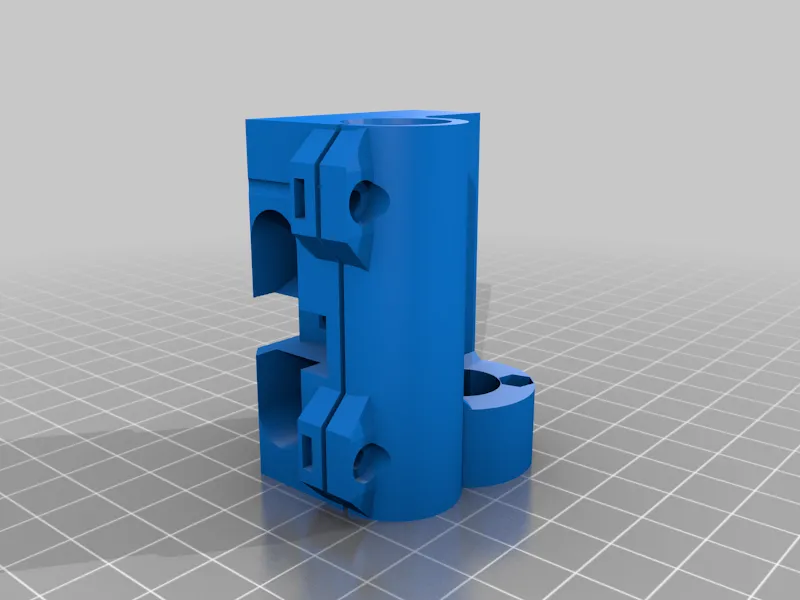
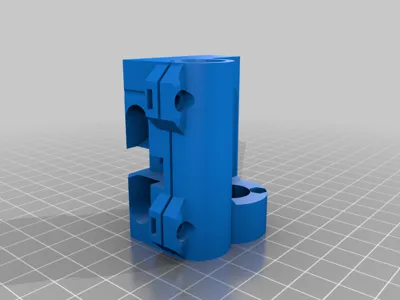
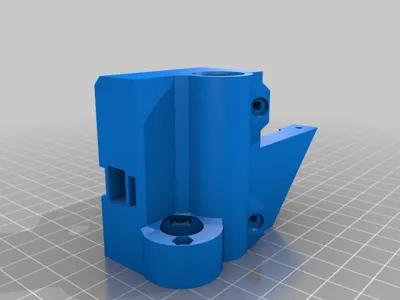
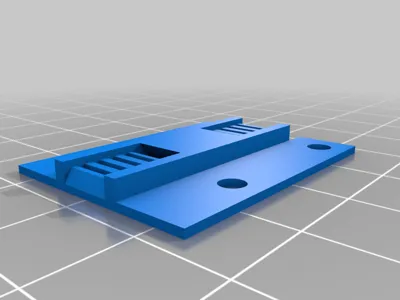
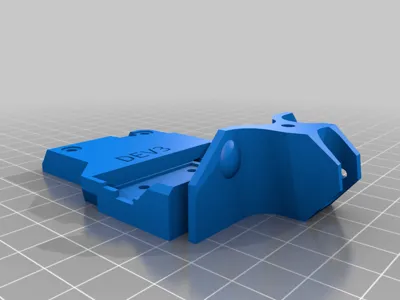
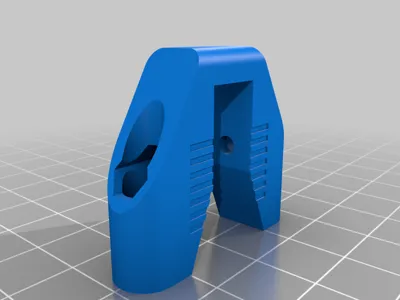
The entire conversion consists of only 5 printed parts.
When disassembling the old extruder/extruder carriage, there are two ways you can go. Simple or difficult…
This is about how you dismantle the "X-Carriage-Back", I cut it out, so I chose the easy way. For the difficult one, you have to unravel the entire cable harness to dismantle it. If you choose the easy way but are unsure, maybe print this part again beforehand.
Please look at the instructions COMPLETELY beforehand!!!!!
Turn the Z-axis to approximately 6cm above the print bed.
Required parts:
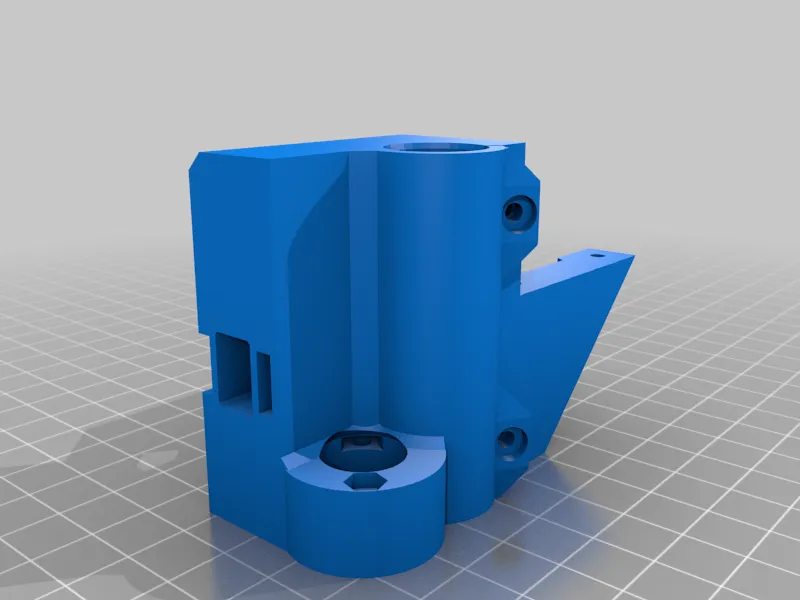
- Motor carriage (left)
- Tension carriage (right)
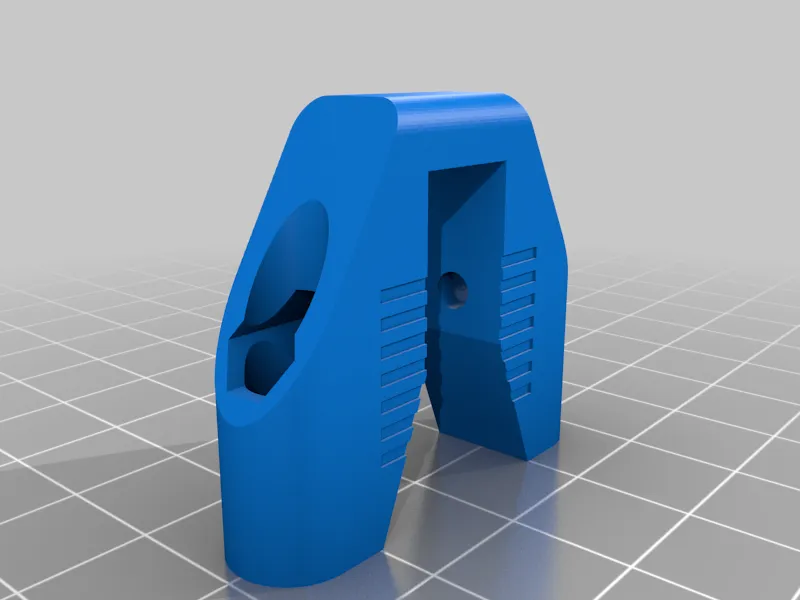
- Tensioner
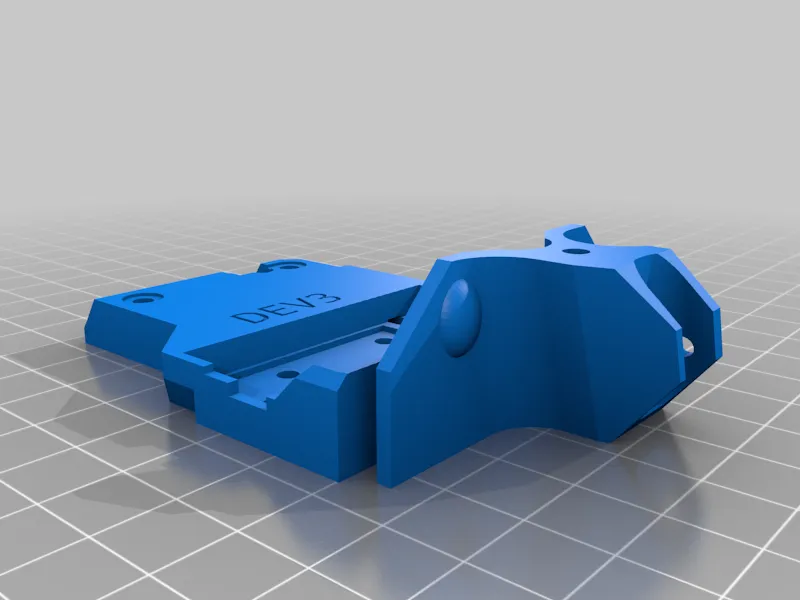
- X-Carriage
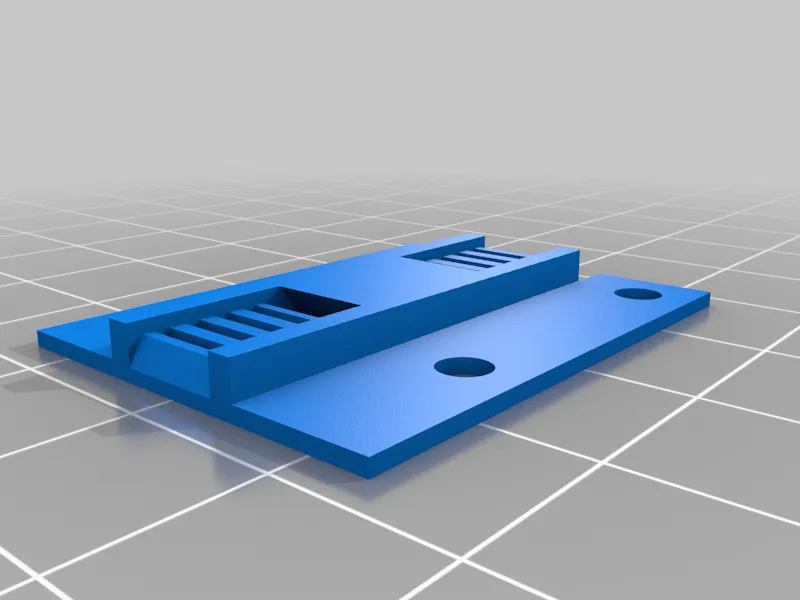
- Belt holder
- MGN12 Linear Rail with MGN-12H bearing, 350mm
- Nema17 Motor
- NEW belt as longer one needed (approx. 87cm)
- 2x Belt pulleys "20T W6 B3 Without T"
- Spindle thread
- 4x Bearings for Z-axes (here IGUS)
- M3 screws, nuts in various sizes (more details in the instructions)
How I Designed This
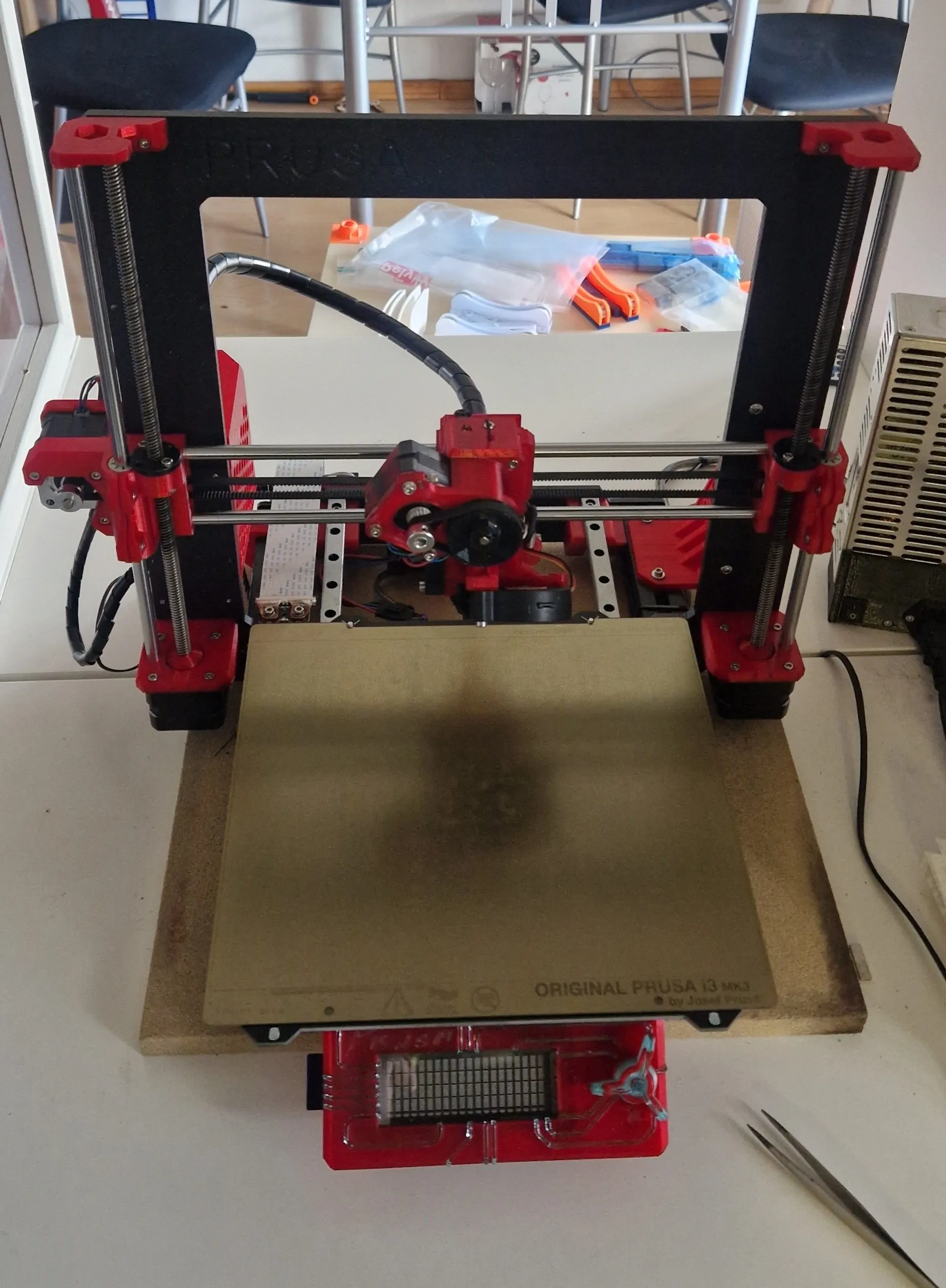
Before
Disassembly
Now we disassemble the extruder, starting by unscrewing the two fans, removing the PINDA probe, and then removing the lower part of the extruder at the two marked screws. These are 40mm screws, which we will have to replace with 35mm later.
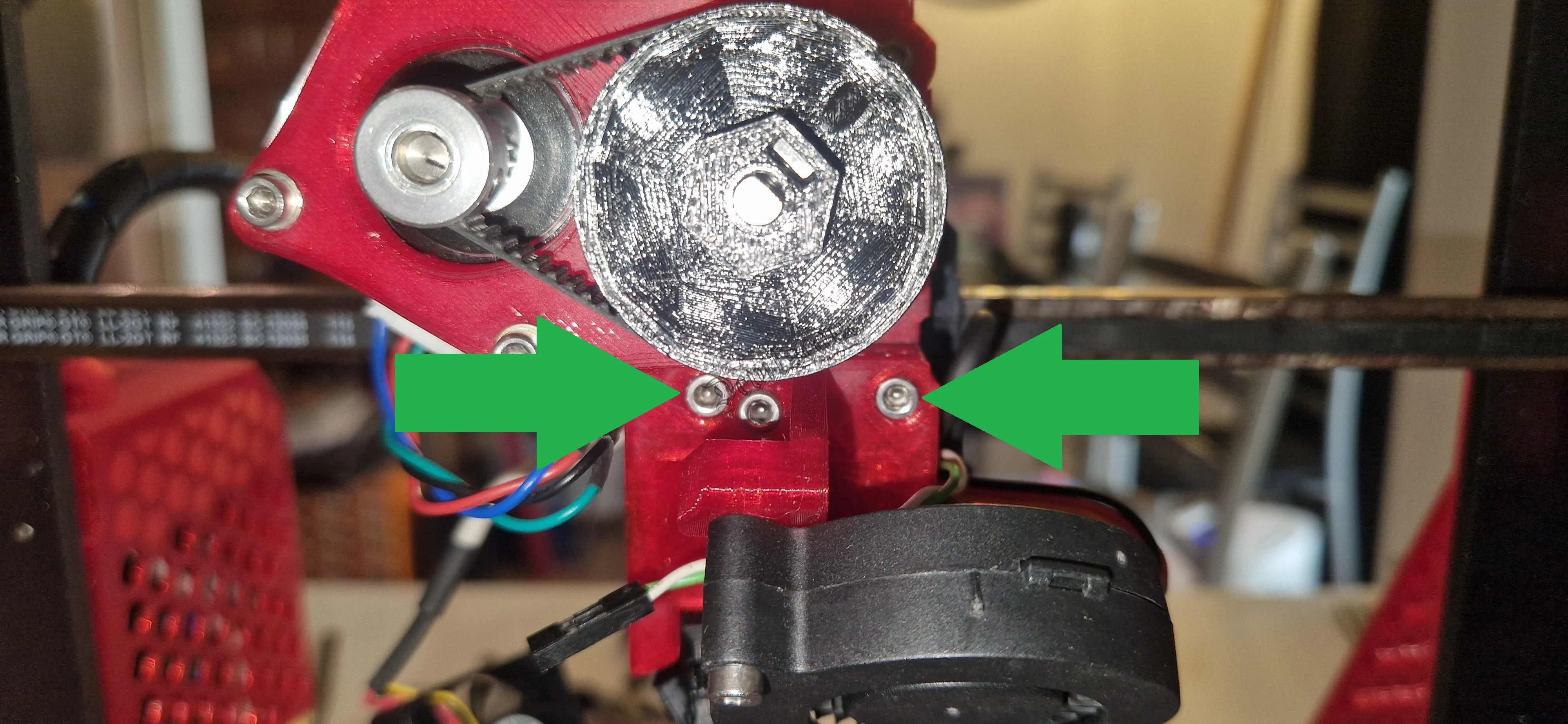
These two must be replaced with 35mm later
Disassembly
When the lower part is removed, you can access the two screws behind the hotend (here a Phaetus Dragon ST), these can be removed immediately, but will be needed later. (2x 10mm)
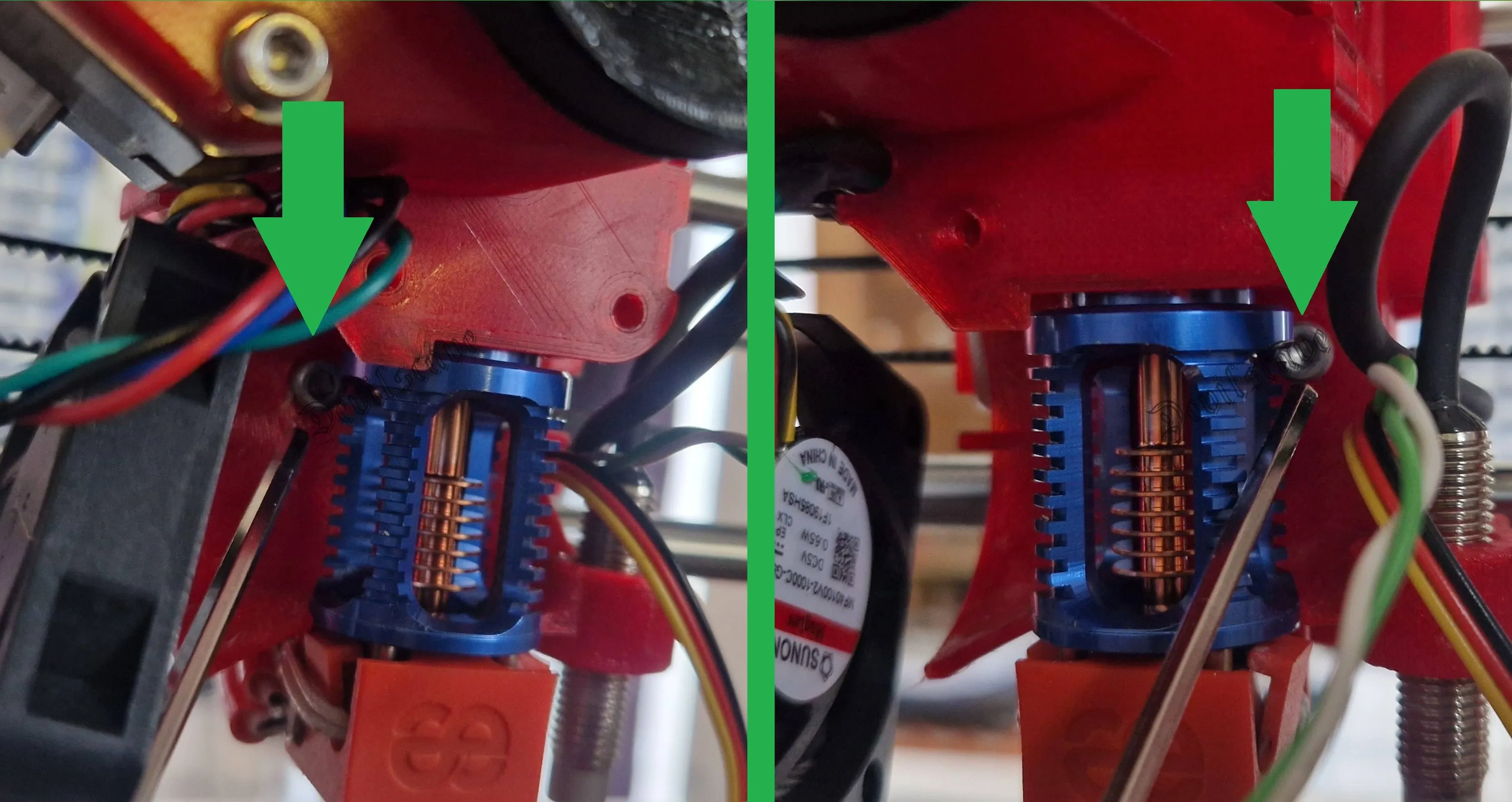
2x M3x10
Disassembly
Now you should loosen the belt of the X-axis or remove the motor, my axis used so far had its own tensioner and my motors are all equipped with plugs, which simplifies disassembly many times over.
Then all screws on the back and on top of the cover must be loosened.
Loosen the three UPPER cable ties on the cable holder and unscrew it, it will be needed again later exactly like this. If necessary, pull the guide sleeve out of the carriage with small pliers.
Then remove the remaining screws as shown in the second image, where the green screws will be needed again and the purple ones will be omitted.
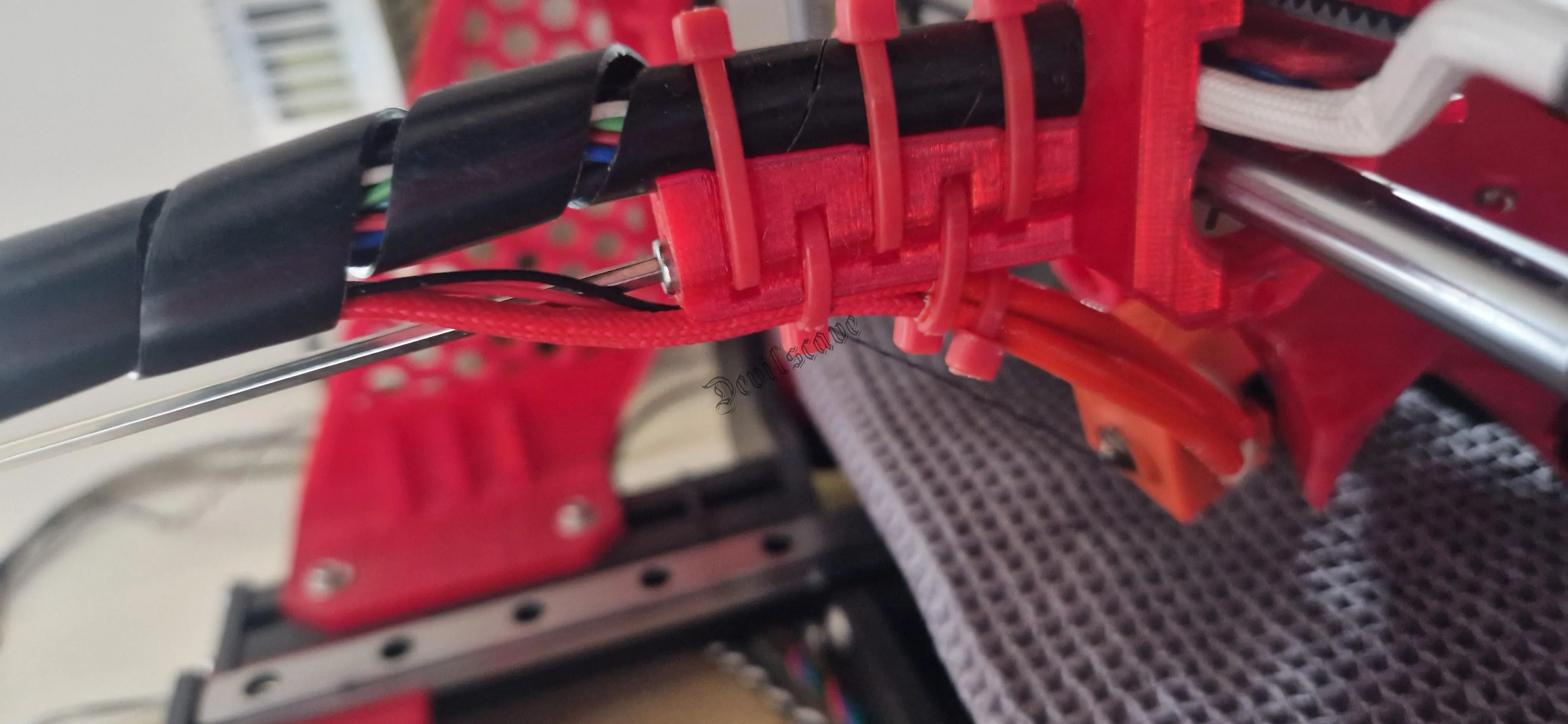
Loosen the three upper cable ties
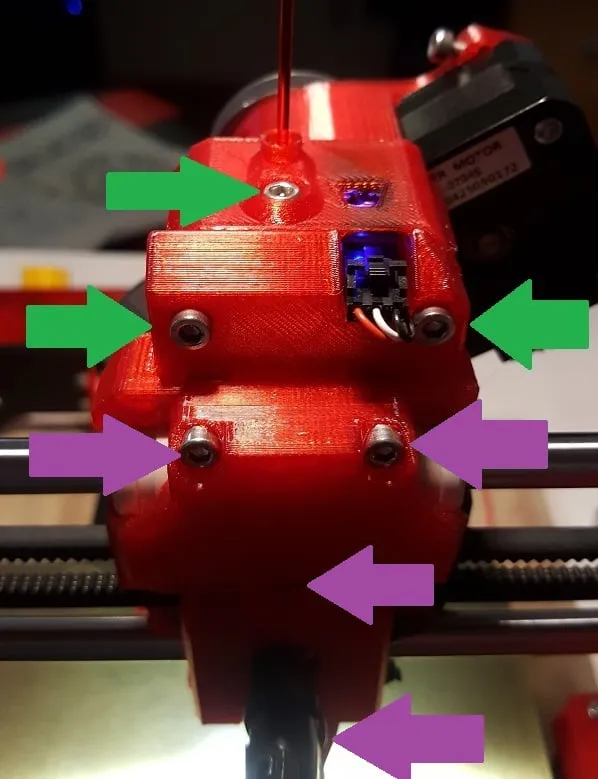
green will be needed again
Disassembly
Carefully detach the cable from the filament sensor and place the extruder forward onto the print bed. Note that the hotend is still attached and should remain so!!!!
Then follows the aforementioned "difficult" or "easy" part. The easy one looks like this.
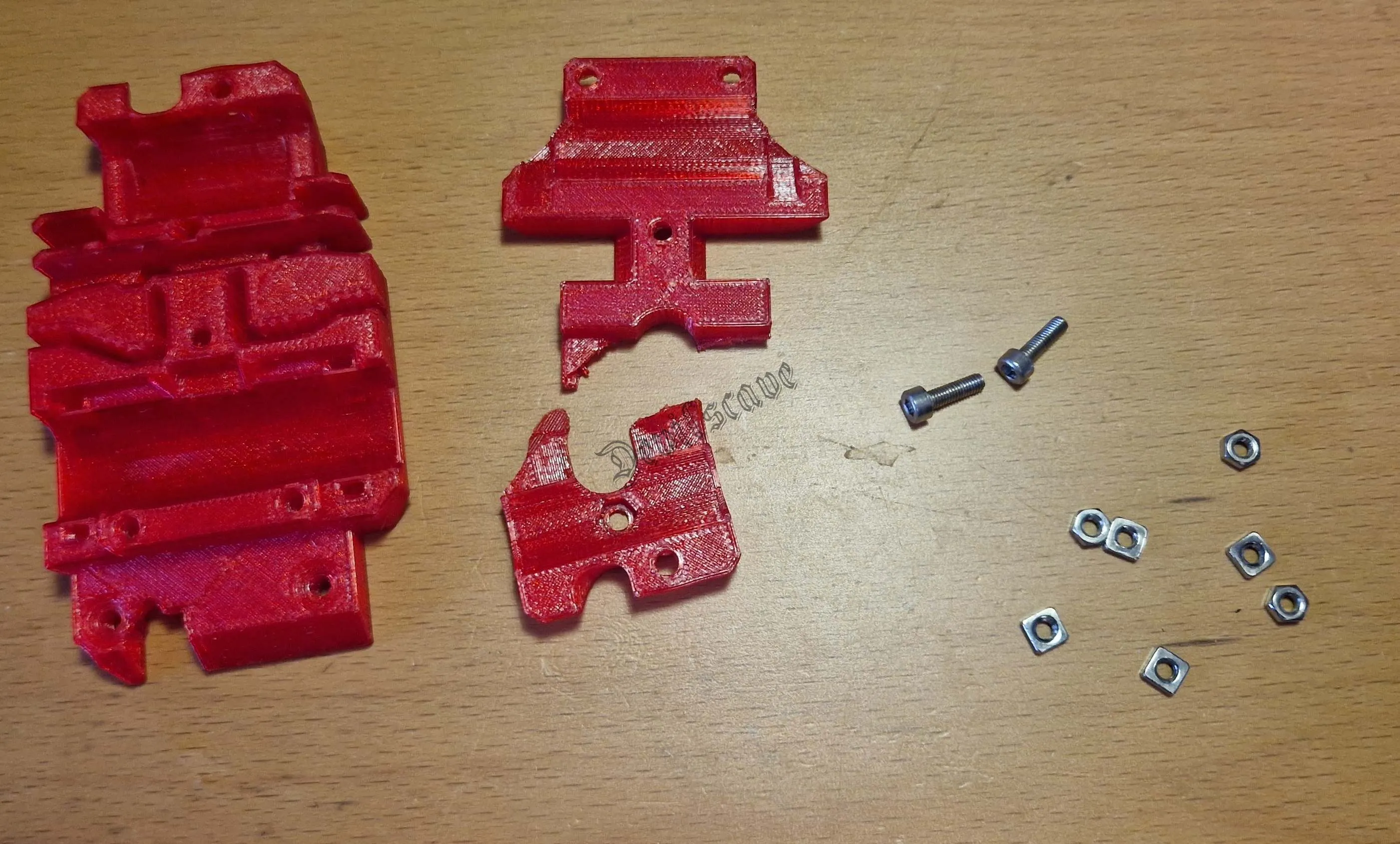
I cut and broke the "x-carriage-back" at the cable duct. Don't forget to remove all the nuts from both parts. They will be needed later.
Disassembly
Now you have to thread all electrical cables and fans through the old bearing rods to the back so that nothing is left in the X-axis.
It would also be advisable to remove or disconnect the motor of the X-axis now.
Then you can start to remove the top two covers of the Z-axis and rotate the X-axis upwards.
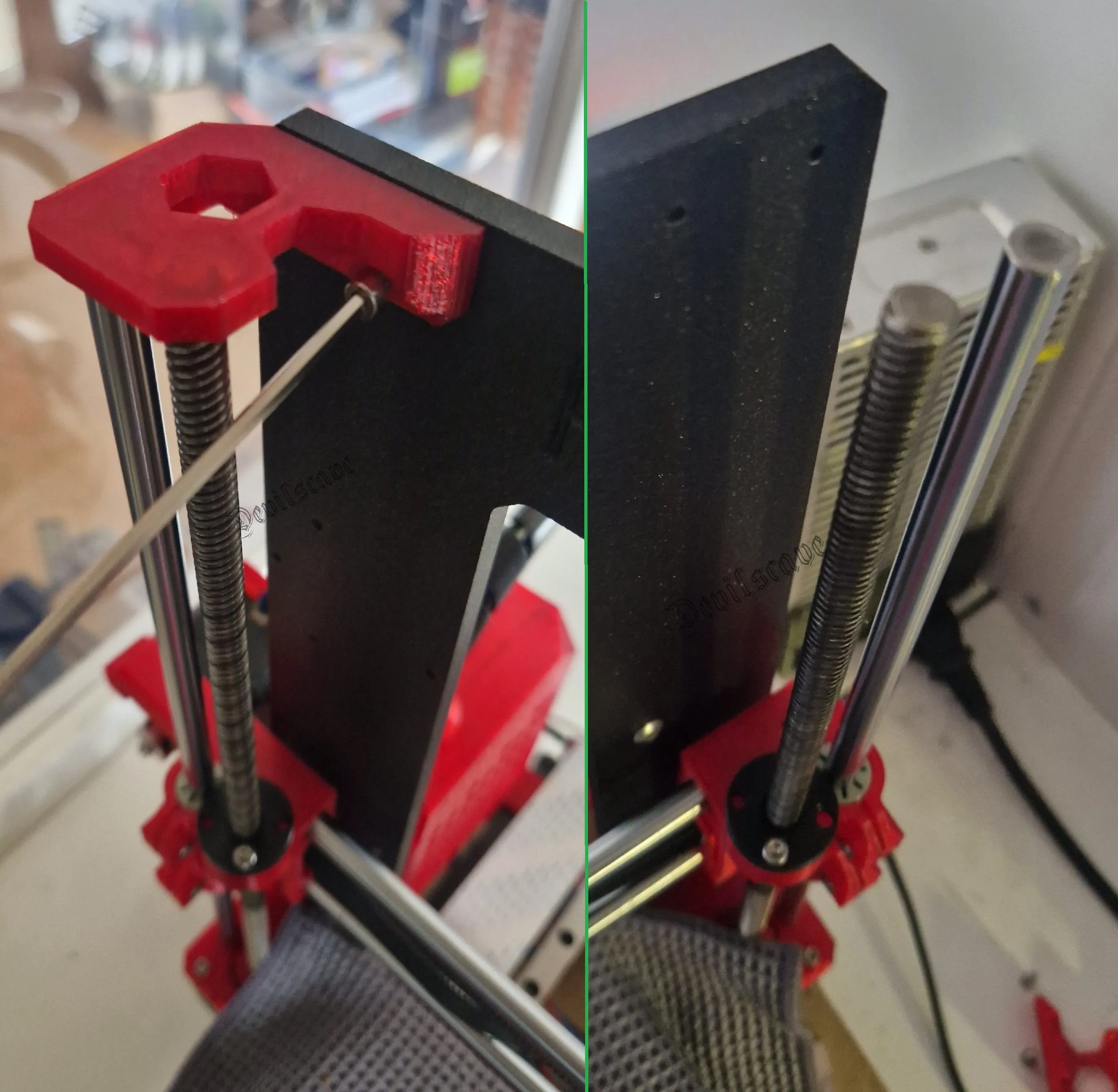
Disassembly
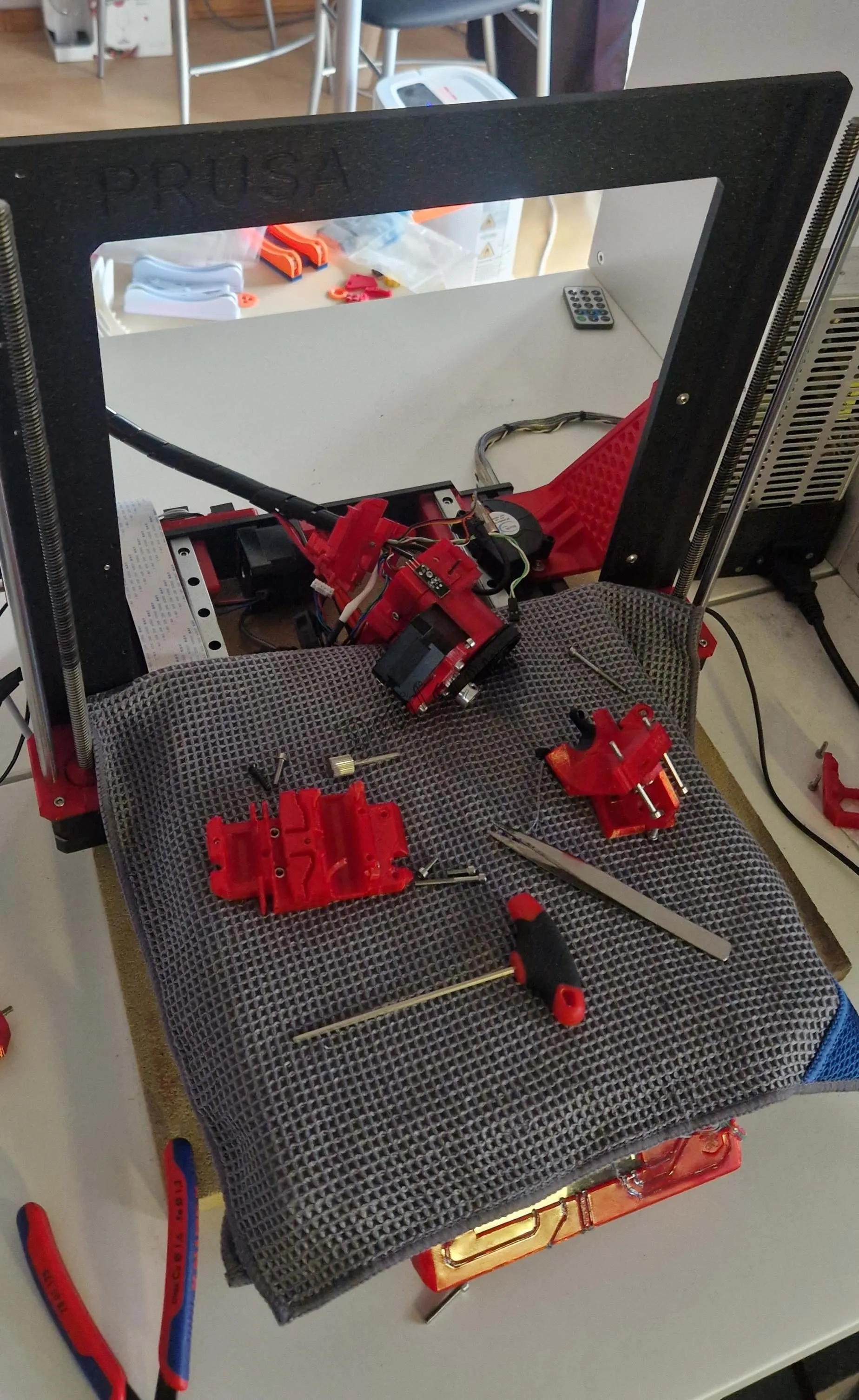
This is how it should look.
Disassembly
Then disassemble your old X-axis into its parts.
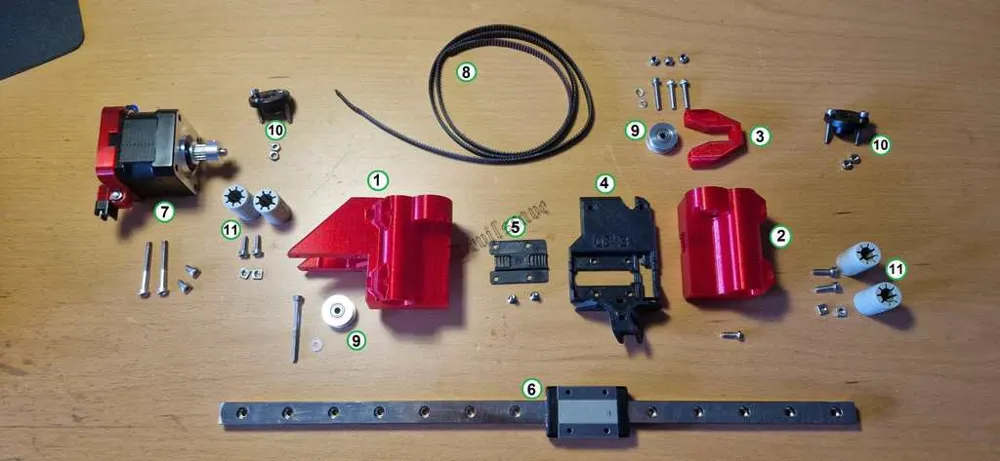
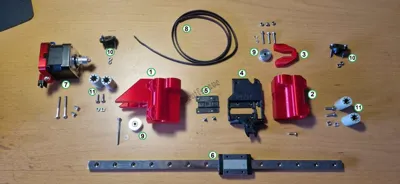
Here I have drawn what you still need.
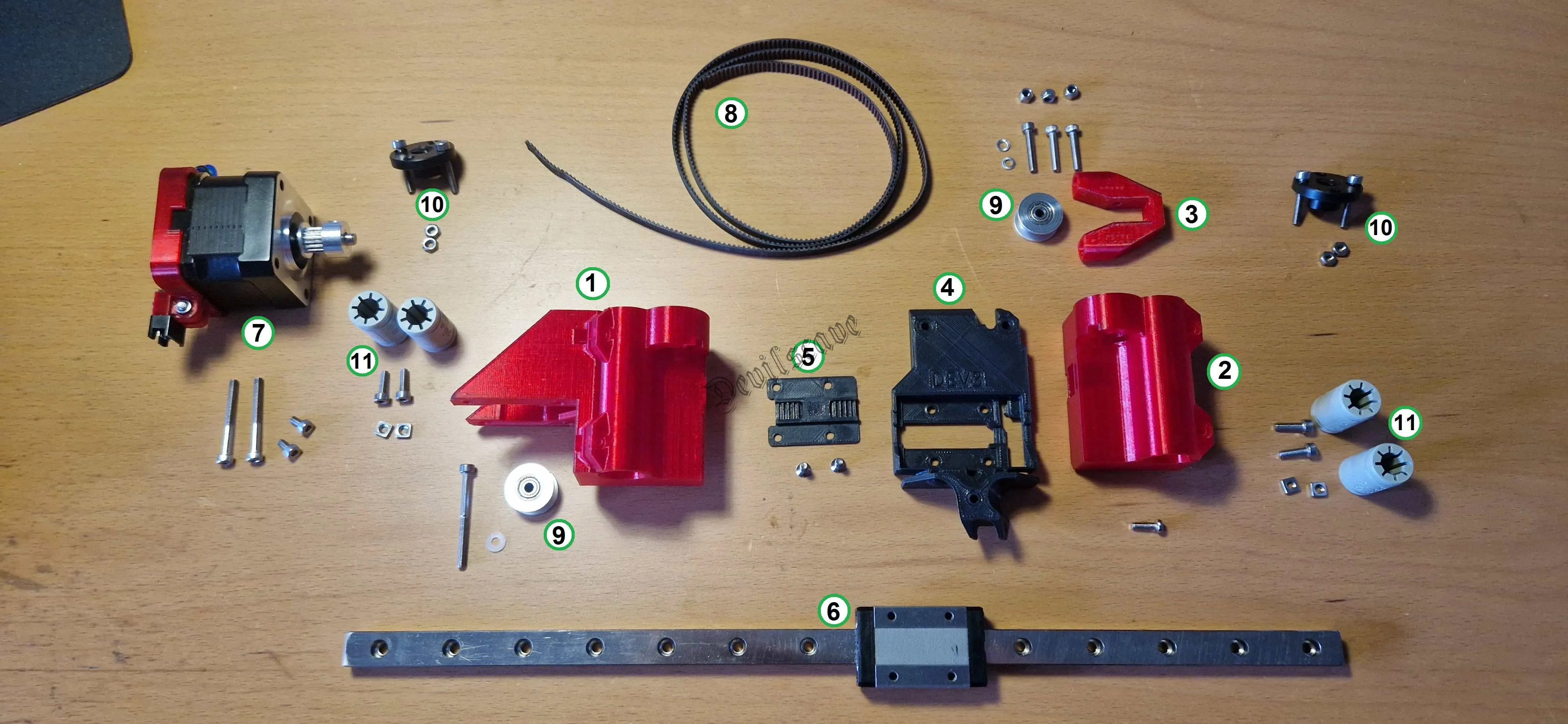
And what you need for the new X-axis.
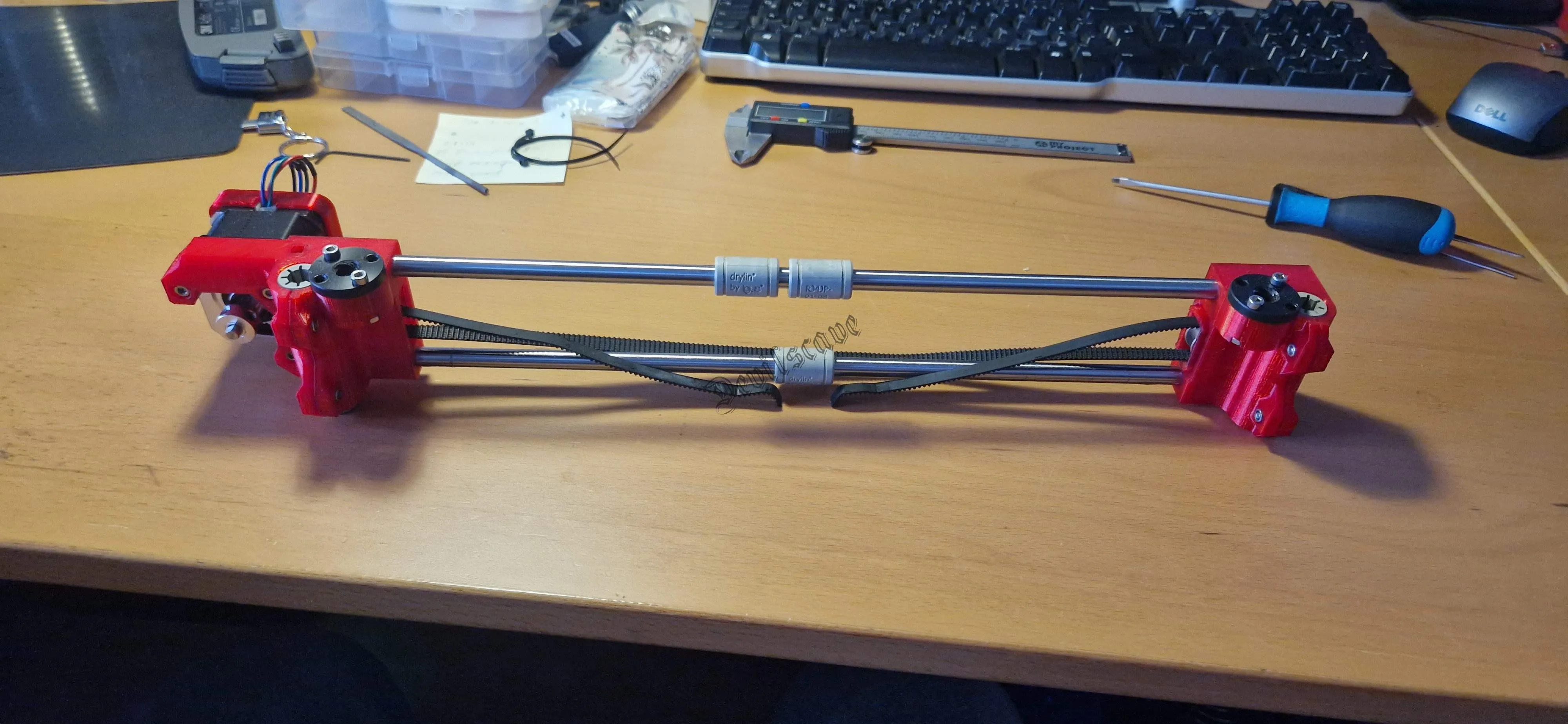
after removal
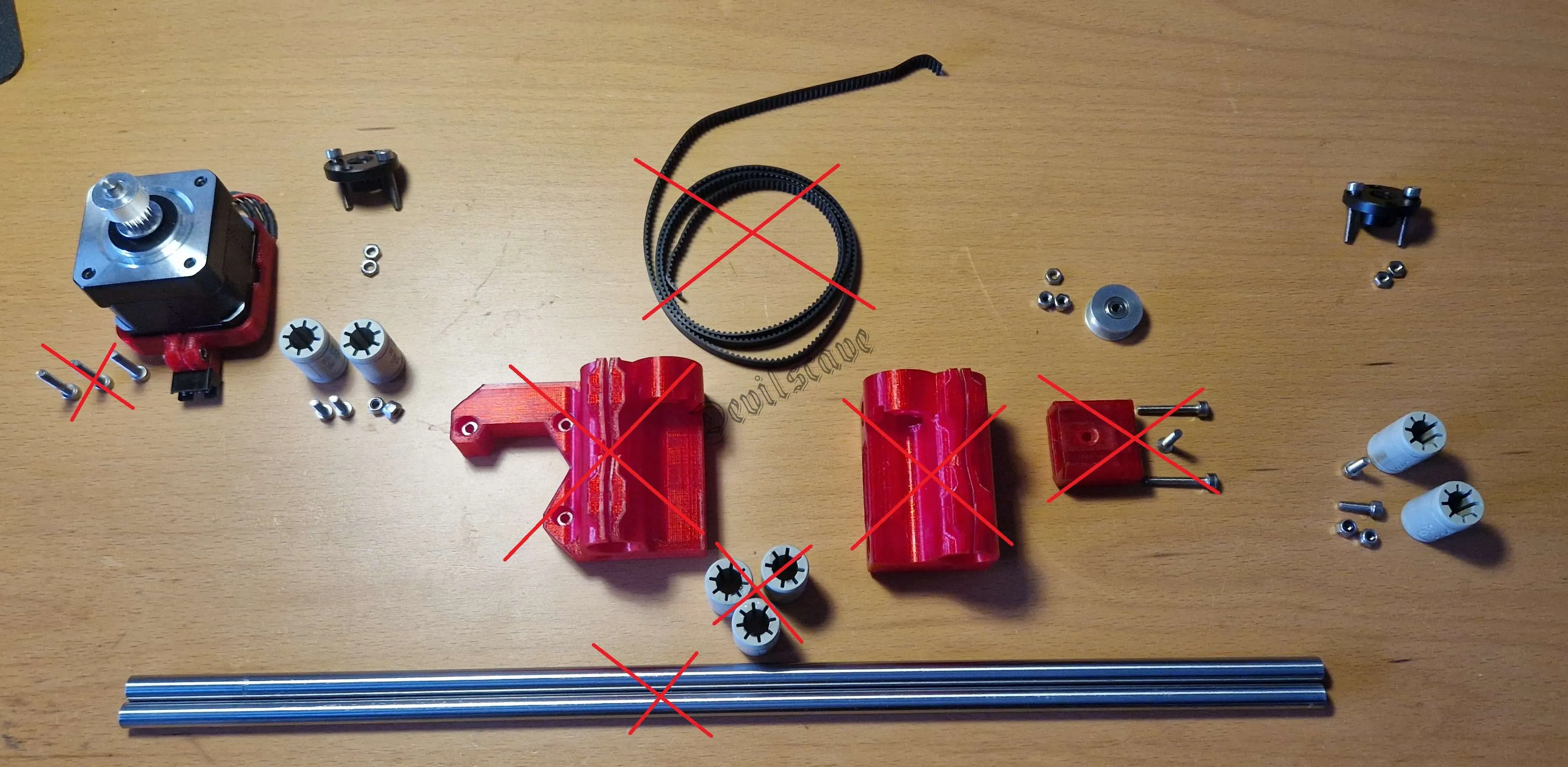
sorting parts
the motor (7) mounted connector holder can be found here https://www.thingiverse.com/thing:4886054
- Motor carriage (left)
- Tension carriage (right)
- Tensioner
- X-Carriage
- Belt holder
- MGN12 Linear Rail 350mm with MGN-12H bearing
- Nema17 Motor with "16TW6B5 Whit T"
- NEW belt as longer one needed (90cm)
- 2x Belt pulleys "20TW6B3 Without T"
- Spindle thread
- 4x Bearings for Z-axes (here IGUS)
Assembly:
First I assemble the motor carriage.
Screws needed:
1x M3x35mm
2x M3x30mm
2x M3x8mm
2x M3x18mm
2x M3x10mm
2x M3 4-sided nut
2x M3 6-sided nut
1x M3 washer (can also be printed)
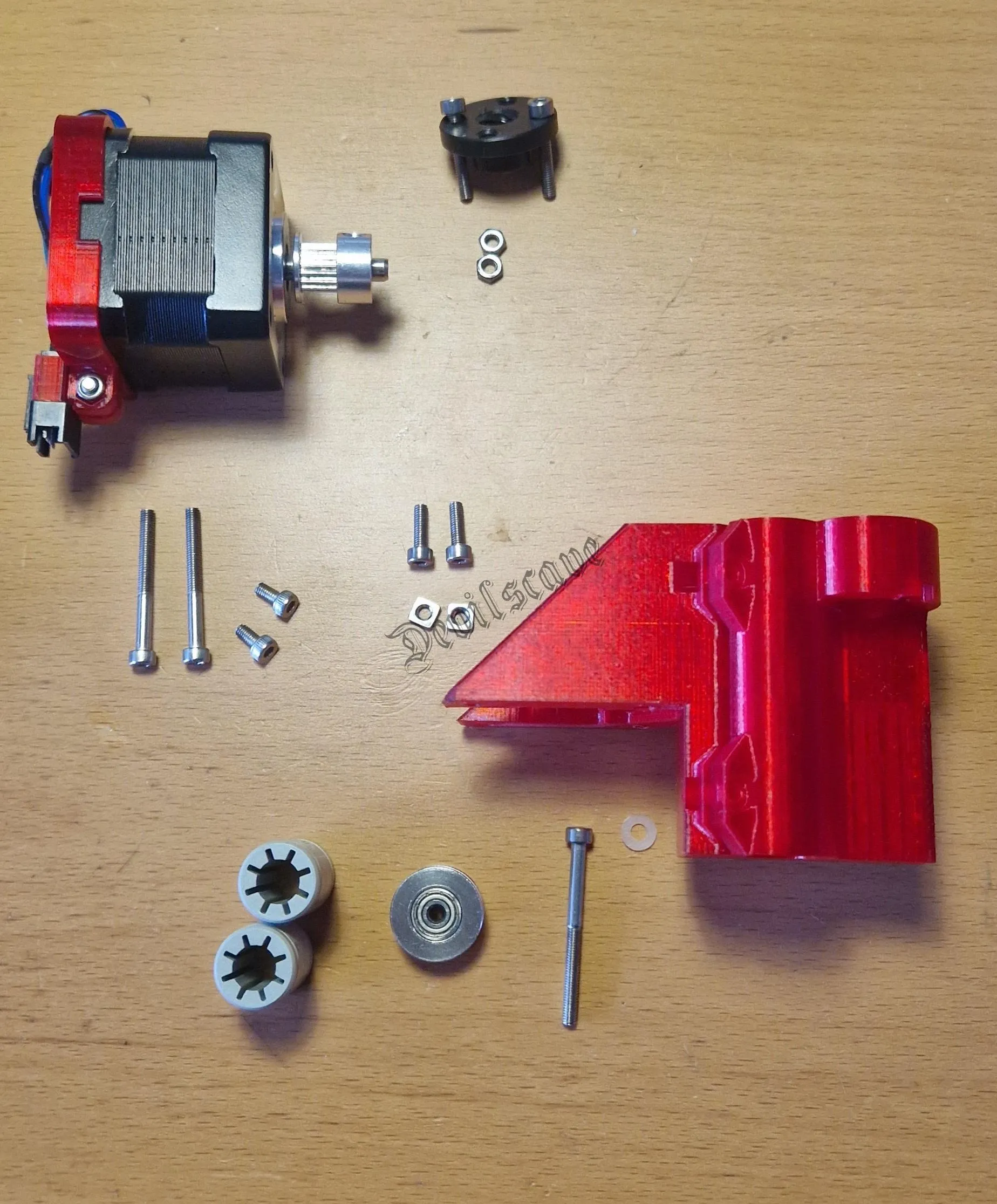
The M3x35mm screw is inserted centrally from above to hold the guide roller.
The washer should be on the underside of the roller.
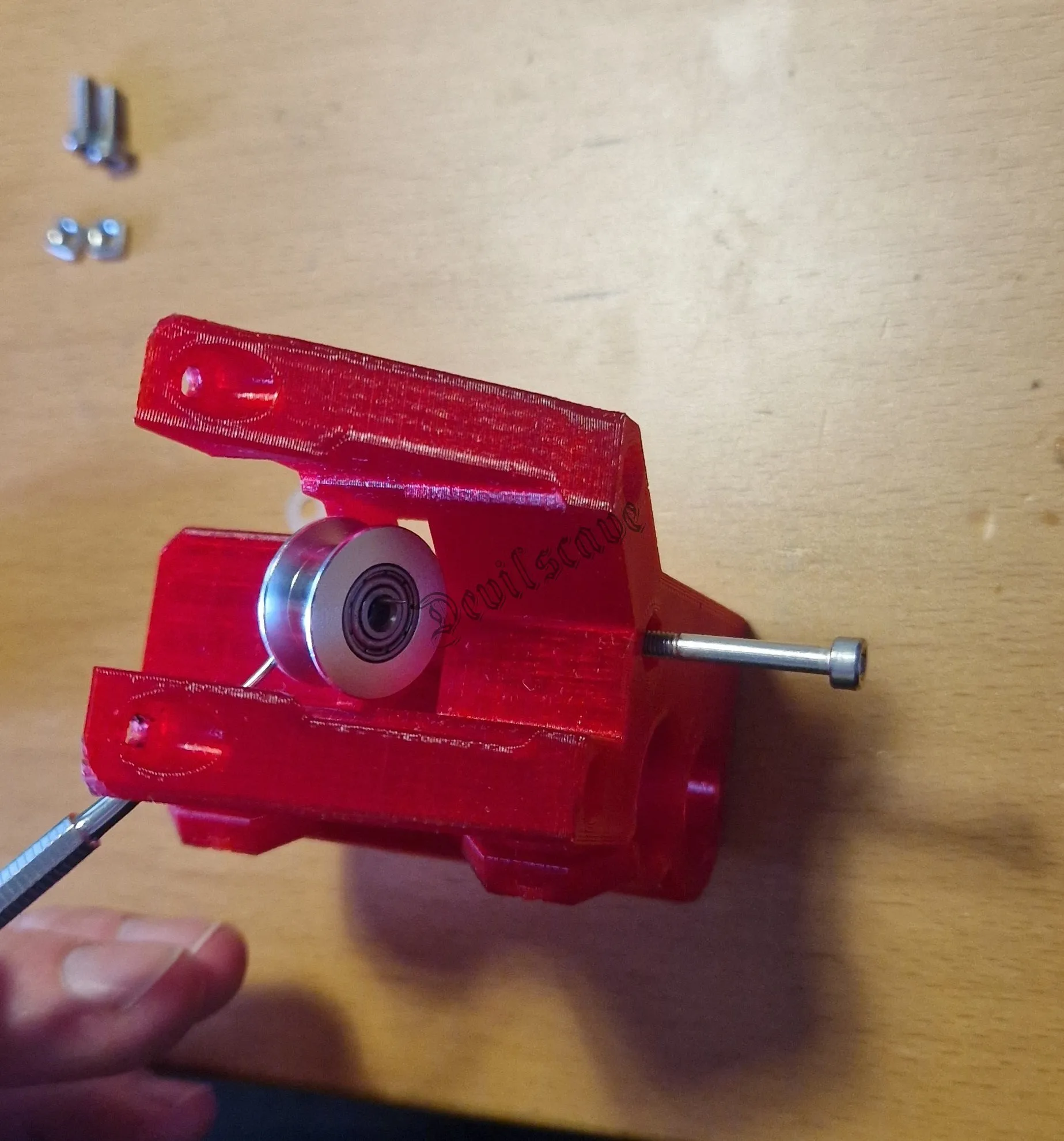
threading the roller
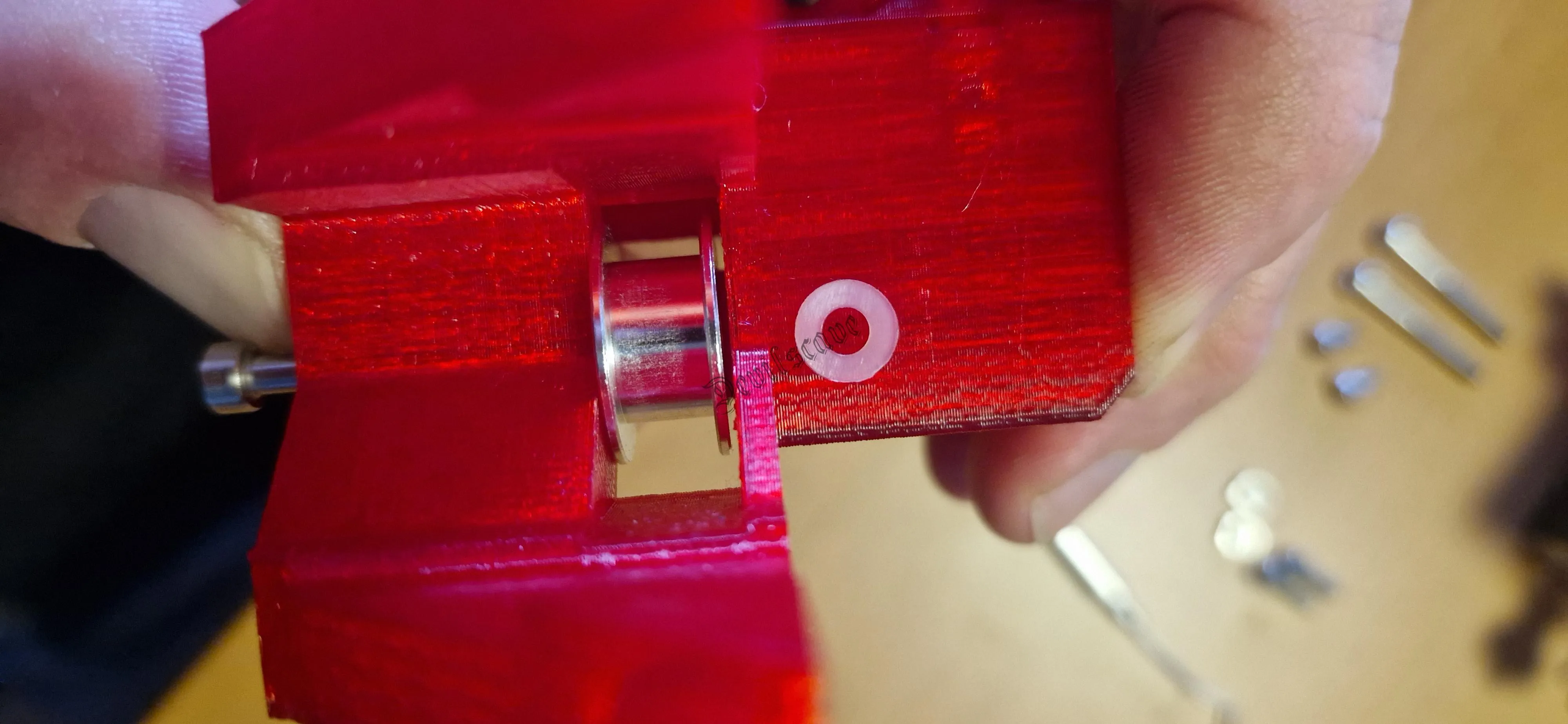
Don't forget the washer
Then we insert the two linear bearings and pre-tension them only SLIGHTLY!!!!
For this we need the 4-sided nuts and the M3 x10mm screws
TIP: Take one of the old rods and tighten the bearing tension screws so that the rod moves easily but the bearings do not slip out.
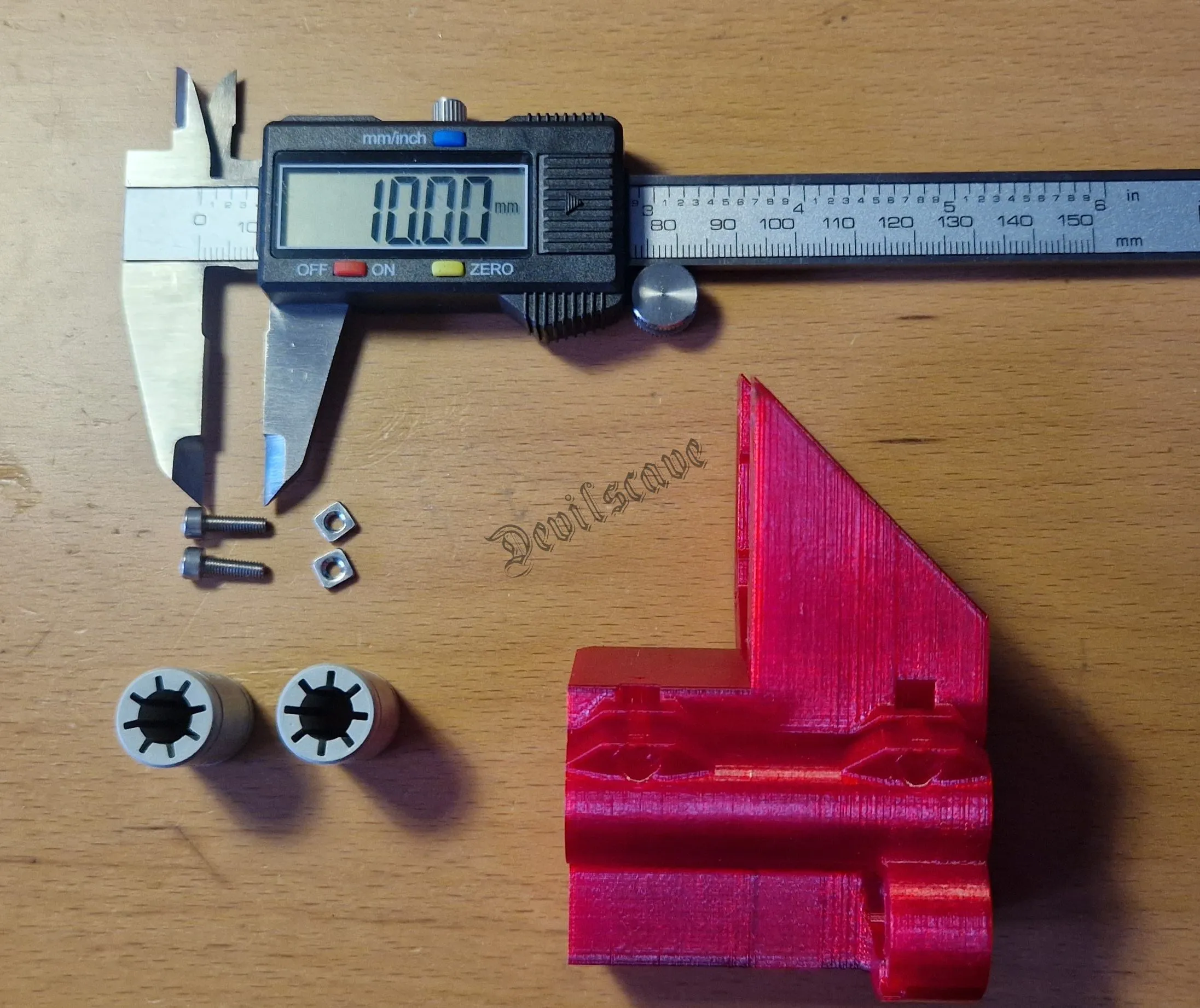
Mounting bearings
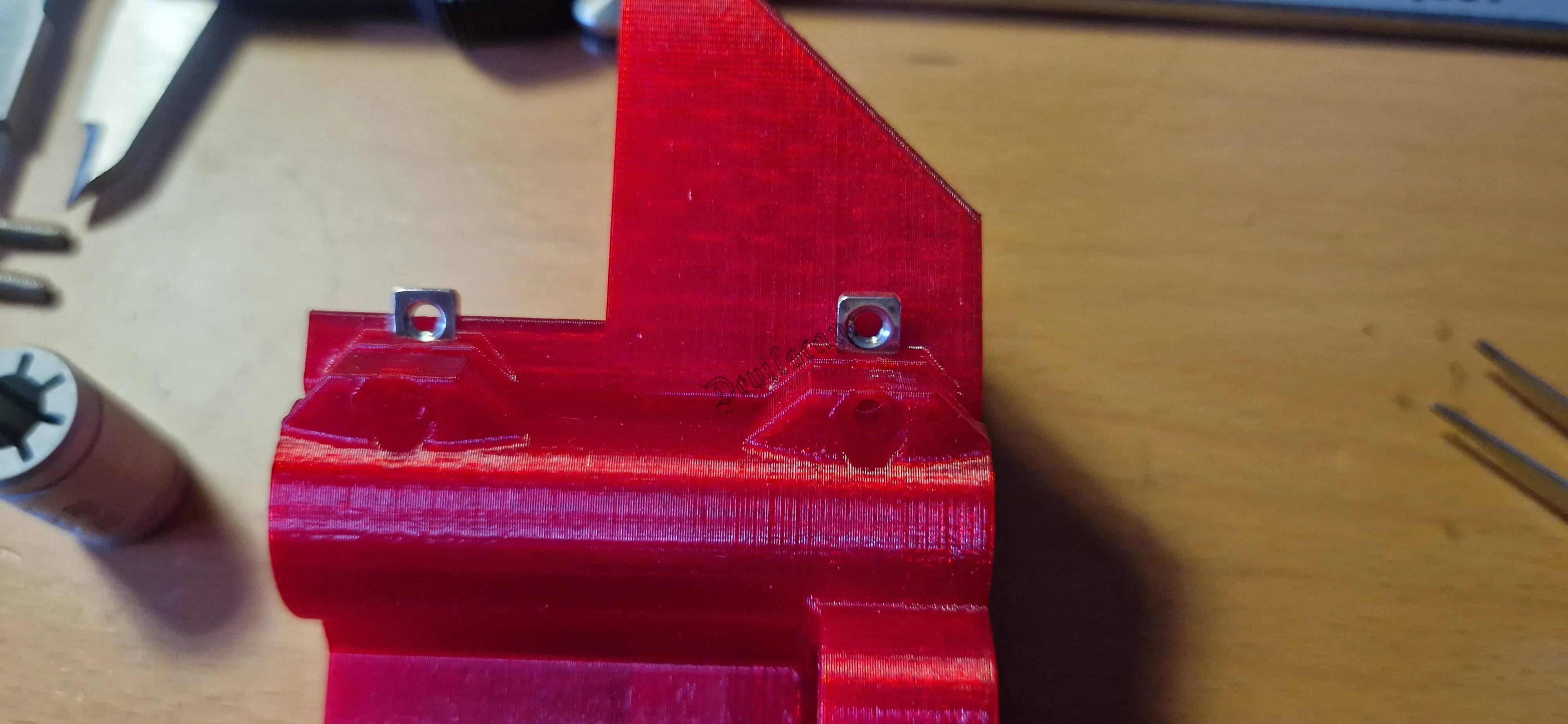
inserting nuts
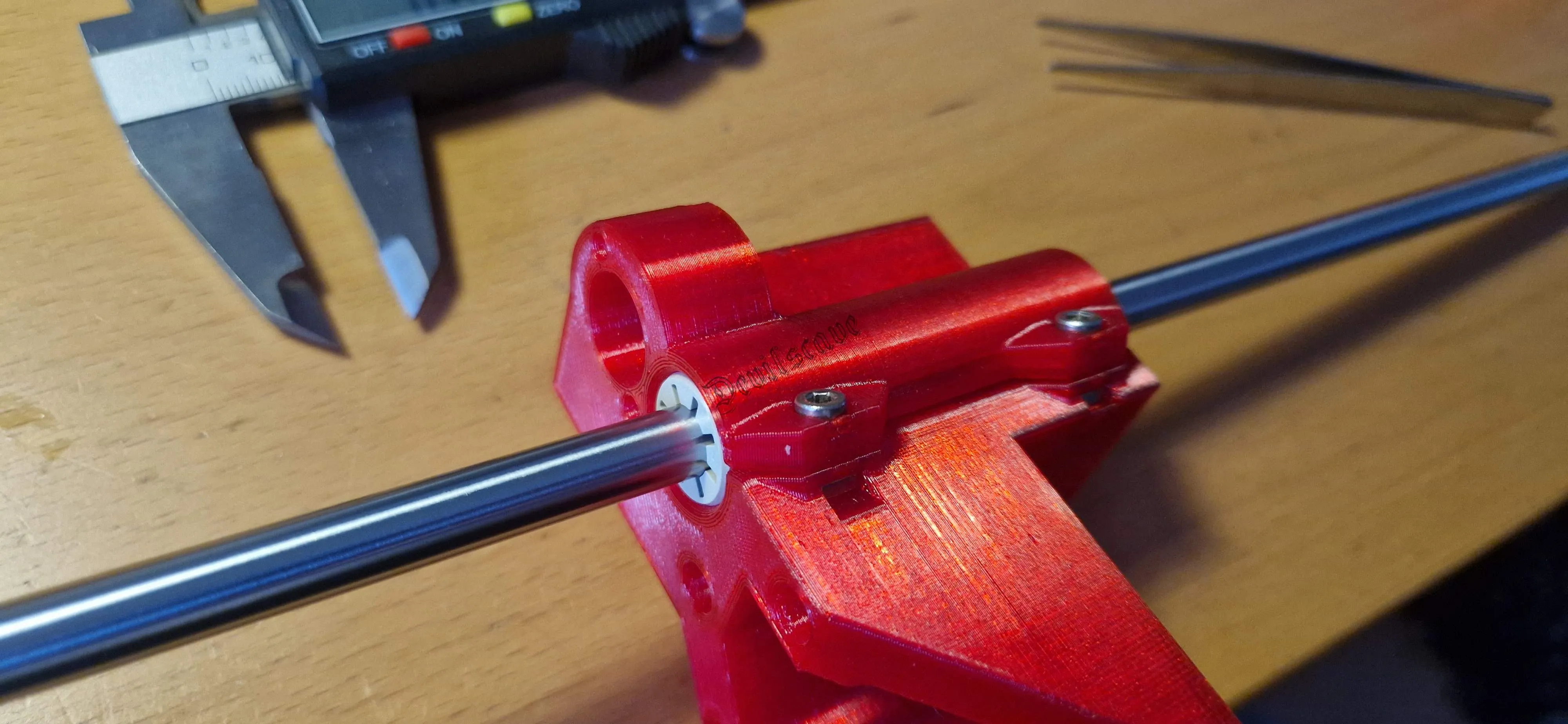
Do not tighten the bearings too much, check for smooth running with a rod
Then we insert the spindle nut with the original M3x18mm screws and the 6-sided nuts
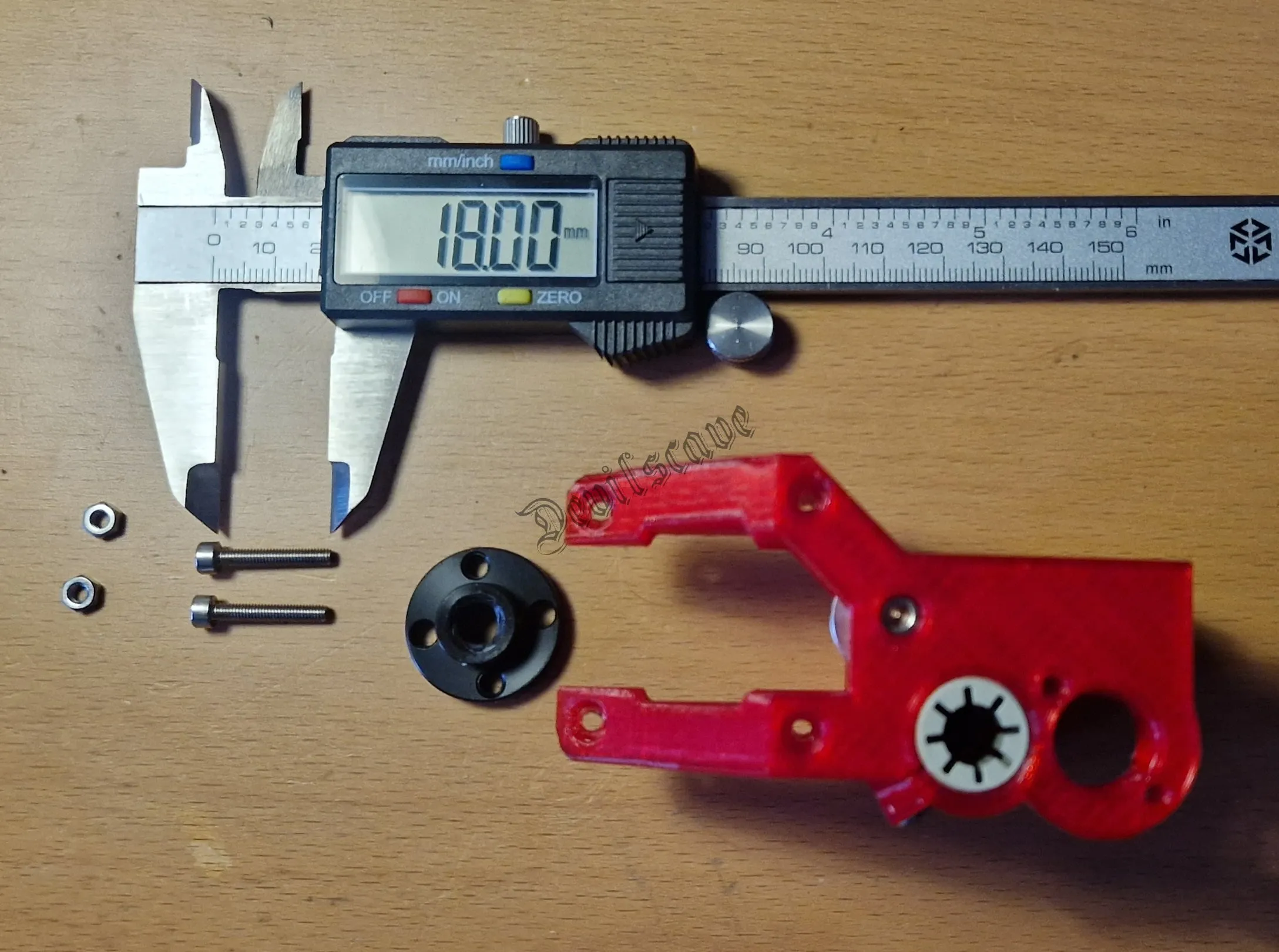
Mounting spindle nut
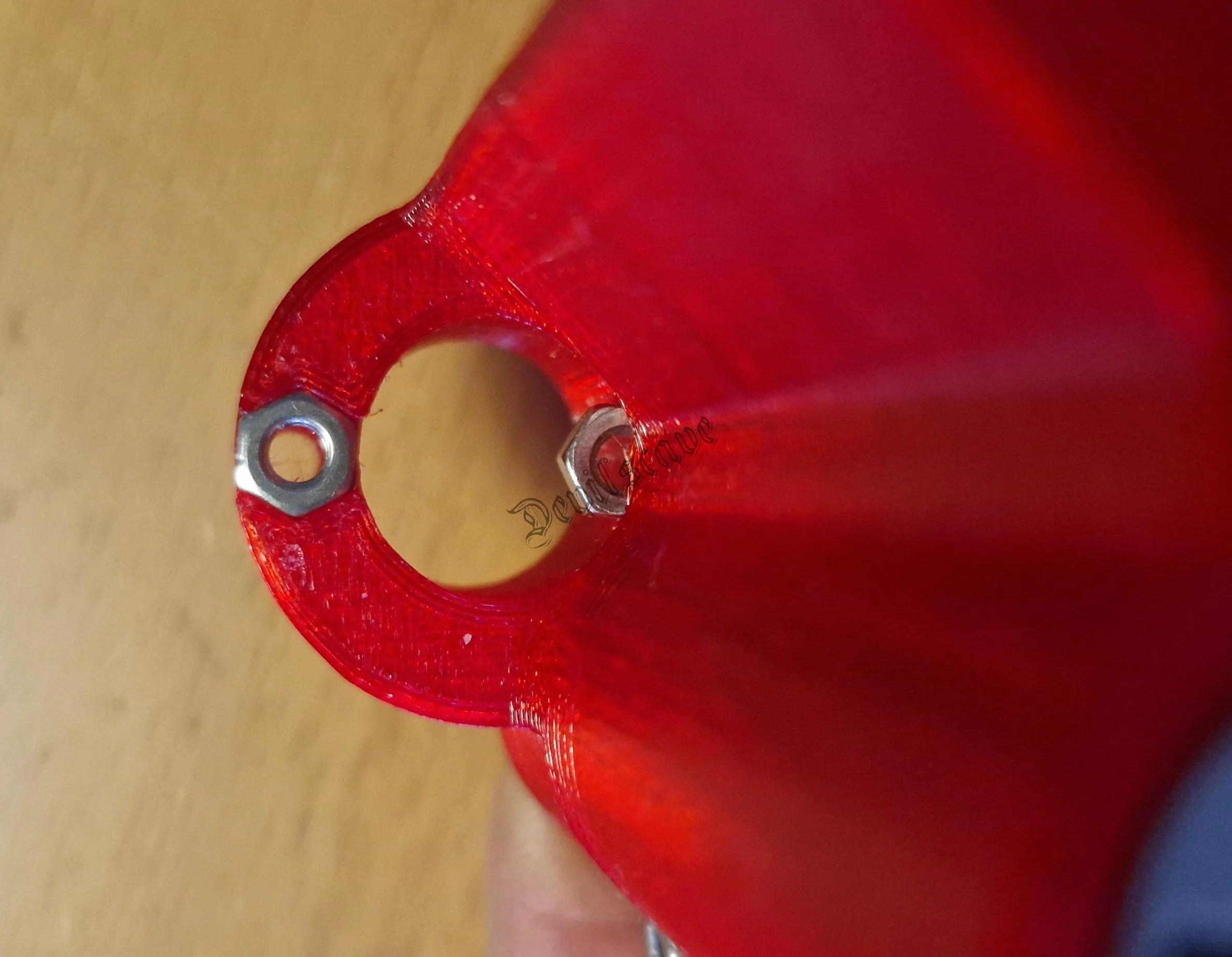
push the right nut into the slot in this position
Mounting Motor
Then we insert the motor.
The belt drive should be mounted on the motor shaft with an approximate clearance of 1mm.
Then tighten the motor with the
2x M3x30mm
2x M3x8mm
screws
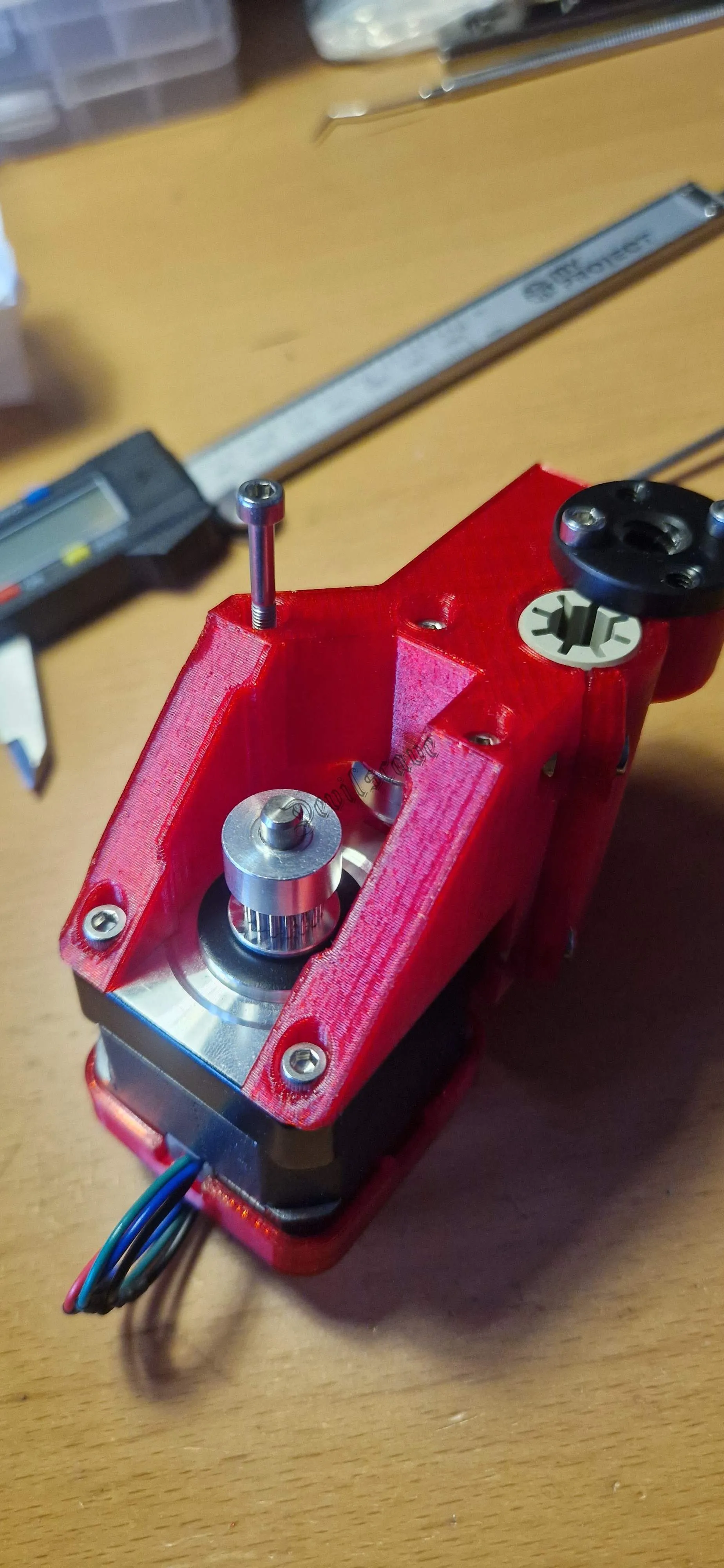
Ensure that the motor is really firmly seated and that only the screws protrude into the motor
Assembly of right carriage
Next, we assemble the tension carriage.
This differs only slightly from the original.
Except for the tensioner.
Screws:
5x M3x18mm
3x M3x10mm
2x M3 4-sided nut
3x M3 6-sided stop nut
2x M3 washers (can also be printed)
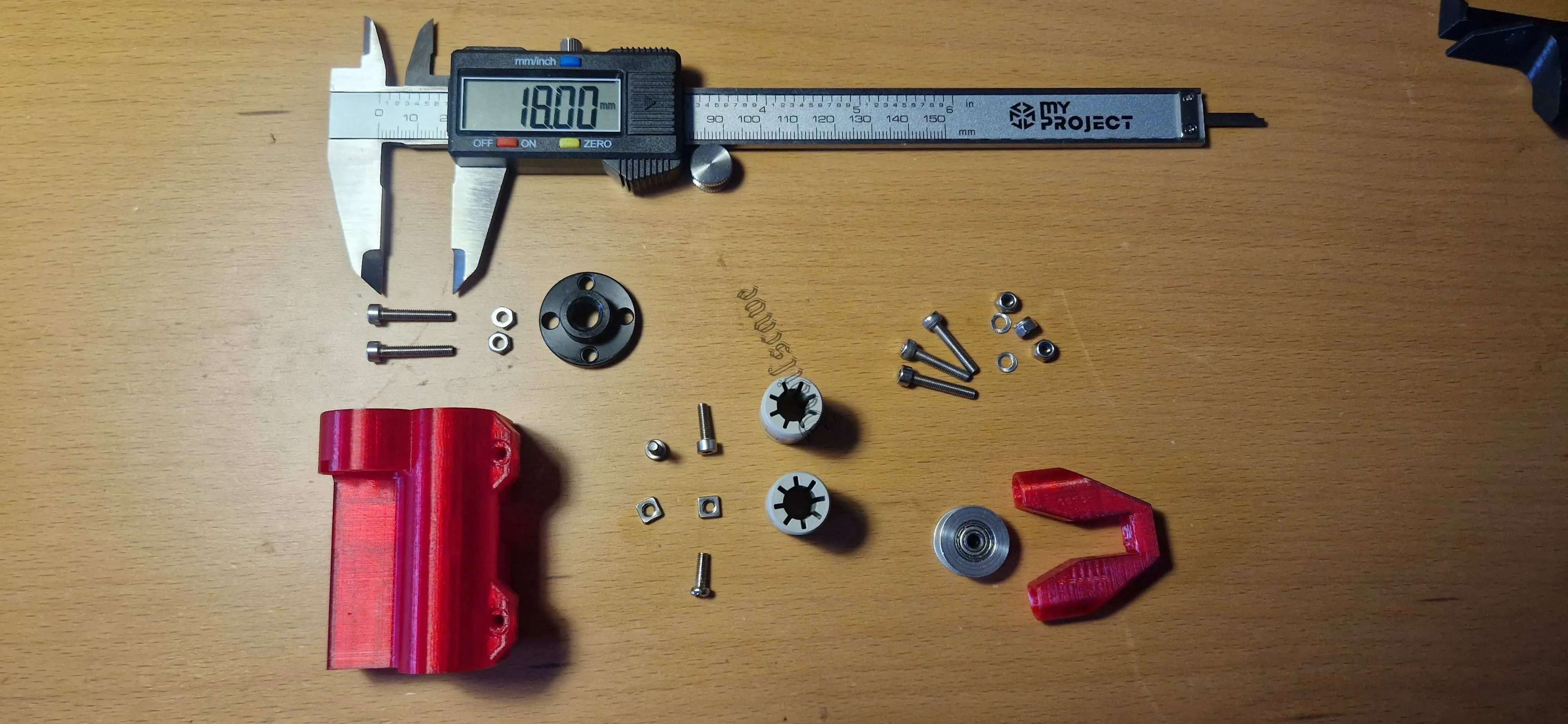
Parts
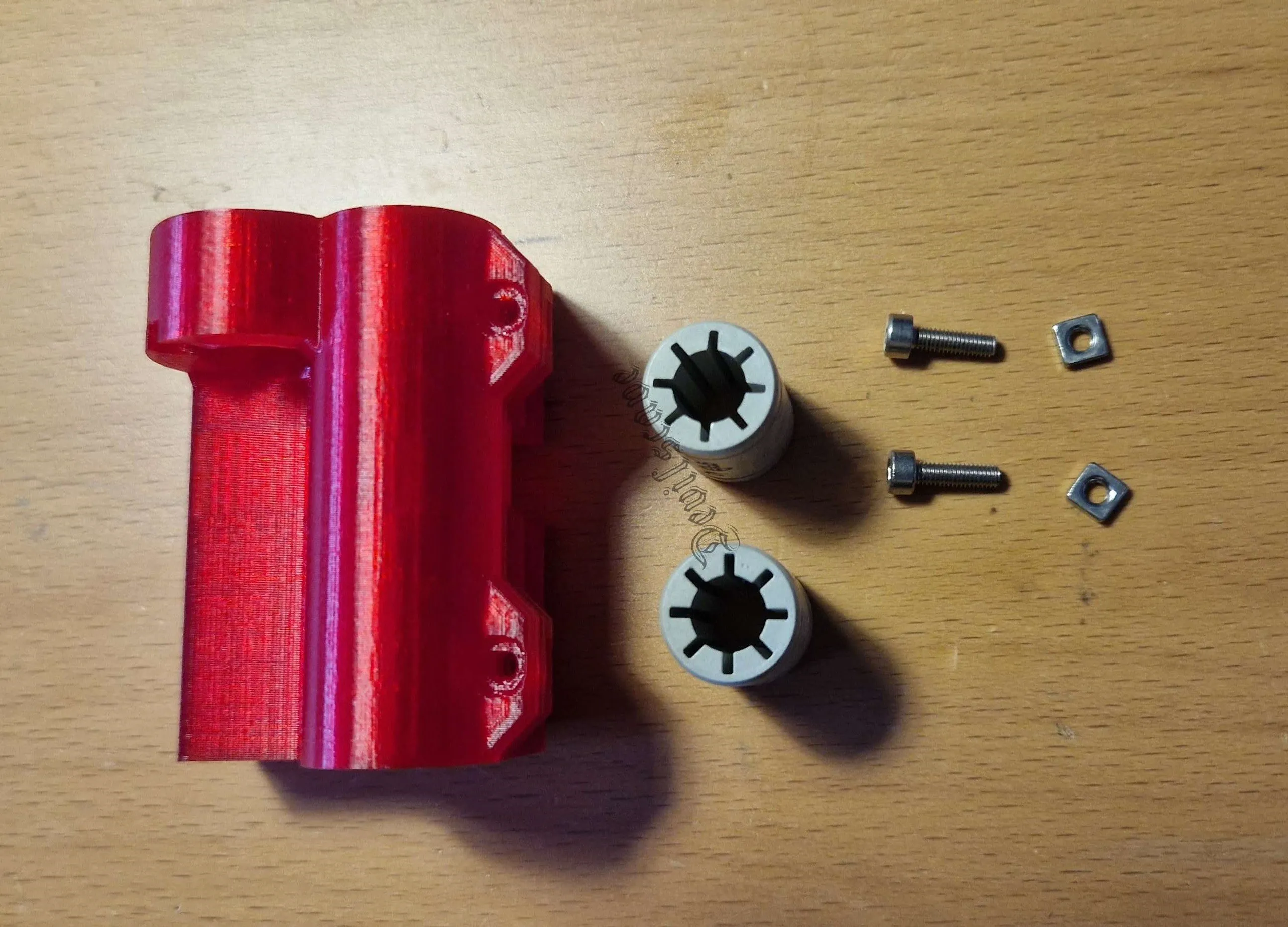
Bearing assembly like on the left
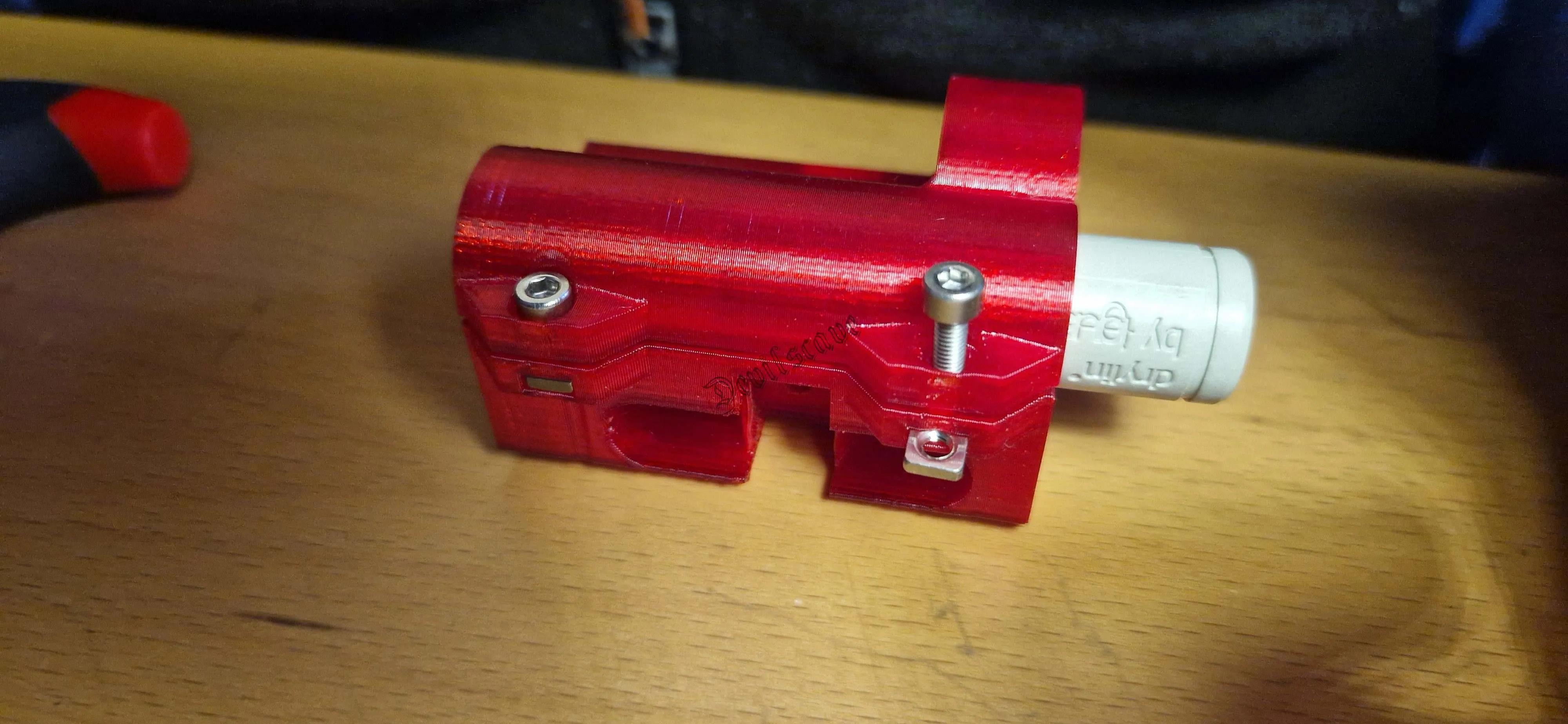
Inserting and checking bearing play
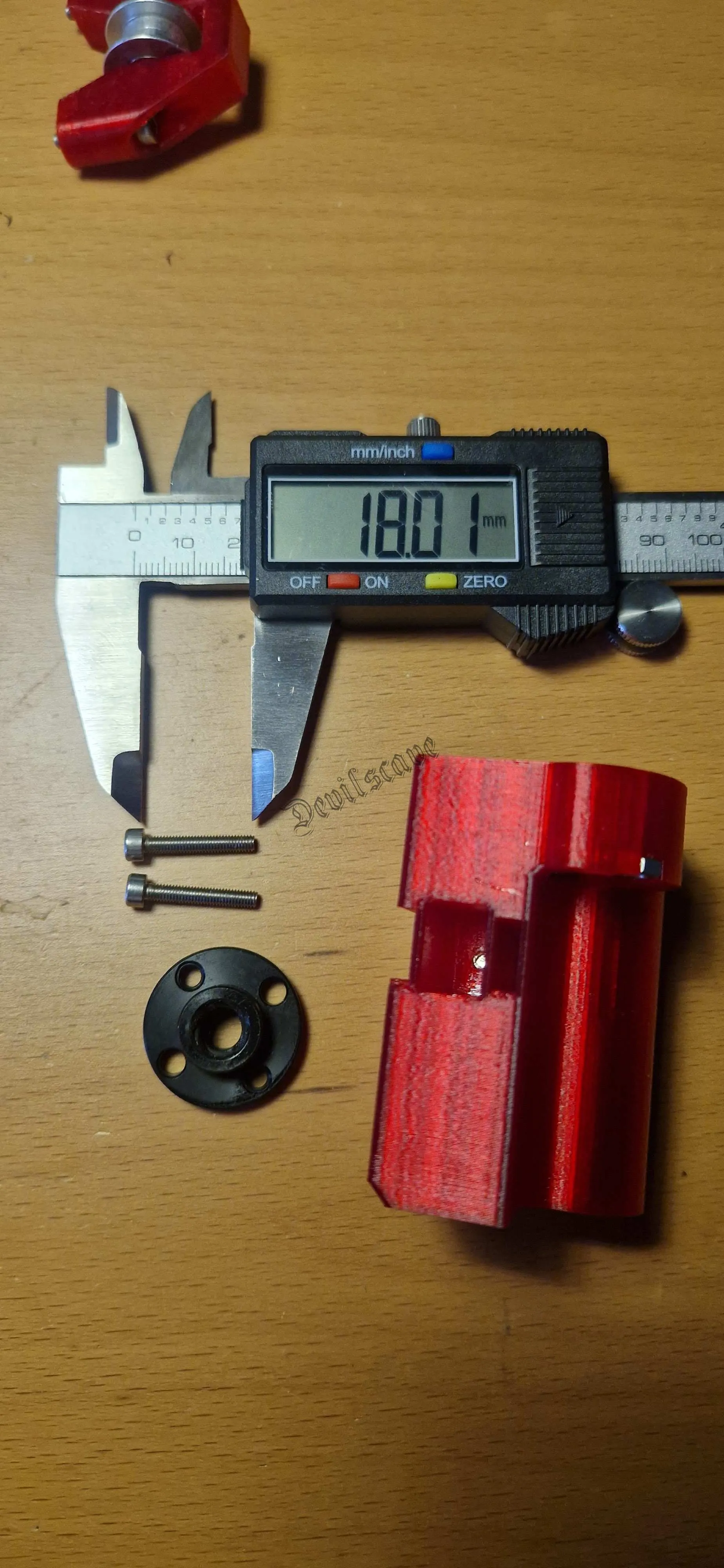
Mounting spindle nut
Tensioner Assembly
Now we assemble the tensioner.
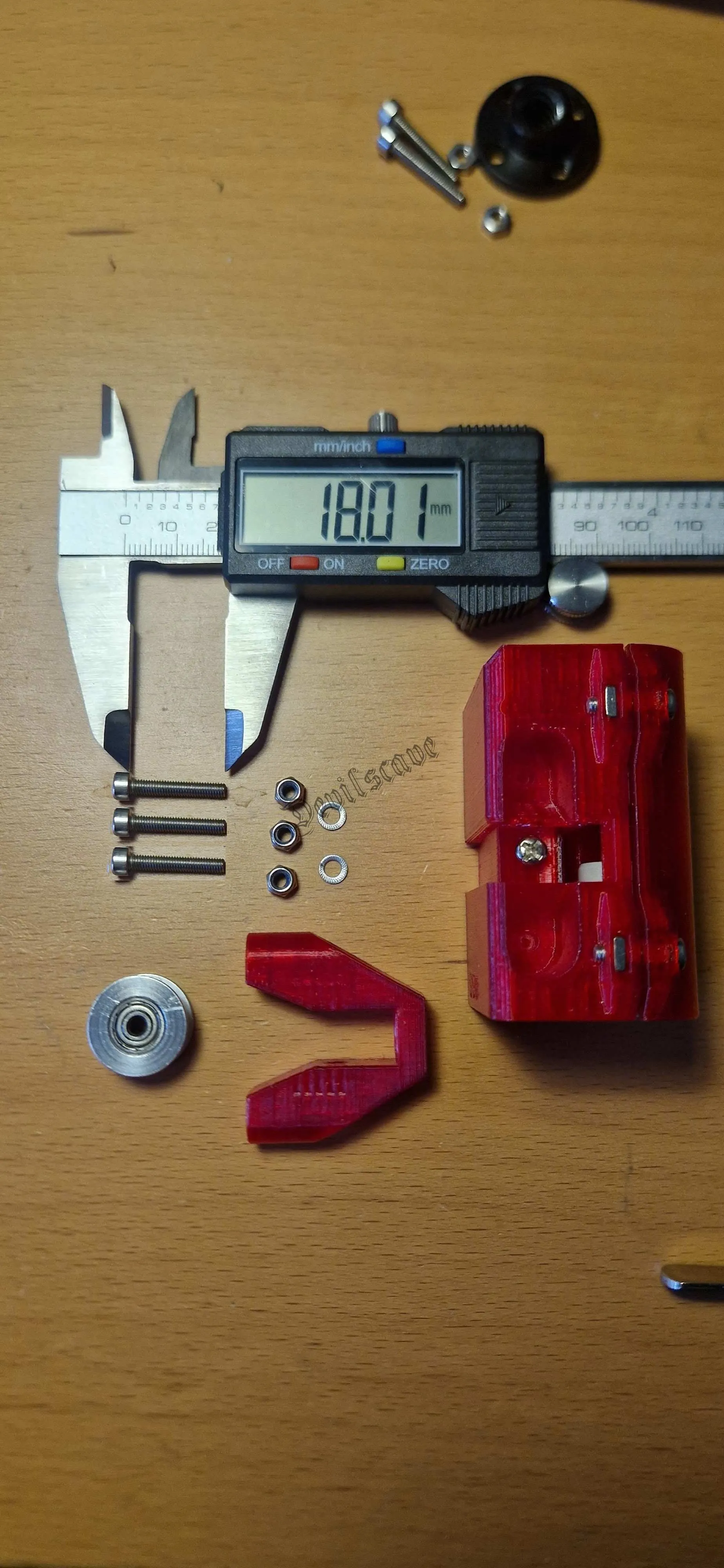
Parts list
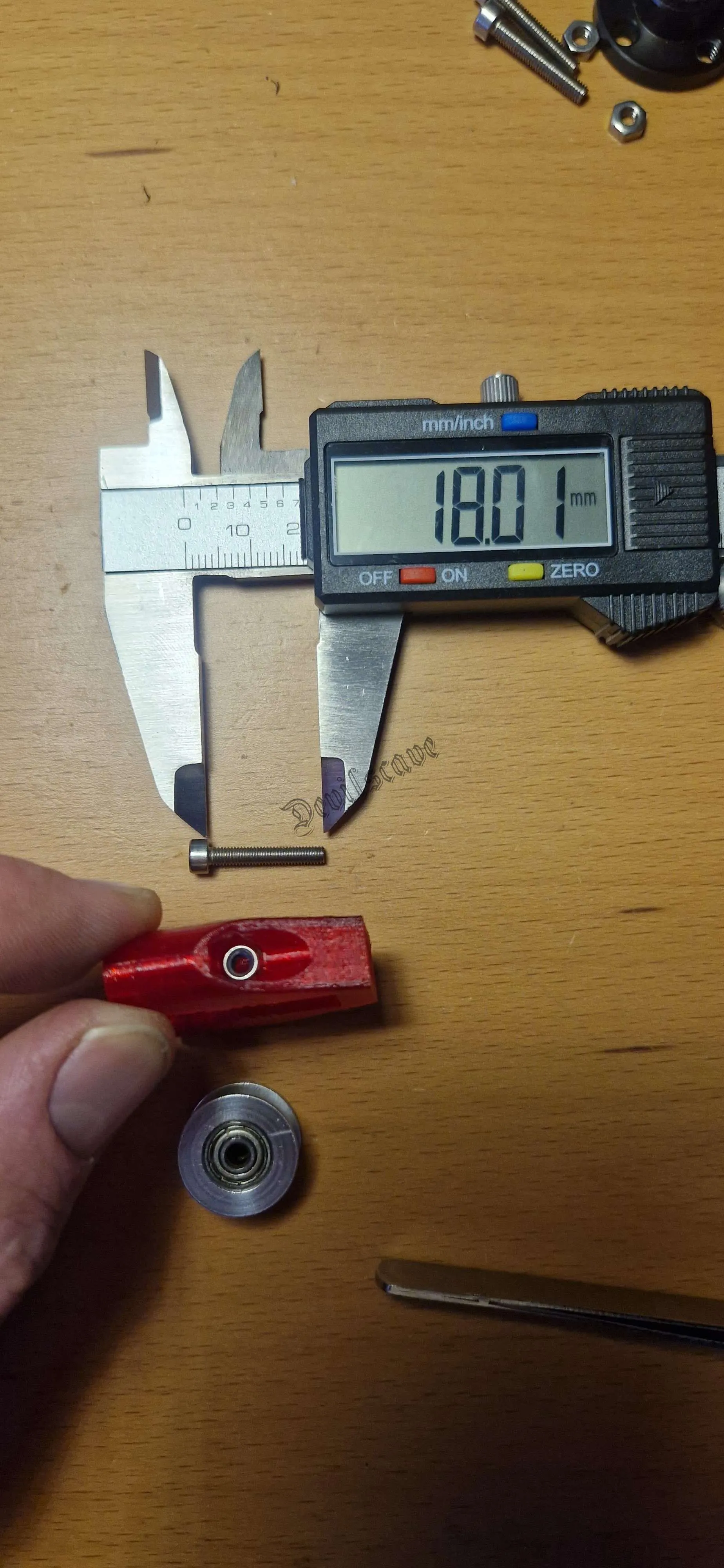
1. Mounting the roller
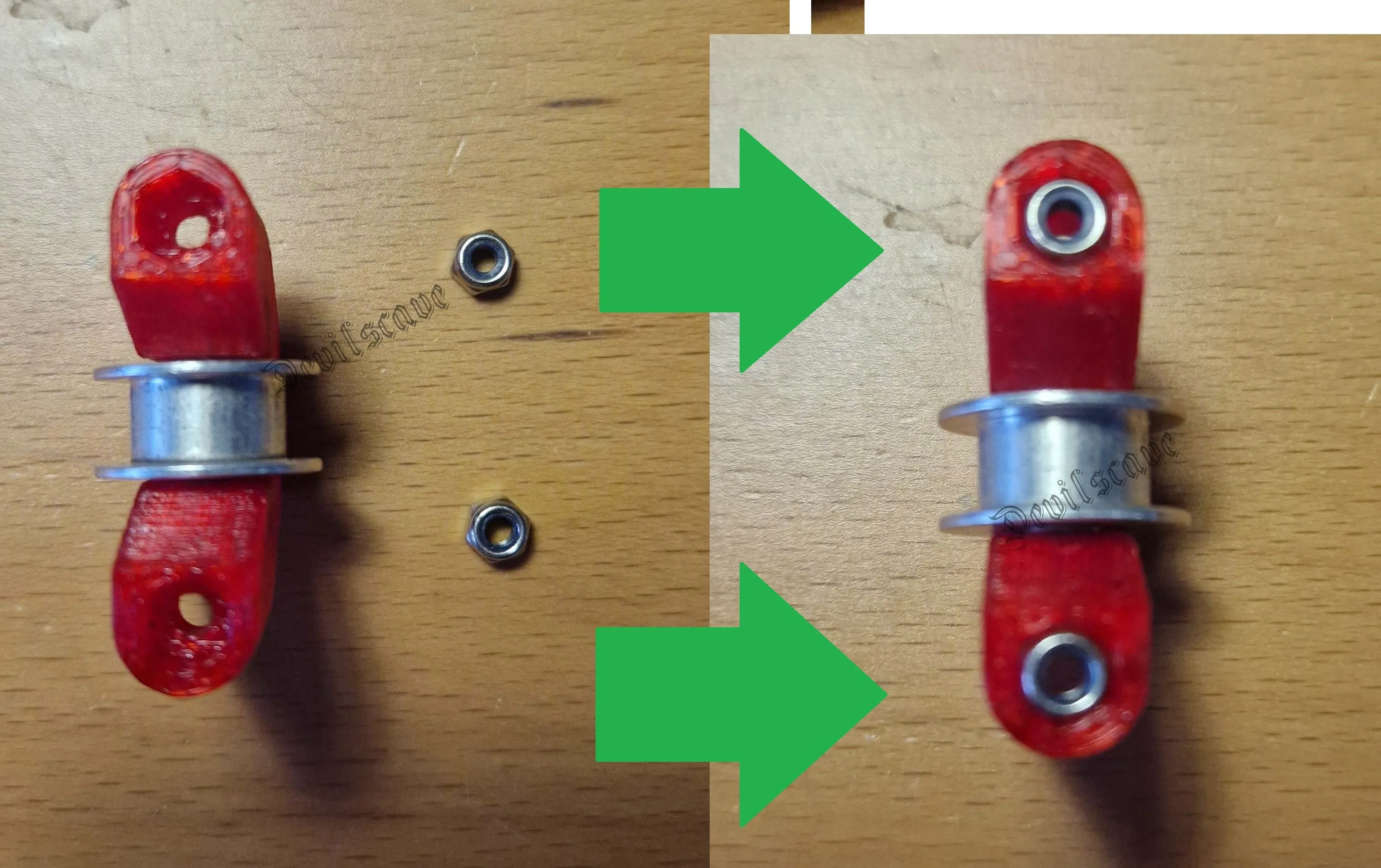
inserting nuts
Basic adjustment
Screw the remaining two 18mm screws into the nuts from the back and adjust to a 2mm protrusion
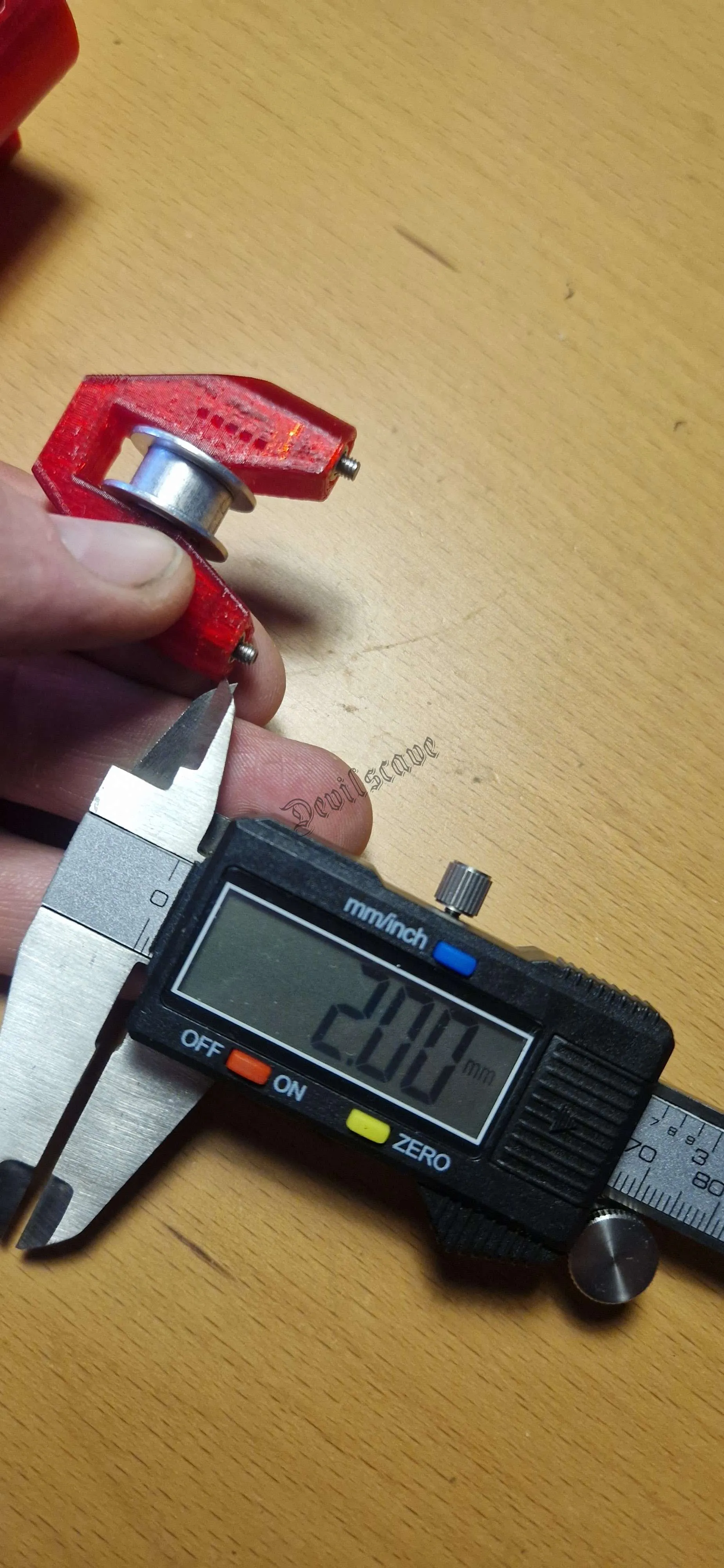
2mm protrusion
Length compensation assembly
Then screw the last 10mm screw into the center guide of the tension carriage.
This serves as a length compensation screw for the linear rail.
Screw it in so far that it does NOT protrude inside the rail!!!
The idler should also not rub against it.
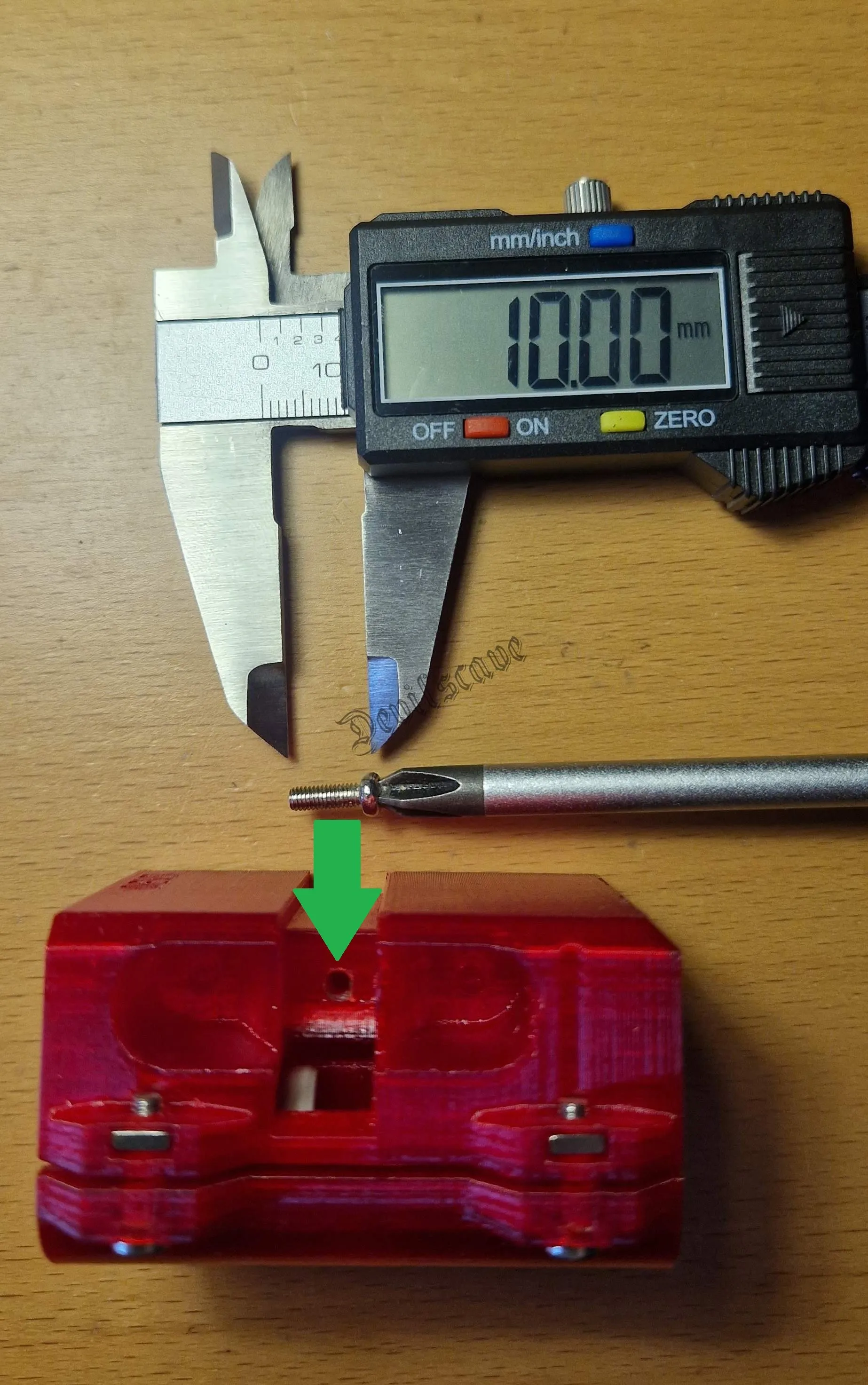
Screw in until visible inside
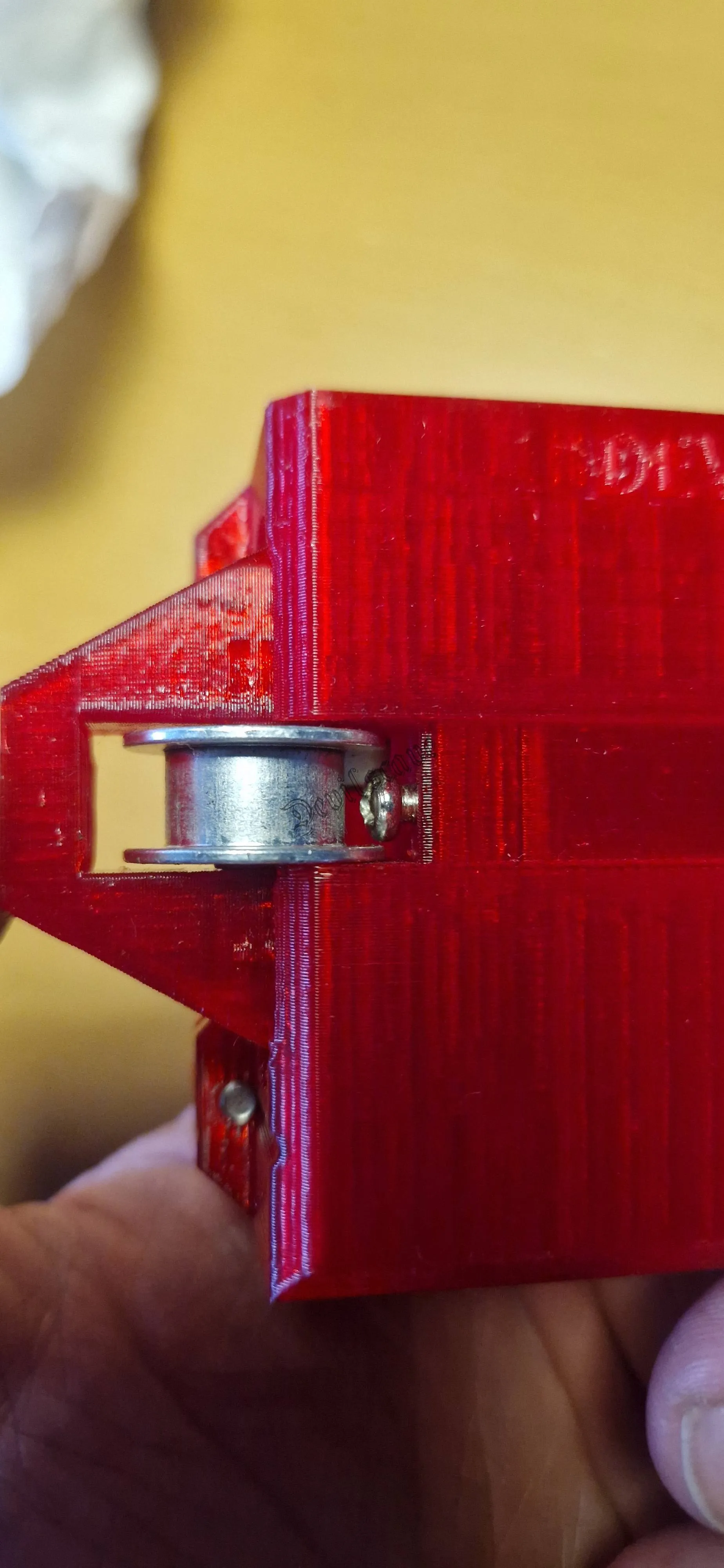
check that the screw does not rub against the roller
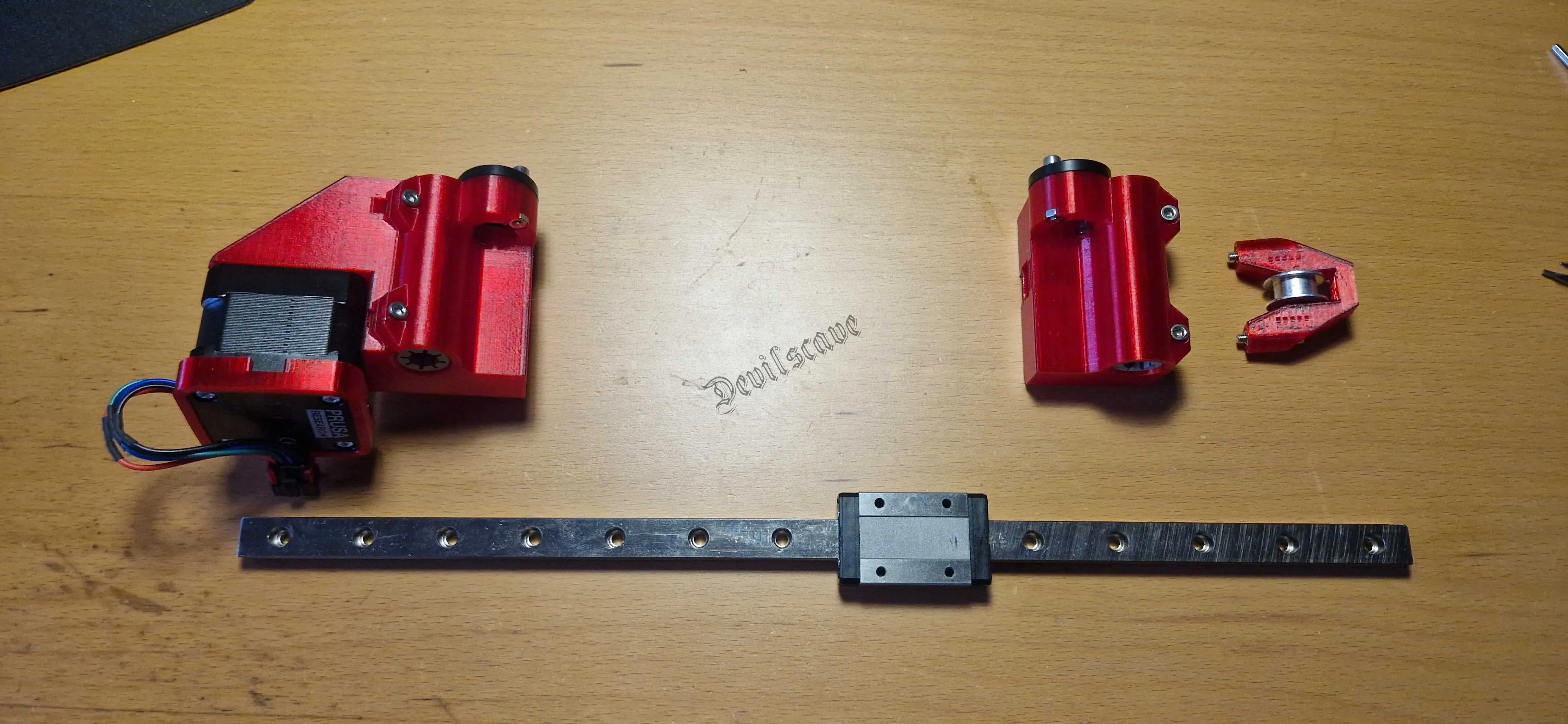
Inserting the rail
Rail Assembly
ATTENTION: It is important that the linear rail does NOT exceed 350mm.
It is unfortunately common for these to be not precisely cut or slightly obliquely cut on both sides. In my case it was 349mm and oblique on both sides so that after grinding and deburring it was 348mm. For better length compensation, the last inserted screw is under the roller!
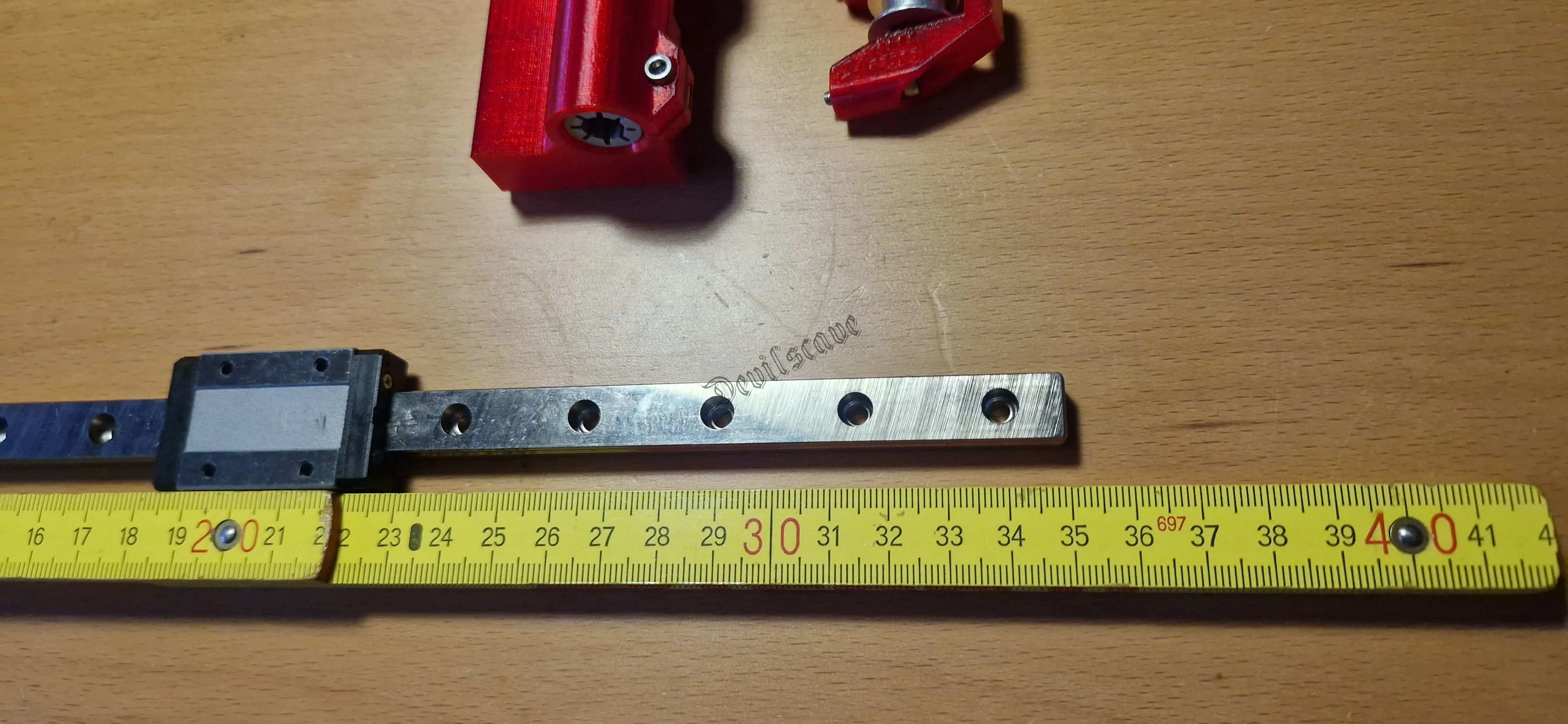
Check length
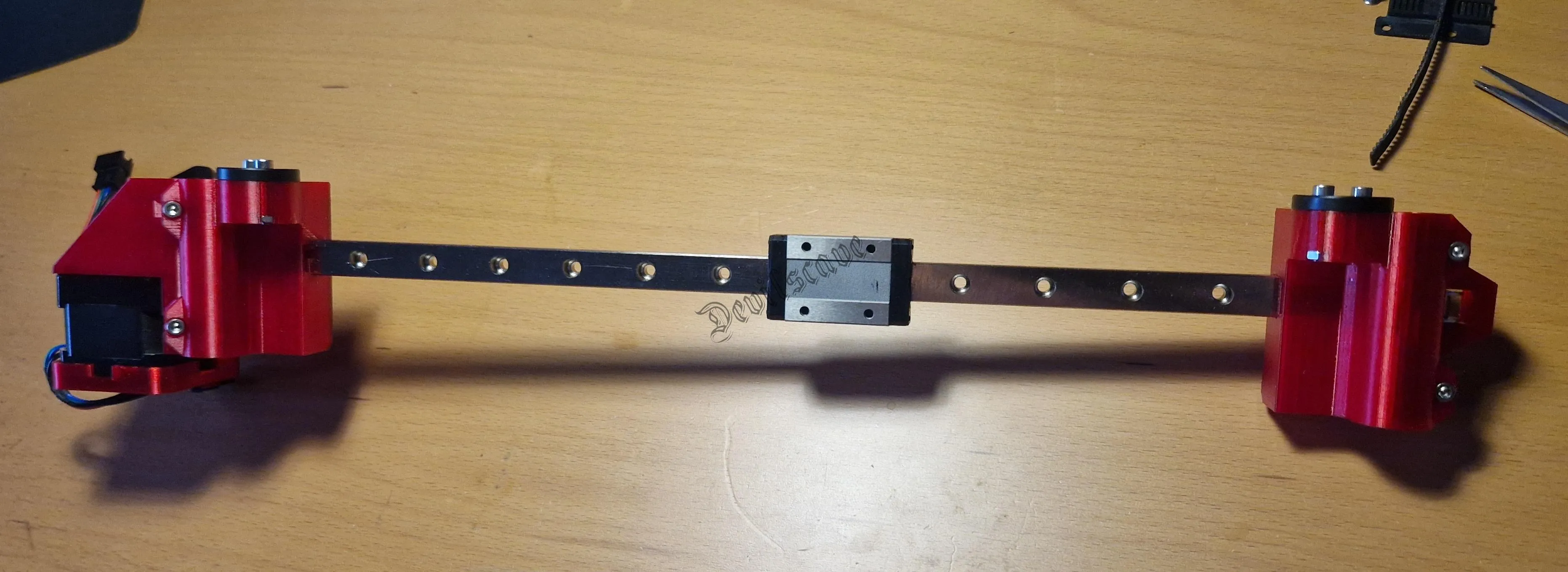
Push together
Check Again
After pushing together, you should have a measurement of 306mm.
Stop <-> Stop of the carriage
This must be strictly observed.
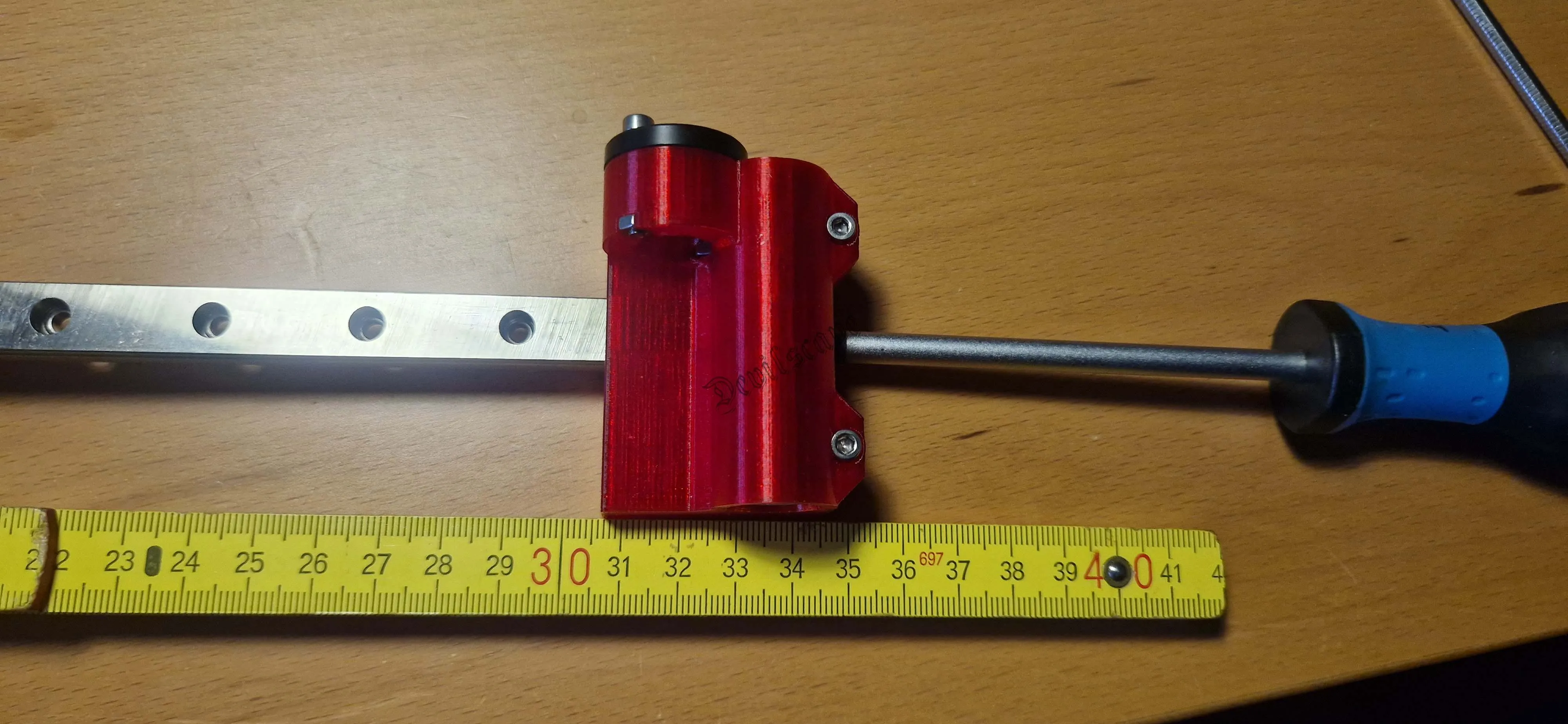
Adjust length with screw if necessary
Belt Assembly
Now we come to inserting the belt.
I shortened the belt by another 4mm (2 ribs) during assembly.
So that a length of 870mm results.
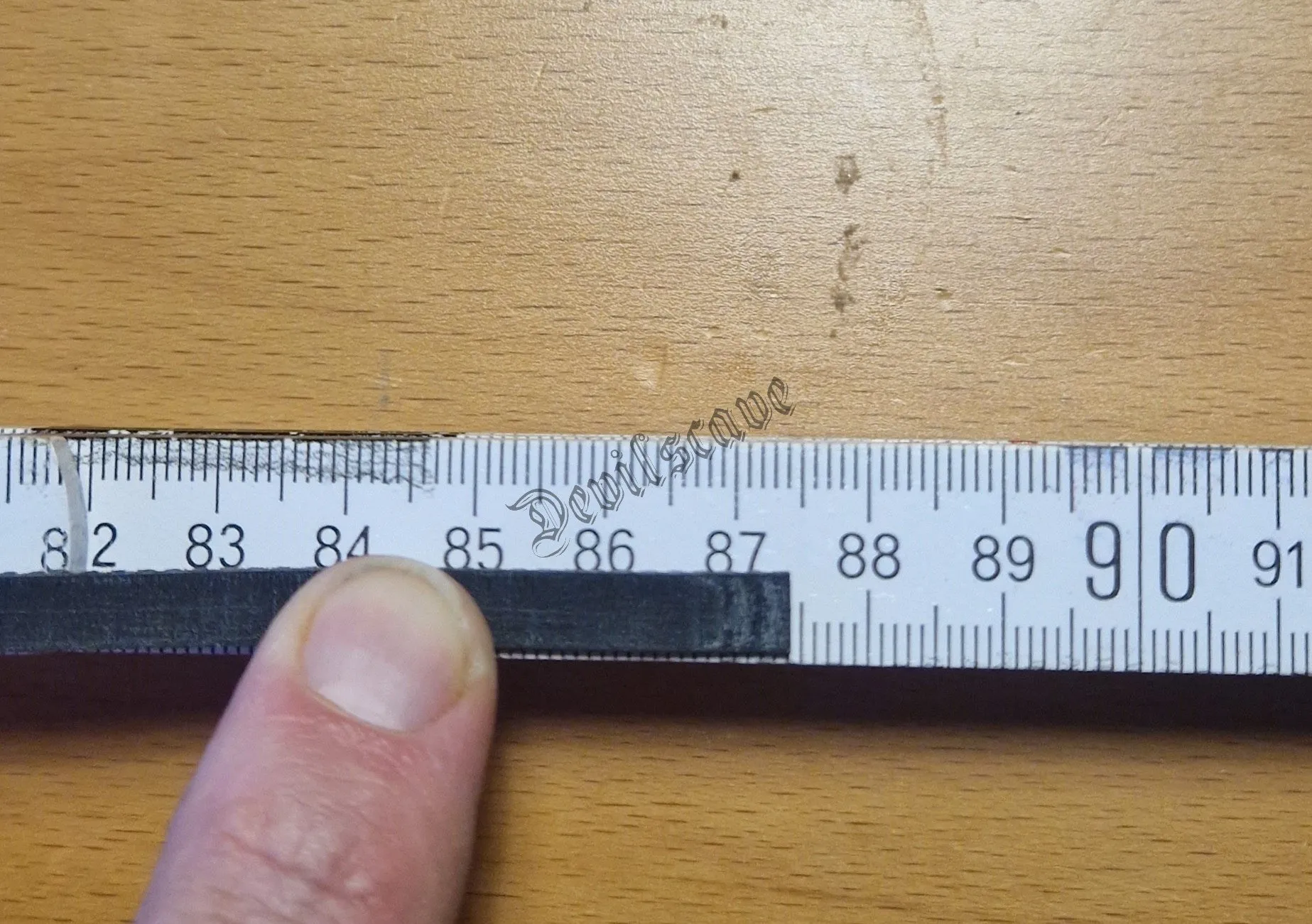
approx. 87cm are needed
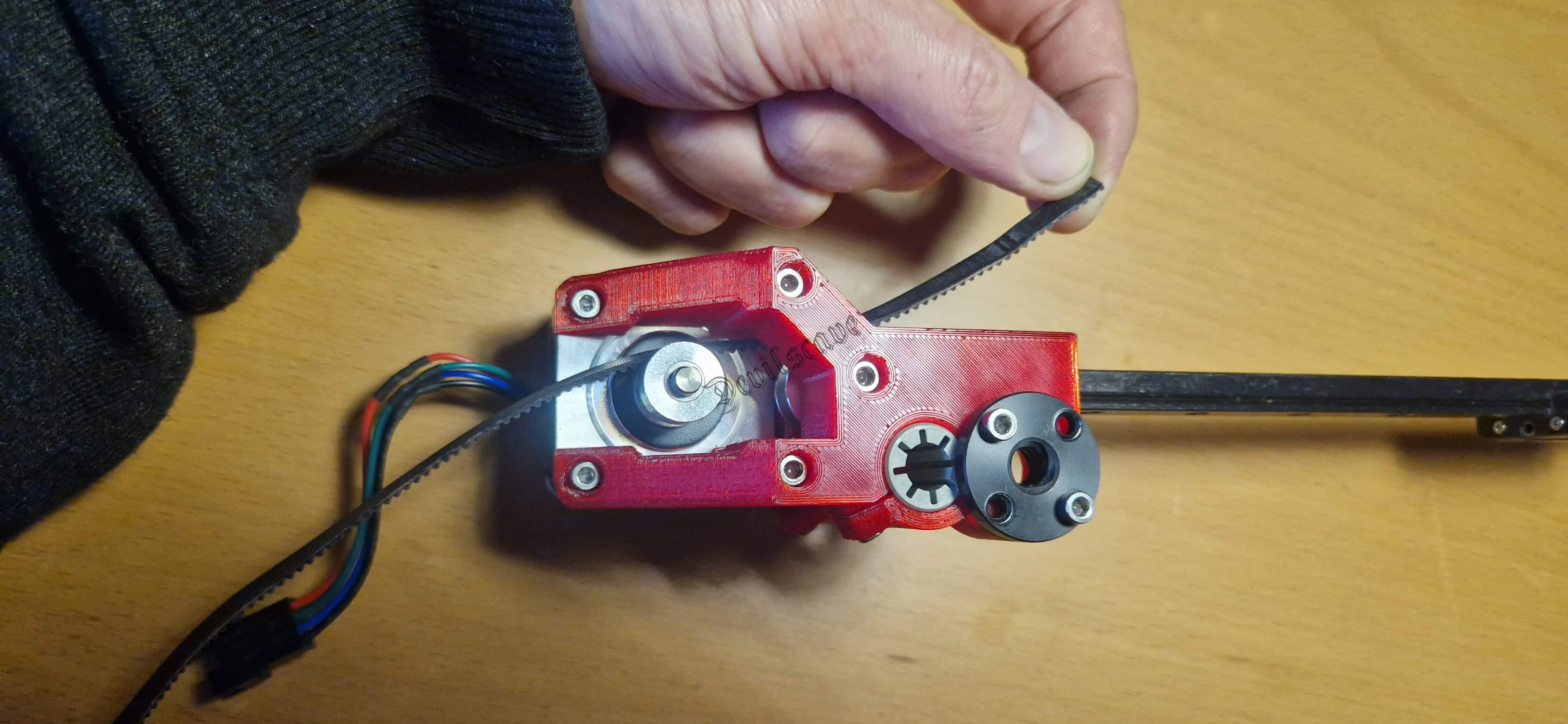
Start on the motor side (rear)
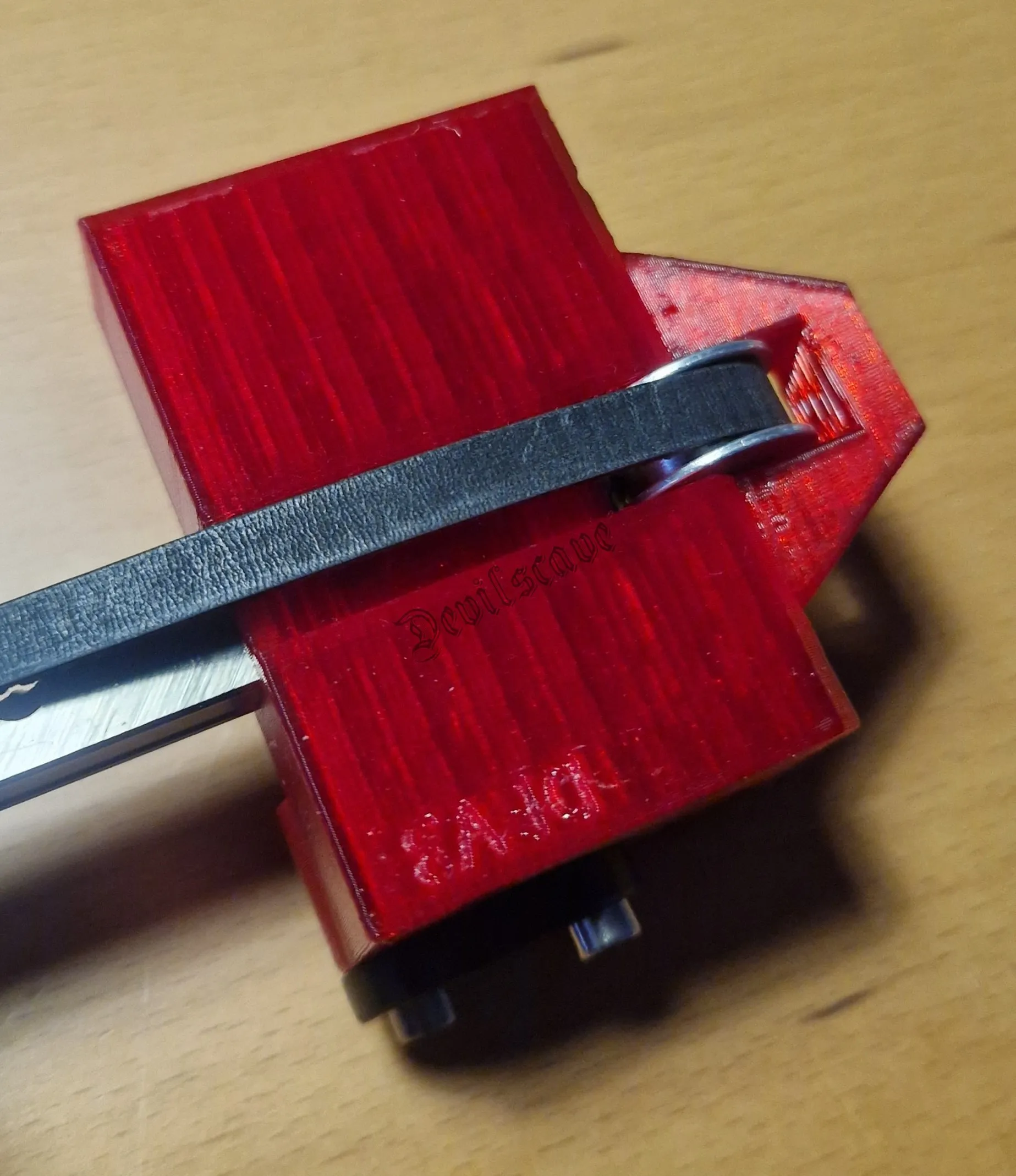
Insert tensioner and thread from back to front
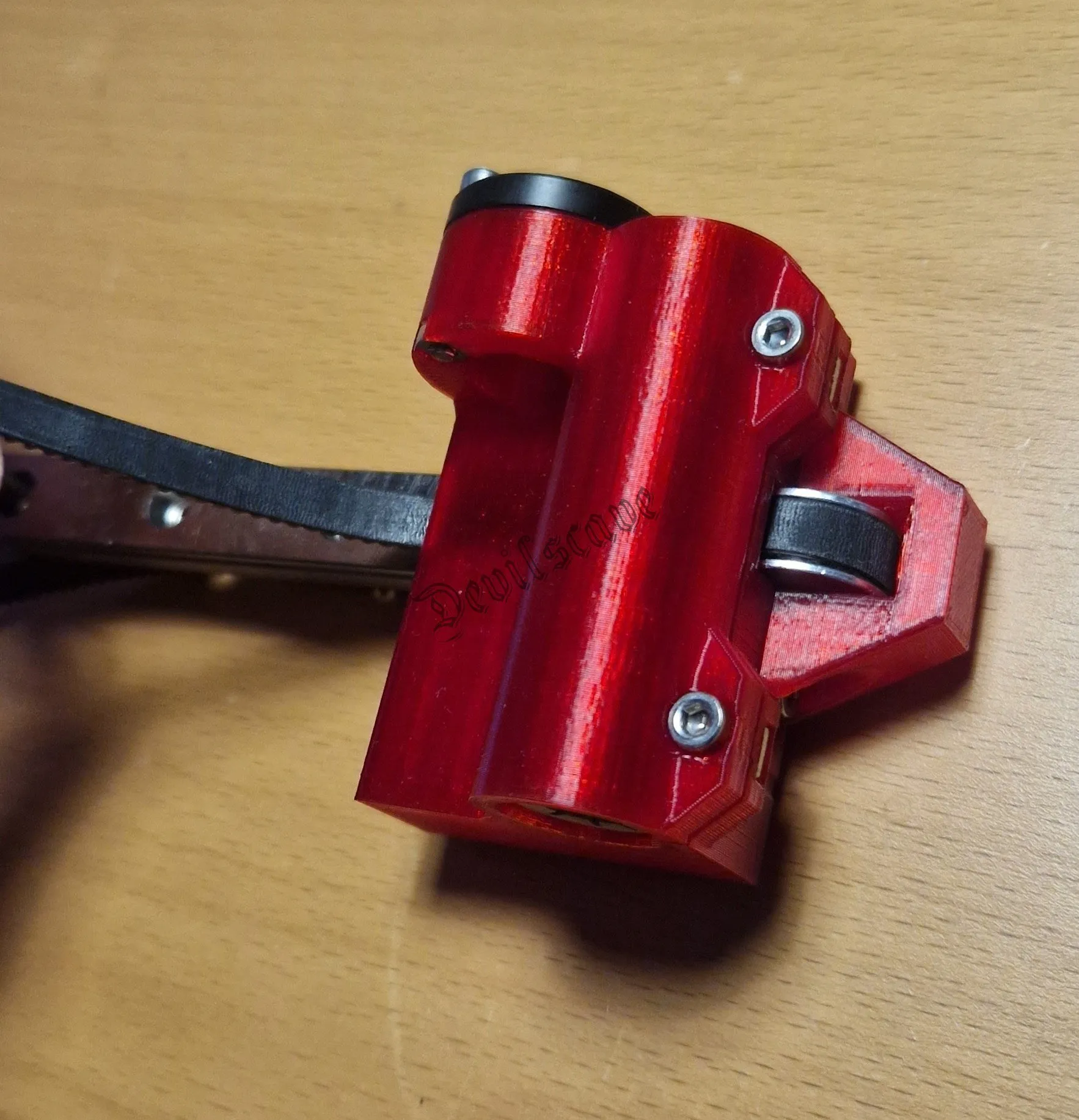
then back towards the carriage
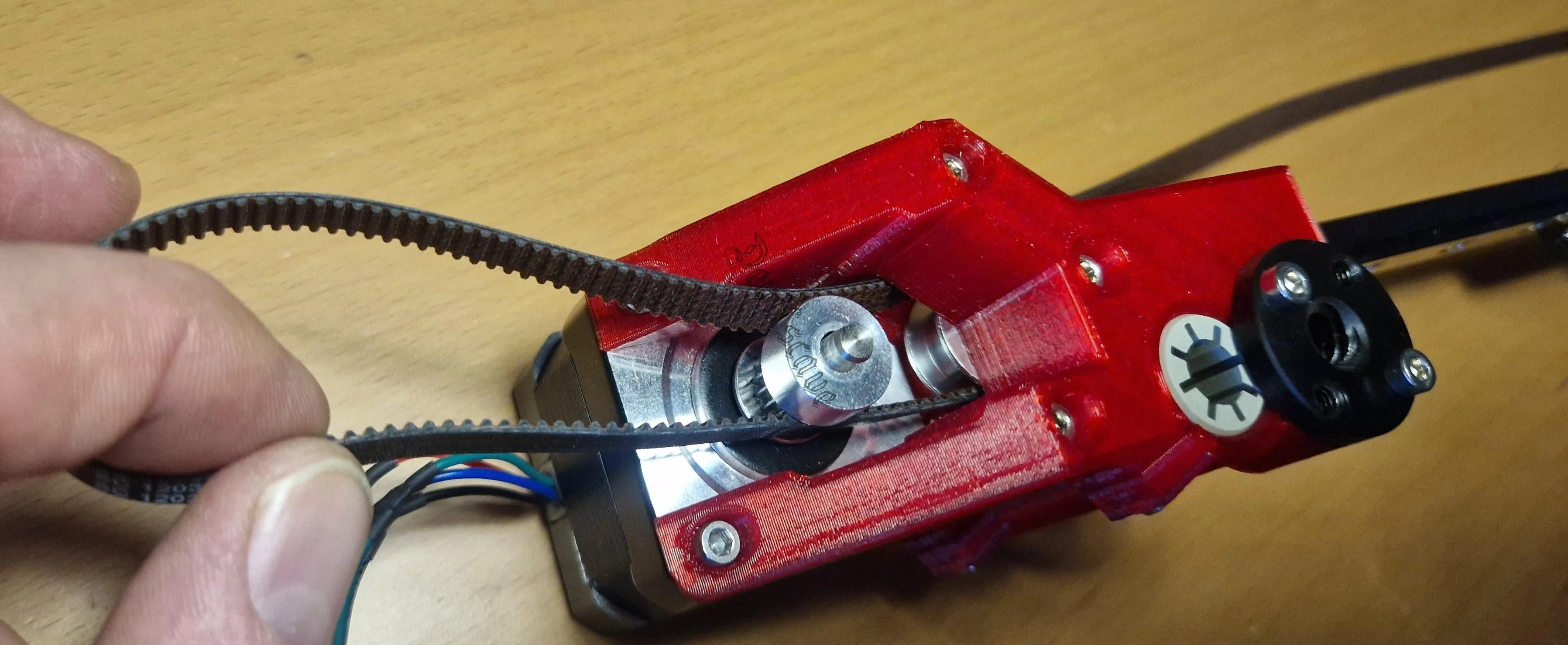
and on the motor side too
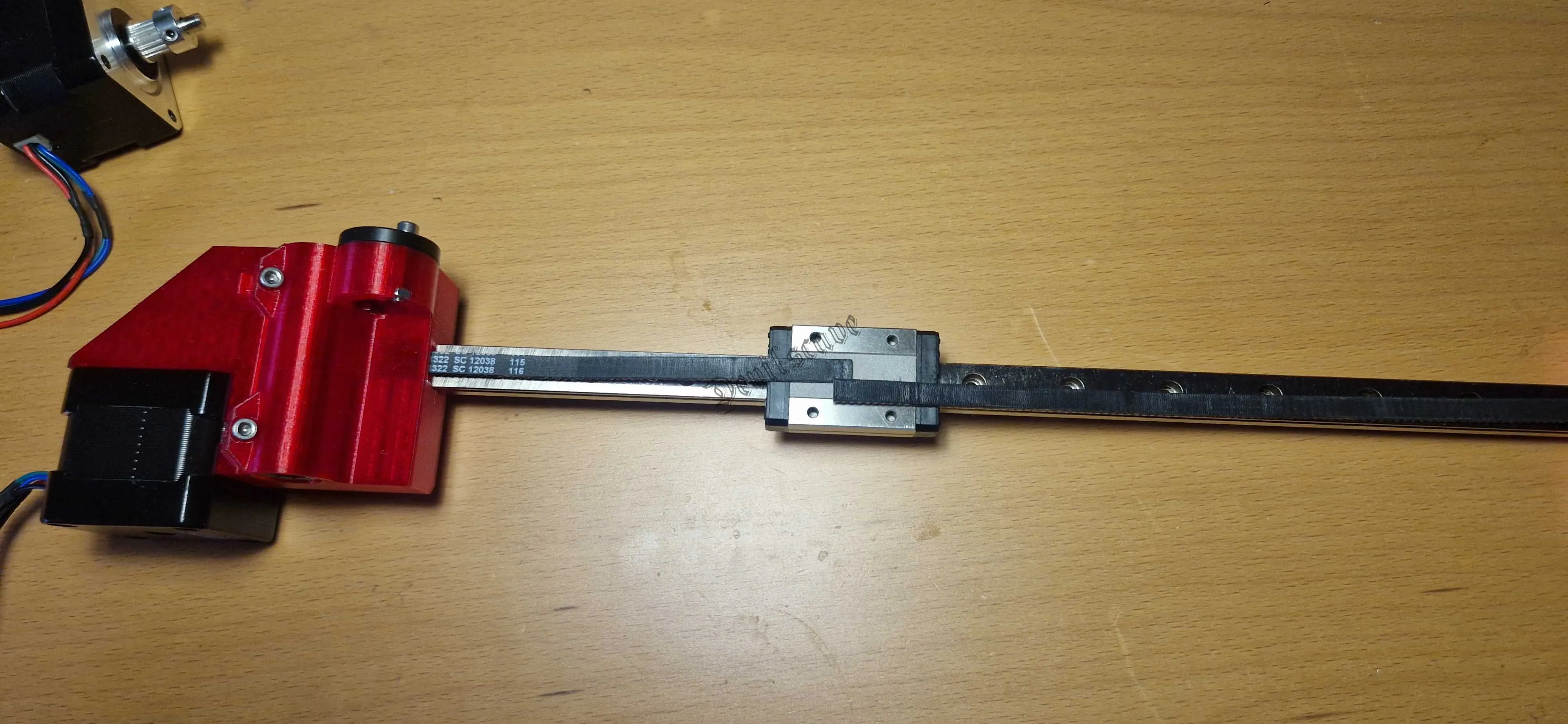
this is how it should look
Mounting carrier plate
Now we mount the X-carriage.
Before doing so, you must absolutely check whether the belt holder fits easily and flush into the carriage, possibly rework it.
And the M3x5mm COUNTERSUNK screws (6mm also fits)
fit into the recesses of the carriage, they must sit flush!!!!
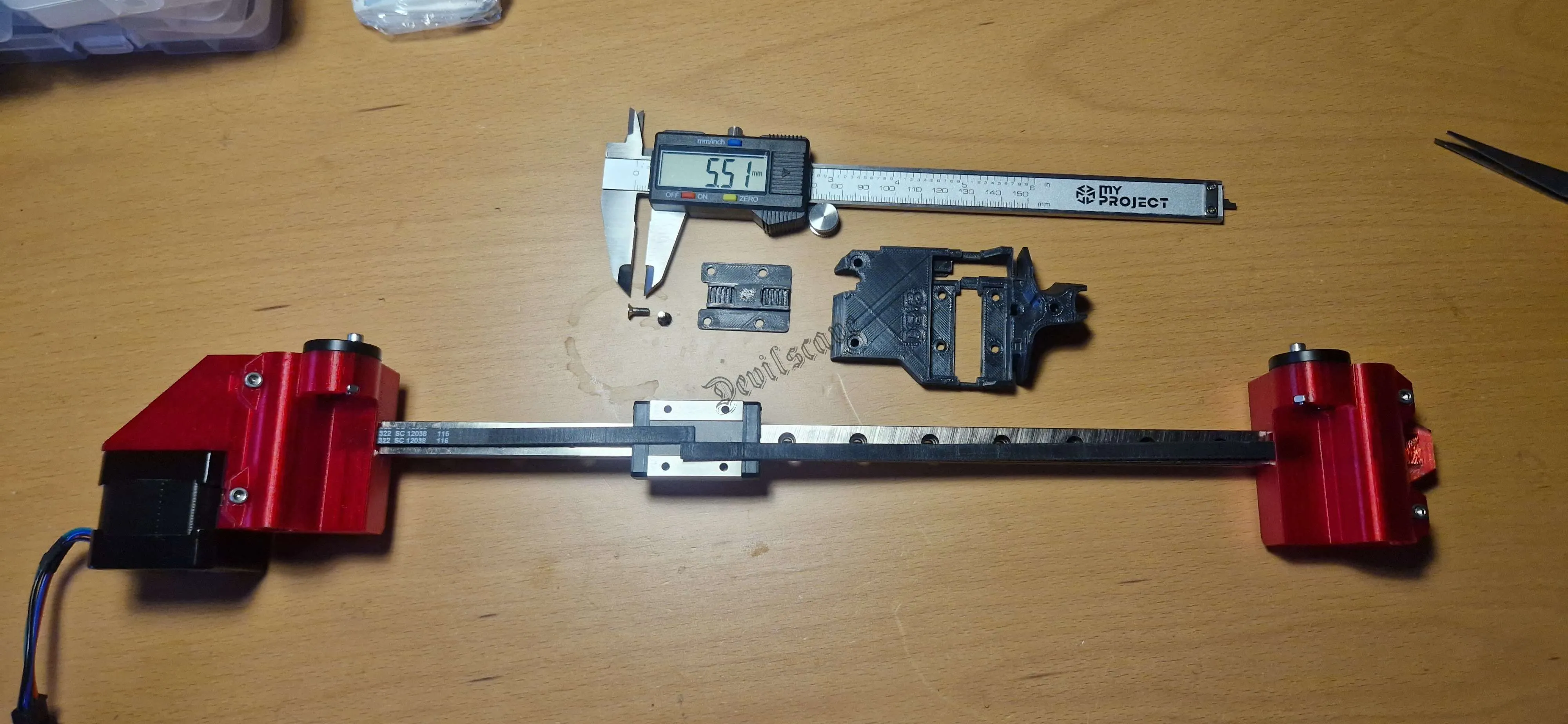
Prepare parts
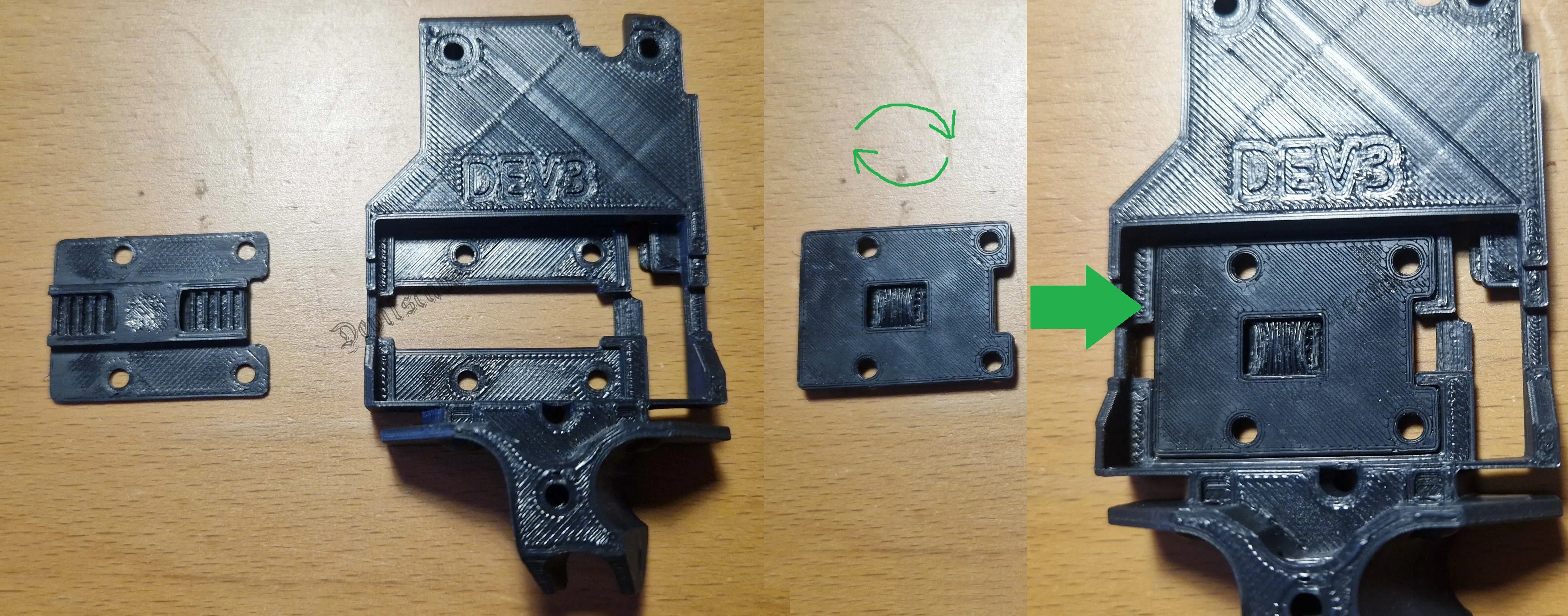
Check belt holder for fit
Belt Holder Assembly
Then place the belt holder on the bearing (note the direction)
and take one side of the belt and thread in two teeth
License



Comment & Rating (0)