
BUXUS - Comfort Grip for Reading
Print Profile(1)

Description
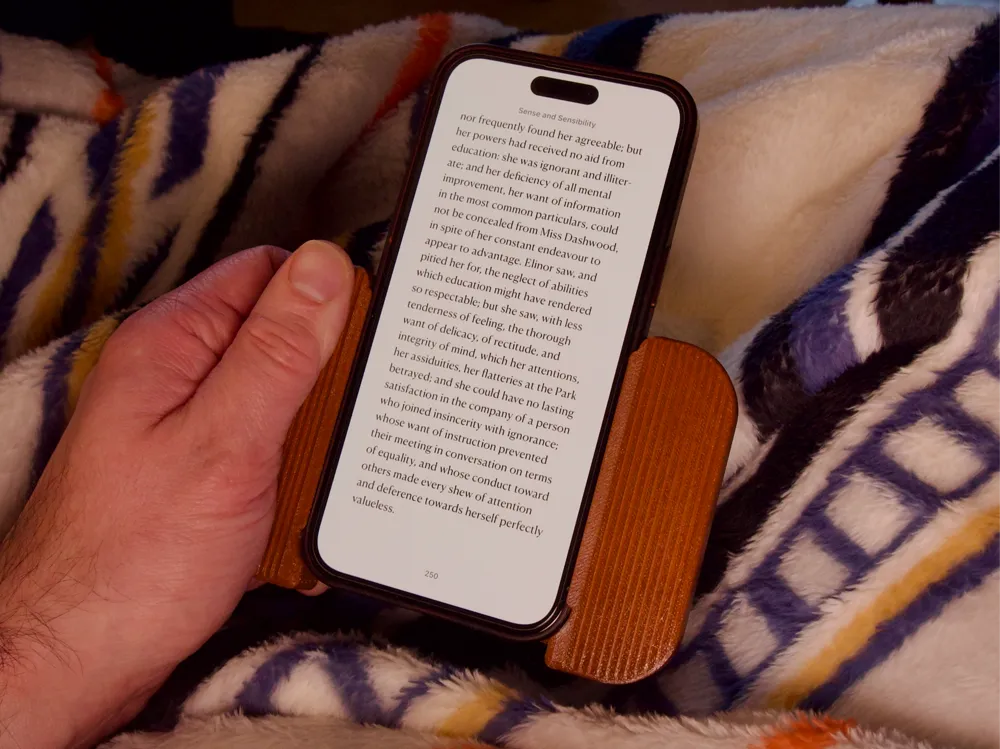
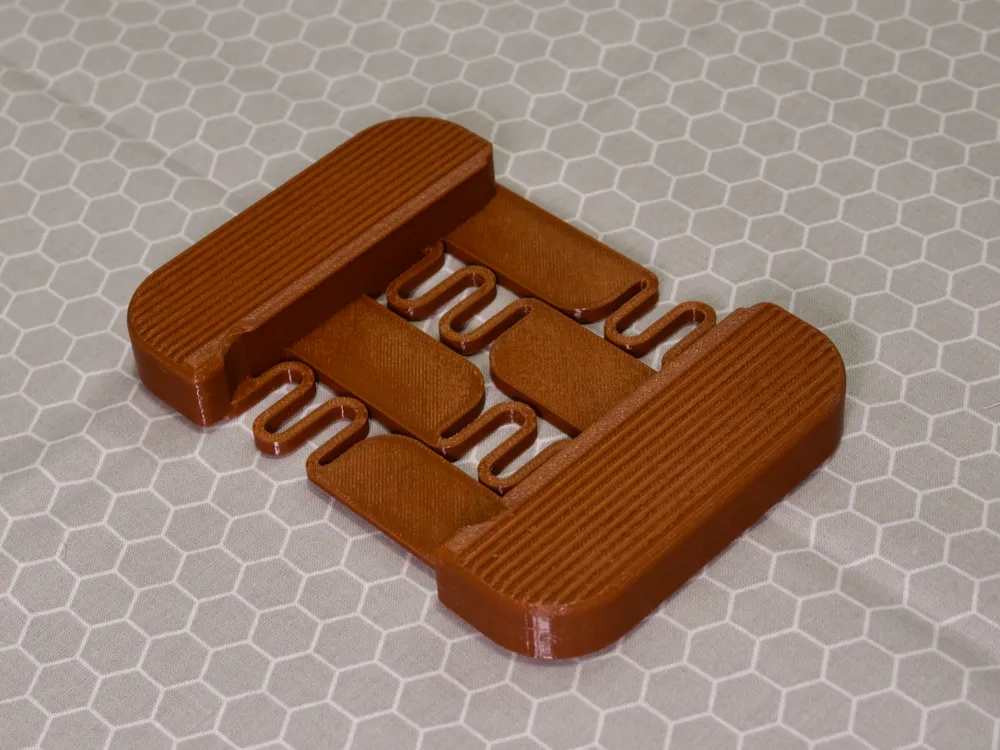
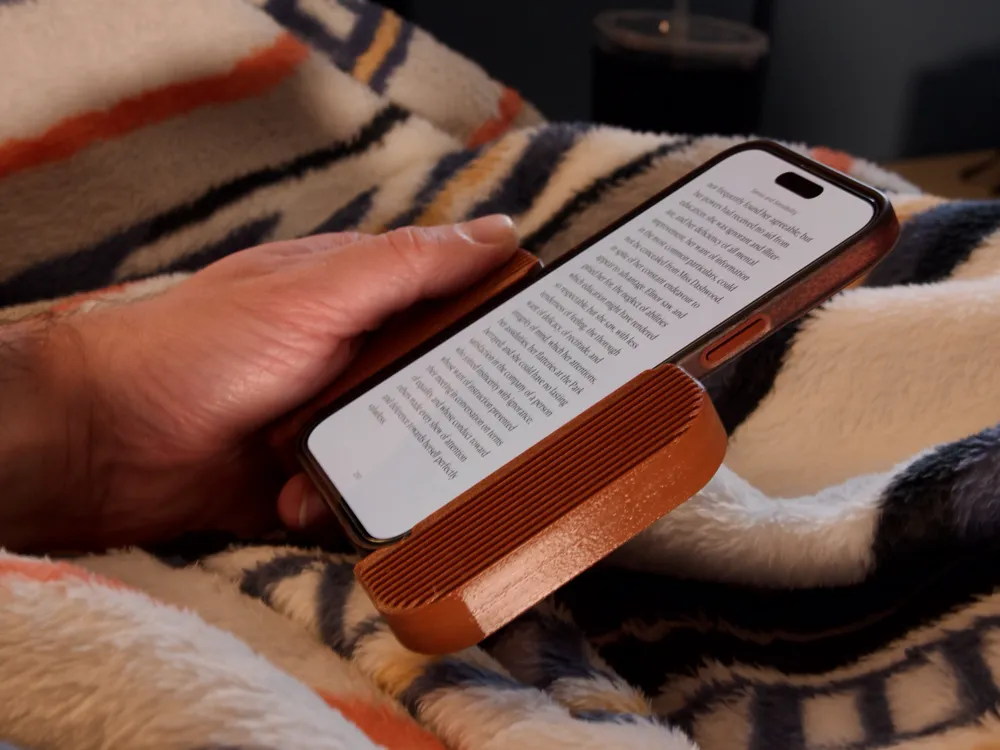
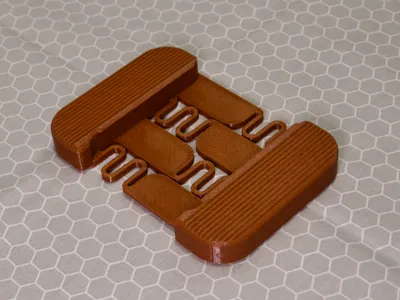
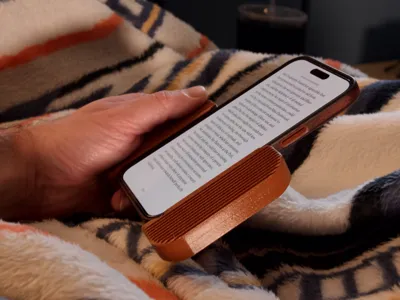
BUXUS is a comfort grip for reading on your phone. After reading for some time holding a phone with your palm oriented towards you, wrist strain can occur. BUXUS allows you to grip your phone from the sides like a tablet, e-reader, or book which reduces fatigue. The springs in the back allow the device to firmly grip onto your phone and hold it securely. You can use it with or without a case attached to the phone, but for best results you will need to choose a size to fit one or the other.
Please note the following:
- It is highly recommended to print BUXUS in PETG. PLA will creep over time, and the springs will wear out.
- It is not recommended to use cases with soft materials such as leather with BUXUS, as the springs could scratch leather or other soft materials while inserting your phone.
- BUXUS is designed to expand by 3mm along the width. It can likely be pushed up to 6mm, but the further you push it, the more likely you are to have issues with durability. The sizes listed are reflective of device measurements before the 3mm preload.
- Case dimensions vary greatly. Please be sure to measure your device width, and thickness with the case on, and compare to the nominal dimensions listed in the object name in the 3mf file.
I've included as many sizes as I realistically can. Unfortunately, a universal size is not possible within the constraints of this design.
If you need a custom size, you can scale in the slicer
To scale an existing size:
Scaling down: Choose the next size up from your device dimensions, divide the actual device width (with case you intend to use) by the nominal width (listed in the object name in the 3mf file. i.e., "BUXUS - 82x11.25 (iPhone 12-16 PlusMax w Case)"), and you will get your desired scale percentage. Scale by percentage in the slicer using this number.
Scaling up: Same as above, but choose a size smaller and divide the nominal width by the actual device width (with case you intend to use).
License

You shall not share, sub-license, sell, rent, host, transfer, or distribute in any way the digital or 3D printed versions of this object, nor any other derivative work of this object in its digital or physical format (including - but not limited to - remixes of this object, and hosting on other digital platforms). The objects may not be used without permission in any way whatsoever in which you charge money, or collect fees.


Comment & Rating (25)