Search models, users, collections, and posts

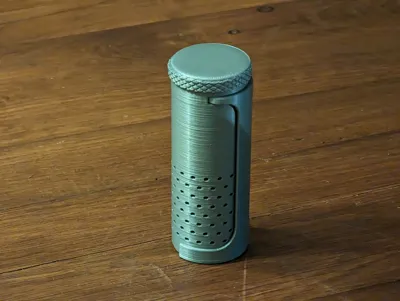
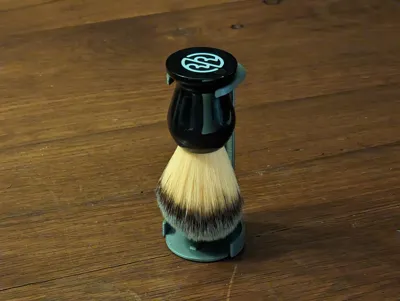
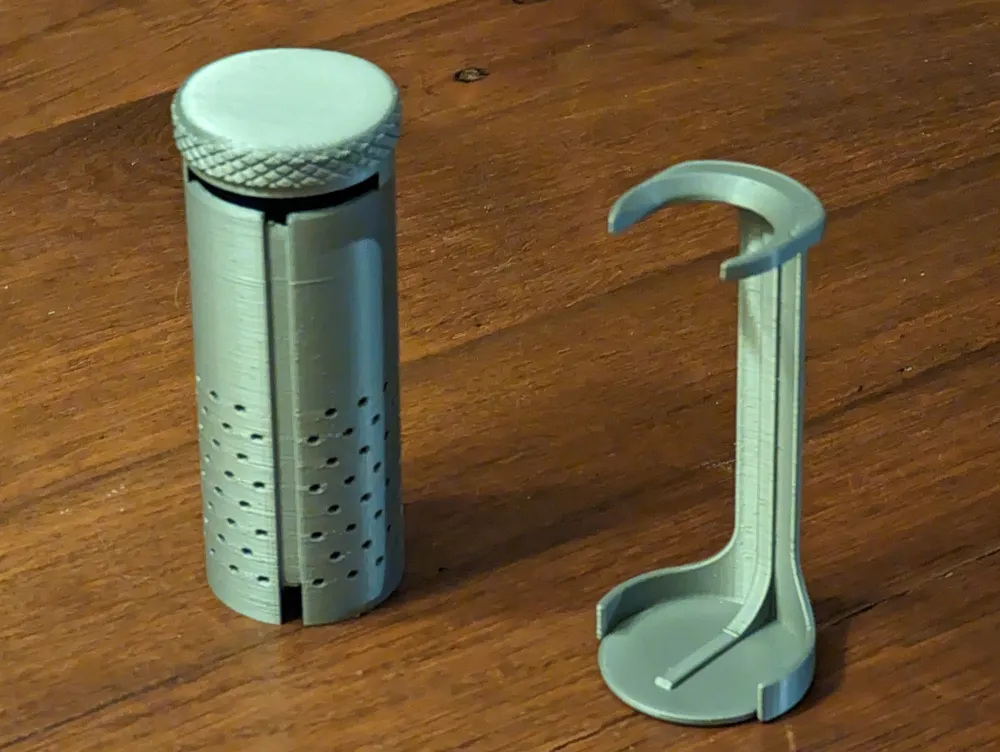
Shaving brush travel case with stand (parametric)
Print Profile(1)

All
P1S
P1P
X1
X1 Carbon
X1E

All parts - 2 plates - 0.16mm layer, 2 walls, 15% infill
Designer
4.9 h
2 plates
4.8(4)

Open in Bambu Studio
Boost
77
294
19
12
206
57
Released 

Description

Updates since initial upload:

DateDescription
26/02/2025The model wouldn't scale properly to meet some parametric changes. It's been updated and should scale fine now.
24/05/2023

I added reinforcement in the stand because under the load of the brush, the original design started to bend ever so slightly.

It's stronger, and makes the tube look like a Mandalorian helmet. This is the way.

I also added a recess in the stand for the brush to better sit (and not slide off it in case of small vibrations or the stand bending slightly).

23/05/2023Initial upload

I used another shaving brush travel case design for a bit, but found myself having to let the brush dry upside down, which wasn't great.

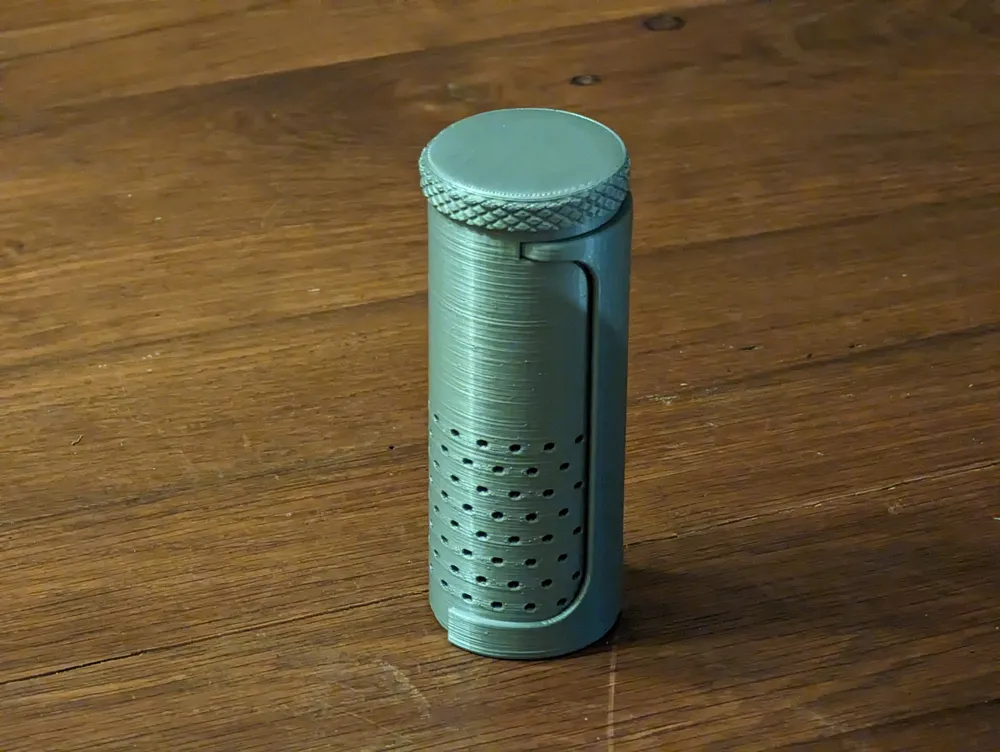
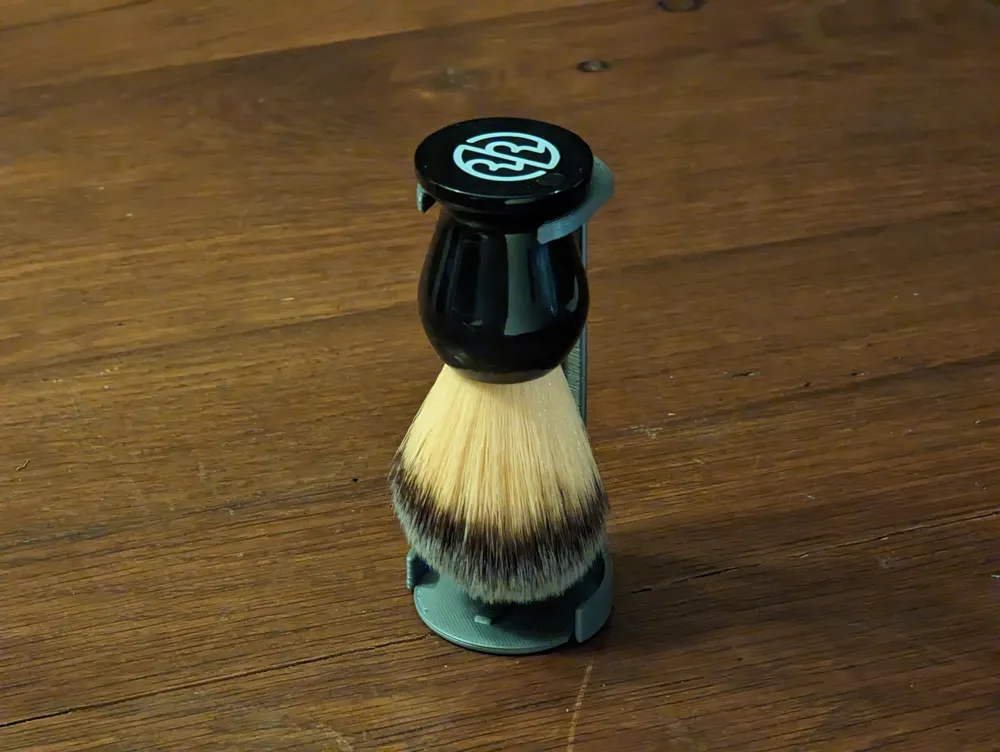
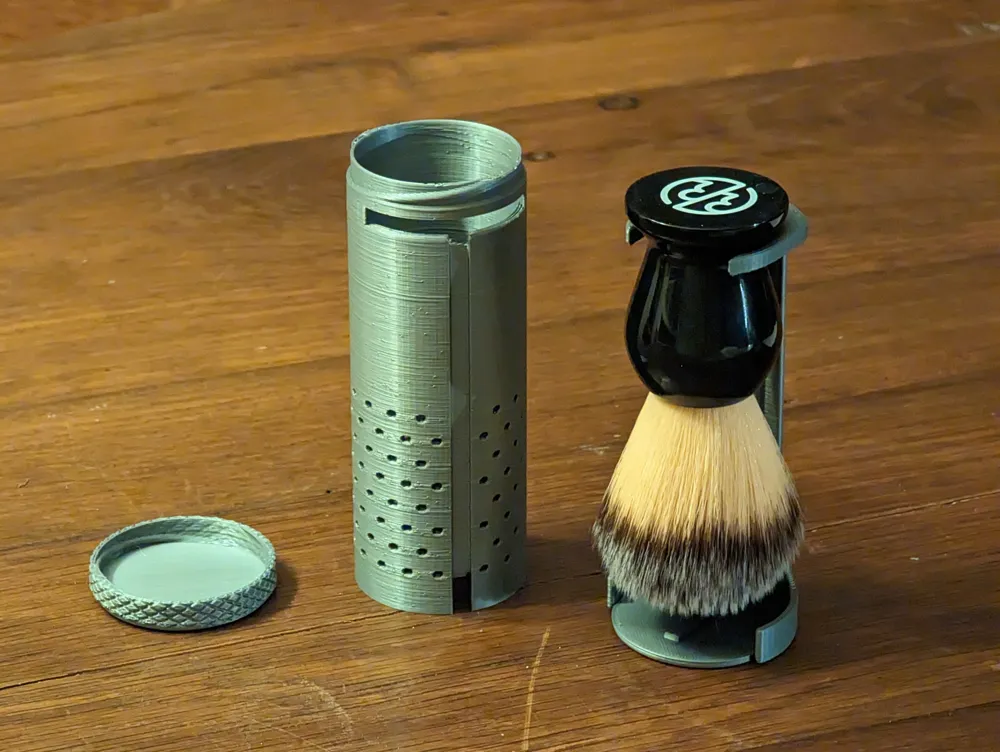
So instead, I designed my own, with an integrated stand!
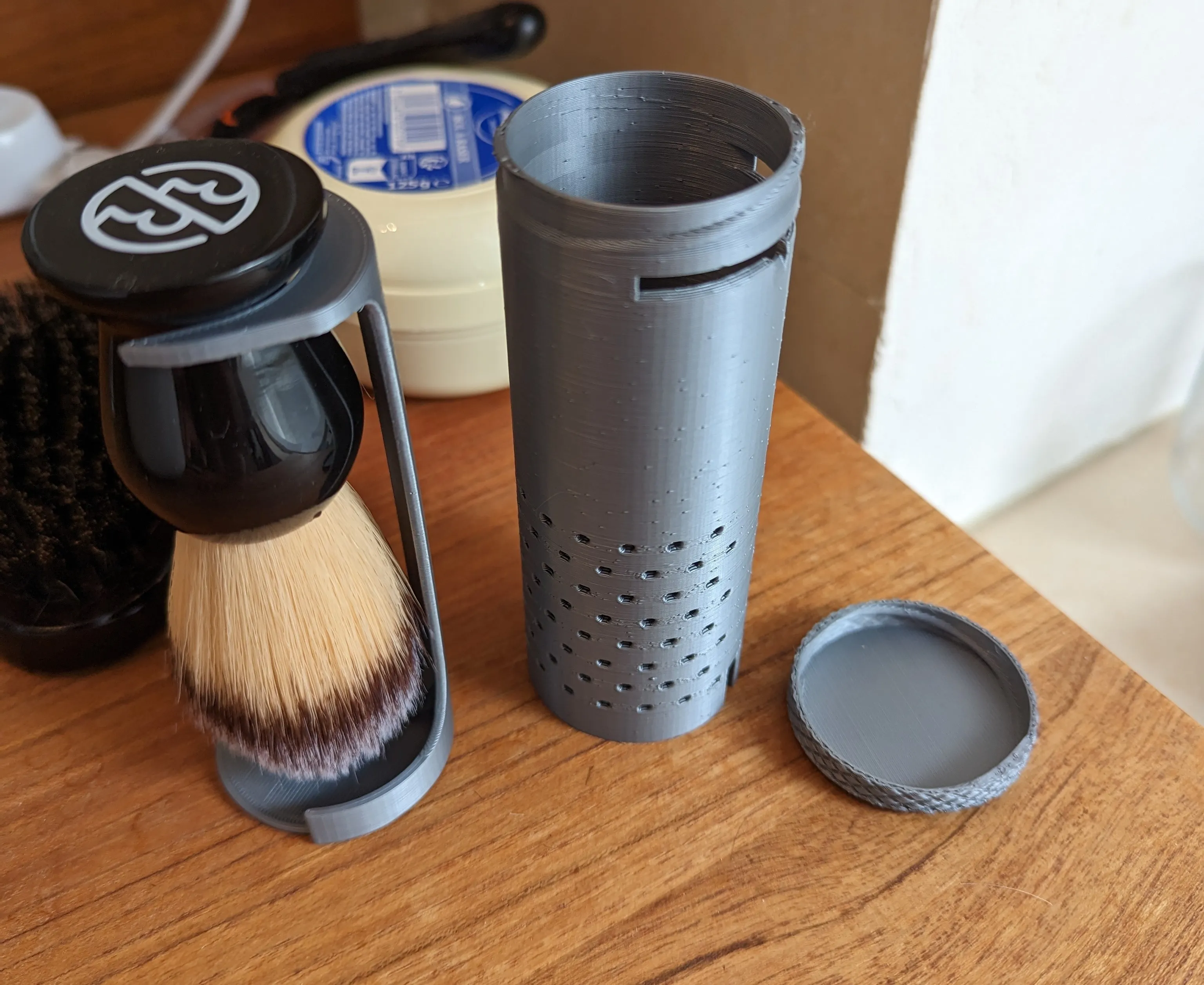
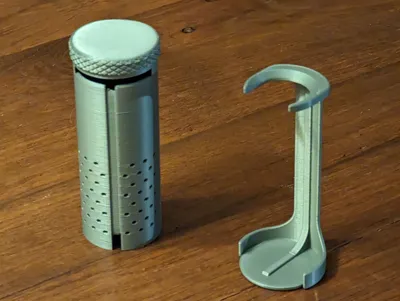
To put the brush in the case, close the screw on lid and put the brush in handle first. Then, with the case upside down, clip the stand in on the side.

To remove it from the case, hold the case upside down, then unclip the stand from the side, and finally unscrew the cap.

Printing:

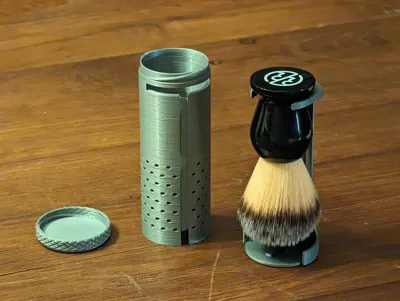
I printed the 3 parts at 0.2mm in PLA. 

  • The cap: I printed with no support.
  • The stand: I printed with organic (tree) support everywhere.
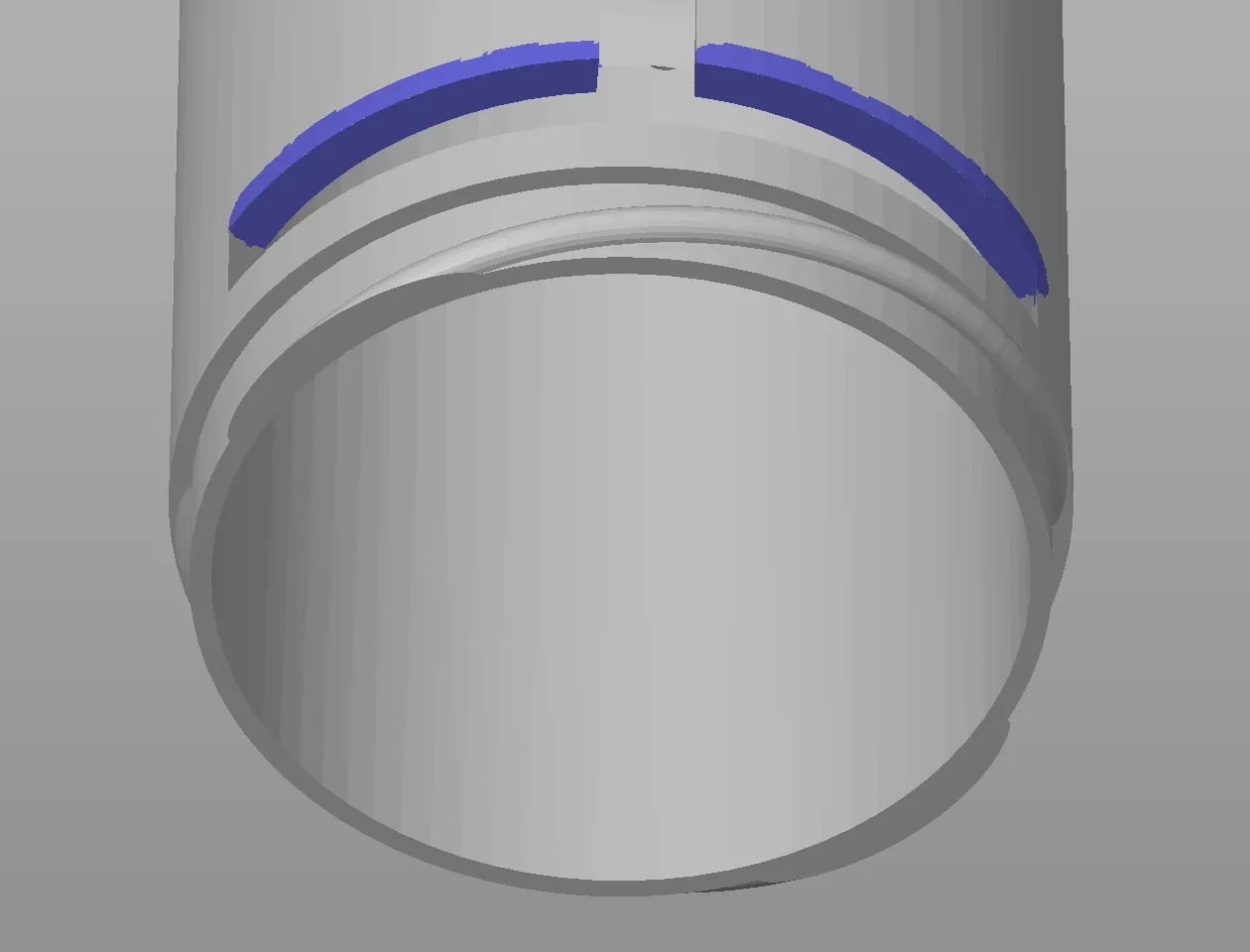
  • The tube: I printed with organic (tree) support on painted parts, and brim for optimal bed adhesion. I printed it upside down (thread at the bottom) and painted supports for the top part of the slot (in which the stand's fork slides).
To adjust the dimensions, follow these steps:

You can adjust a few things for this model, using Fusion360.

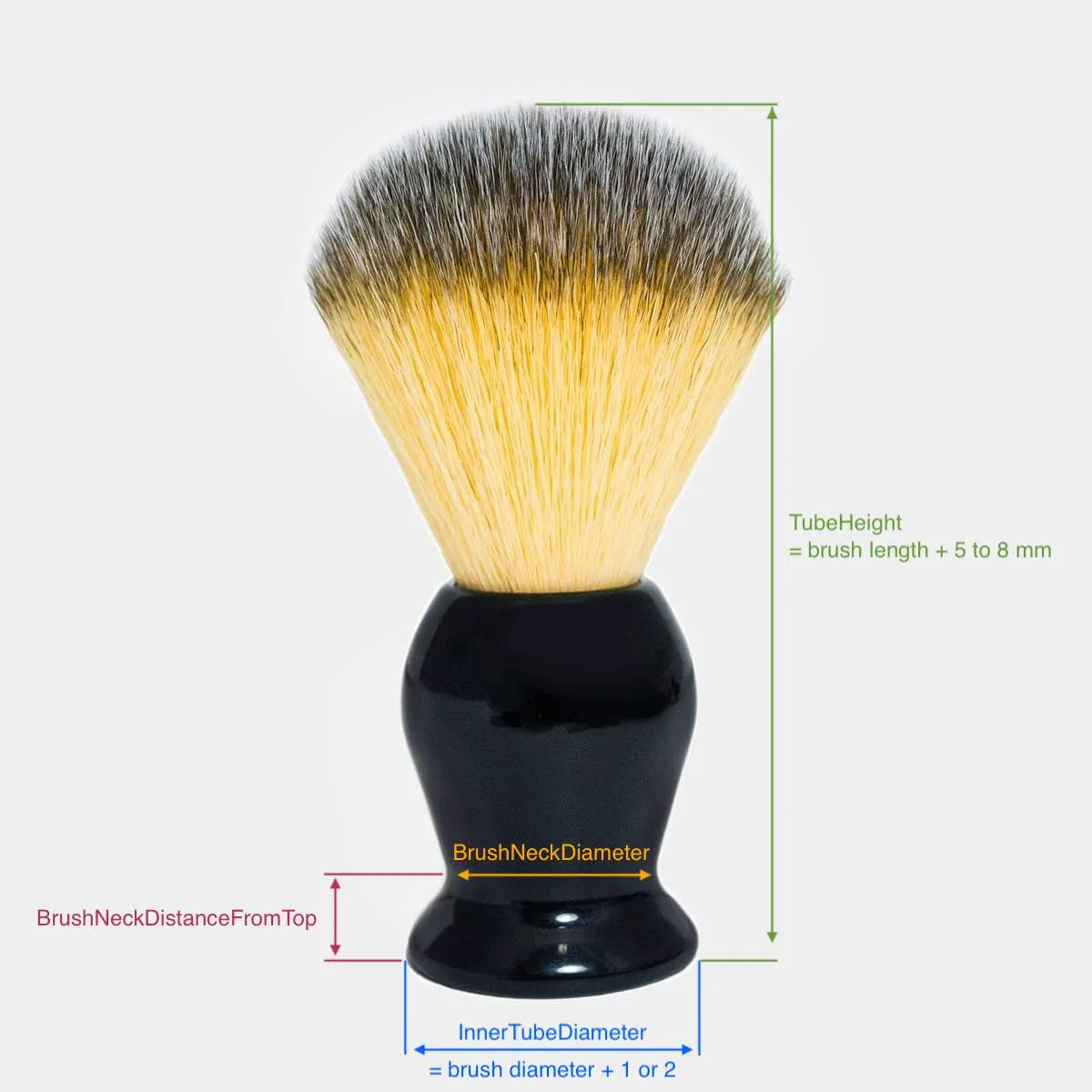
  • InnerTubeDiameter: The inner tube diameter. Account for 1-2mm more than your brush handle's diameter so it's not too tight of a fit.
  • TubeHeight: The tube height. Account for an additional 5 to 8mm so your brush doesn't touch the base of the stand when hung to dry.
  • BrushNeckDiameter: The brush neck diameter.
  • BrushNeckDistanceFromTop: The distance from the neck to the top of the brush handle.
  • VentTubeRatio: The portion of the tube height which is vented. Set between 0 and 0.8
  • Other less important diameters can also be adjusted (e.g. spacing between holes, holes diameter, etc.)
Important note for parameters: 

If you need to increase the brush neck diameter and the inner tube diameter, start with the latter.

If you need to decrease the brush neck diameter and the inner tube diameter, start with the former.

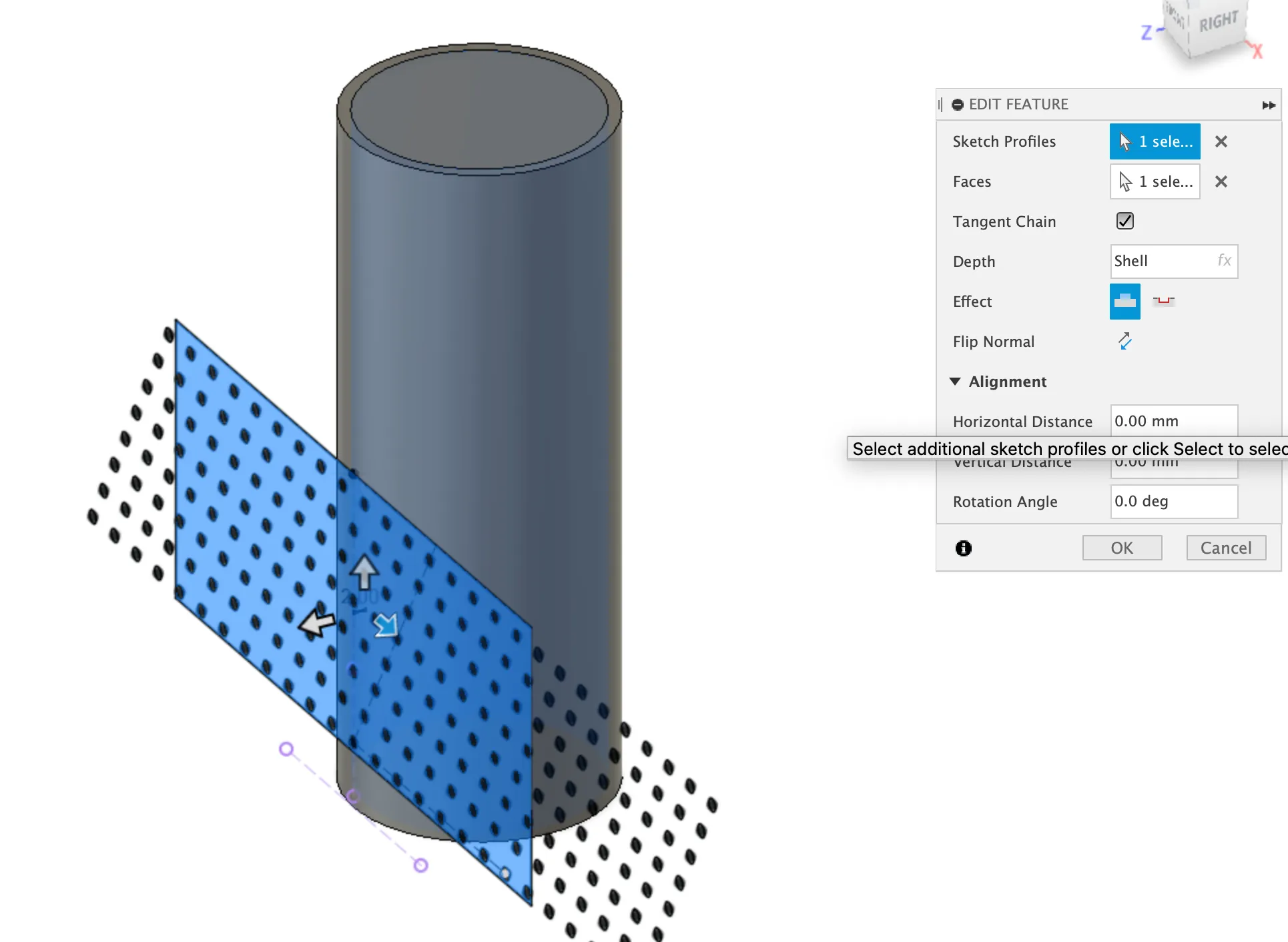
There seems to be some issue with the venting holes updating correctly when you change parameters (not sure why). So, once you're done changing the parameters, 

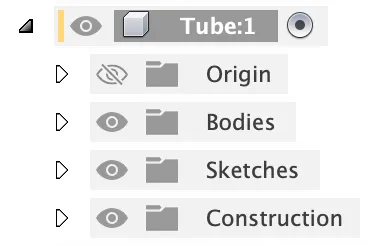
  1. Activate the “tube” component
  2. Select & modify the emboss feature in the timeline called “Grid embossing - reselect profile between holes when changing parameters”

  3. As its name suggests, re-select the sketch profile. You should select the section in between the circles, contained within the rectangle (it's only one selection).
Comment & Rating (19)

(0/1000)

Print Profile
All parts - 2 plates - 0.16mm layer, 2 walls, 15% infill
I adapted the model from Fusion. It's perfect. Thank you for sharing this design
(Edited)
Show original
profile
1
Reply
Boosted
Love it - thank you!
0
Reply
Hey I'm really interested in this design, but I'm having issues with adjusting the parameters. I'm pretty new to this, and it's my first time modifying a parametric model on Fusion. I've saved the .3mf file and imported it into Fusion, then navigated to "Adjust Parameters", but there aren't any parameters there to adjust. Is there another way I should be going about this? Thank you!
The designer has replied
0
Reply
Hi, You'll need to download the .f3d file (available when you click the green download button). There you'll find the parameters to adjust
0
Reply
Replying to @billychills :
Thanks for the reply, I only see the following options: 3MF, STL/CAD, and open in Bambu Studio.
0
Reply
Replying to @billychills :
I see it now, under the STL/CAD option, thanks for the response!
designer
1
Reply
I can't imagine how you put everything together when creating this case. It's perfect and the flow of usage is definitely something that a traveling wet shaver will really appreciate. Simply lovely
The designer has replied
designer
1
Reply
Thank you! I'm glad you like it!
0
Reply
Boosted
Great model/print! After adjusting in Fusion360 this model fit my brush perfectly. It goes together so nicely and works exactly as intended. Very happy with the end result! Great work!
The designer has replied
designer
1
Reply
Thank you! Glad you like it
0
Reply
My brush neck distance is way different than the set value. I changed value Plane1 under Stand to -34 since that is how far down the thinnest neck part is, and the cut in the tube and half of the stand adjusted properly. The whole lower part of the stand protrudes out under the tube the same distance I changed, what value would I change next? I'm not seeing a dimension under any of the stand sketches that work.
(Edited)
The designer has replied
0
Reply
Hi, do you mind sharing a screenshot, and maybe a picture of your brush so I can get a better sense for what goes wrong and change it? Alternatively, I made a different version that holds the brush lower and may be better suited for yours : https://makerworld.com/en/models/910220
0
Reply
Boosted
Was thinking of making the holes angled to help prevent the bristles sticking out, but couldn't quite manage to figure it out. also, I don't know if it would actually help lol
0
Reply
Loved this - a little filing to smooth the sliding parts but perfect for my brush.
0
Reply
Print Profile
All parts - 2 plates - 0.16mm layer, 2 walls, 15% infill
Many thanks for that
Show original
0
Reply
I am a noob to 3D printing and would like this case/stand for my Proraso Omega shaving brush. Could someone please help me with an STL that would fit my brush. I’m learning Fusion 360, but have no clue how to modify this, yet.
0
Reply