
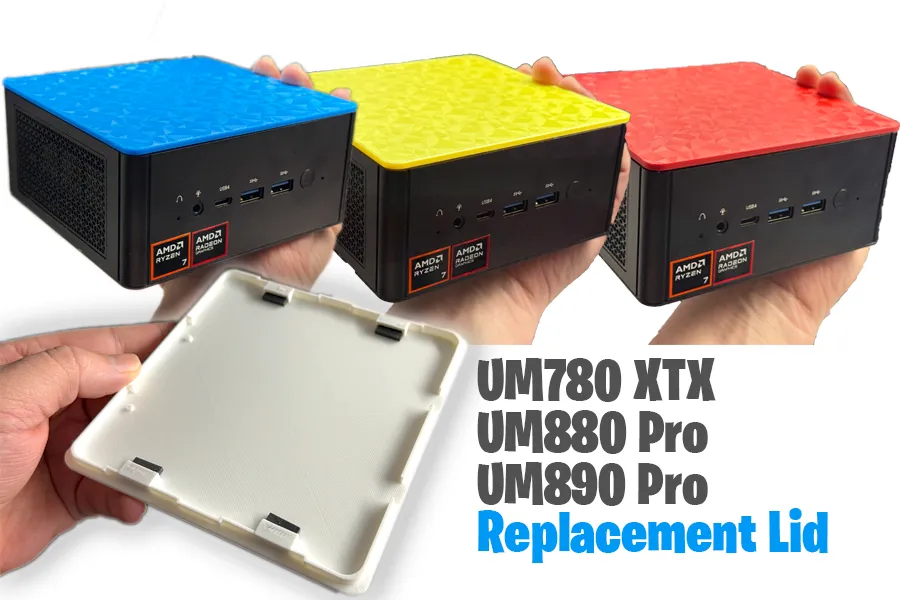
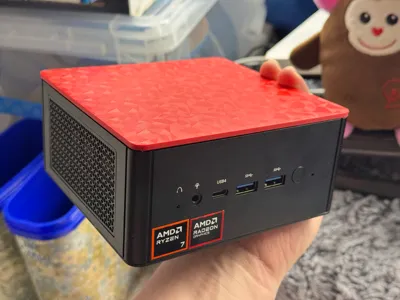
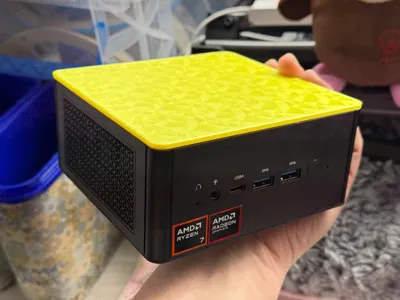
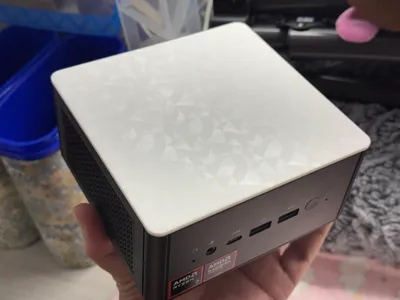
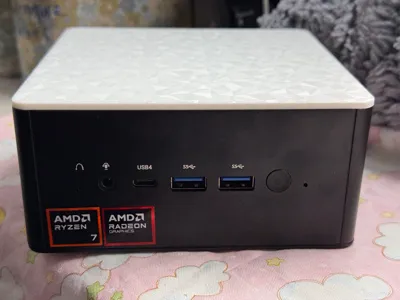
Minisforum Replacement Lid XTX / UM880 / UM890 Pro

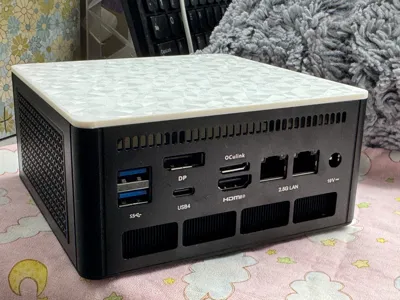
Print Profile(1)
![[default] 0.2mm layer, 2 walls, 15% infill (gyroid)](https://makerworld.bblmw.com/makerworld/model/USa98218c87c4854/183772155/instance/2024-12-22_2deffe0d27f96.png?x-oss-process=image%2Fresize%2Cw_100%2Fformat%2Cwebp)
Description
Boost Me (for free)
THANK YOU for following me! I promise I only upload semi-rarely when I deem it good enough to share! Lets make practical stuff!
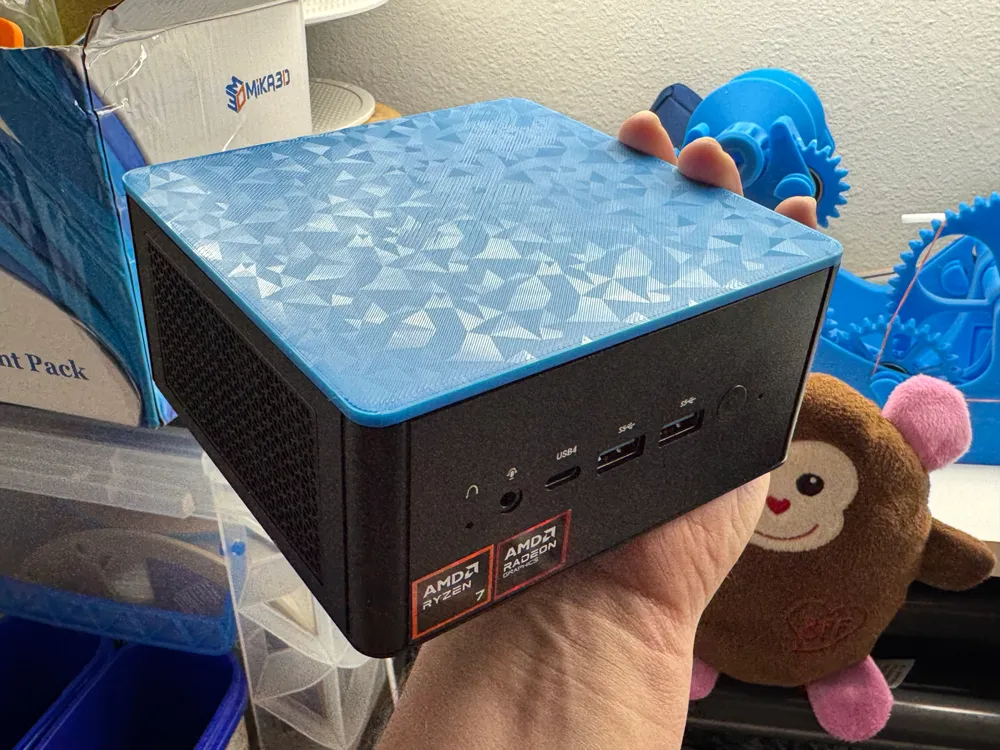
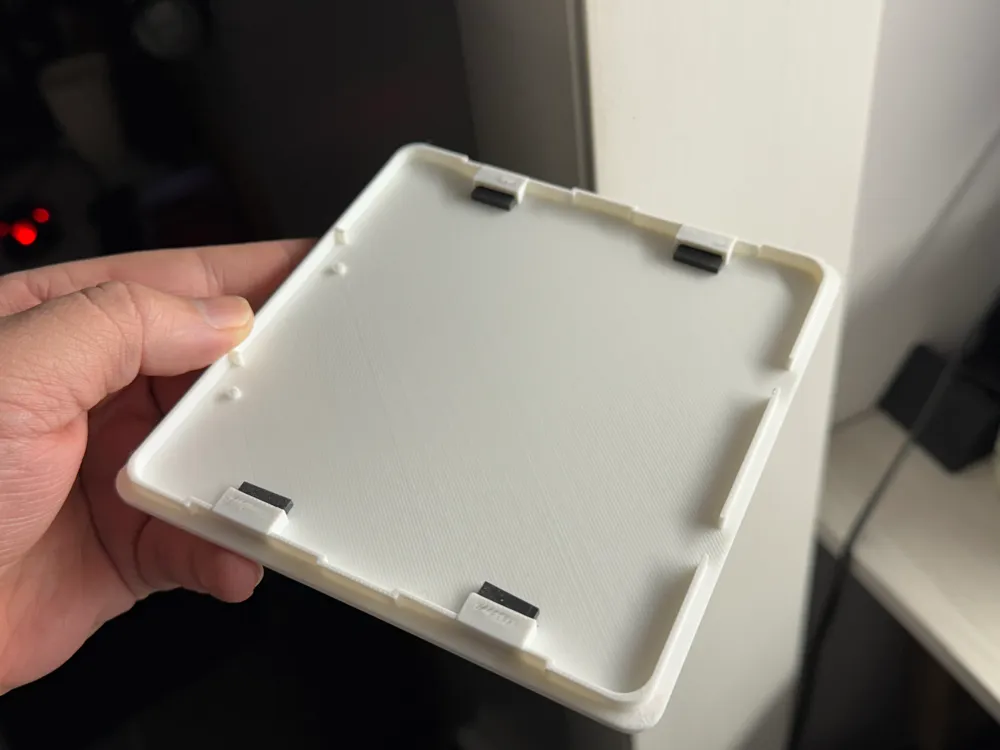
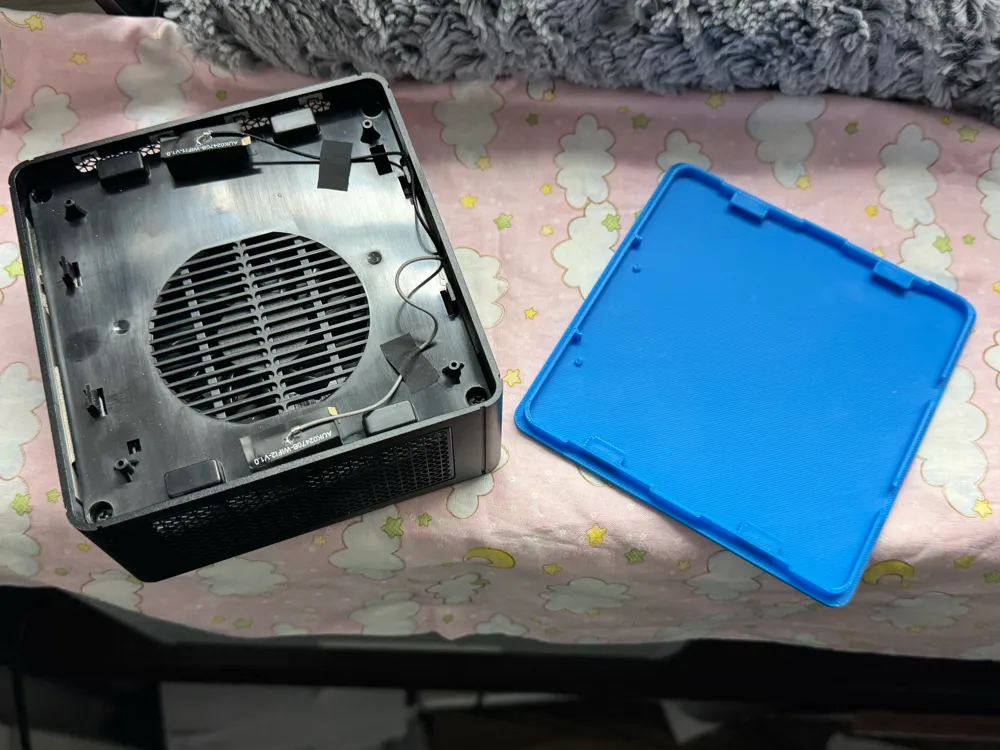
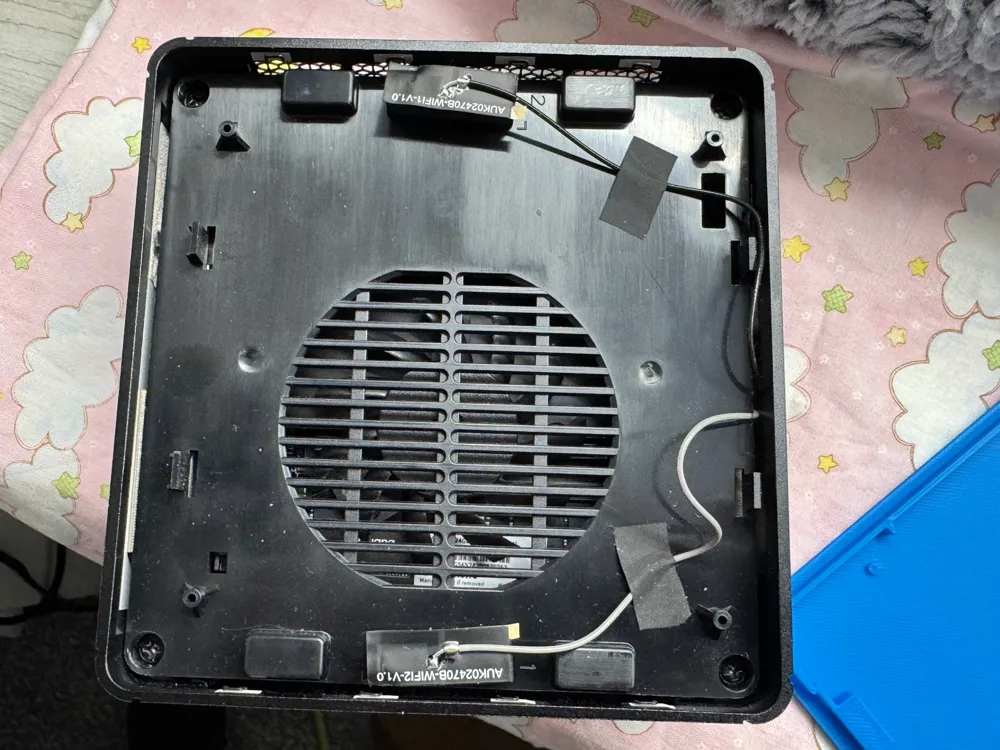
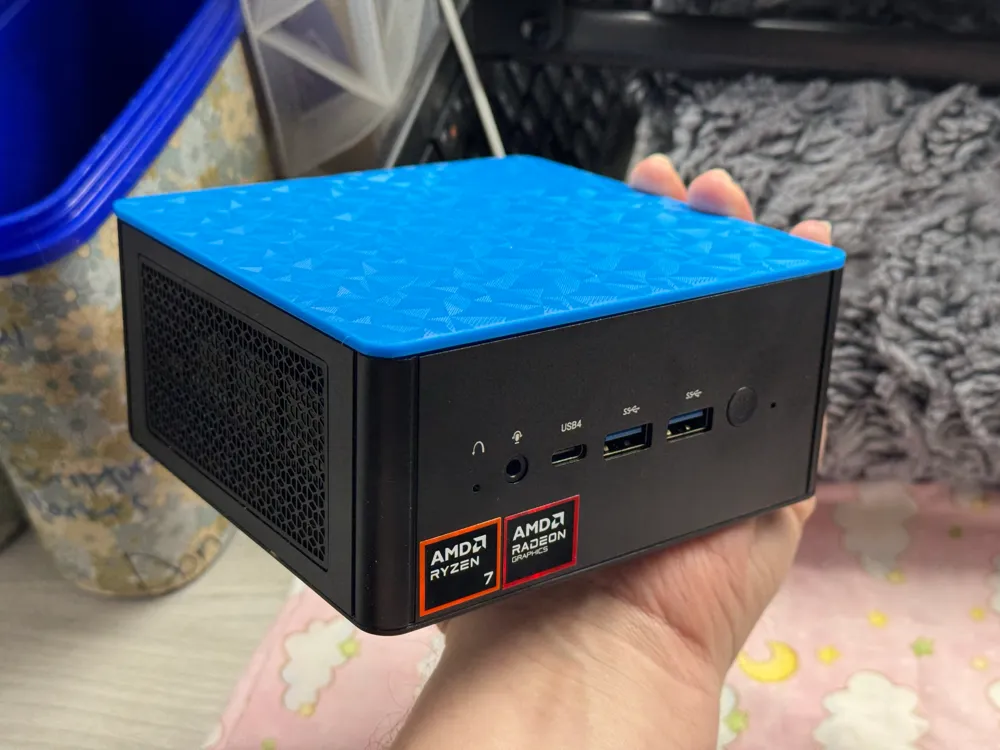
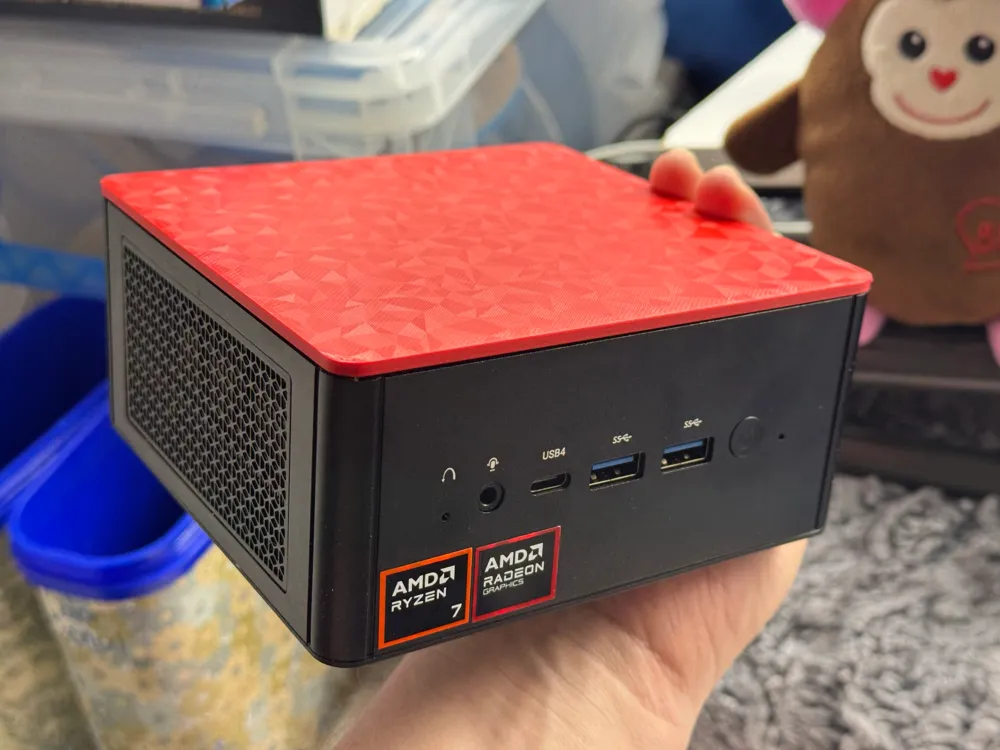
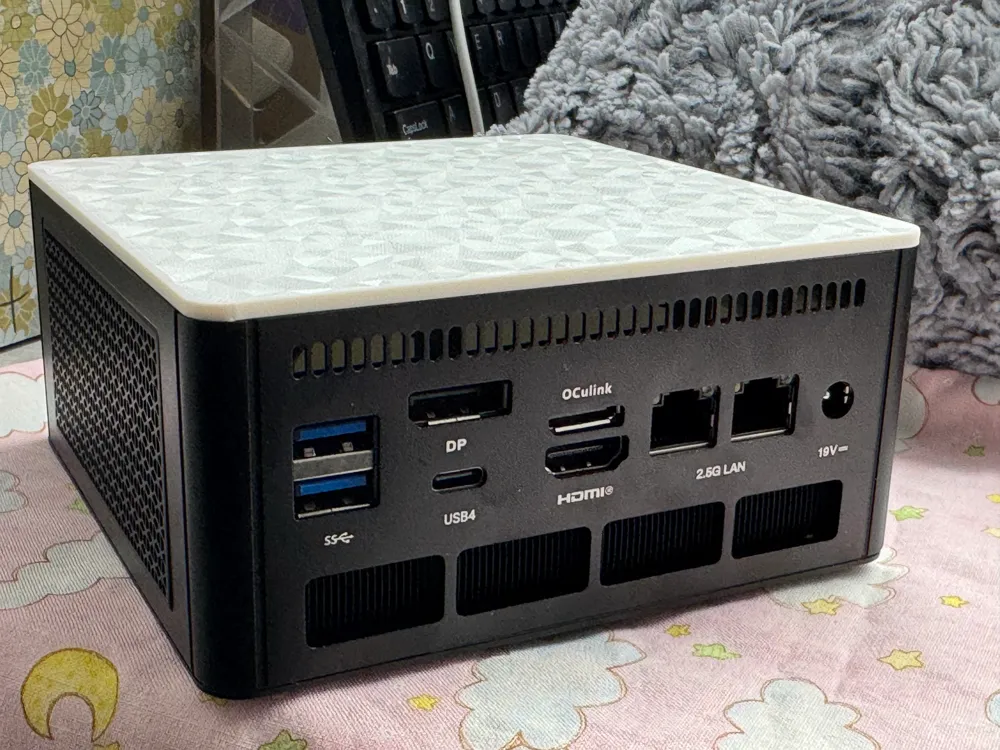
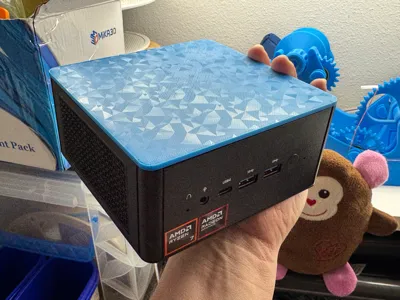
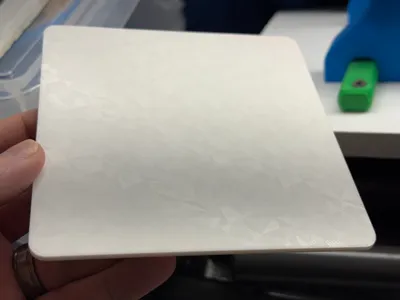
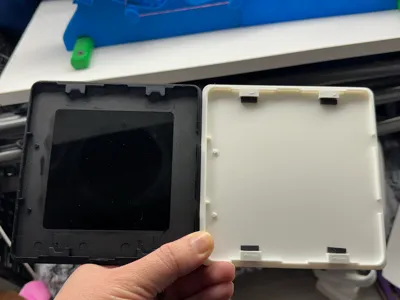
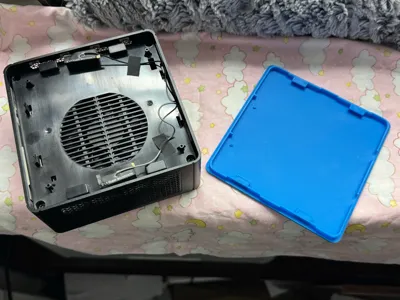
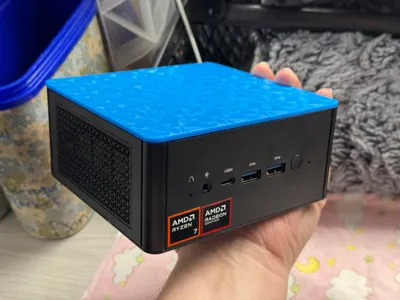
Finally. After a long battle in Blender, its finally over. :) This machine has been absolutely asking for this makeover, as this lid is purely cosmetic and held in place by 4 small magnets (which we re-use here). The top lid doesn't get you into any important hardware.
I personally own the UM880 Pro, so if someone discovers this lid works with more than the 780 XTX, UM880 Pro and UM890 Pro, please comment so I can alter the verbiage in the imagery, etc. I was just going off what I could find on Youtube in regards to whether it was compatible – its pretty easy to spot the design (they've used it for two generations now).
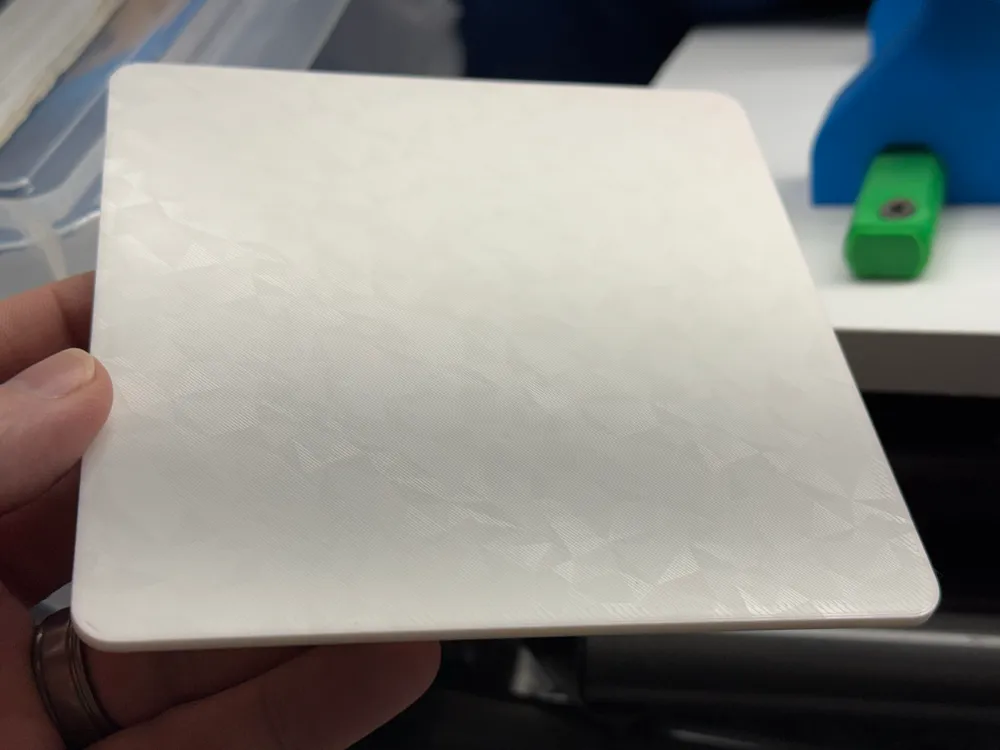
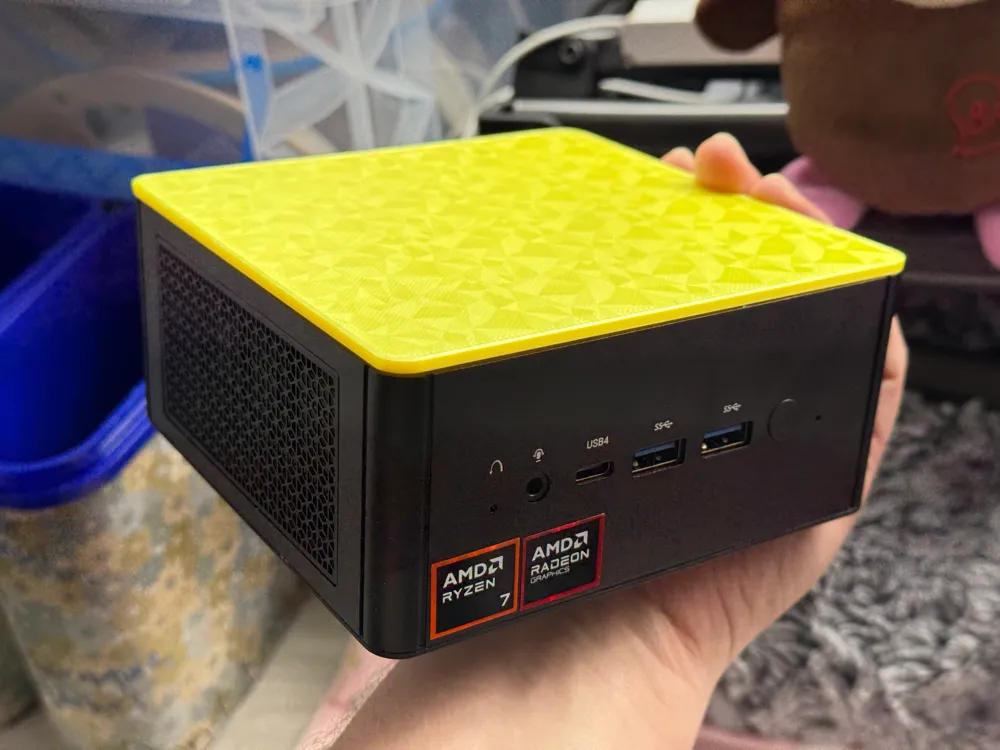
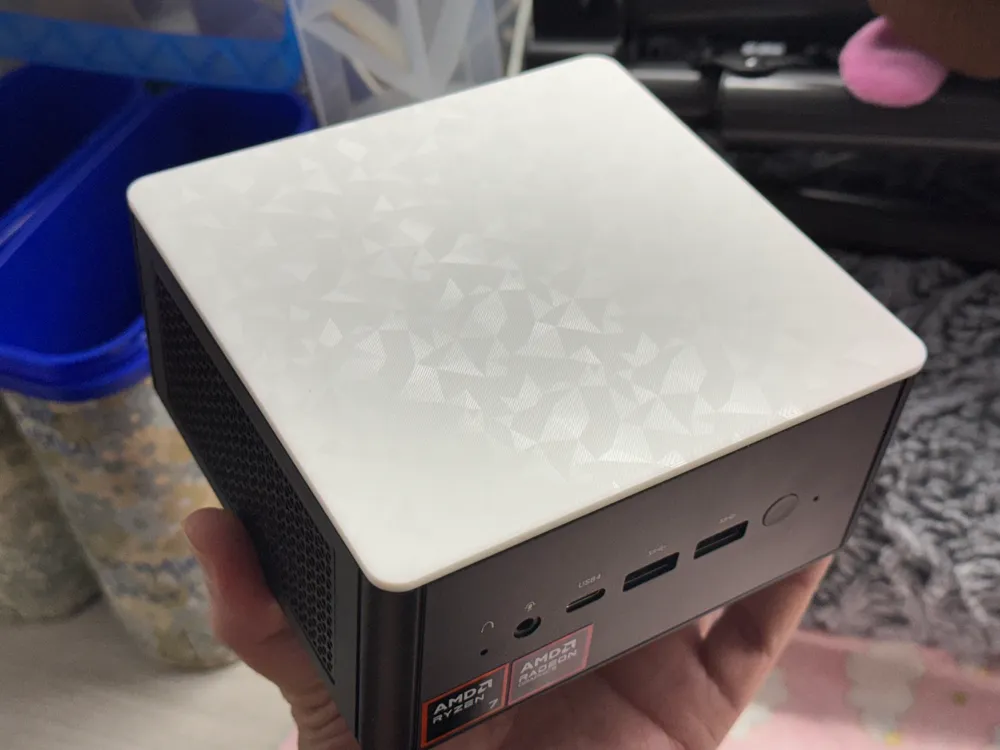
I highly recommend a cool design on your print plate so you can make this top lid really stand out. The black original one from Minisforum did it no justice.
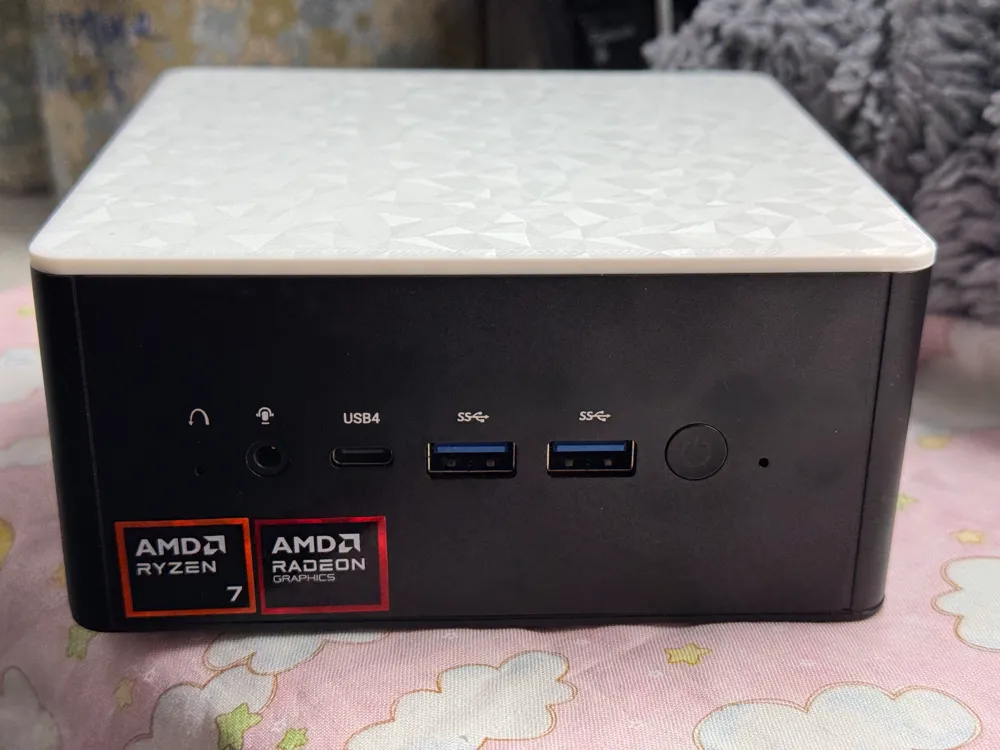
I uploaded a bunch of images, so take a look at them all!
------------------------
How To:
- Print with whatever settings you want. I'd recommend nothing higher than 0.2 layer height to stay within spec for how it was designed.
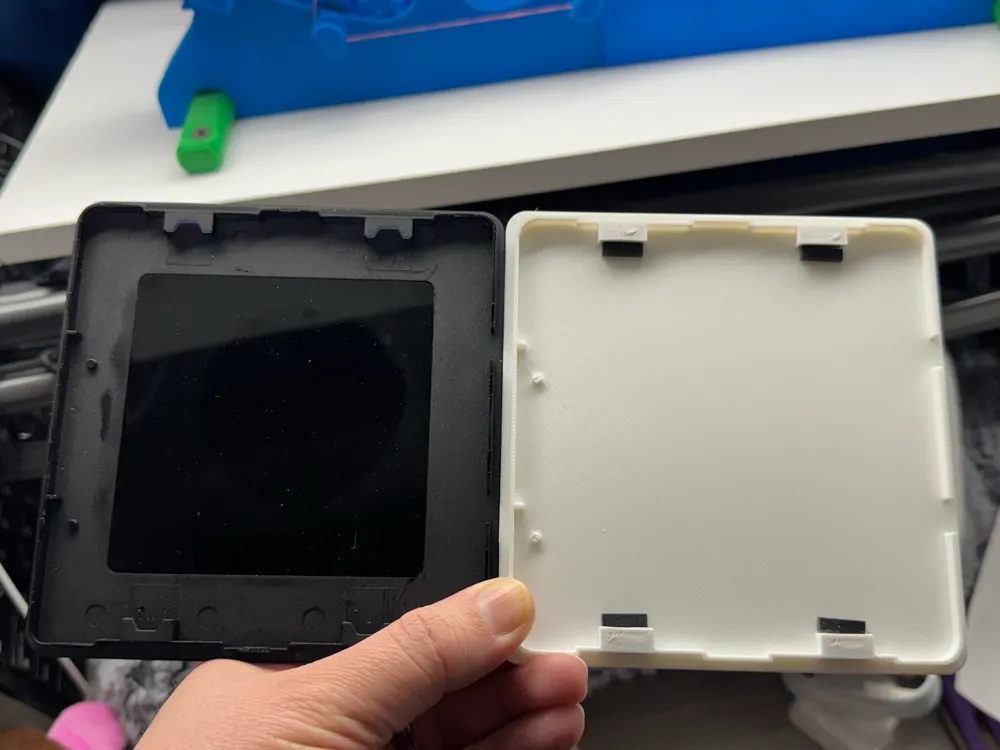
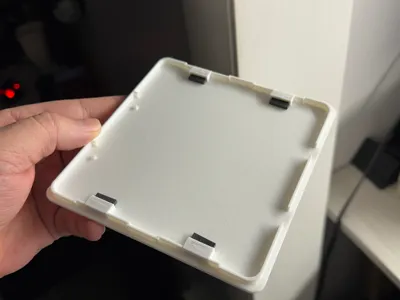
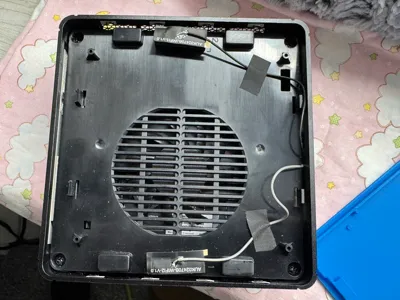
- Remove the magnets from the original lid (I just stuck a screwdriver in front of them after removing the small adhesive pads (which are used to “keep them in”). You may need to pry slightly just to loosen it up from its wresting spot; It shouldn't have any glue or anything and should zip out with metal contact a few times.
- Place the magnets into your new lid.
- Install the pads in front of the magnets like they were on the original (see below image).
- Install! (The front is where the two sidewall notches are located).
Some notes:
- The original design had some small cutouts for the magnets (I suppose to expose its surface more). This was the one design choice I skipped when reverse engineering the lid – the magnets are plenty strong, and being able to 3D print that bridge above the magnet opening without needing supports is easily doable as long as that bite from the original is absent.
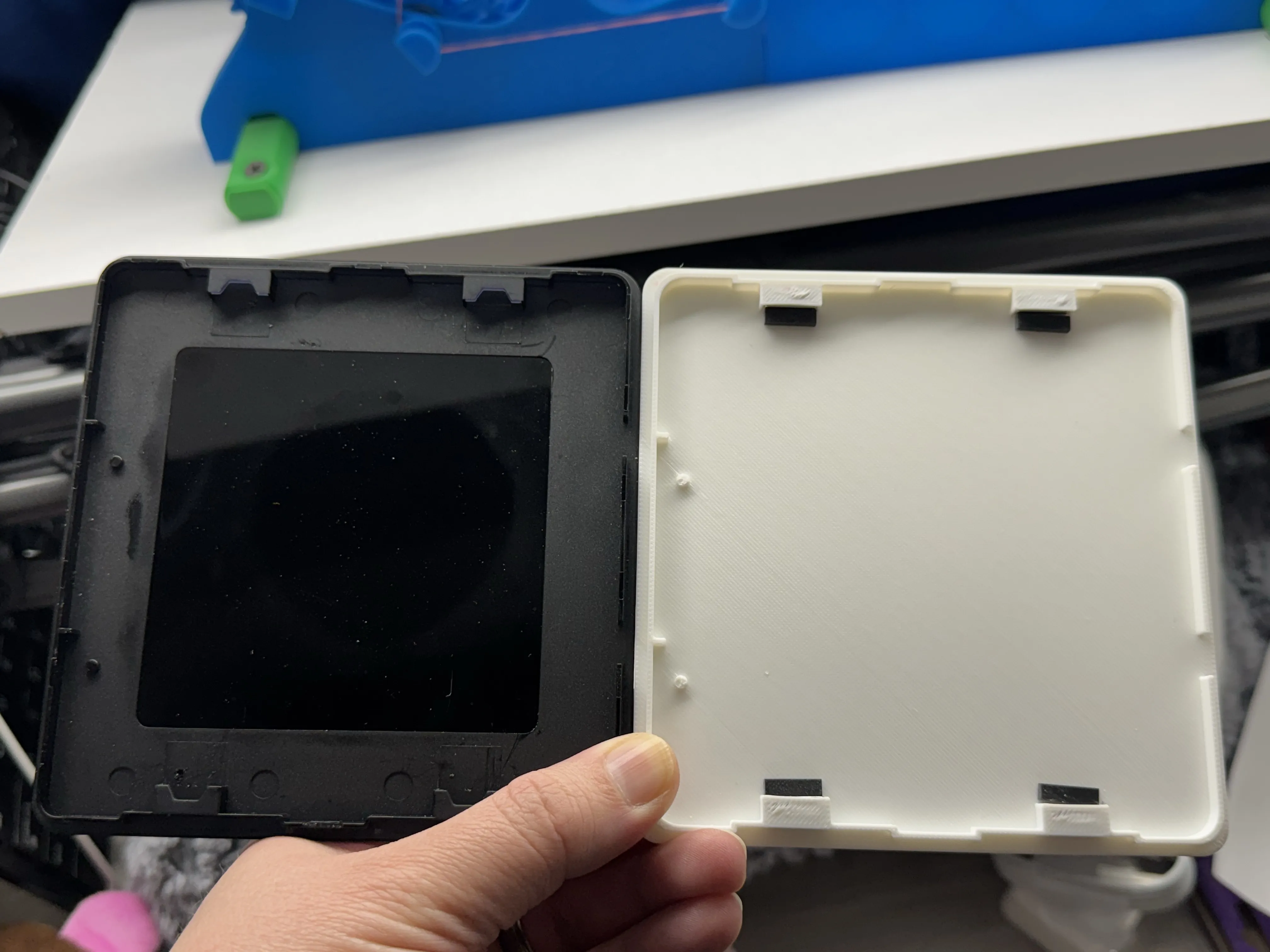
- The 780 XTX has a logo for shining through an LED or something. You'll have to get creative if you want that back – I didn't really anticipate for it while designing mostly for the 800 series.
Final thought: If the bridge for the magnet hole doesn't print perfectly, that's ok. Snip the best you can and whatever is left should help hold the magnet in place. The tolerance is loose (but not crazy, so, clean what you can with snips).
PS: You'll know if you inserted a magnet upside down; That corner will be lifted after you put it together, as the magnets fight. :)
PPS: If you lose the magnets, they're 12mm x 5mm x 3mm [ie: aliexpress].
License

You shall not share, sub-license, sell, rent, host, transfer, or distribute in any way the digital or 3D printed versions of this object, nor any other derivative work of this object in its digital or physical format (including - but not limited to - remixes of this object, and hosting on other digital platforms). The objects may not be used without permission in any way whatsoever in which you charge money, or collect fees.


Comment & Rating (2)