
Print Profile(1)

Description
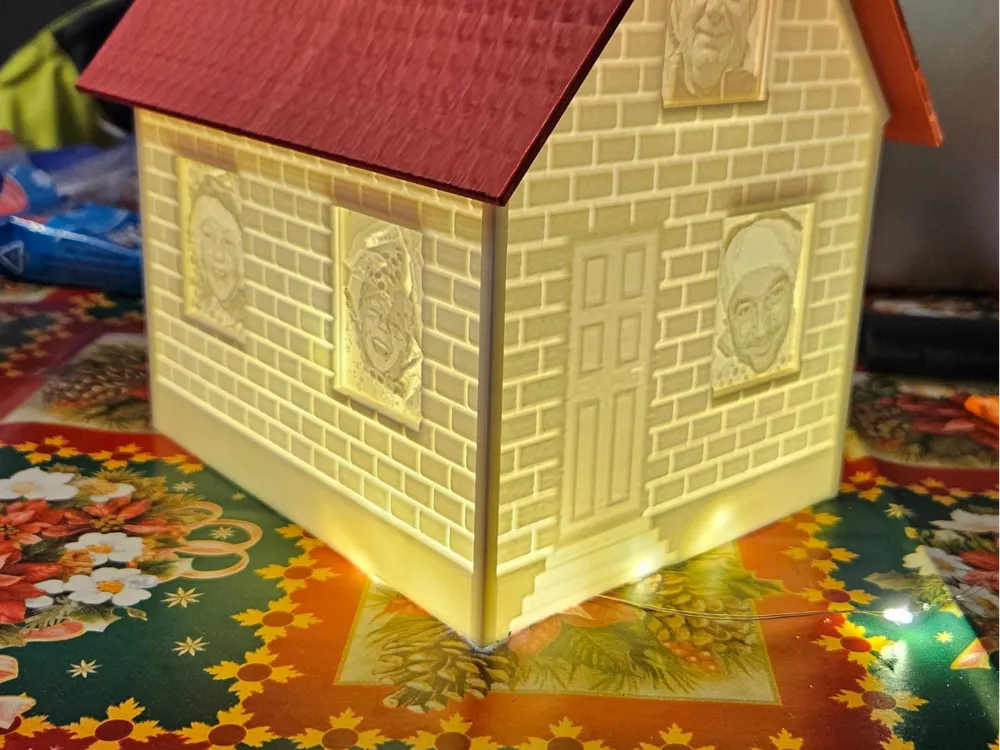
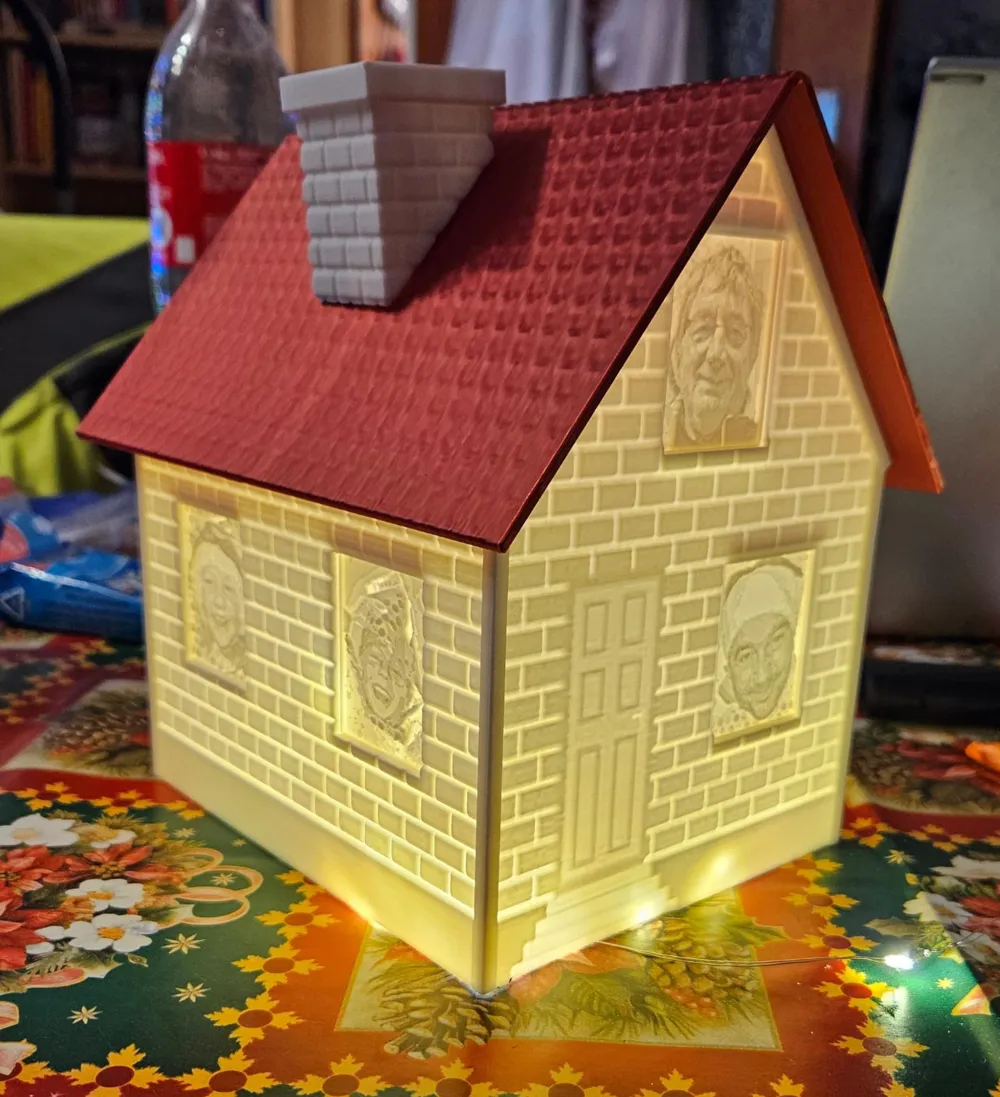
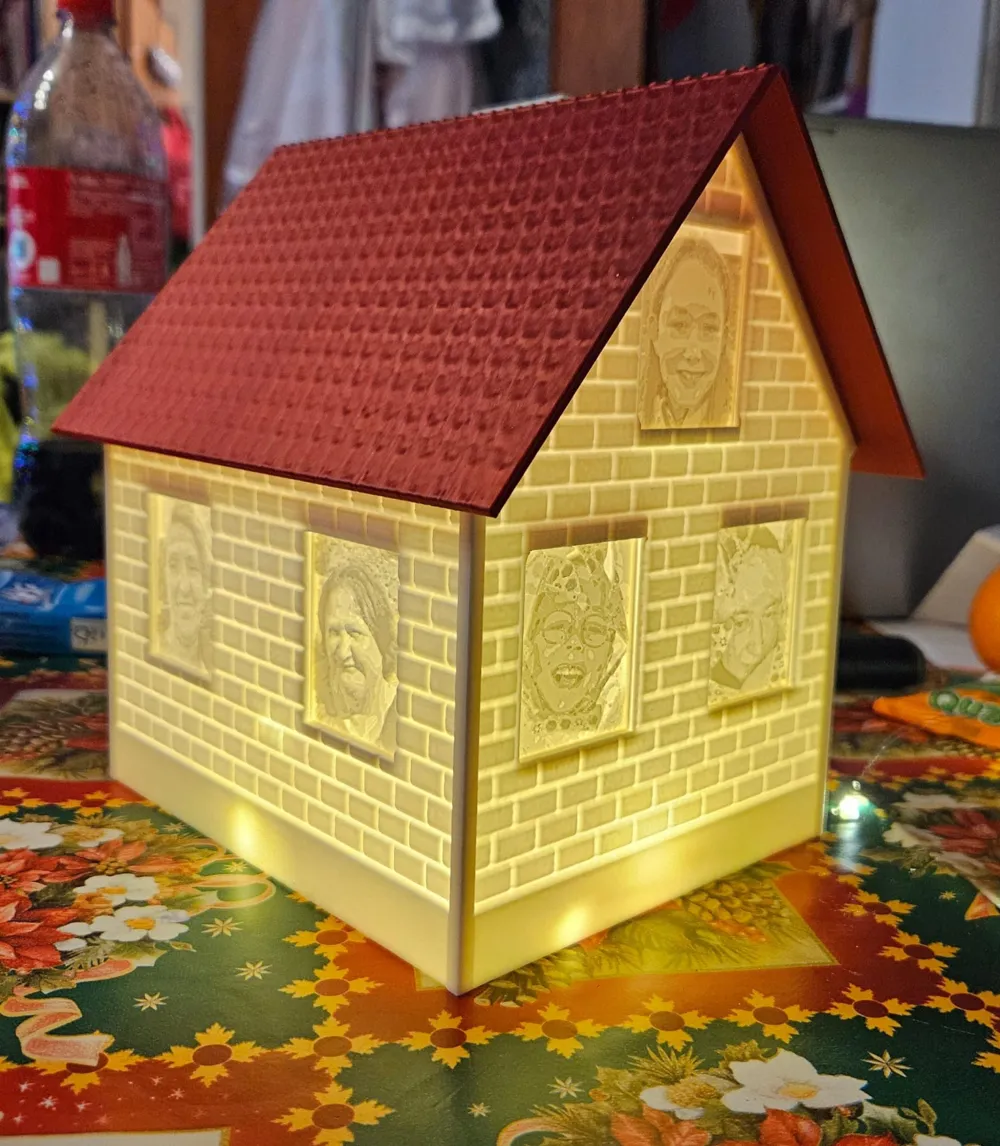
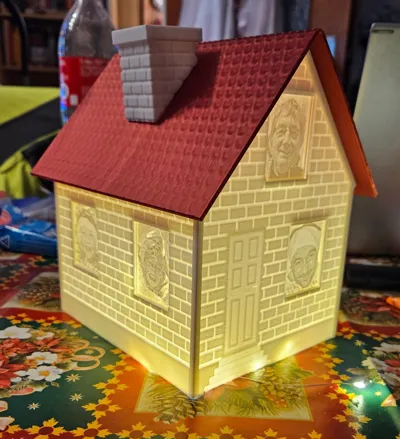
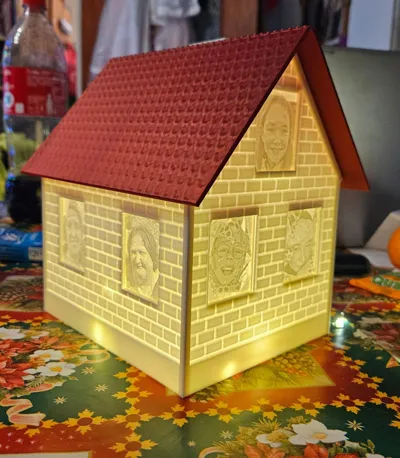
Here is my Christmas house with a photo insert feature
This house is constructed from lithophanes created using itslitho Images in passport size (35 mm x 45 mm) can be inserted into the windows—in this case, also lithophanes An LED light source is needed to illuminate the whole creation
My recommended print settings:
House and roof:
Bambulab X1, P1, or A1 printer NO A1 Mini!
04 mm nozzle, 020 mm or less layer height, 6 wall lines, 0% infill
Passport photos:
If the images are to be printed flat:
X1, P1, A1, or A1 Mini printer, smooth build plate, 04 mm nozzle, 012 mm layer height, 2 wall lines, 15 top and bottom shell layers, brim at your discretion
If the images are to be printed vertically:
Rotate the images vertically and print according to your preferences
I created the example passport photos on itslithocom; theoretically, it should also work with other providers The images must have an aspect ratio of approximately 1289 during creation, so 35 mm x 45 mm Otherwise, they will be distorted when scaled to size in the slicer The lithophane should be approximately 24 mm thick, without a border
Drag the image in the described dimensions onto the build plate, adjust the size again to 35 mm x 45 mm x 24 mm Then, right-click to center the image on the bed (click the middle) Also, right-click to select the empty frame and move it to the center of the bed IMPORTANT: Now select both objects and merge them, otherwise the print head will print the overlapping lines twice
The roof, chimney, and example passport photos must be loaded via the small arrow on the right using “Download STL / CAD Files”!
If you have any questions, you can find me on TikTok under Al_Brandy
License



Comment & Rating (4)