Search models, users, collections, and posts

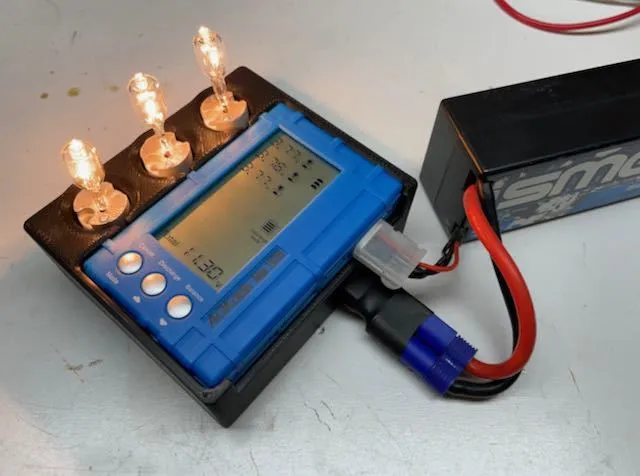
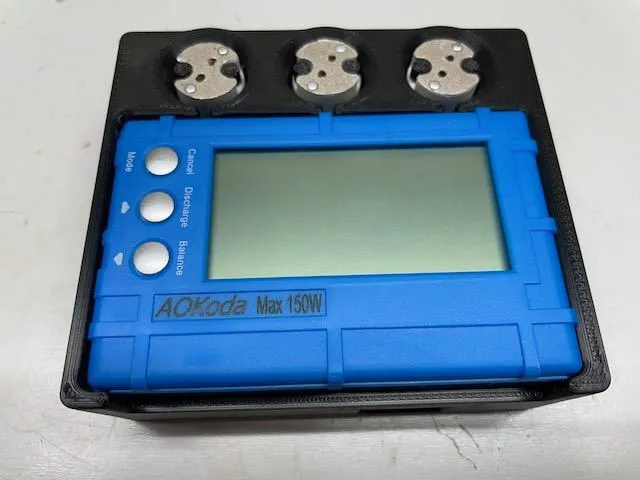
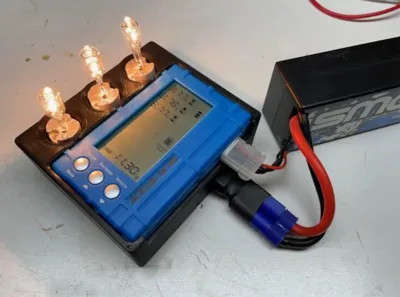
AOKoda 150W Discharger For Lipo Batteries
Remixed by
IP Report
Print Profile(1)

0.2mm layer, 2 walls, 15% infill
Designer
2 h
1 plate
Open in Bambu Studio
Boost
7
16
5
4
28
24
Released
Description
Thanks to @Mhodder (thingiverse) for the original model AND posting STEP files so I could easily edit them!!!
I made the following changes to dramatically reduce the BOM and assembly time:
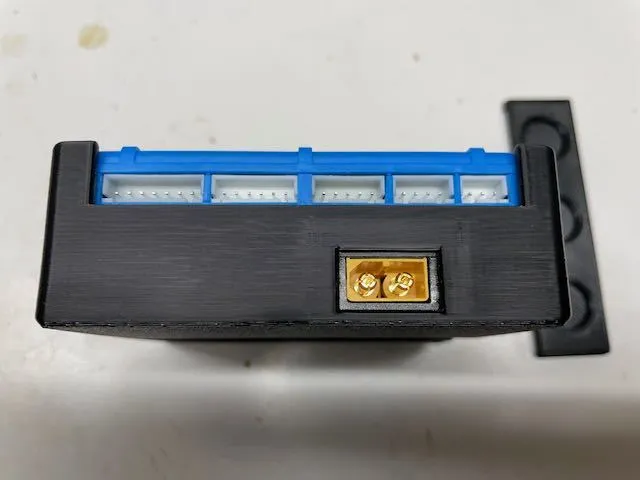
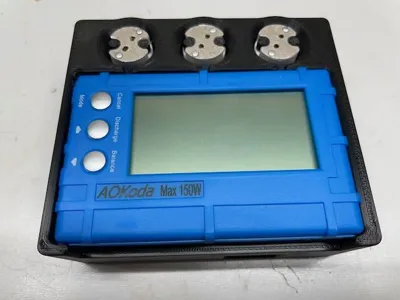
- No soldering needed! Just seat the controller box right into the model
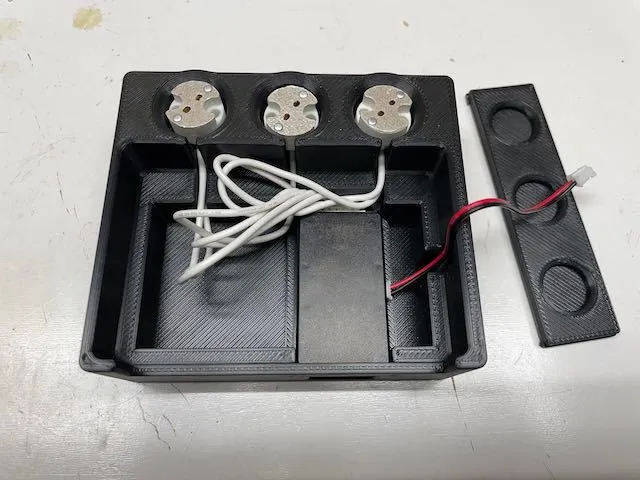
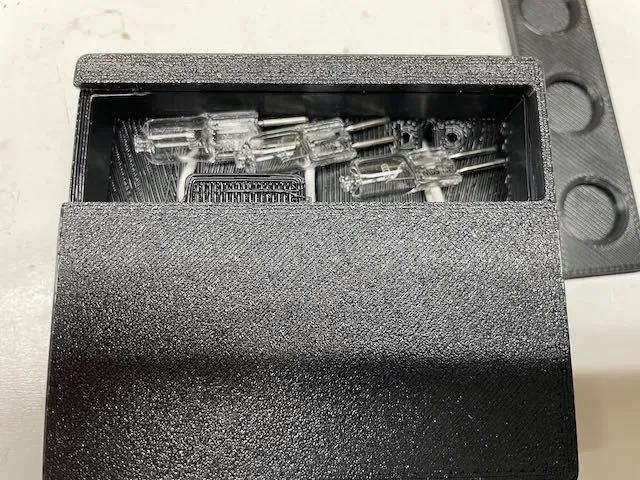
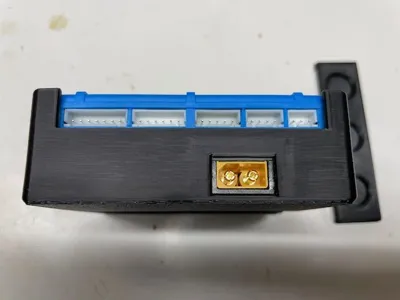
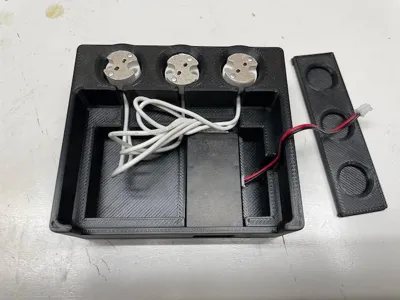
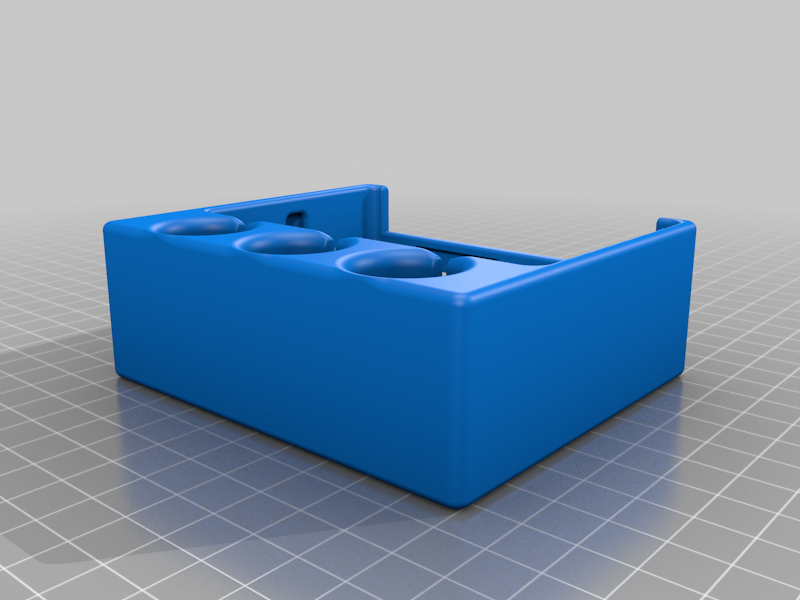
- The base prints in a single piece. Sliding door prints separately.
- Only 6x screws needed, screw directly into plastic. No nuts required (can still use optionally)
- No need to source an XT60 connector as I'm reusing the one already on the controller box
I printed in ABS as these bulbs get HOT. Should work in PLA but be check to make sure the bulb housings don't get loose over time.
Assembly
- Using 6x 4-40 cap screws to assemble the bulb holders onto the main housing. Be careful not to over-tighten as the ceramic housings can crack.
- Connect the two pin pwm cable to the controller box.
- Carefully route the light bulb wires in the slots and line up the two pin pwm cable from the controller with the slot in the housing.
- Insert the controller box into it's space on the model
- Connect the other end of 2 pin cable to the discharger
- Press the discharger into the main housing, ensure that no wires are pinched.
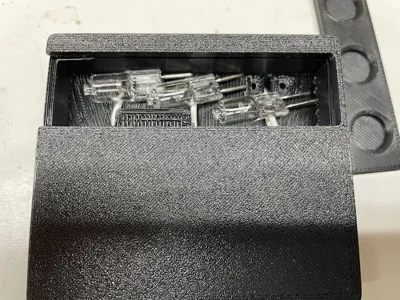
- Place the light bulbs in the storage compartment and install cover.
Boost Me (for free)
Boost if you enjoy this!
This remix is based on
License

This user content is licensed under a
Creative Commons Attribution-Share Alike


Comment & Rating (5)