
Ender3 Max z-stop adjustable bracket, no new bolts
Print Profile(1)


Description
Summary
The Ender 3 Max is a cracking printer and a good step up from the previous E3's but despite pre-release feedback Creality for some reason still went with a fixed z-stop. The go to fix for this is to swap out the two bolts holding the z-switch bracket to the frame with shorter ones going into t-nuts like the previous versions of the range had but if you don't have those extra parts to hand that's no help.
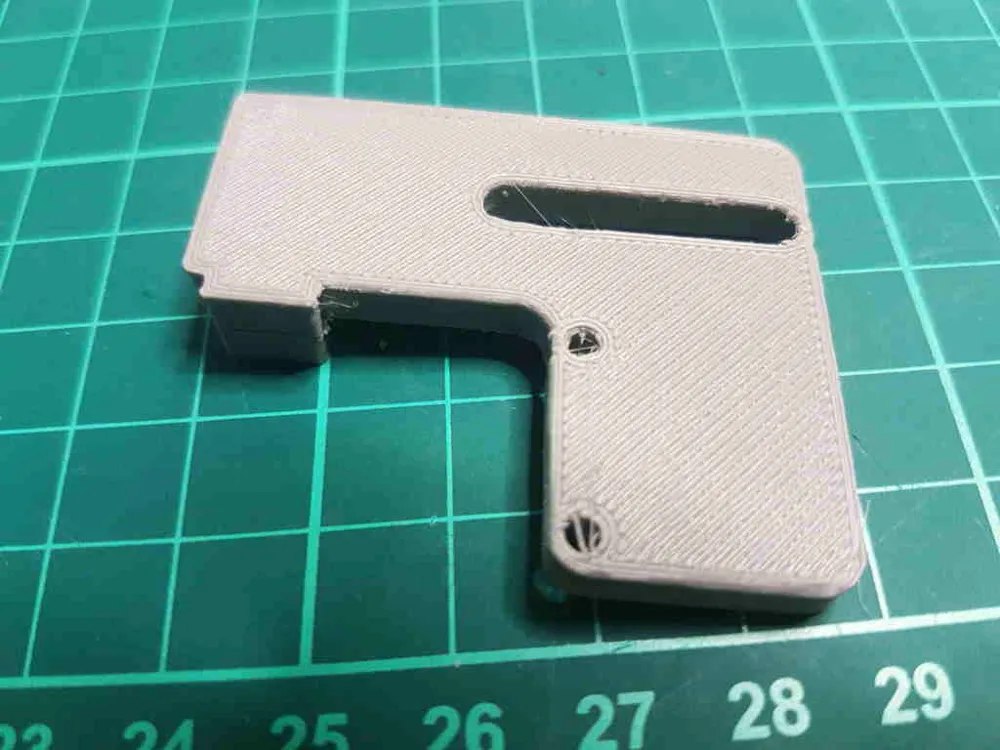
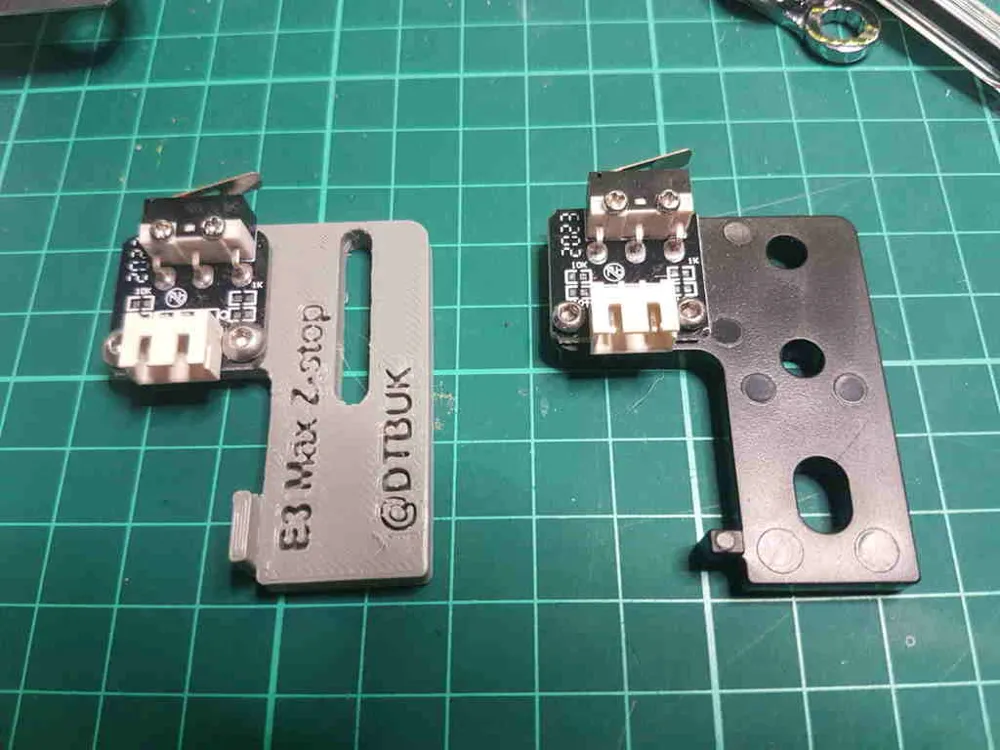
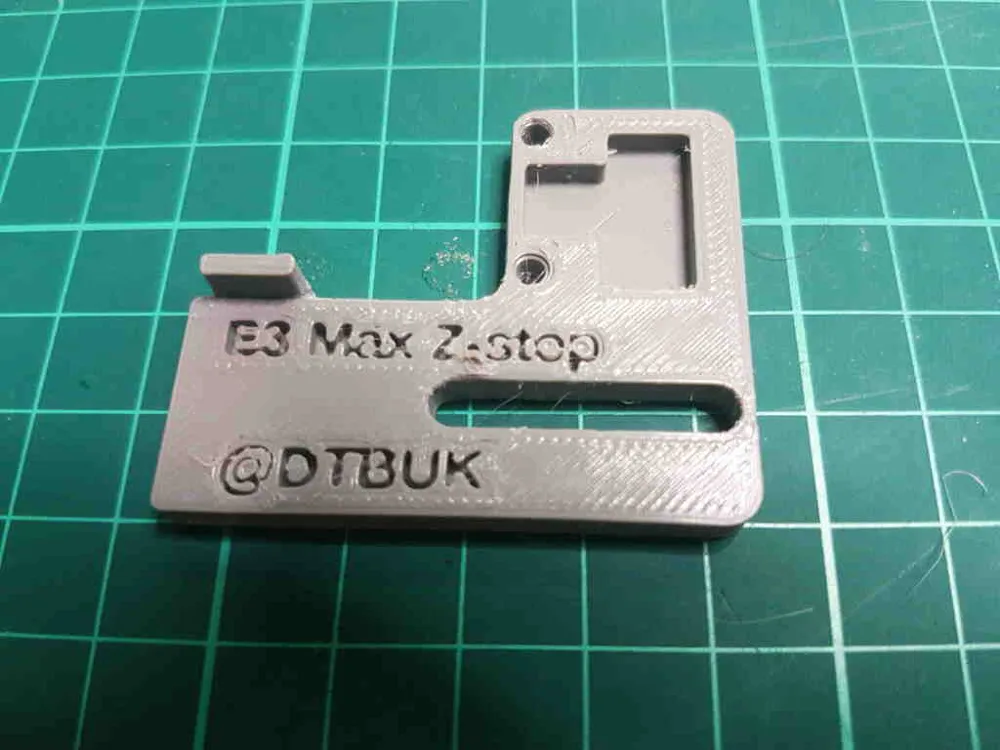
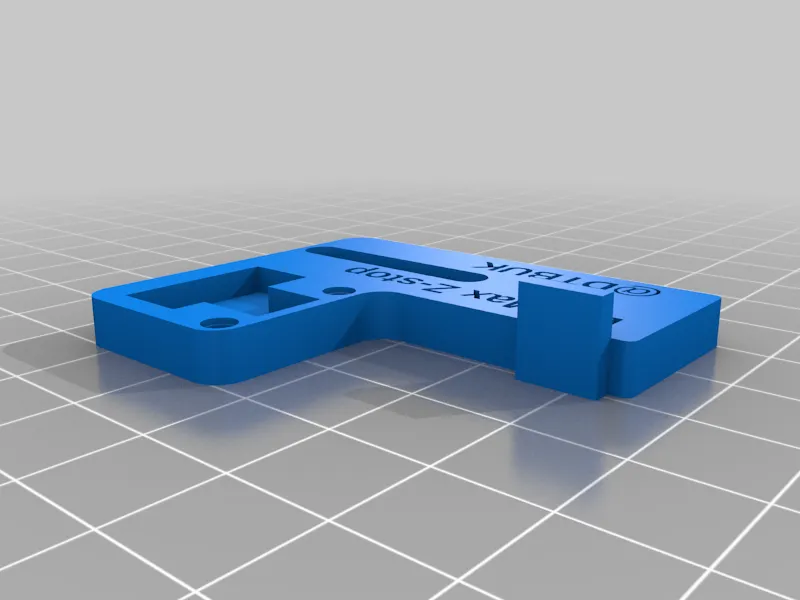
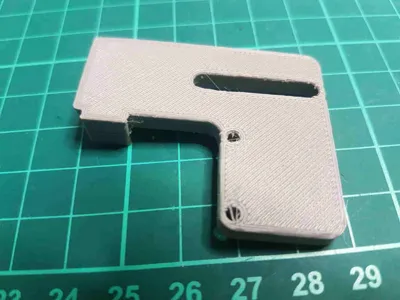
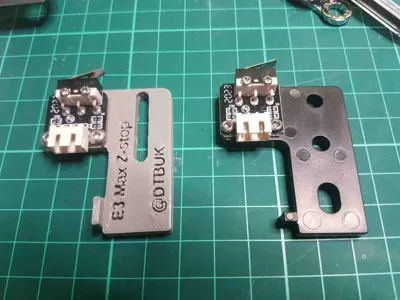
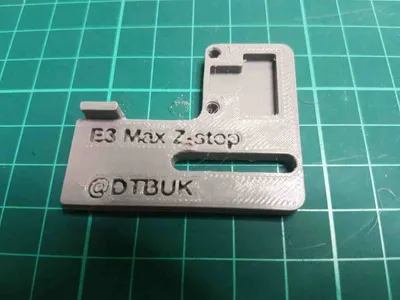
This bracket is a modded version of the stock one, I've moved the mounts for the z-switch down about 1mm and added a long slot for the stock bolts to go through, I think overall this will add about 3mm movement in the negative direction meaning the bed springs can actually be compressed a bit rather than as some users have reported leaving them so loose that the thumb-wheels can actually vibrate clean off.
This is a first draft / proof of idea, by the time I actually got as far as designing and printing it I'd fitted BL Touch to my two Max's so I can't test it fully, I've passed the design onto a couple of people who have bought a Max and then run into this problem but I'll be relying on feedback from anyone who prints this as to how well / badly it works so I can improve the design.
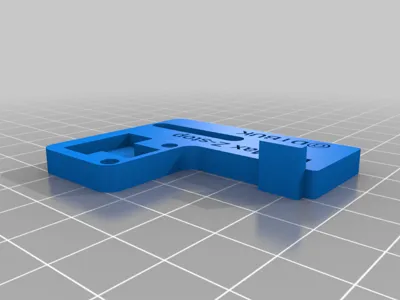
It's oriented so it doesn't need any supports.
Print Settings
Printer Brand:
Creality
Printer:
Ender 3
Rafts:
No
Supports:
No
Resolution:
0.28
Infill:
10%
Filament: Ender PLA
Grey
Notes:
No supports needed if printed flat on it's back as oriented. It's not structural so shouldn't need more than 10% infill.
I've sized the two holes for the bolts that hold the switch to the bracket so they should be just tight enough to hold them as they create the thread while screwing in, but if you find they strip the hole or are too loose let me know and I can change the hole size and upload different versions - scaling this in the slicer may not work to correct that at that will change the whole dimensions.
Post-Printing
Use the original small bolts that hold the switch to the bracket to go into the holes in the print, I found it was easier to screw them in without the switch first and then remove them and refit with the switch. Then you can use the original bolts to mount this new bracket to the frame and have a little downwards adjustment.
How I Designed This
This was created using OpenSCAD like all my designs. I measured the original bracket and designed a copy of that first, then tweaked it to get this version.
License



Comment & Rating (1)