
JKBMS BMS Display Holder Frame
Print Profile(1)

Description
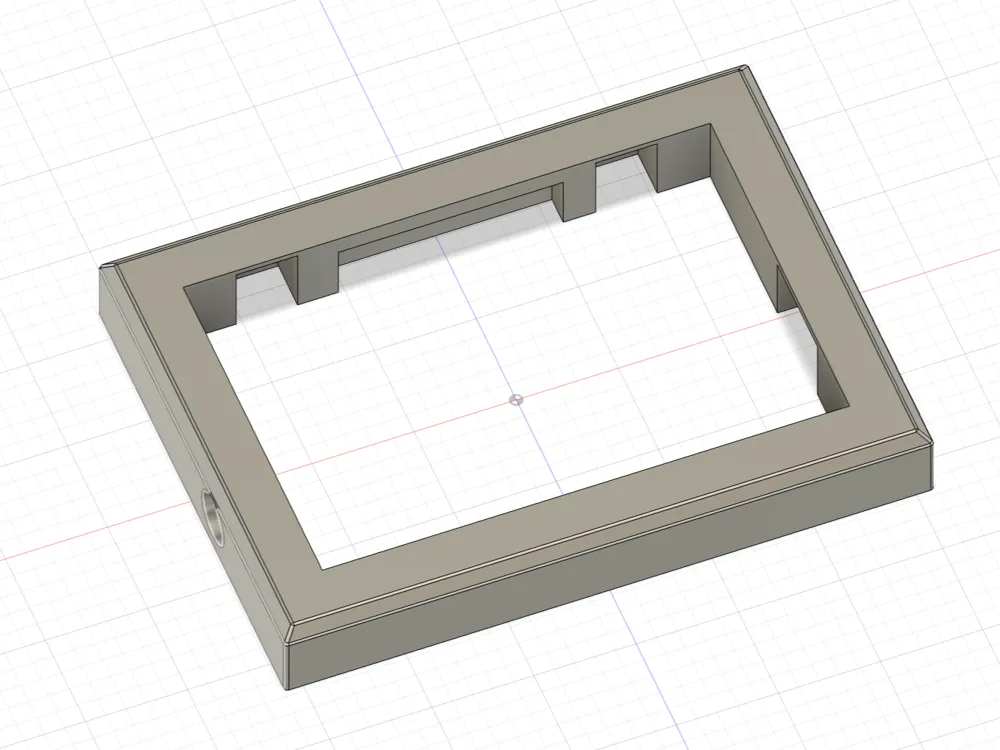
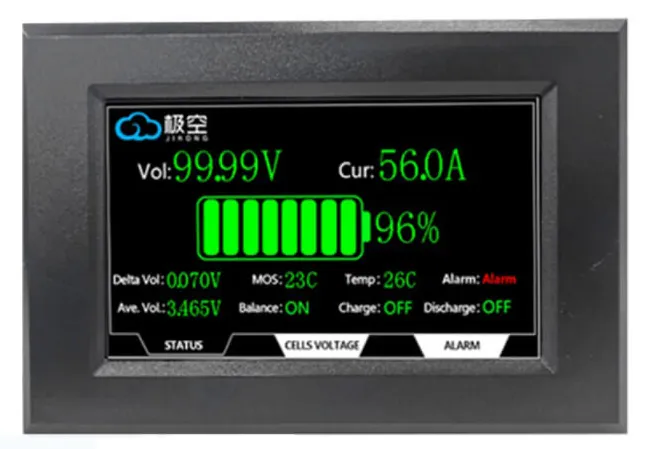
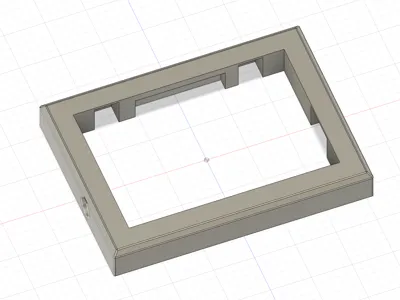
JK BMS — Original Display Holder / Bezel
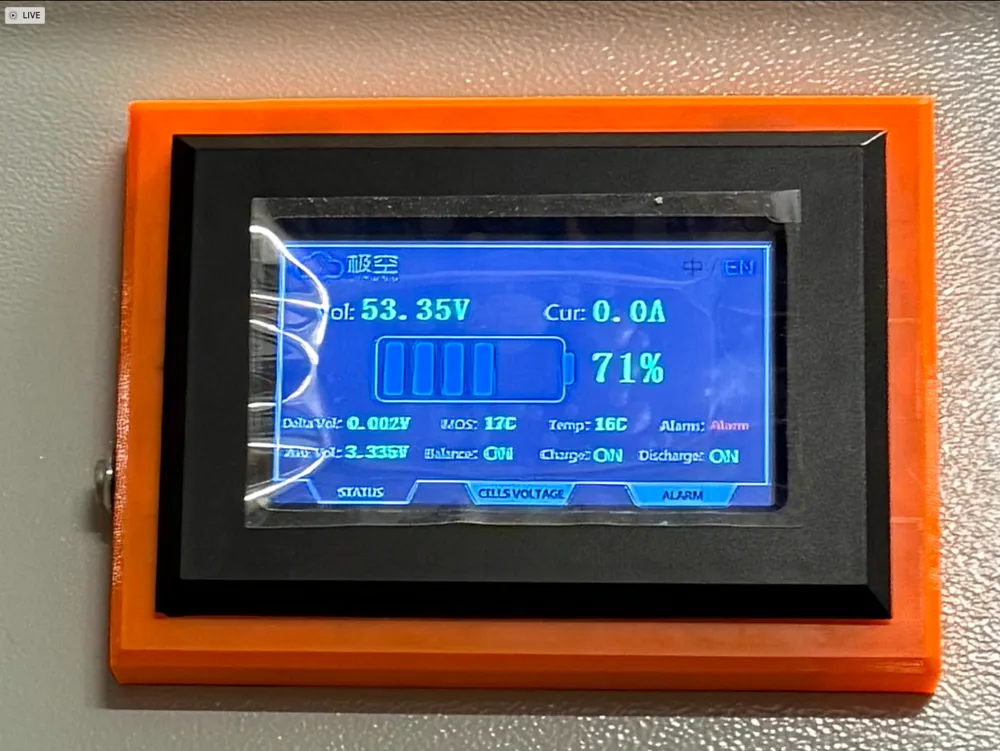
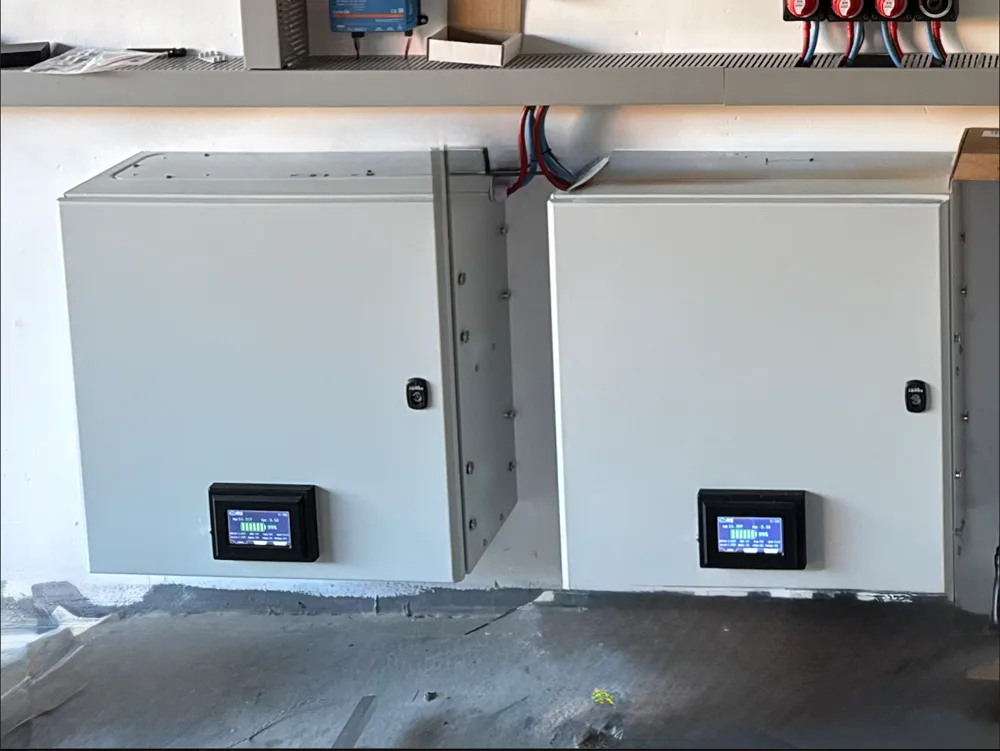
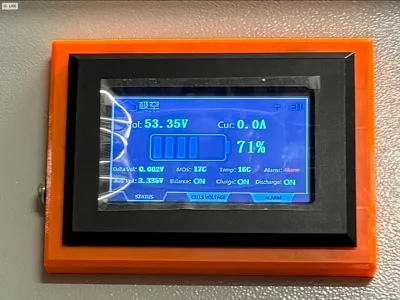
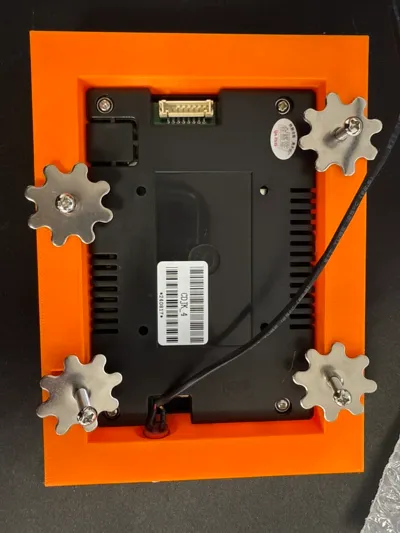
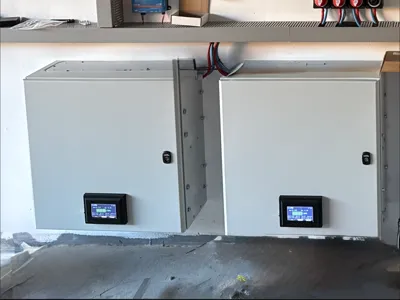
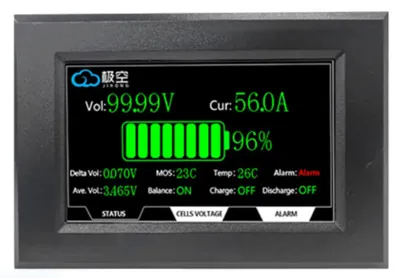
A clean, purpose-built mounting bezel for the original JK BMS front display (HMI). The geometry is tuned for a precise fit and uses the OEM JK retainers (hook + star/spring washer) — no extra hardware required. The bezel also includes a hole for a power/standby push button, so the panel can be integrated neatly into an ESS/Powerwall enclosure or control cabinet.
Highlights
- Exact fit for the original JK BMS display — rigid, rattle-free seating and a flush front.
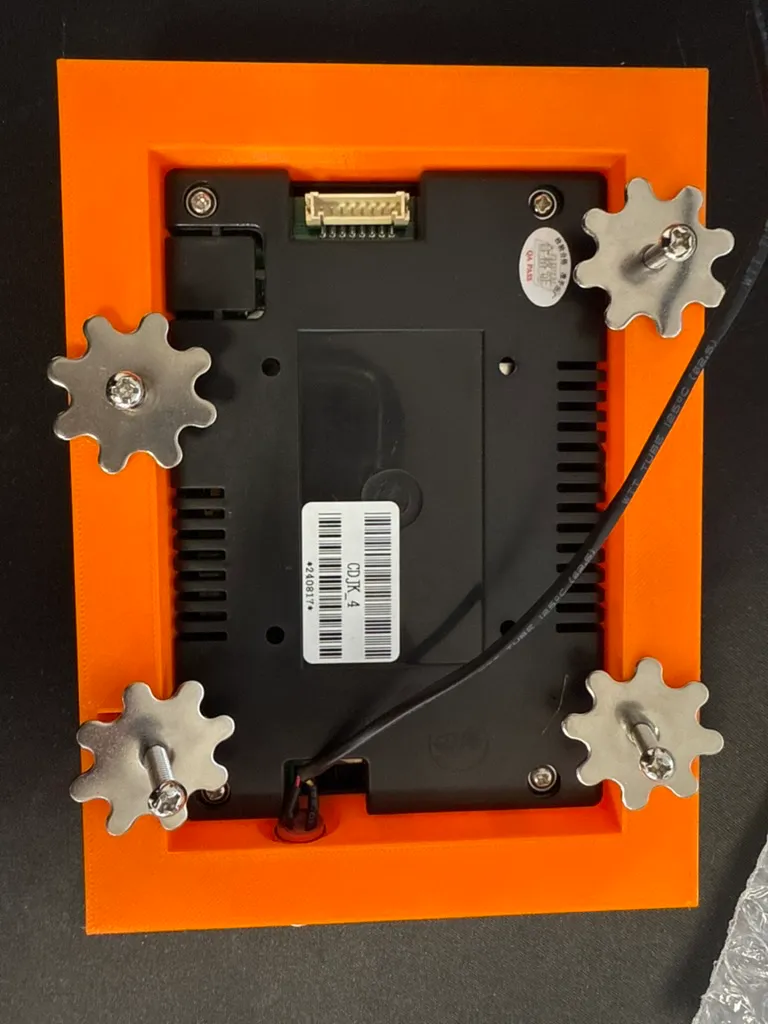
- Uses OEM JK hardware (hook + star washer) for a secure, serviceable mount.
- Button cut-out provided; easy cable routing.
- Designed for support-free printing on most setups and a clean front surface (if you're printing on glass or cold plate - best prinitng orientation is frame front).
Assembly instructions
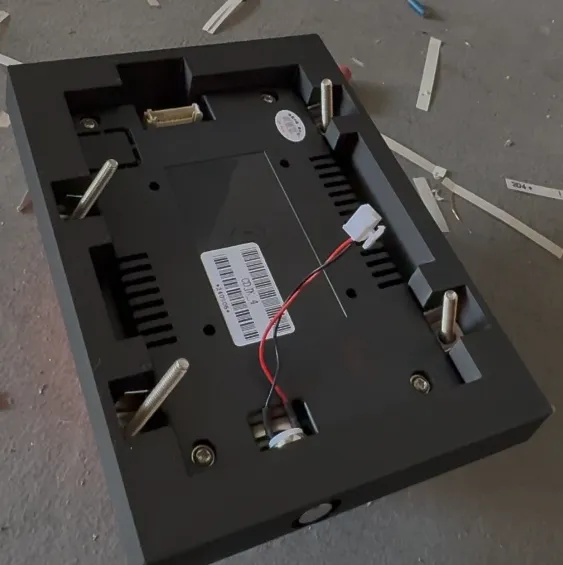
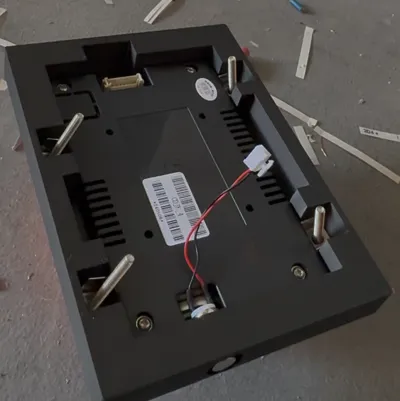
Below you can see how to assembly the frame using only screws attached to the display.
- Install the push button.
- Prepare screws & hooks.
- Slide the original JK BMS display in from the front of the bezel.
- Tighten until snug. Route the cable.
- Test the button and display, then mount the assembly in your panel/enclosure.
License

You shall not share, sub-license, sell, rent, host, transfer, or distribute in any way the digital or 3D printed versions of this object, nor any other derivative work of this object in its digital or physical format (including - but not limited to - remixes of this object, and hosting on other digital platforms). The objects may not be used without permission in any way whatsoever in which you charge money, or collect fees.


Comment & Rating (3)