



Print Profile(1)

Bill of Materials
Description
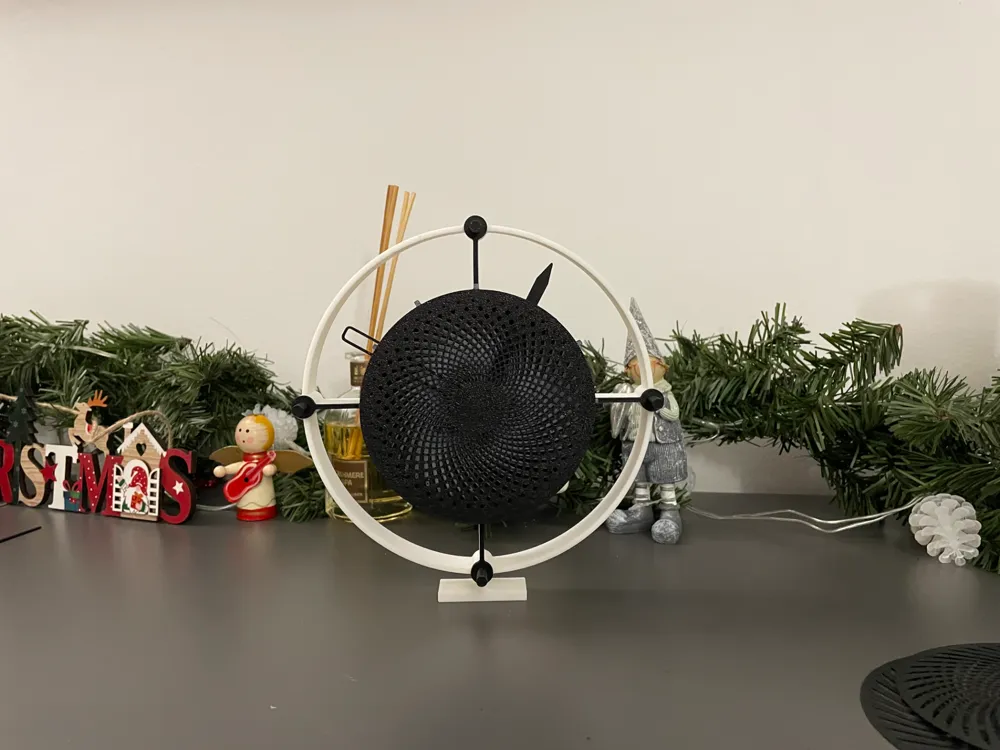
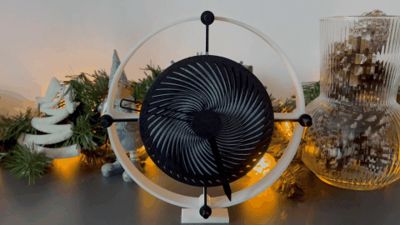
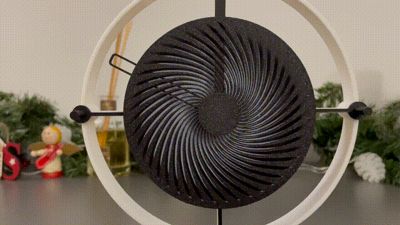
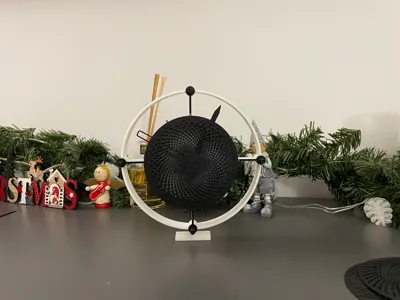
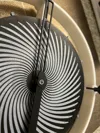
Moire Clock
This has been an exciting project where I pushed the limits of my Bambu Lab A1 printer, my very first 3D printer. Even with a 0.4mm hotend, the results were nothing short of impressive – it produced uniform thin layers and even managed to print a 1mm hole with precision. I was truly amazed in the best possible way.
The design is entirely modular: all parts can be easily removed and replaced, encouraging everyone to experiment, mix, and remix. Feel free to get creative and customize as you wish!
A unique feature of the clock is its versatility – the clock face can be mounted before or after the minute and hour lines, depending on your preference. You don’t need an AMS (Automatic Material System) either. The “base second hand”from the print plate can be inverted, aligned with the raised lines on the clock face, and traced with a simple marker.
For thin components, I recommend using a hot plate and waiting patiently for it to cool completely. I tested both the smooth PEI plate and the textured PEI plate – the textured one worked best, as the smooth PEI plate tended to stick too strongly.
This clock is all about exploration and creativity. Have fun experimenting, and I hope you enjoy the Moire Clock as much as I enjoyed creating it!
Assembly Tip:
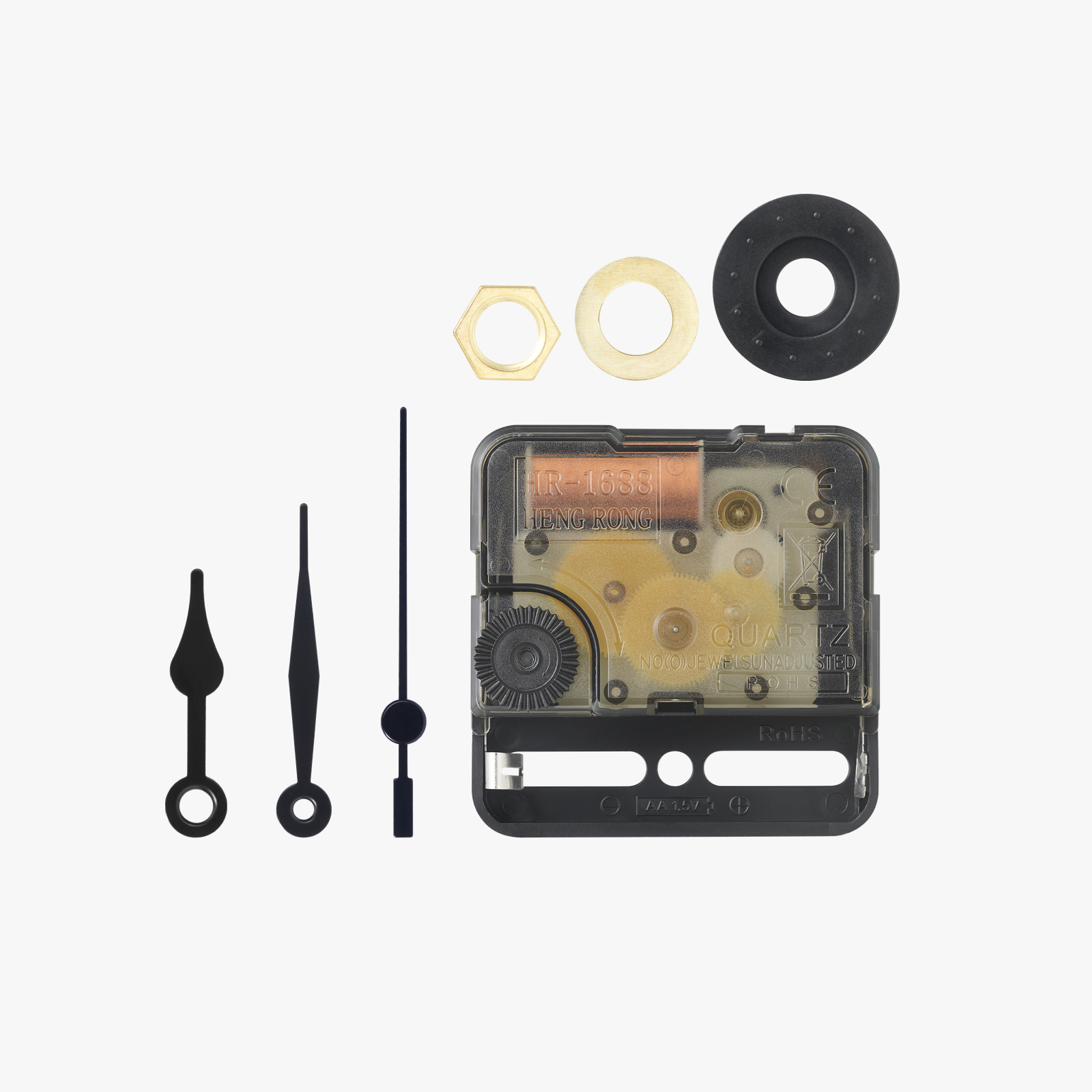
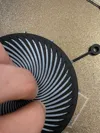
Pay close attention when assembling the clock hands. Ensure that nothing touches the second hand during movement. To double-check, use the time-setting knob to run a full cycle and confirm smooth operation.
Documentation (5)

License



Comment & Rating (17)