
Openfront belt tension Ratrig Vcore 3.1 enclosure.
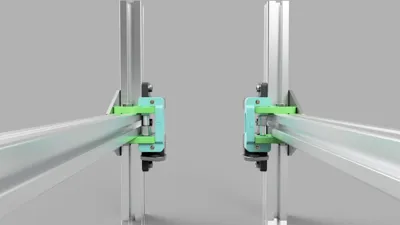
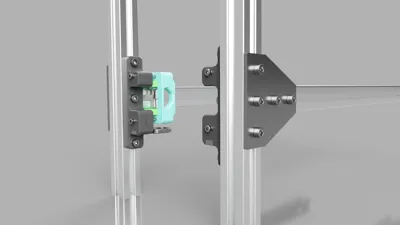
Print Profile(0)
Description
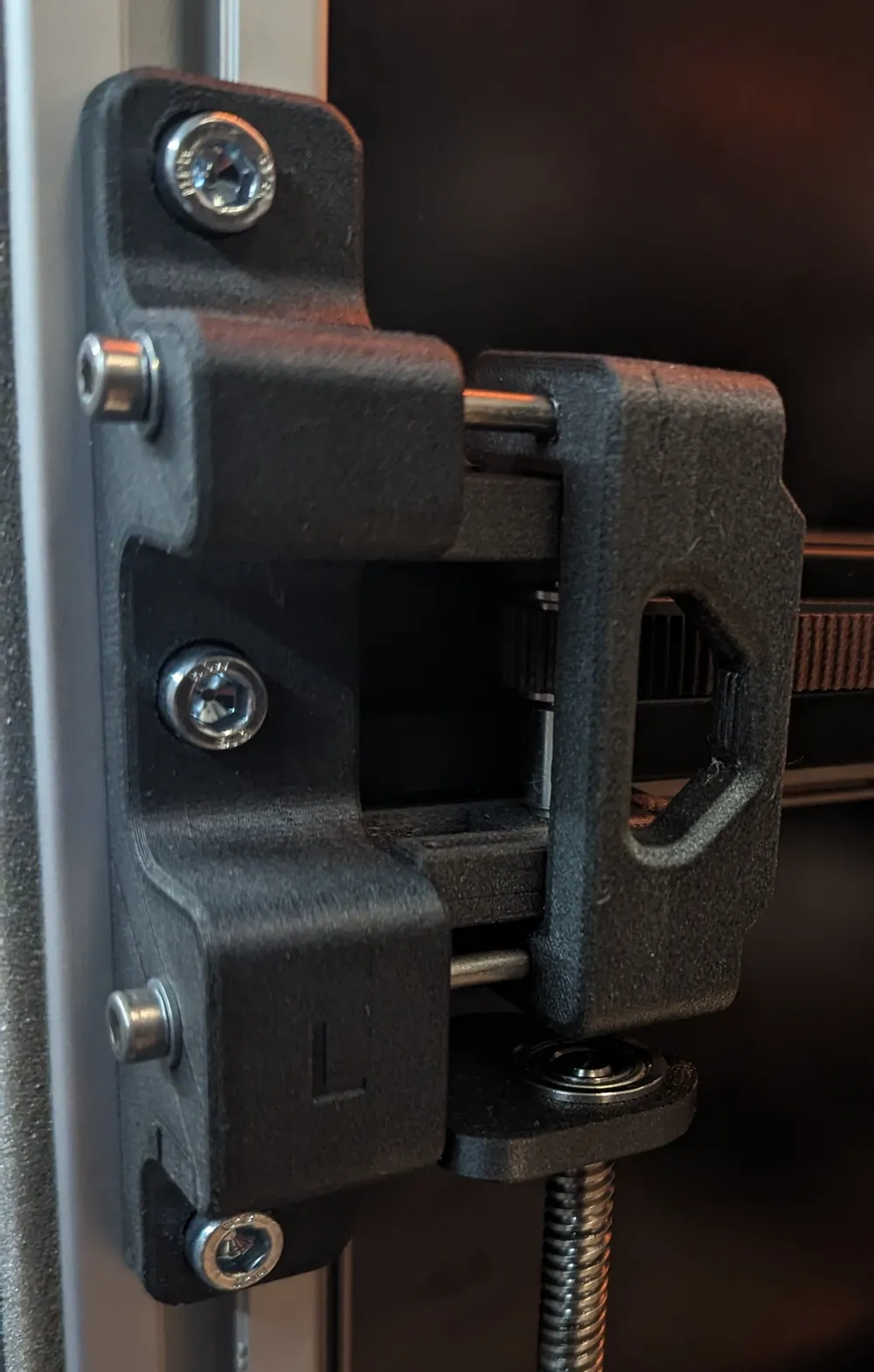
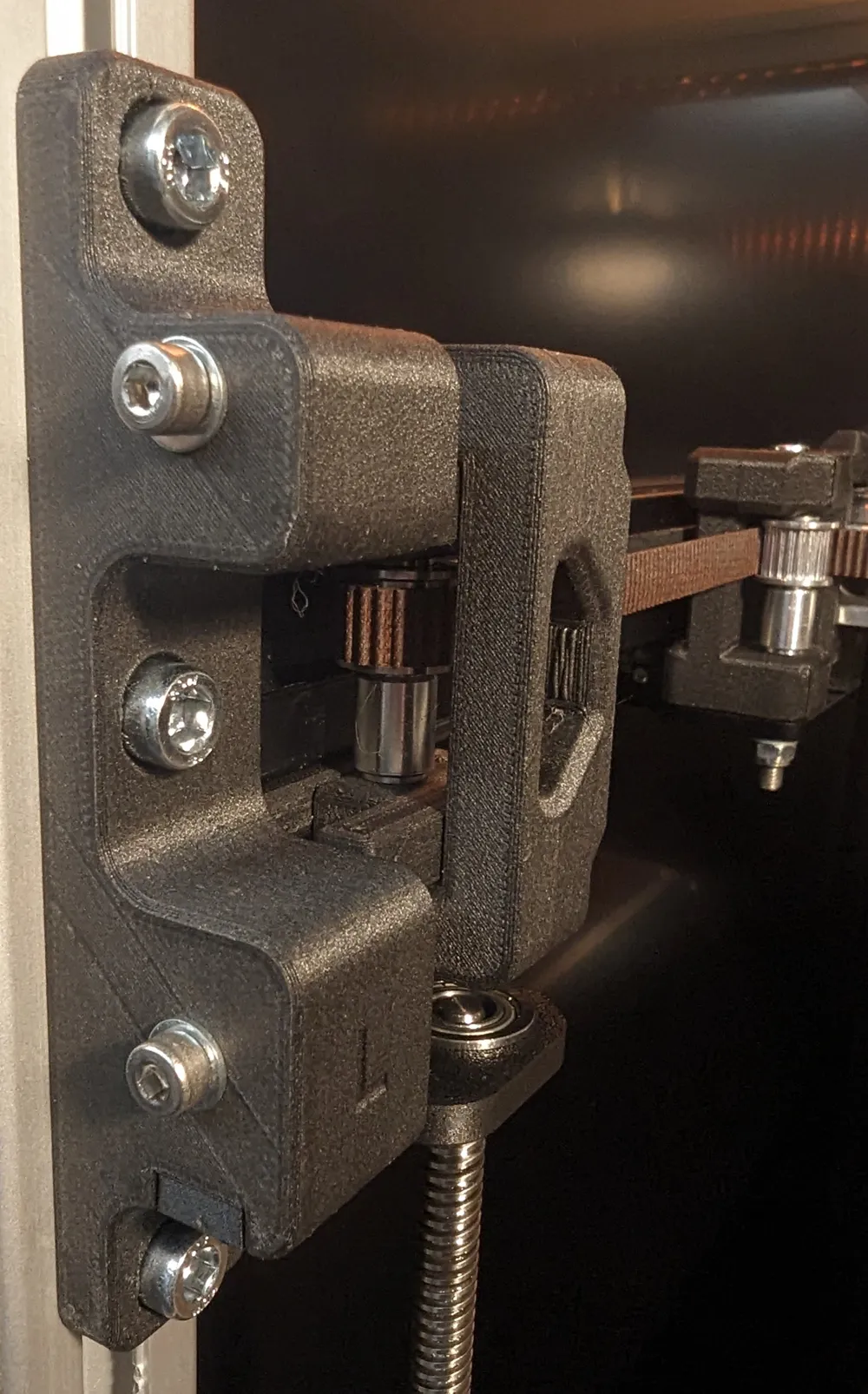
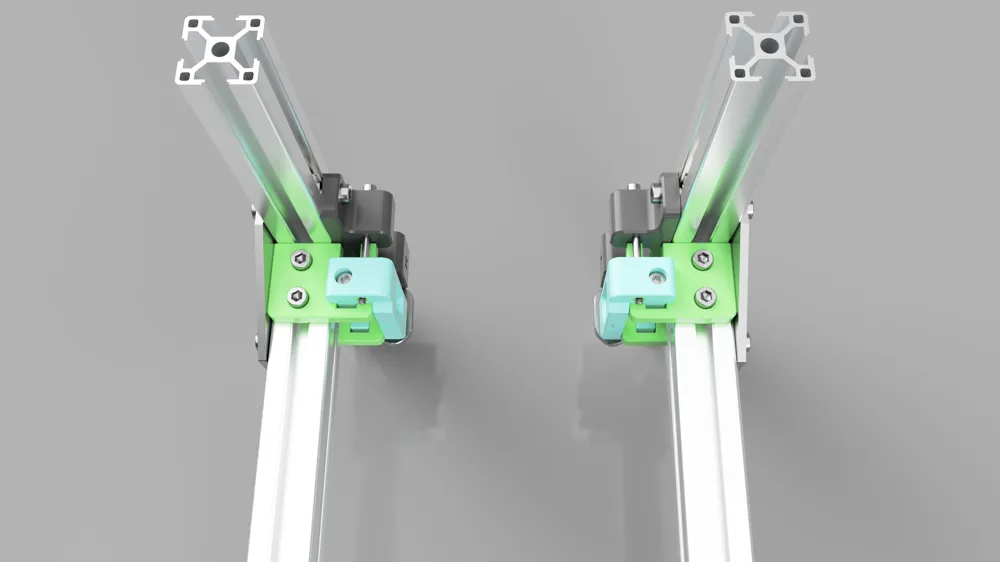
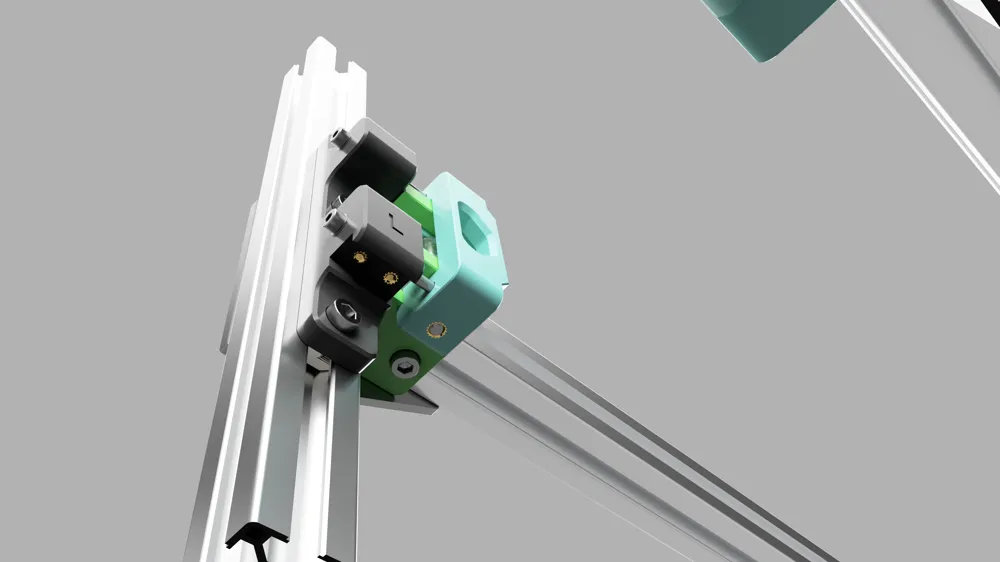
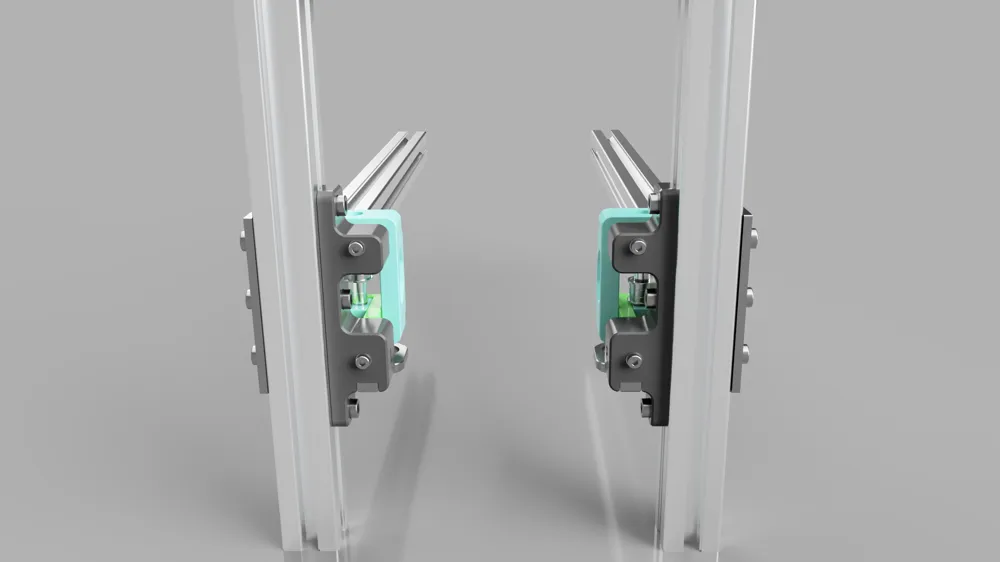
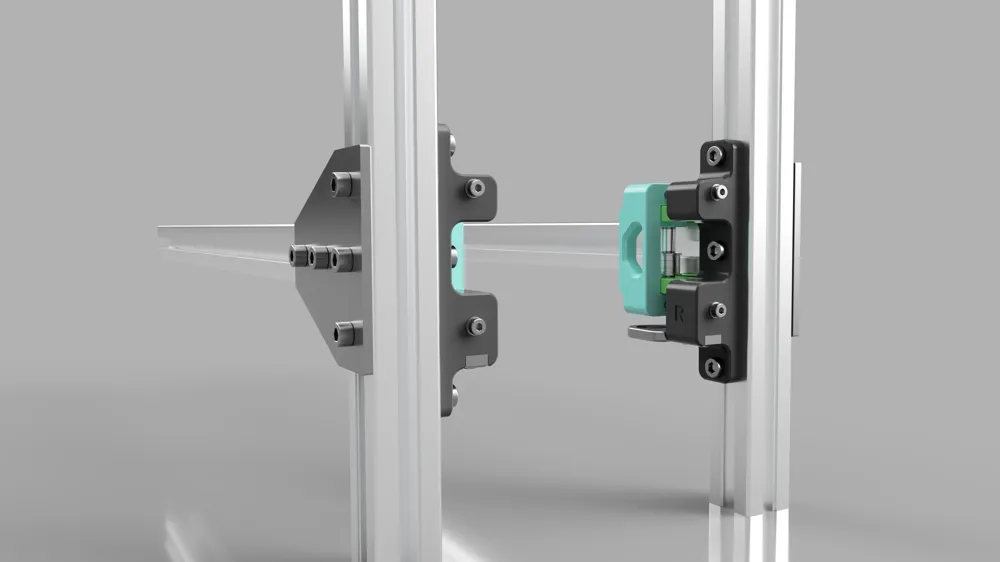
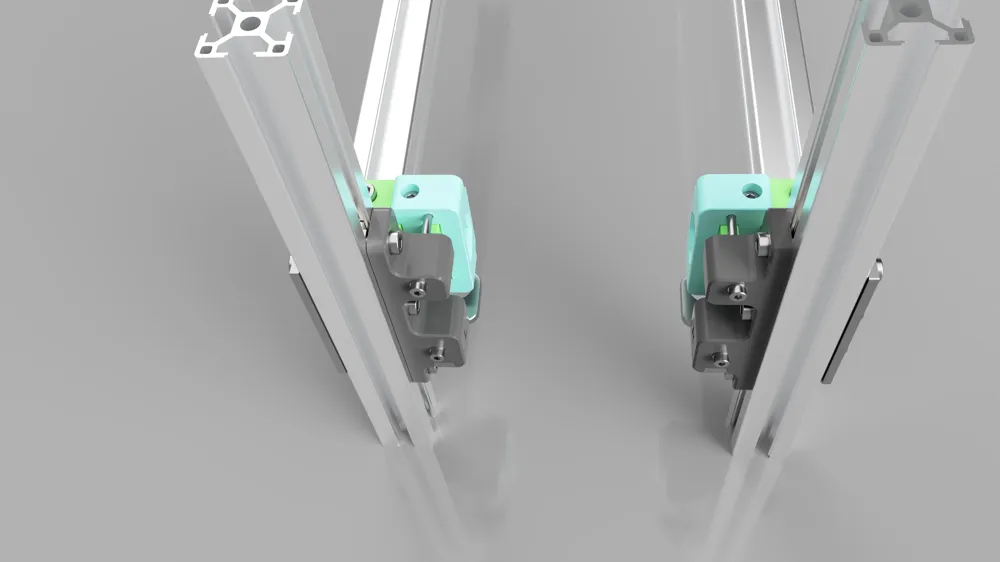
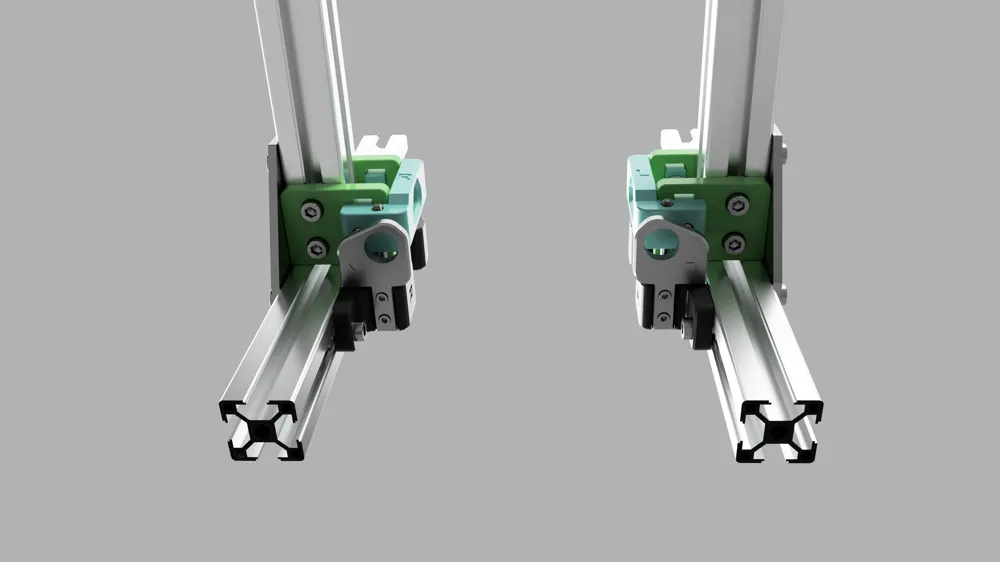
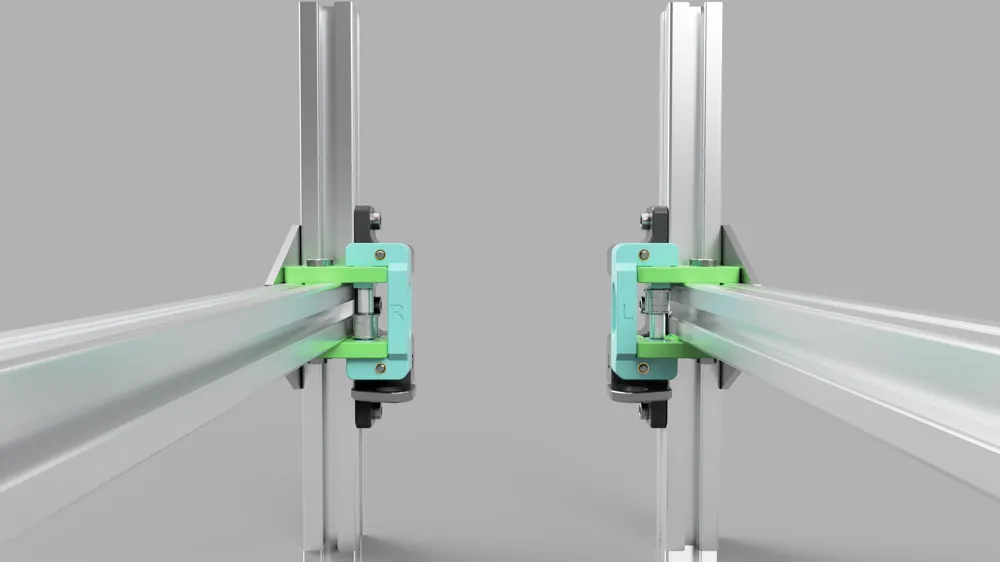
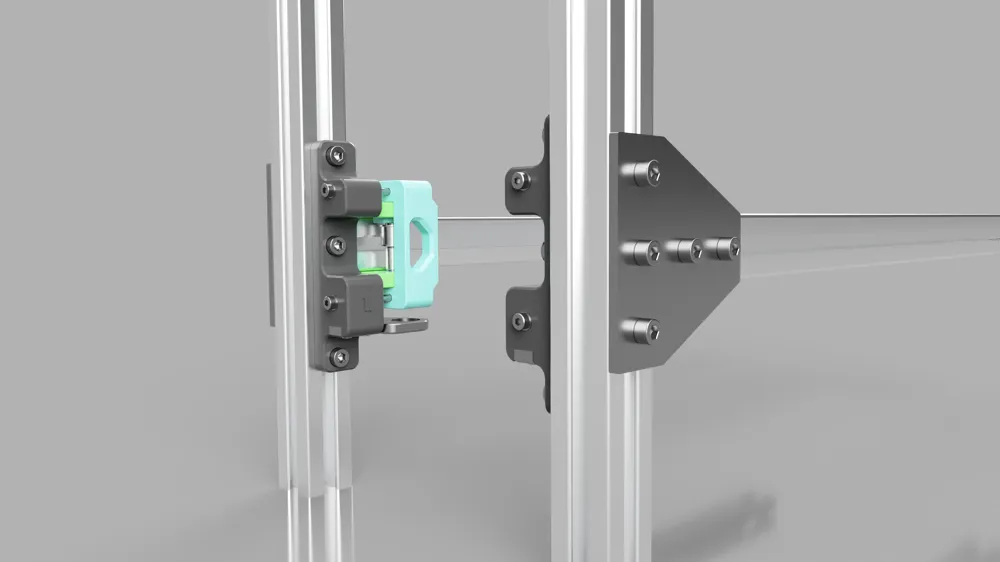
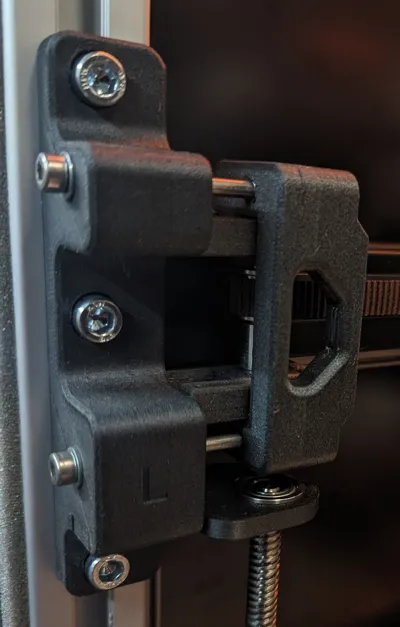
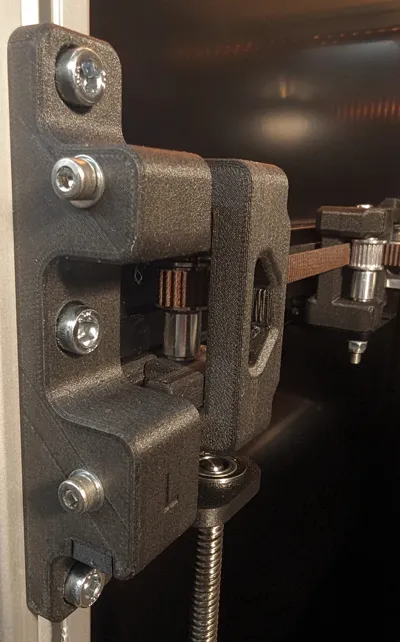
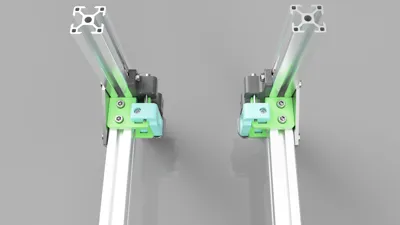
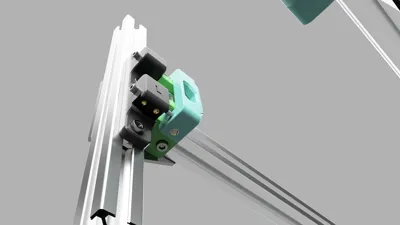
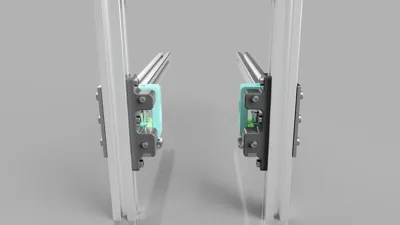
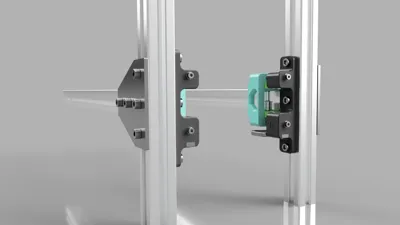
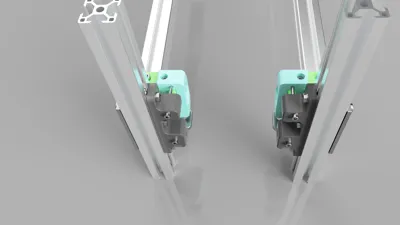
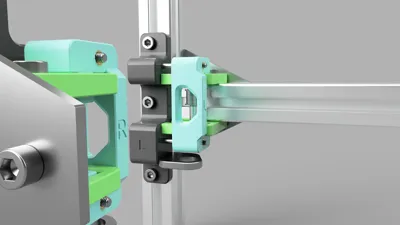
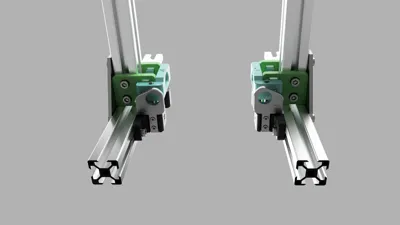
Open front belt tension mod for Ratrig Vcore 3.1 enclosure version.
This is a remix of julianjc84 most excellent work, please see the link below. This is also where you can find non-enclosure versions made by julianjc84.
https://www.printables.com/model/457579-rat-rig-belt-tensioners-tension
Change log:
Version 1
- I have updated the holes for the heat inserts
- Changed so M4 and M5 longer screws are the same length (60mm)
- You can now add the tension mod without dismantling the frame
- Included an additional 3mm so that 3mm spacers are no longer necessary
- Combined the Z constraints from Vcore 3.1 and this mod into one
- Some more small minor changes.
Version 1.1
- Fixed issues when printing Tension brackets a and b. You now need to make a hole through a thin layer by hand, but it makes for an easier better print.
- Files:
- v1.1-Tension-bracket-a-x2.step
- v1.1-Tension-bracket-b-x2.step
- Files:
- Updated Bom with a length for the heat inserts.
Version 1.2 (2023-07-13)
- Started working on the build guide, working in progress.
Version 1.2 (2023-07-14)
- Fixed an issue with the Tension arms, the area for the idlers did not have the correct measurement.
- Files:
- v1.2-Tension-bracket-a-x2.step
- v1.2-Tension-bracket-b-x2.step
- Files:
Screws and T-nuts:
- M3-8mm x 4
- M4-60mm x 4
- M5-60mm x 2
- M6-12mm x 14
- M6 T-Nuts for 3030 aluminium profile x 14
Heat inserts (I use CNC Kitchens inserts, which can be found on Amazon):
- M3 x 4 (I use 3mm short inserts. However, the standard 5.7mm length can also be used)
- M4 x 4 (8.1mm length)
- M5 x 2 (9.5mm length)
Idlers (same as Vcore 3.1):
- Mini Precision Shim (8 x 5 x 1mm) x 6
- 6mm spacer x 4
- Ball Bearing - F695ZZ x 4
- Ball Bearing - 695ZZ x 2
- Ball Bearing - F688ZZ x 2 (for Z constraints)
Build Guide(WIP):
Before you begin, here's a handy tip on heat inserts: When inserting them into a longer path like in this mod, it can help by first screwing through a screw into the insert (just a thread, not too far). By doing this you help make sure that there is not too much plastic buildup inside that can block the screw.
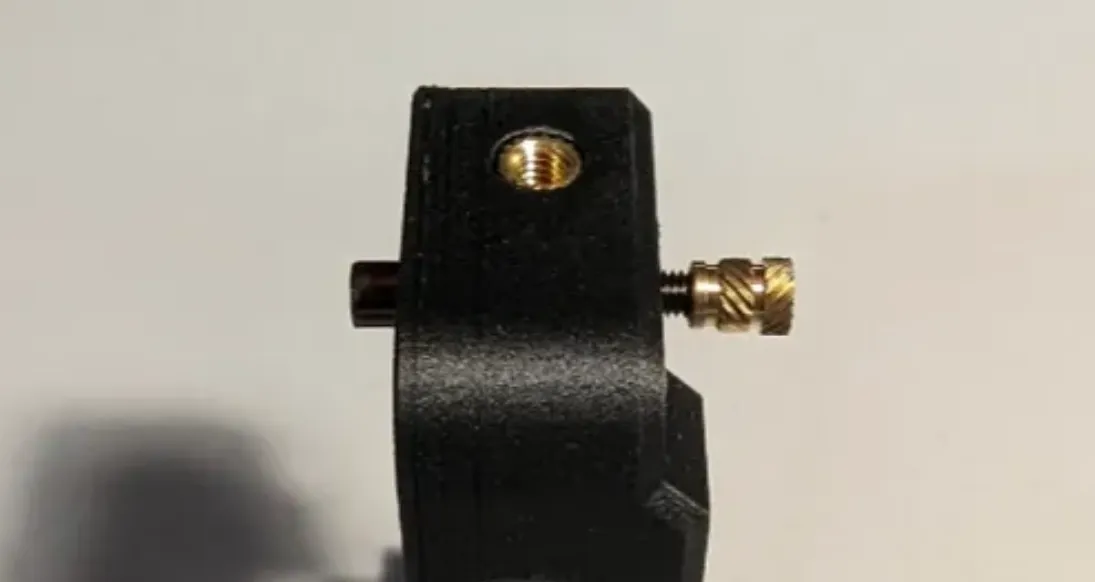
Step1 - Prepare Tension brackets
Bom:
- Printed parts (x2 at the end of the name indicates that you need two of each)
- v1.1-Tension-bracket-a-x2
- v1.1-Tension-bracket-b-x2
- M6 - 12mm x 8
- M6 T-Nuts for 3030 alu profile x 8
Make a hole for the m6 12mm screws and repeat on all four Tension brackets.
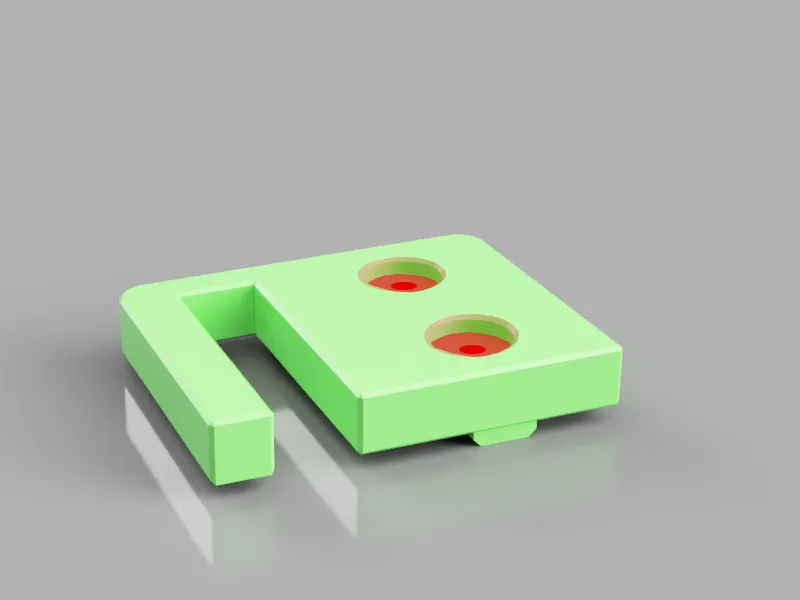
Loosely thread the 3030 T-Nuts onto the M6x12 screws. Do not tighten them too much.
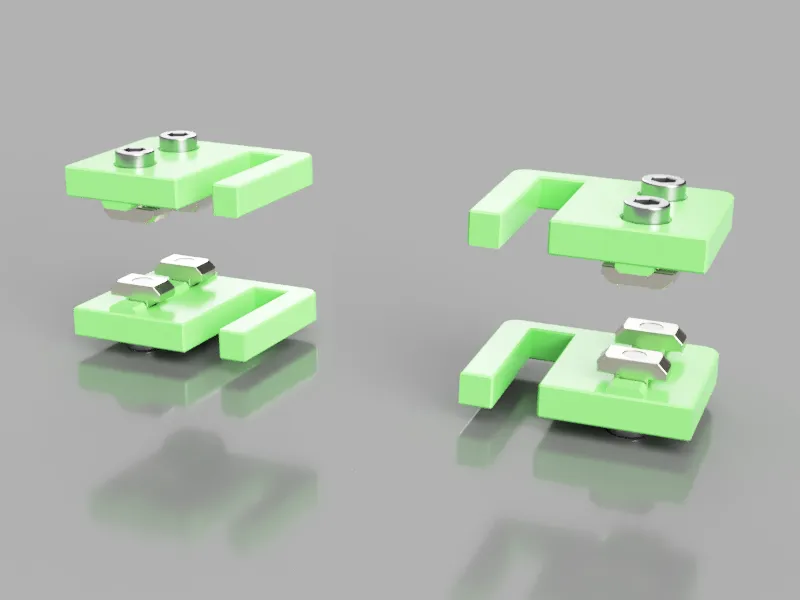
Step 2 - Mount Tension brackets
Line the T-Nuts like in the picture
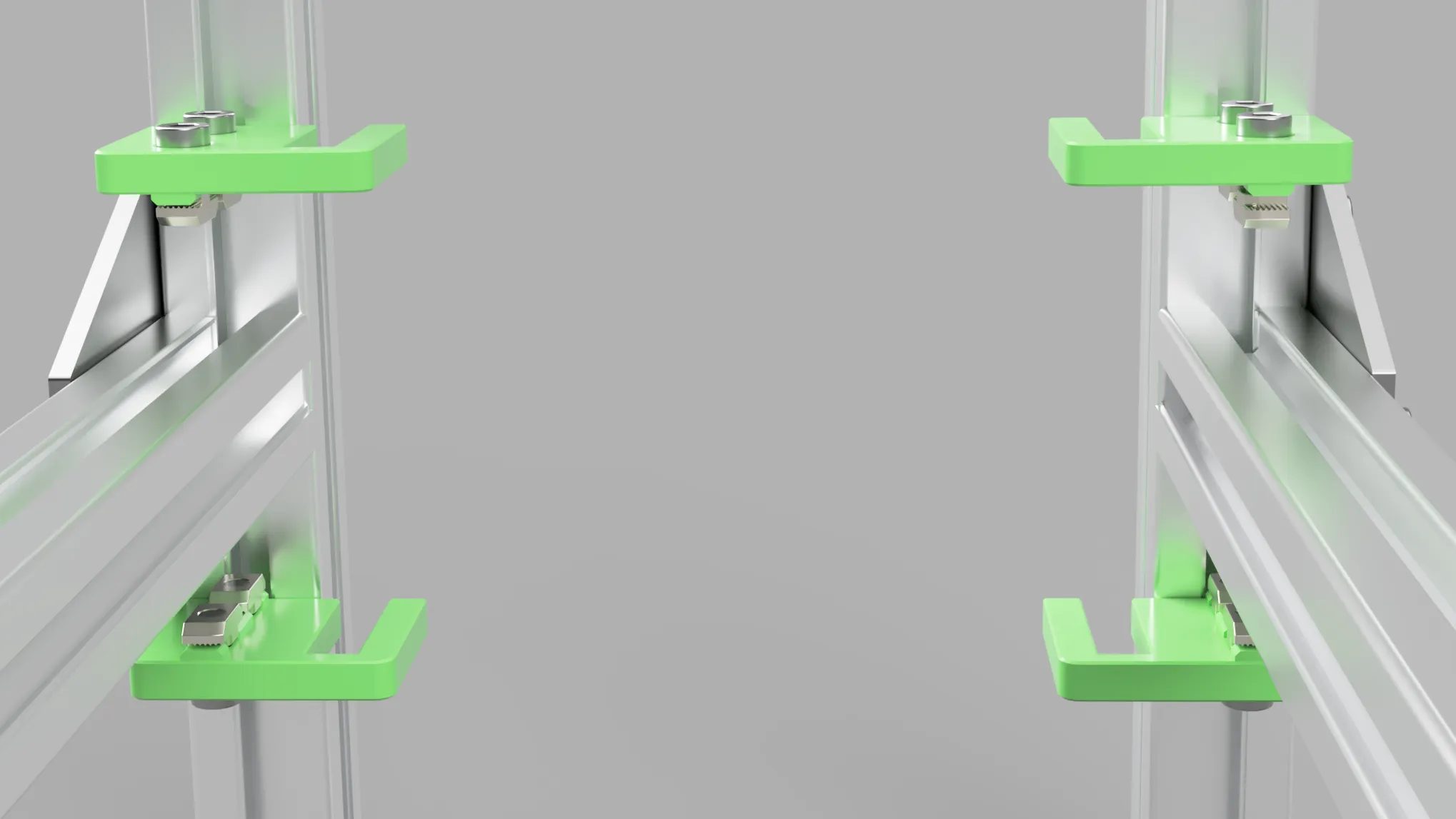
Place the Tension brackets on the alu frame, they should be close to the vertical extrusion. Tighten the screws, and remember not to over-tighten as it can be easy to crush the plastic.
Step 3 - Prepare the Tension arms
Bom:
- Printed parts
- v1-Tension-arm-left
- M4 - 60mm x 2
- M5 - 60mm x 1
- Heat Insert - M4 x 2 (8.1mm length)
- Heat Insert - M5 x 1 (9.5mm length)
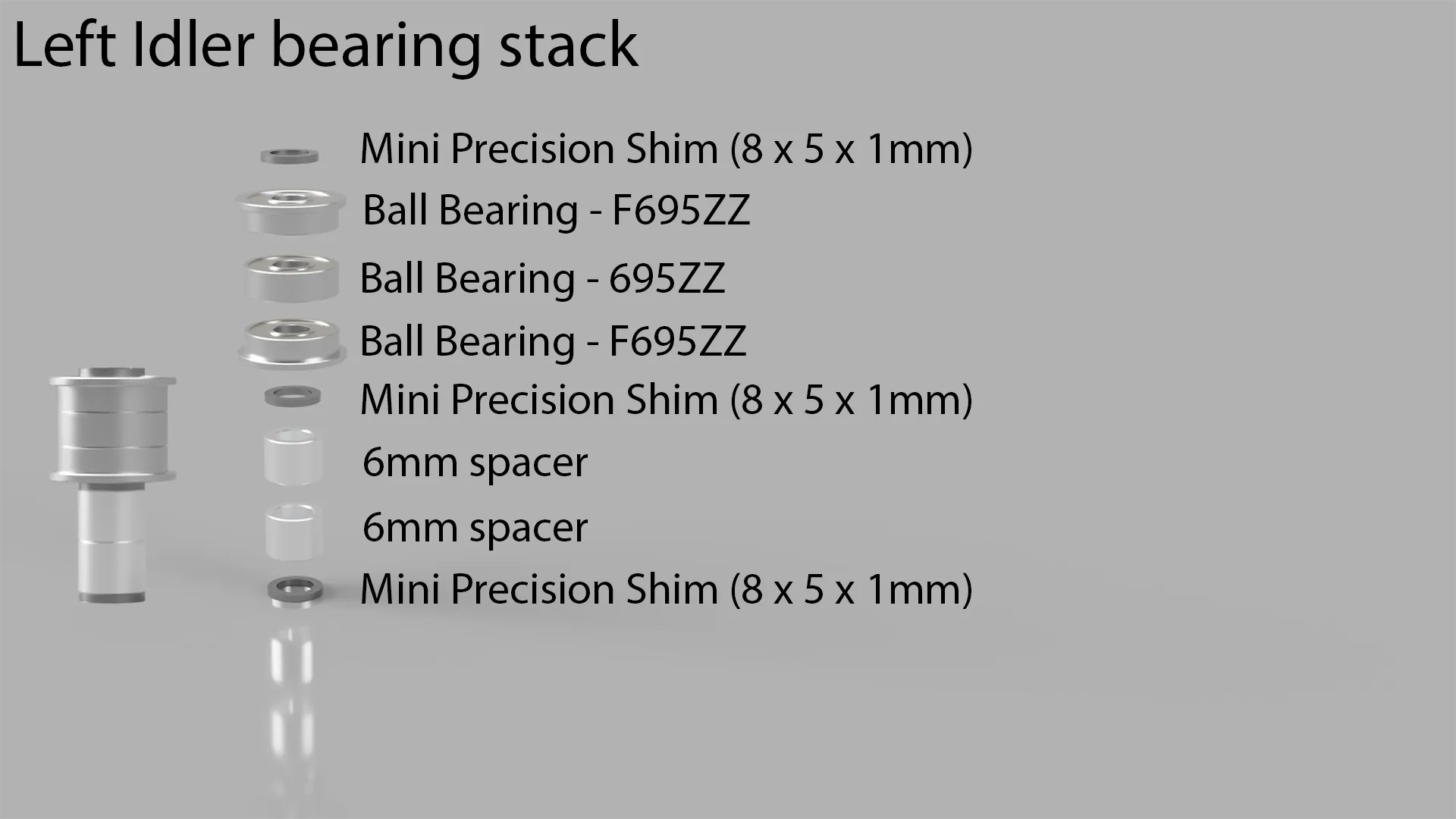
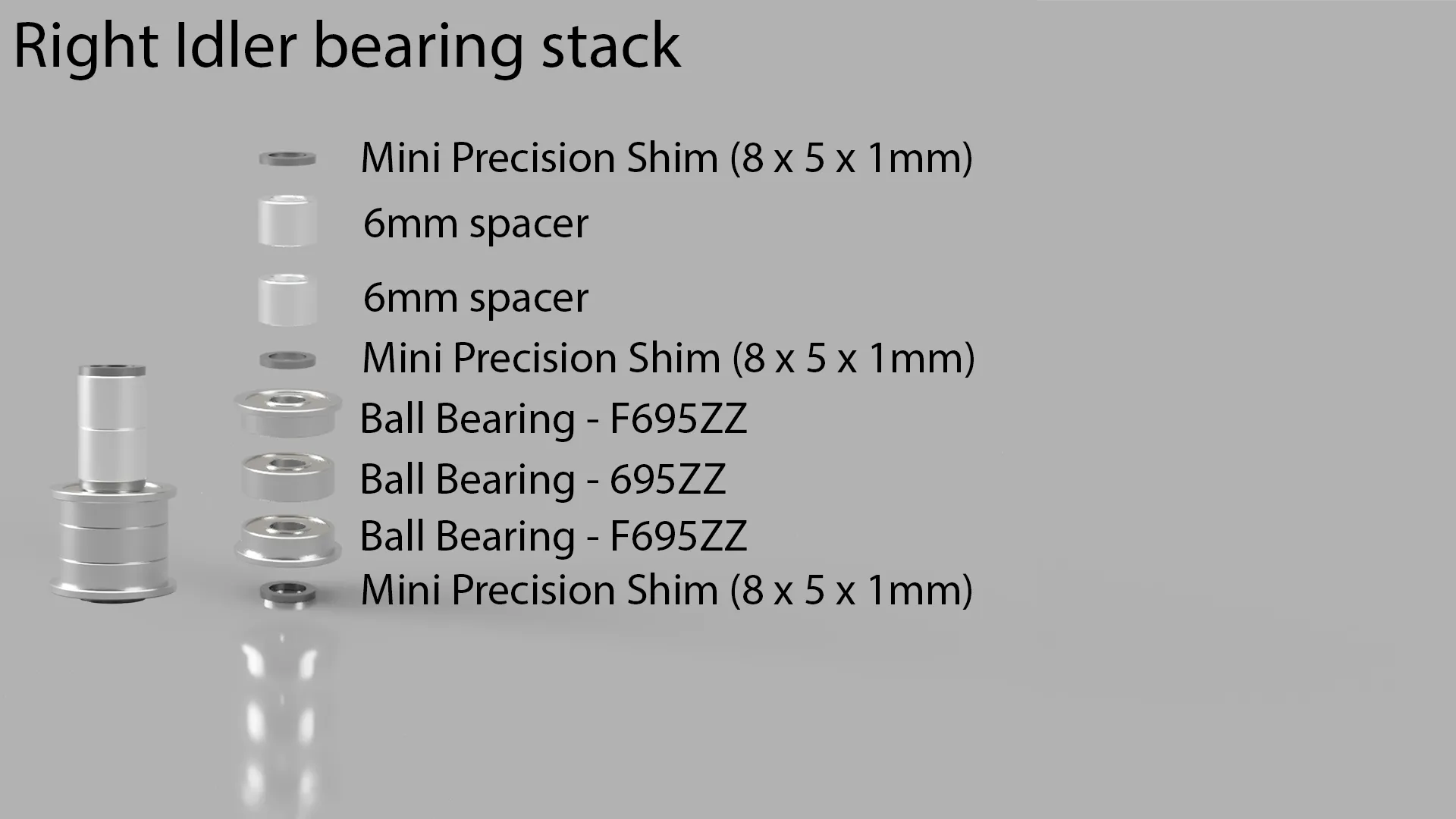
- Mini Precision Shim (8 x 5 x 1mm) x 3
- 6mm spacer x 2
- Ball Bearing - F695ZZ x 2
- Ball Bearing - 695ZZ x 1
We will start with the left arm, once you have completed step 3, repeat the instructions for the right arm.
We start with the heat inserts, remember the above tip.
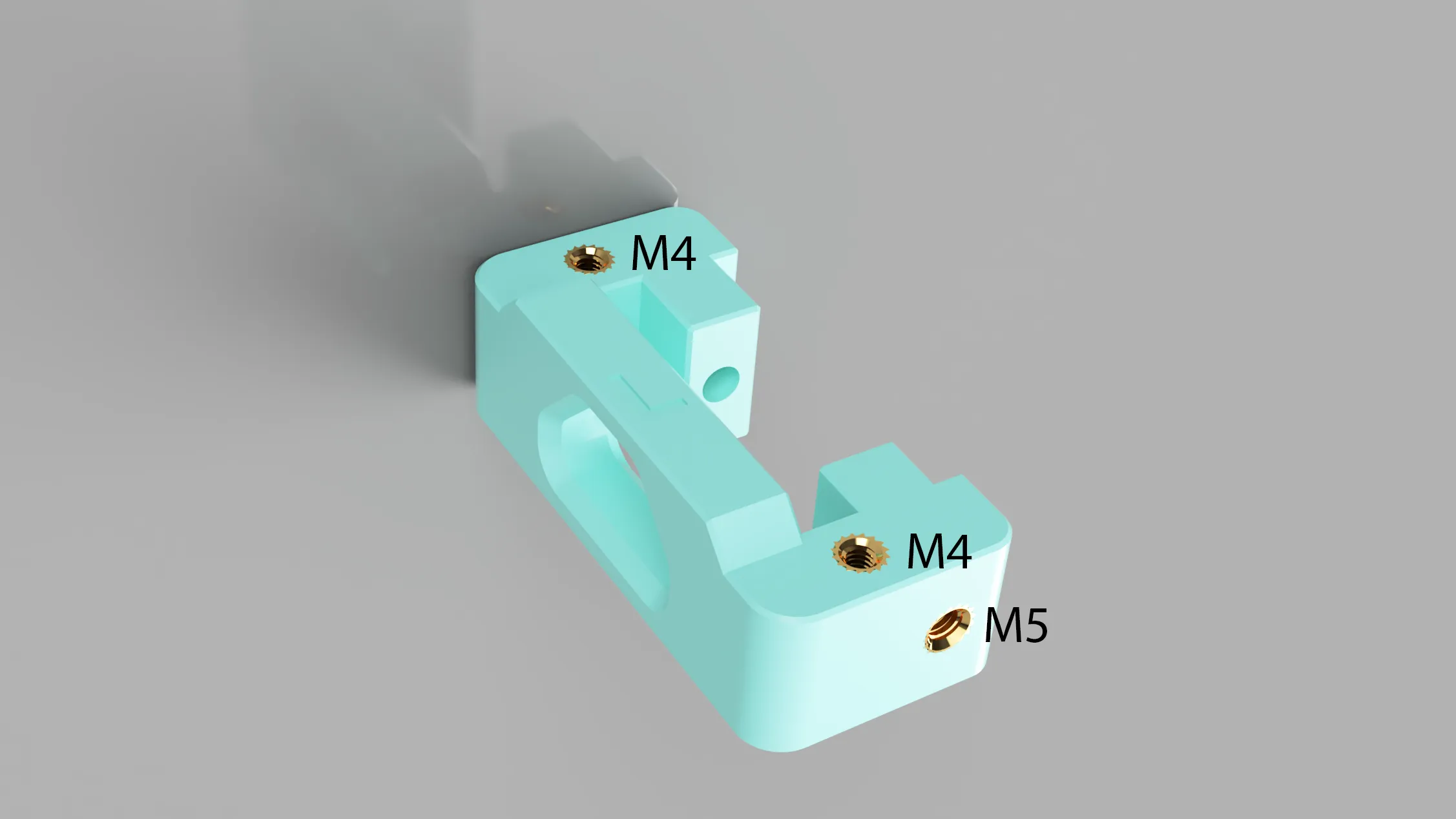
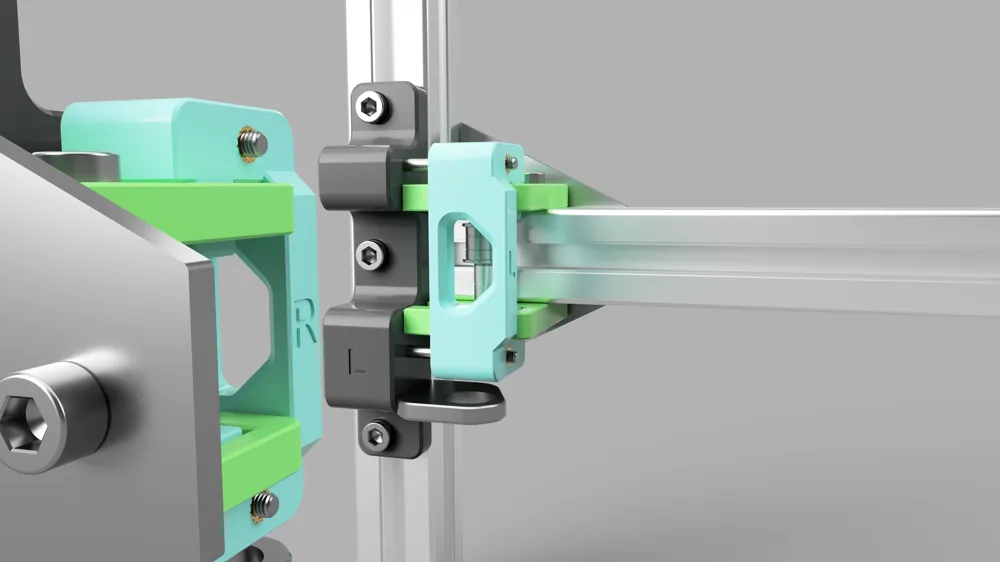
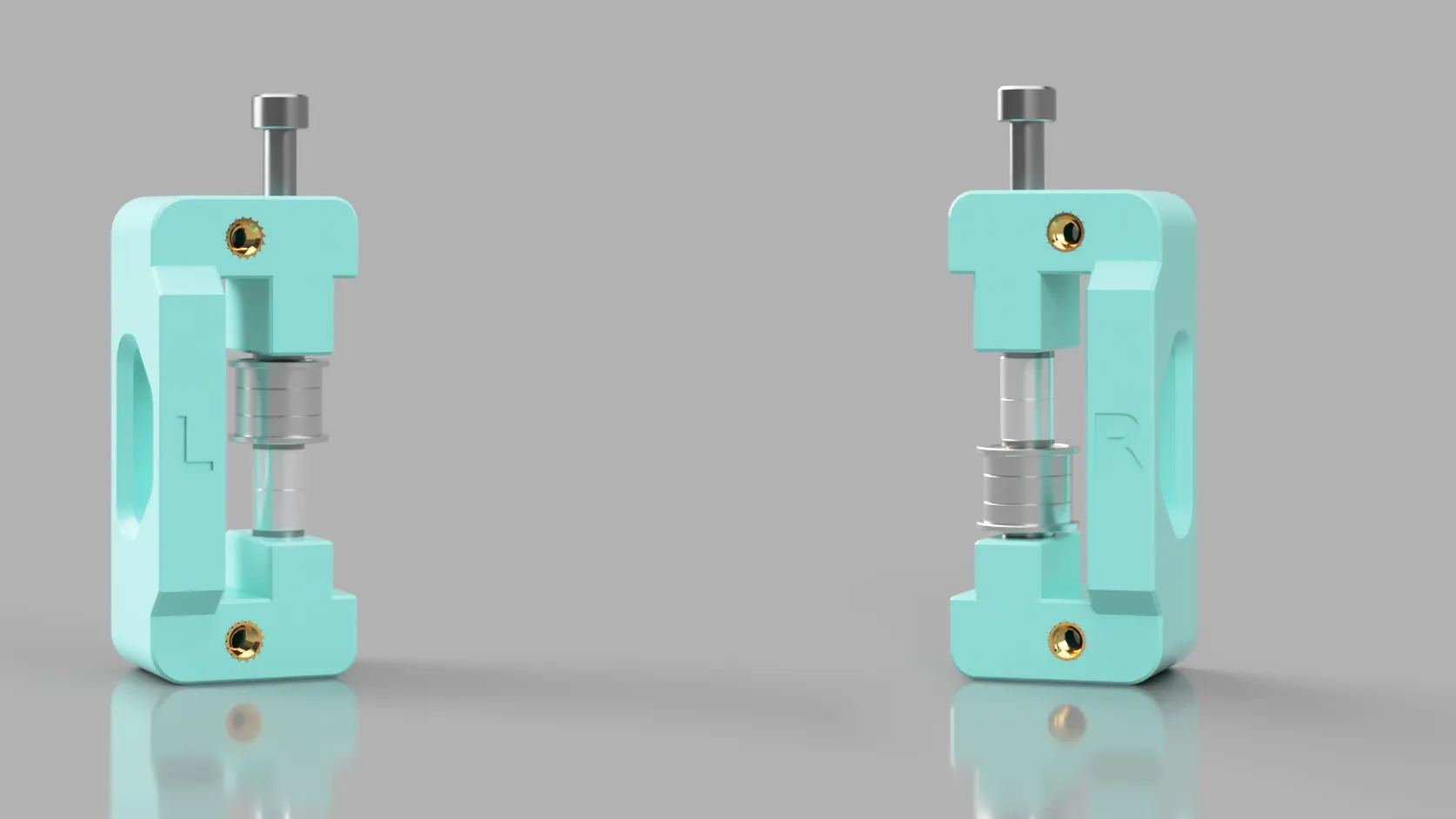
Let's move on to the idler stack, look at the below pictures to see the correct order for the left and right sides. Tighten the M5 - 60mm screw to secure the idler stack.
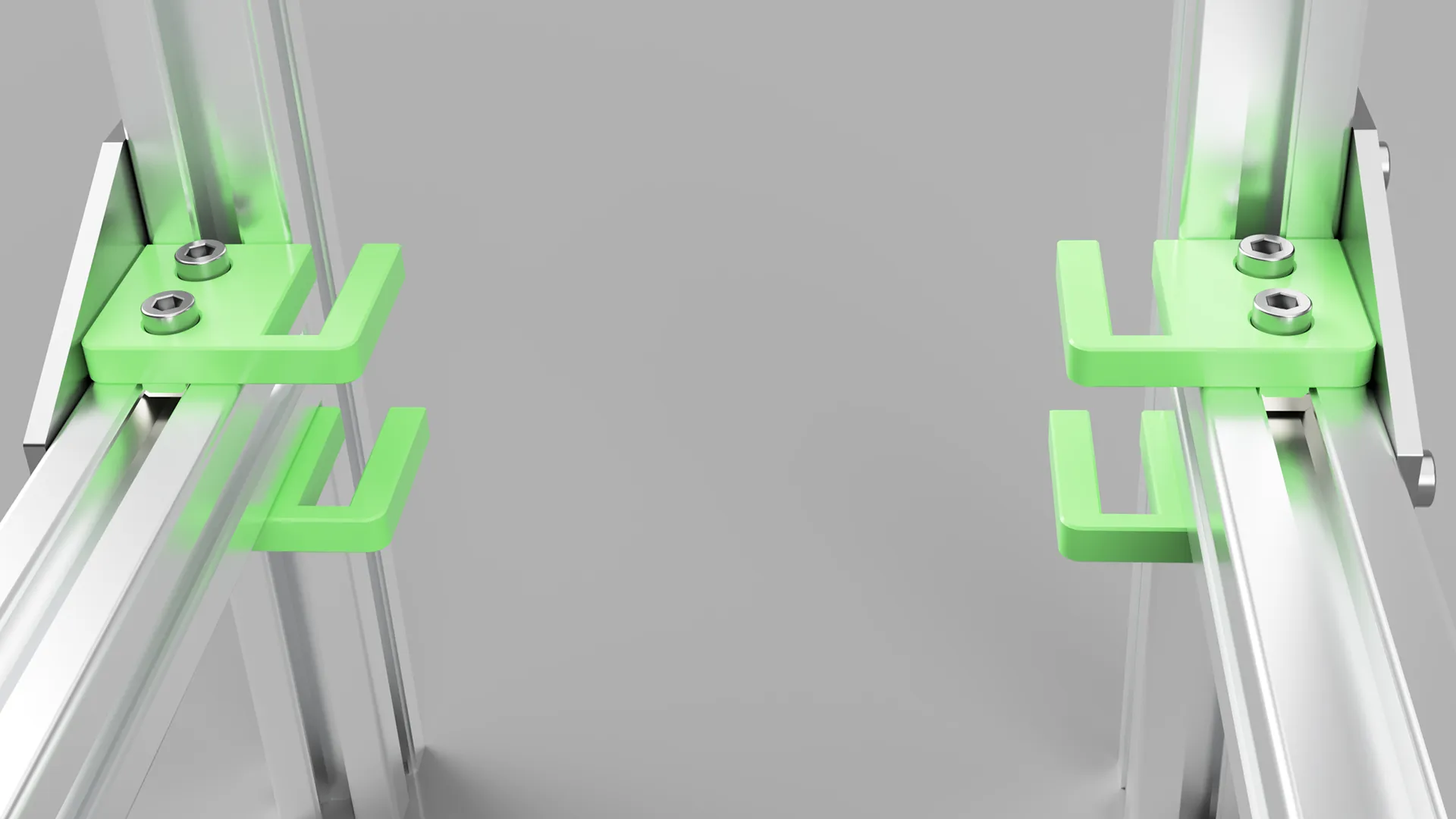
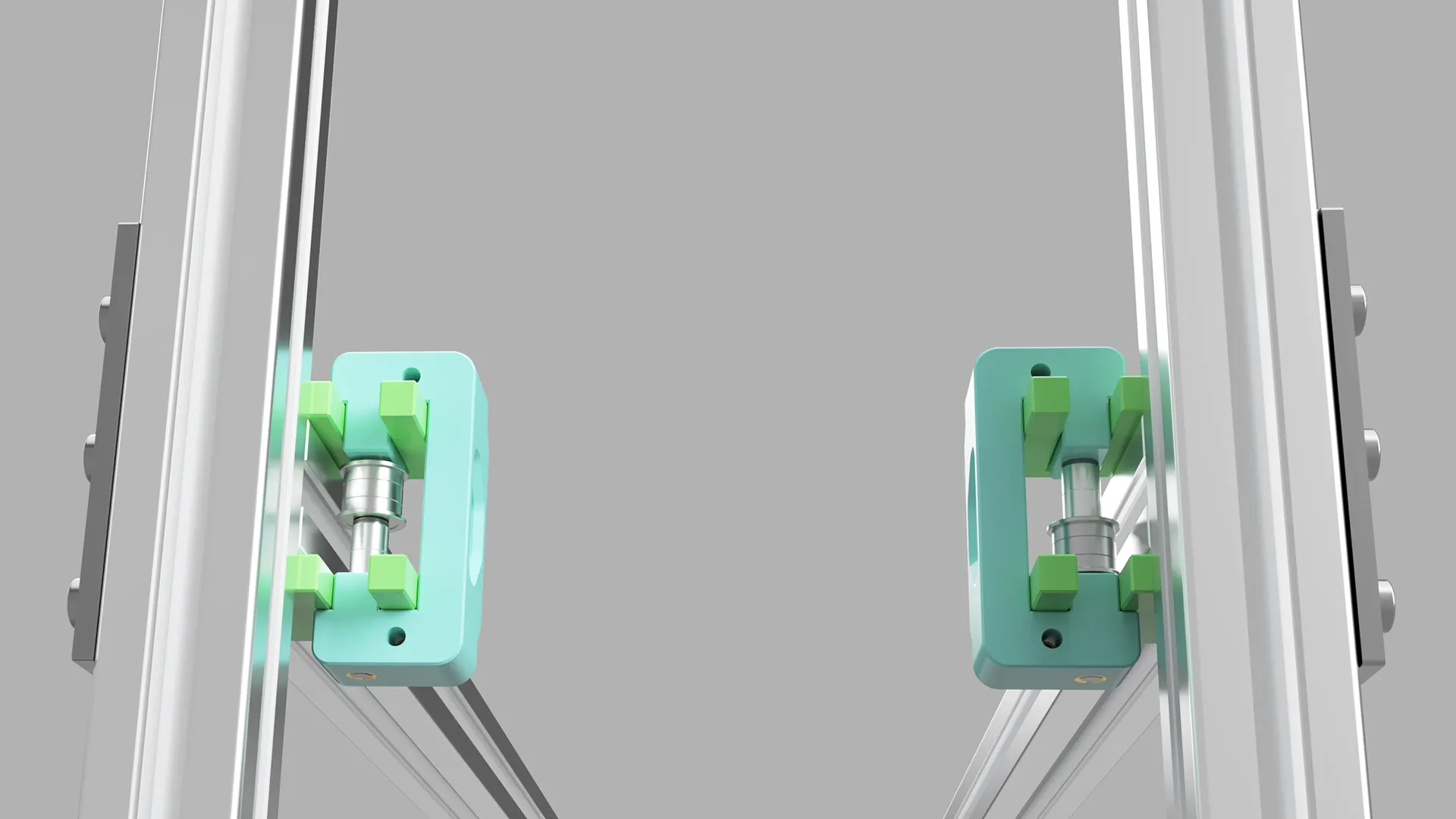
Step 4 - Place Tension arms into Tension brackets
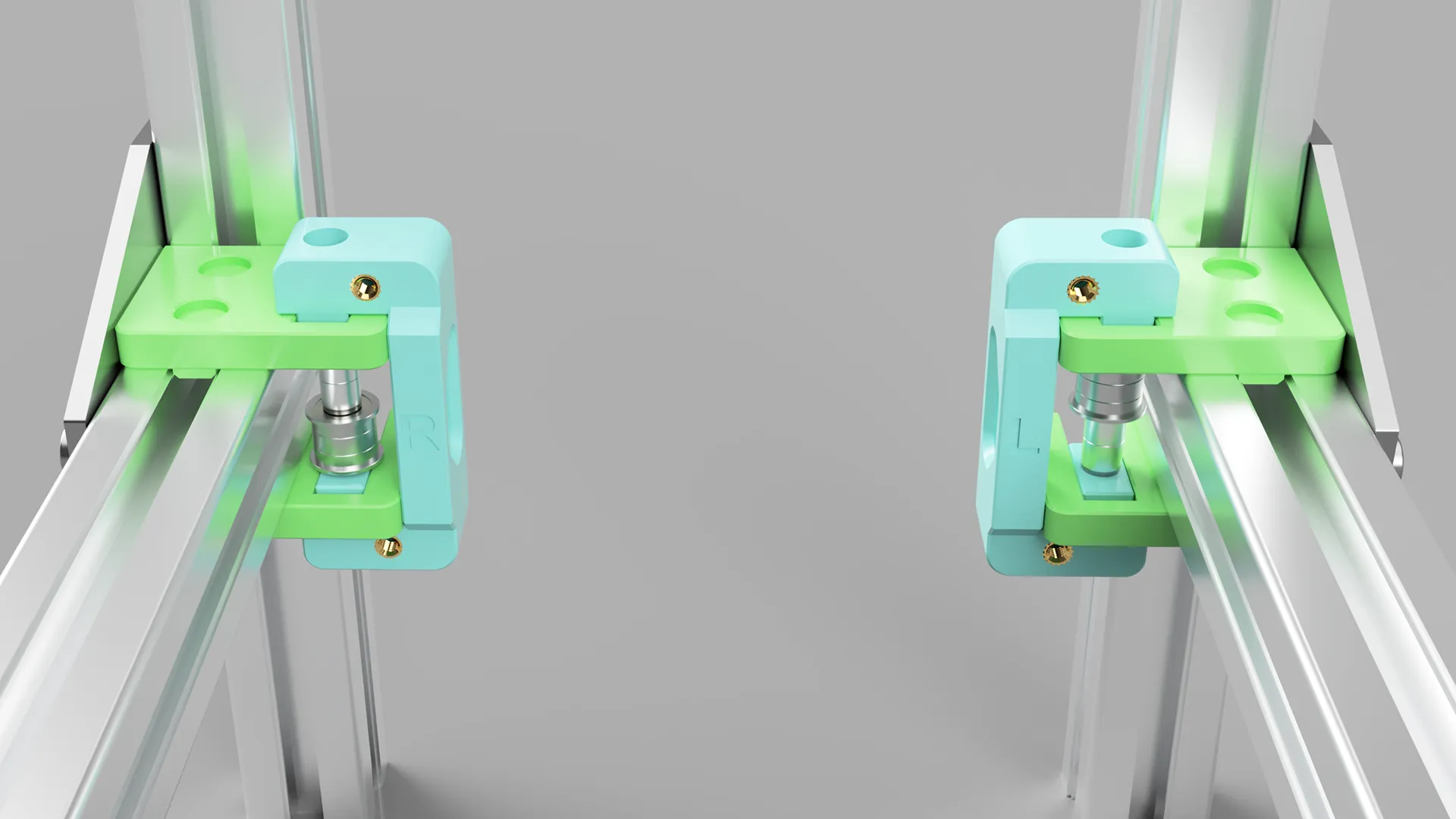
Push the arms into the brackets, see the below pictures.
Step 5 - Prepare the Front brackets
Bom:
- Printed parts
- v1-Tension-front-left
- M4 - 60mm x 2
- M6 - 12mm x 3
- M6 T-Nuts for 3030 alu profile x 3
- Heat Insert - M3 x 2 (3mm or 5.7mm)
Let's start with the left arm, once you have completed step 5, repeat the instructions for the right front bracket.
Insert the heat inserts.
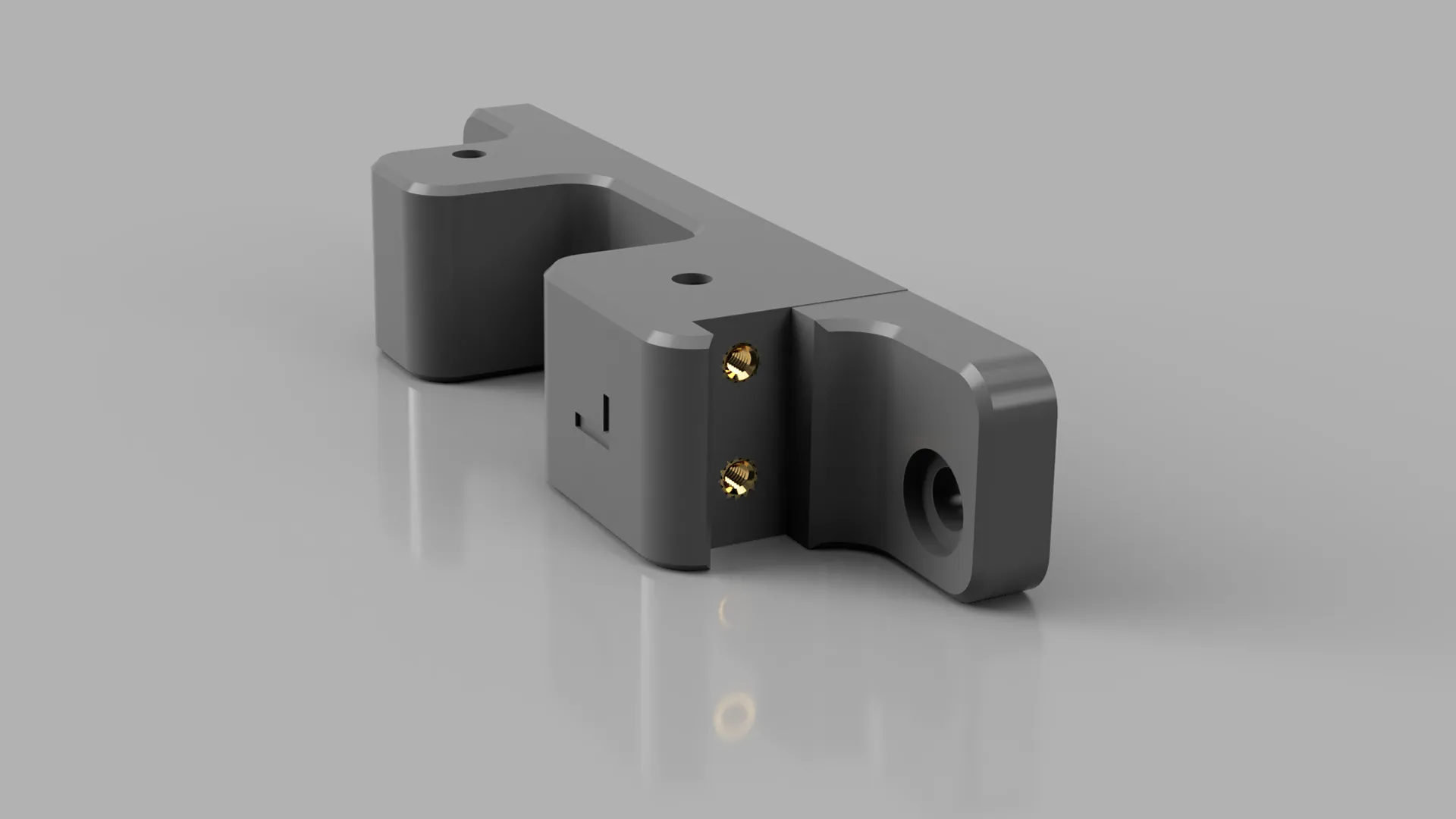
Loosely thread the 3030 T-Nuts onto the M6x12 screws. Do not tighten them too much, remember to line up the T-Nuts with the slot on the alu profile.
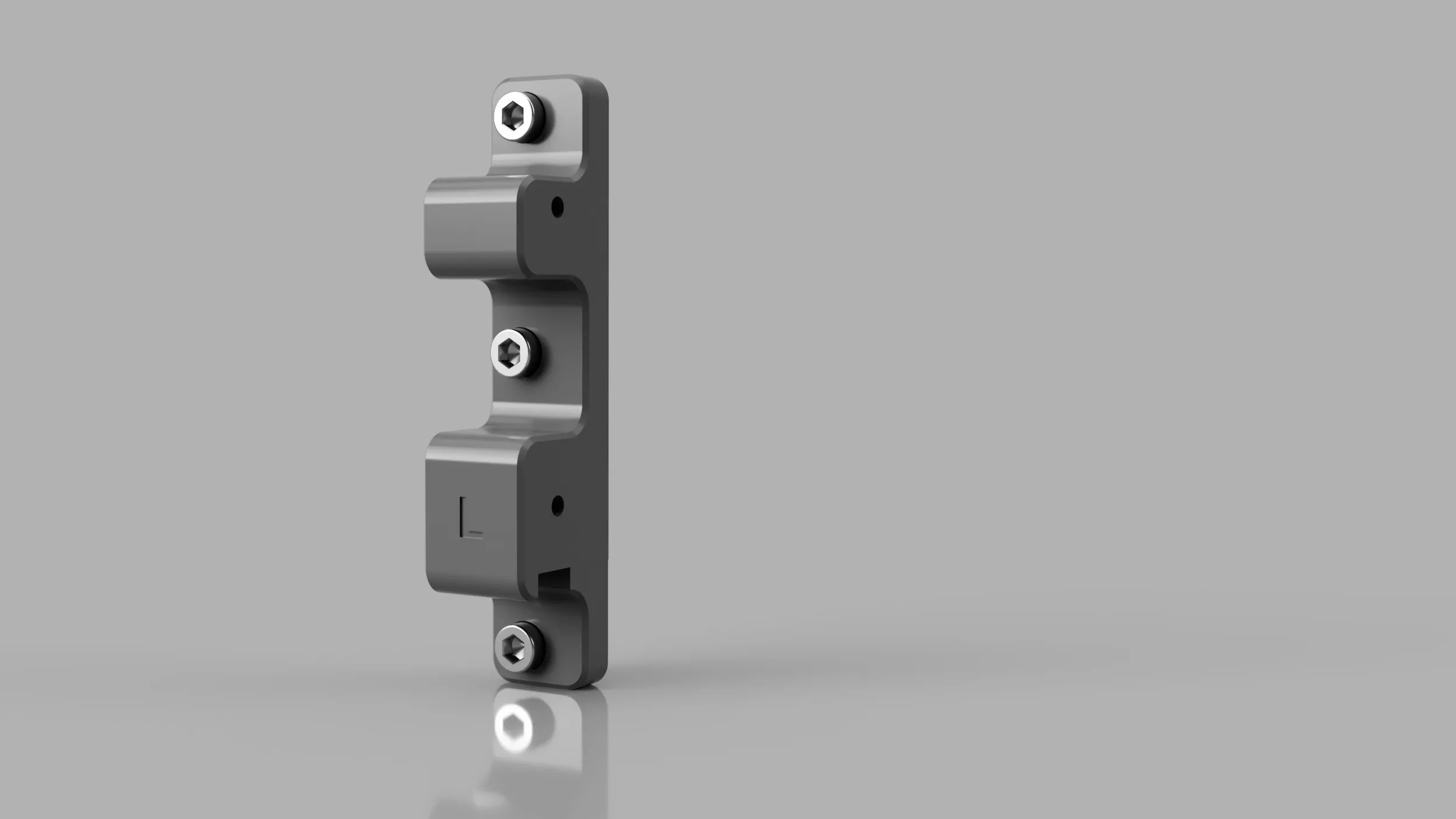
Step 6 - Mounting the Front brackets
Insert M4 - 60mm about halfway and line up with M4 holes on the Tension arms and insert and tighten the M6 with T-Nuts. As with the other steps, we start with the left and you just repeat the same with the right side.
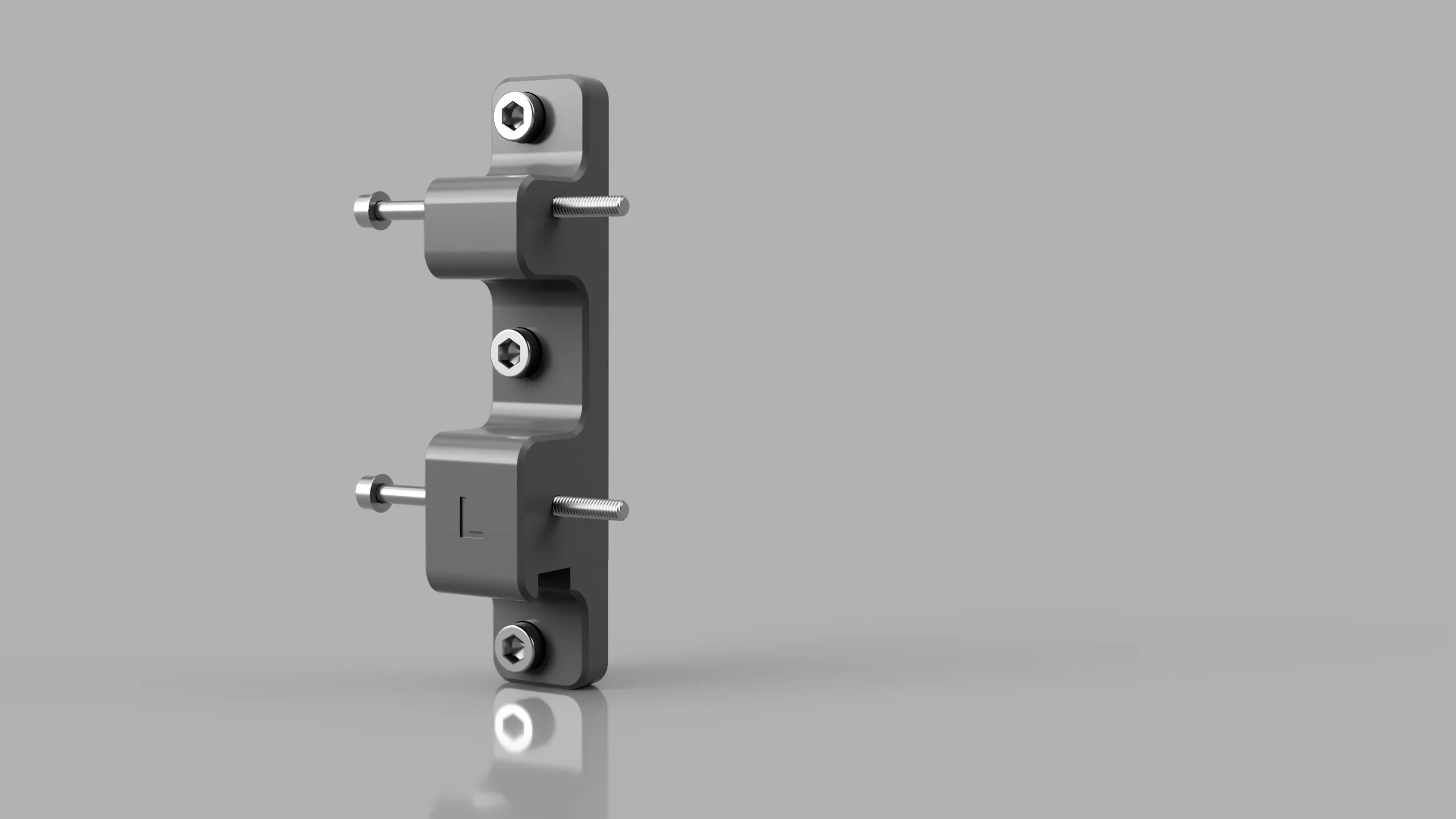
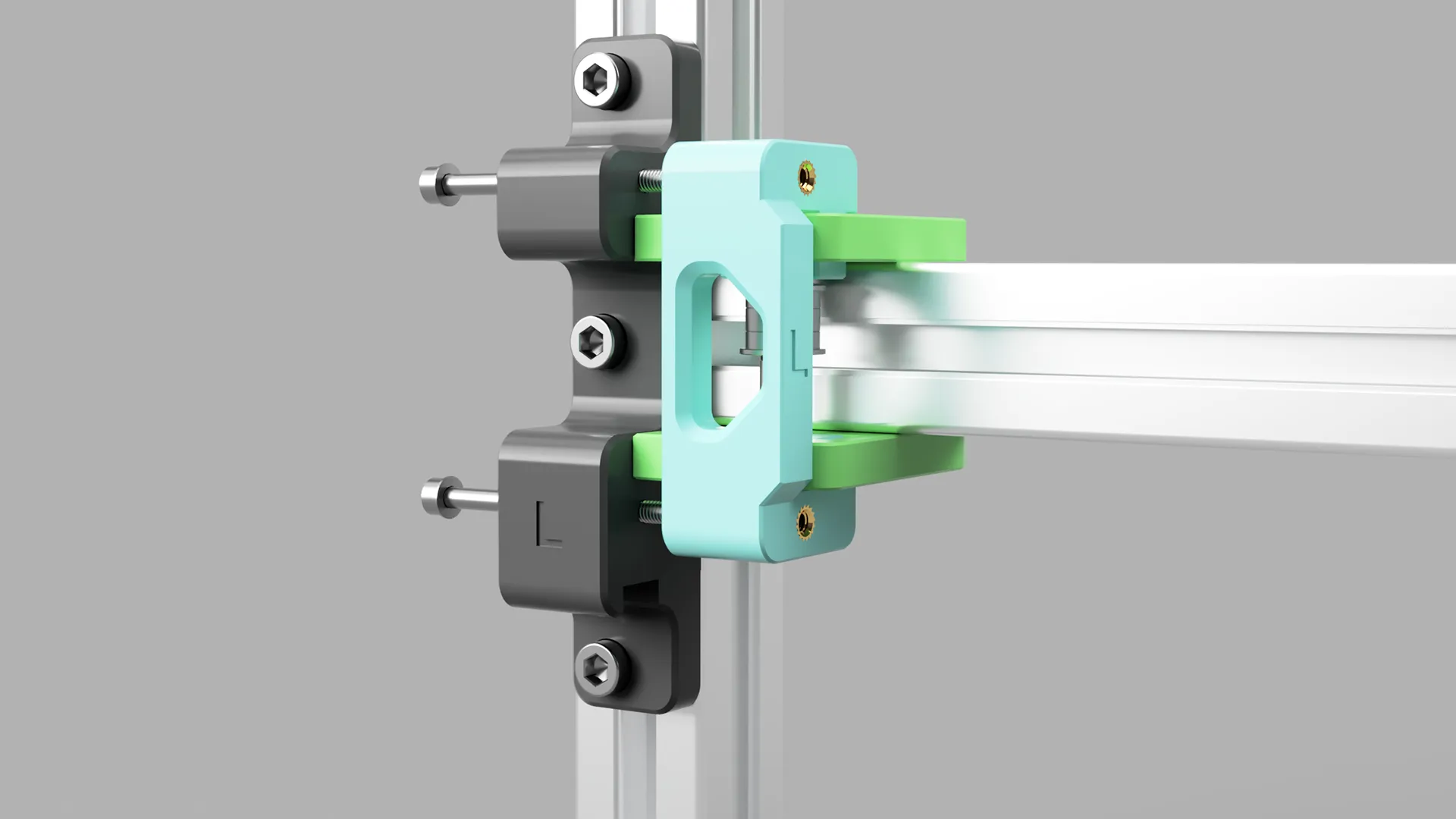
Once everything is lined up and tightened, you can tighten the M4 - 60mm screws. You can start by tightening them up as much as the picture below.
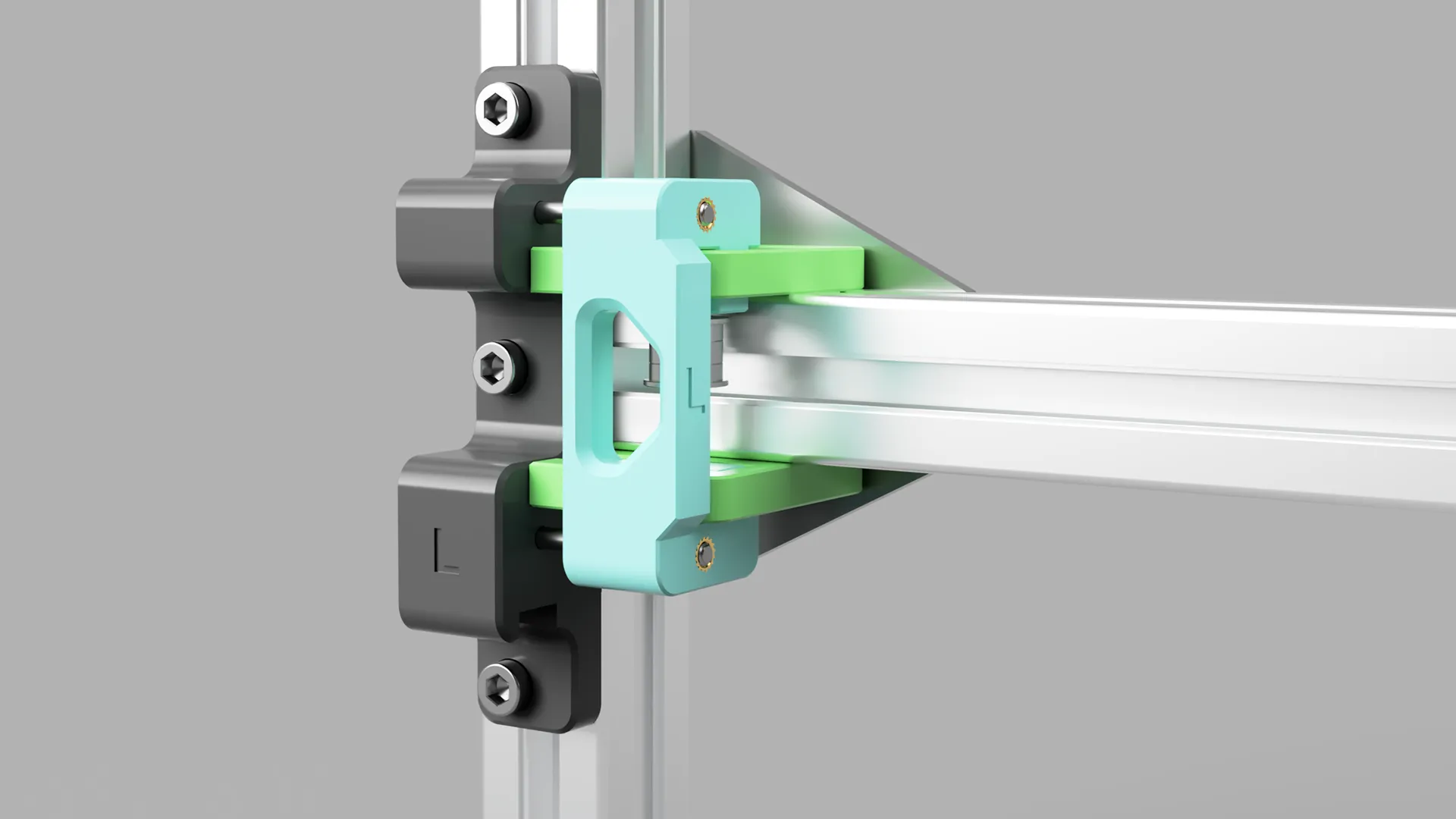
Step 7 - Install Z constraints
Bom:
- Printed parts
- v1-Tension-z-constraint-left
- M3 - 8mm x 2
- Ball Bearing - F688ZZ
Locate the M3 inserts on the underside of the front bracket.
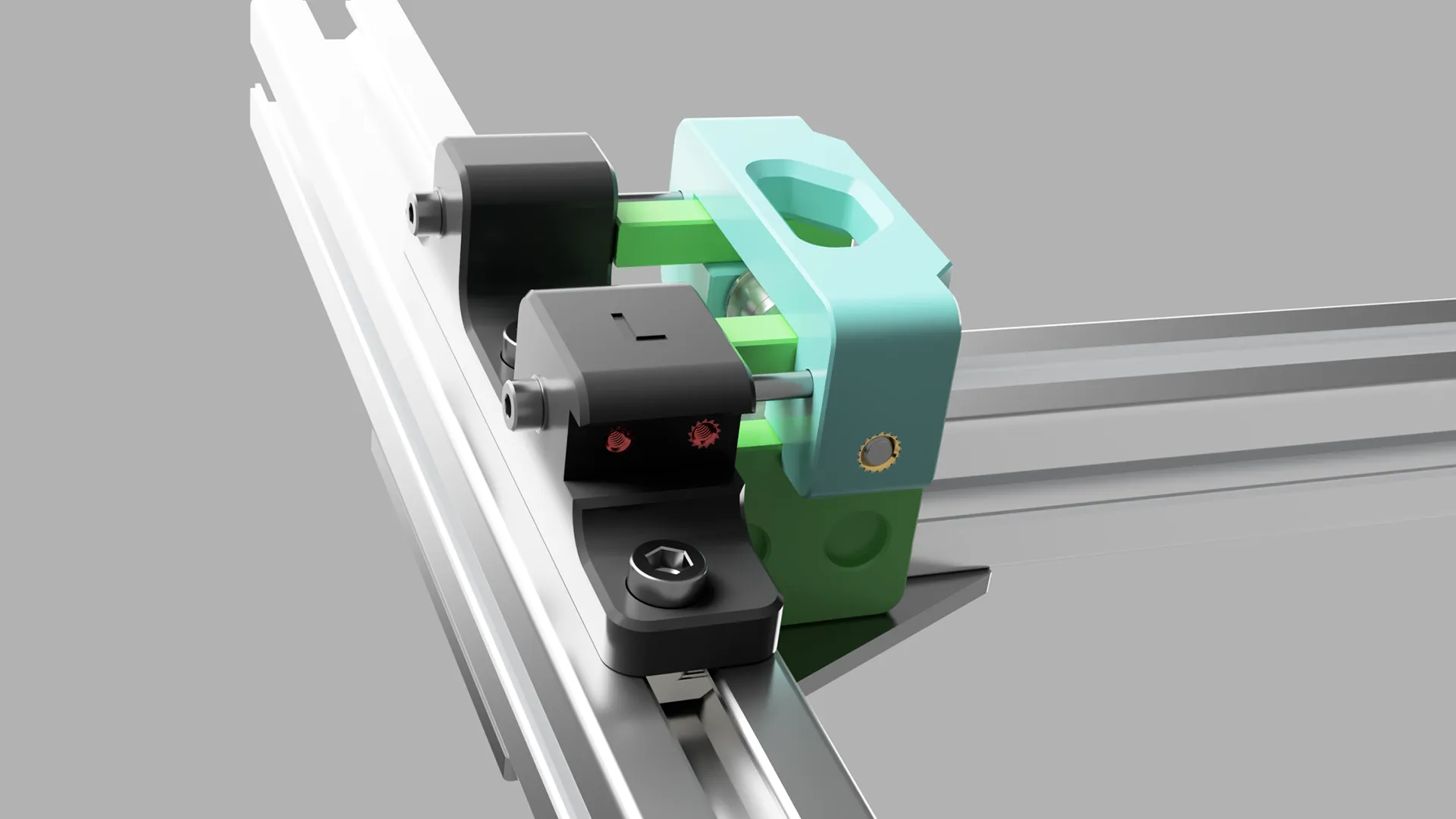
First, you will need to install the F688ZZ ball bearing into the Z constraint.
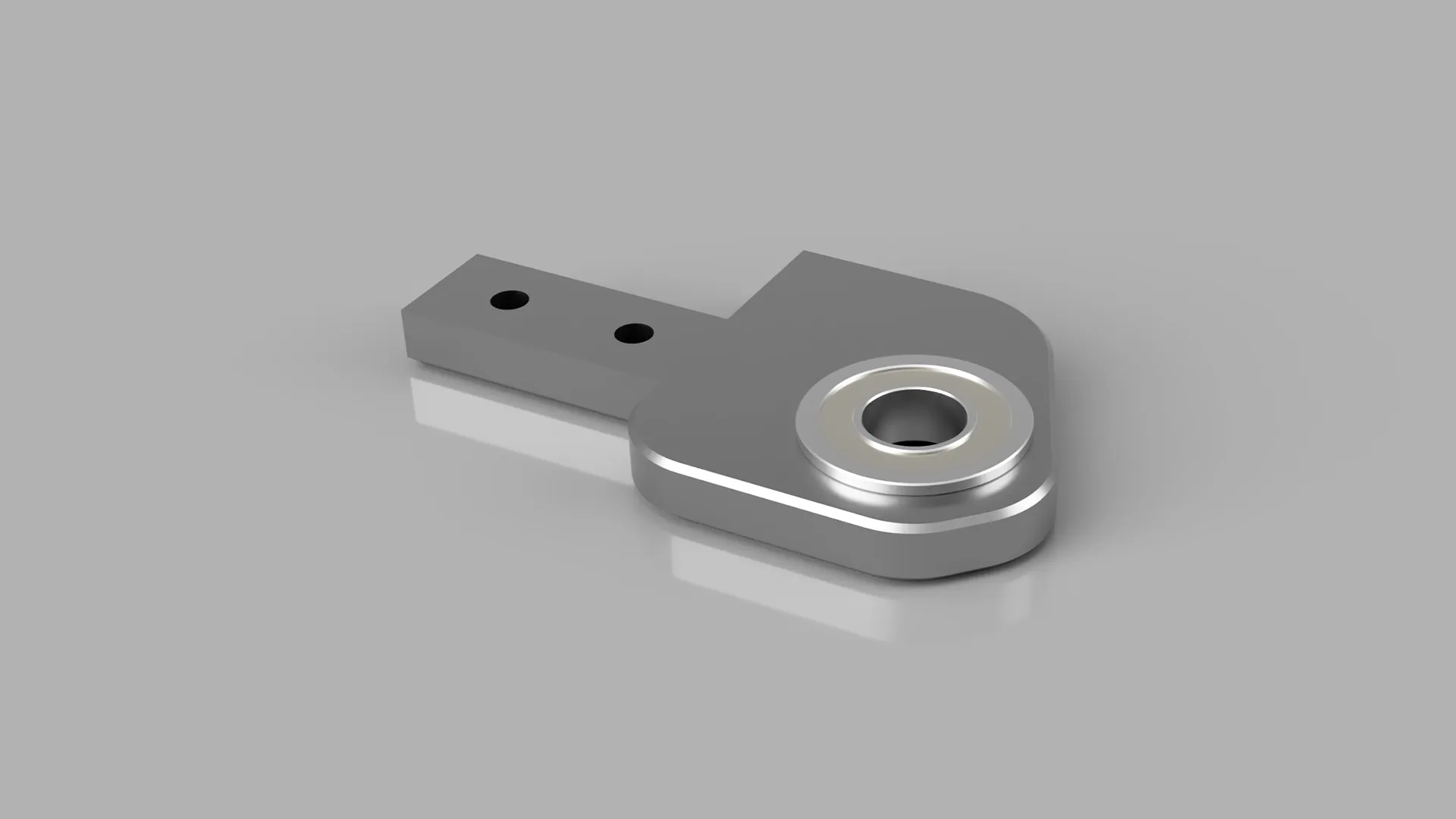
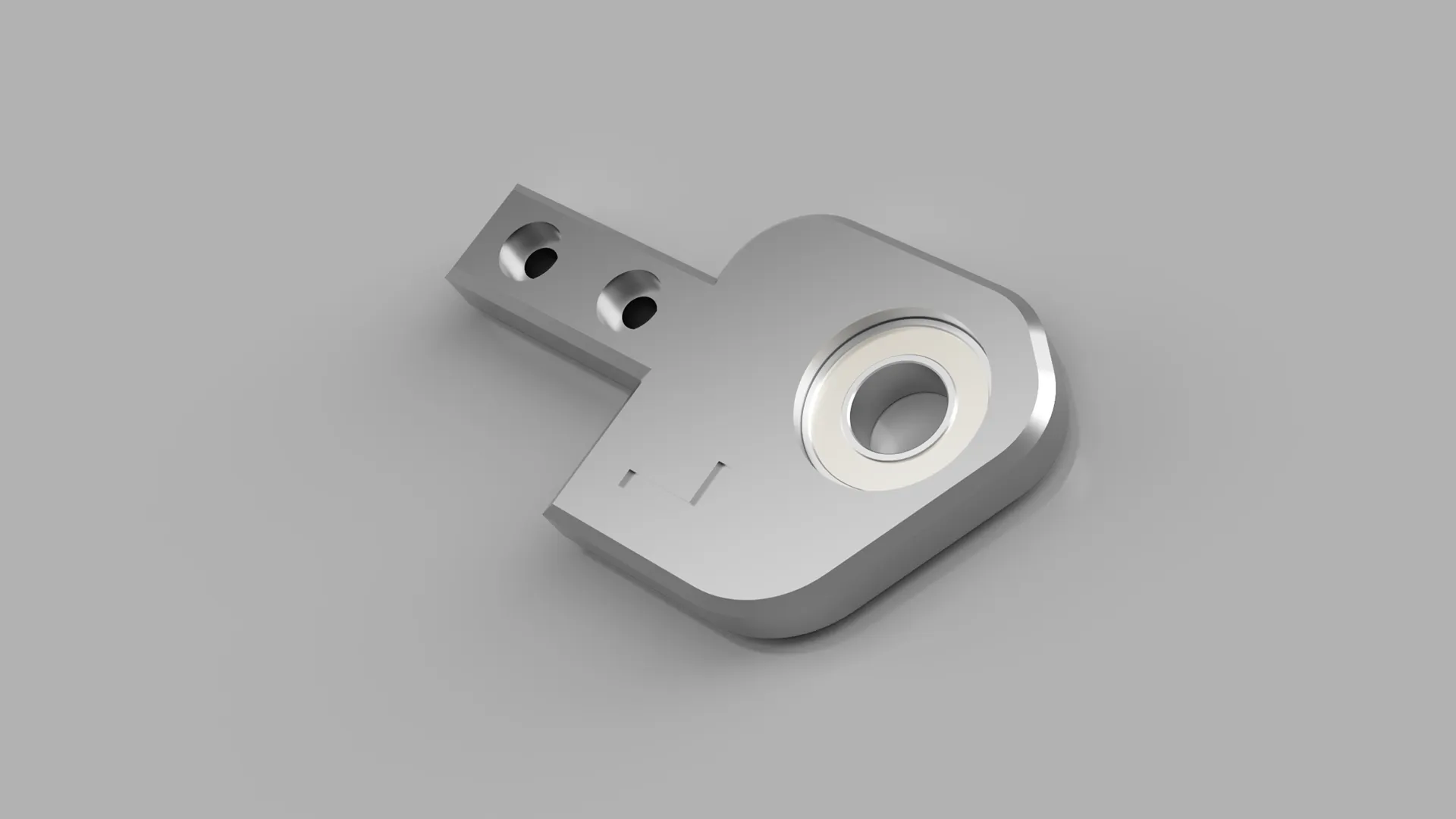
Exercise caution when screwing the constraint into place. You'll need to manoeuvre it around to get it onto the lead screw first, then screw it into place.
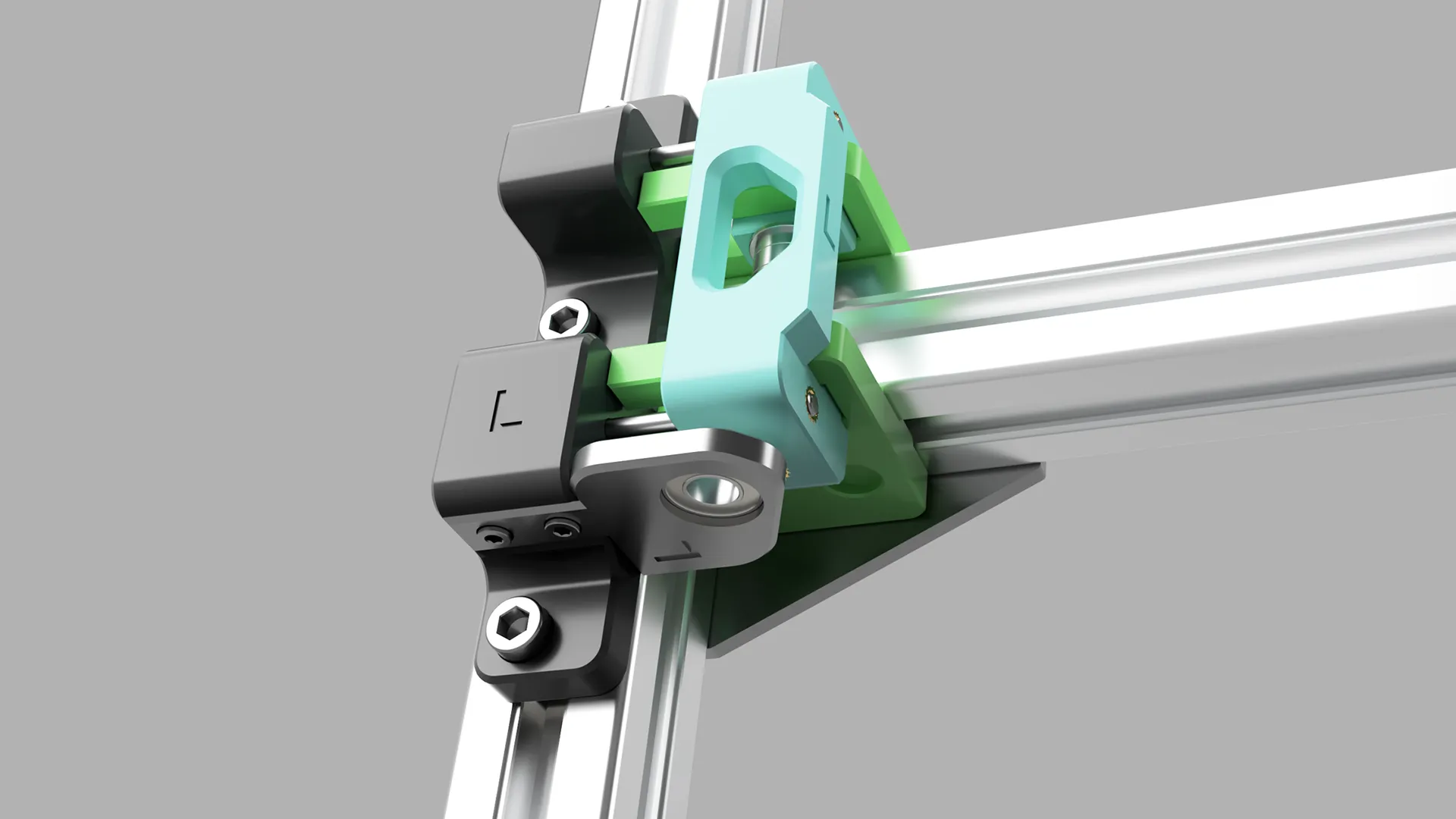
After that, you can install your belts and you are off to the races!
Let me know how it goes!
This remix is based on

License



Comment & Rating (0)