

Print Profile(1)

Bill of Materials


- Screw_M4x20 x 8: M4x20 or longer
Description
Many years ago, I worked in the audio-visual industry.
I always found the functional design of spotlights cool, but they were, of course, unsuitable for a living space.
My home cinema hobby rekindled my interest in the spotlights used in film productions.
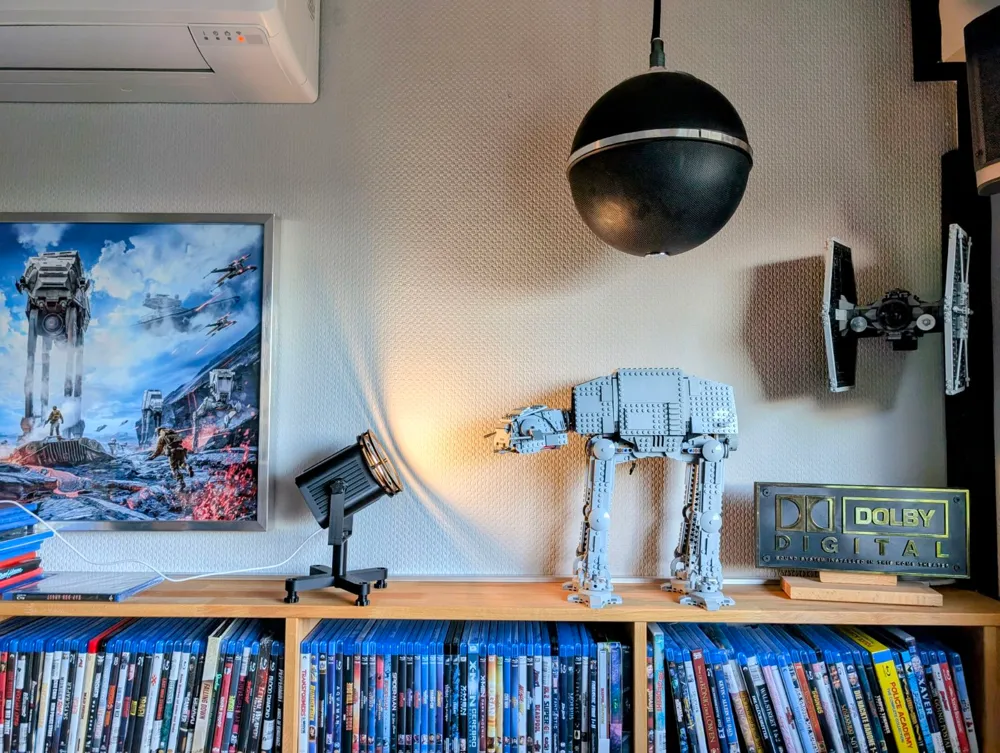
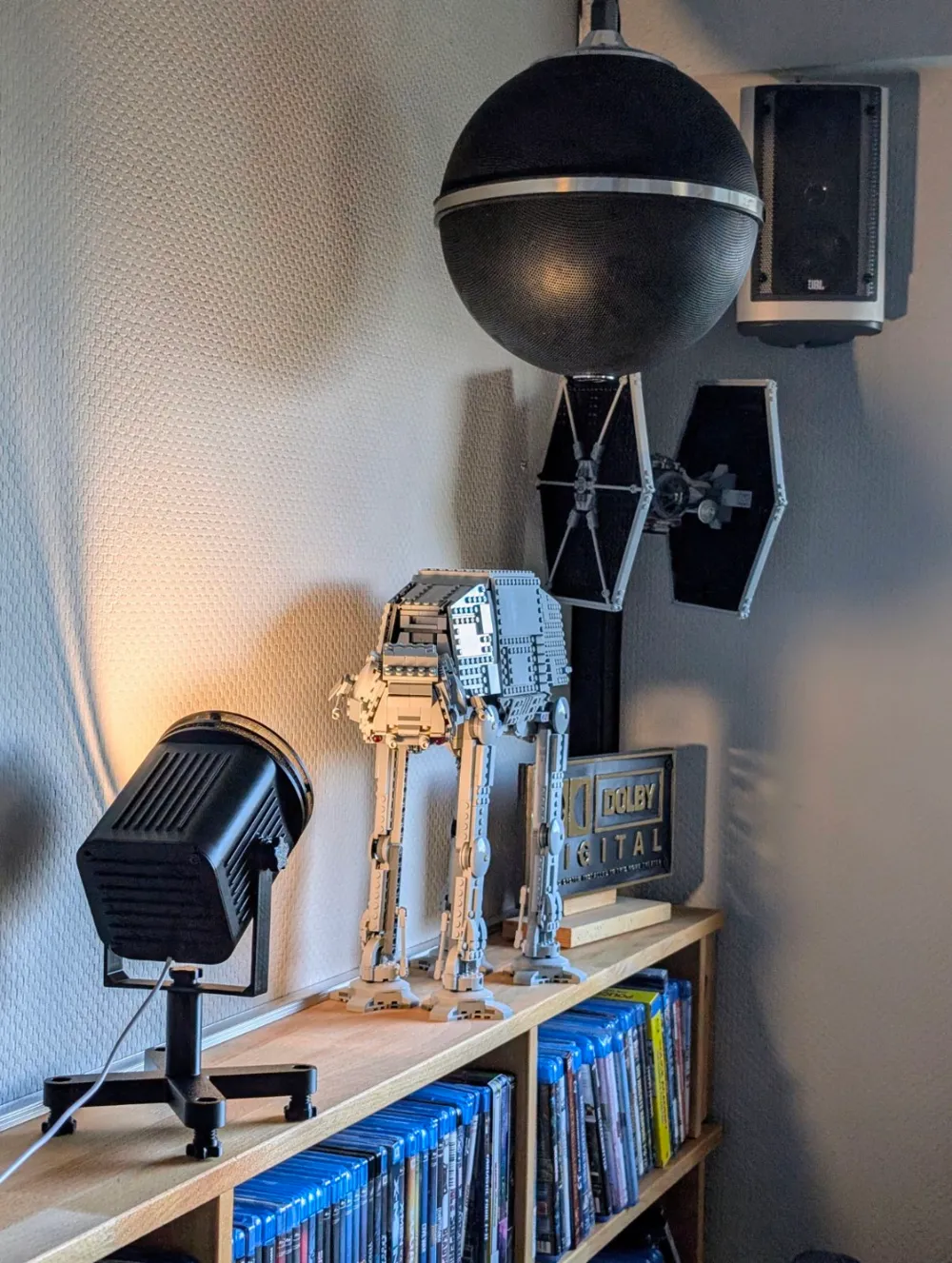
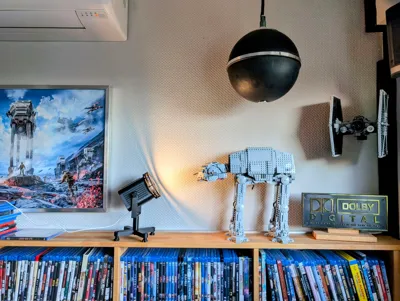
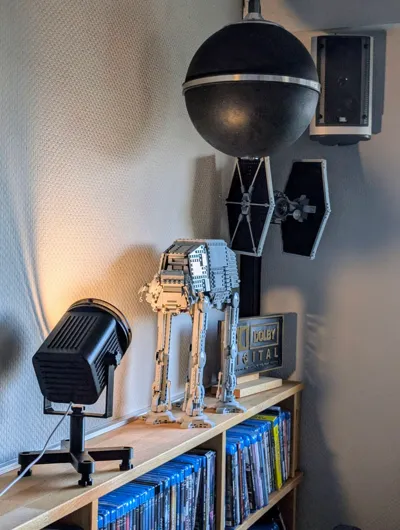
I needed something like that as a decorative piece!
So, I pondered, considered, and created a blend of both:
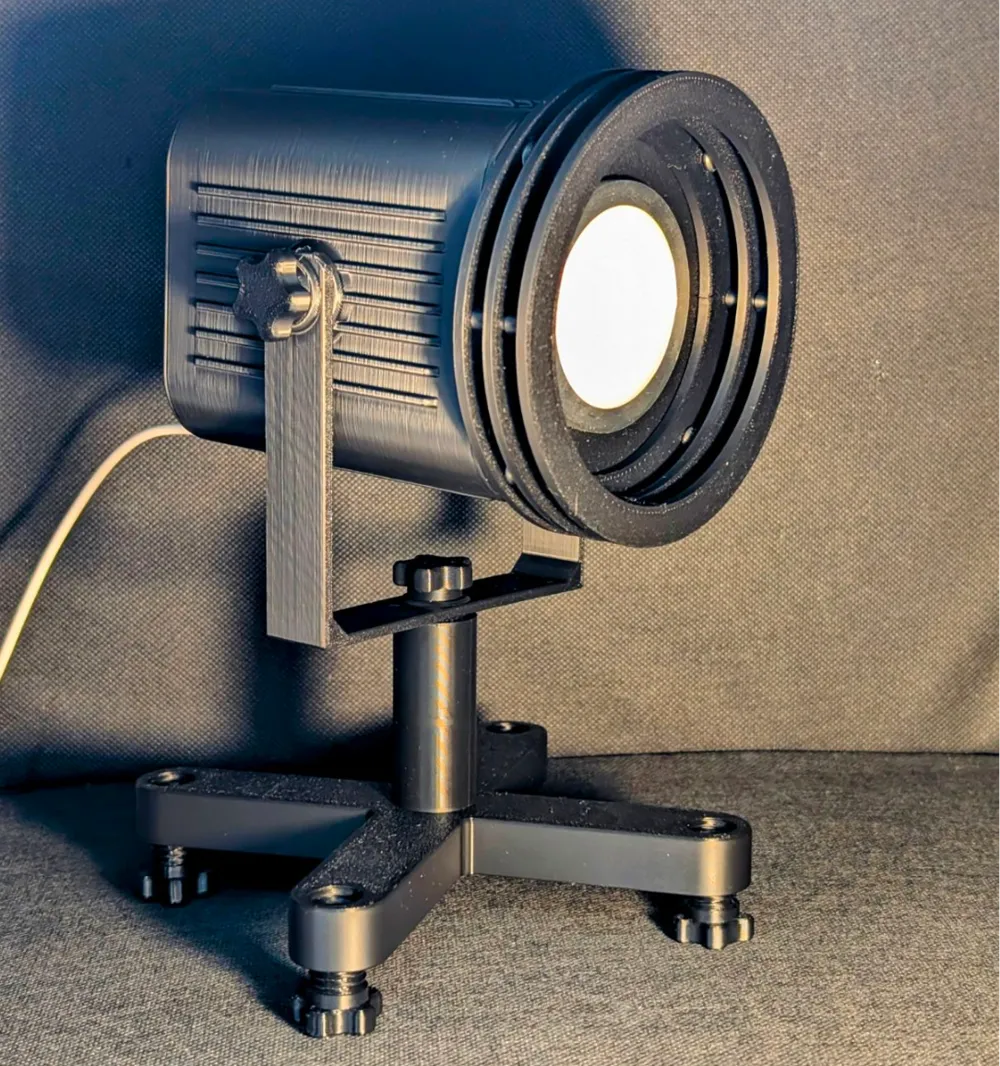
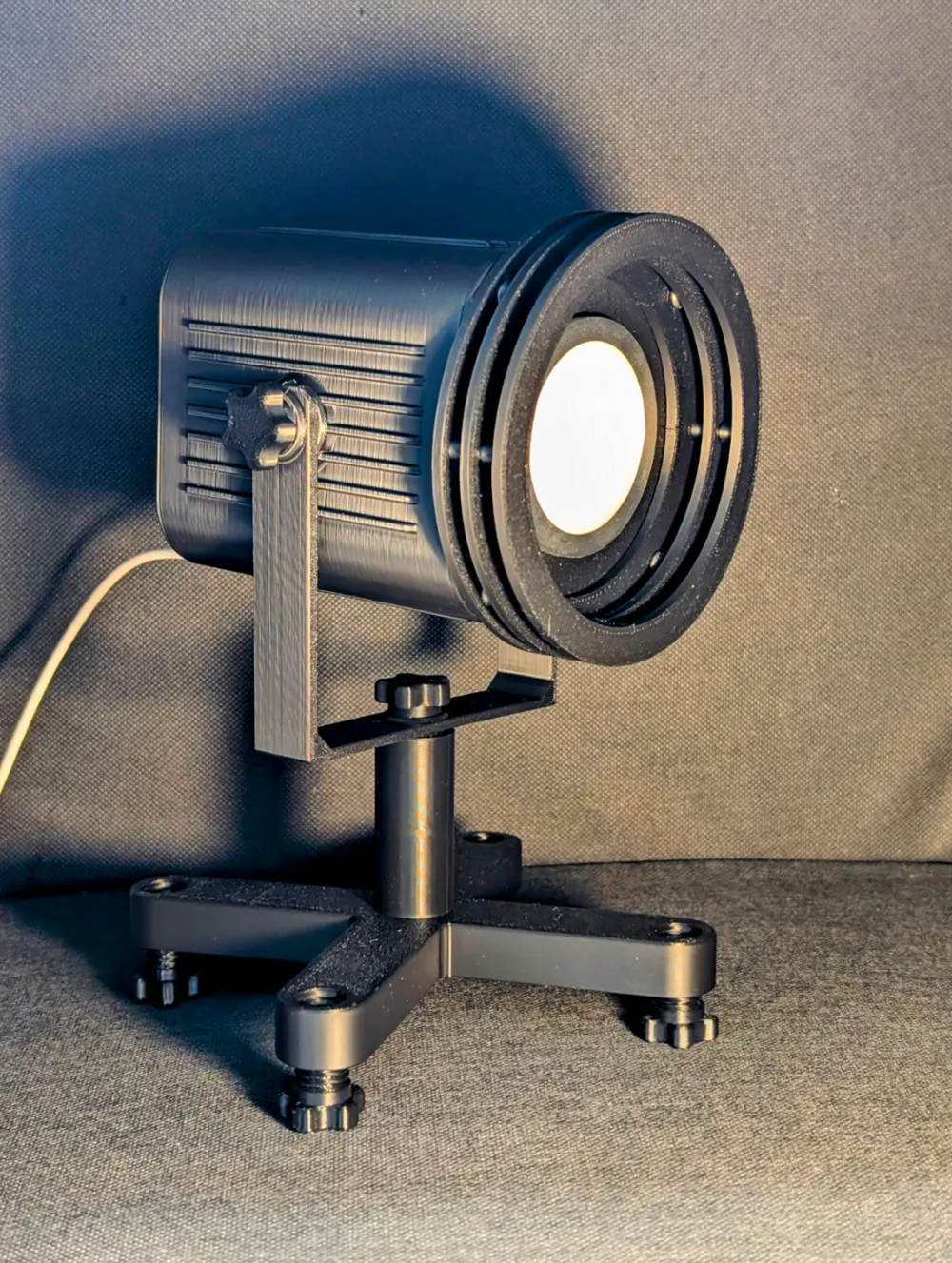
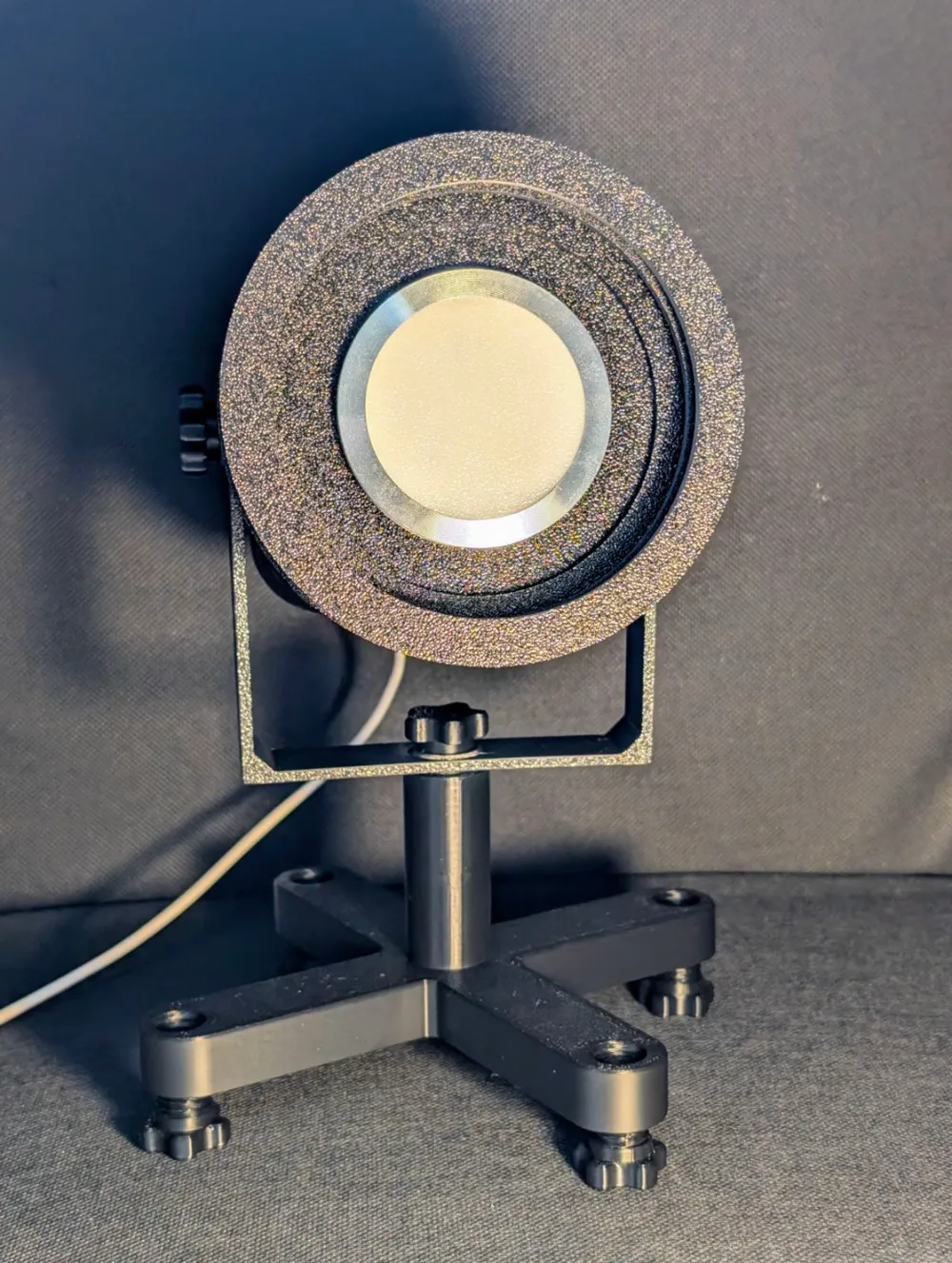
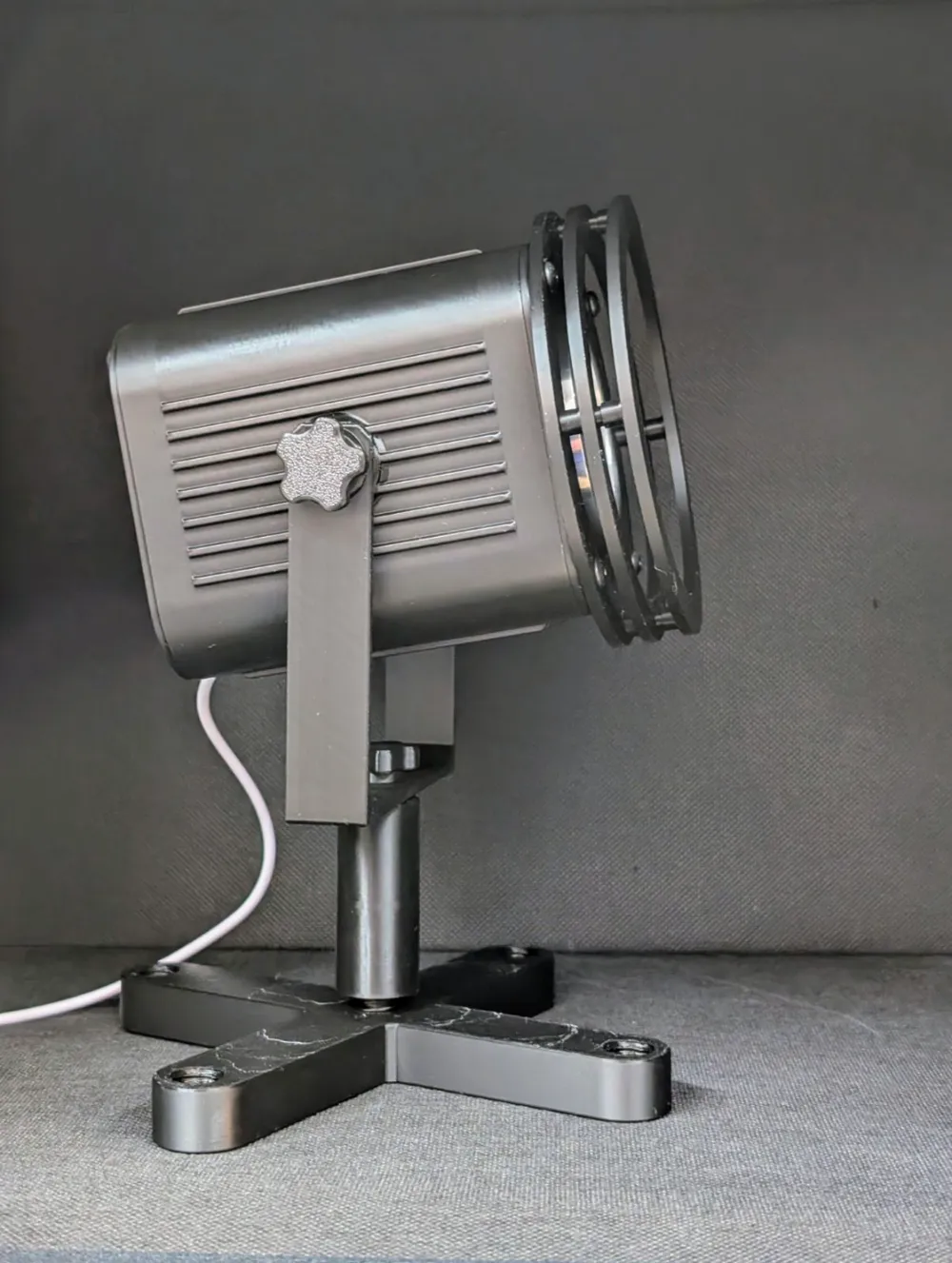
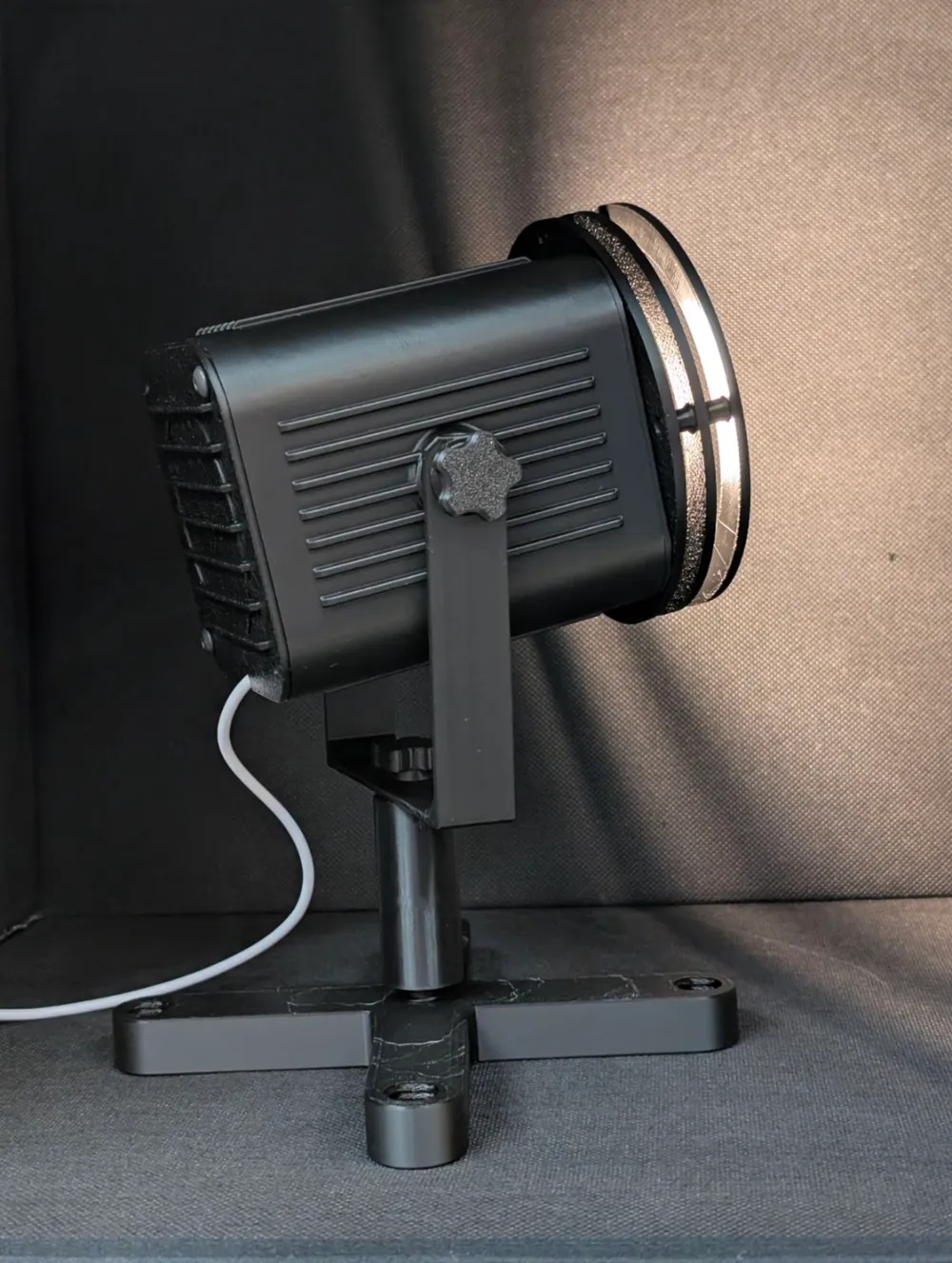
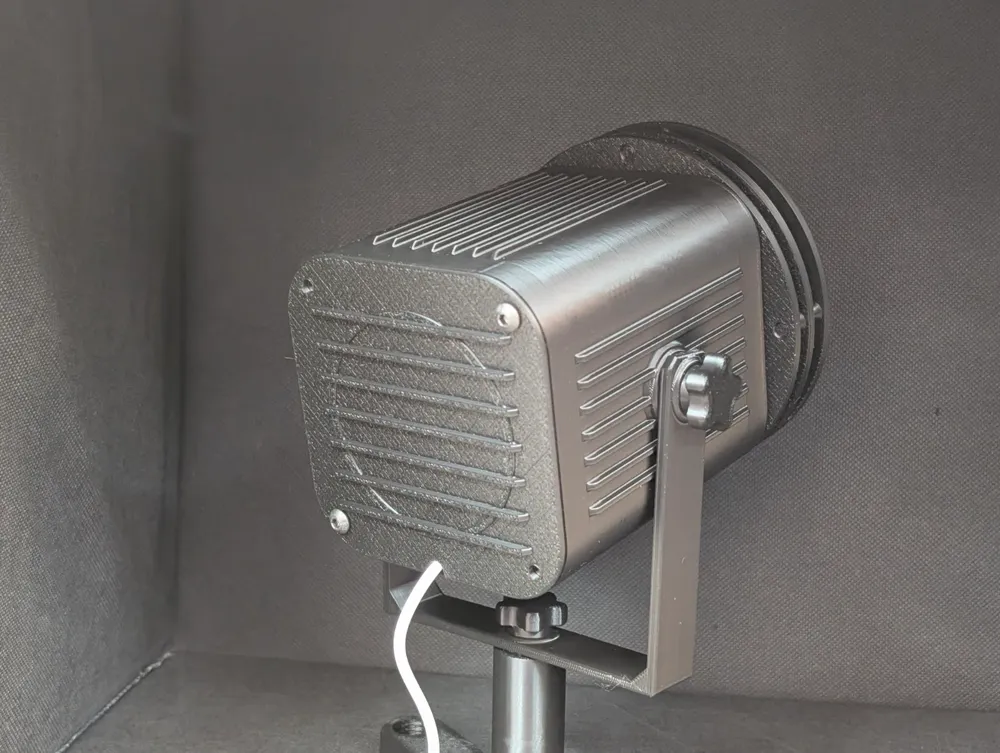
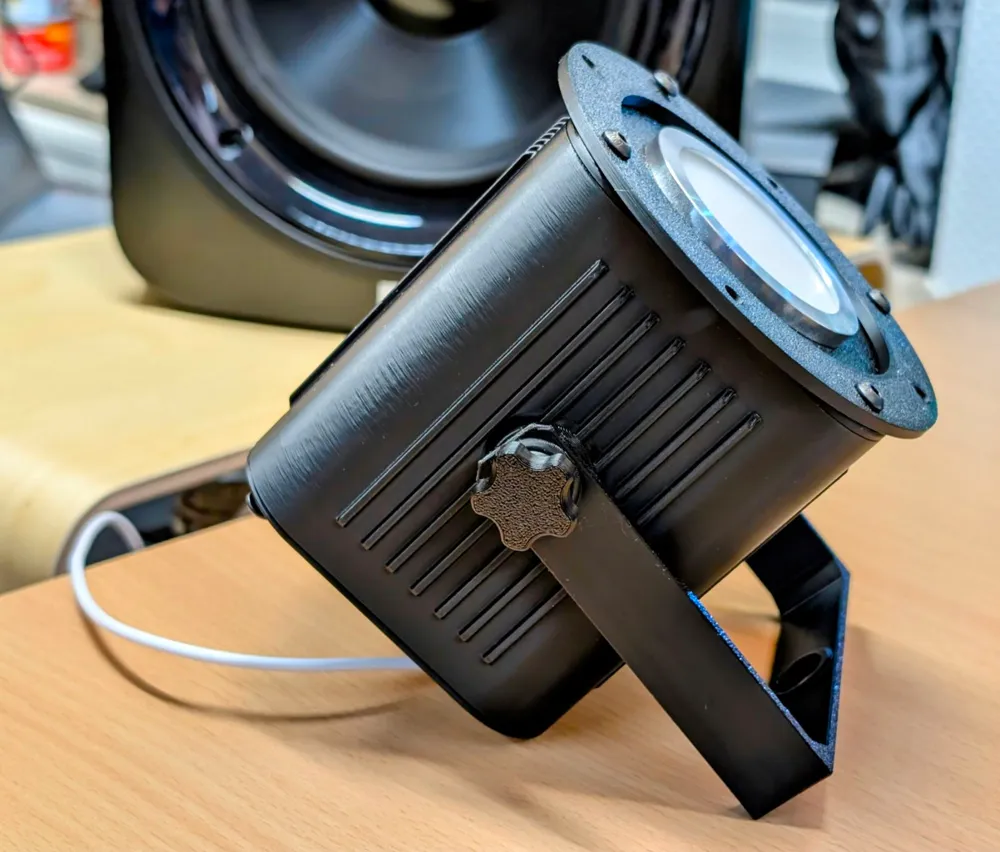
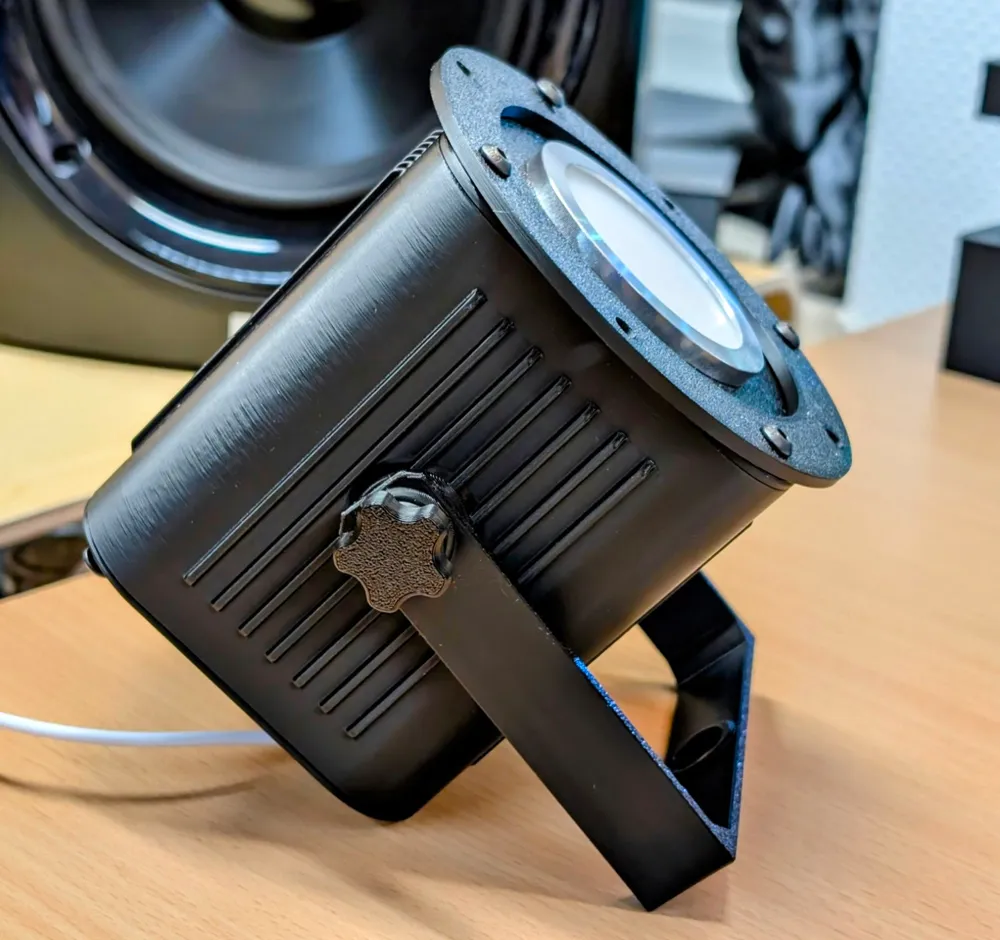
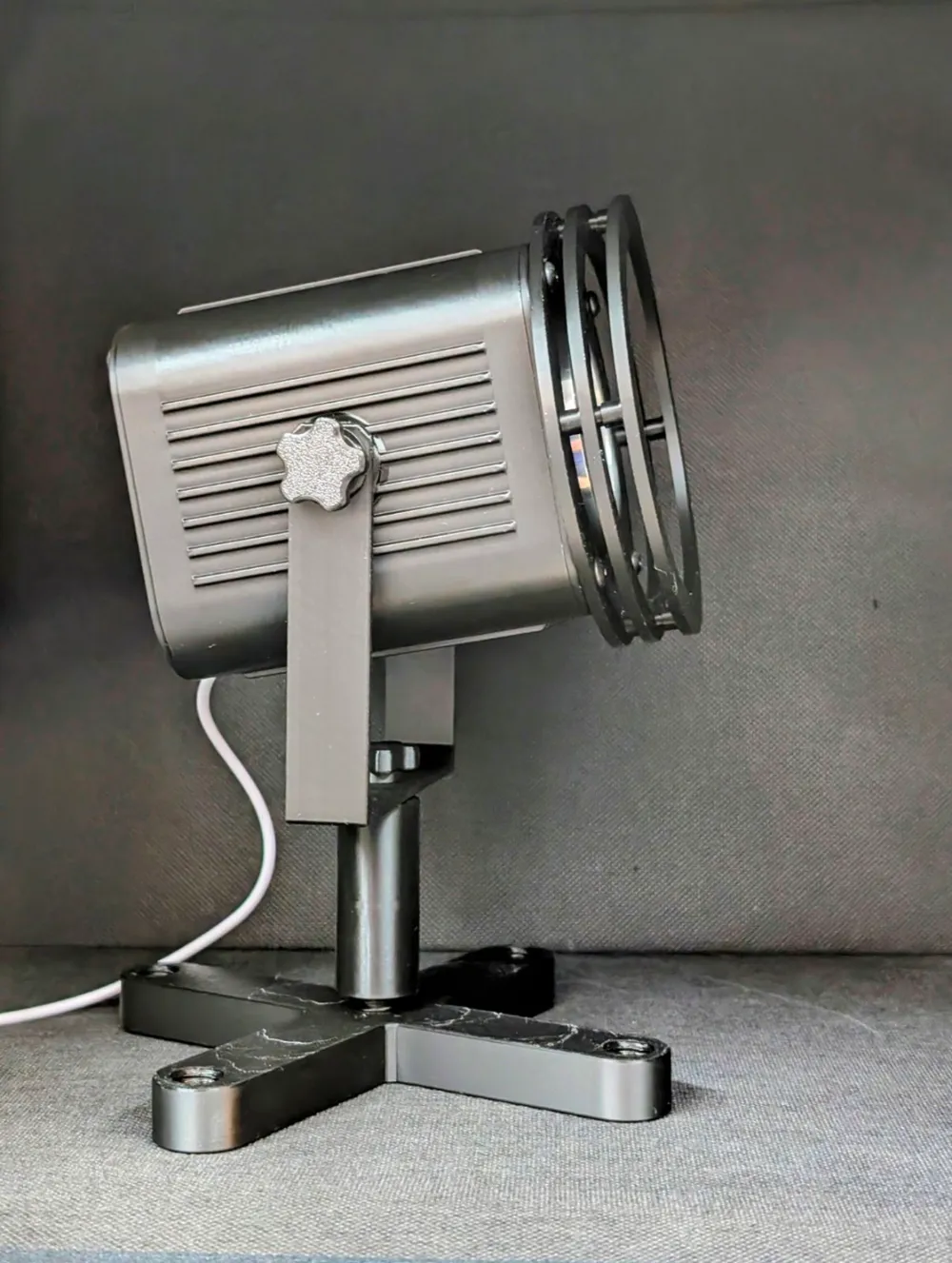
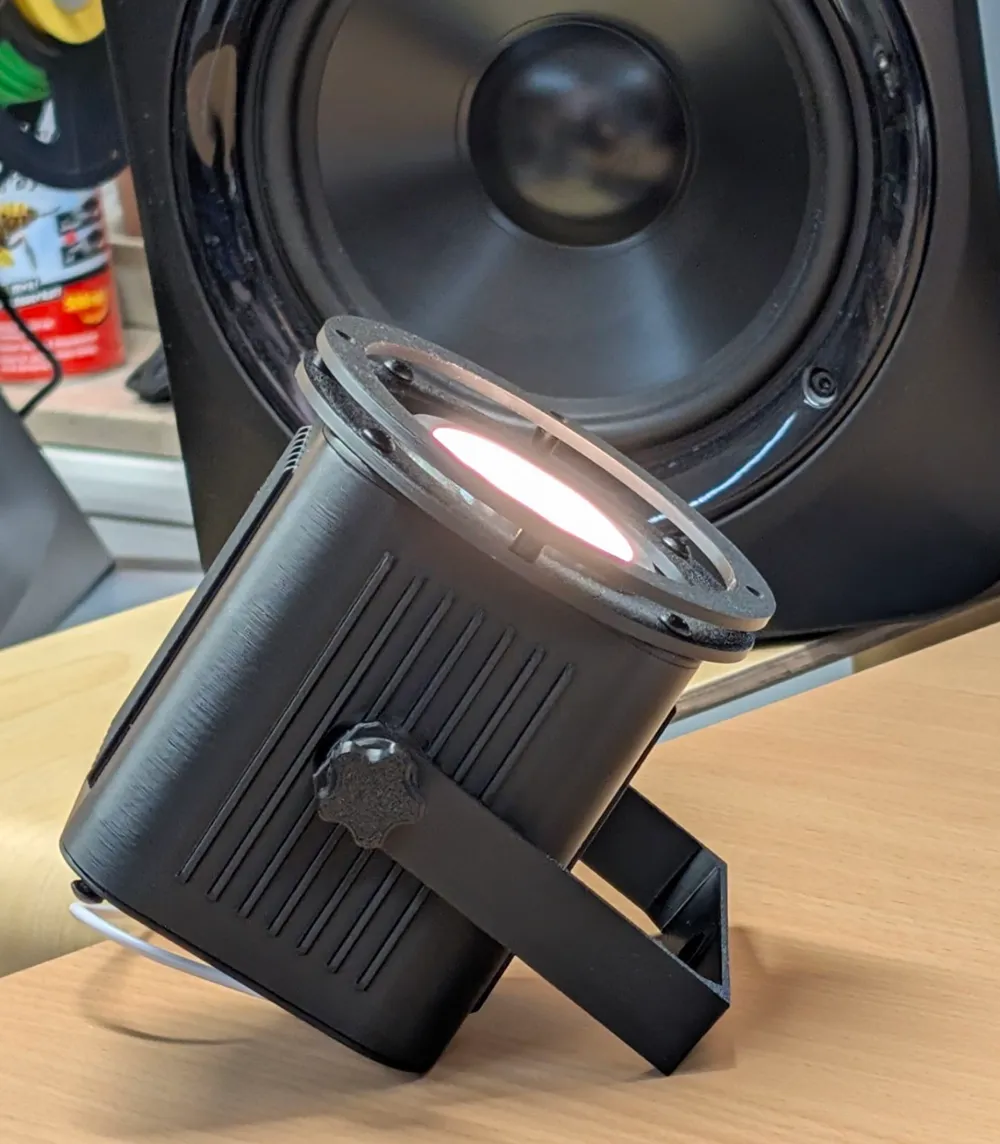
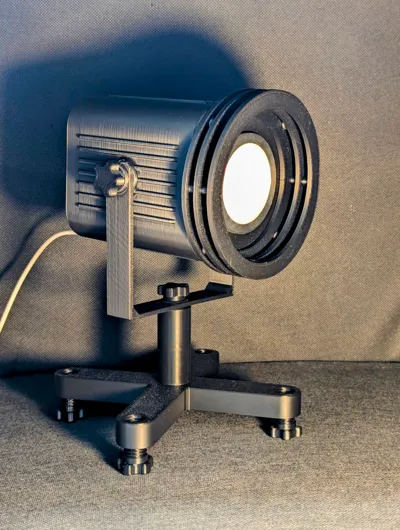
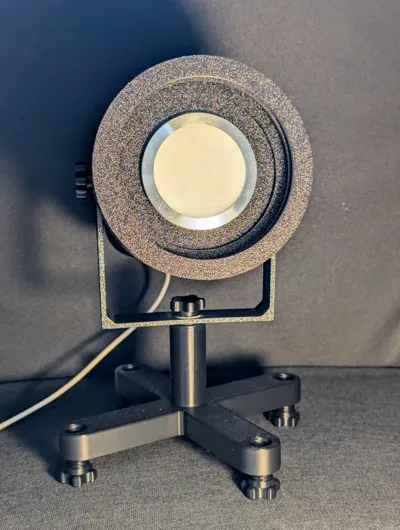
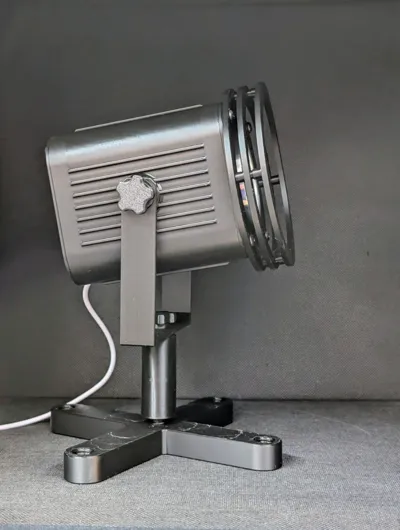
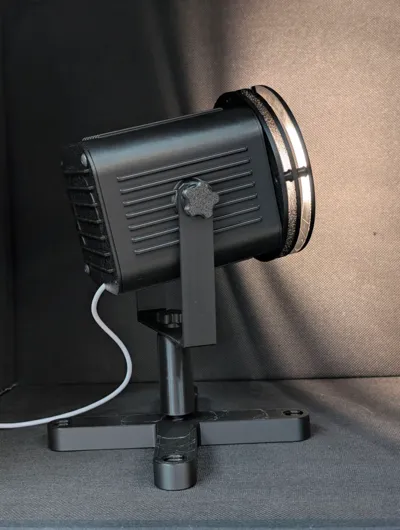
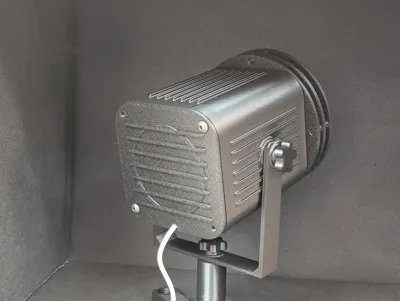
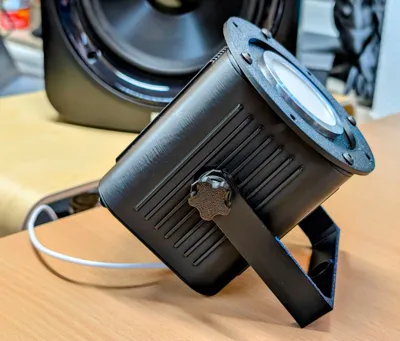
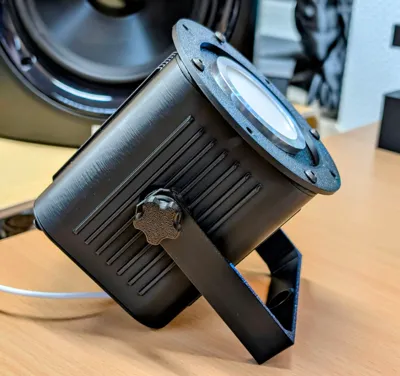
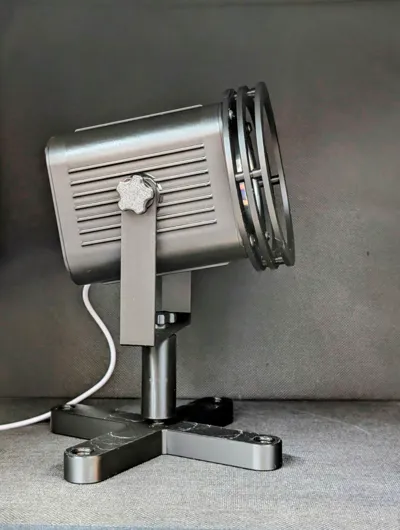
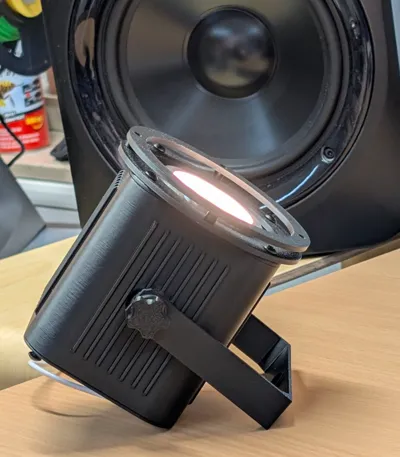
Jogi's home cinema spotlight as a small decorative spot.
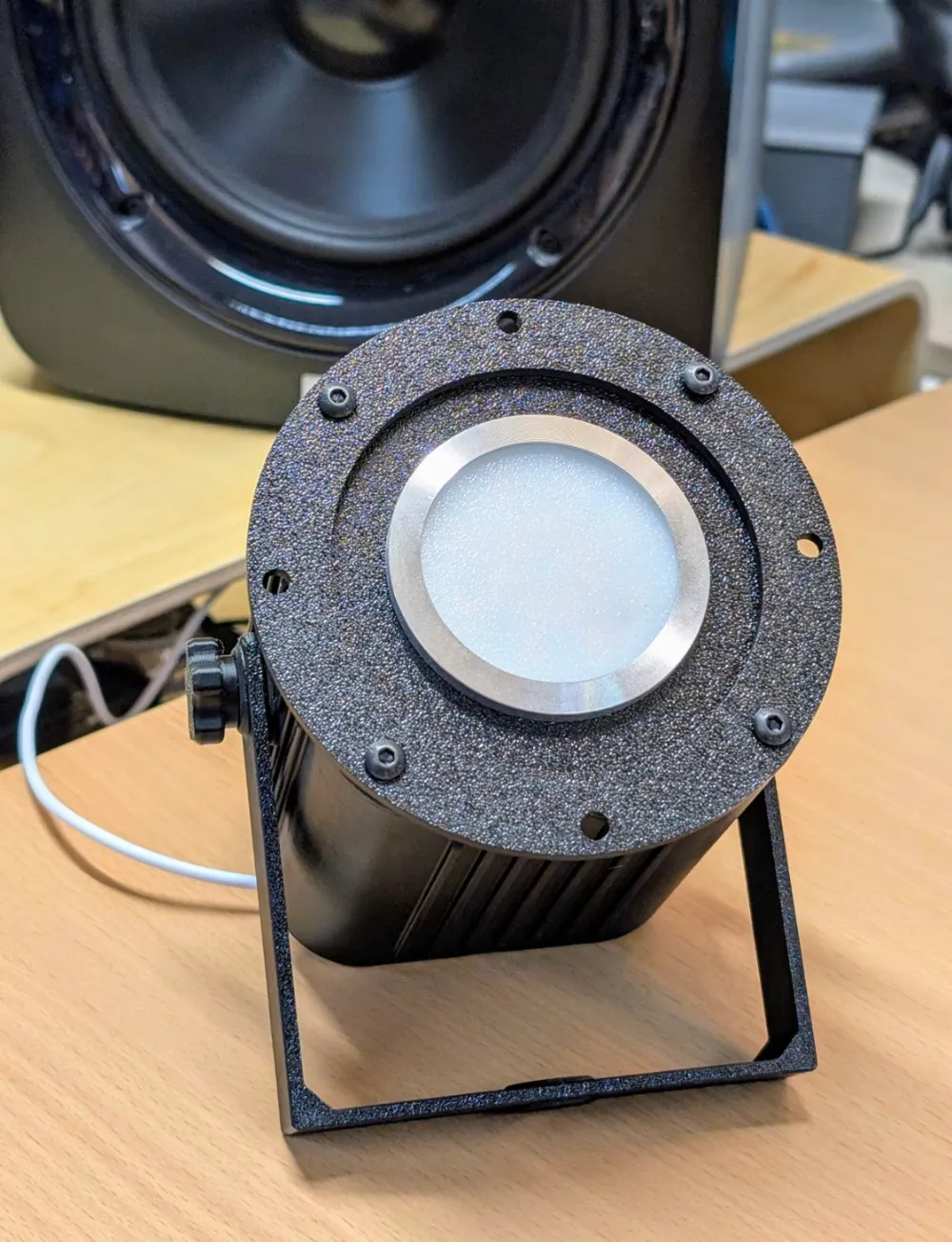
There are various versions of the front bezel; I've initially crafted the one with rings.
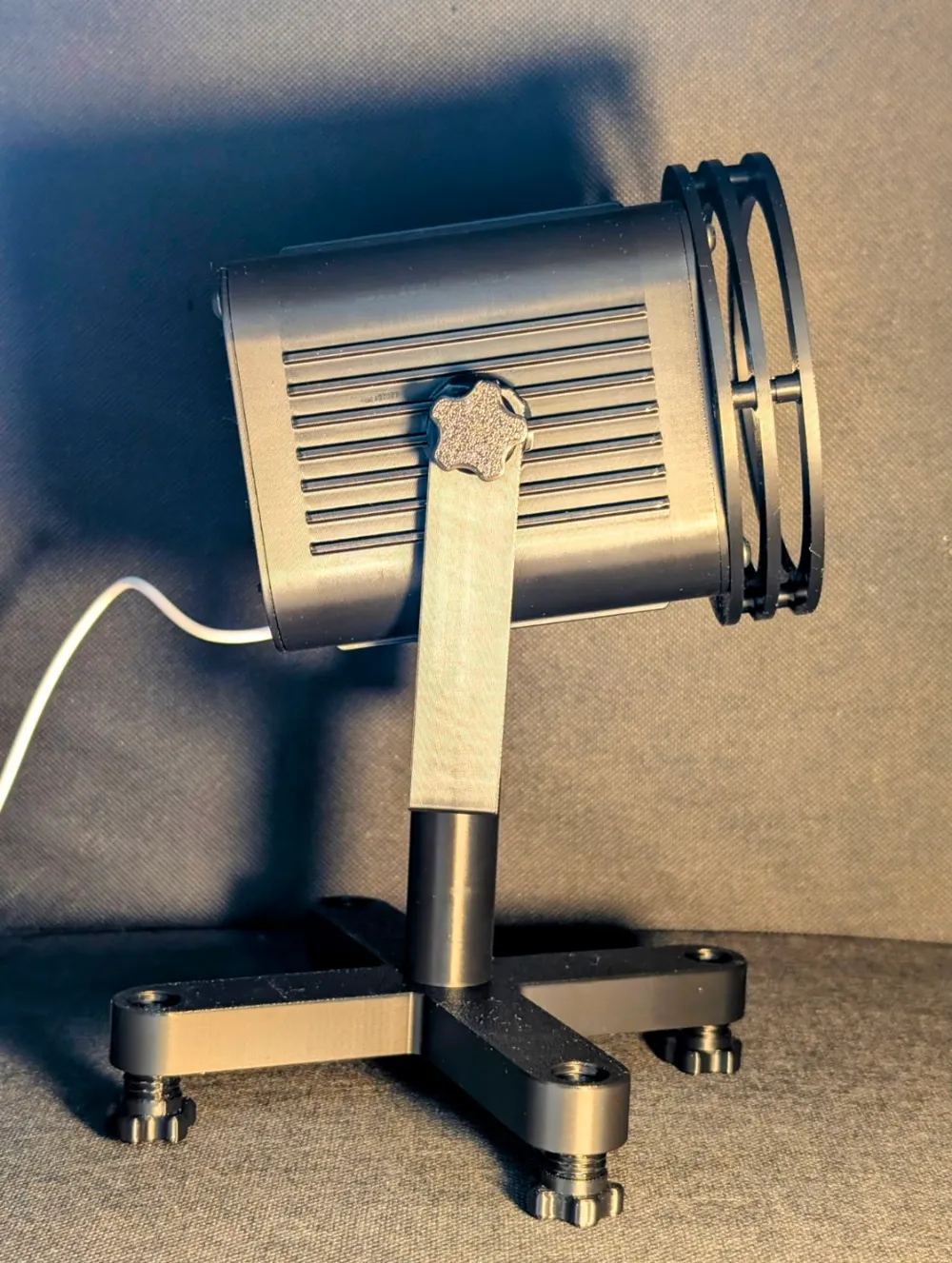
I quite like the version with side flaps as well. I still need to refine that.
Regarding printing and assembly:
The spotlight is designed for the Bambu Lab LED light (I might experiment with WLED later).
Print all parts with a resolution of 0.2 or 0.16 mm.
Do NOT alter the orientation of the bracket—on my X1C, all three threads only function as currently oriented.
If I rotate the bracket, the right-hand thread no longer works.
Print the housing parts first, then ONE screw. Use this screw to check if the setting matches your printer.
If it's too tight or too loose, adjust the screw's width, but NOT the length (no uniform scale!)—adjust X and Y uniformly, but not Z! The necessary adjustments are usually minimal (<1mm)
Too tight—the thread breaks; too loose—it won't hold—this is printer/material-dependent.
You will also need 8 M4 screws, 1cm or longer, to secure the front and bottom covers.
and, of course, the Bambu Lab LED kit.
It's best to turn all screws completely into a thread and back out 1-2 times to remove any printing residue.
Be careful! It's still plastic!
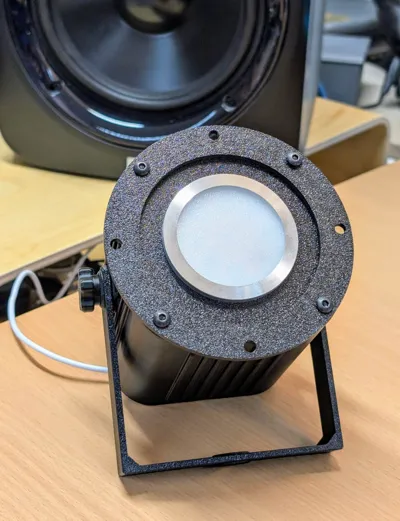
Once all threads function: Unscrew the front cover from the LED kit (the metal disc rotates!).
Insert the LED kit from the rear into the front cover and screw the LED cover back on from the front.
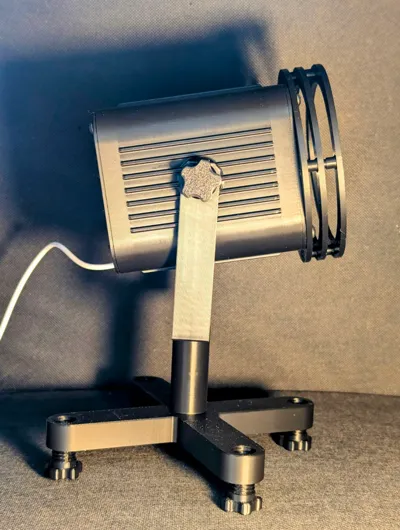
Screw the front cover onto the housing with 4 M4 screws (the side doesn't matter; it's symmetrical).
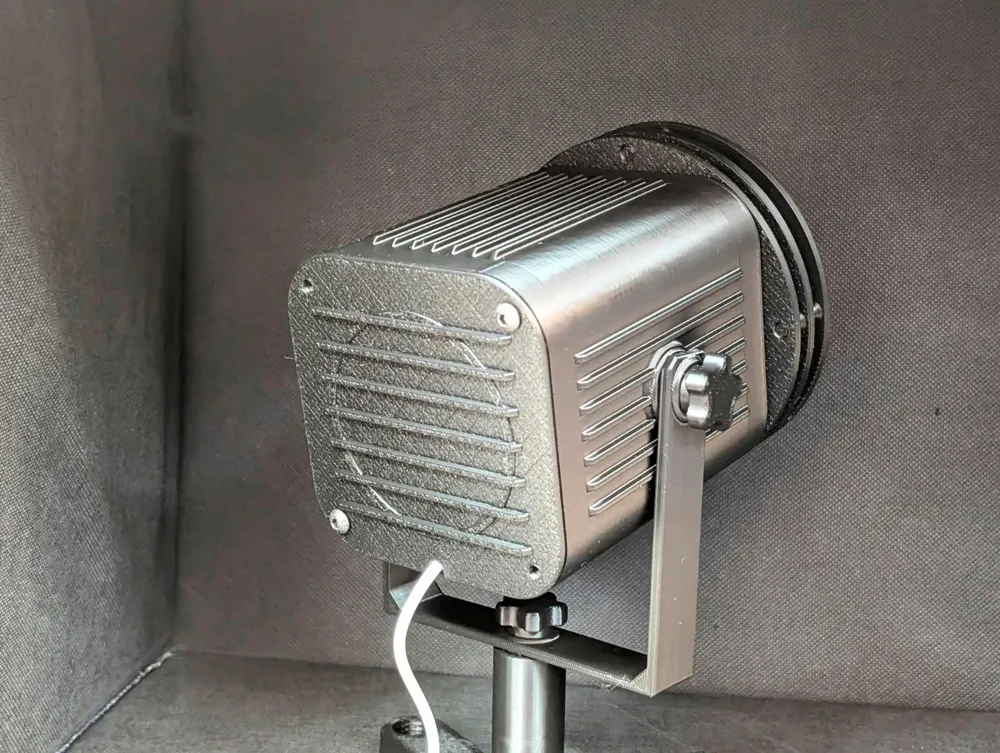
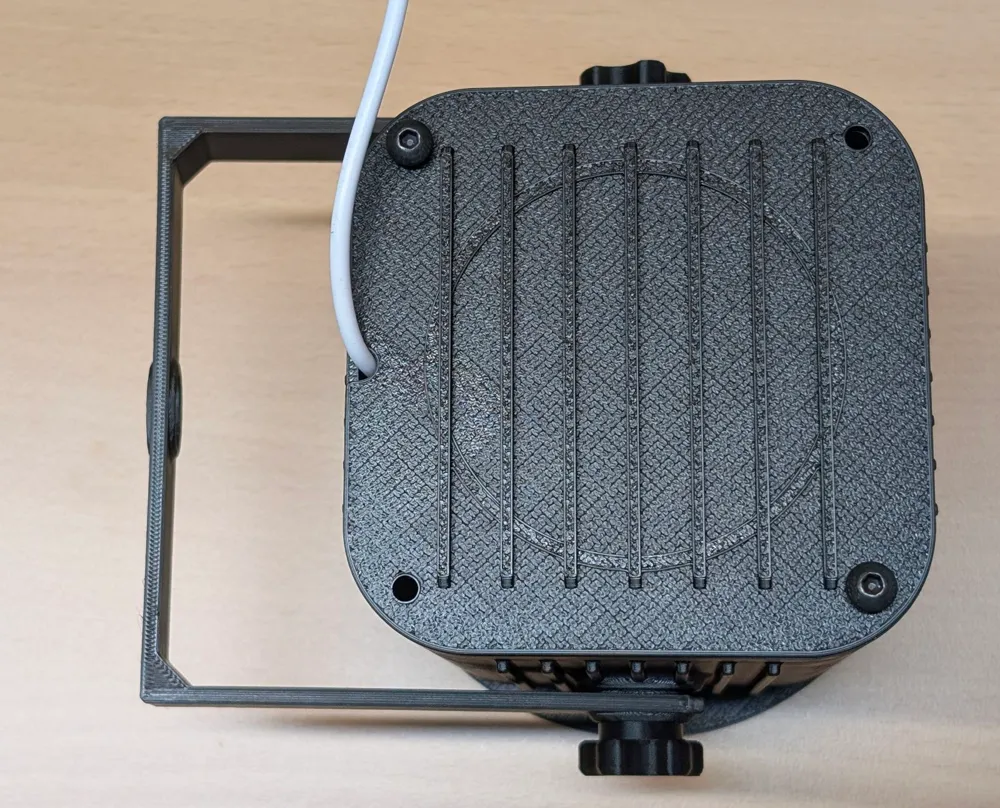
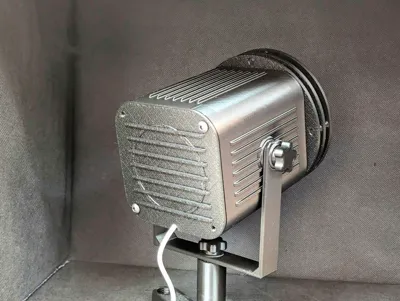
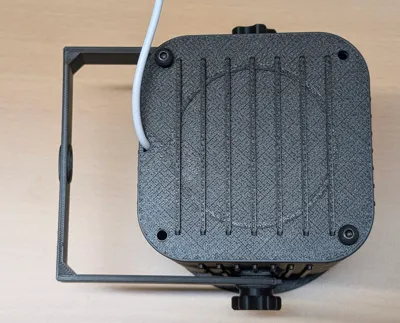
Screw the rear cover onto the housing with 4 M4 screws.
Screw the bracket clamp to the side of the housing with 2 printed screws.
The front rings are optional but enhance the design.
They can be omitted or added.
Front ring 1 is screwed on!—meaning the M4 screws of the front cover go through front ring 1, then through the front cover, and into the housing—the 4 correct holes are those where the screws do NOT fall through (screws 4mm, through-holes 5mm).
Front ring 2 is inserted; several of these parts can be assembled.
Front ring 3 is the final front cover.
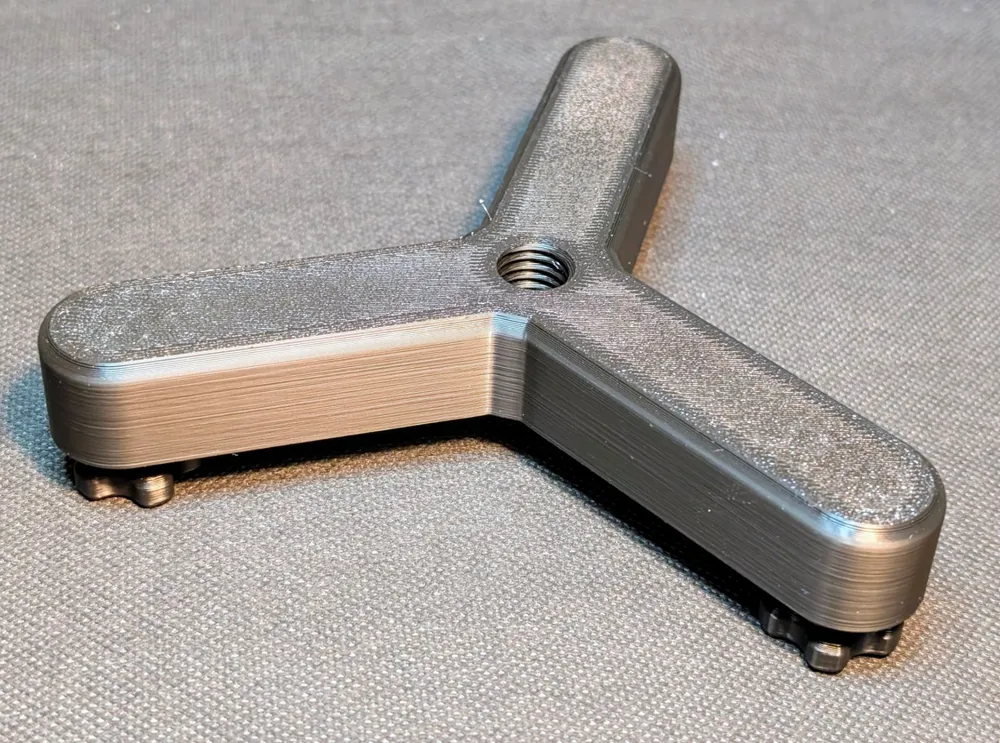
The base cross is also screwed on—with a printed screw directly to the bracket clamp or with the 5cm standpipe in between.
Have fun! :-)
Check out my other lamps!
Boost Me (for free)
Do you like my lamp?
I would appreciate a boost :-)
Update 23.12: Cover for active fan!
A rear cover for an active fan was requested.
Note: It's still a decorative object, but of course, there's a matching cover:
scheinwerfer_deckel_hinten_fuer_luefter.step: The fan opening is no longer indicated but fully implemented.
Suitable for a 6cm fan. Hole spacing 5cm.
Lacking a 6cm fan, I haven't been able to verify if it fits the housing—feedback is welcome.
It should fit; the bore holes for the housing are 7cm apart.
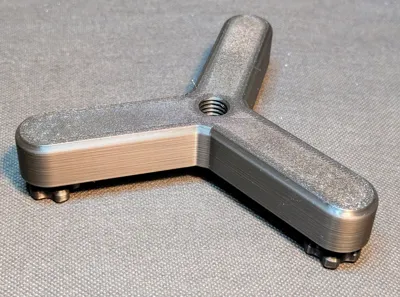
Update 23.12: Tripod added (file dreibein.step):
In the professional field, most stands are designed as tripods to prevent wobbling.
Therefore, I've added a tripod.
The following bases are available:
Standard base with 4 legs
Clamp
Tripod.
Only ONE of these is needed!
Update 30.4.2025: New bracket:
202505_scheinwerfer_buegel.step—Without threads, replaces the original holding bracket and is easier to handle.
License

You shall not share, sub-license, sell, rent, host, transfer, or distribute in any way the digital or 3D printed versions of this object, nor any other derivative work of this object in its digital or physical format (including - but not limited to - remixes of this object, and hosting on other digital platforms). The objects may not be used without permission in any way whatsoever in which you charge money, or collect fees.


Comment & Rating (8)