
Parametric Geological Thin Section Slide Holder
Print Profile(3)


Description
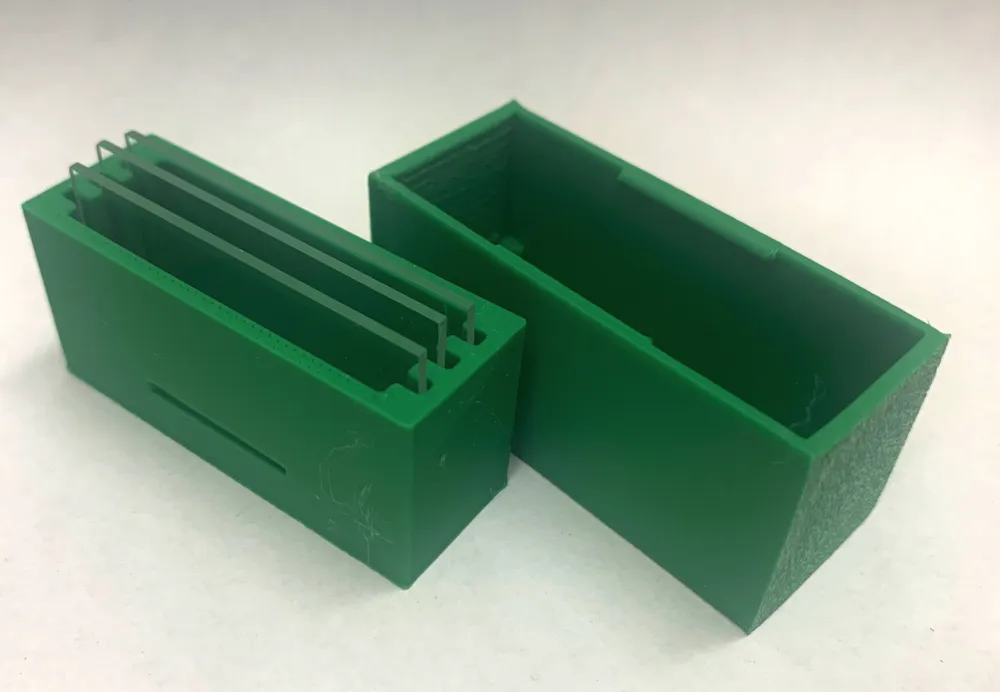
People see you, and your geological thin section slides, in a mess all over your desk. Filling the drawers. Lining the shelves. Thin sections everywhere. What's worse, is you also have thin sections you have to mail. There has to be a better way.
Is this a better way? Maybe not, but this is a way, if nothing else. This is a parametric model-driven thin section holder box. There are other designs for thin section holder boxes but I made my own. Why?
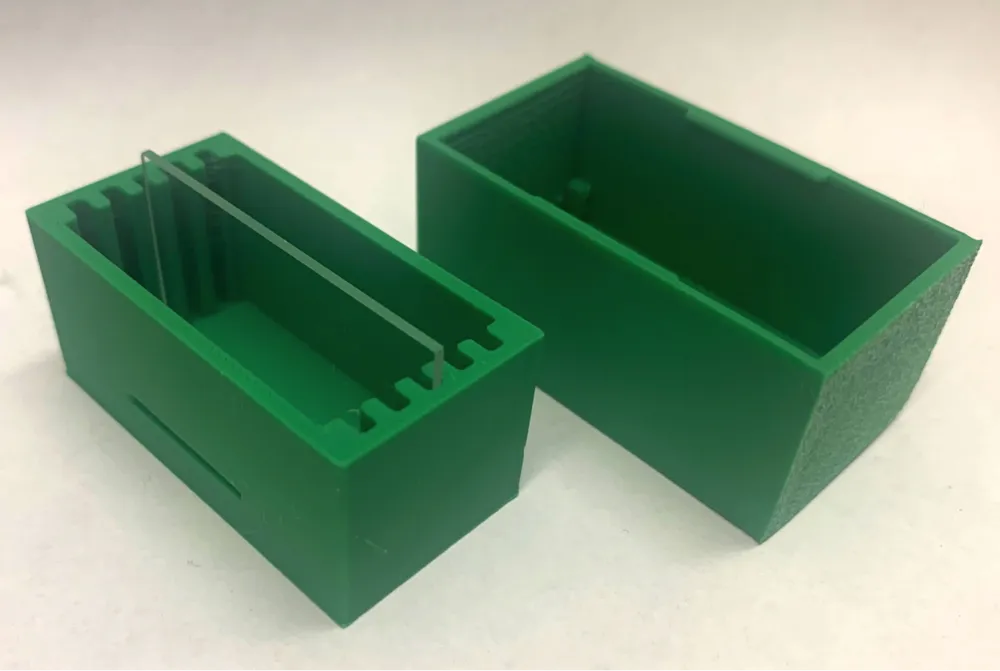
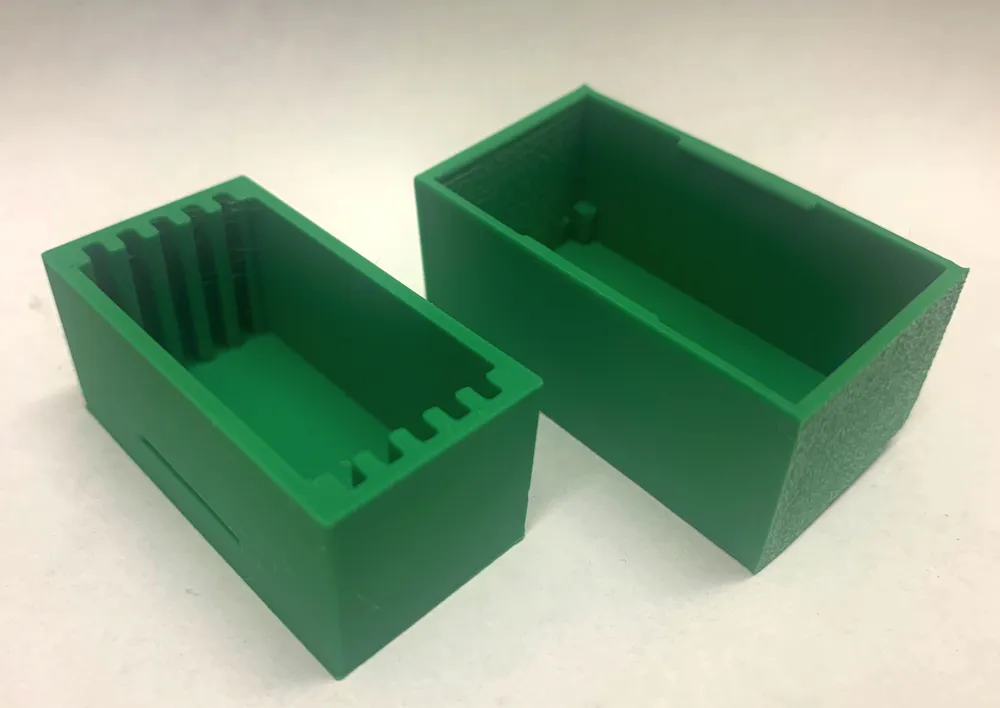
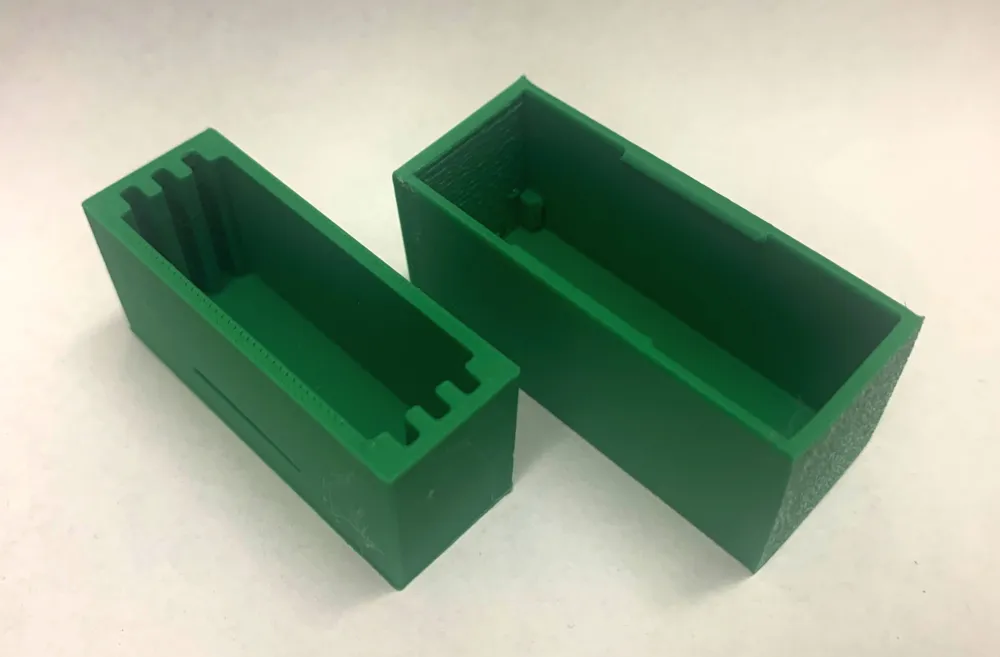
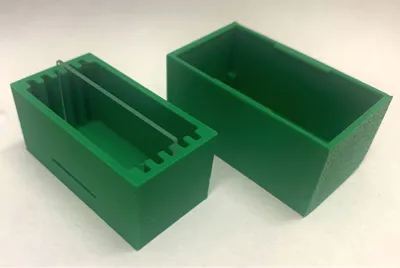
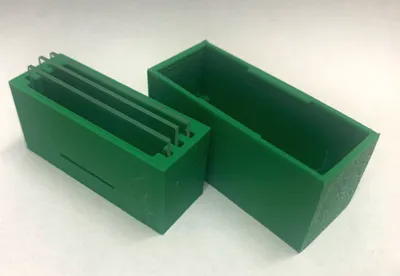
- No pre-defined size. Fully parametric design to hold as many - or as few - slides as you want. Great for mailing, maybe.
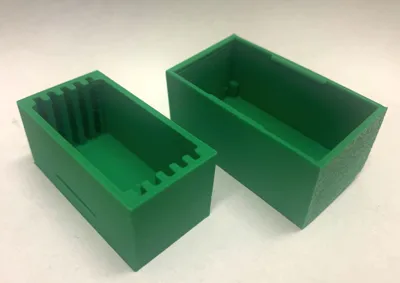
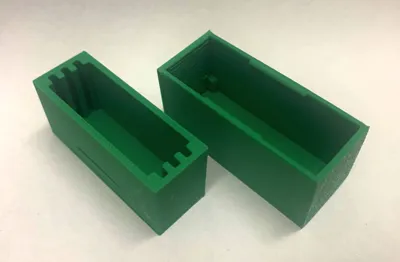
- Snap-fit tab. You click that lid down and that guy is not gonna fall off. Is it better than a rubber band? eh. Don't want the snap-fit? You can turn it off.
- Doesn't waste a slot on each side you can't use because it would be against the wall of the box.
- Are you one of these weird people whose geological thin section slides are a weird size? You know who you are. Well, see “parametric design” above. Tune it to the size for your slides. Slides are extra thick? Extra long? Extra not-rectangles? Okay maybe that last one is still a problem.
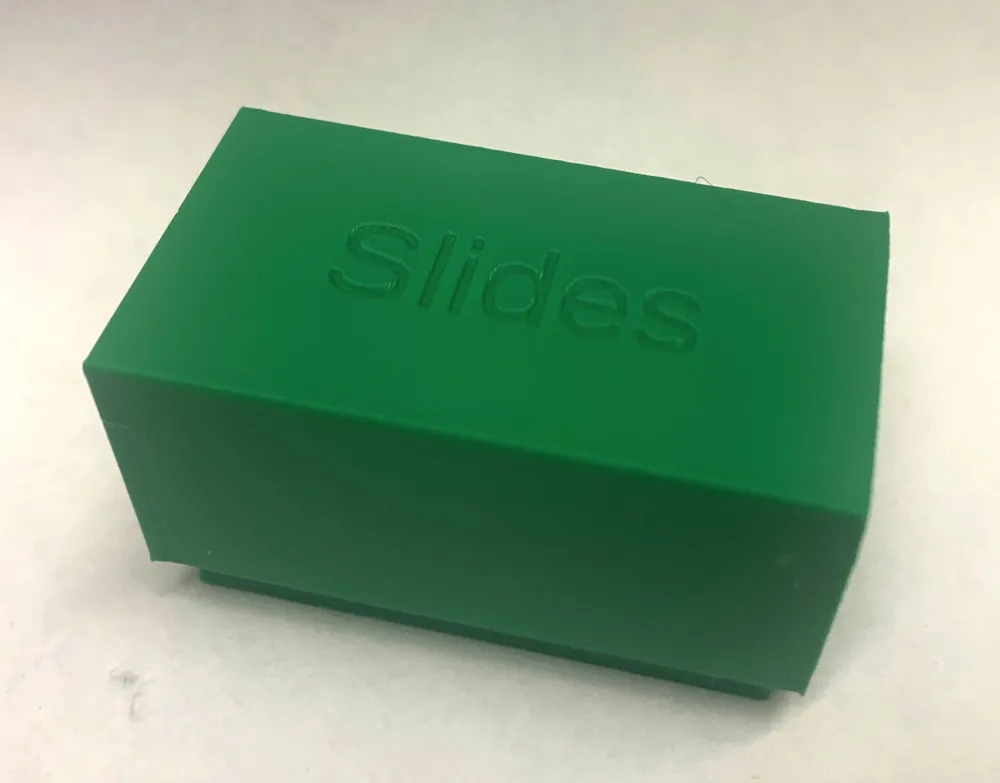
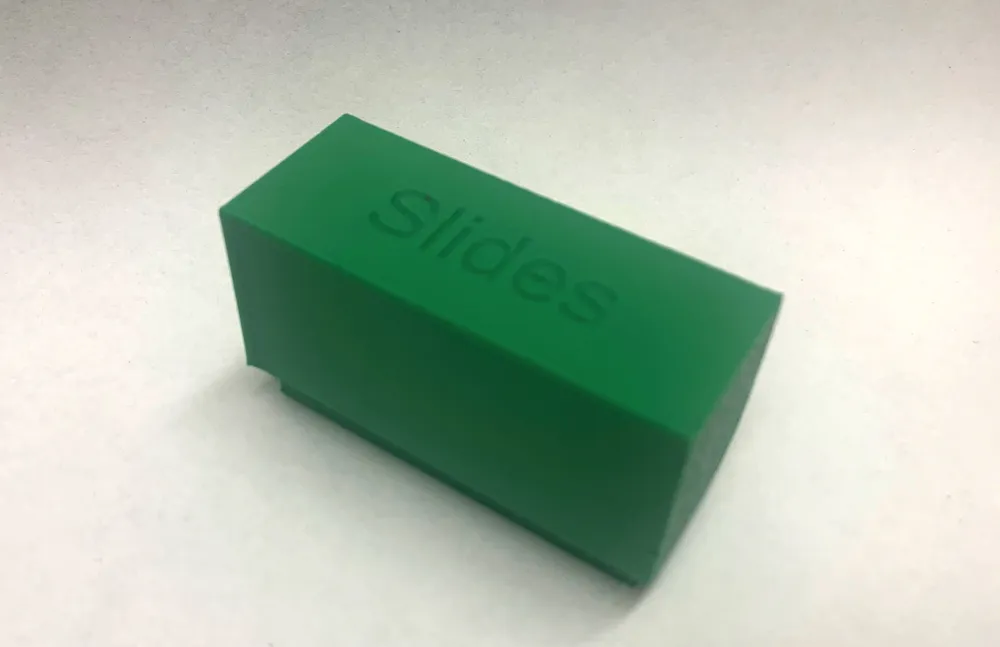
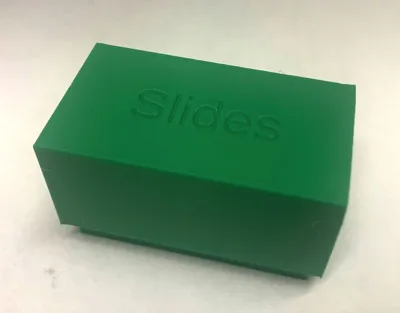
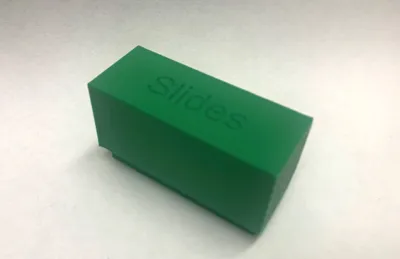
- You can change text on the top of the box. “Thesis”, “Project 1”, or my personal favourite “Slides.” You may have to flip the model over to read the text in the preview. Make sure your text fits. Do not write your entire thesis chapter on the lid.
The lid design has supports so - in theory - you can't crush your slides pushing the top down. The end of lid travel is where the snap-fit engages. Having said that, do not taunt happy fun thin section slide box.
The snap-fit lets go if you squeeze the lid ends a little bit, or grab the bottom and gently pull. Do. Not. Taunt. Happy. Fun. Thin. Section. Slide. Box.
You can print the boxes laying on their backs and then you don't need supports, but the snap-fit tab is probably stronger if you turn the lid on it's end with the tabs pointing up and down. You'll probably need supports in that case.
By default this is designed around 28 mm x 48 mm size slides. You can make any number of slots but there's probably an upper limit to how many you can practically print and still have the box work. I do not know how big that might be, probably less than 1000 slides, right? I printed sizes 3 to 6 and those work fine.
I've printed these in PLA and PLA Matte and they've been good fit but if you find the slides are too snug you can change the slot size in the parametric design to give yourself more room.
This design was originally inspired by Dr. Matthew Tarling's slide box design https://matthewtarling.github.io/printing/ but is a wholly original design by myself.
License



Comment & Rating (0)