








Print Profile(1)

Description
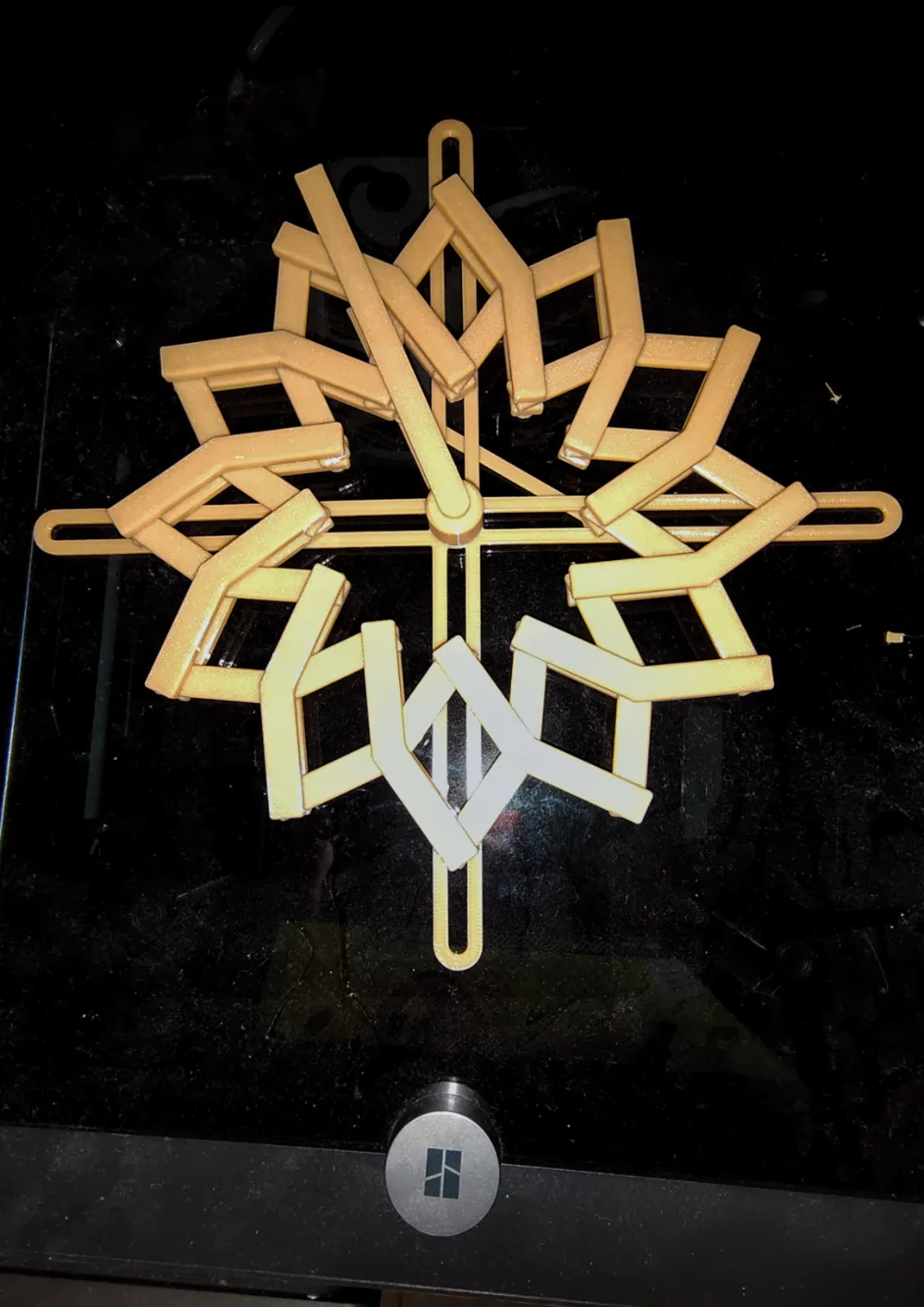
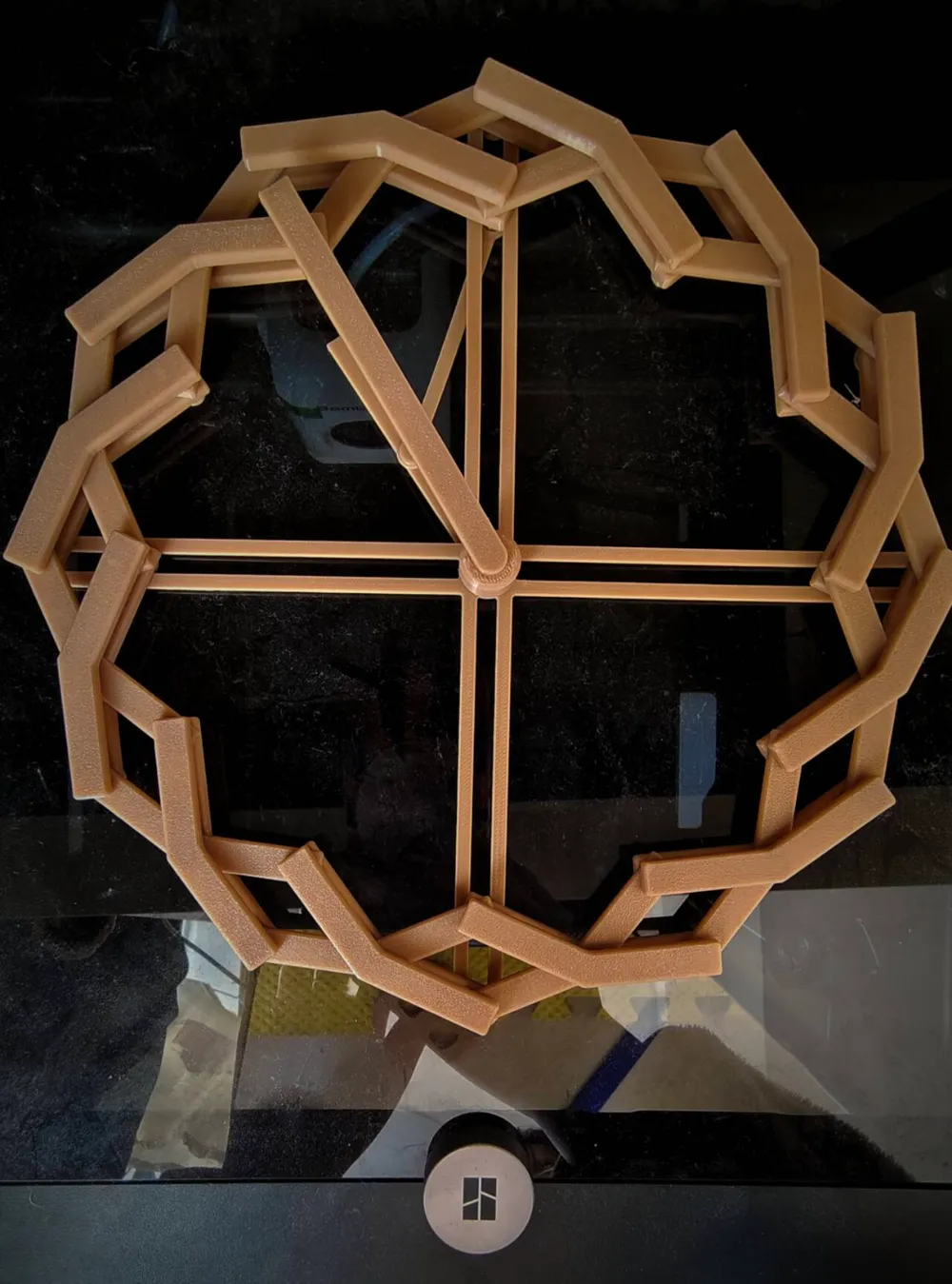
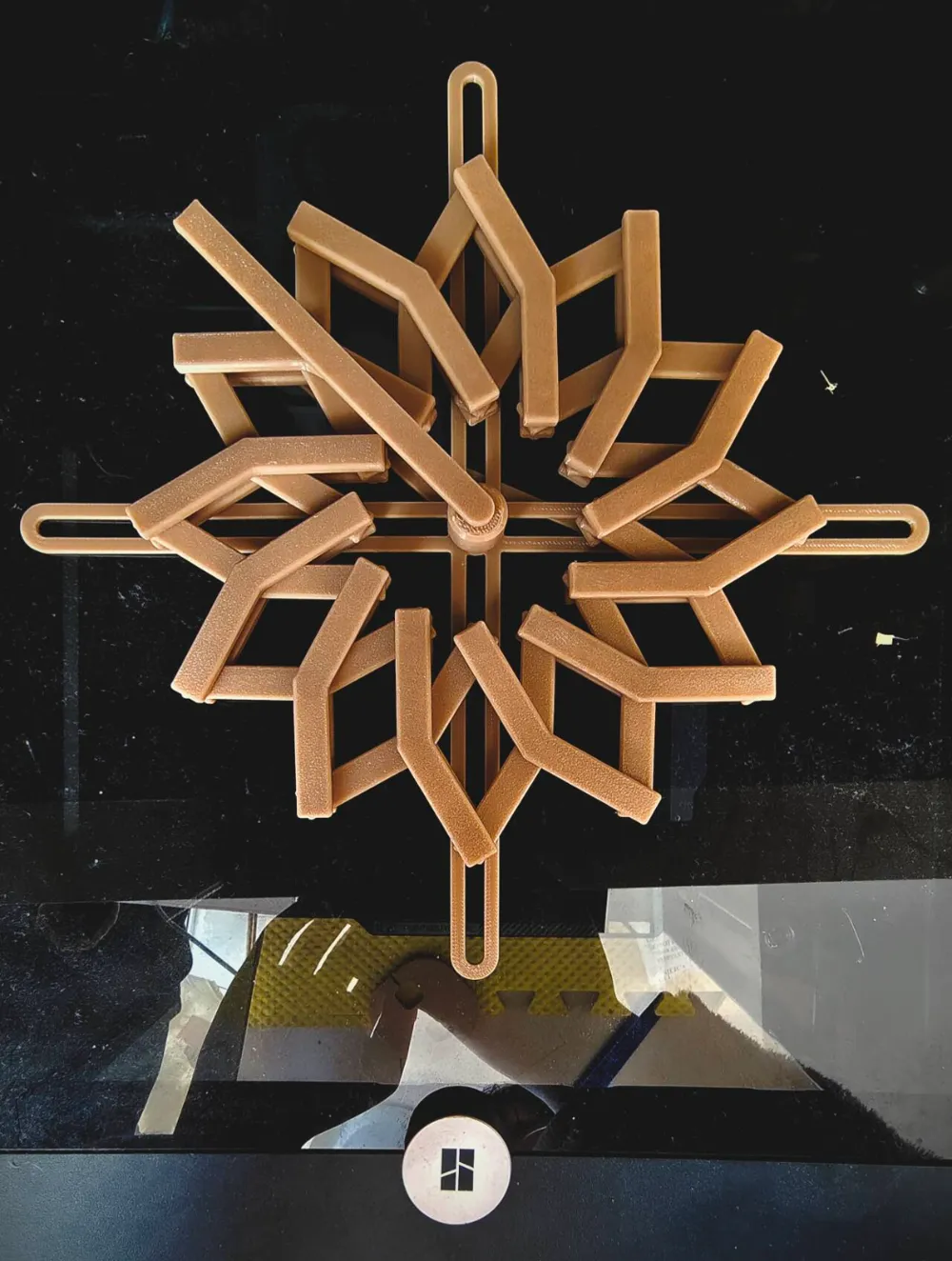

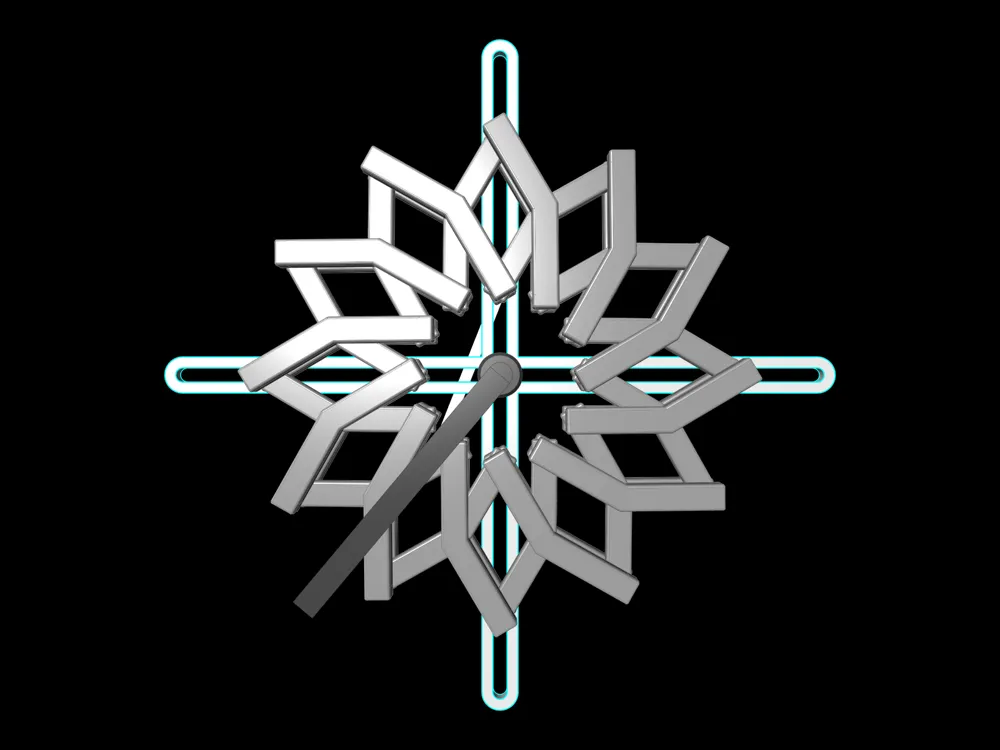
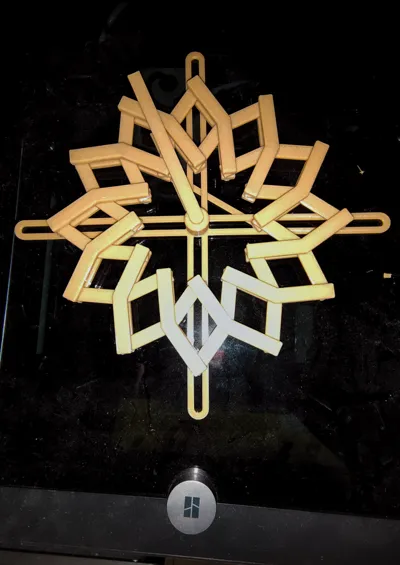
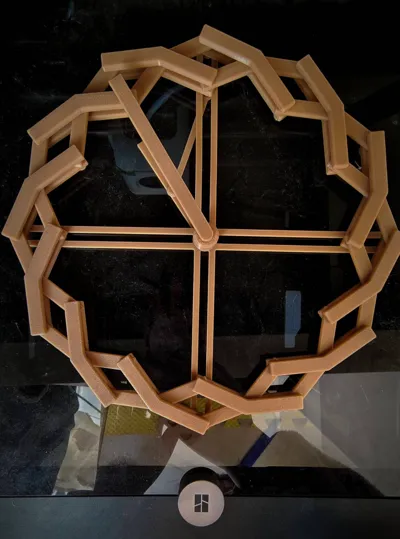
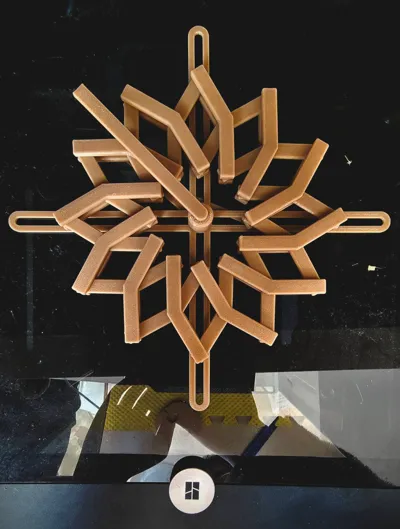
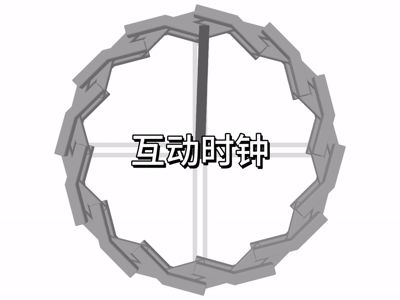
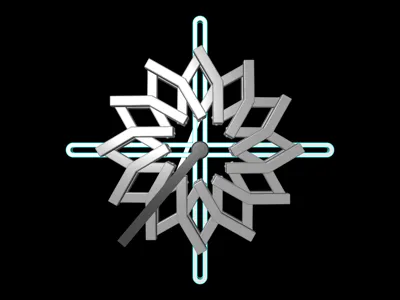
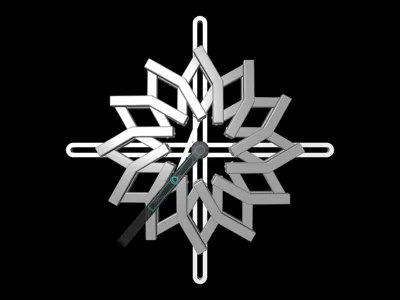
Inspired by Bambu Lab's recent clock competition, this interactive and visually appealing clock was designed using the Grasshopper plugin in Rhino.
After several days of design refinement, the Interactive Clock 1.0 version is now released. Currently suitable as an ornament, I purchased an electronic clock and found that the underlying mechanism lacked sufficient power for automatic rotation; therefore, a 2.0 version will be developed subsequently.
This model comprises eleven small components—each with its individual uploaded model resource.
Component One: Clock Base Plate
The base plate serves to secure the interactive mechanism's movement (Print File Plate 1)
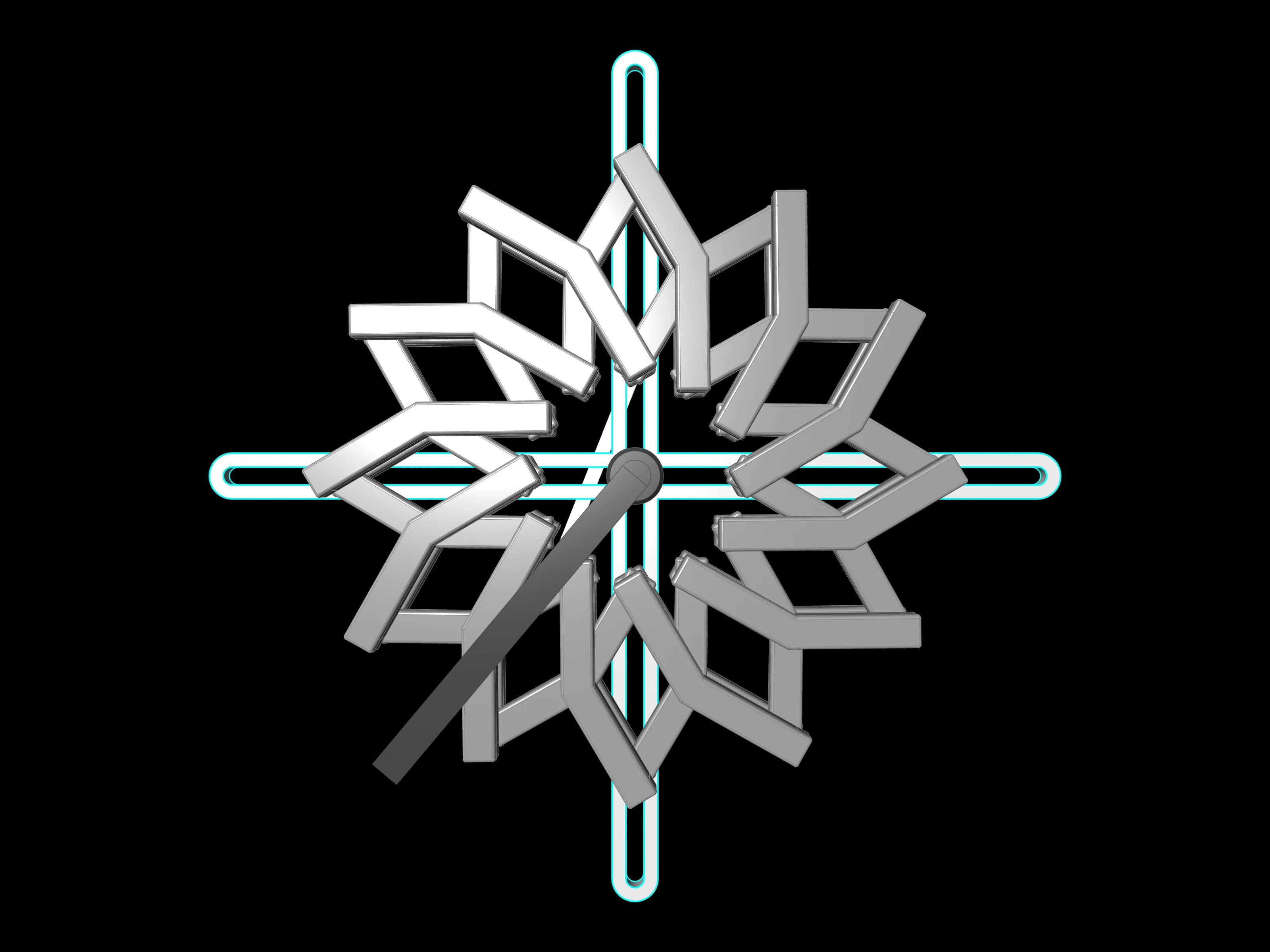
Component Two: Interactive Mechanism
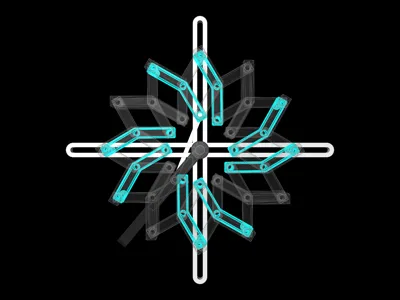
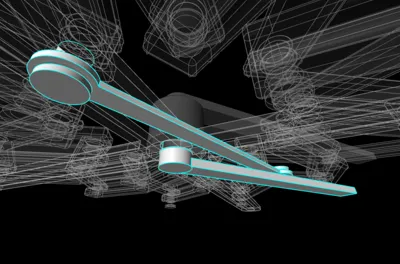
The interactive mechanism is initially designed as small units (Print File Plate 2). Twelve sets are required. Due to my equipment not being calibrated for multi-part printing (resulting in poor quality), a single file containing all twelve sets has not been uploaded.

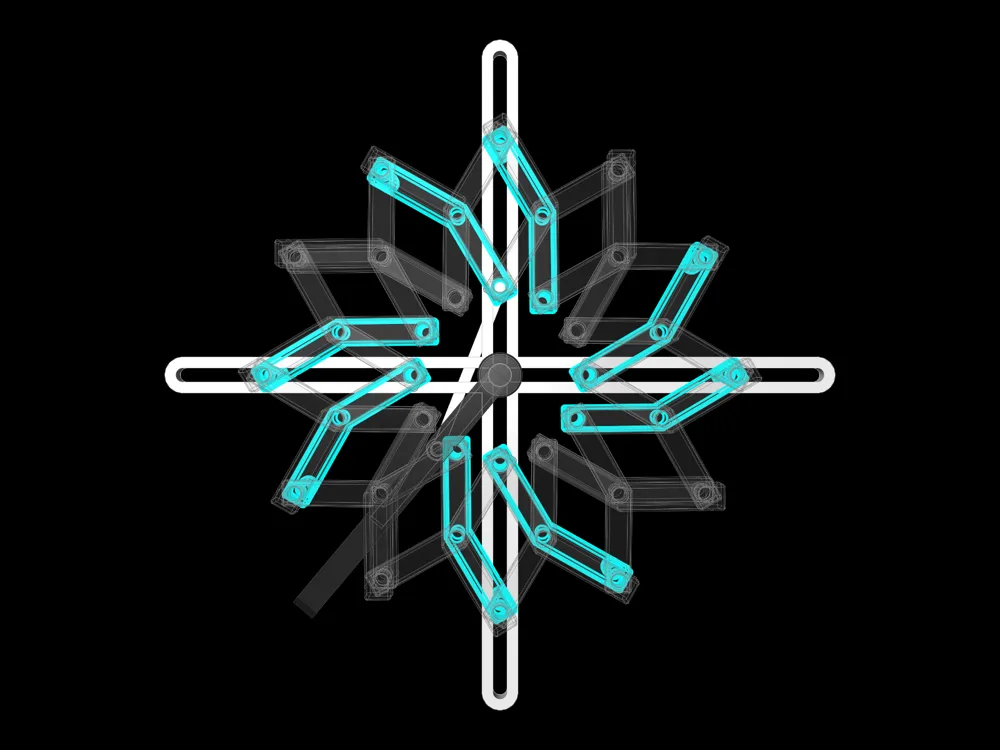
Component Three: Replacement Component that Fits into the Clock Base Plate
For clock assembly, this needs to be printed (Print File Plate 3). Print two copies, resulting in eight pieces. Replace Component Two's parts according to the diagram; this allows movement along the base plate's track.
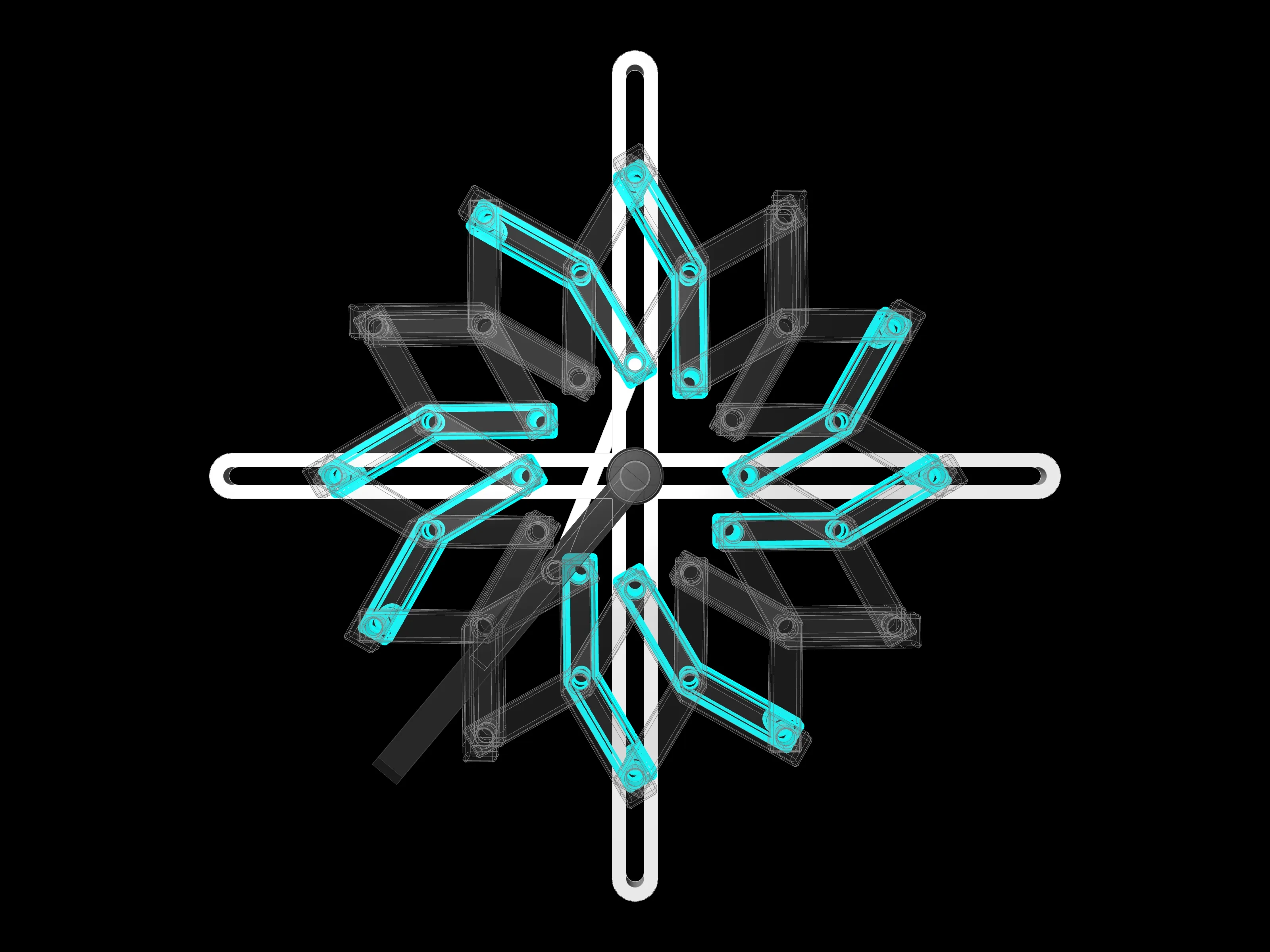
Component Four: Hands
One copy is required (Print File Plate 4). Source files are provided, enabling customization of the hand design to personal preference.

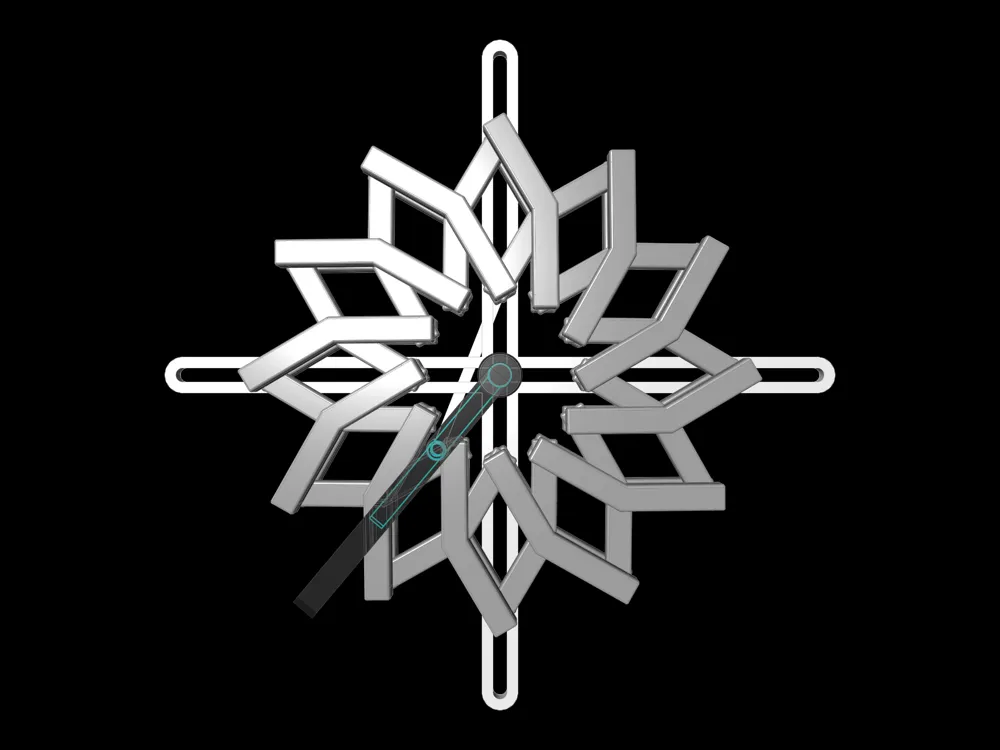
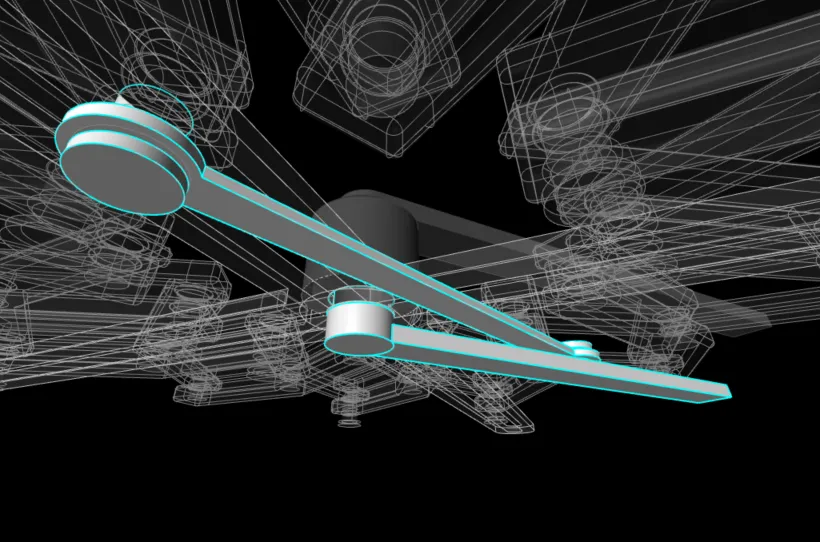
Component Five: Movement Control Component
For clock assembly, this needs to be printed (Print File Plate 5). After printing, install it according to the diagram.
Note that a component named "Movement Component" needs to replace one part of Component 3.

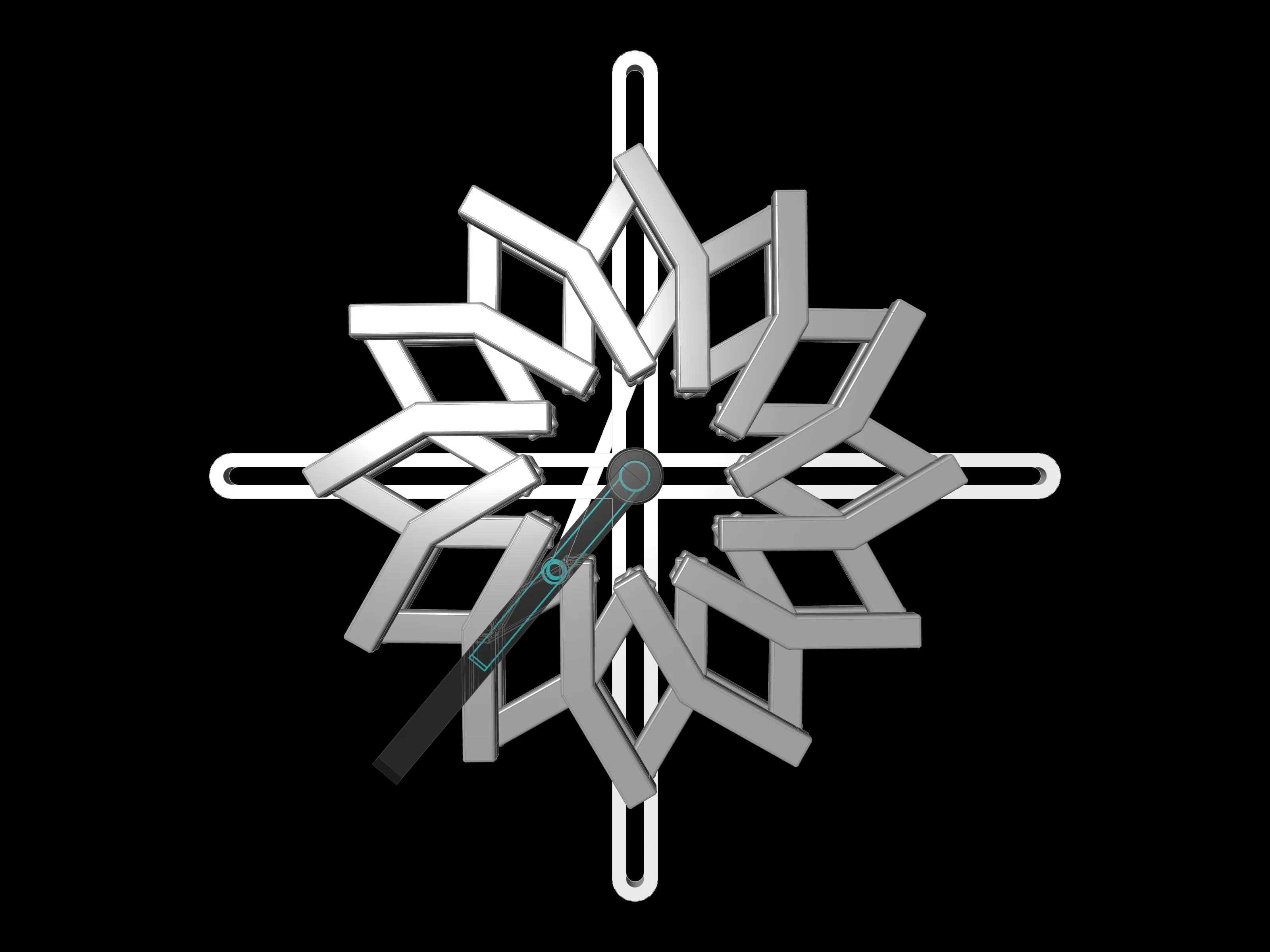
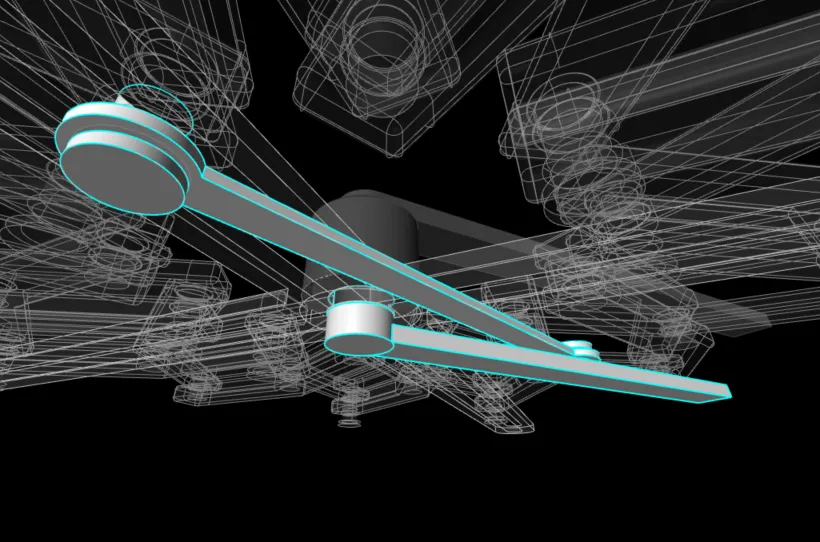
This completes the printing and installation of the initial interactive clock.
License

You shall not share, sub-license, sell, rent, host, transfer, or distribute in any way the digital or 3D printed versions of this object, nor any other derivative work of this object in its digital or physical format (including - but not limited to - remixes of this object, and hosting on other digital platforms). The objects may not be used without permission in any way whatsoever in which you charge money, or collect fees.


Comment & Rating (0)