
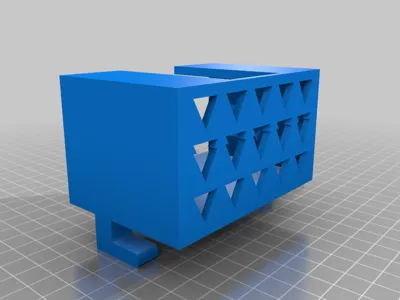
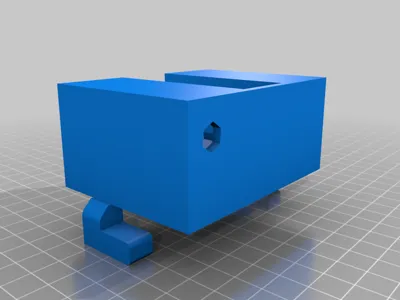
Print Profile(1)

Description
Summary
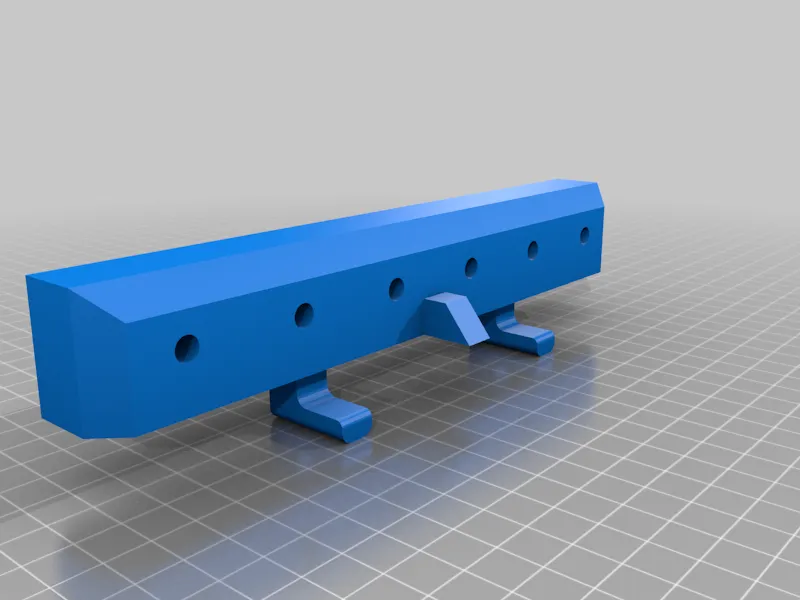
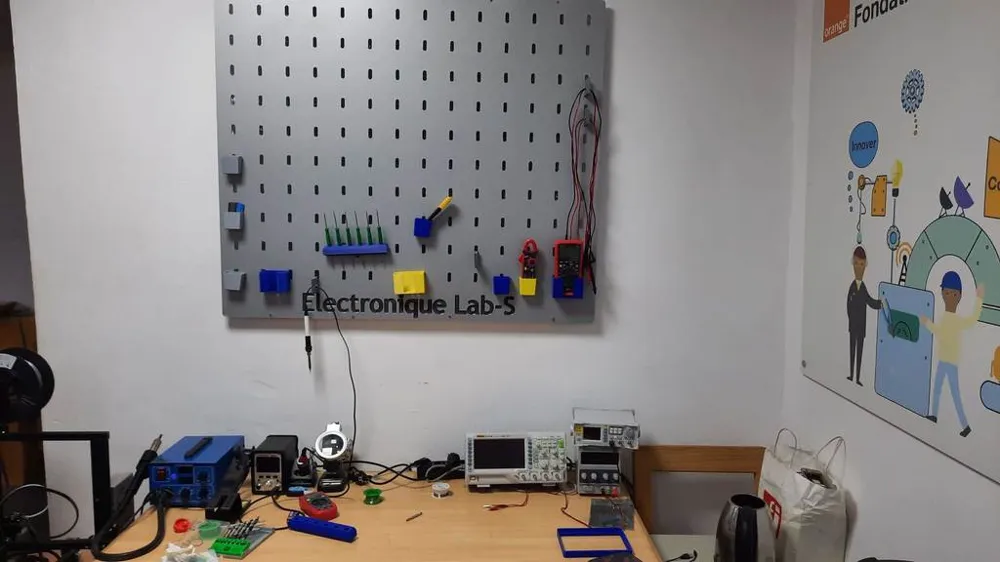
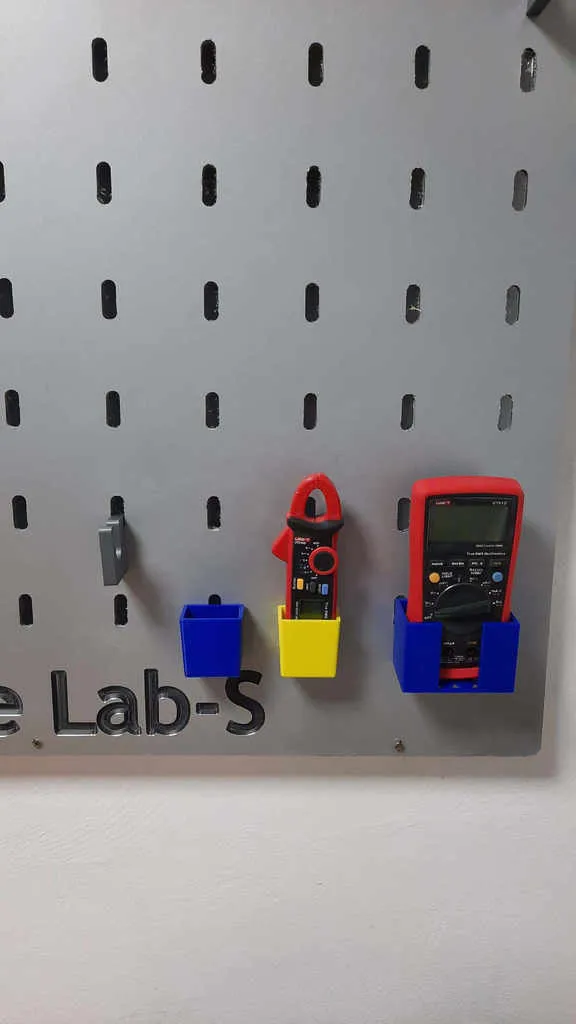
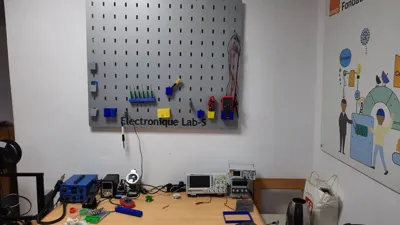
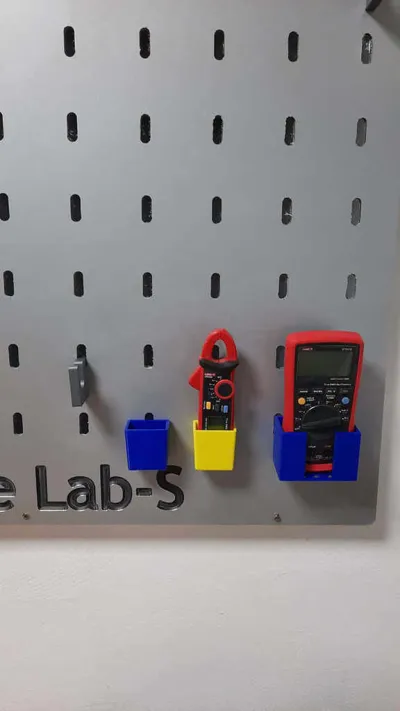
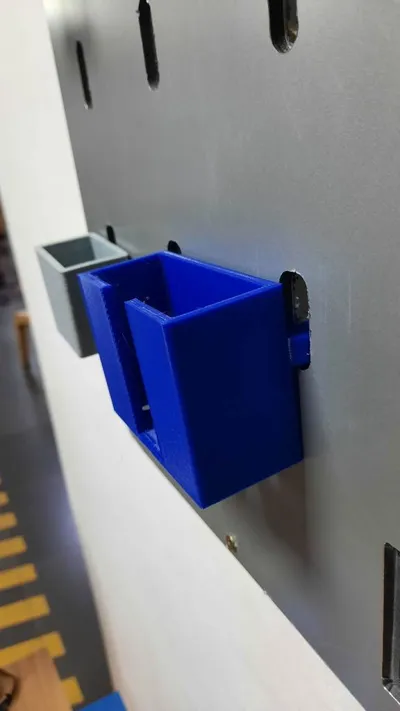
pegboard or perforated board it's a perforated board where you can hang tools, it's a storage space.
Your can get all file and tuto on github https://github.com/Fablab-solidaire-senecole-lab-s/pegboard
Print Settings
Printer Brand:
Creality
Printer:
Ender 3
Rafts:
No
Supports:
Yes
Resolution:
0.3
Infill:
20
Filament: forget ABS
Black
Custom Section
tuto
pegboard or perforated board it's a perforated board where you can hang tools, it's a storage space.
Materials
to realize the pegboard you will need a "CNC" numerical milling machine, you can find it in a fablab like ours link maps or in the companies that work on advertising boards.
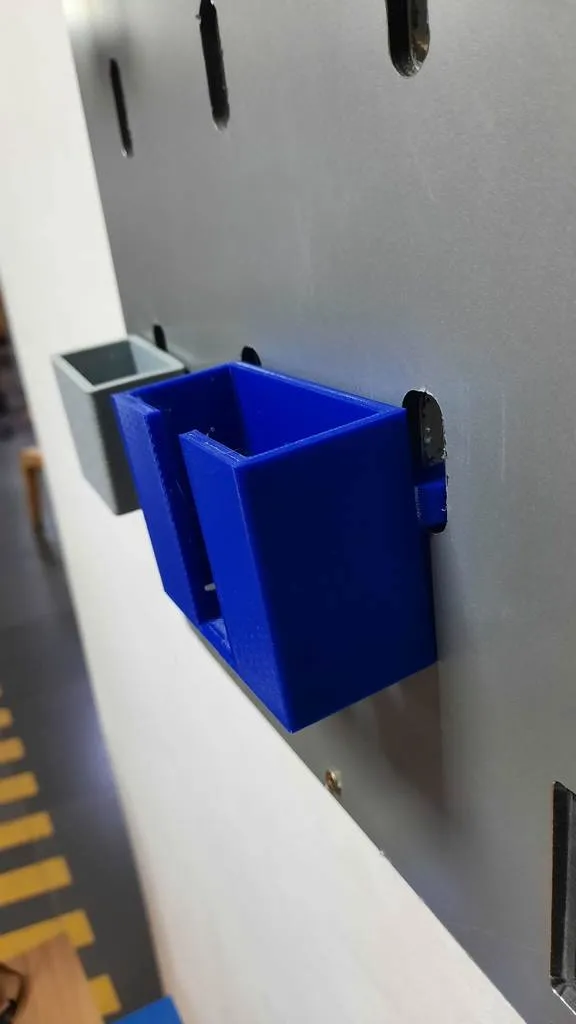
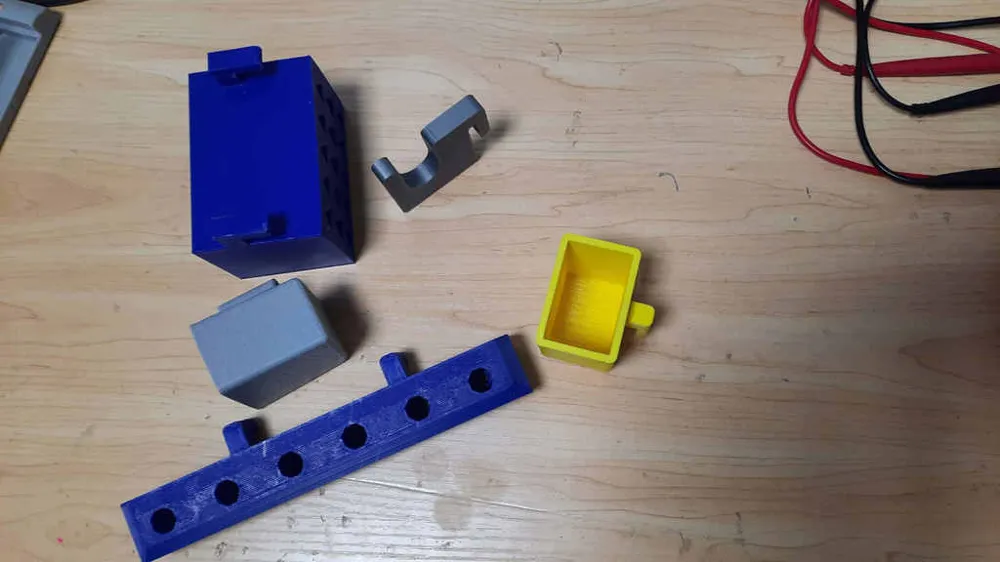
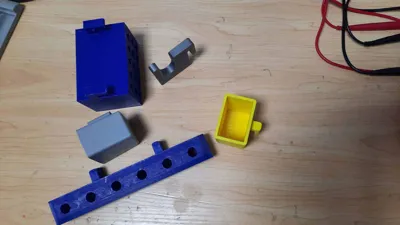
And a 3D printer to be able to realize personalized supports.
- digital milling machine
- alucobond or wood sheet thickness 5mm.
- wood and wall screws
- ankle 10
- 3D printer
software
You will need software to be able to prepare your file, it is the operator of the digital milling machine who takes care of this part.
We use the Aspire software to prepare our file to go to the machine.
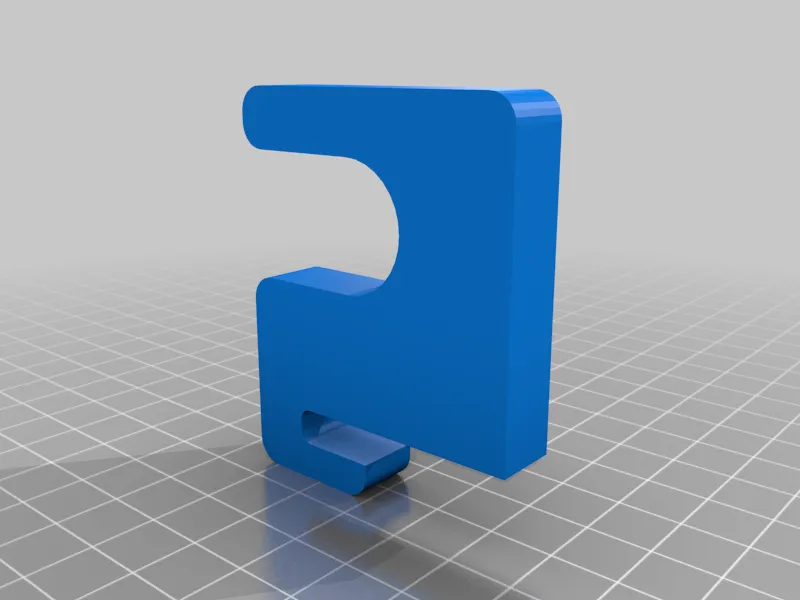
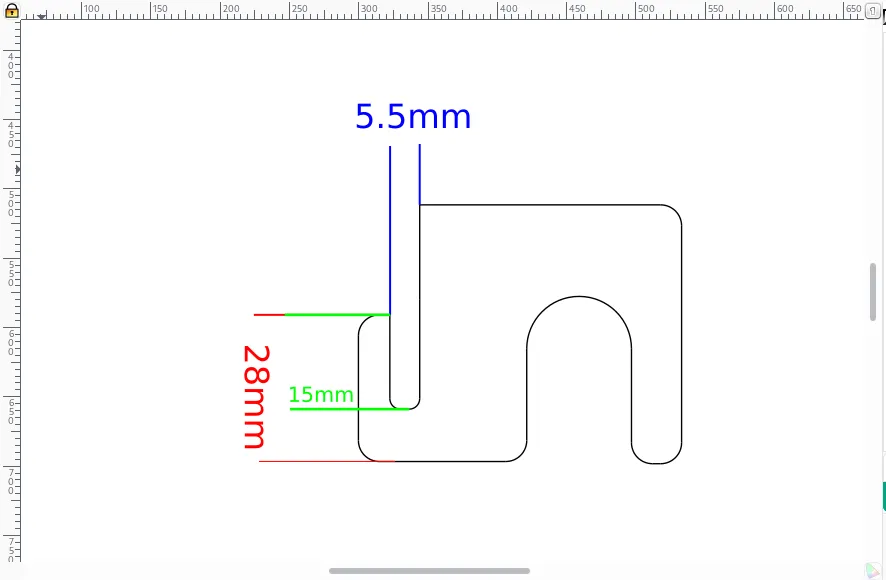
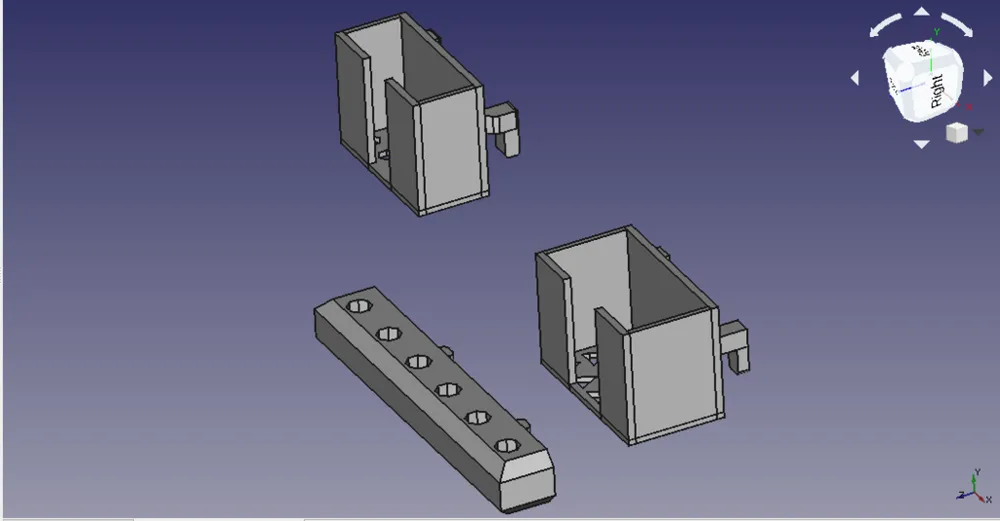
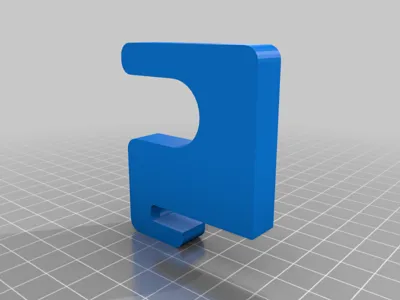
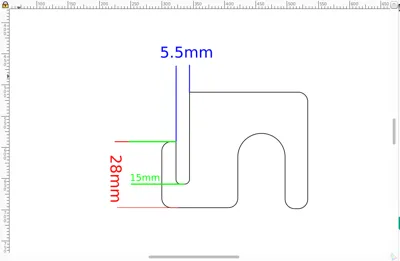
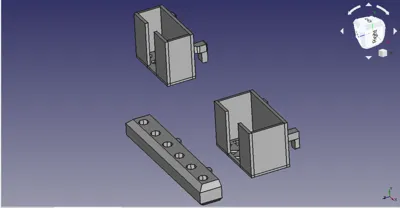
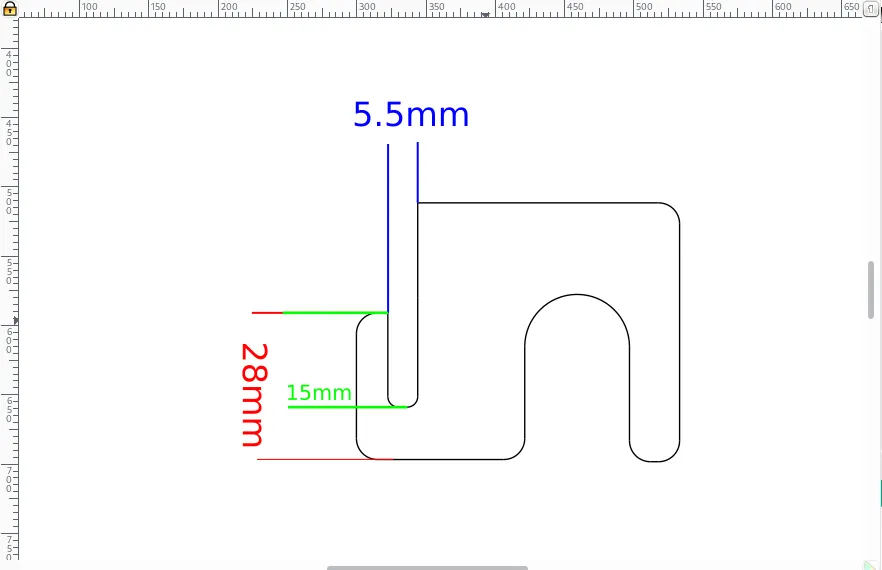
On the 3D side, we use "Freecad" to create our customized pieces, but you are free to make them again with another software, if you just have to take into account the dimensions of the holes on the panel to create the hook.
License



Comment & Rating (0)