
【Minecraft Block Series】A Crafting Table That Can “Create” Things Leng

Print Profile(3)


Description
【Introduction】
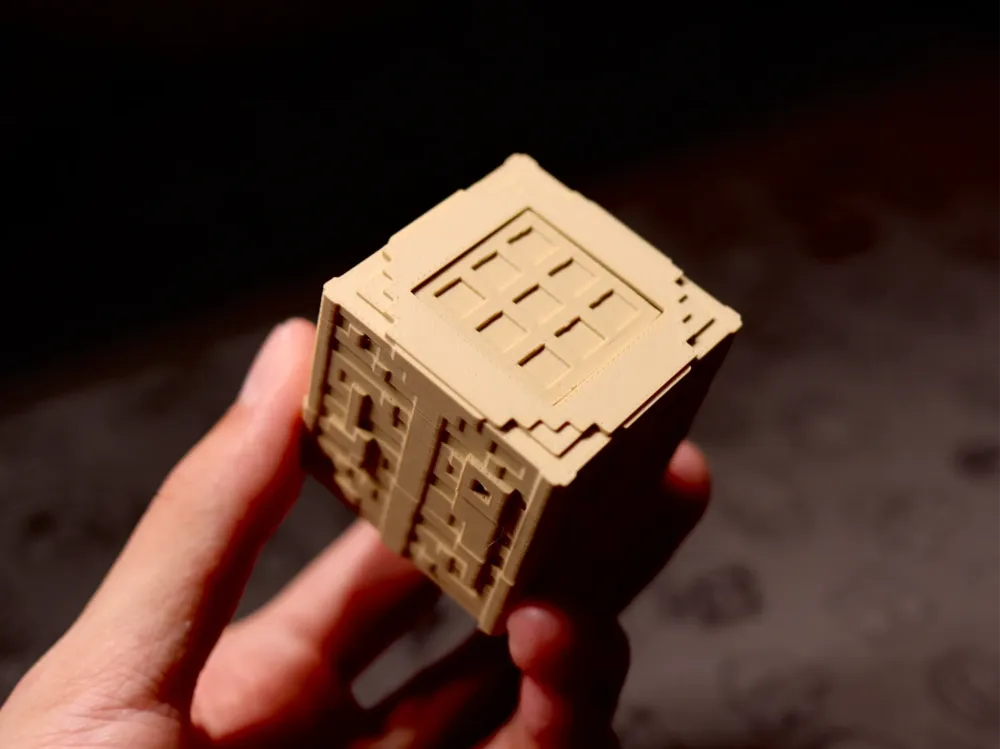

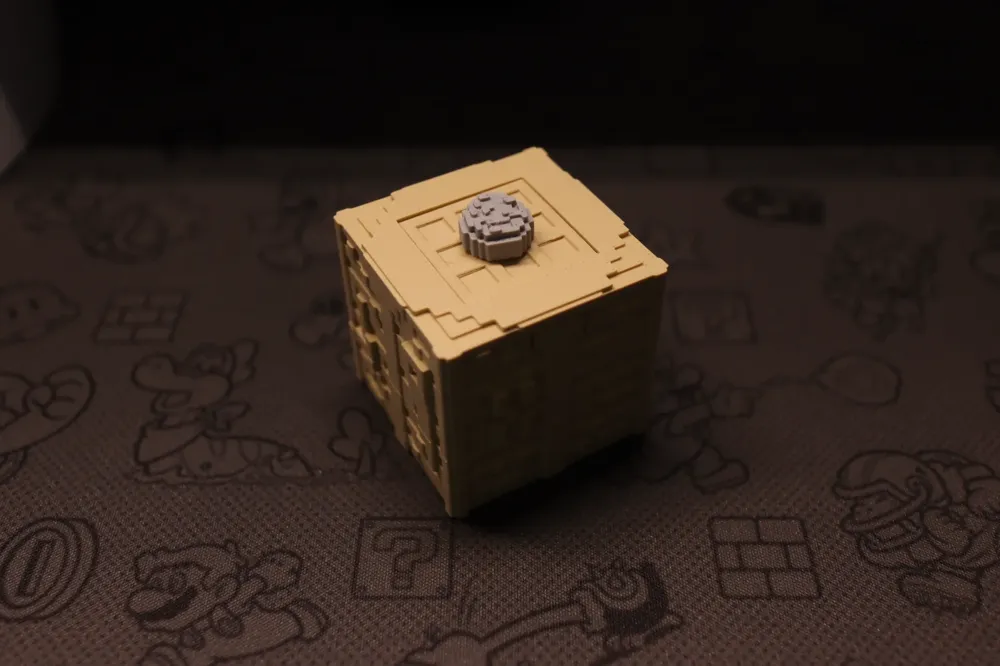
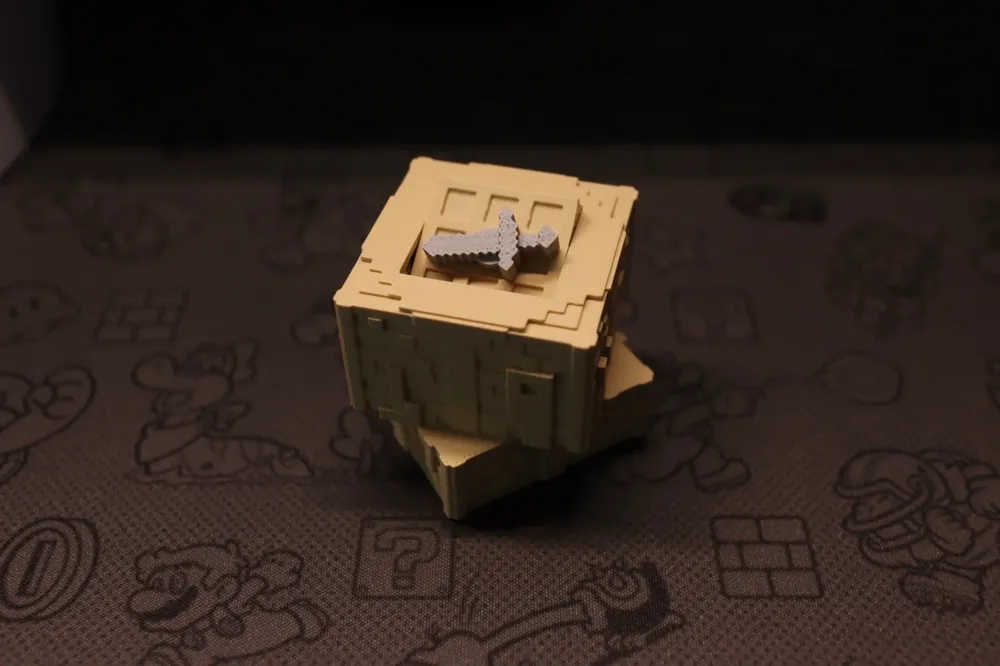
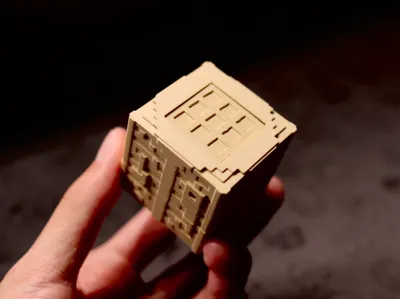
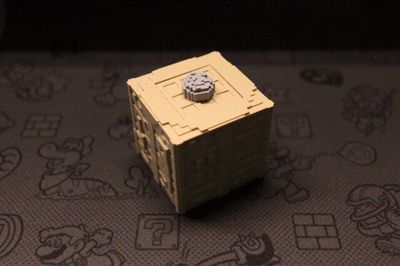
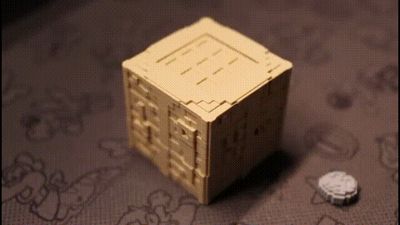
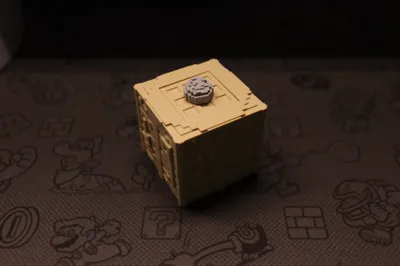
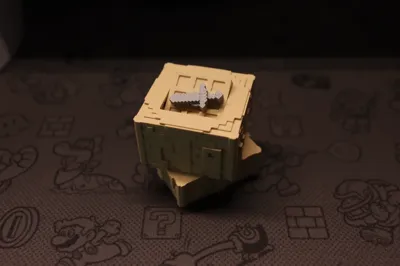
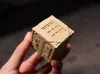
This is a Minecraft crafting table block capable of "manufacturing" items, featuring a cleverly concealed, mechanically actuated, rotating door mechanism that simulates the creation process.
Customize the raw materials and models to "manufacture" any item you desire!
Inspired by the Minecraft game.
【Additional Required Accessories】
Three 4mm diameter, 2mm thick magnets; these standard components are available at the official Tuozhu JD online store.
Magnets are not essential; your crafting table will still transform, but it will not "manufacture" items. It can serve as a decorative display piece.
【Installation Instructions】
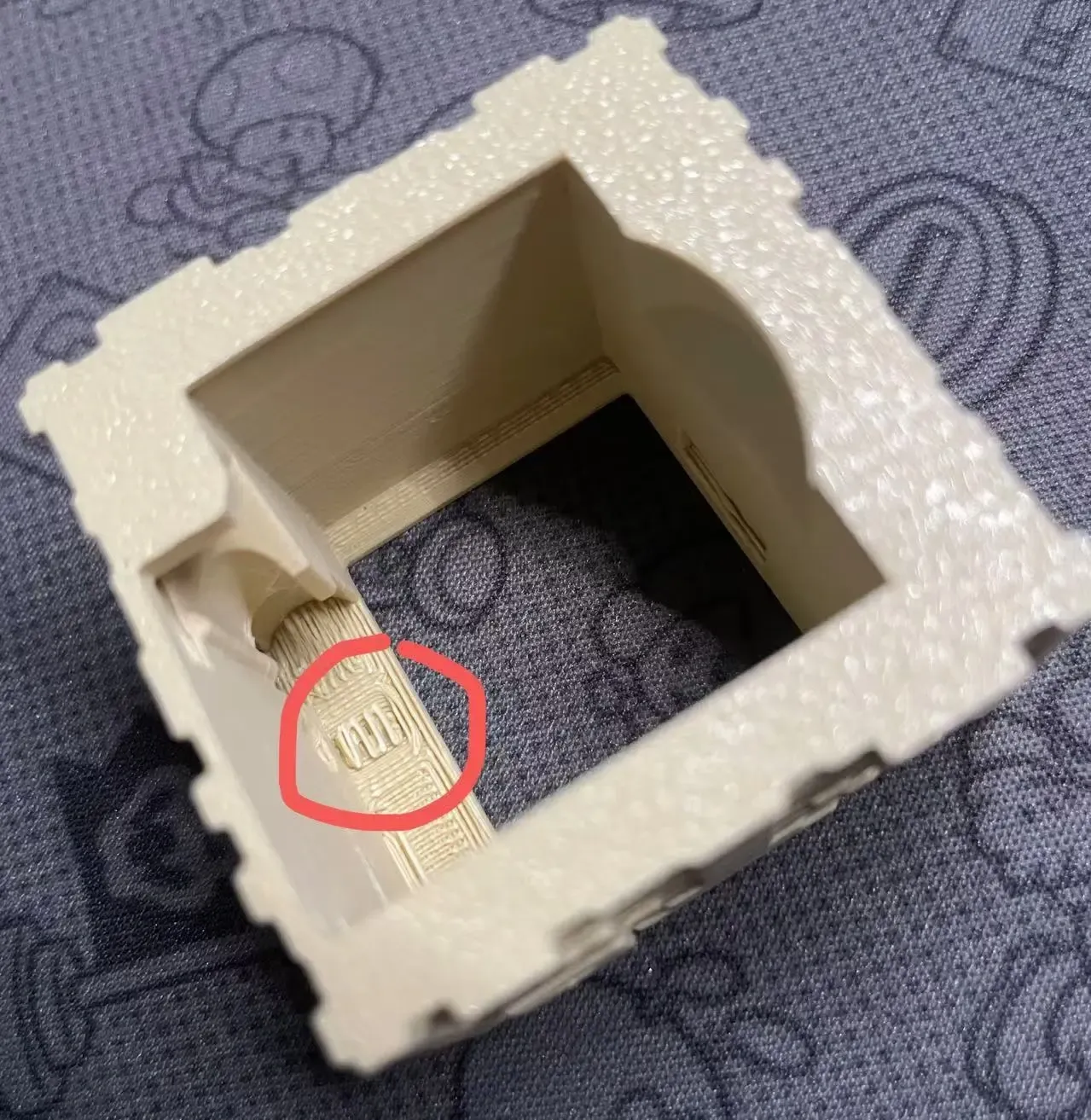
1. Ensure all supports are completely removed from your printed model, including any minute support remnants, as these may impede the crafting table's smooth operation!!!
For instance, meticulously remove the brim on the rotating shaft and the supports shown in the image below using appropriate tools or techniques.
2. Install the worm gear as shown below. After installation, test the rotation for smooth operation.

3. Once again, verify that the brim on this component has been completely removed! Then, install the magnets as shown below.

4. Ensure the worm wheel on the flap engages with the worm gear installed in step 2. If the flap is not horizontal during engagement, try slightly rotating the gear on the worm gear. After engagement, use one hand to maintain the flap's horizontal position. Then, rotate the assembly to observe the port location.

5. Continuing to hold the flap horizontally, insert the rotating shaft.

6. Insert the plug; you can use a table for support. Press it flush with the exterior! Do not press it too far in (the design incorporates a stop; it will stop when pressed until it clicks, but due to 3D printing tolerances, it might be possible to press it in further), otherwise, rotation may be difficult!

7. Ensure the flap and the top surface are parallel.

8. Ensure the four sides of the upper section and the four sides of the lower section are aligned. Observe the patterns on the upper and lower sides; the upper section with the saw and axe decorations must be aligned with the corresponding decorations on the lower section. If you cannot press it down smoothly, the gears may not be engaged; do not force it! Slightly rotate the gears and try again. The crafting table is now assembled.

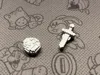
9. For the diamond and diamond sword, simply press the magnets into place. Important! After installation, the diamond and diamond sword must be magnetically attracted! The magnets will not fully fit into the holes; the slightly protruding magnet will act as a positioner on the flap.
【Gameplay Notes】
The crafting table block can only rotate clockwise (when the base is down, the upper portion rotates clockwise relative to the base). Do not rotate counter-clockwise.
Future updates will likely introduce additional manufacturable items; currently, only the diamond and diamond sword modules are available.
If you have any other items you'd like to "manufacture," please comment. I will add any suggestions I find compelling!
【About Me】
If you enjoy this model, please give me a small like; your support would be even more appreciated. I will develop more interesting and refined models.
As a 3D printing novice, your every support contributes to my future aspiration (a pipe dream) of joining Tuozhu.
License

You shall not share, sub-license, sell, rent, host, transfer, or distribute in any way the digital or 3D printed versions of this object, nor any other derivative work of this object in its digital or physical format (including - but not limited to - remixes of this object, and hosting on other digital platforms). The objects may not be used without permission in any way whatsoever in which you charge money, or collect fees.


Comment & Rating (70)