
Ender 3 S1 Pro Bottom Plate
Print Profile(0)
Description
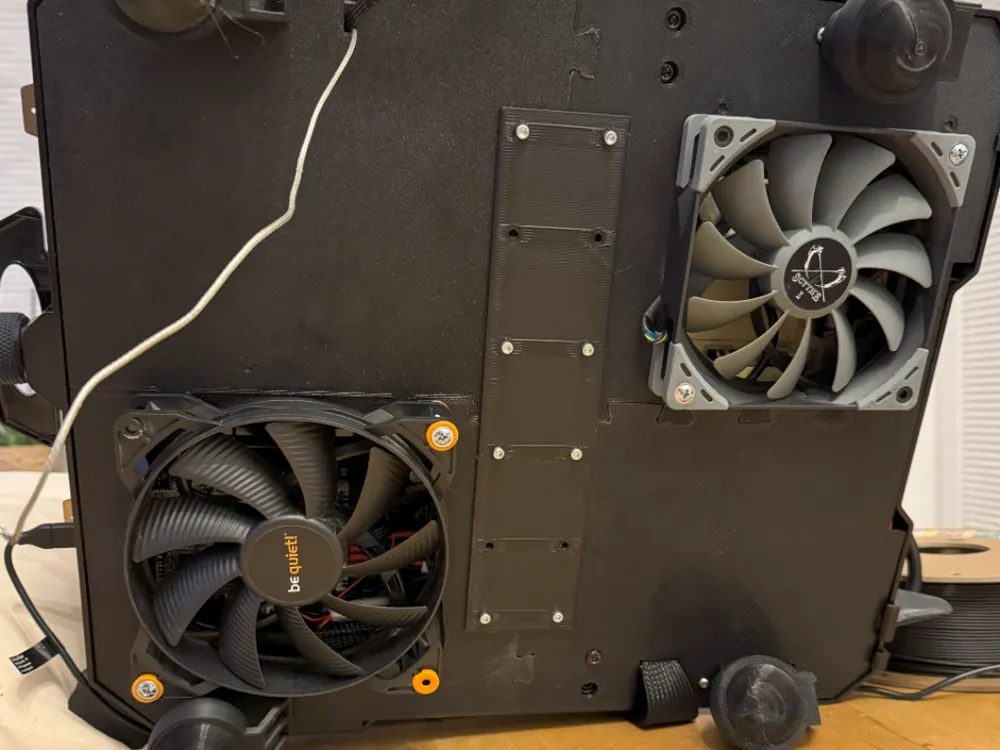
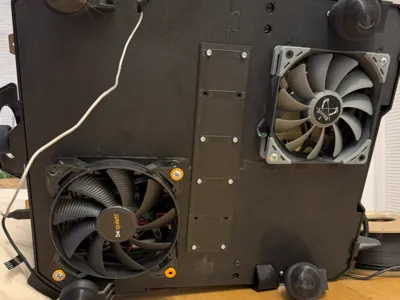
I still had two fans left in the sizes 135mm and 120mm (actually there were three fans, one Noctua had to bravely give up its life). As there are two fans with 12V, I connected a voltage converter from 24V to 12V in between. I mounted the voltage converter very close to the mainboard, where it is cooled well by the 135mm fan. My goal was to make everything significantly quieter while maintaining the same cooling and to my great surprise it turned out much better than I had hoped. I had no intention of publishing it, I just wanted to have a bit of fun with my new 3D printing hobby.
That's why I didn't document it with photos. But since it turned out quite well (my amateur opinion :-)) I thought I'd make it available to others.
Technically, the whole thing is not that exciting. As I said, there are
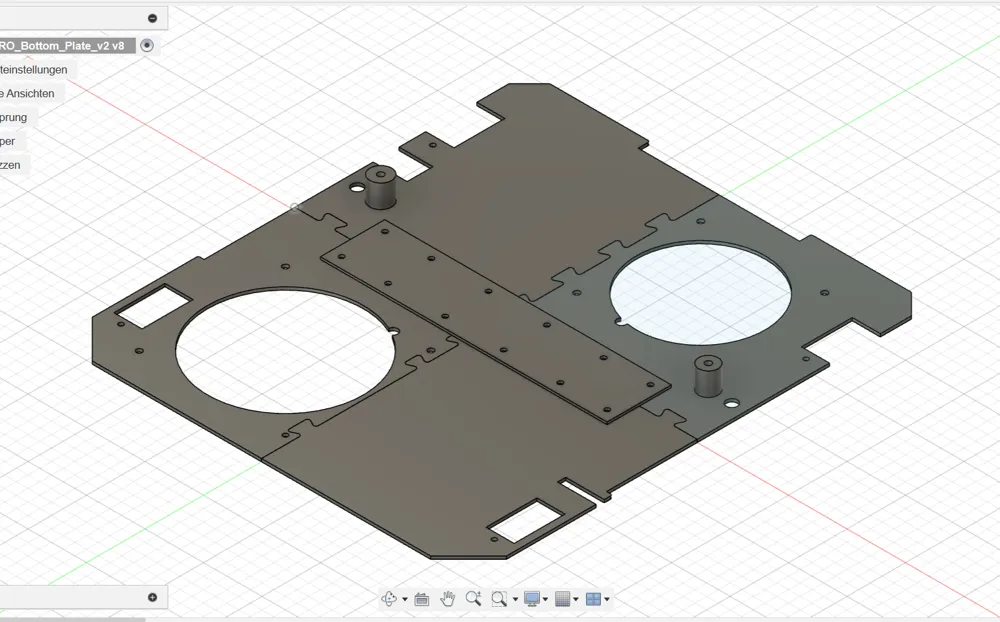
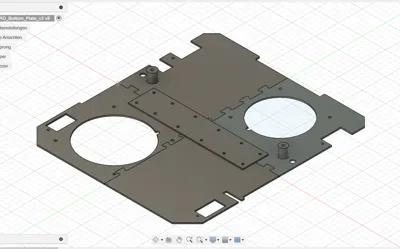
one 135mm and one 120mm fan are installed. I have designed the size of the holes so that the fans fit in exactly
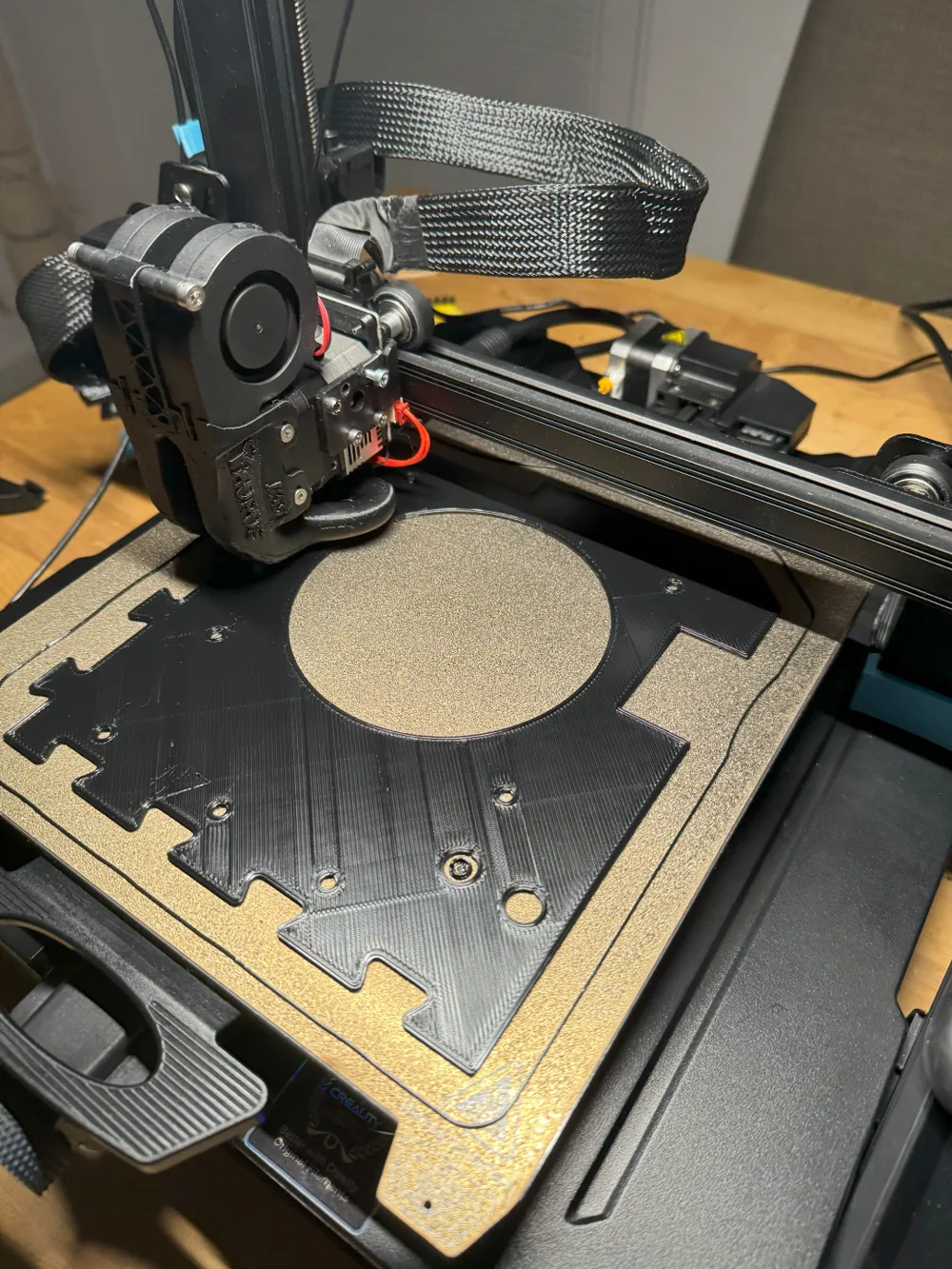
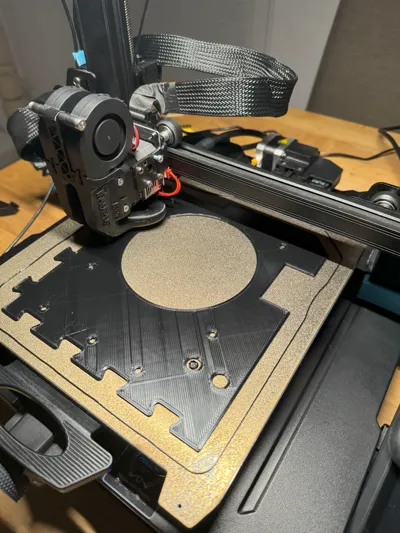
and cool the important components. You can put the plates together like a puzzle and fix them in the middle with a strip. There are more holes than you need. Right from the start, I intended to blow the warm air outside and had already thought about how I could do this without cutting through any walls. During the first test, I measured the temperature inside for a long time (air temperature in the middle) and it was actually exactly 10° C cooler.
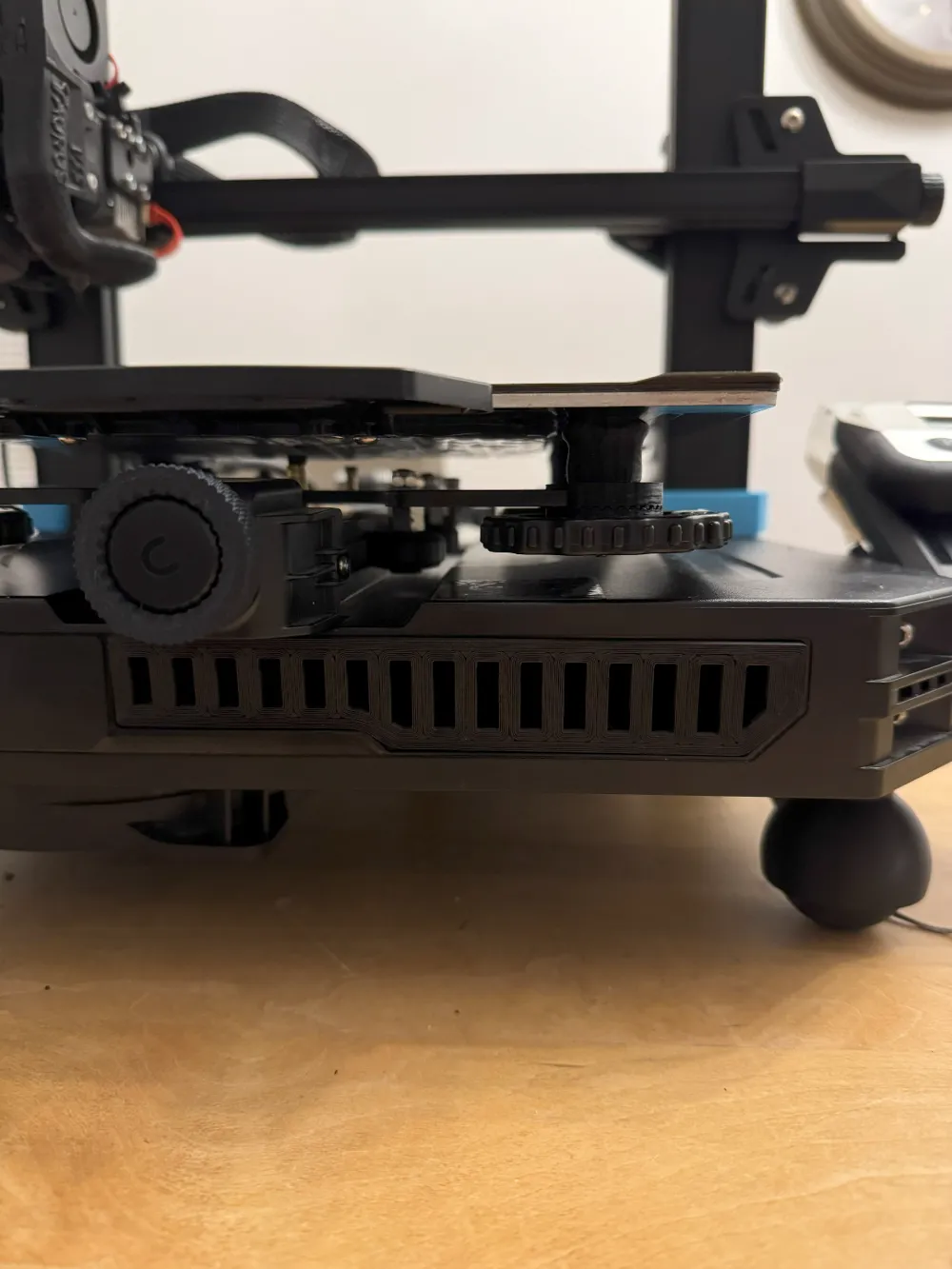
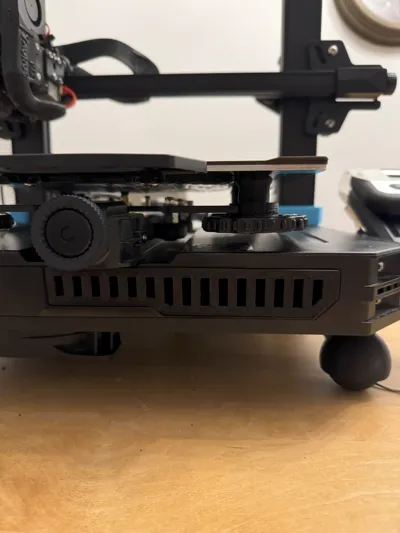
And I was equally pleased to discover that the stagnant air comes out of the front opening (the small compartment that nobody needs). To make it look good, I quickly made a grille. Incidentally, I removed the cover from the power supply unit and left it as it was. But it should be enough if you leave the cover on. If you also want to remove the cover, you should take safety seriously when working on a power supply unit. The two fans are completely oversized. But as the saying goes: having is better than needing.
I would like to point out that I am a layman. Everything you do with the supplied parts is at your own risk. If you have any criticism, please leave a comment here.
Have fun printing :-)
License



Comment & Rating (5)