
Double-bladed Lightsaber
Print Profile(1)
Description
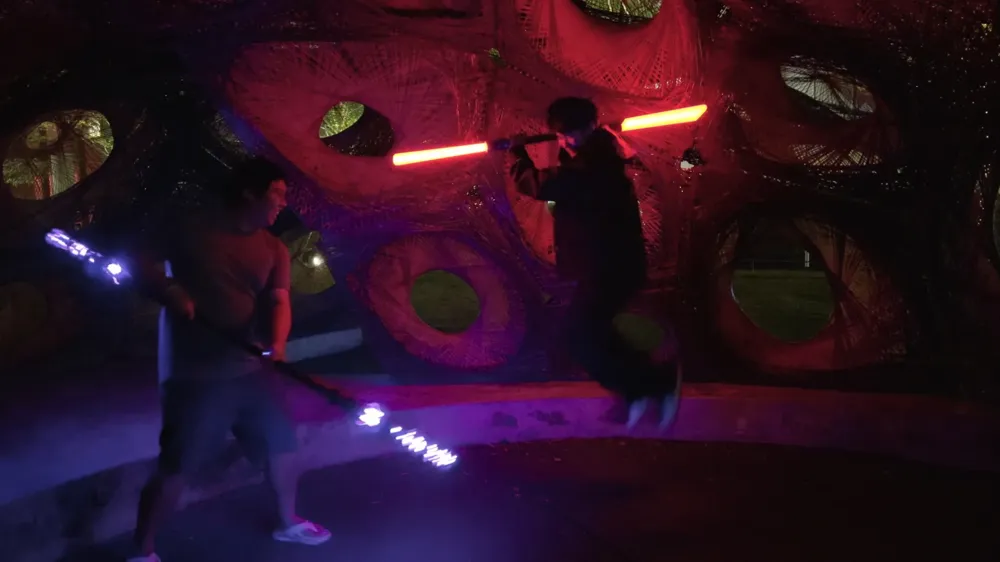
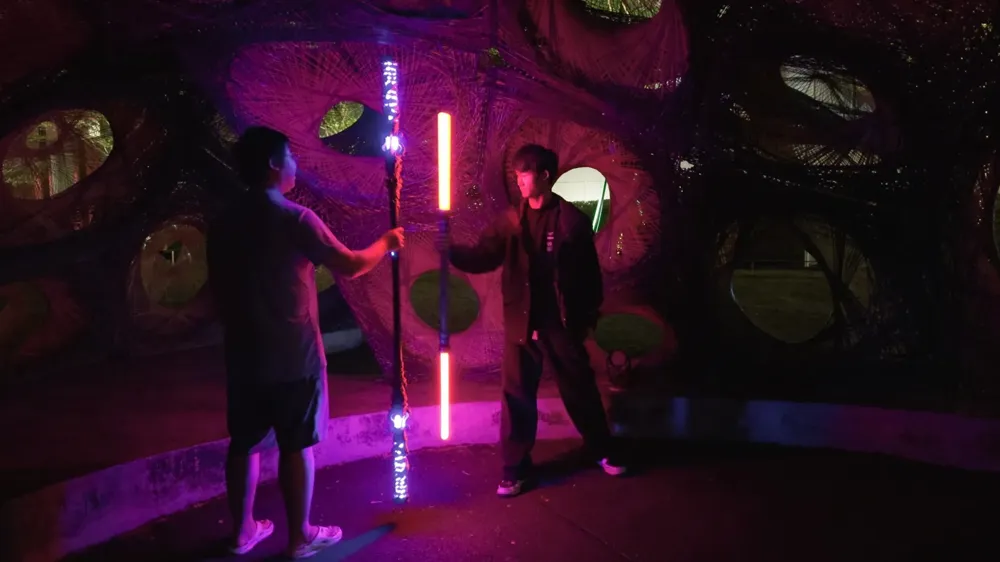
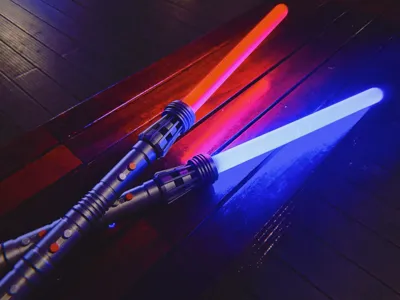
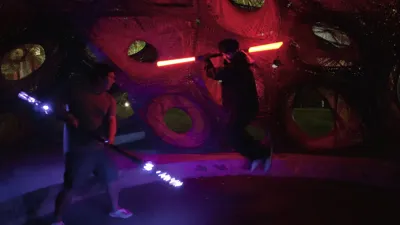
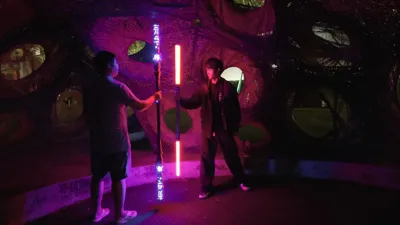
Creating highly realistic props with 3D printing has become remarkably simple, and these props are incredibly popular for stage performances, themed gaming parties, and similar events. TuZhu Technology's haptic audio-visual kit has undeniably opened up a significant market for interactive props. In particular, DaDaLand's masterful integration of this kit with the Black Myth: Wukong staff created a sensation within China's gaming community, inspiring countless creators to showcase their talents.
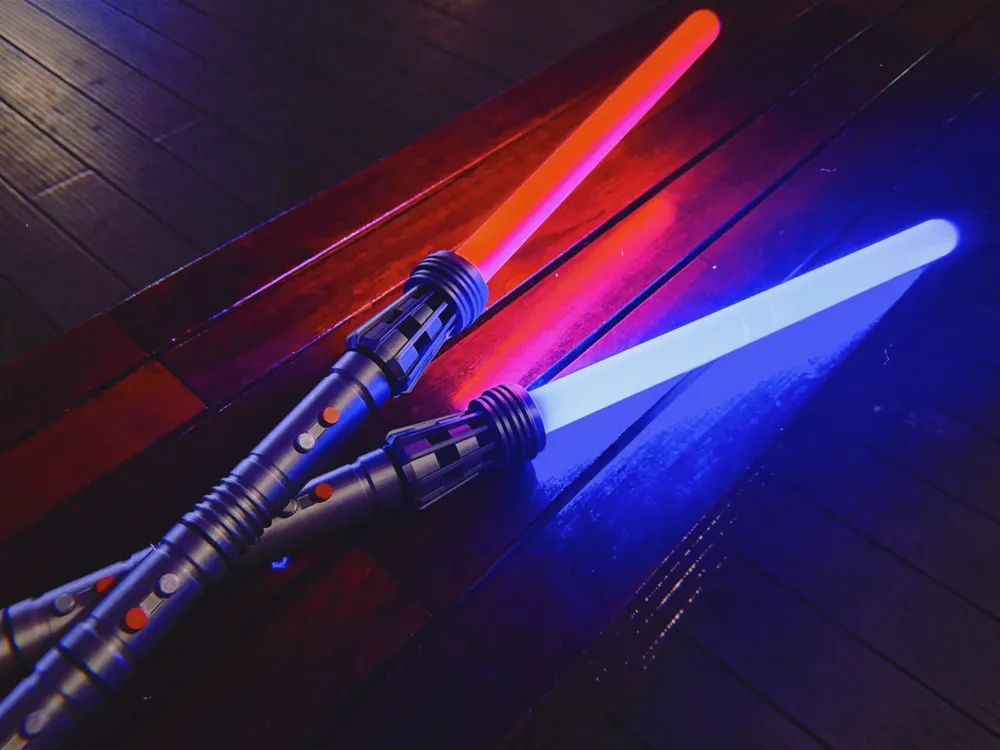
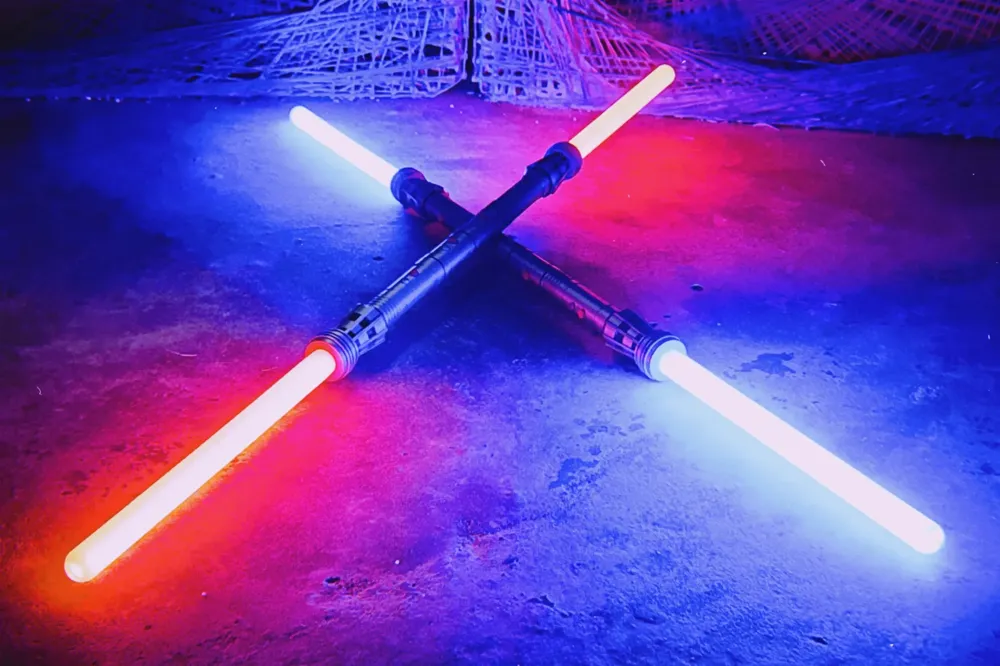
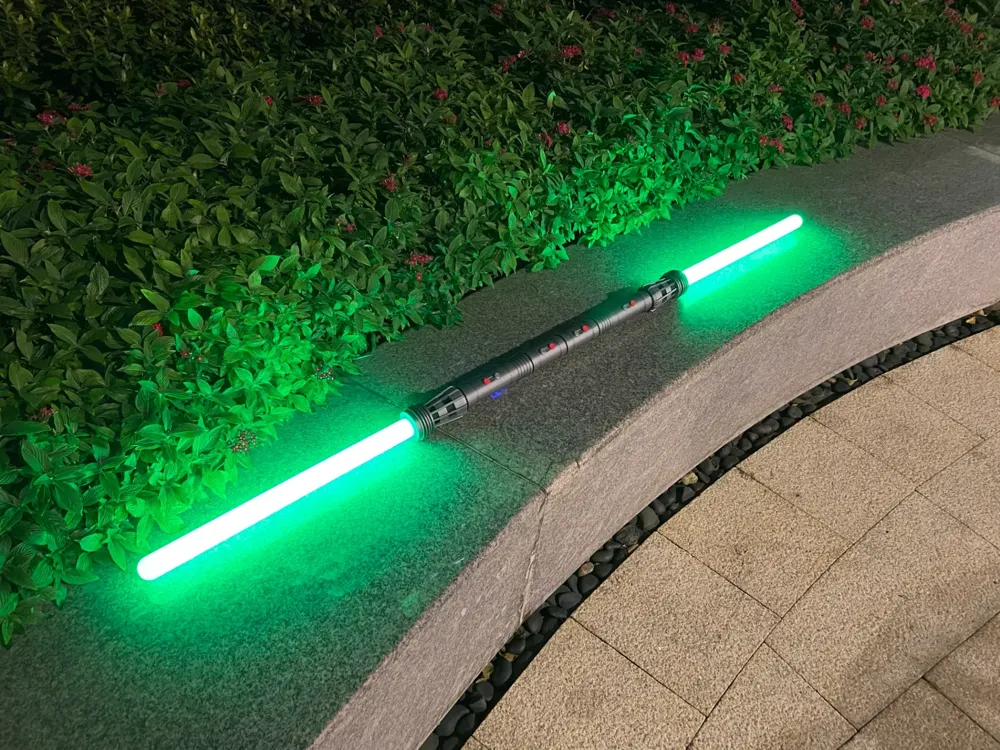
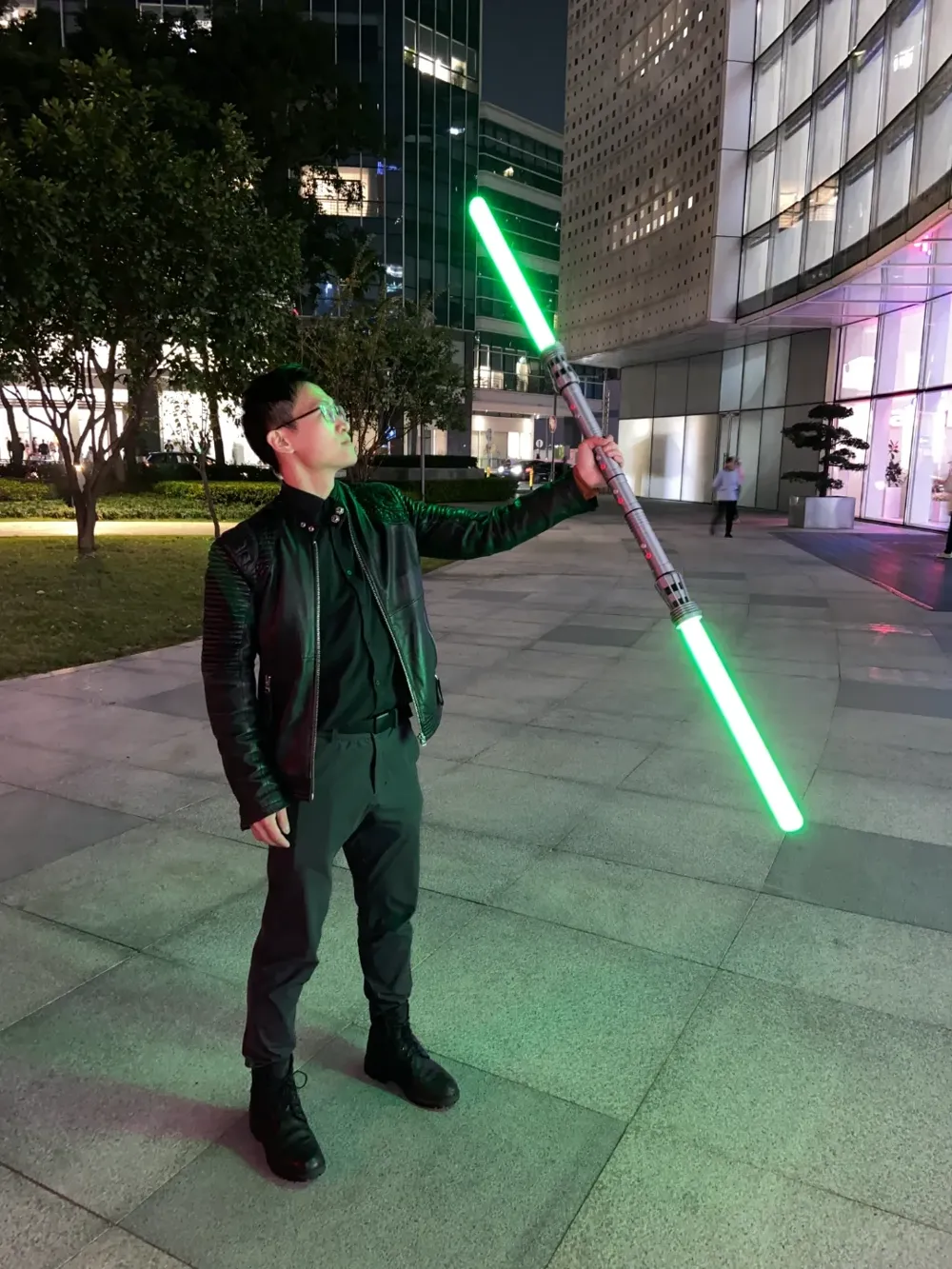
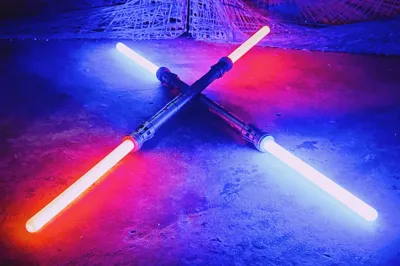
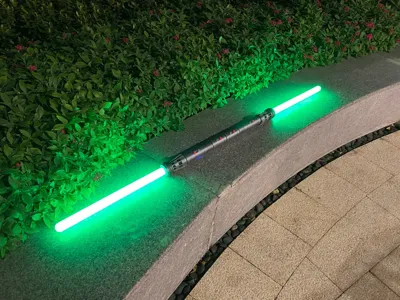
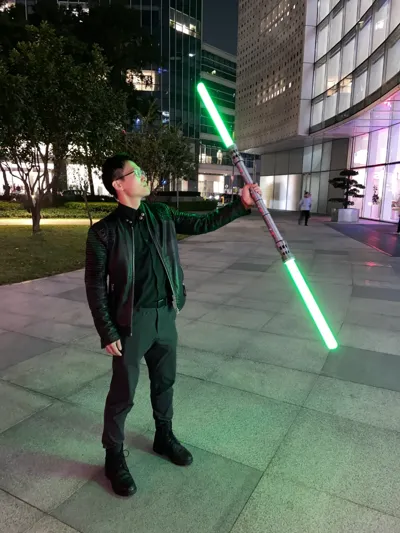
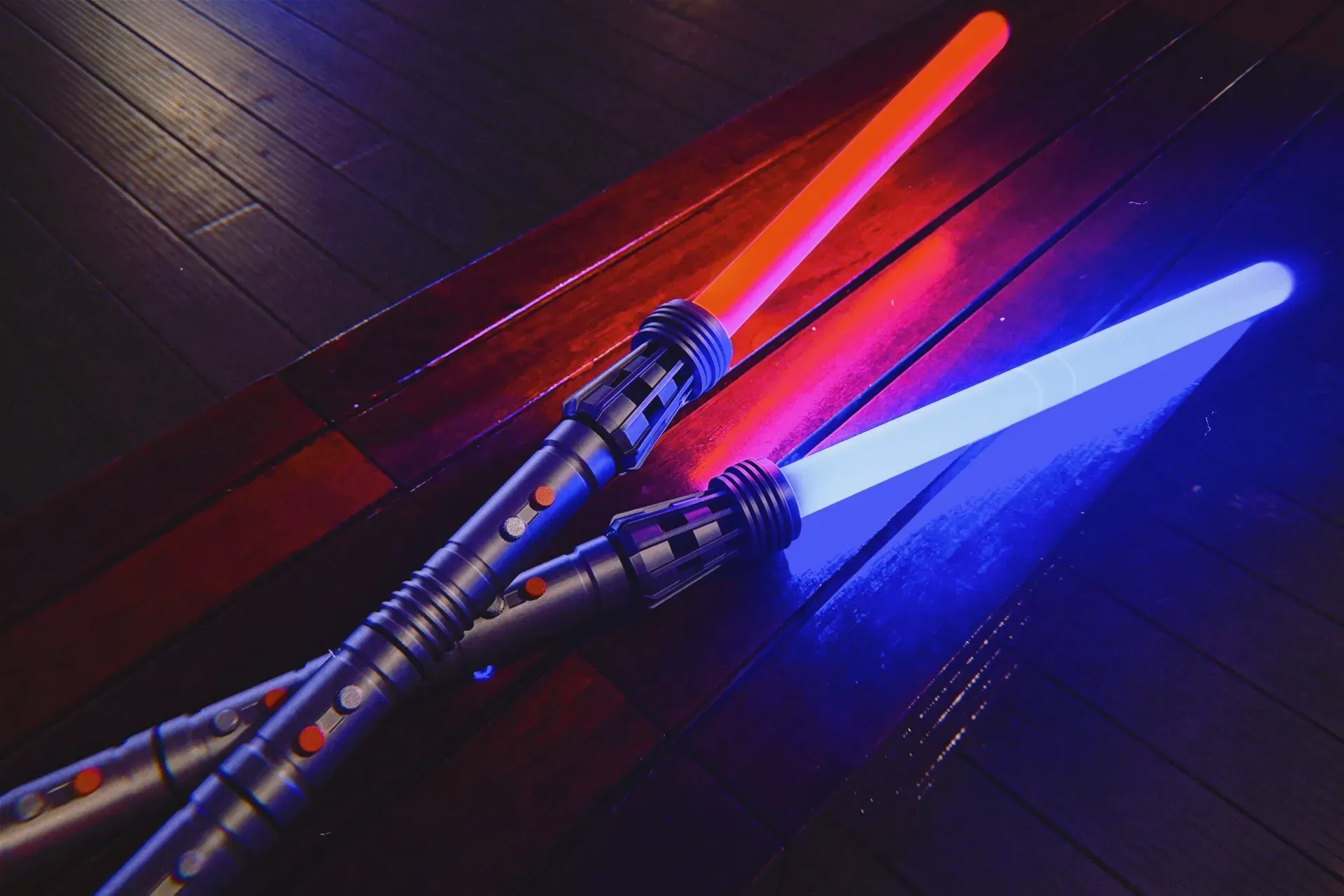
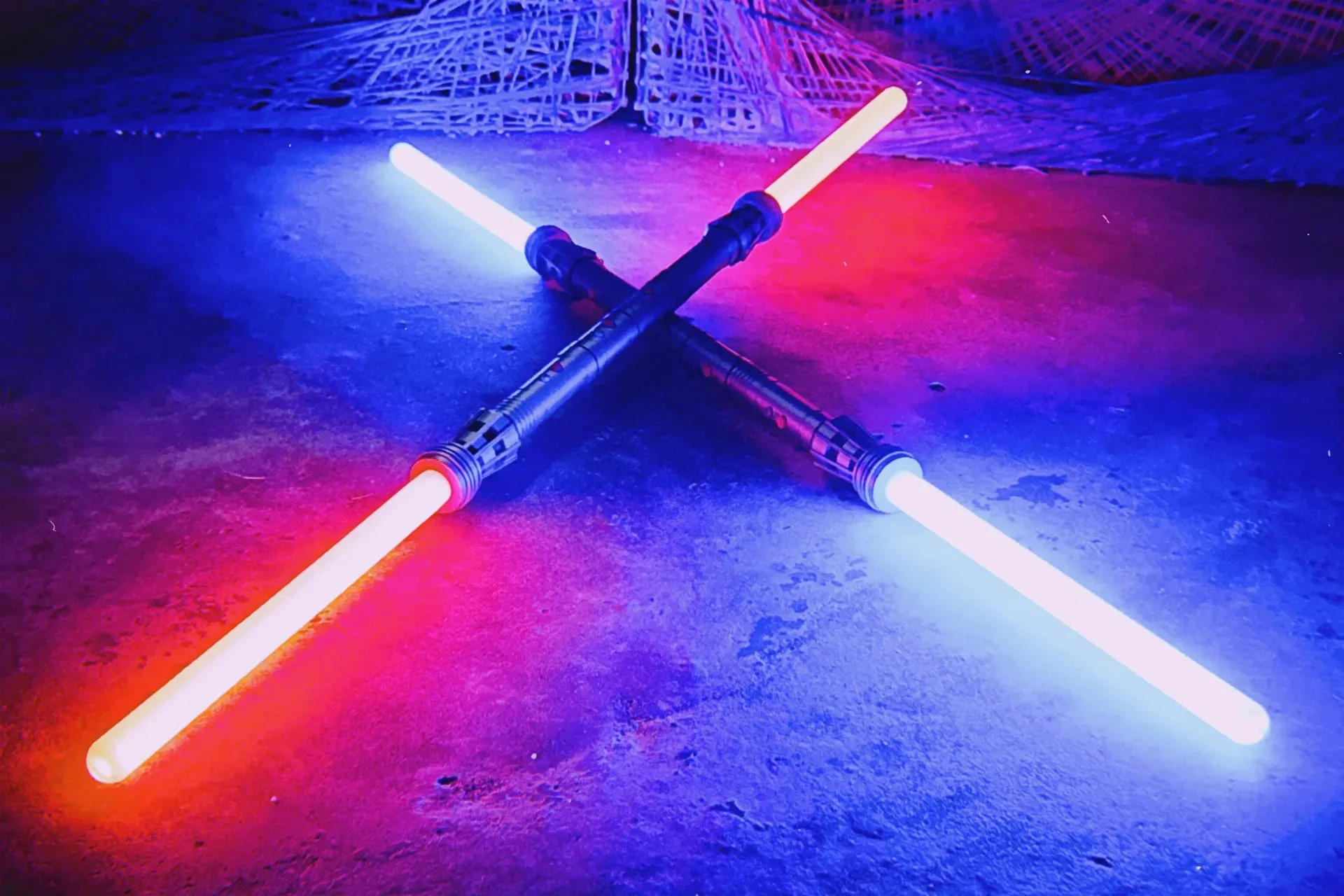
Inspired by DaDaLand's masterpiece, I decided to design my own creation using TuZhu's haptic audio-visual kit. I chose a pixelated dual-bladed lightsaber, drawing inspiration from Darth Maul's weapon in Star Wars. My goal is to leverage the kit's innovative capabilities to offer gamers a wider array of spectacular model options, simultaneously contributing to the advancement of interactive props.
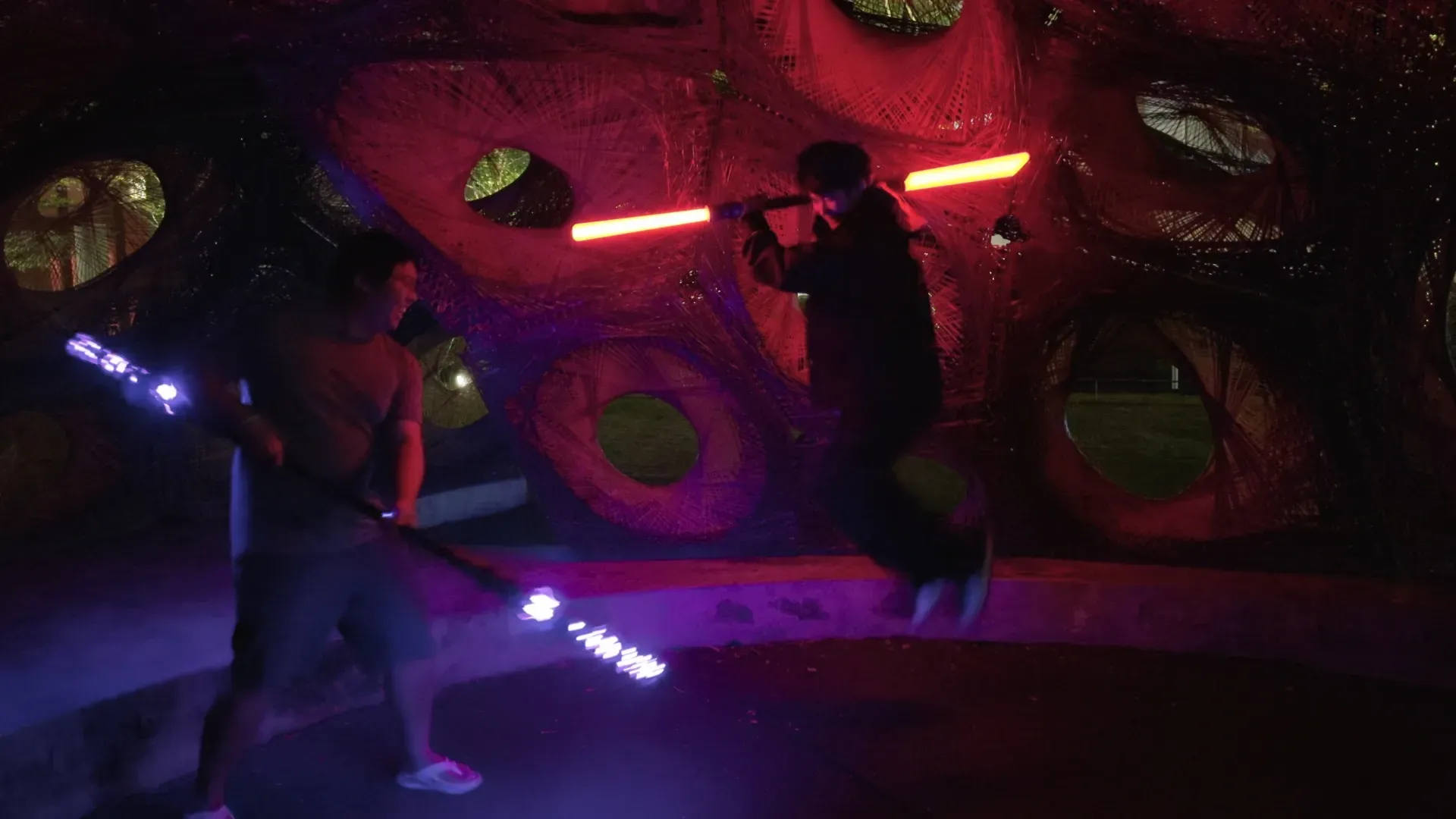
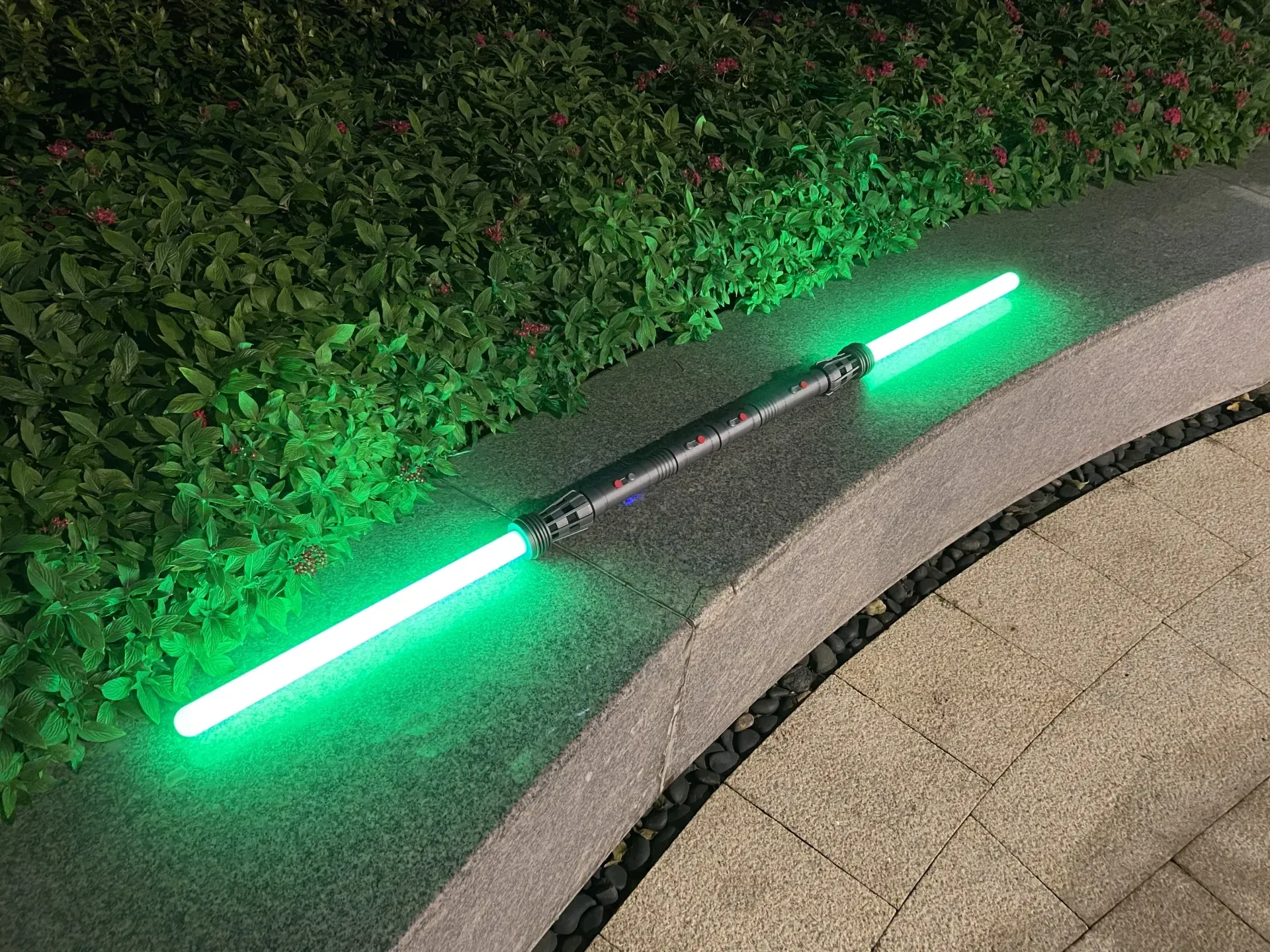
Showcase
Design Features
Seamless Staff Transformation: Using the same kit, you can seamlessly switch between the staff and the lightsaber. Tired of the staff? Simply swap in the lightsaber model for a refreshing change of pace. (The lightsaber requires an additional eight M2 screws and nuts)
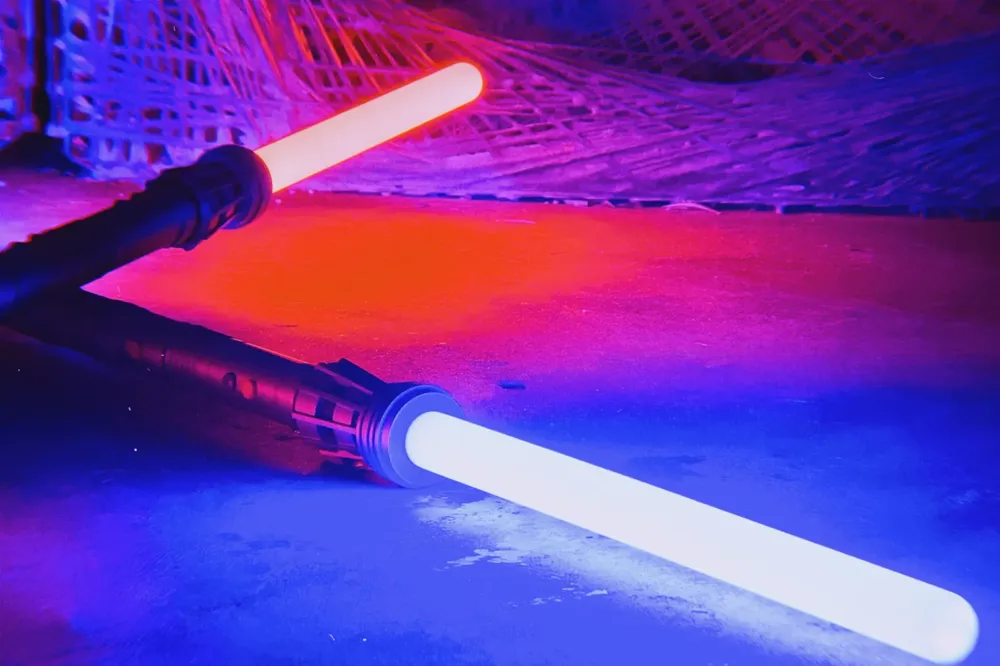
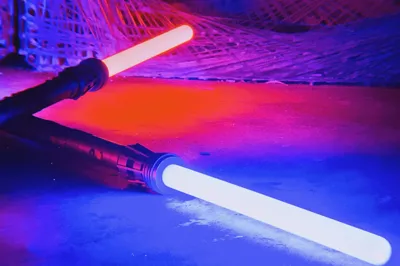
Pixelated Blade: Utilizing the two pixel light strips included with the TuZhu haptic audio-visual kit, I've achieved a luminous effect virtually identical to those found in exorbitantly priced commercial lightsabers.
Audio-Visual Effects: The TuZhu haptic audio-visual kit's built-in audio-visual effects were a lifesaver, providing a comprehensive selection of lightsaber-themed sounds, eliminating the need for me to edit any original audio. The companion app is simply extraordinary, offering pre-configured settings and effortless sound switching with a single tap—a truly thoughtful touch.
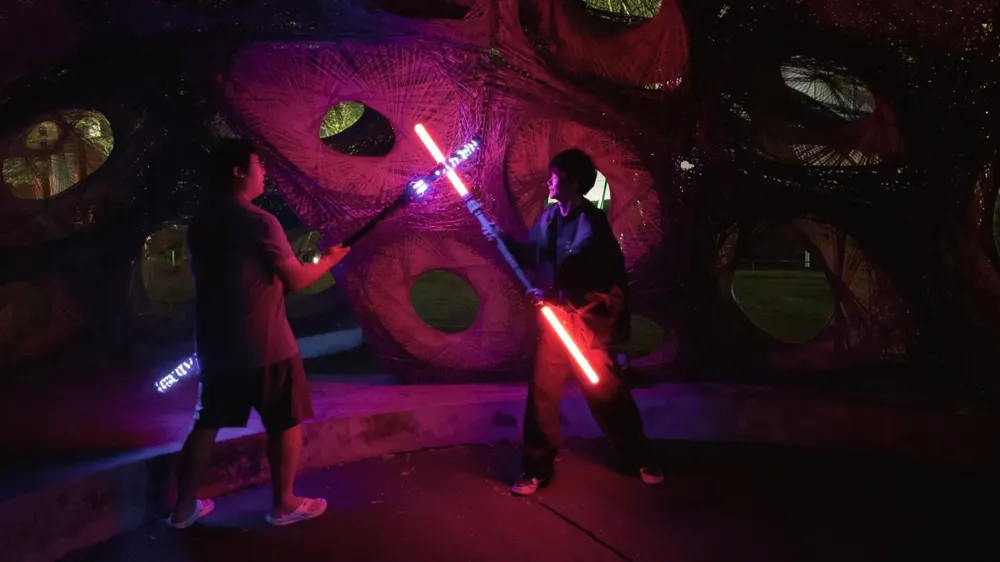
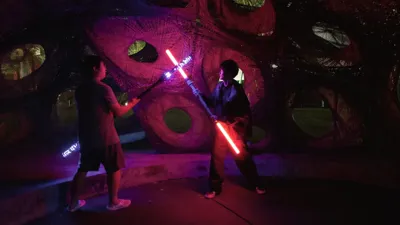

Haptic Operation: The lightsaber's humming sound effect during operation perfectly mirrors the cinematic counterpart, adding to the immersive experience. Furthermore, a simple twist of the lightsaber activates and deactivates the device—a stylish feature that has captivated even the neighborhood children.
Advantages Over Commercial Lightsabers:
- Affordable pricing—similar pixelated lightsabers on the market are often several times more expensive! The main board and pixel light strips alone offer exceptional value. The aluminum tubes and app are essentially bonuses.
- Unparalleled customization! You can choose your preferred filament colors and even create secondary designs with your modeling skills. The possibilities are endless.
- Showcase your DIY prowess! Impress family and friends, share the assembly process on social media, and watch your DIY skills garner admiration and praise.
Advantages Over the Staff:
- With the blade attached, the lightsaber measures 159cm, yet it is incredibly compact when stored, making it easy to transport. The blade uses a threaded connection, shortening its length to under 70cm when detached, making it easily packable.
- Significantly lighter than the staff, it requires less filament and is more convenient for transport.
- Exceptional structural integrity—the printed parts are embedded within the aluminum tube, resulting in unparalleled strength.
- Discreet design—when not illuminated, it avoids unnecessary attention and remains unobtrusive.
Accessory Pack
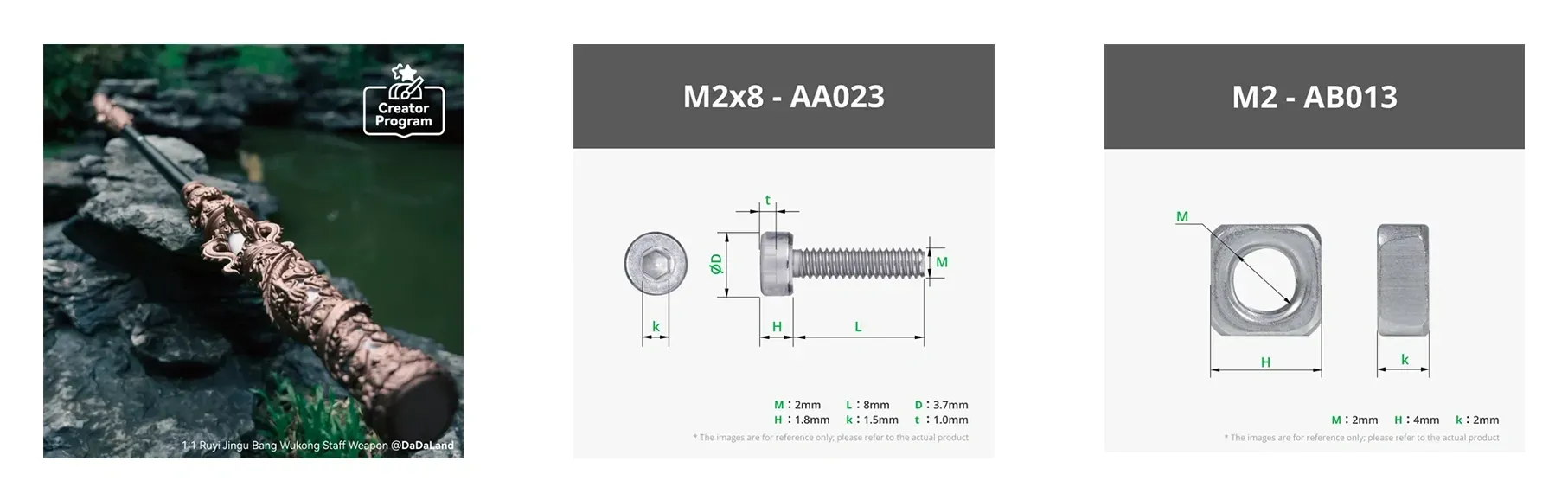
TuZhu Haptic Audio-Visual Prop Kit - ZC007 1 set JD.com Tmall
M2x8 - AA023 Screws (8 pieces)
M2 - AB013 Nuts (8 pieces)
Printing Instructions
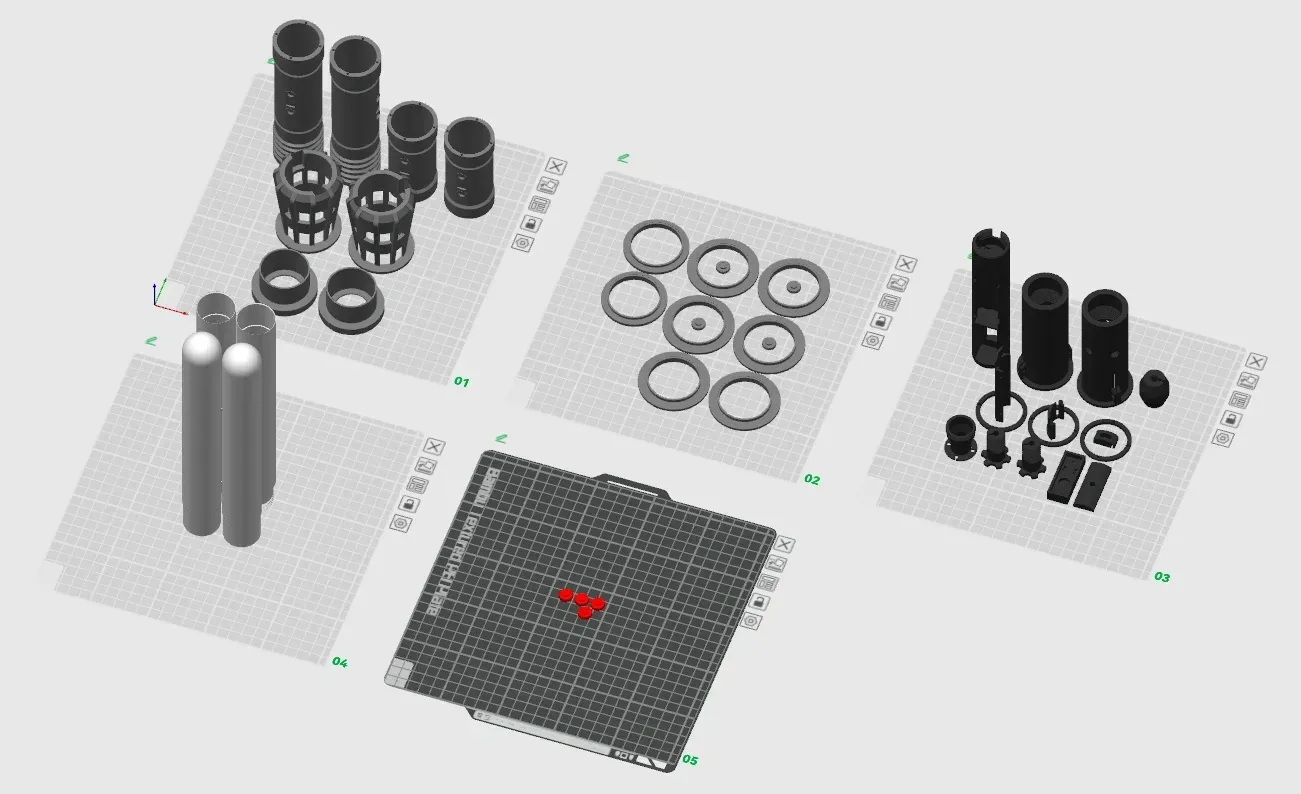
Trays 1-2: Bambu PLA Basic Silver
Tray 3: Bambu PLA Basic Black
Tray 4: Bambu PLA Basic Jade White
Tray 5: Bambu PLA Basic Red
Installation Guide
Install the internal structure; refer to DaDaLand's staff installation guide. Pay particular attention to routing the light strip wiring from the speaker end around the speaker mount, leaving a 10cm tail. This ensures proper management and storage of excess wiring, preventing inconvenience caused by excessive length.
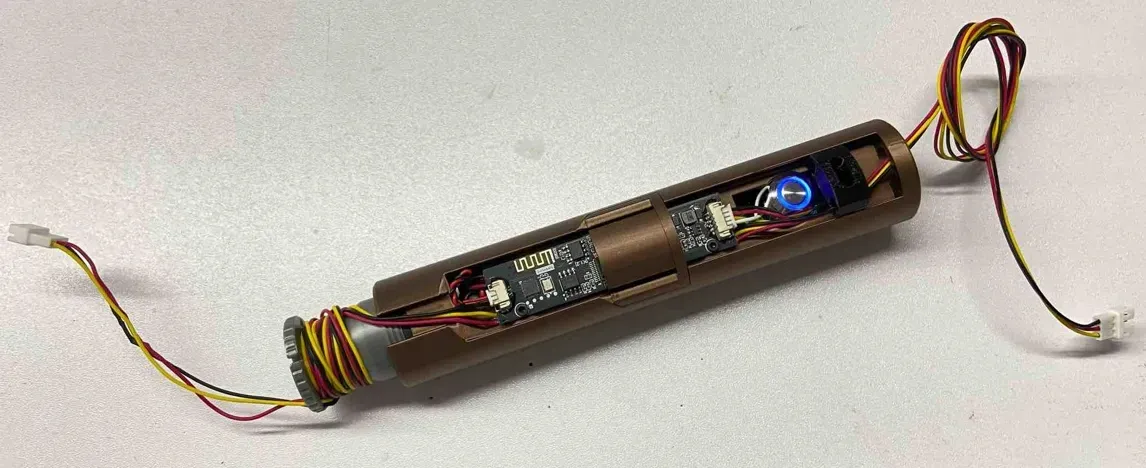


Install the internal structure into the aluminum tube, ensuring alignment with the button holes. Secure it using set screws. Refer to DaDaLand's staff installation tutorial for guidance. Next, install the outer decorative sleeve onto the aluminum tube as shown, followed by the blade mount. Install four 7mm filament strands onto the blade mount to position and secure the outer decorative sleeve. Finally, tighten the four screws on the blade mount to ensure it is firmly attached to the aluminum tube.

Invert the aluminum tube and install the outer decorative ring and sleeve as shown, using several 10mm filament strands for securing and positioning. Ensure correct orientation of the outer decorative sleeve. Install the blade mount on this side and tighten the screws. The blade mounts on both ends securely clamp and hold the four decorative sleeves in the middle section.
Install the end caps and button trim as shown. Secure the button trim with adhesive. The decorative sleeve has pre-drilled holes for adhesive. Apply a suitable amount of adhesive to the holes, press the button trim into place, and allow the adhesive to cure before proceeding. If you find the fin installation cumbersome, adhesive can be used to simplify this step.
Insert the diffusing foam into the upper half of the blade housing and connect the lower and upper halves. Route the pixel light strip through the opening in the lower portion of the blade housing into the blade, and thread the light strip wiring through the securing screw. Secure the light strip with the screw. Repeat for the second blade.
Connect the blade light strips to the mainboard wiring and neatly manage any excess. Improper management may cause the wiring to become entangled in the securing screws, damaging the wiring. Carefully screw the light strips into their respective mounts.

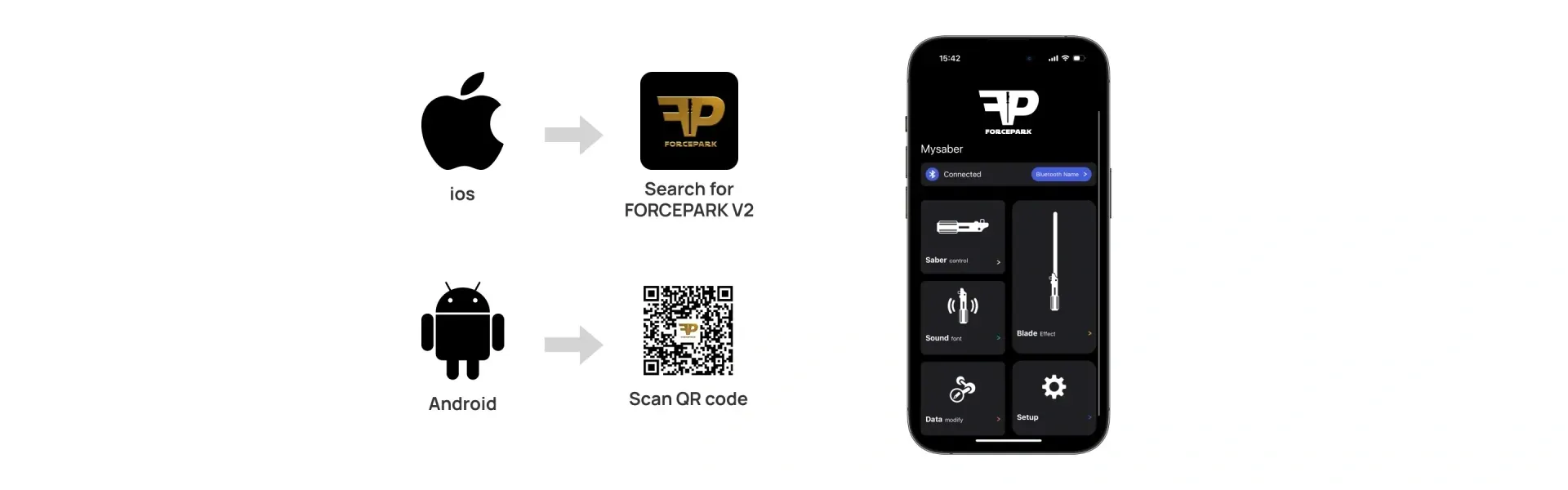
Refer to DaDaLand's staff software user manual for software and app operation instructions. This guide details app usage and various customization techniques.
May the Force be with you
Documentation (2)
License



Comment & Rating (5)