
A1 mini Side Cable Chain - No Screws

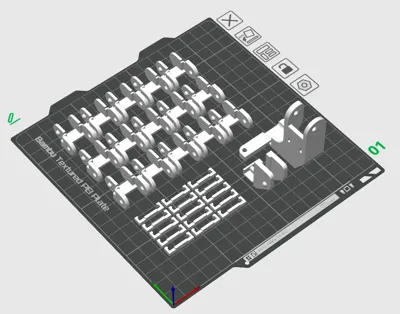
Print Profile(2)


Description
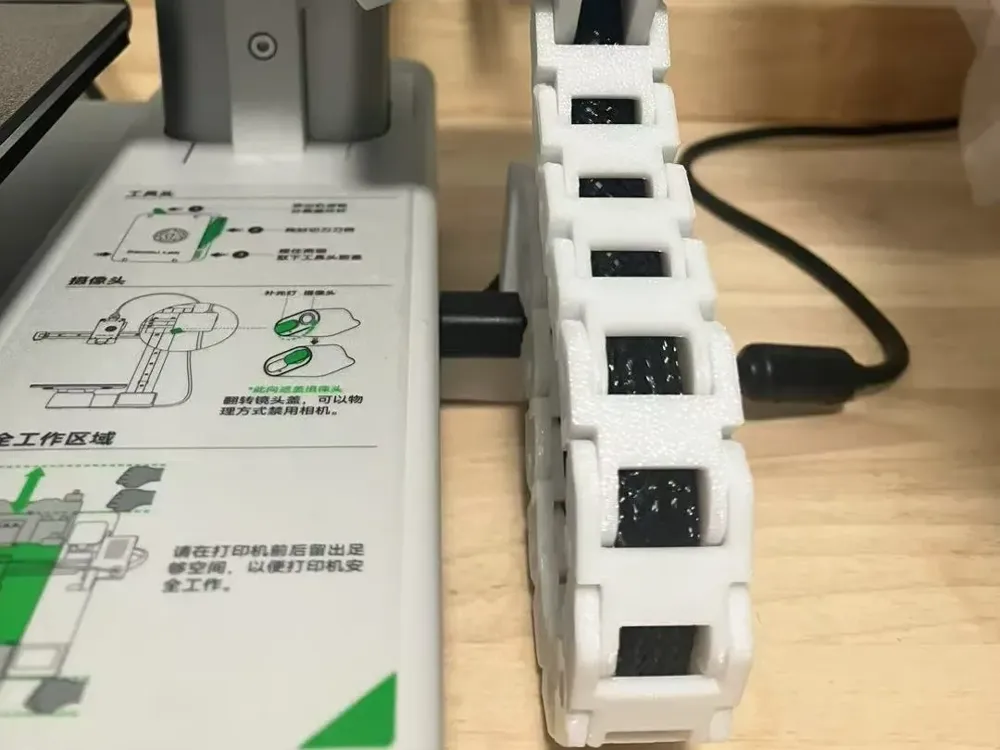
A1 mini Side Cable Chain
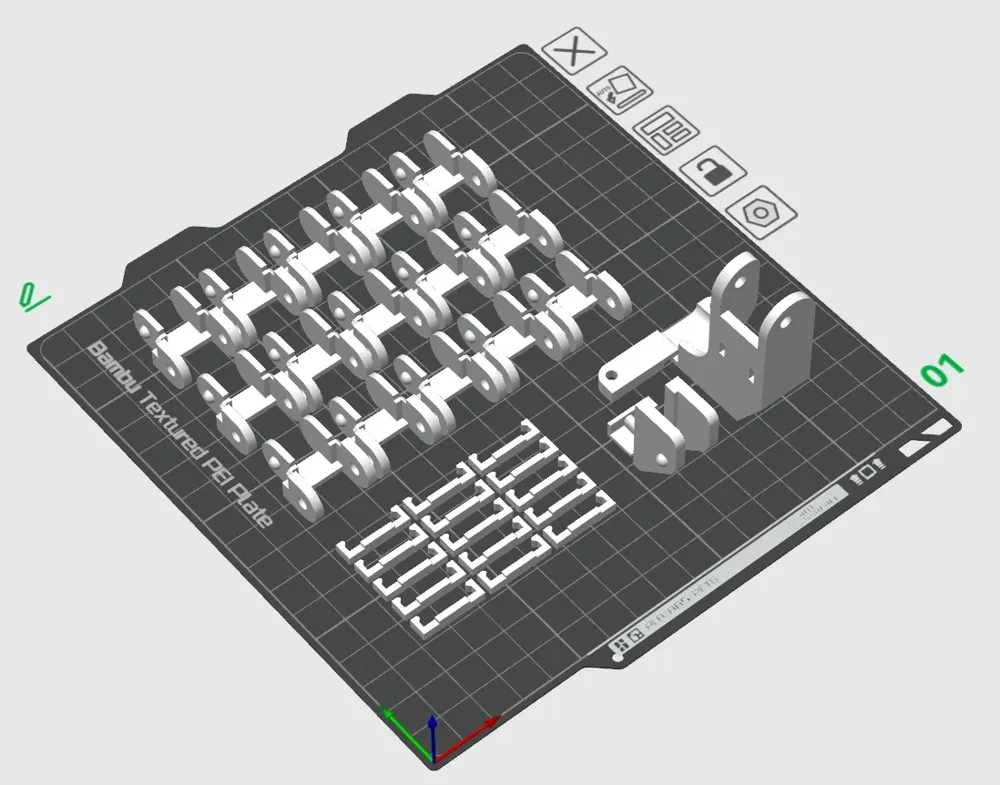
Single-plate printing, modular installation
No additional accessories required
Top Installation Guide:
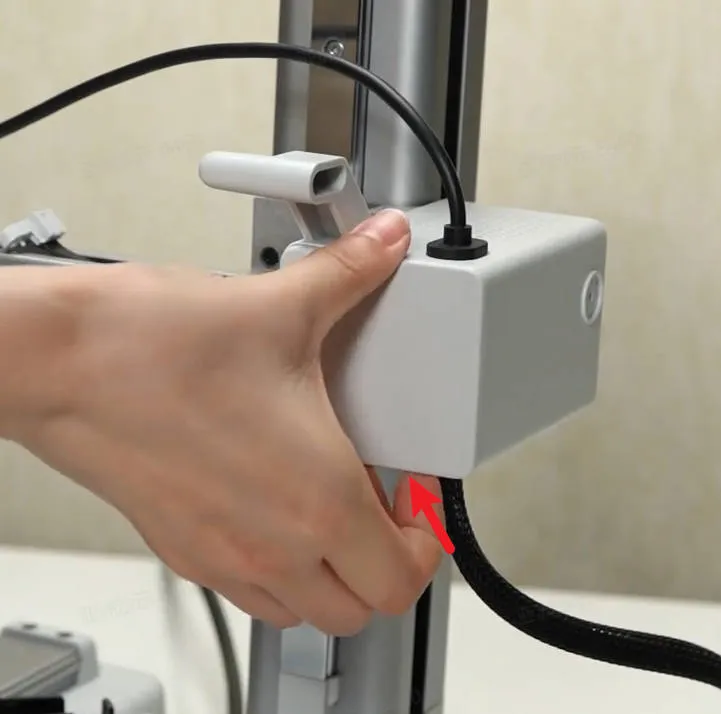
1.Manually remove the Z-axis cover (snap-fit design)
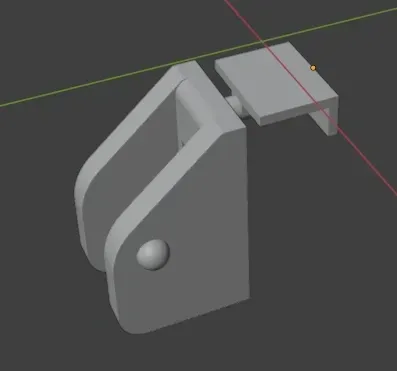
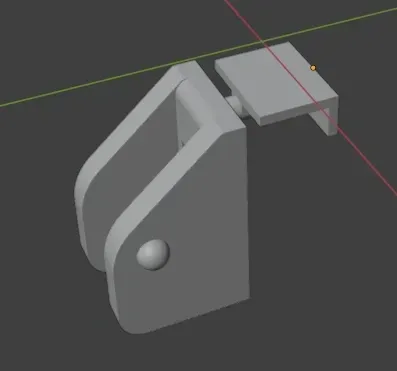
2.Insert the top component into the cable clip
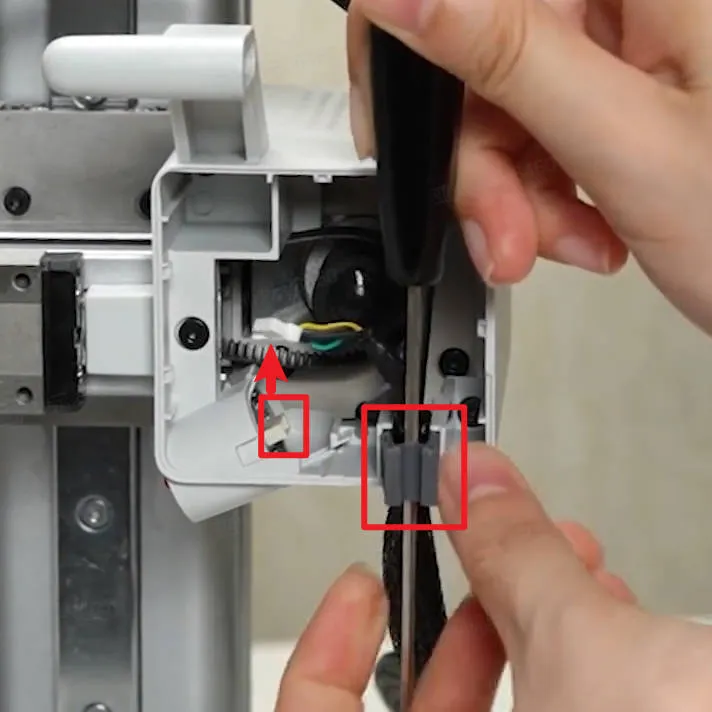
3.Replace the cover
Bottom Installation Guide:
1.Open the bottom of your machine and remove the cable cover screws
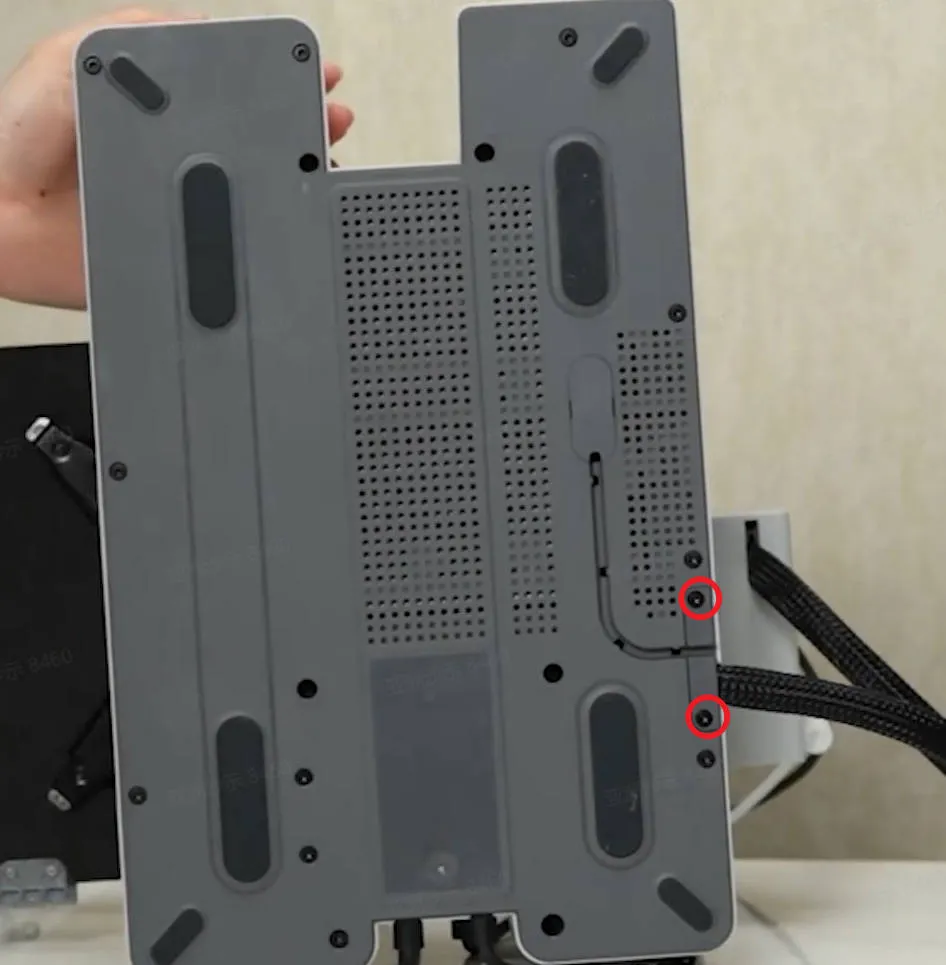
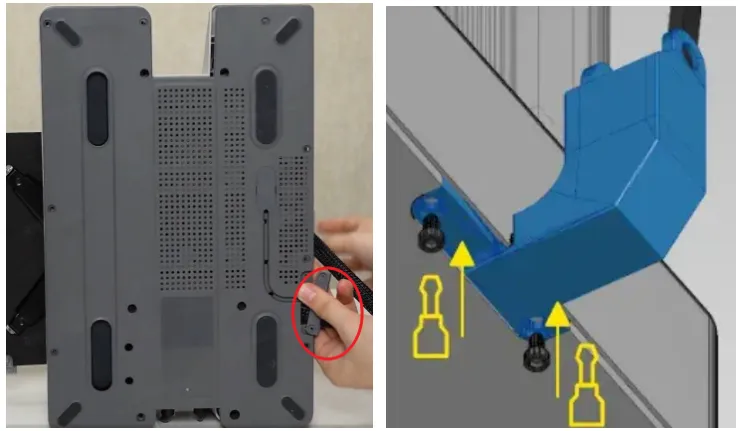
2.Retain the original screws, replace the original cover, and install the bottom component of the printed part
License

You shall not share, sub-license, sell, rent, host, transfer, or distribute in any way the digital or 3D printed versions of this object, nor any other derivative work of this object in its digital or physical format (including - but not limited to - remixes of this object, and hosting on other digital platforms). The objects may not be used without permission in any way whatsoever in which you charge money, or collect fees.


Comment & Rating (208)