


Print Profile(1)

Bill of Materials

- Super Glue x 1: to assemble
Description
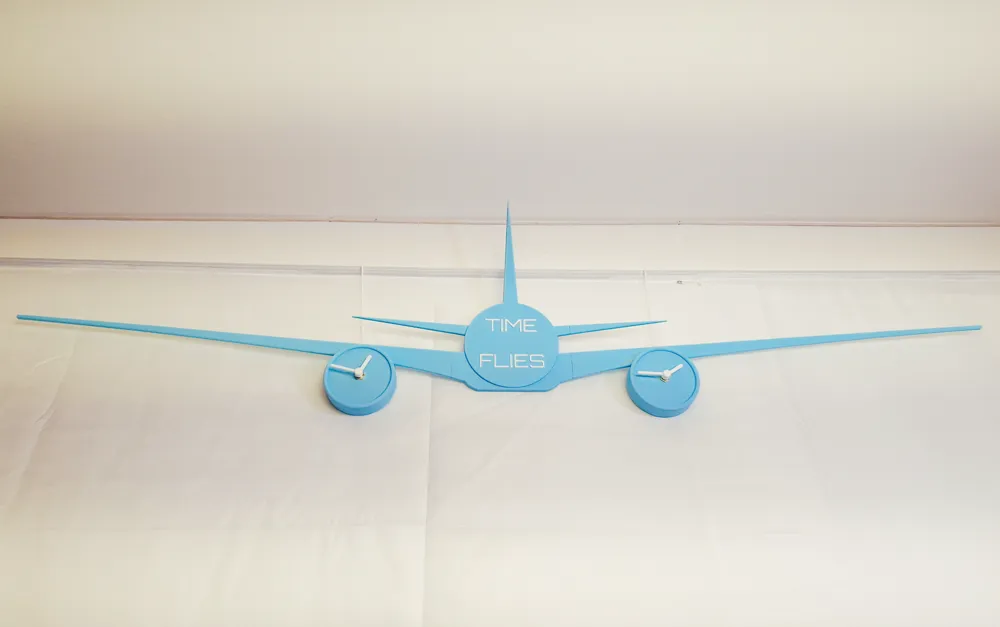
Take your love of aviation to new heights with this unique 3D-printable wall clock, designed to captivate any airplane enthusiast or interior design lover. Modeled after the iconic Boeing 777, this massive 1.2 meter (4ft) wide clock combines artistic design with functional timekeeping.
Features:
✈️ Realistic Aircraft Design: The sleek silhouette of a Boeing 777, complete with detailed wings, fuselage, and engines.
⏱️ Dual Engine Clocks: Each engine nacelle houses its own functional clock, letting you track two time zones simultaneously or add a touch of symmetry to your space.
🎨 Customizable for Your Space: Fully 3D printed, it allows you to choose your own colors and finishes to match your decor.
🛠️ Easy Assembly: Every part slots only with one other one and is properly labelled in the slicer, so there is no risk to get it wrong.
Hanging the clock:
🔨 With nails or hooks: The model features holes for 2 nails or hooks, 36.6cm (14.41") apart.
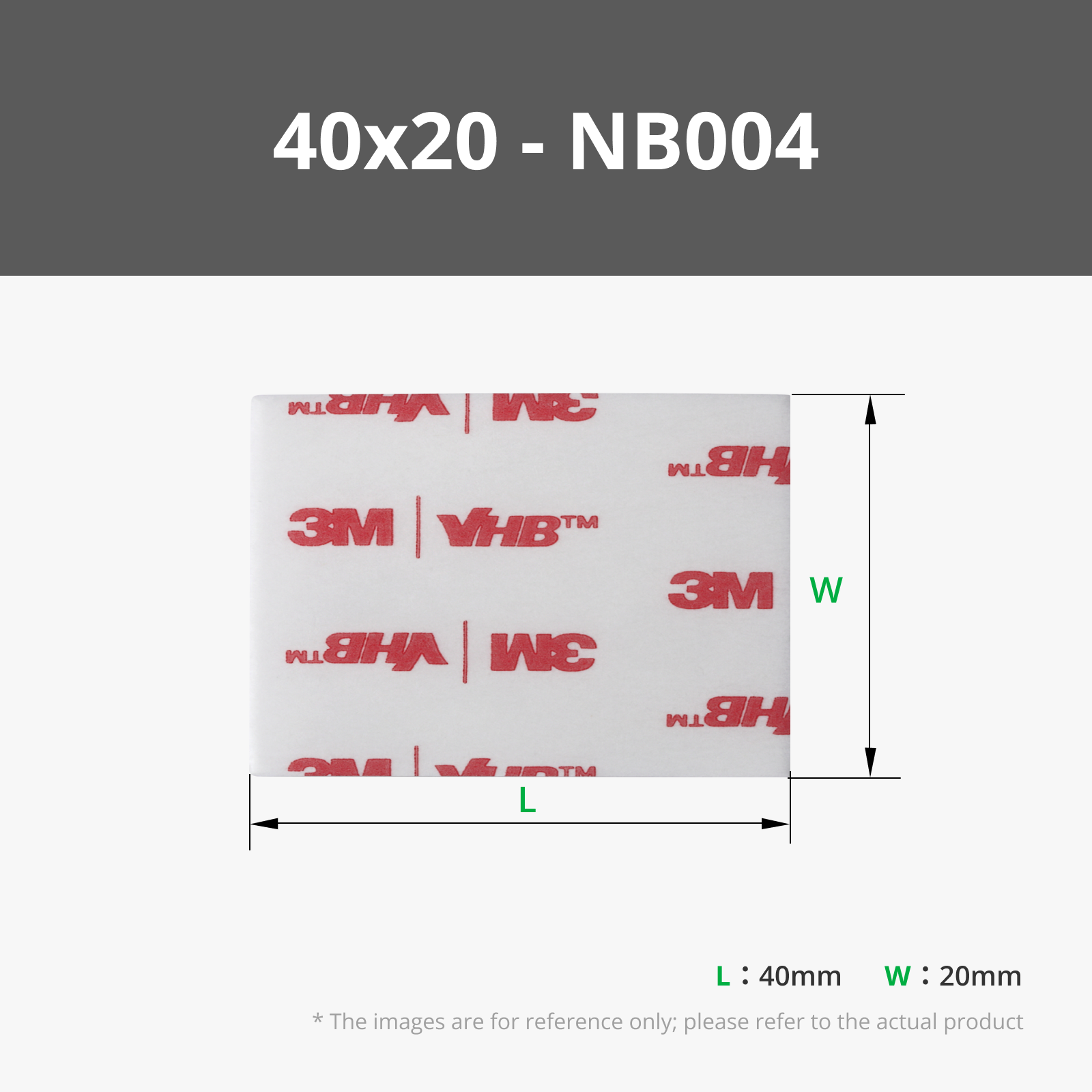
🩹 With tape: if you don't want to put any holes in your walls. The whole assembly, clocks included, weighs less than 300 grams!
Why Choose This Clock?
Perfect for aviation enthusiasts, tech geeks, and anyone who loves unique and bold decor, this wall clock doubles as a statement piece for your home or office. Its stunning size and unique design make it a conversation starter and a functional work of art.
Boost Me (for free)
Make time fly - literally - by bringing this one-of-a-kind Boeing 777 wall clock to life with your 3D printer!
FAQ:
Large supports in the engine nacelles: you can push them out from the hole where the clock hands come from, they might be a bit hard though. Be careful not to hurt yourself. I might make another version with home made supports to avoid that issue.
Long and thin parts are prone to wrapping / bending: avoid taking the prints off the build-plate while it is still warm. Let it cool down and harden, you will solve the bending issue. The wrapping can be solved by adding a raft or brim in the slicer. It printed without issue with the profile I added though.
Do I need the AMS? Not really: only one plate has a filament change, and you can make it manually if you don't have an AMS!
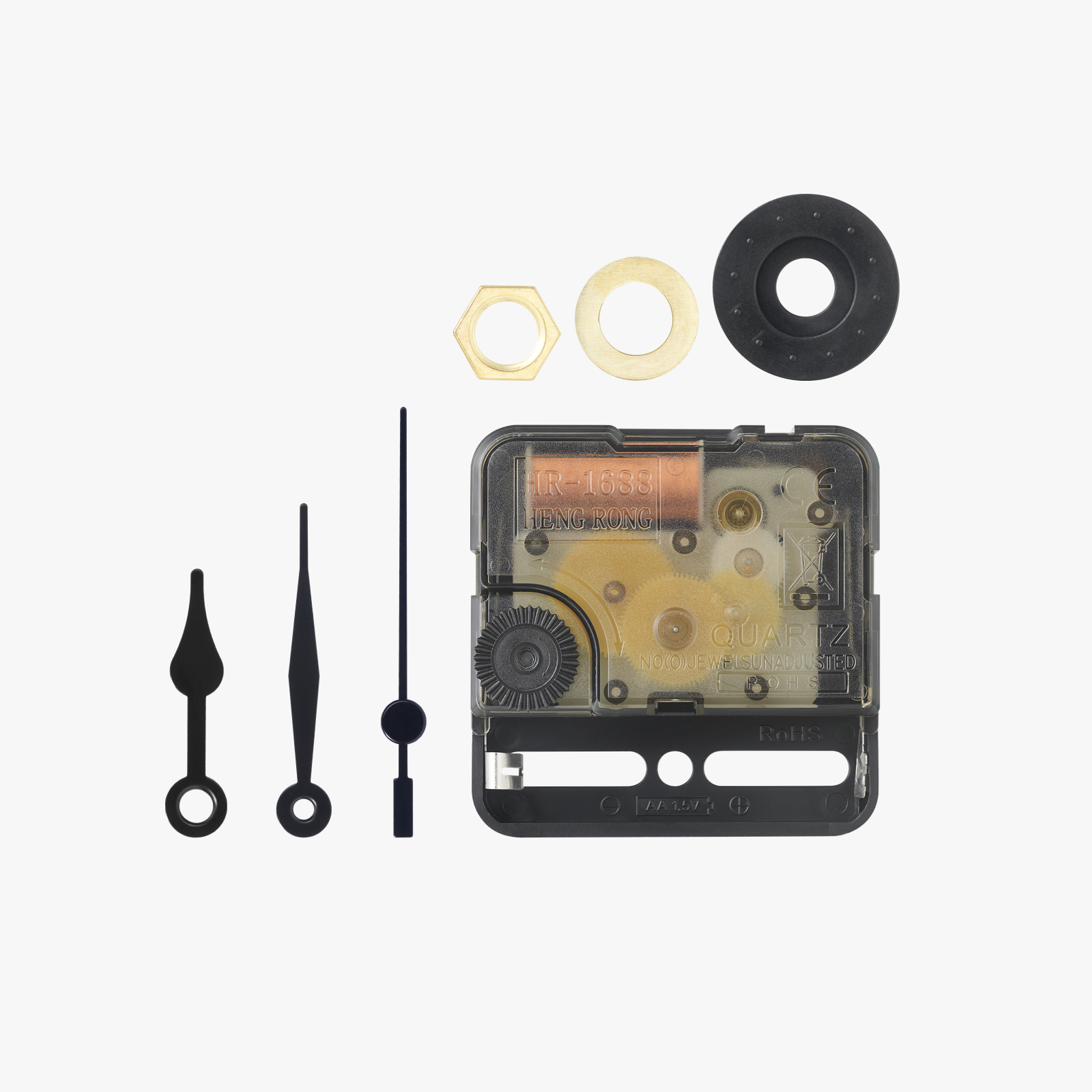
How do I set the time? Before putting the battery in simply put the hands on a round hour time such as 3:00 or 6:00 ; after the batteries are in you can set the time using the dial behind.
License

You shall not share, sub-license, sell, rent, host, transfer, or distribute in any way the digital or 3D printed versions of this object, nor any other derivative work of this object in its digital or physical format (including - but not limited to - remixes of this object, and hosting on other digital platforms). The objects may not be used without permission in any way whatsoever in which you charge money, or collect fees.


Comment & Rating (1)