Search models, users, collections, and posts

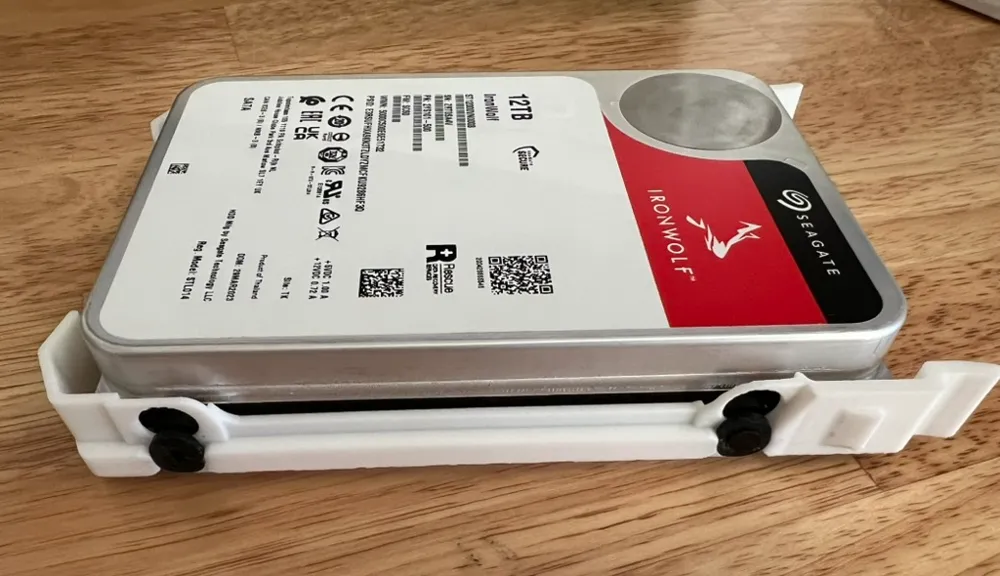
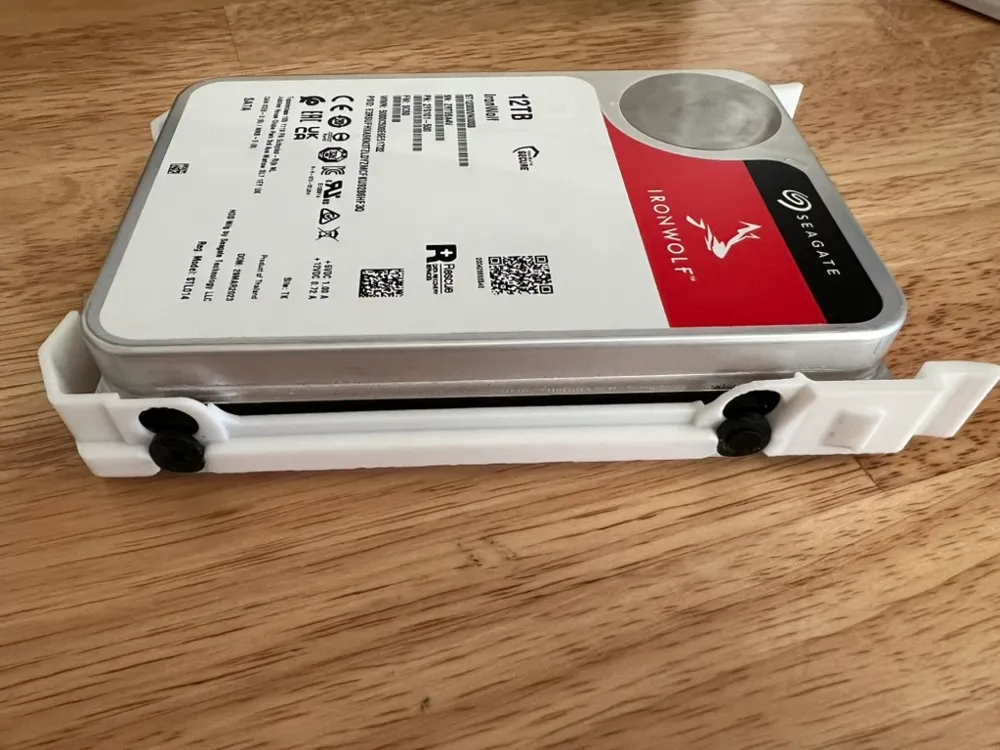
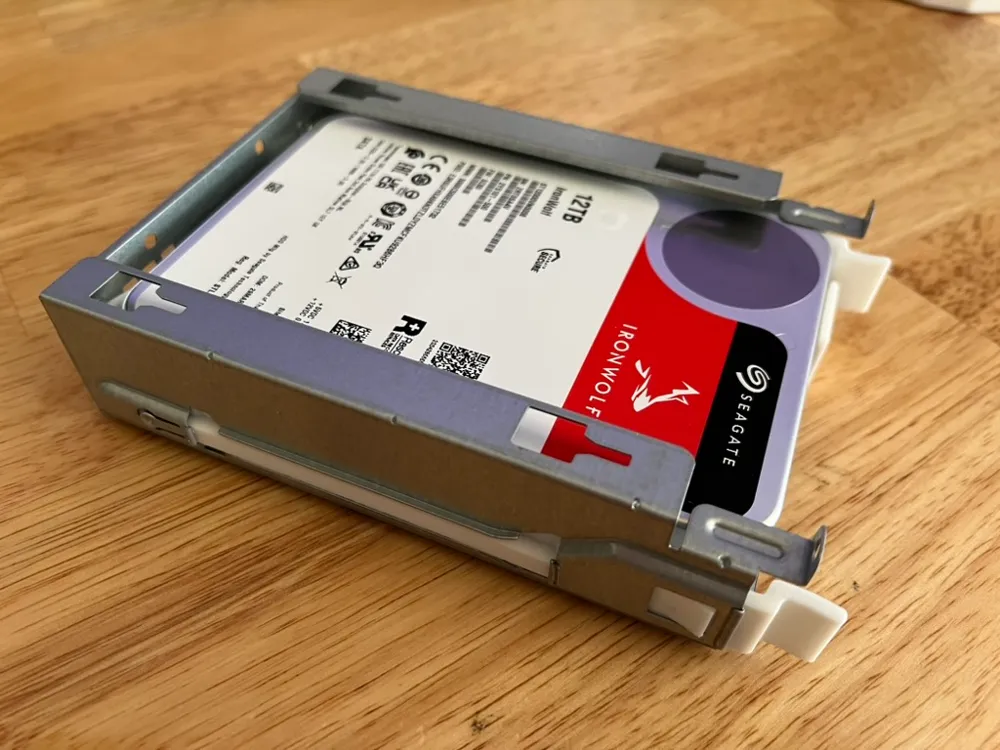
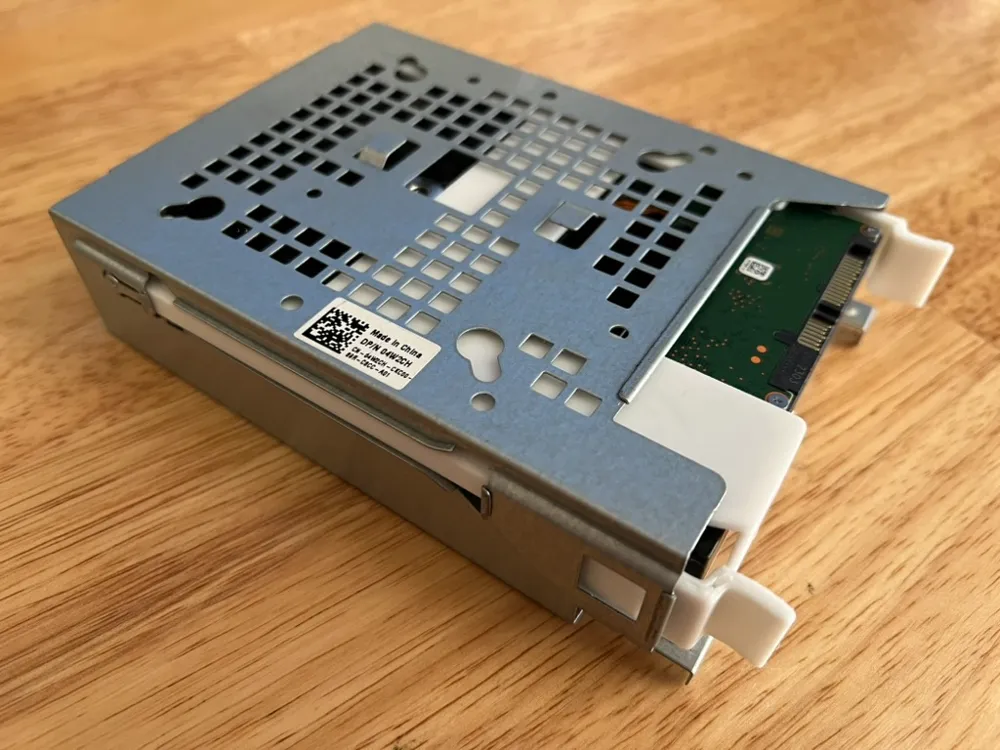
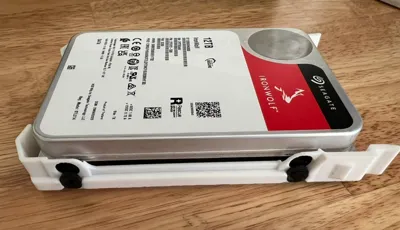
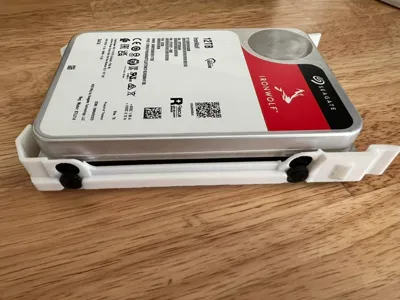
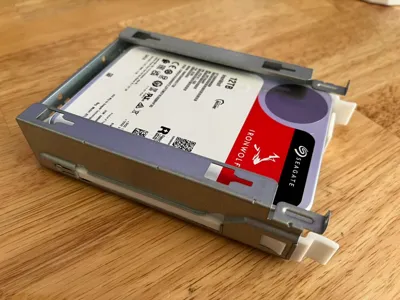
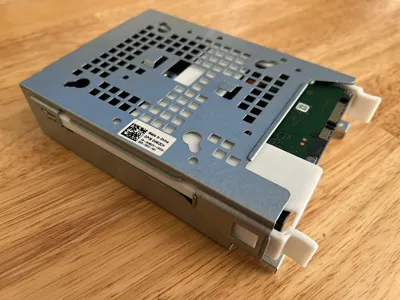
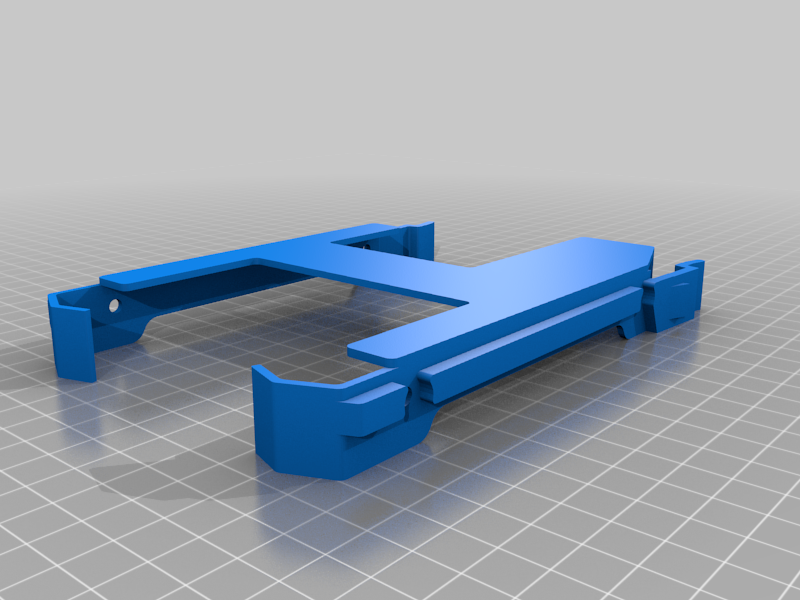
3.5 Inch Hard Drive Tray Caddy 65KHD
Remixed by
IP Report
Print Profile(1)

0.2mm layer, 6 walls, 25% infill
Designer
1.7 h
1 plate
Open in Bambu Studio
Boost
27
73
3
7
173
94
Released
Description
The Dell part number 65KHD, a 3.5" hard drive caddy, is compatible with a wide range of Dell PowerEdge servers. Here's a list of known compatible systems:
Dell PowerEdge Tower Servers:
- PowerEdge T30
- PowerEdge T40
- PowerEdge T130
- PowerEdge T140
- PowerEdge T330
- PowerEdge T340
- PowerEdge T430
- PowerEdge T440
- PowerEdge T630
- PowerEdge T640
Dell PowerEdge Rack Servers:
- PowerEdge R230
- PowerEdge R240
- PowerEdge R330
- PowerEdge R340
- PowerEdge R430
- PowerEdge R440
- PowerEdge R630
- PowerEdge R640
- PowerEdge R730
- PowerEdge R730xd
- PowerEdge R740
- PowerEdge R740xd
- PowerEdge R7415
- PowerEdge R7425
Important Considerations:
- Drive Size: This caddy is for 3.5" form factor hard drives (HDDs) and some 2.5" drives with a 3.5" adapter. It won't fit smaller 2.5" drives directly.
- Interface: It supports SAS and SATA drives, but your server's backplane and RAID controller will determine the actual interface used.
- Generation: While this list is comprehensive, there might be newer server models not listed here that are also compatible. Always double-check your specific server's documentation if you're unsure.
- Screw Compatibility: Ensure you have the correct screws, typically M3, to secure the drive to the caddy and the caddy to the server chassis. They are usually included with the caddy, but sometimes you might need to purchase them separately.
- Rubber Grommet Compatibility: Ensure you have the correct grommets. The thicker end (facing inside) should be roughly 2.5mm, and the thinner end (facing outside) should be roughly 1mm. The space gap between the two ends should be roughly 1mm. These can be sourced from another hard drive caddy, or purchased online. Leave a comment if you find a compatible vendor.
Where to verify compatibility:
- Dell's Official Documentation: The most reliable source is your server's manual or Dell's support website. Search for your specific server model and look for parts lists or storage configuration sections.
- Part Number Lookup: You can often search for the part number "65KHD" on Dell's website or other parts retailers to see a list of compatible systems.
Remixed from https://www.thingiverse.com/thing:5714950 by Limeryls.
This remix is based on
License

This user content is licensed under a
Creative Commons Attribution-Noncommercial-Share Alike


Comment & Rating (3)