
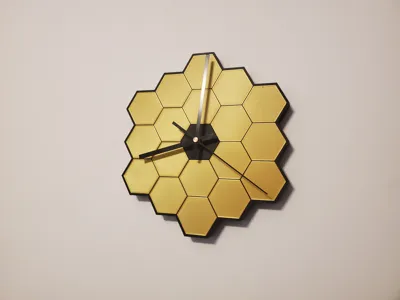
James Webb wall clock (now with add on desk stand)

Print Profile(9)


Bill of Materials

Description
Boost Me (for free)
If you like this model, hit the Boost Me button to support more cool designs!
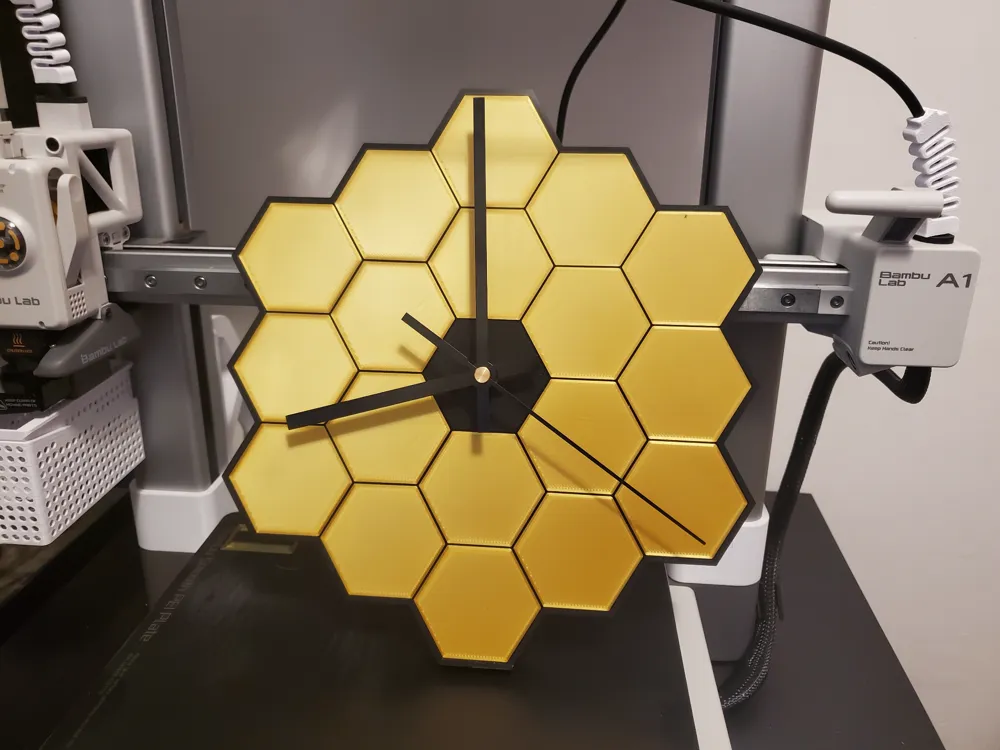
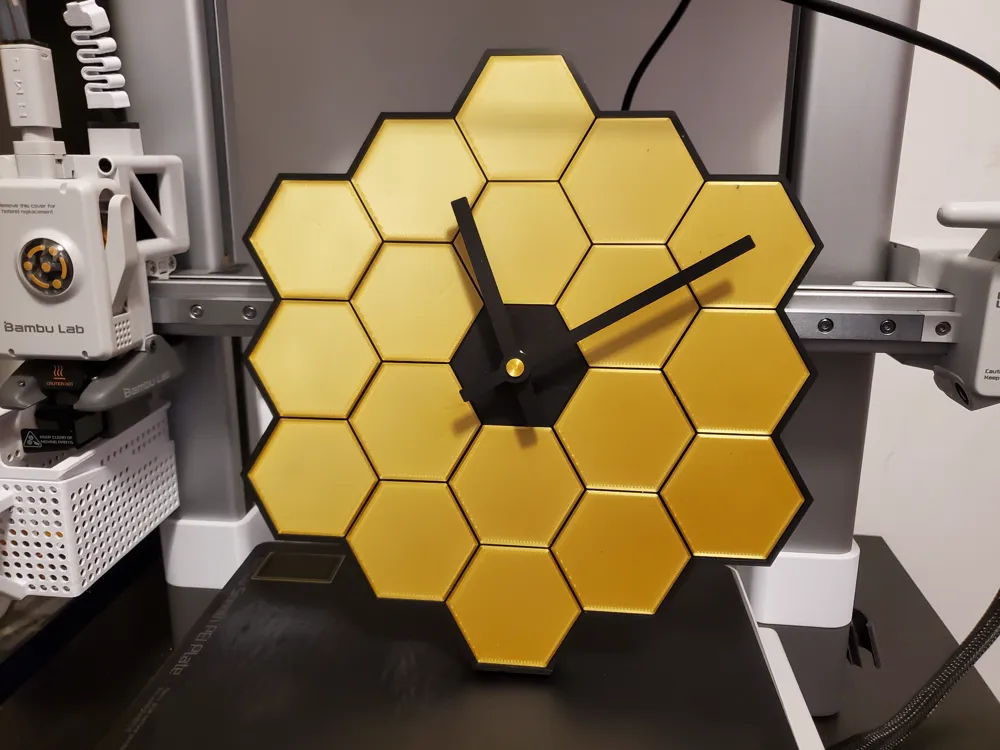
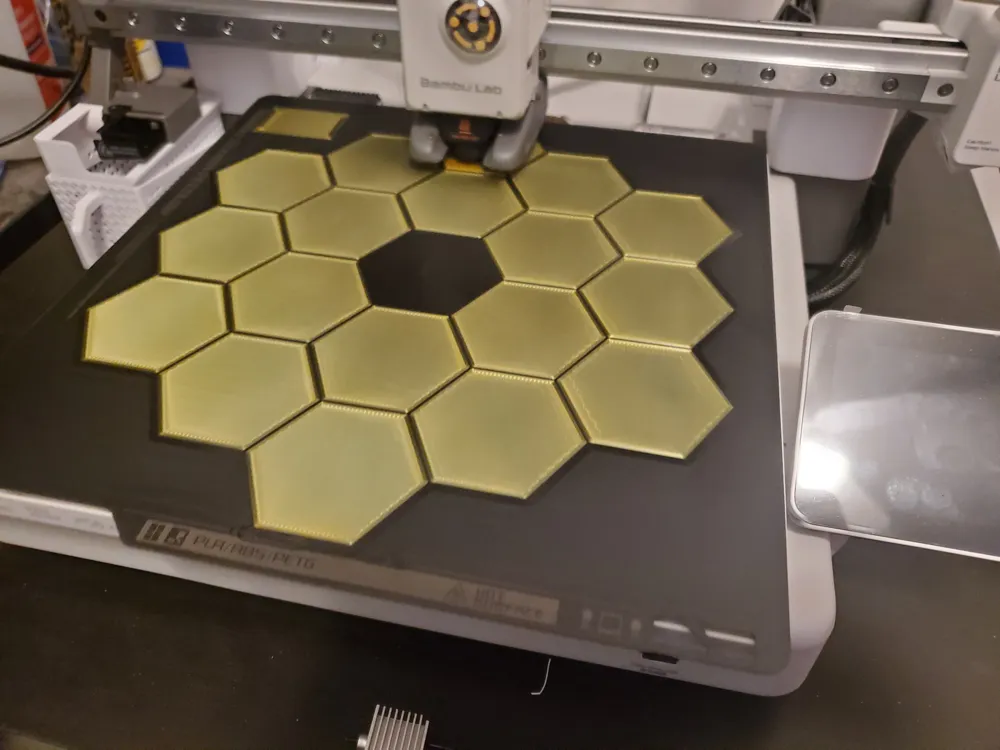
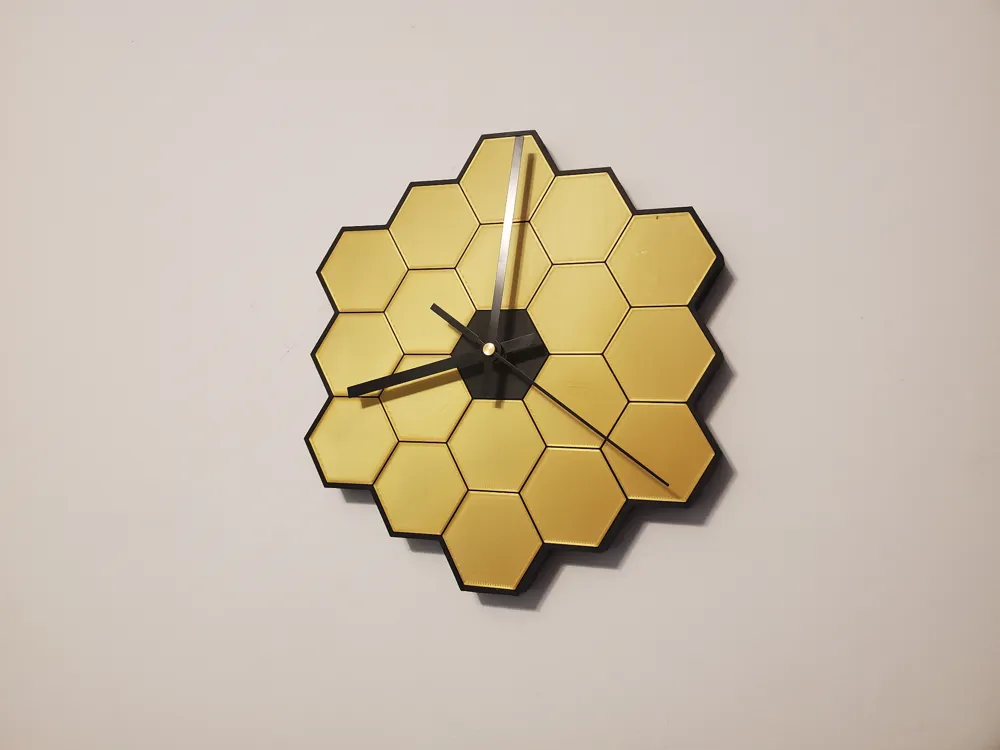
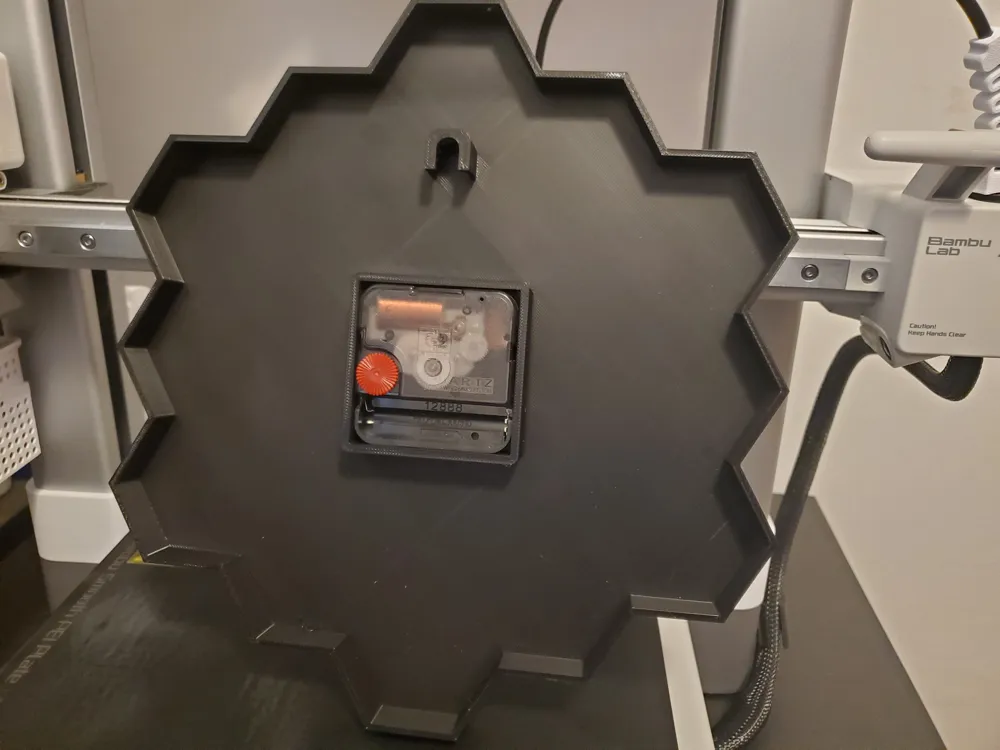
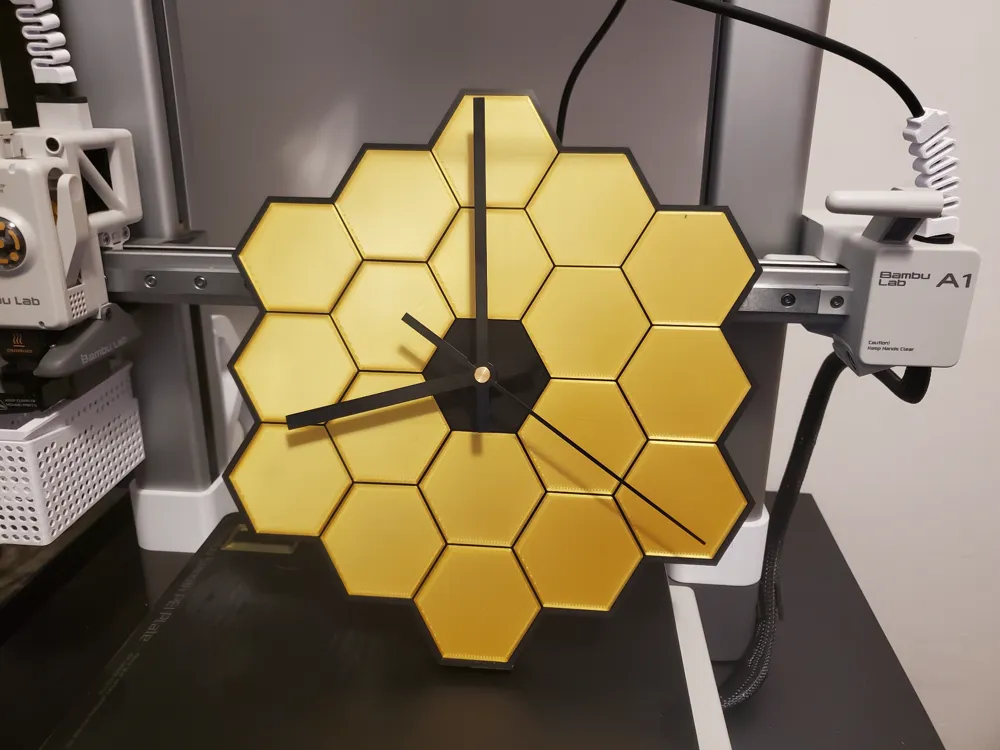
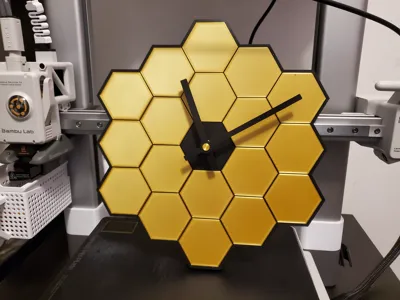
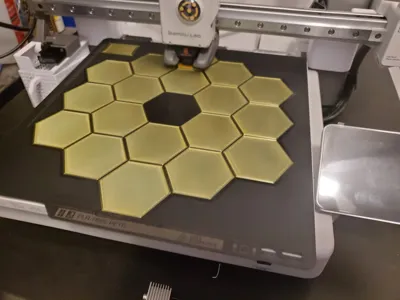
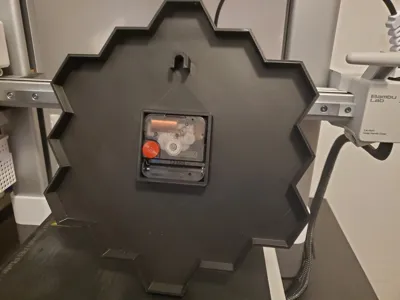
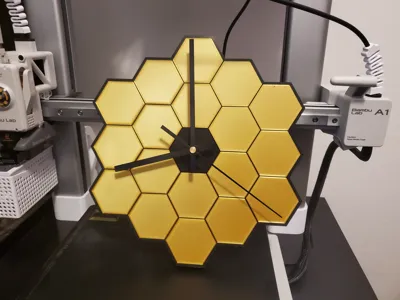
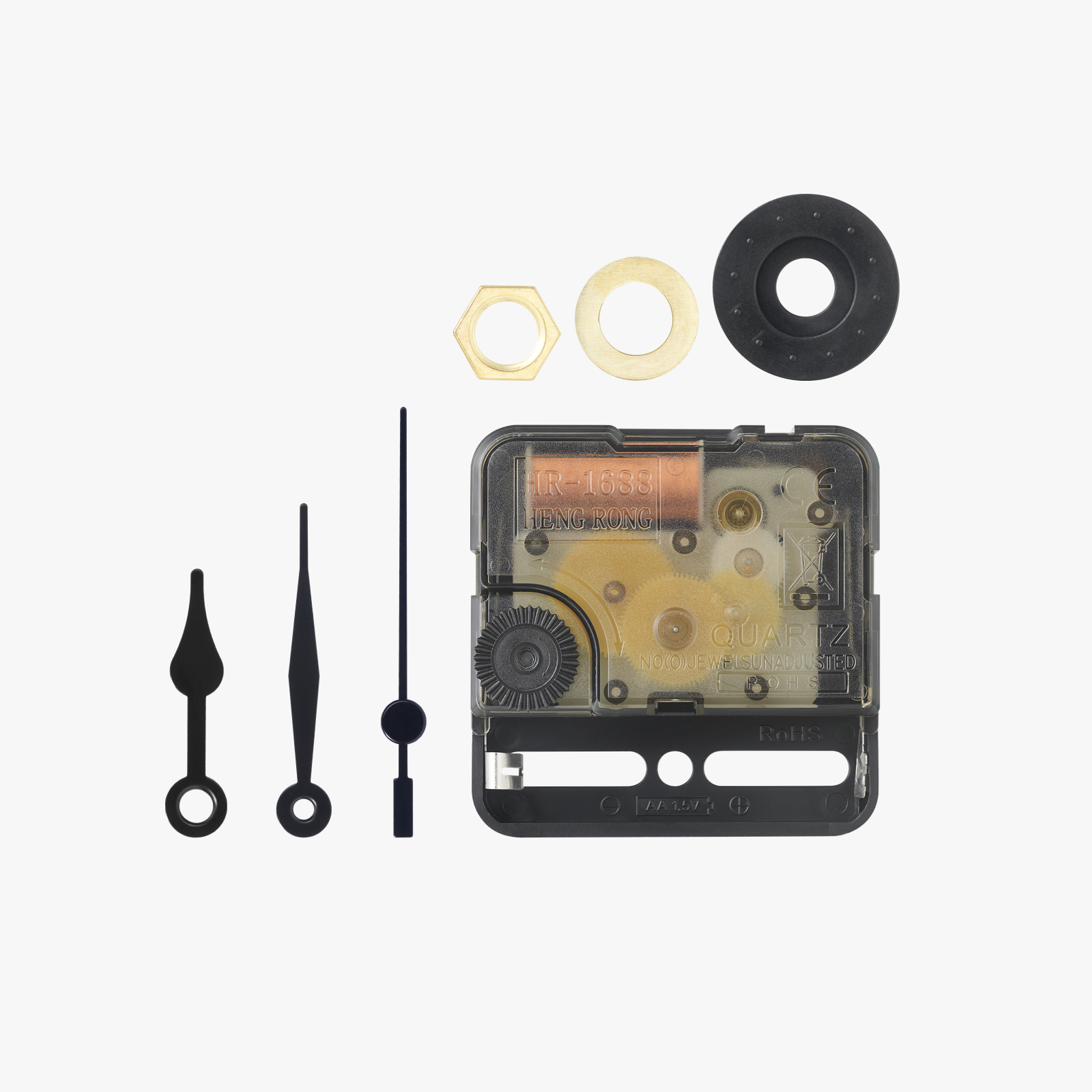
This is a wall clock modeled on the James Webb space telescope. It prints in a single piece with no supports needed and just 2 filament colors. I used silk PLA in gold for the mirrors and black PLA for the rest of the body. It fits the Maker clock component kit MH011 or any other common clock movement that is also 56mmx56mmx16mm in size. The model pictured was printed on a smooth PEI print sheet for that mirror like finish!
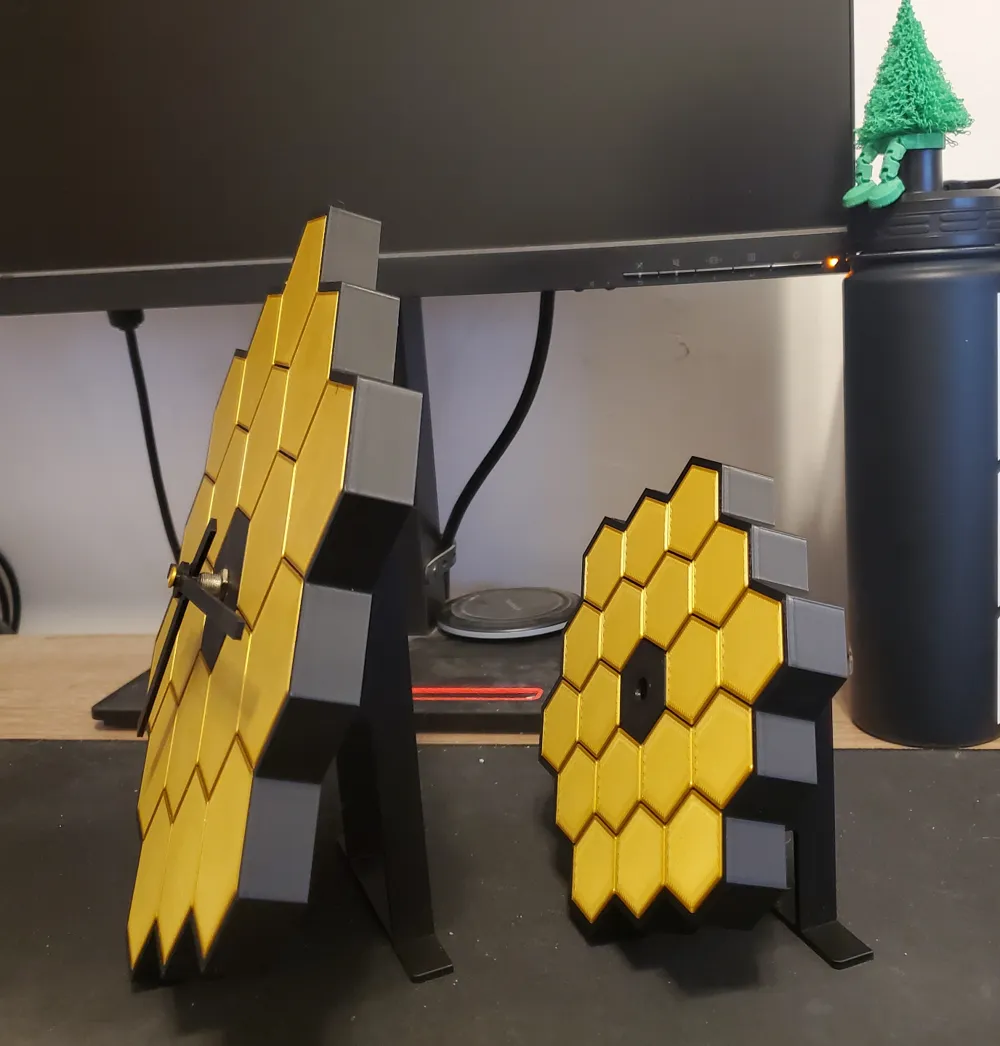
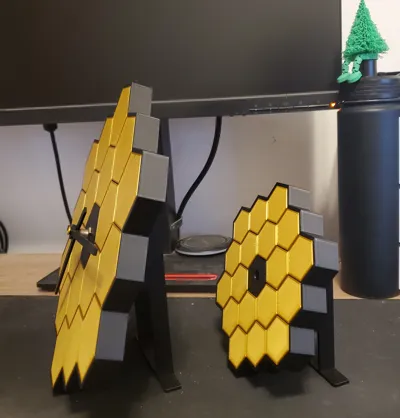
UPDATE 4: Following some suggestions, I tweaked the print settings. I changed to Monotonic Line for the first layer (though concentric looks REALLY good too) slowed first layer print speed, slightly increased first layer height, and bumped up print bed temp to 65 C. Additionally I changed the orientation of the clock body on the print bed so that the print lines are parallel with the sides of the hexagons. This makes the hexagon edges look much cleaner when printed. Also made the entire gold 1st layer print first before switching to black to reduce the chance of stray black filament ending up on the gold. I included the optional stand in on a second plate in the main print profiles for the full size and the A1 mini scaled version. Worth noting: with a desk stand now available, the A1 Mini size is great as a desk clock even if you have a full sized printer.
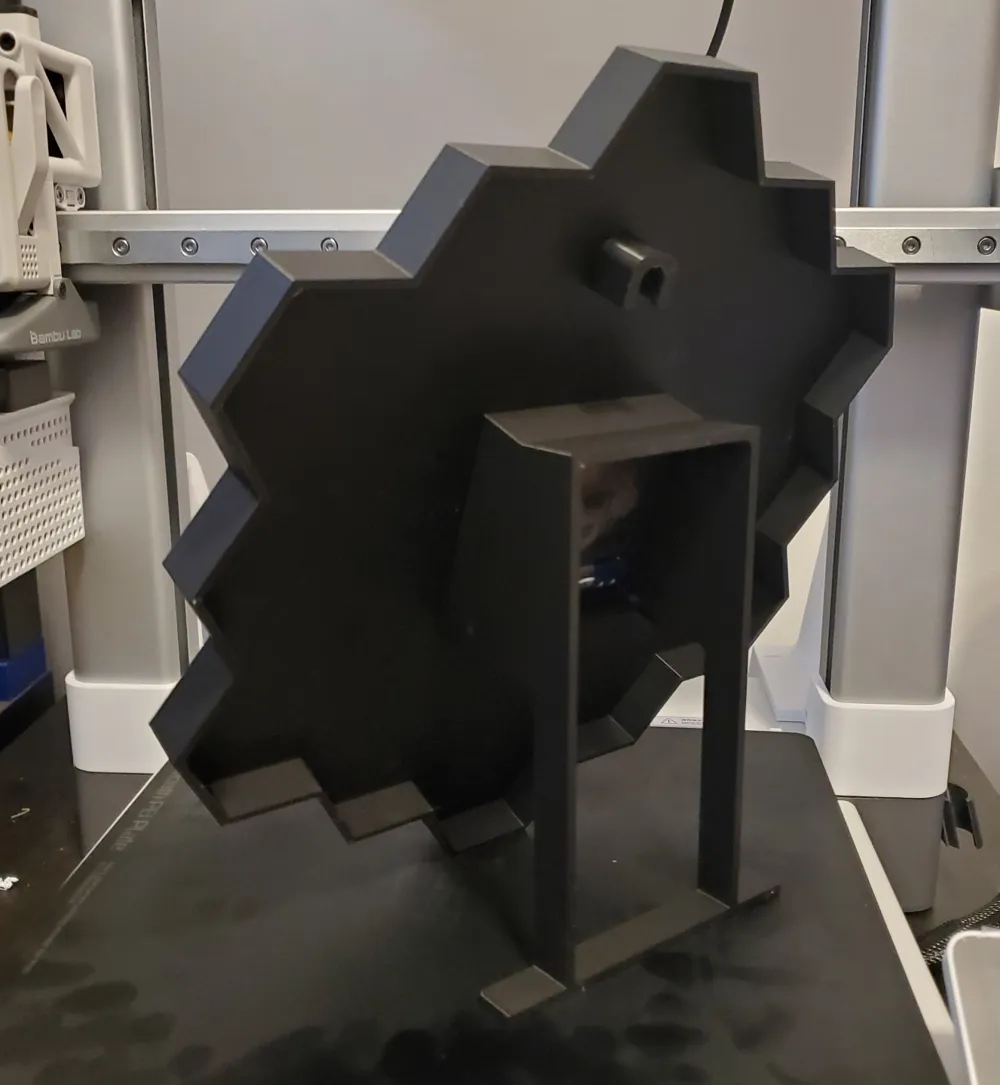
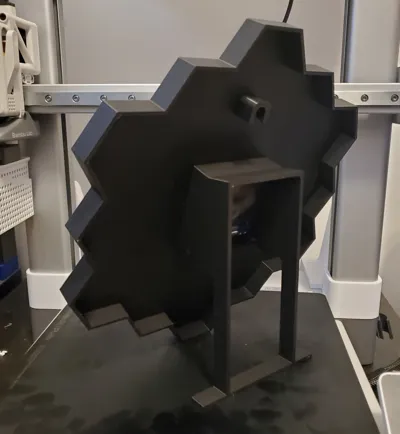
Update 3: Added a desk stand model for the full size and A1 Mini size clocks. They fit onto the existing model so no need to reprint the whole clock, you can just print the stand by itself if you already have the clock made. The square on the stand fits over the square on the back of the clock. It is slightly tapered to account for any slight variance between printers so it should be able to friction fit snugly/press on for everyone.
Update 2: Added printable clock hands to the full size and the A1 Mini size prints. Push the hour hand onto the clock first, next push the gold button into the minute hand and then attach the minute hand/button to the clock face.
Update 1: A1 Mini profile added - resized the model to fit an A1 Mini print bed, otherwise identical.
License

You shall not share, sub-license, sell, rent, host, transfer, or distribute in any way the digital or 3D printed versions of this object, nor any other derivative work of this object in its digital or physical format (including - but not limited to - remixes of this object, and hosting on other digital platforms). The objects may not be used without permission in any way whatsoever in which you charge money, or collect fees.


Comment & Rating (247)