
Camping Badges Morale Patches No AMS Required Compatible with molle webbing
Print Profile(9)
Description
Introduction:
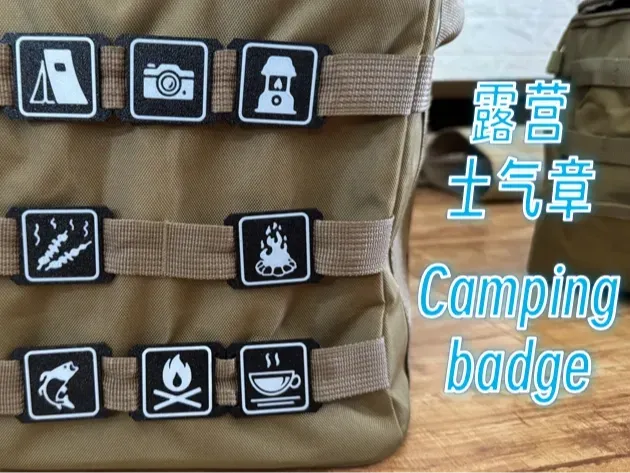
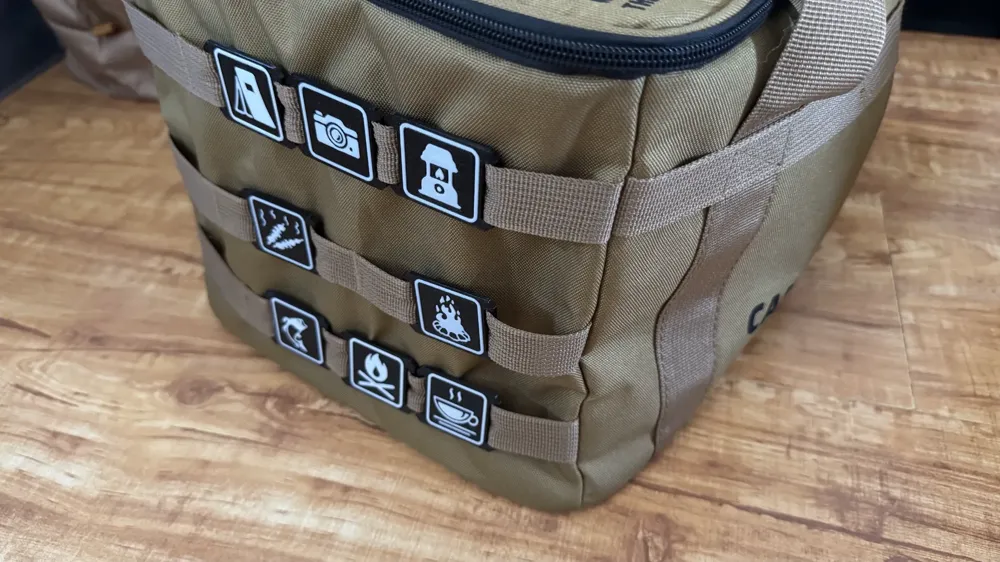
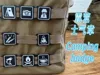
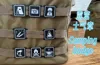
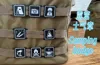
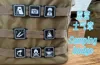
8 patterns, which can be for decoration only, or used to distinguish what is in camping bags
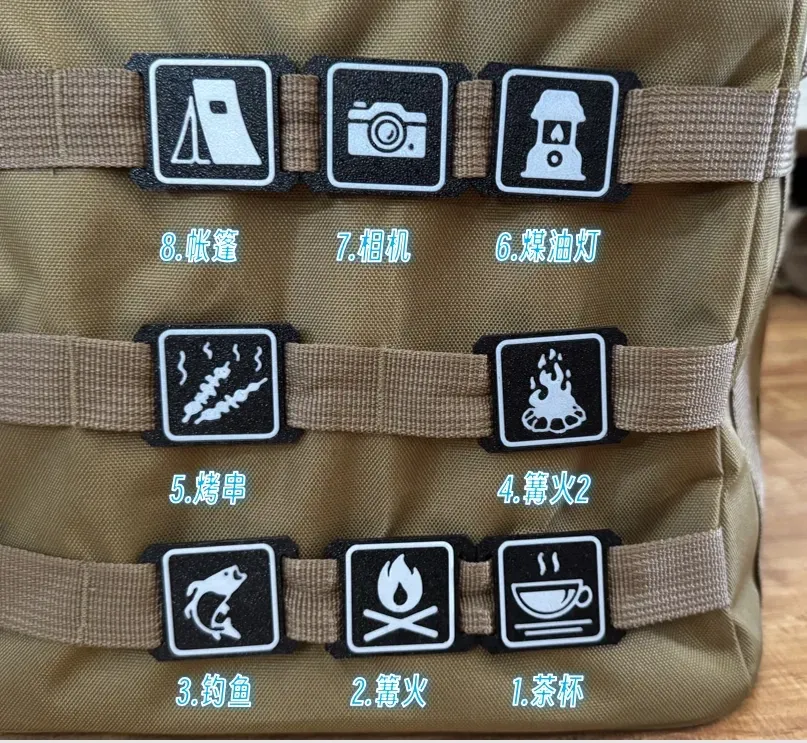
- Multi-color printing without AMS is possible
- Badge outer dimensions 45mm x 35mm, compatible with MOLLE webbing, webbing width 25mm
Other Badges:
Printing Notes:
- If you have AMS, print directly
- If you do not have AMS, please follow these steps
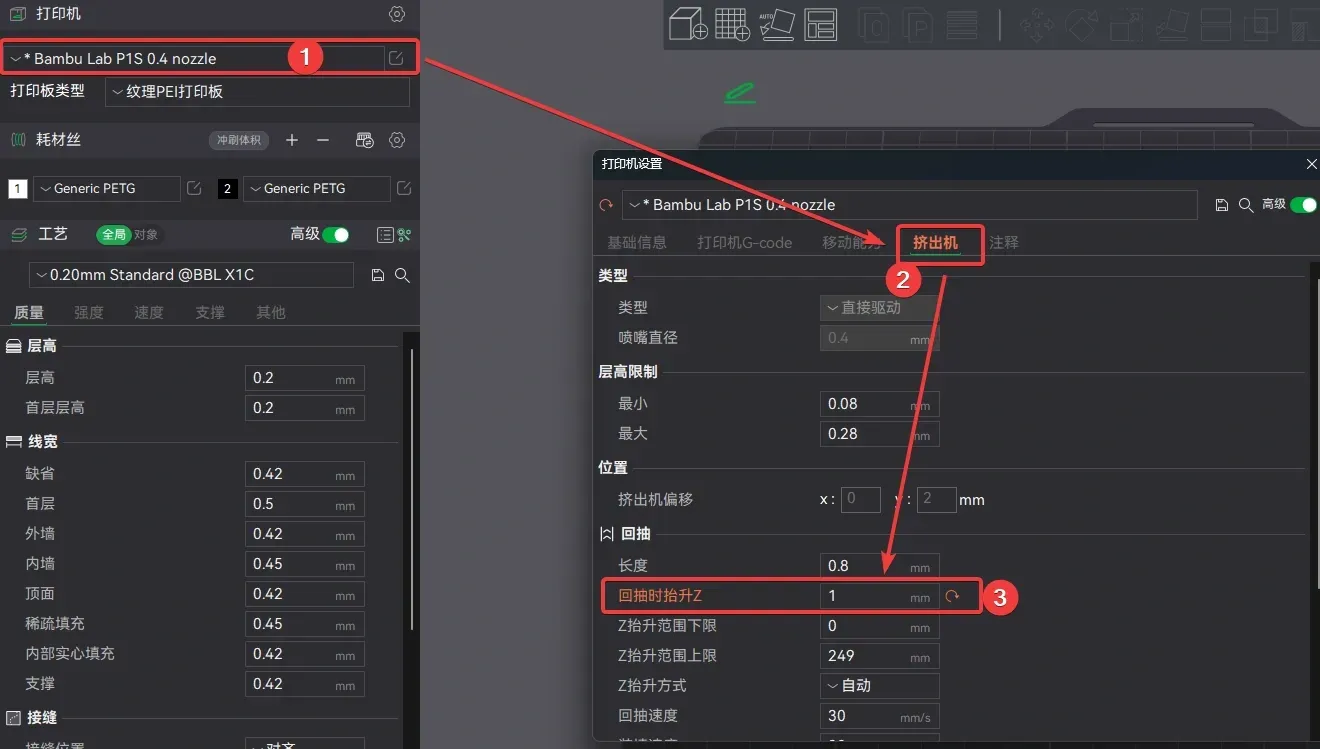
Set printer parameter "Z lift during retraction" to 1mm
Check all "1st Print" targets and uncheck all "2nd Print" targets
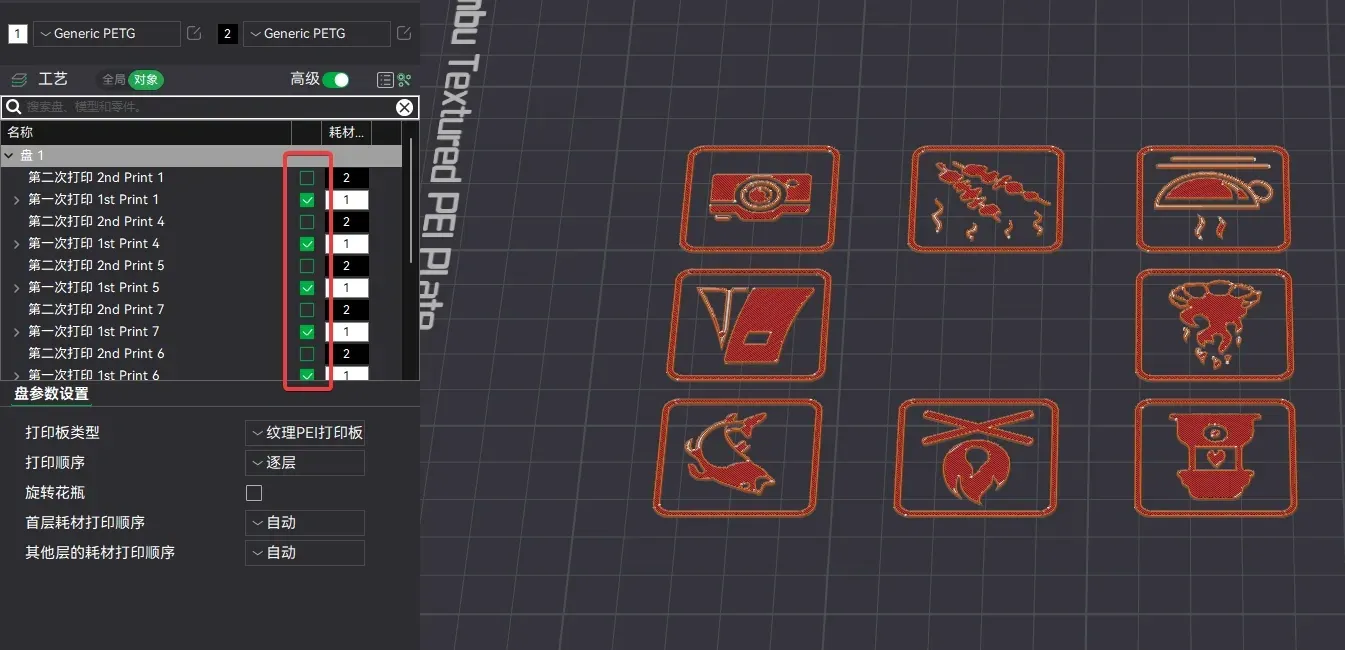
- Slice and print
- Manually change filament to the second color
- Check all "2nd Print" targets and uncheck all "1st Print" targets
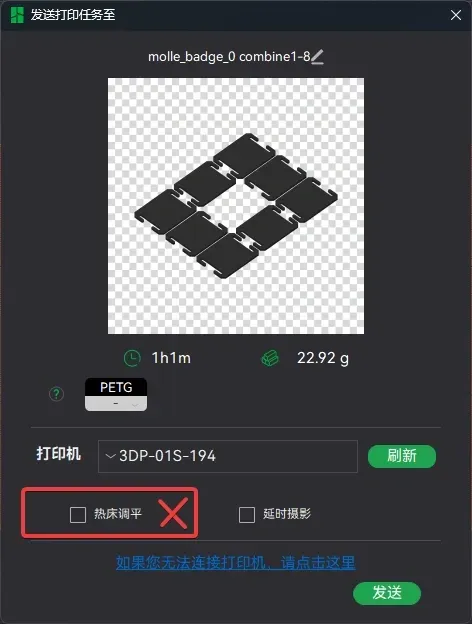
Slice and print, note: do NOT check bed leveling
- Printing complete
Important Notes:
- If you arrange the layout yourself, please move both parts of each badge synchronously, otherwise they will be misaligned
If you arrange the layout yourself, please avoid the center position of the build plate, as this position is needed for print head homing during the second print, otherwise it will cause a Z-axis homing error
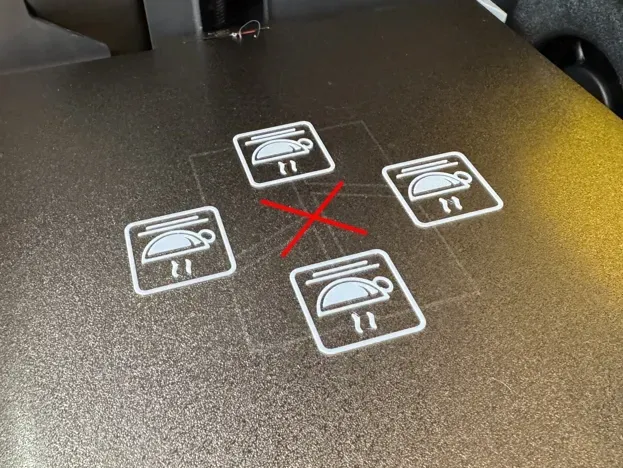
- During the second print, do NOT level the bed, otherwise it will cause a Z-axis homing error
- There are some small parts in the patterns, please ensure your bed adhesion is sufficient, otherwise they may fall off during printing
- Do not leave too much time between the two prints, do NOT wait for the build plate to cool down, as a drop in build plate temperature may cause parts of the pattern to detach, leading to print failure
Boost Me (for free)
License

You shall not share, sub-license, sell, rent, host, transfer, or distribute in any way the digital or 3D printed versions of this object, nor any other derivative work of this object in its digital or physical format (including - but not limited to - remixes of this object, and hosting on other digital platforms). The objects may not be used without permission in any way whatsoever in which you charge money, or collect fees.


Comment & Rating (12)