
Creality Space Pi Roller Upgrade
Print Profile(3)


Description
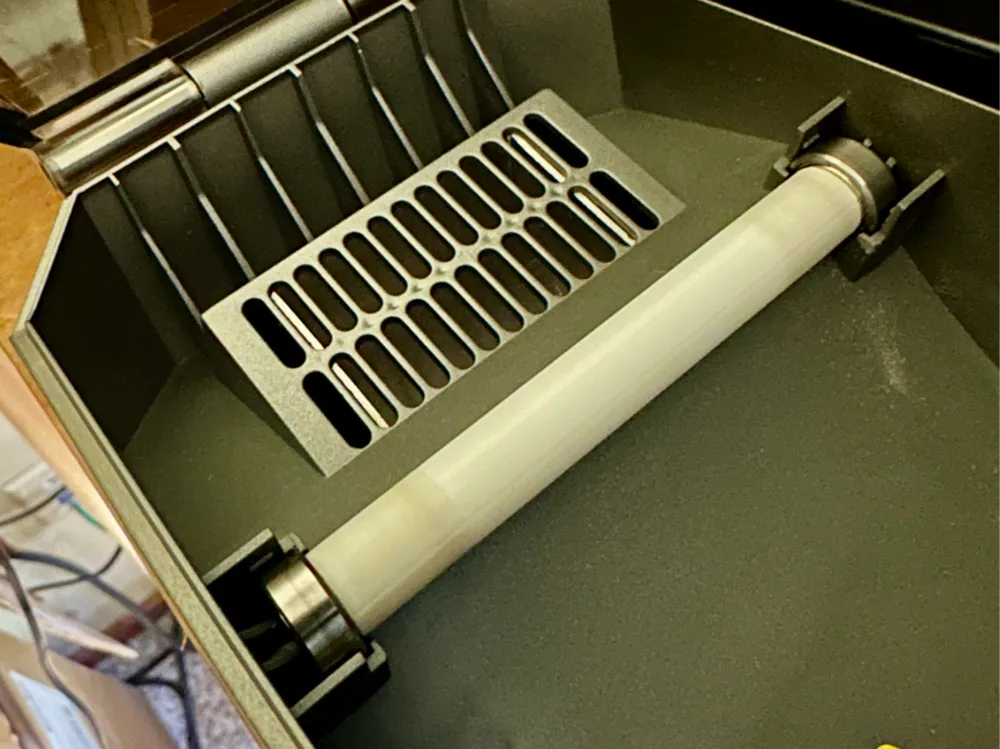
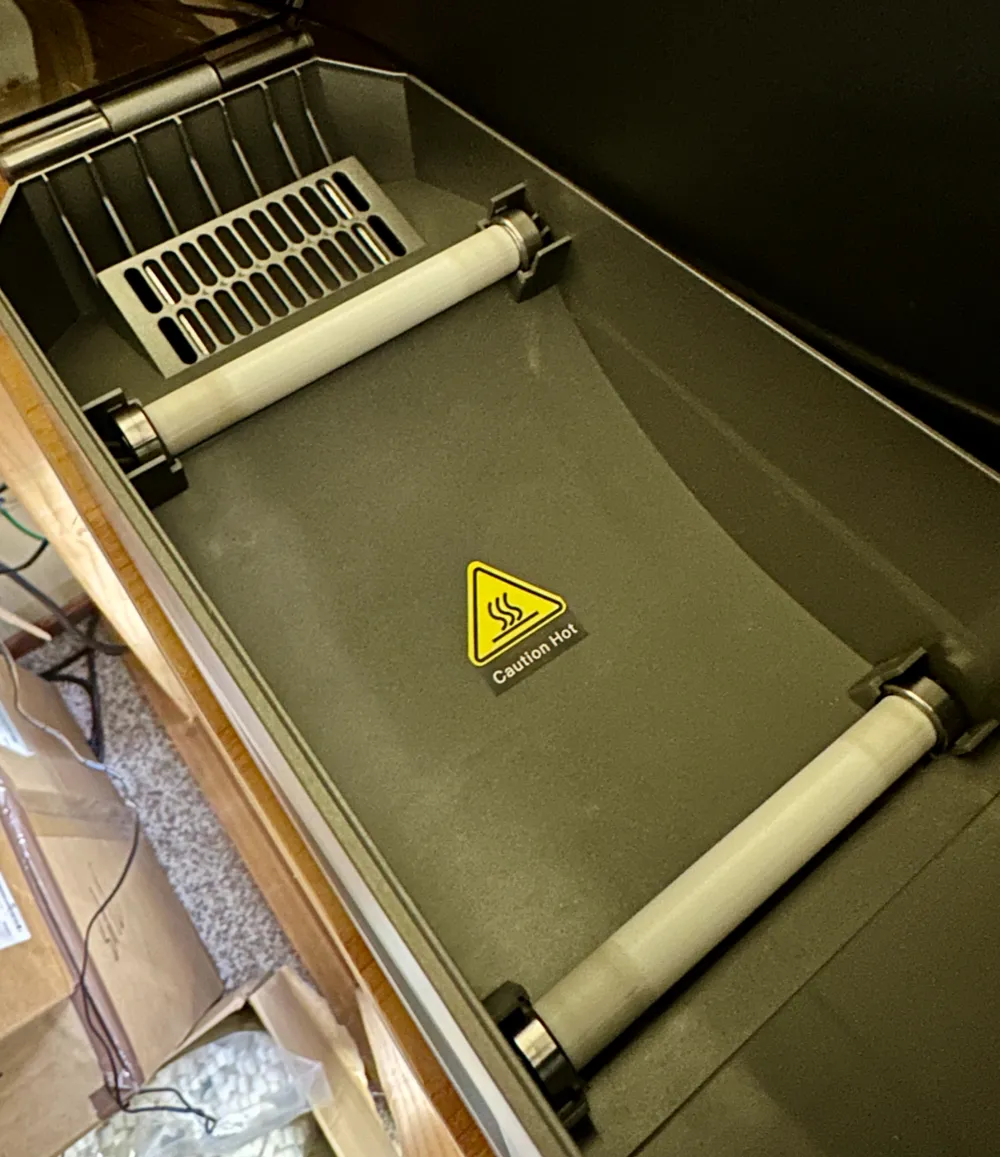
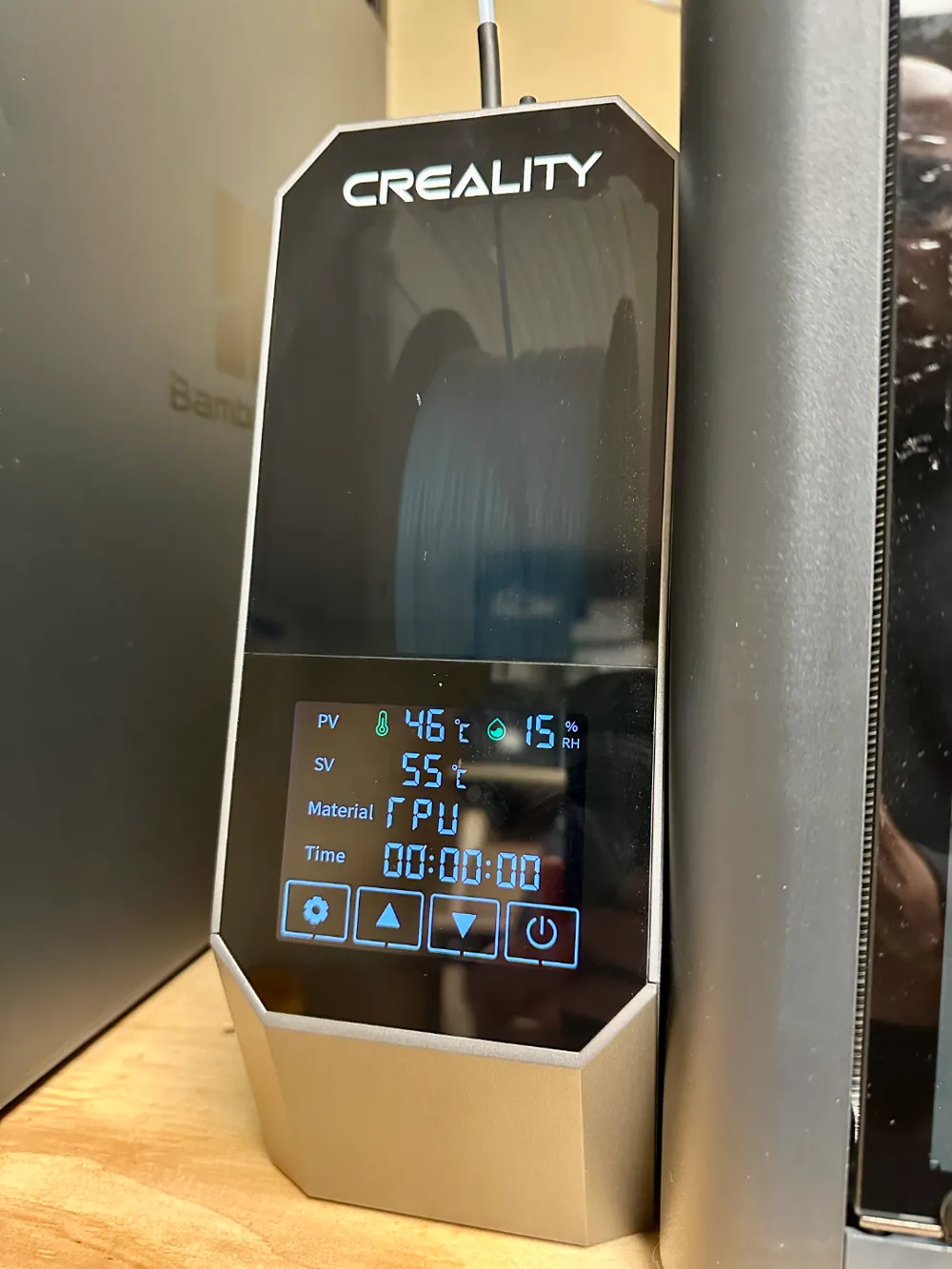
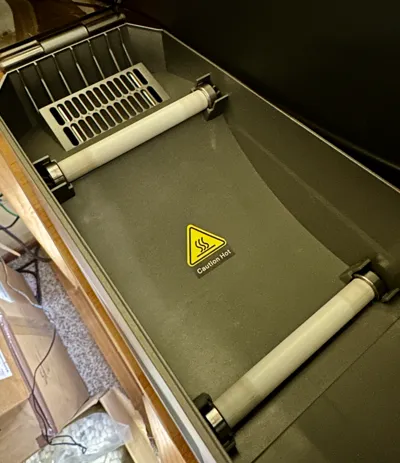
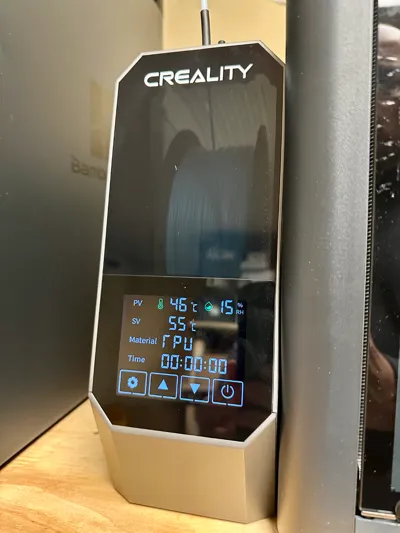
The Creality Space Pi filament dryer has very thin rollers which add resistance to the filament spool. We found this caused issues at times pulling TPU through the dryer and into the printer. These simple rollers are made of TPU and slip right over the original shaft, increasing the diameter from 4mm to 10mm. The increase in diameter effectively changes the ratio between the spool diamter and rollers, allowing it to unspool easier.
Instructions:
- Print in TPU. I used the default 0.2mm Strong profile
- Use a brim to avoid tipping over
- Pull the roller shaft out of the Space Pi and insert the TPU roller over the shaft. Use the bearing to meause the protrusion of the shaft, it should be flush with the outside of the bearing and click it back into place
License

You shall not share, sub-license, sell, rent, host, transfer, or distribute in any way the digital or 3D printed versions of this object, nor any other derivative work of this object in its digital or physical format (including - but not limited to - remixes of this object, and hosting on other digital platforms). The objects may not be used without permission in any way whatsoever in which you charge money, or collect fees.


Comment & Rating (154)