
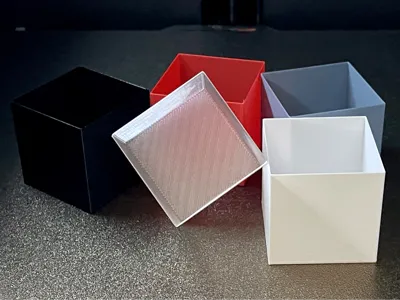
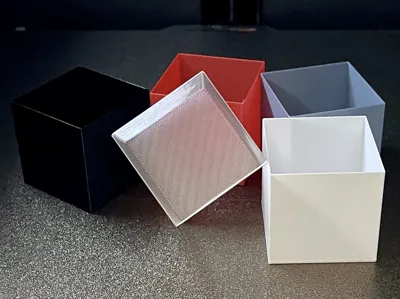
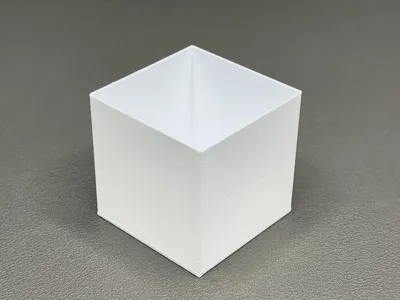
Flow Rate Calibration Cube for Vase Mode
Print Profile(3)


Description
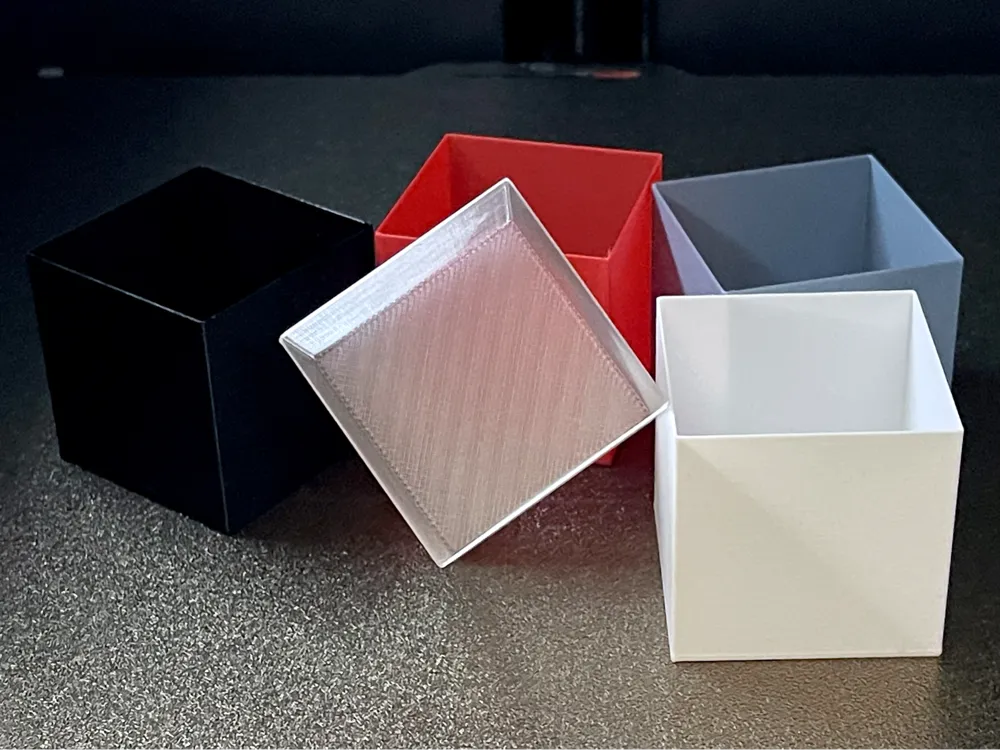
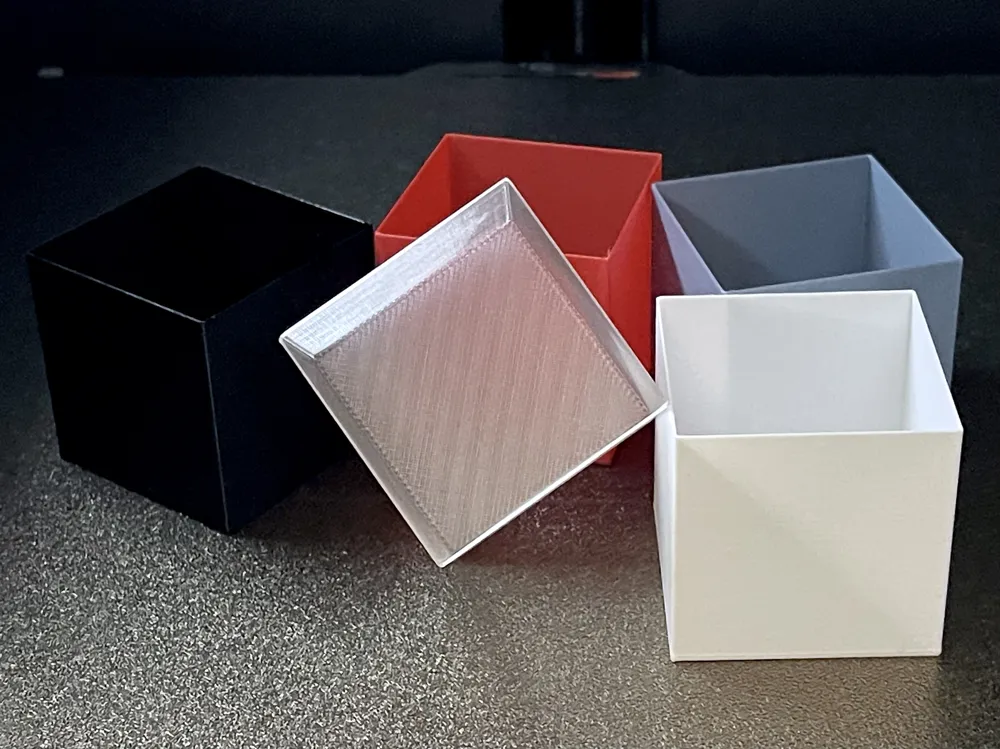
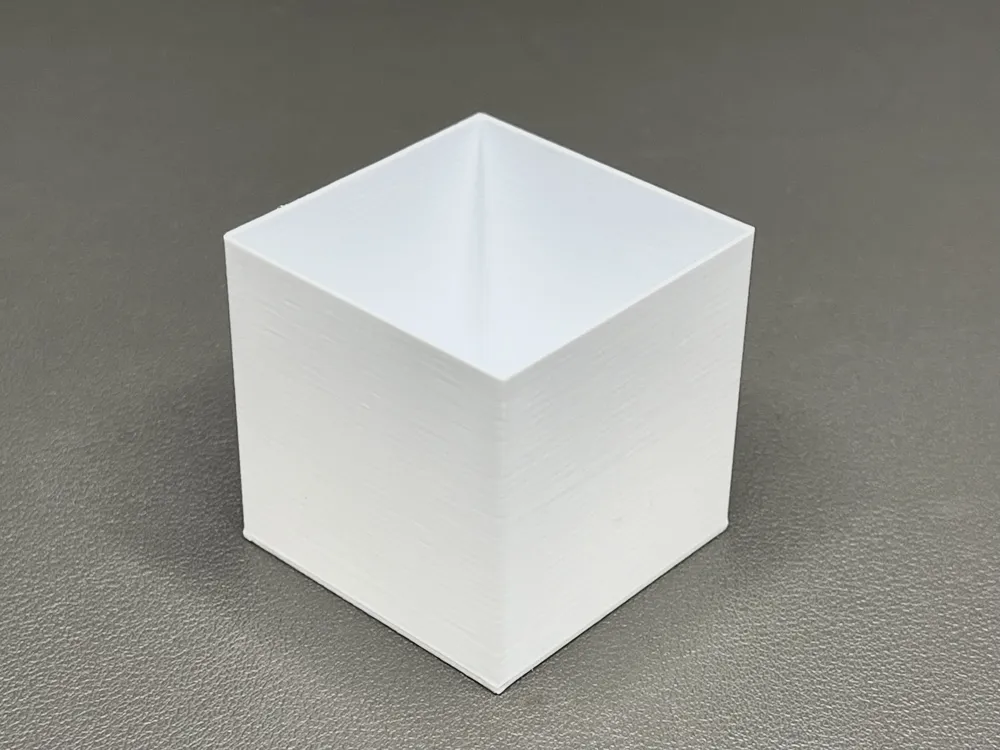
Flow Ratio Calibration Cube (Bambu Studio Profile) + Calculator Sheet
My print profile is already set up for Flow Ratio calibration:
• Spiral Vase / Vase mode: ON
• Single wall: preset
• Bottom thickness: preset (easier removal)
You only need to adjust settings that depend on YOUR filament (temperature, cooling, etc.).
Important:
Other users may have uploaded alternative profiles under this model.
Please make sure you select MY original print profile. This calibration relies on single-wall vase mode and the preset bottom thickness.
Profiles with 2 walls will invalidate the measurement, and a thinner bottom can make the cube hard to remove from the build plate.
Interactive calculator (no manual math):
• Google Sheets (recommended): https://docs.google.com/spreadsheets/d/1Ct7_pPGA4VJTZ6ydbojCQFHuT3NPLpfZ/edit?usp=share_link&ouid=104077246330571717188&rtpof=true&sd=true
• Apple Numbers (download): https://drive.google.com/file/d/1uI0Q9t8IdjmN8vFHS3s5yCtIU0FsoH8a/view?usp=share_link
Both files include TWO tabs: German (DE) and English (EN).
How to use (quick):
- Print the cube using this profile (only adapt filament-related settings).
- Mark the 4 sides (1–4).
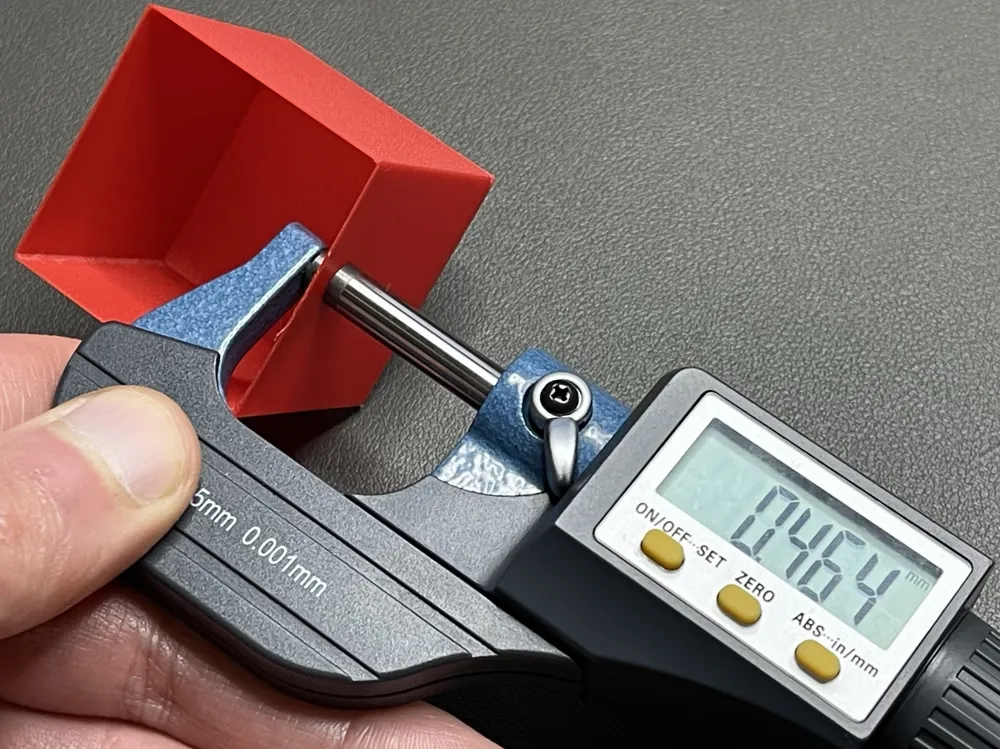
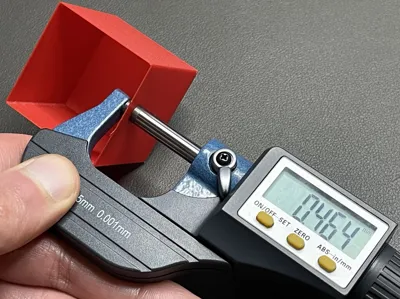
- Measure wall thickness:
• 3 measurements per side = 12 values total
• Measure away from corners for best consistency - Enter your 12 measurements into the sheet.
→ It calculates your new Flow Ratio automatically. - Apply the new Flow Ratio in Bambu Studio:
Filament (gear icon) → Edit filament profile → Flow Ratio → Save
Formula (optional):
New Flow Ratio = Current Flow Ratio × (Expected Wall Thickness / Measured Average Wall Thickness)
License



Comment & Rating (97)