Search models, users, collections, and posts

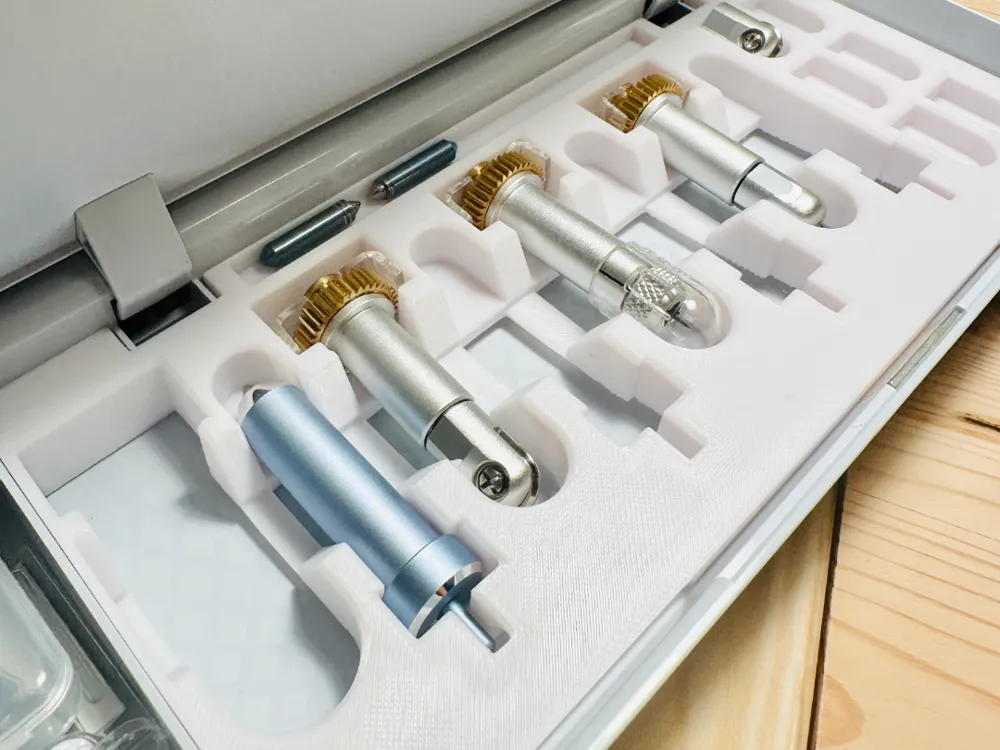
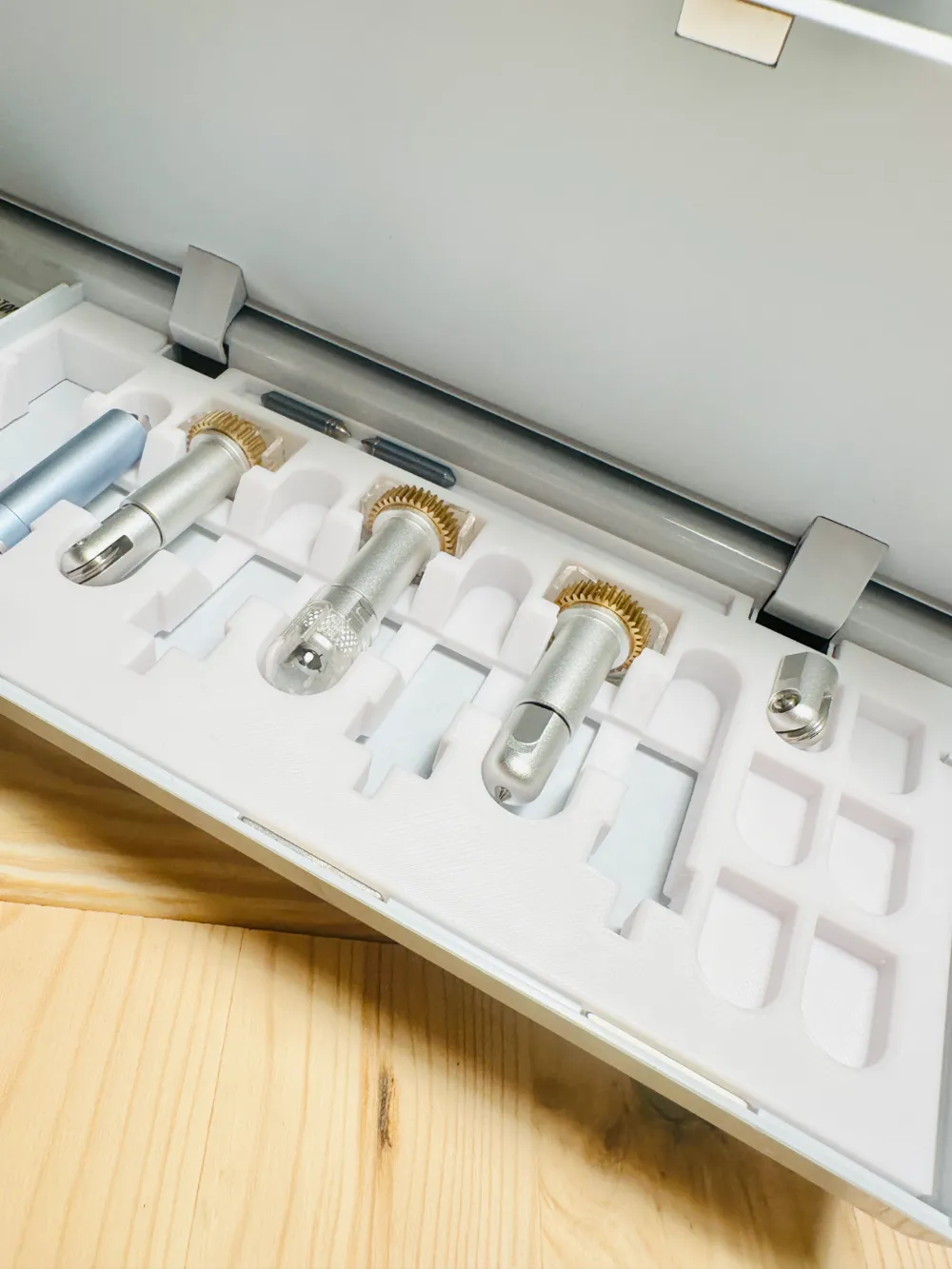
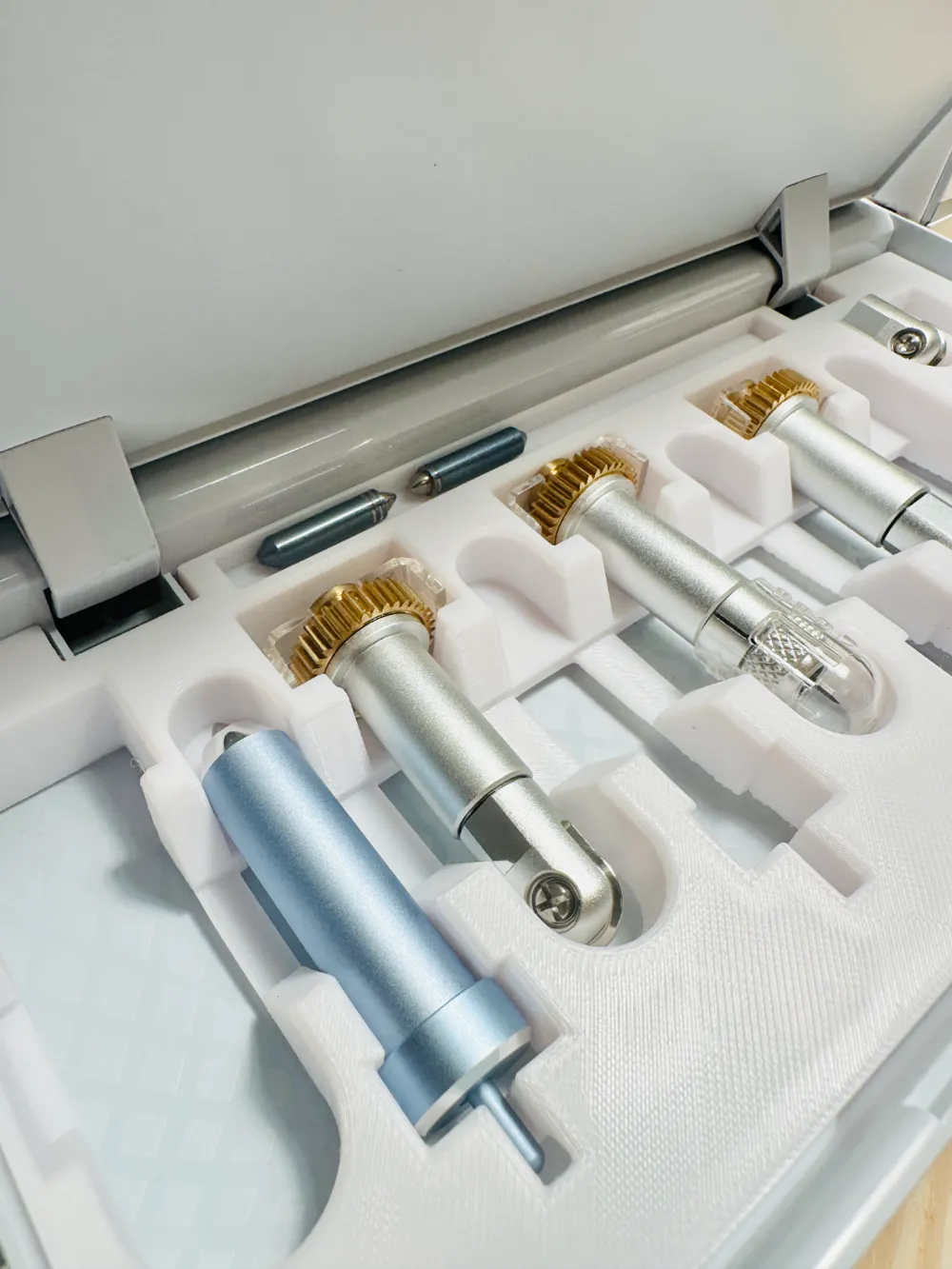
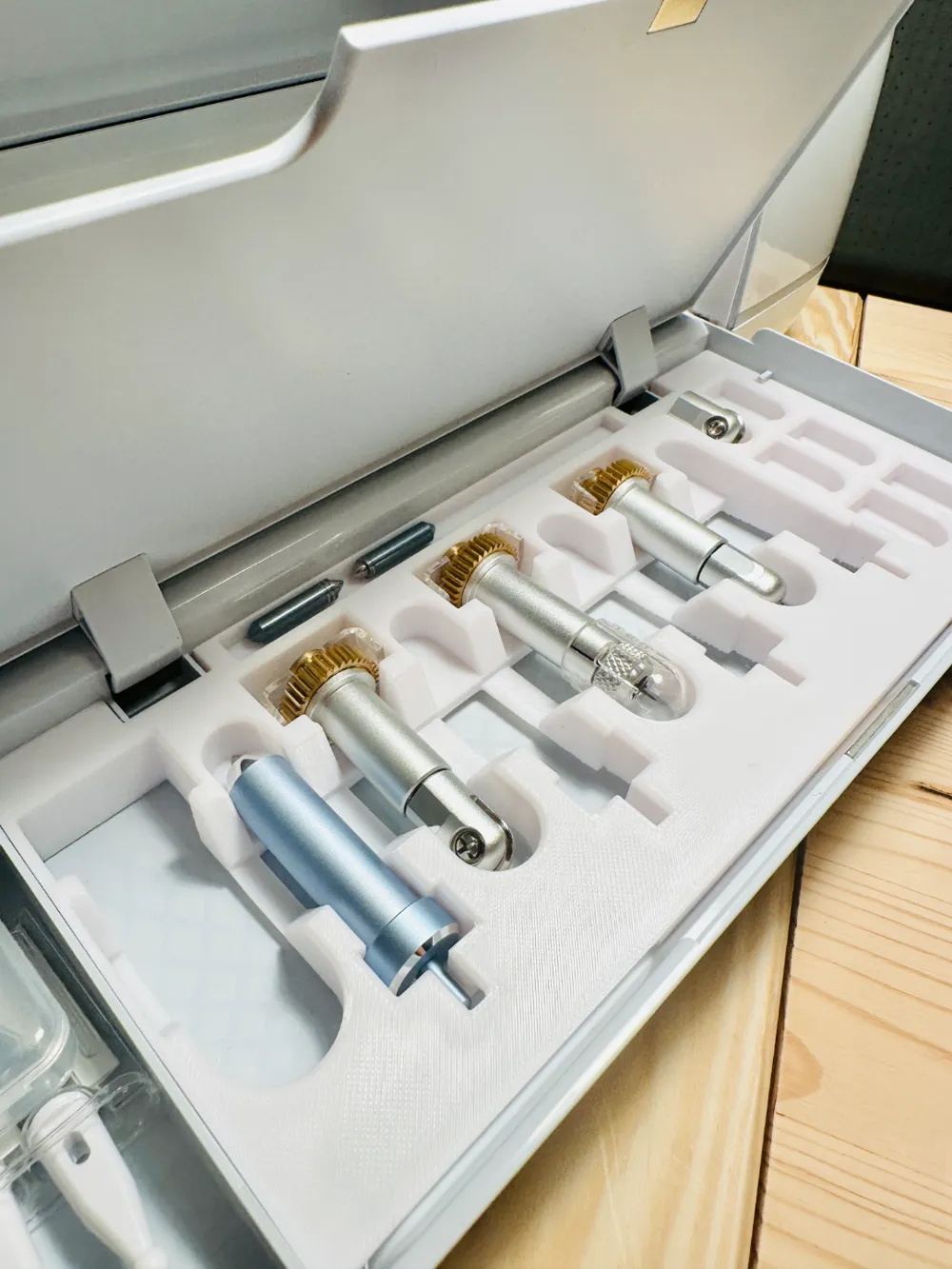
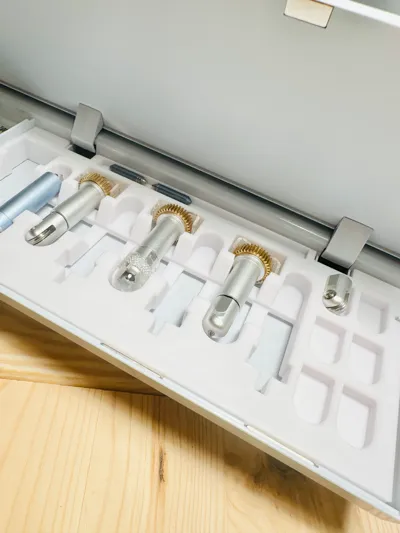
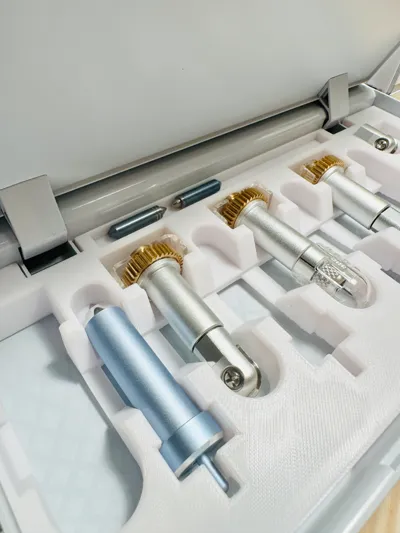
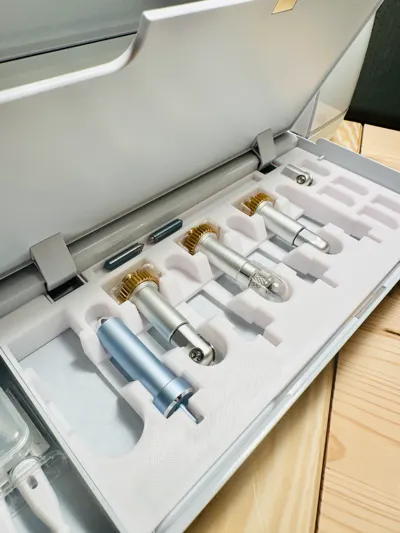
Cricut toolbox

Print Profile(2)

All
A1
P1S
P1P
X1 Carbon
X1E
X1
H2D
H2D Pro
H2S
P2S
H2C
X2D
A2L
A1 mini

0.2mm layer, 2 walls, 15% infill
Designer
2.5 h
1 plate
4.6(53)

A1 mini, 2 plates, 0.2mm layer, 2 walls, 15% infill
3.3 h
2 plates
5.0(3)

Open in Bambu Studio
Boost
252
942
76
29
779
410
Released 

Description

15 % infill 

quality you can choose i recommend 0.16mm but 0.20mm is fine 

0,08 mm takes long time 


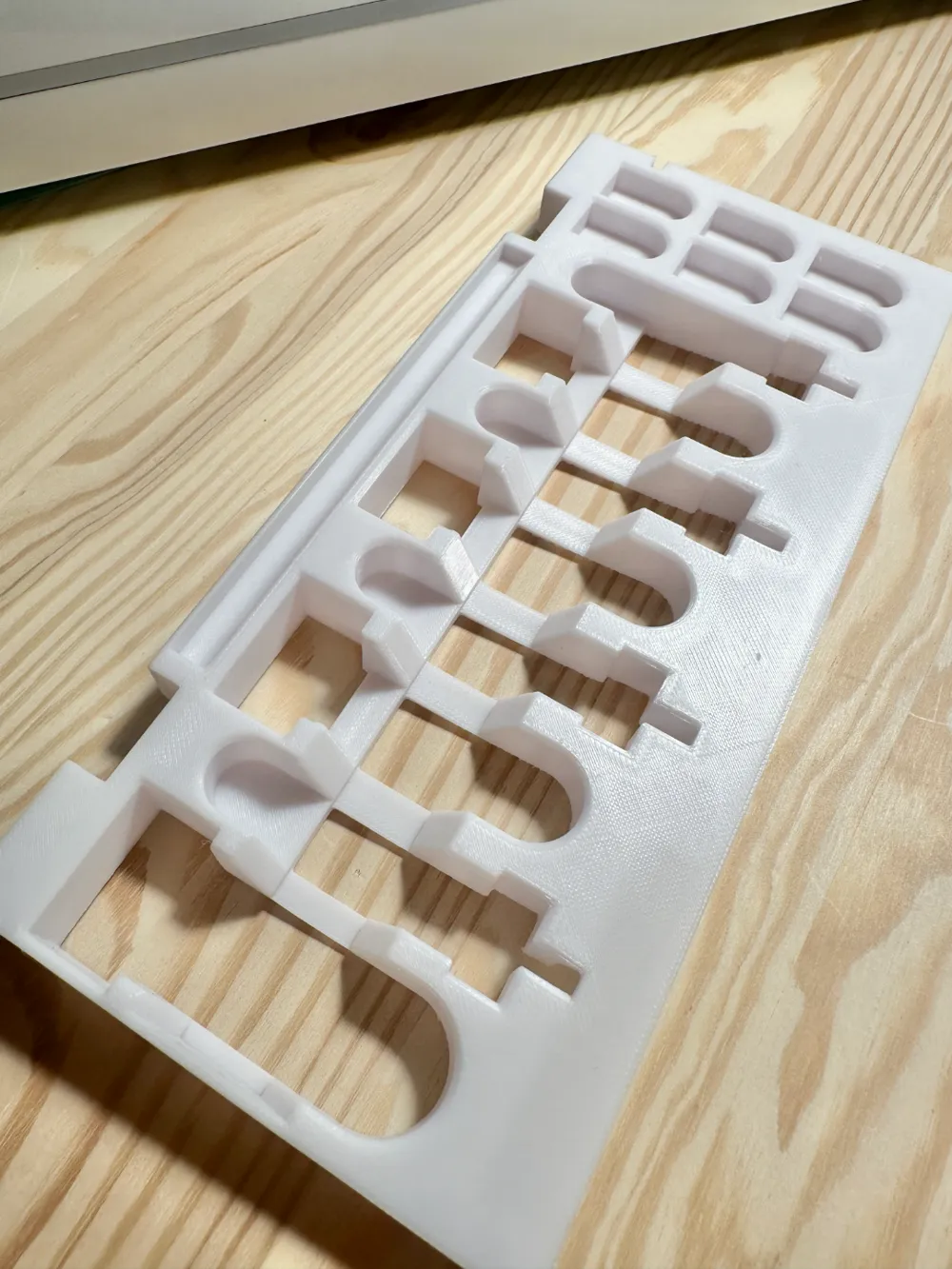
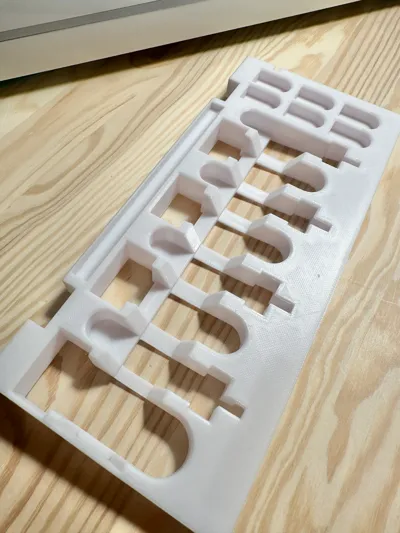
Print as is = support
Print up side down = no support 

Comment & Rating (76)

(0/1000)

Print Profile
0.2mm layer, 2 walls, 15% infill
Excellent print but need to print it face down! First print was miserable but absolutely stoked to have a perfect fit to store all my credit blades.
0
Reply
Hello, how do we print face down
Show original
0
Reply
Replying to @Arkhamius :
In Bambu studio you can rotate it so it’s face down
(Edited)
1
Reply
Replying to @Prue :
Merci
0
Reply
Print Profile
A1 mini, 2 plates, 0.2mm layer, 2 walls, 15% infill
Fits very nice in the Cricut maker 4! printed on the A1 mini (in 2 parts). The border of the smaller model is very thin (1 layer) and didn't result in a nice finish on my print. still really happy with the result, well made.
The profile uploader has replied
1
Reply
would you mind sharing which filament you were using? I do see excessive stringing on the bridges of the smaller piece also. Indeed it would yield a check. It was intended to be done in PETG since it’s a functional part. At least, when you put it together it’s not so noticeable. 😉
0
Reply
Replying to @jucadesousa :
It seems like i need to do some filament tuning. I used Mouse Grey PLA from TM filament. i was under the impression that if I changed the filament type I would be set for the print (apparently I was wrong). I'm a day in to the hobby and mistakes are the best way to learn... if you know what you did wrong. Do you have an idea where I should look at?
0
Reply
Print Profile
0.2mm layer, 2 walls, 15% infill
Fits perfectly into our Cricut! And do I mean perfect! Slipped right in with no wiggling. Excellent model! Printed face down with no supports in PLA. Flawless. Thanks!
2
Reply
Print Profile
0.2mm layer, 2 walls, 15% infill
(Edited)
Support Issue:No support on print profile, so useless print with stringing at bottom
3
Reply
Print Profile
0.2mm layer, 2 walls, 15% infill
Wonderful model! Fit perfectly into my Maker 3! The tools fit well into the recesses. I particularly appreciated that the model could be printed without supports.
(Edited)
Show original
1
Reply
Print Profile
0.2mm layer, 2 walls, 15% infill
Great print, perfect fit for maker 4
1
Reply
Fits perfectly 🤗 Printed face down. Thank you!
0
Reply
Boosted
Print Profile
0.2mm layer, 2 walls, 15% infill
printed face down. printed great, does have some roughness and also stringing underneath but using for storage and organization so works for my needs
0
Reply
Print Profile
0.2mm layer, 2 walls, 15% infill
top
0
Reply
Print Profile
0.2mm layer, 2 walls, 15% infill
Fit great in my Cricut Maker. I printed it upside as recommended in comments so I didn’t need any supports. I like that this model had a slot to store extra blades and the foil tips.
(Edited)
0
Reply

License

This user content is licensed under a Standard Digital File License.

You shall not share, sub-license, sell, rent, host, transfer, or distribute in any way the digital or 3D printed versions of this object, nor any other derivative work of this object in its digital or physical format (including - but not limited to - remixes of this object, and hosting on other digital platforms). The objects may not be used without permission in any way whatsoever in which you charge money, or collect fees.