Search models, users, collections, and posts

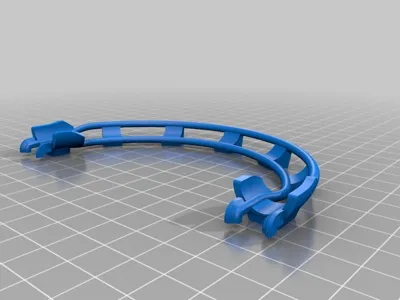
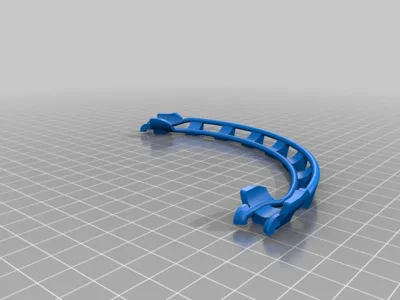
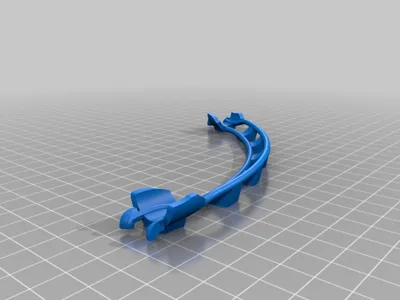
Curves for a marble run
Print Profile(1)

All
P1S
P1P
X1
X1 Carbon
X1E
A1
H2D
H2D Pro
H2S
P2S
H2C
X2D
A2L

0.2mm layer, 2 walls, 15% infill
Designer
3.8 h
2 plates
4.8(62)

Open in Bambu Studio
Boost
196
752
85
36
607
486
Released 

Description

Update 16.04.2020: found on Youtube a track with the curves

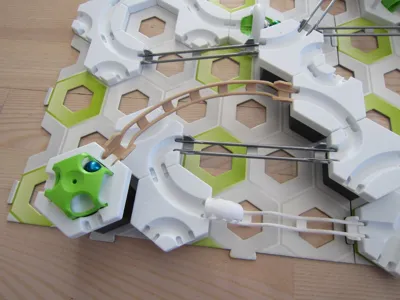
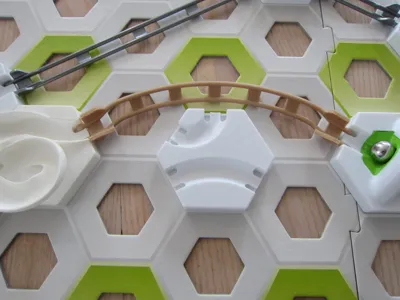
I've seen some curve tracks, printed and tested them.

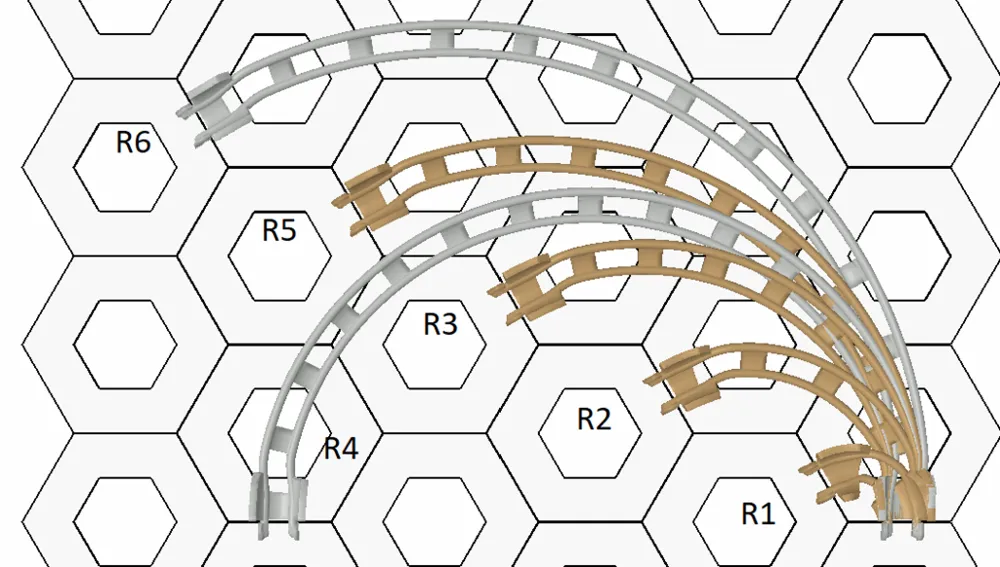
Then there were some thoughts in my mind, which curves, with which radius and angle,


will be possible and useful, and can I increase the grade (angle of slope) .

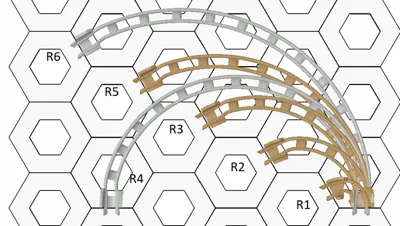
After a while I find a schematic which curves are possible, but not a lot of them are useful.

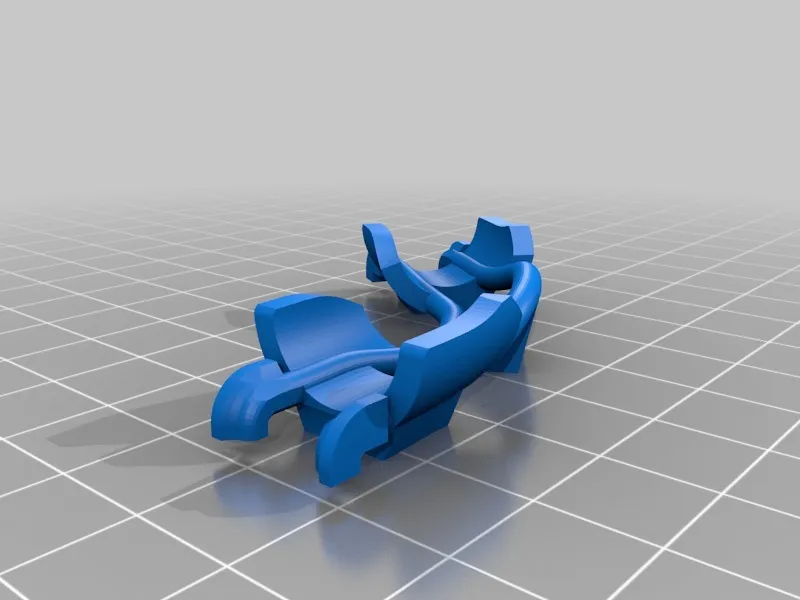
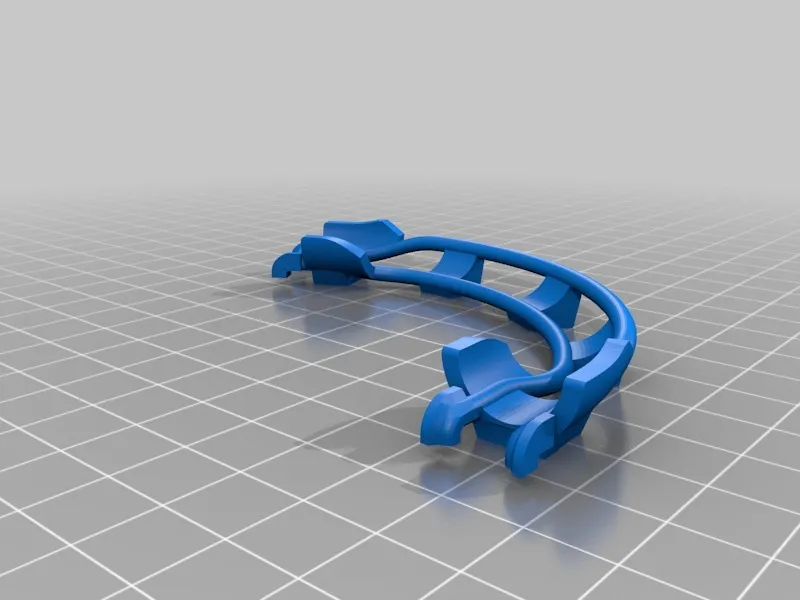
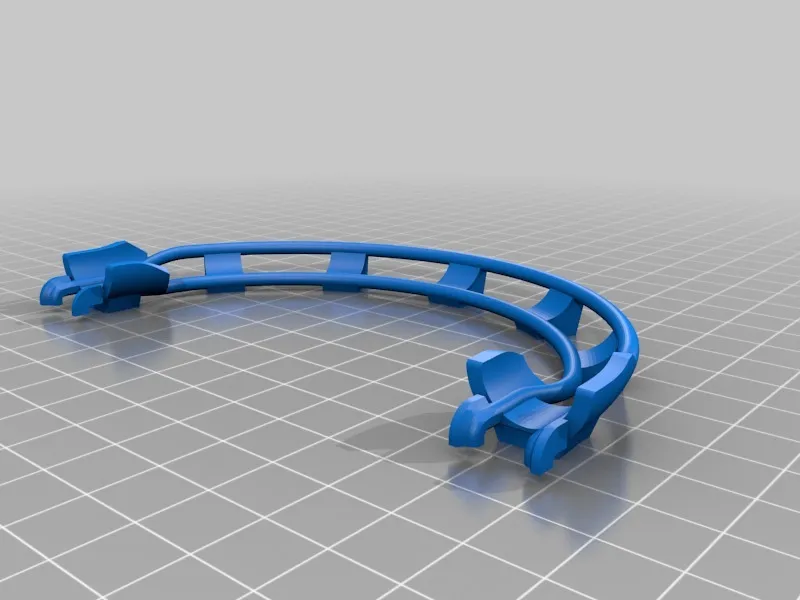
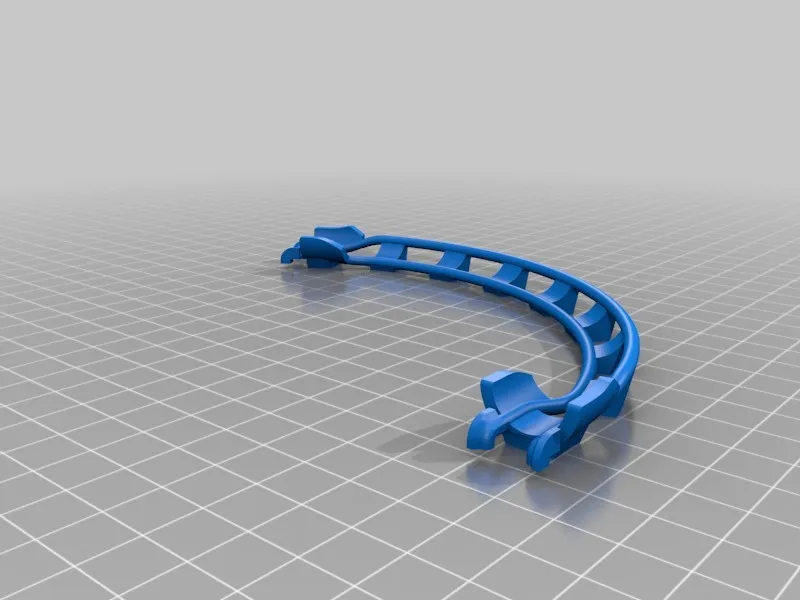
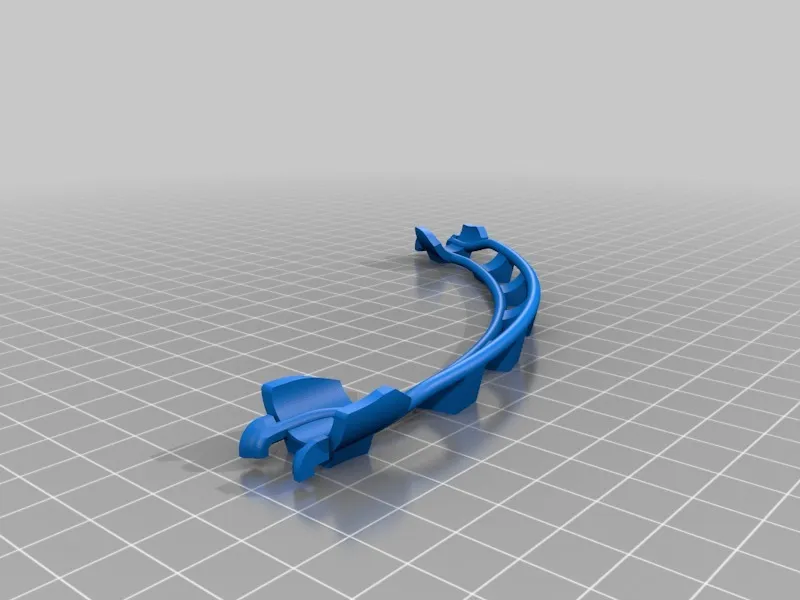
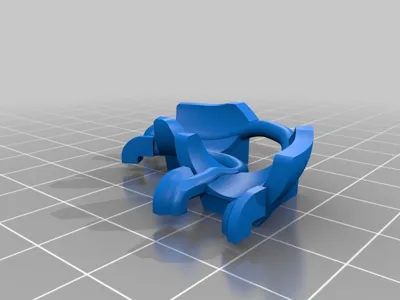
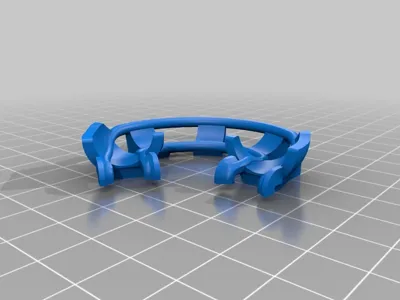
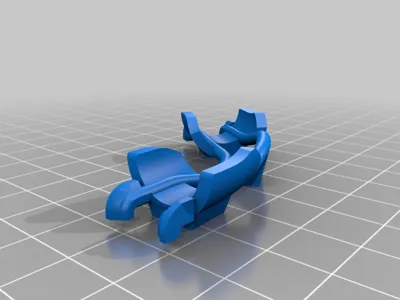
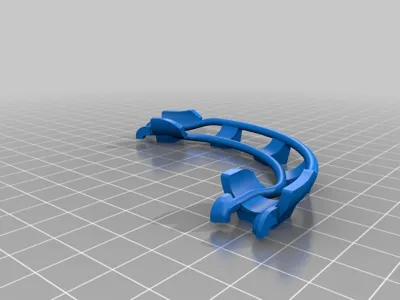
Nontheless, I designed, in my available CAD, a custumized curve, to switch

between curve size, angle and grade.

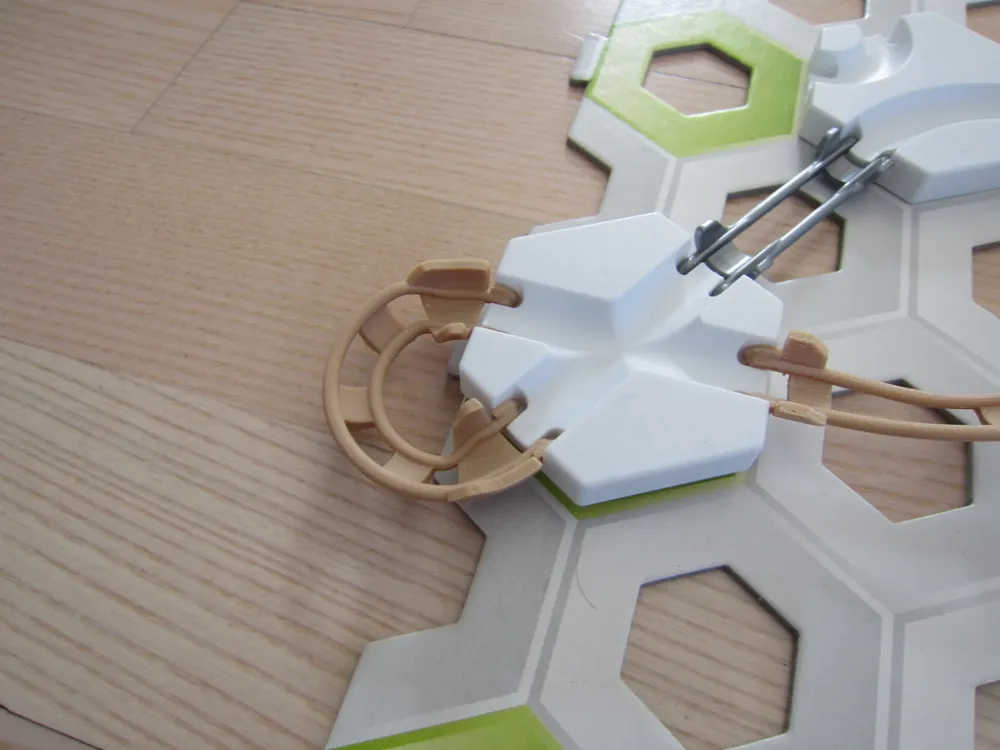
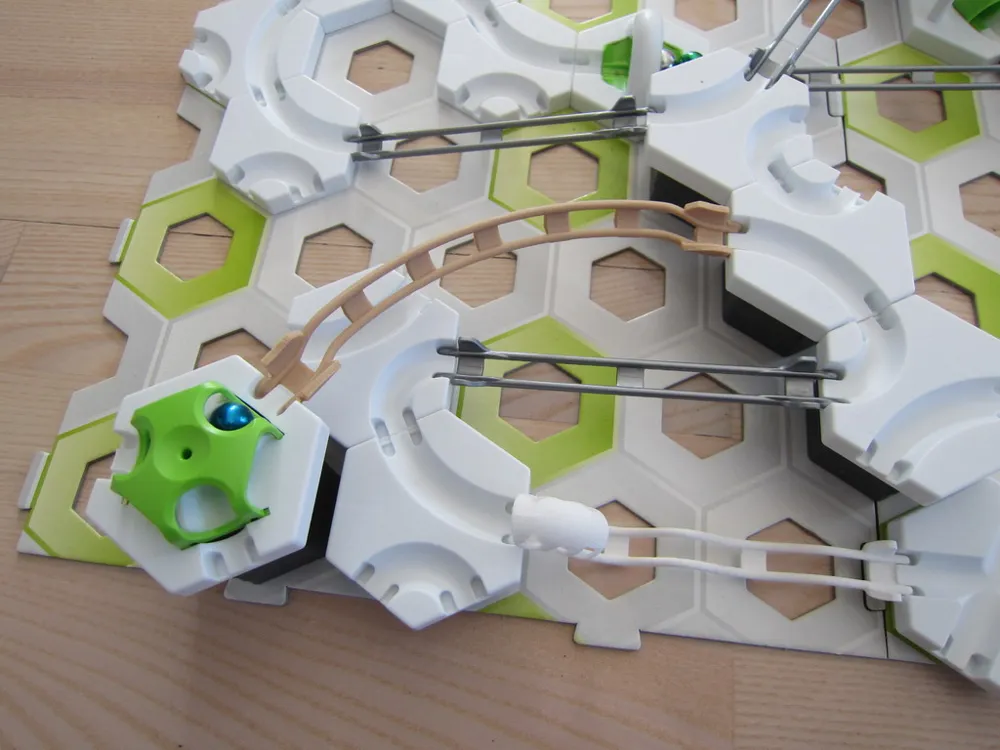
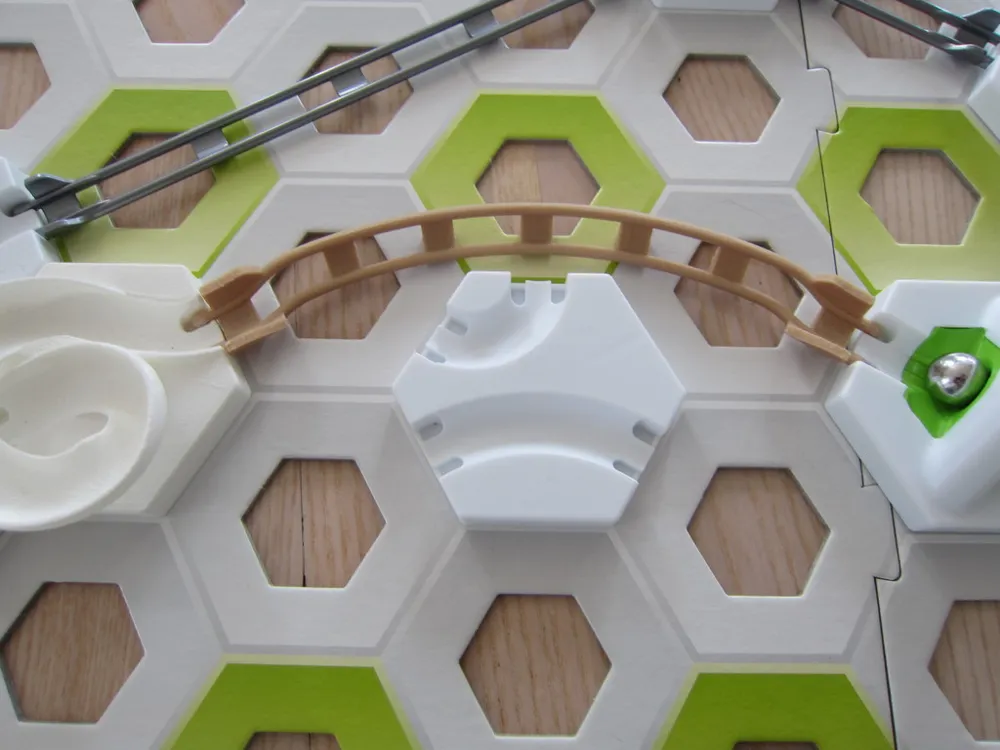
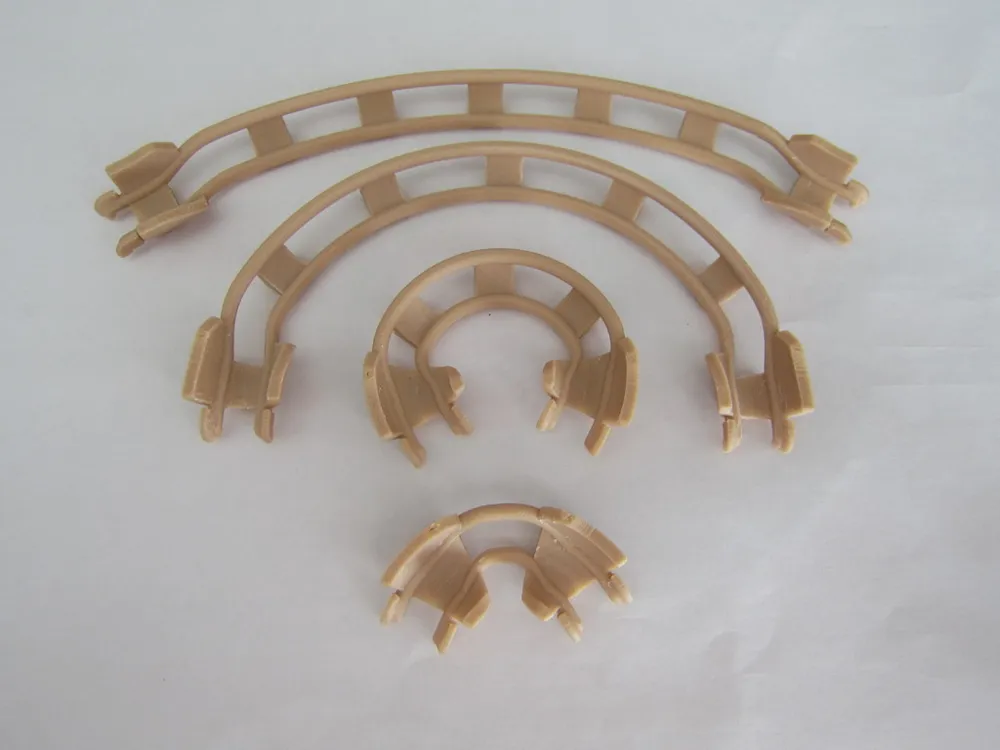
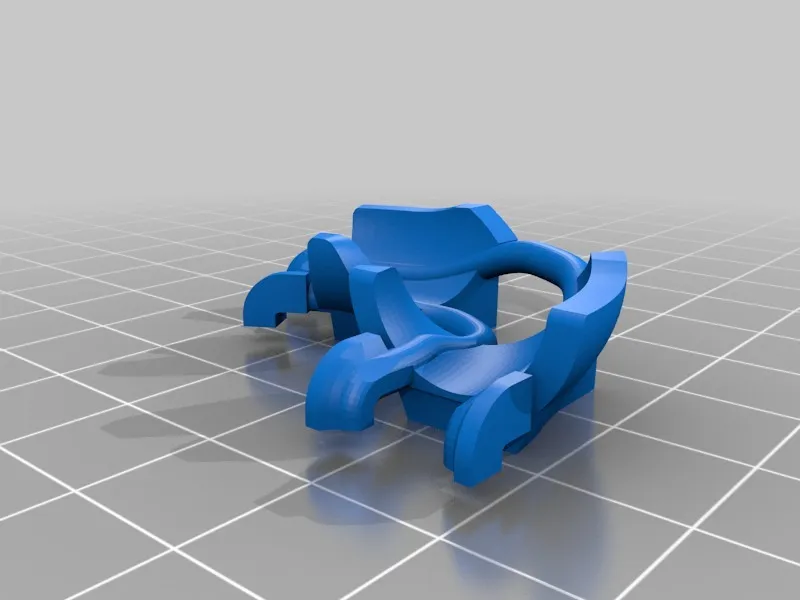
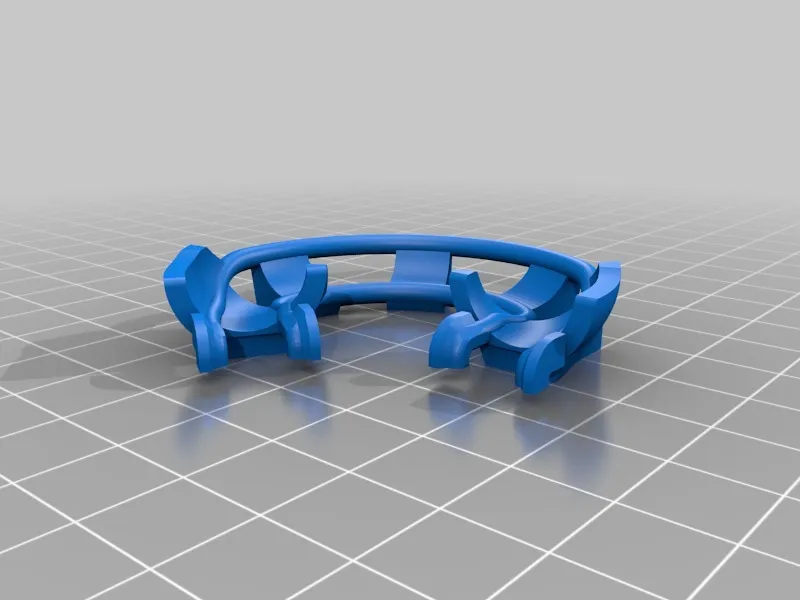
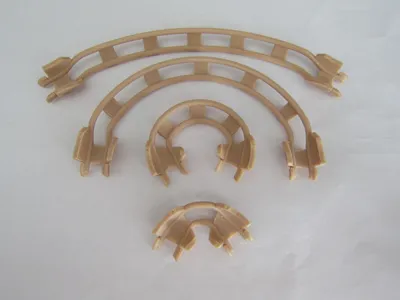
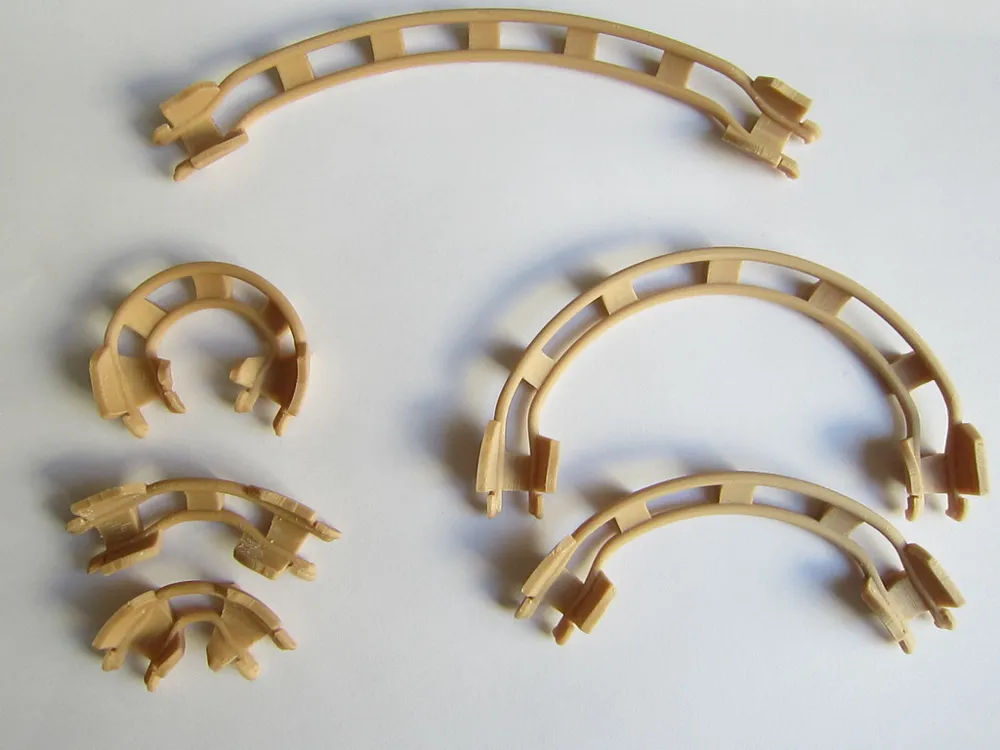
The four curves I loaded up, are the useful ones for me.

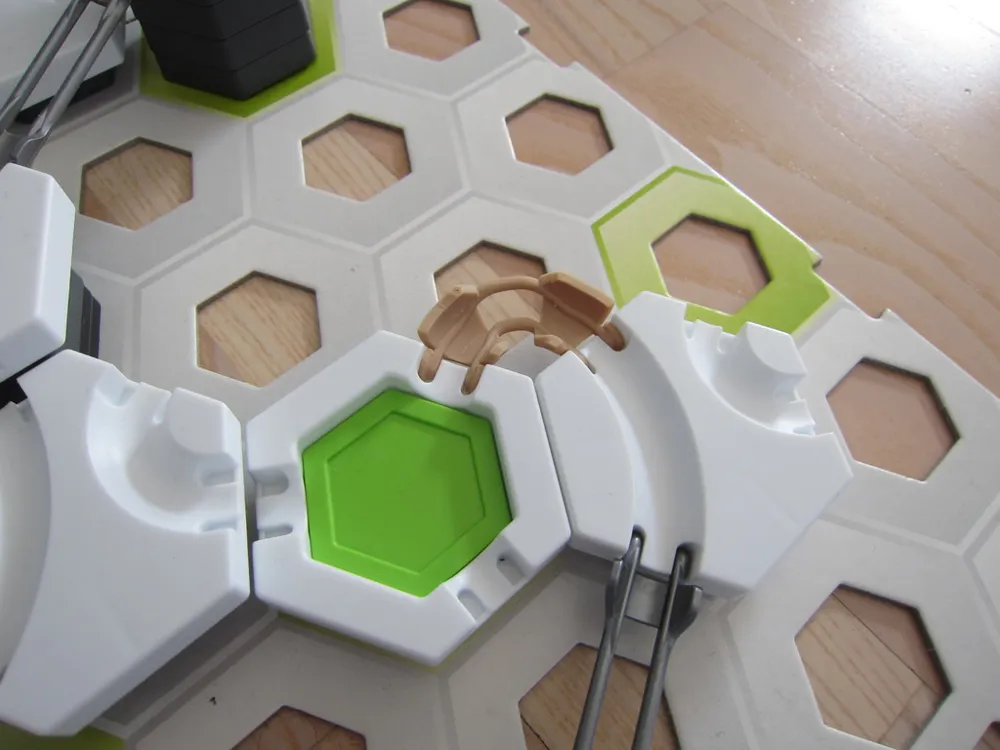
(There is a picture that shows the possible curves to choose)

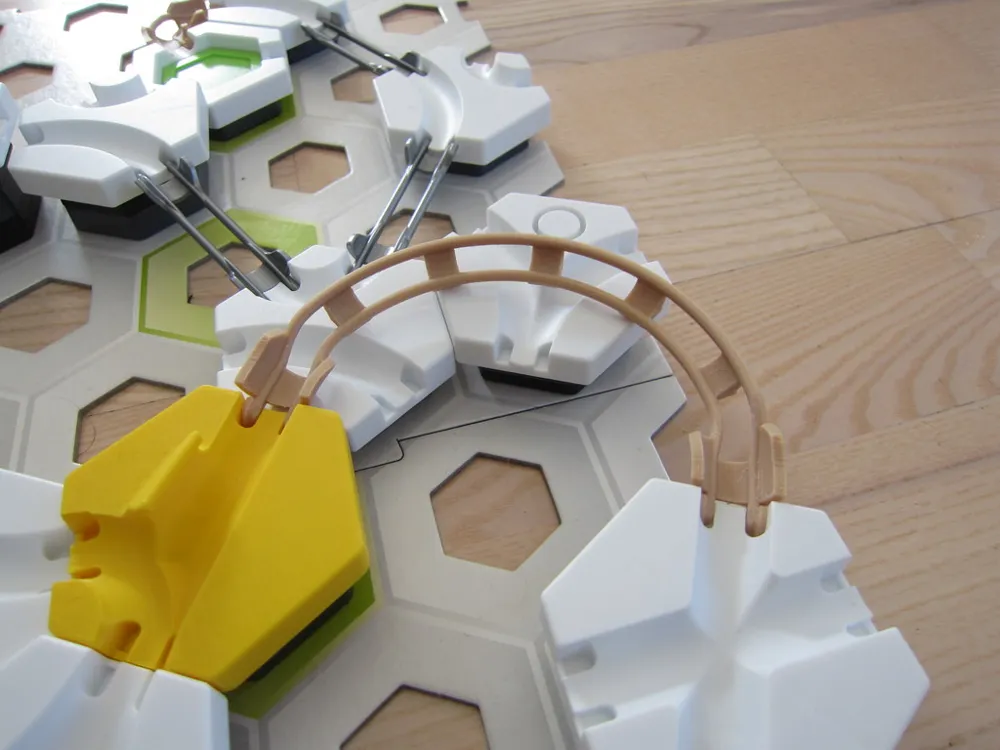
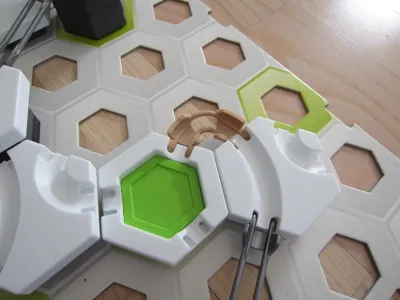
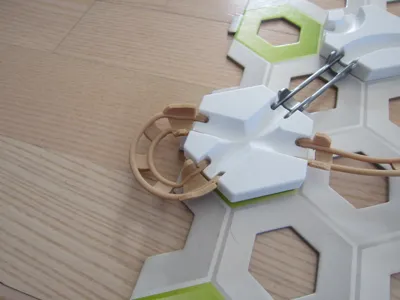
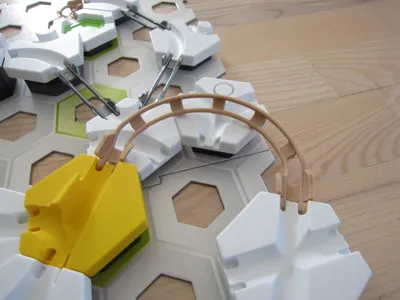
The end of the curves are designed a little bit stiff, so they fit a little bit strong into the plates.

But so the Curve 1x120, 1x240 and 6x60 can be used without support.

The Curve 2x180 need some support, like shown in the picture, or it will tip over.

They all have a "angle of slope" about 35 degree, so the marble can went troug with

some high speed. (see Video)

See also my S-Curves here.

Update 04.05.2019: I added 2 more: 2x60 and 2x120

Update 18.08.2019: all the curves are now available with 2 "angle of Slopes" , 0 and 35 degrees
Print Settings

Printer Brand:

Creality

Printer:

CR-10S

Rafts:

Yes

Supports:

Yes

Resolution:

0,1

Infill:

20

Filament: enotepad PLA wood


Category: Toys & Games

Comment & Rating (85)

(0/1000)

A truly successful model It fits the original parts perfectly
Show original
2
Reply
Print Profile
0.2mm layer, 2 walls, 15% infill
I printed the 35 degree profile and it came out great so cool to have curve tracks to use with the gravitrax now great job
The profile uploader has replied
0
Reply
Thank you for your feedback Enjoy it
Show original
0
Reply
Print Profile
0.2mm layer, 2 walls, 15% infill
It turned out really nice. Everything works very well and I will definitely print it again
Show original
0
Reply
Truly amazing concept. I remixed this design to make the smallest S-curve ever which I will be posting soon. Thanks for the design! 👍
The designer has replied
0
Reply
This is a realy small version of the s-curve, but it's working ?
(Edited)
0
Reply
Replying to @MK_Designer :
It is working very well! I have published my remix earlier.
0
Reply
Replying to @user_1737098416 :
I've seen your remix, it look good. I never thougt that someone could need such a small s-curve, therefore I never made one. My cad model is parametrically so if you need some other Version of the s-curve it would be no big problem to make them
0
Reply
Print Profile
0.2mm layer, 2 walls, 15% infill
very good
0
Reply
Print Profile
0.2mm layer, 2 walls, 15% infill
Easy printing. Thanks for this set of curves.
0
Reply
Would it be possible for you to create more such Gravitrax parts?🫠
The designer has replied
Show original
0
Reply
Do you mean more curves or other parts in general
Show original
0
Reply
Replying to @MK_Designer :
General Gravitrax parts For example, a different version of the Gravitrax Labyrinth or similar
Show original
0
Reply
Replying to @tws_106 :
Currently, our Gravitrax phase is over (the children have outgrown it), and I haven't had a good idea for a new building project lately either, although many exist
Show original
0
Reply
Print Profile
0.2mm layer, 2 walls, 15% infill
0
Reply
Print Profile
0.2mm layer, 2 walls, 15% infill
0
Reply
Print Profile
0.2mm layer, 2 walls, 15% infill
0
Reply