
Festive Steamship
Print Profile(4)


Description
Boost Me (for free)
If you would like to further support my work, please consider boosting or sharing! Thank you!
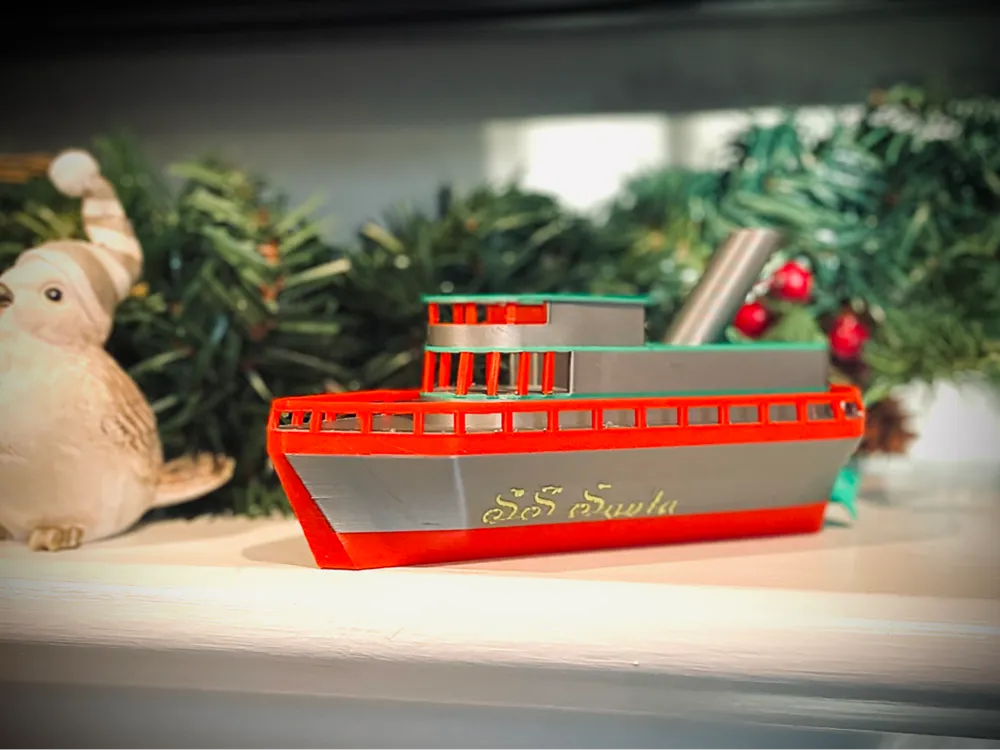
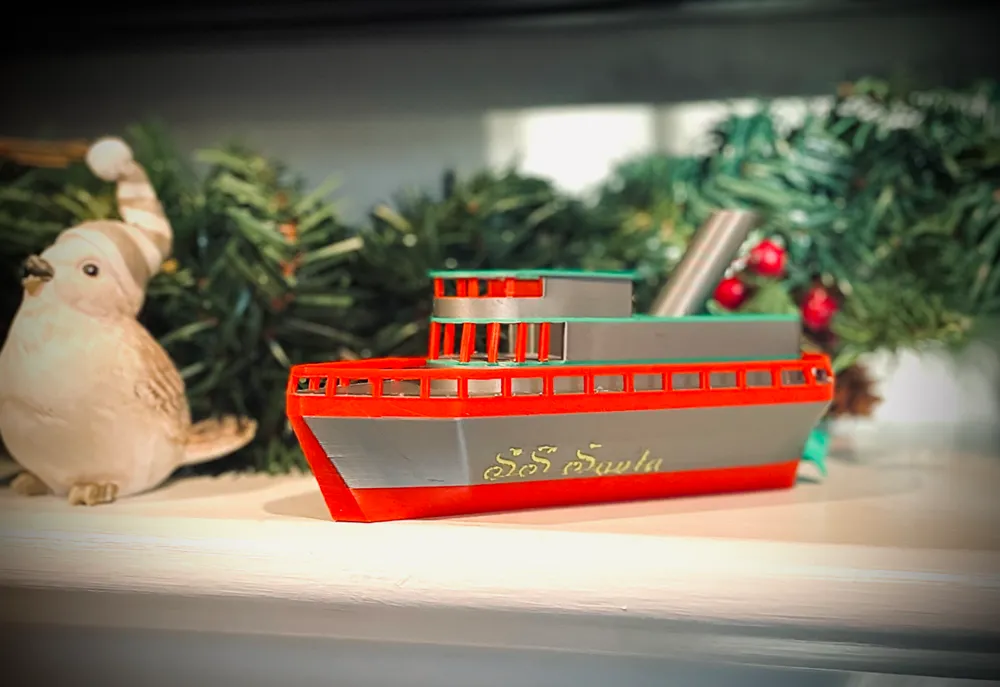
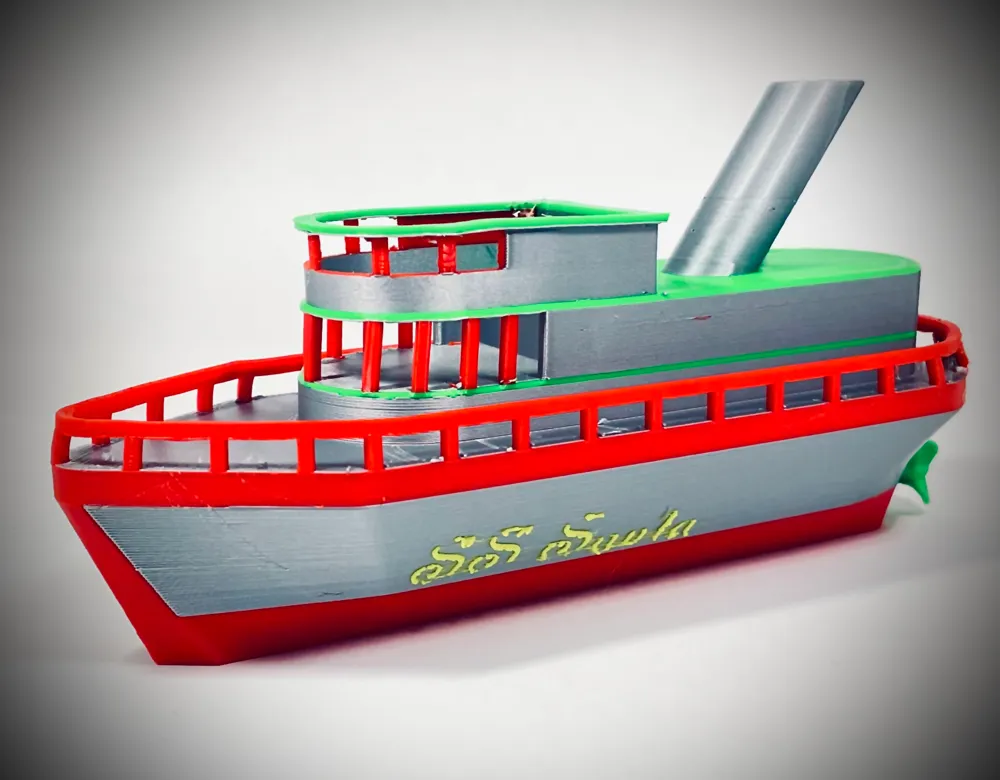
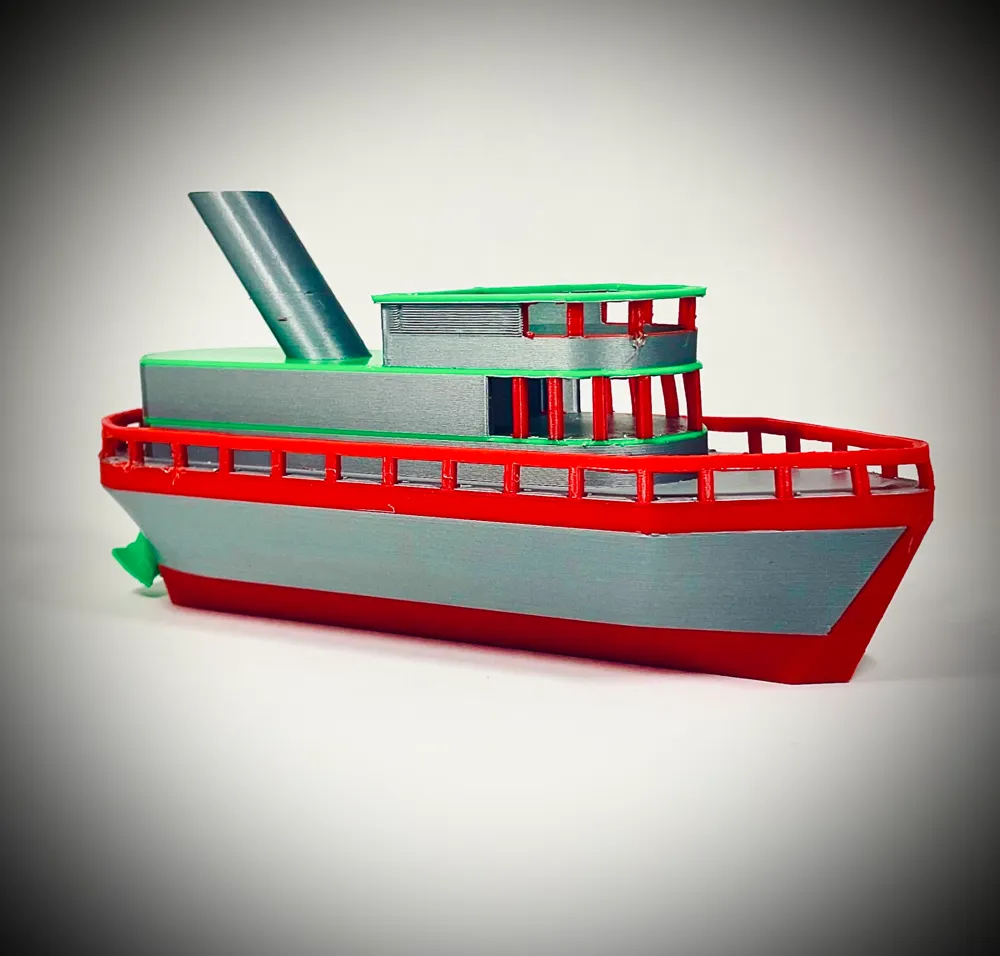
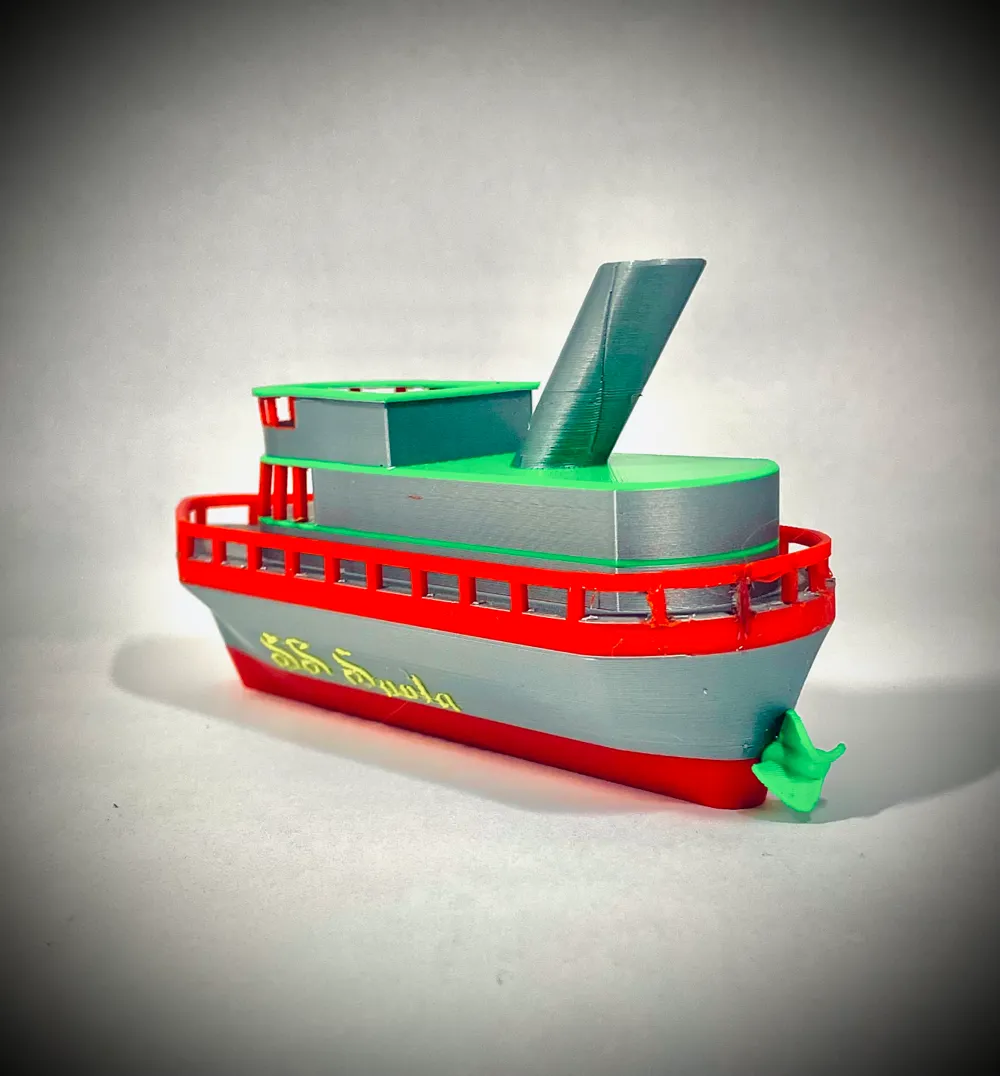
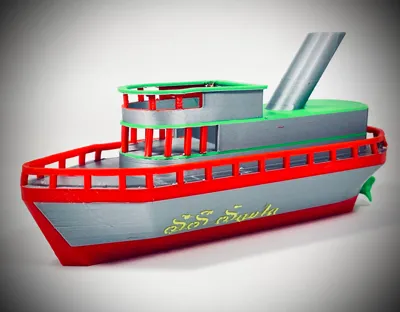
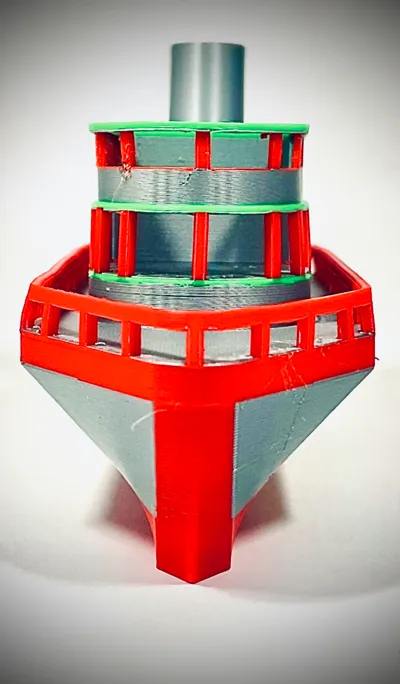
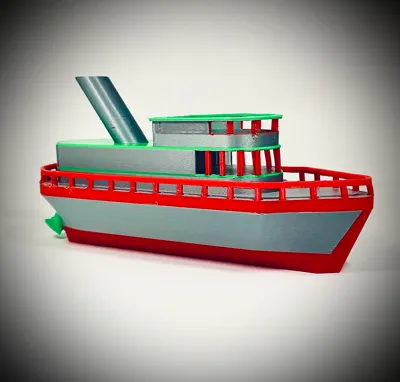
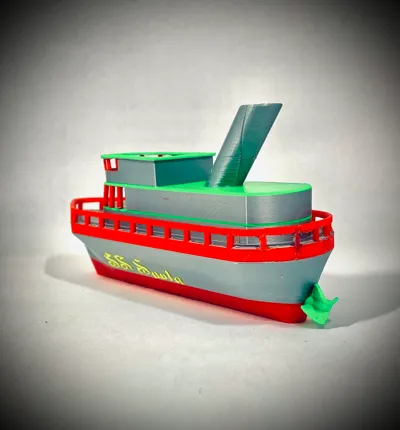
North Pole Bound Steamship
How would you get to the north pole? Steamships are one of the best options, as there are not many runways up there. Many profiles exist above to give you the best experience printing this model - please read below to find the best one for you!
Printing:
Multiple models are listed above, and the best one for you will be discussed here. Two profiles have text, two do not. Two profiles have supports under the railings, two do not. The naming system for these profiles are; NT(No text) and NS(No railing support). These will be combined to name the profiles accordingly. All print settings I used are in the profiles.
Coloring of Model:
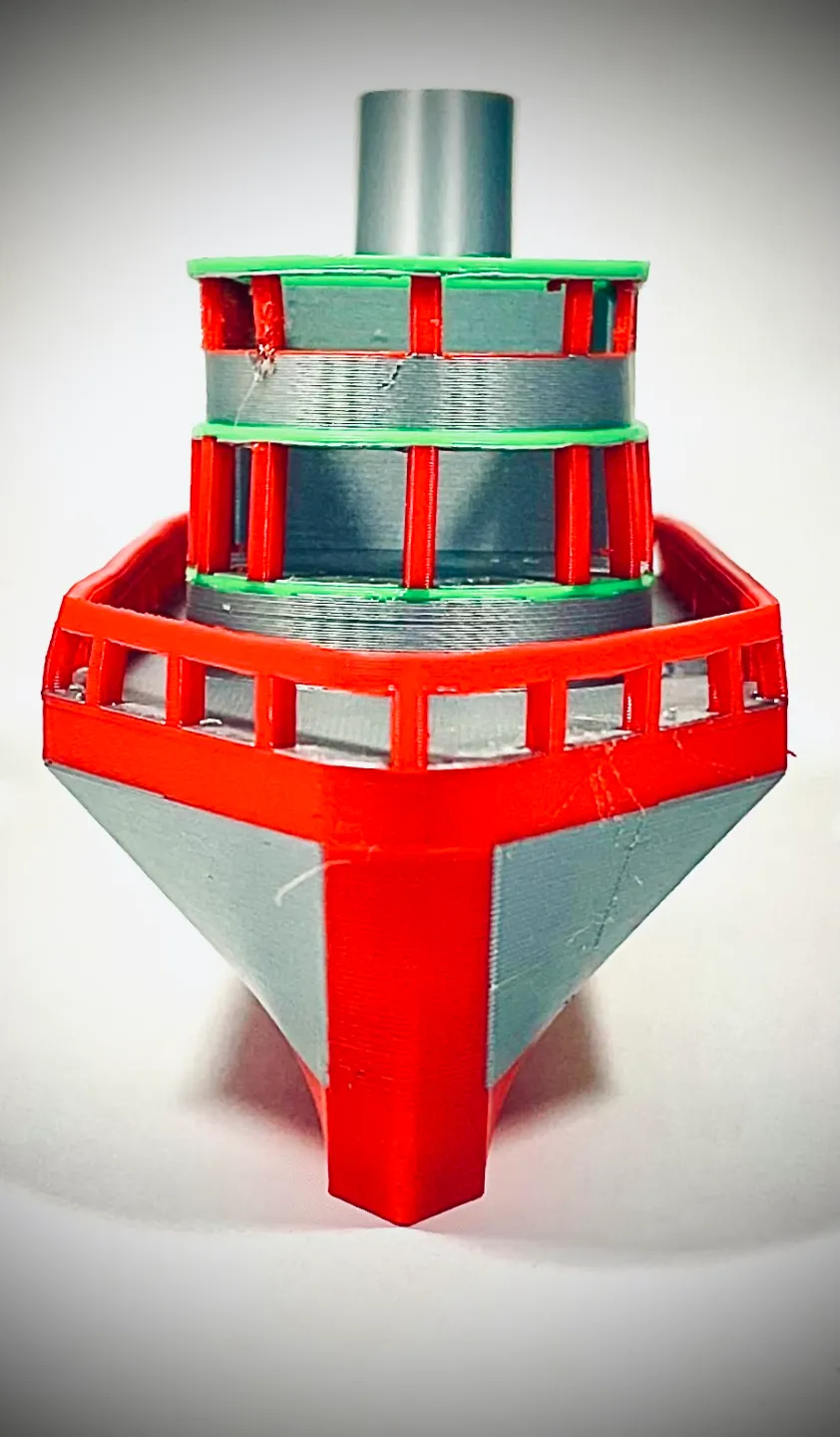
The profiles are already painted, and are meant to be printed with AMS. Of course, you can print it without multiple colors and paint it afterword or leave it a solid color. Painting the model is tedious, so I would not recommend changing the layout of the painted areas.
Supports:
All four profiles print with supports, the only thing changing between the no support and supported models is railing support. Support removal will be lengthier with supports on the railings, and it will be a little tedious. The bridges will be a little ugly if you print without supports (at least on my printer).
Removing Supports:
Removal of the supports on all overhangs will be a little tedious. I recommend a good pair of needle - nose pliers, a small allen key (I'll talk about why) and maybe some flush cutters. To take out the railing support, take either end of the Allen key and poke the supports. If you are worried the railings will break, push a finger behind the railing (near the spot you are punching out) - this should fix your worries. For the rest of the supports, use your needle nose pliers to rip them out. For stringing or last bits of supports, DO NOT USE A HEATGUN OR HAIRDRYER. If you do, please be very careful about the heat setting and the thin railing support columns warping, reforming, or melting. If you railings or support columns fall off, I recommend using a 3D pen to “weld” them back together, and if you do not have a 3D pen, leave it as it is (gluing or other methods of reattachment may cause other issues).
Adding Text:
If you would like different text on your model, other than “SS Santa,” follow the next steps.
Open up one of the two no text models (these models will not print with text). Click on the model, then hit the letter “T” on your keyboard. This will open up the text shape dialogue box. Adjust your settings accordingly (the settings I used are below), I recommend a thickness of 0.3 or greater. When ready, hover your mouse over the hull (either side) of the ship. This will project the text onto the ship, and when the text is where you would like, simply left click. This will place the text exactly where you would like it.
Coloring the Text:
Navigate to the objects menu on the left hand side of your screen. Click on the object saying “text_shape” and hit any number [1-4] on your keyboard. This will color the model according to the color of filament in your AMS (or virtual AMS).
Thanks!
This model was very fun to create, and if you want to support me at all, please consider liking, downloading, printing, and sharing the model. It really helps me out! Thanks!
Thank you for checking out this model! If you would like to further support me, check out my Patreon or give a boost!
License



Comment & Rating (0)