
Decent Espresso DE1 Tablet Holder (SlideLock)

Print Profile(2)


Description
Boost Me (for free)
Thank you so much for considering to support my efforts. Designing in OpenSCAD, maximizing customizability, validating everything extensively, printing loads of test prints, etc., is both very time- and cost-intensive. Therefore, if you can spare a Boost, I'm more than grateful for that! But every View, Download, Print, Comment and Rating helps immensely in terms of motivation and development costs in the form of MakerWorld points I gain.
Summary
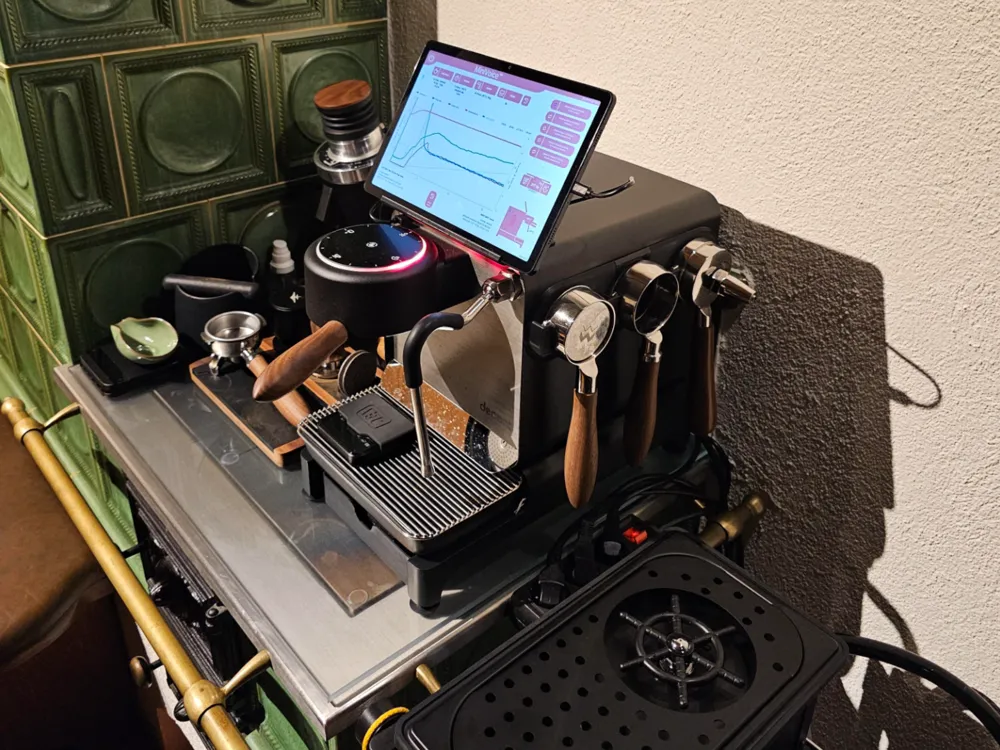
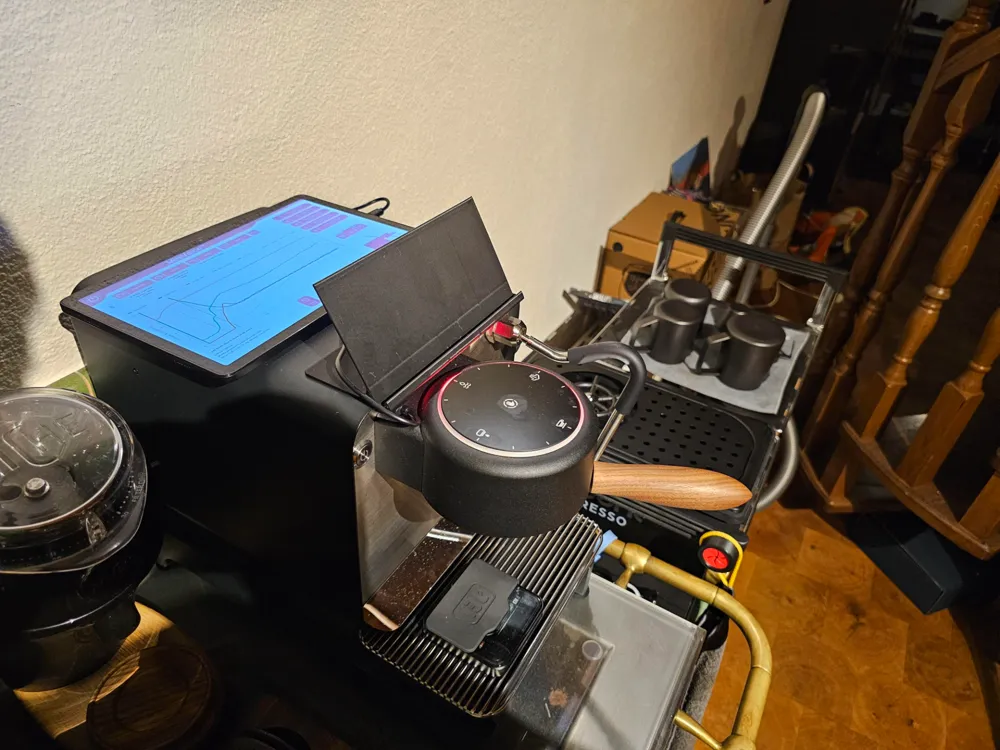
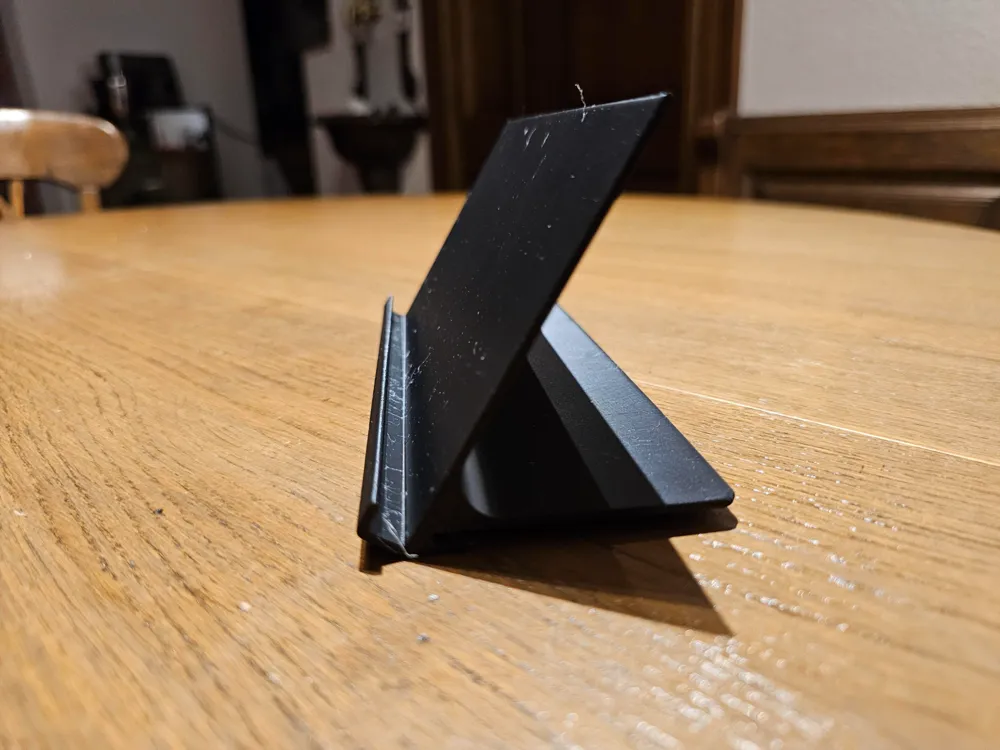
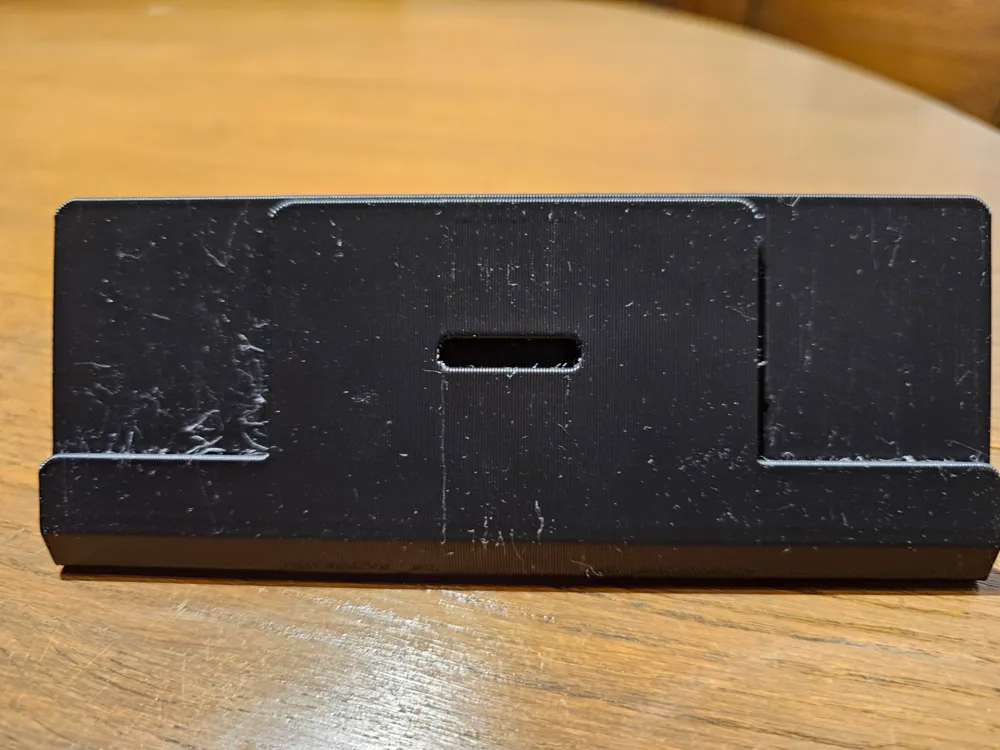
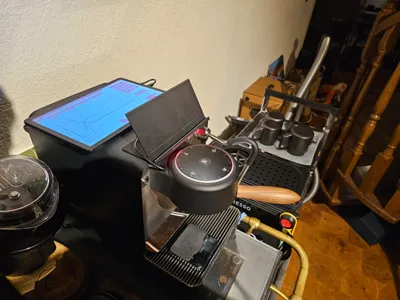
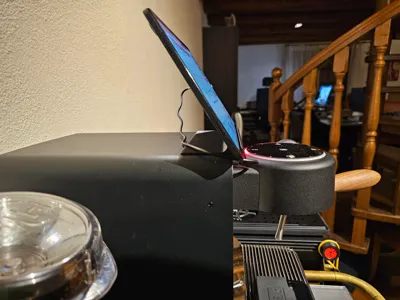
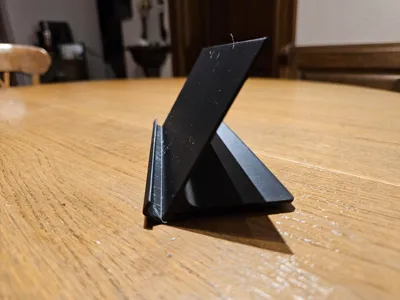
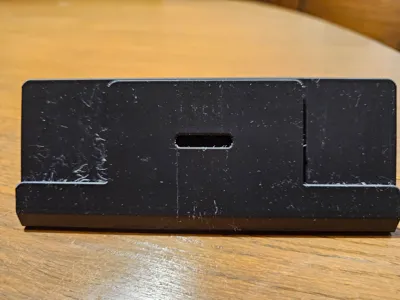
A Tablet stand, designed to specifically mount a Samsung Galaxy Tab A9+ onto my Decent DE1XL.
Compatibility
Currently confirmed:
- Samsung Galaxy Tab A9+ (originally designed for)
- Samsung Galaxy S6 lite (thanks to @ron99e for testing!)
- Samsung Galaxy A8 (thanks to @obiwan007 on the Decent Discord)
The front (square part) of the holder is specifically made to fit the Samsung Galaxy Tab A9+. Other (Samsung) tablets might work, if they have the same thickness as the A9+ but it's not guaranteed.
As I have provided a parametric Fusion360 file, however, you should be able to make it fit your custom tablet with as little as one parameter change.
It should fit the Decent DE1Pro and DE1XXL, however, as they have identical dimensions for the relevant front parts of the machine, as far as I know. It does require a version of the machine compatible with Decent's slide-in tablet holder (you will have a small slot at the top of the faceplate, below the overhang of the outer chassis)
Difference from other models out there
I was inspired by bacafreak's model, but after printing it, I ultimately decided to approach the problem at hand from a different angle.
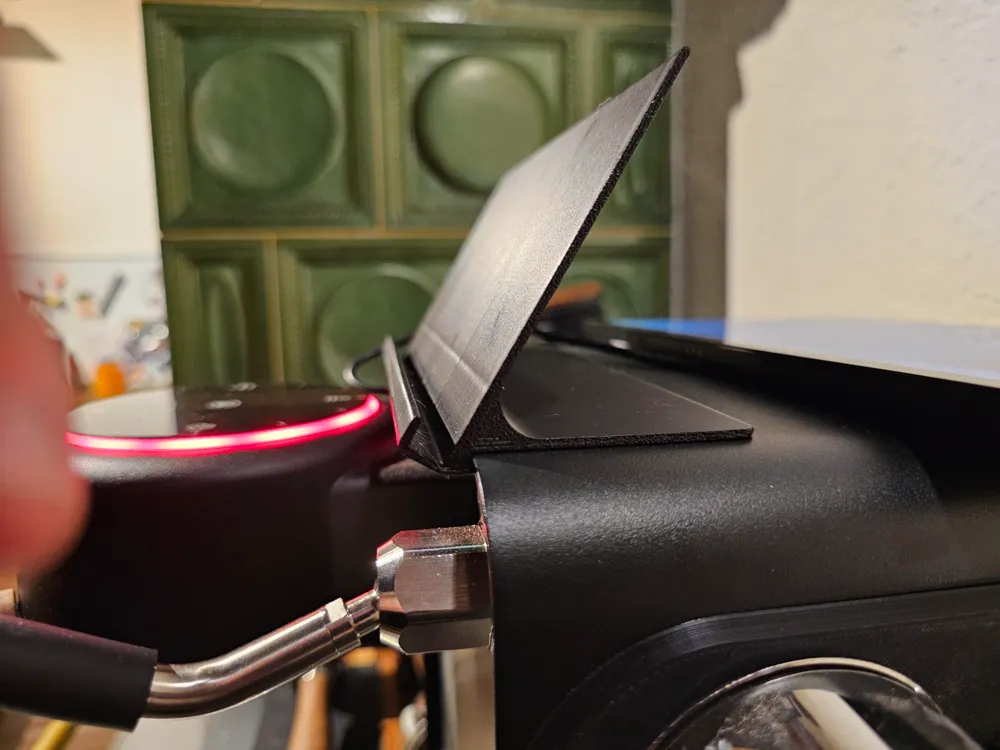
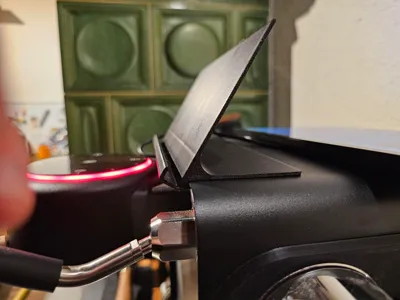
This design doesn't rely on pure ClampTechnology™, which in my case didn't work sufficiently at all, but rather utilizes the existing locking mechanism present in the newer models of the machine (where the original tablet holder slides into the top of the chassis).
This makes the stand hold firmly in place, without any jiggle and accidental removals.
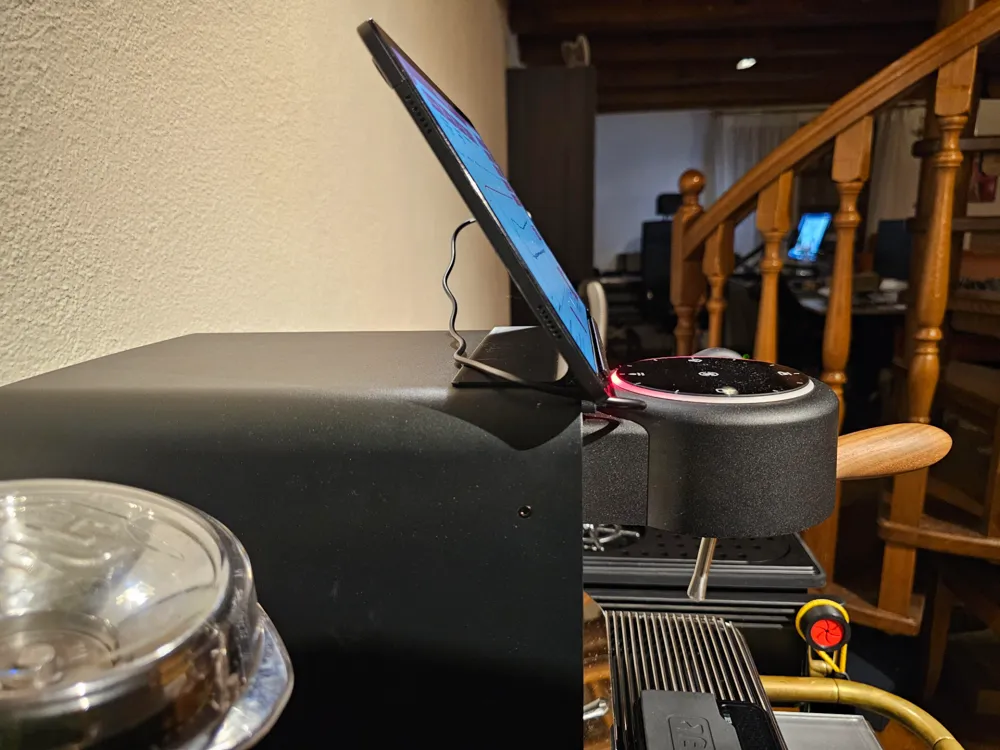
But it also extends a little onto the top of the machine to grant stability and rigidity during usage, while minimizing the thickness of the holder.
The stock aluminum holder can live without this, but then aluminum is way more stiff and rigid. I didn't test a version without it though, so it might be fine with some tweaks.
Note, however, that I use my tablet in the default orientation (buttons on top) which requires a longer cable to bridge the distance between the DE1's and tablet's charging ports.
I found that the additional height of the tablet and therefore the higher situated charging port put way more tension on the stock charging cable than I was comfortable with. At least when you try to center the tablet on the machine.
If you want to flip the tablet, you will likely need to add a groove to the bottom (as @bacafreak / @AngryFist did with their models) where the tablet sits, to not accidentally press the buttons. I didn't want this, however, as I found there to be too much sliding action.
With my design, I didn't need any glued on friction pads, etc.; it holds the tablet firmly during usage.
Customizer Tutorial
I try to design every possible model in OpenSCAD.
This enables me to offer you extensive, fine-grained, and in-depth customizability.
You can effortlessly adapt the model(s) to your needs, without any knowledge or proficiency in CAD.
If the model is compatible, you can access the Customizer by pressing the Customize button.
You need to be on a Desktop-PC and logged into MakerWorld.
Then customize the model(s) to your heart's content!
I often try to a ready-to-go .3mf file, so you can directly open it in Bambu Studio. This means that all slicer settings are already embedded.
However, that's not always possible. If the download/export of your customized model results in one or more STL files:
- Open the print profile in Bambu Studio
- Right click on the default model/STL
- “Replace with STL” selecting your exported STL, to preserve fine-tuned print settings
All of this is made possible due to MakerWorld's excellent OpenSCAD integration, called Parametric Model Maker (which I refer to as Customizer).
They also offer a Fusion360 integration, but it is mentioned that this might become a restricted/non-free option in the future.
However, I want my designs to be accessible for anyone, so I chose to use OpenSCAD exclusively despite the considerable design and development overhead to provide you with the maximum degree of customization freedom.
License



Comment & Rating (27)