Search models, users, collections, and posts

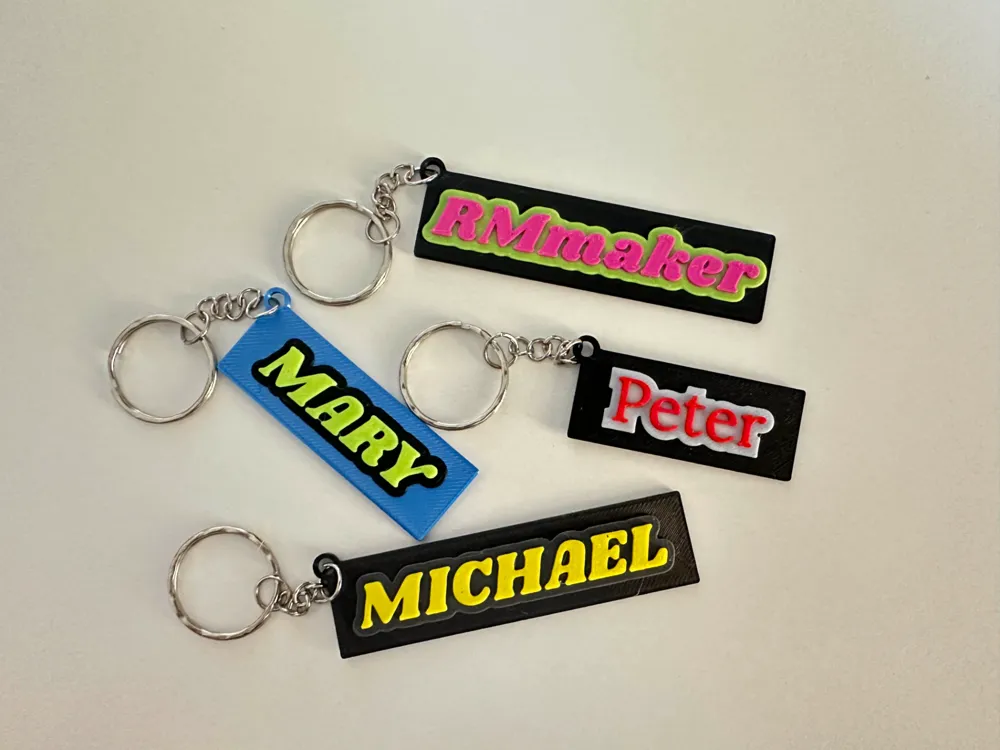
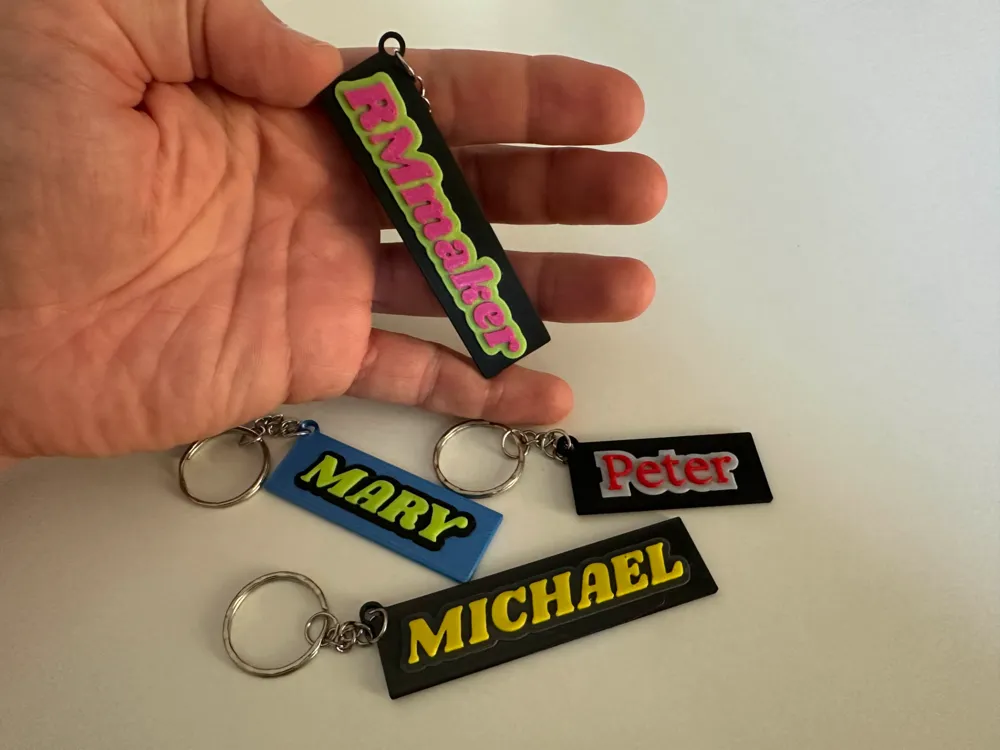
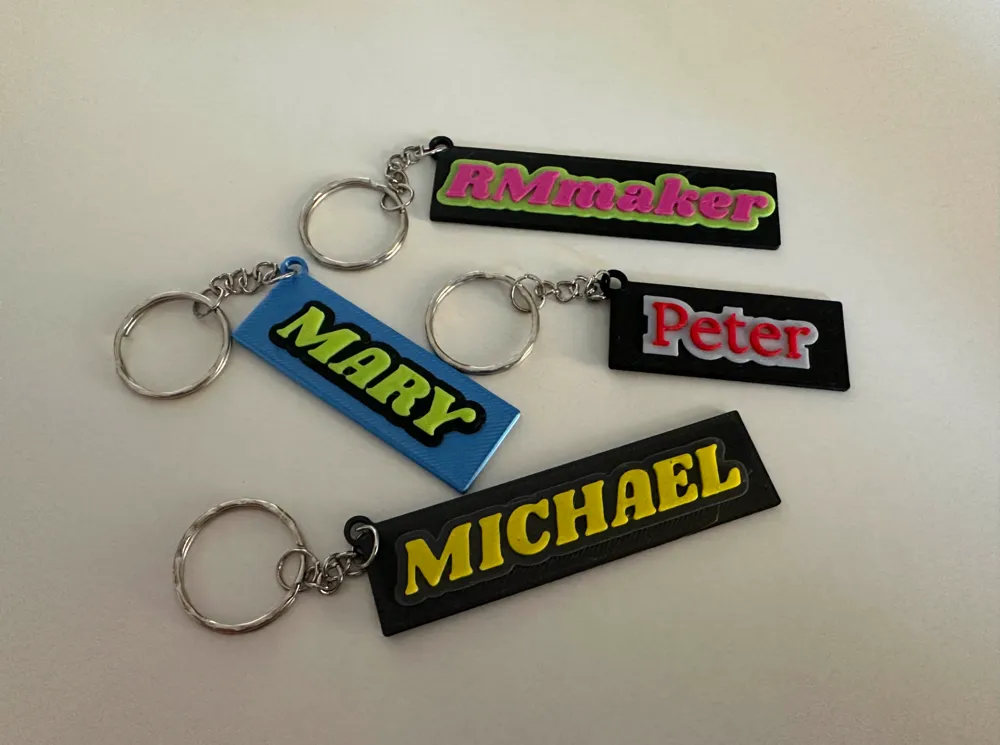
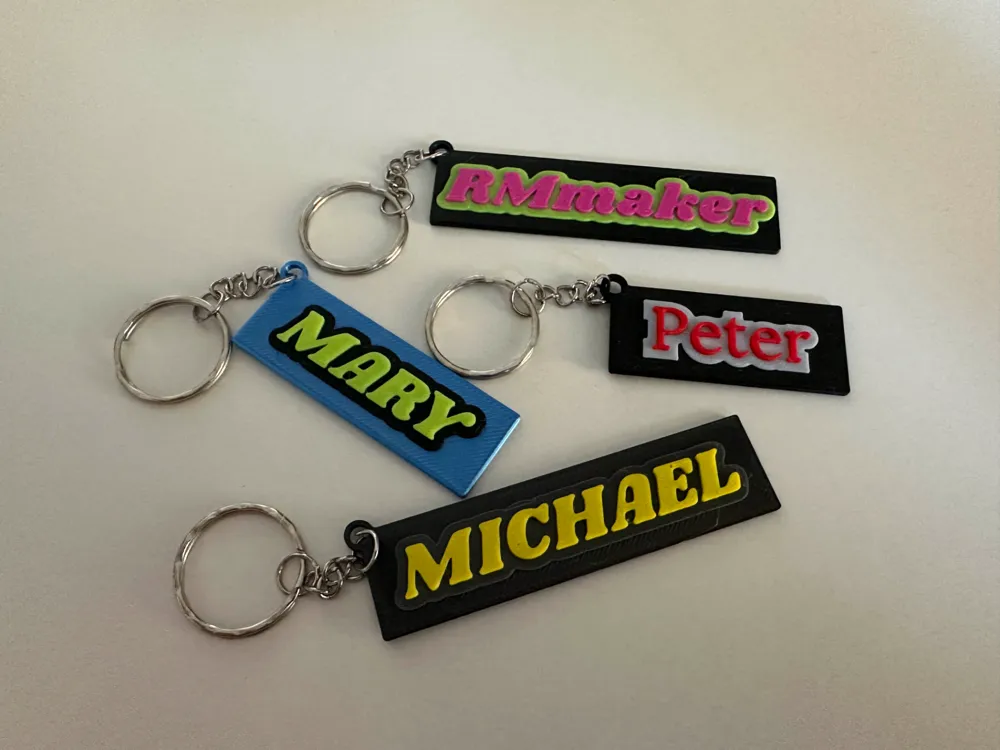
Keychain Creator: Fully Customizable 3D Keycharm
This model is created by Parametric Model Maker
Make Your Model

Print Profile(1)

All
X1 Carbon
P1S
P1P
X1
X1E
A1
A1 mini
H2D
H2D Pro
H2S
P2S
H2C
X2D
A2L

0.2mm layer, 2 walls, 15% infill
Designer
27 min
1 plate

Open in Bambu Studio
Boost
89
164
16
7
571
117
Released 

Bill of Materials

Maker's Supply Kits and Parts
Select all
25mm Silver Keychain (10pcs) - MA001
Bambu Filaments
Select all
Black (10101) / Refill / 1kg
Yellow (10400) / Refill / 1kg

Description

Customizable 3D Keychain Design – Personalize with Ease!

Create your perfect keychain with this highly customizable 3D design! Whether you're looking for a unique gift or a stylish addition to your keys, this design offers endless possibilities. 


Key Features:

  • Custom Text: Add your name, a favorite word, or a meaningful message.
  • Font Options: Choose from a variety of fonts to suit your style.
  • Support Plate Customization: Adjust the size, shape, and even the ring for your keychain.
  • Vivid Colors: Easily modify and personalize the colors of every element. Colors stay intact when you download the 3MF file via MakerWorld’s customization platform and import it into Bambu Studio.

Perfect for beginners and seasoned 3D printing enthusiasts, this design combines functionality with creativity. Download now and start customizing your one-of-a-kind keychain today!

Comment & Rating (16)

(0/1000)

Hey. How can I modify the text?
The designer has replied
0
Reply
Hello! Once in Makerlab, in the customize options there is one called 'TEXT', you have to change that.
0
Reply
Replying to @RMmaker :
Cand you make me a screenshot please?
0
Reply
Replying to @RMmaker :
I got it now. Thank you. Is this free to modify? Or do I have a limit?
designer
1
Reply
Boosted
Nice!!!!
0
Reply
Boosted
Good design
The designer has replied
1
Reply
Many thanks!
0
Reply
works as should. cheers boost for you
The designer has replied
designer
1
Reply
Thank you very much!
0
Reply
Boosted
how to edit the text
The designer has replied
0
Reply
You have to go into customize edit option (see image) and there you can find that one of the options you can change is 'TEXT'.
0
Reply
Can you add a second line to this design?
The designer has replied
0
Reply
I will work on this. I will answer you again when the model is updated with the possibility of a second line. Thanks!
0
Reply
Boosted
Verygood!
0
Reply
No more

License

This user content is licensed under a Standard Digital File License.

You shall not share, sub-license, sell, rent, host, transfer, or distribute in any way the digital or 3D printed versions of this object, nor any other derivative work of this object in its digital or physical format (including - but not limited to - remixes of this object, and hosting on other digital platforms). The objects may not be used without permission in any way whatsoever in which you charge money, or collect fees.