
MPCNC - Independent floating Dust Shoe-No X/Y loss

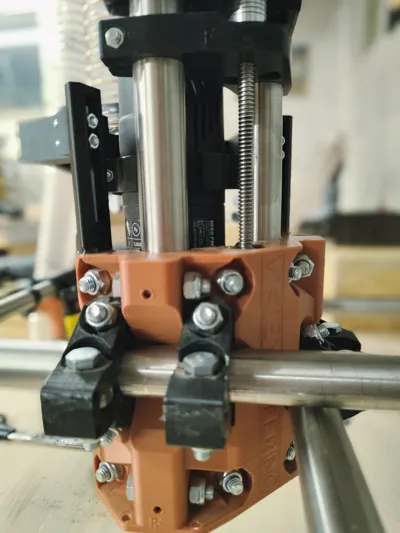
Print Profile(1)

Description
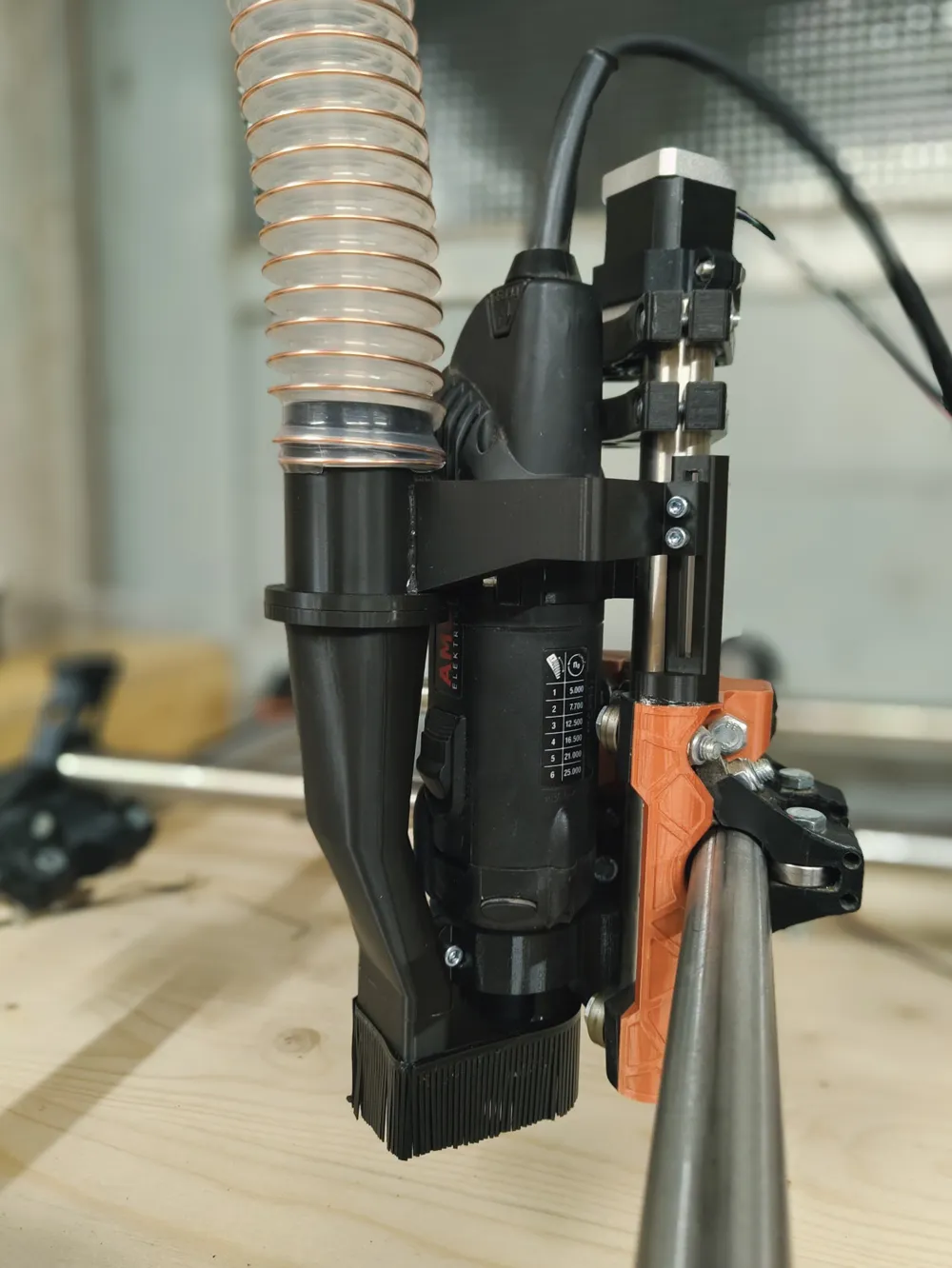
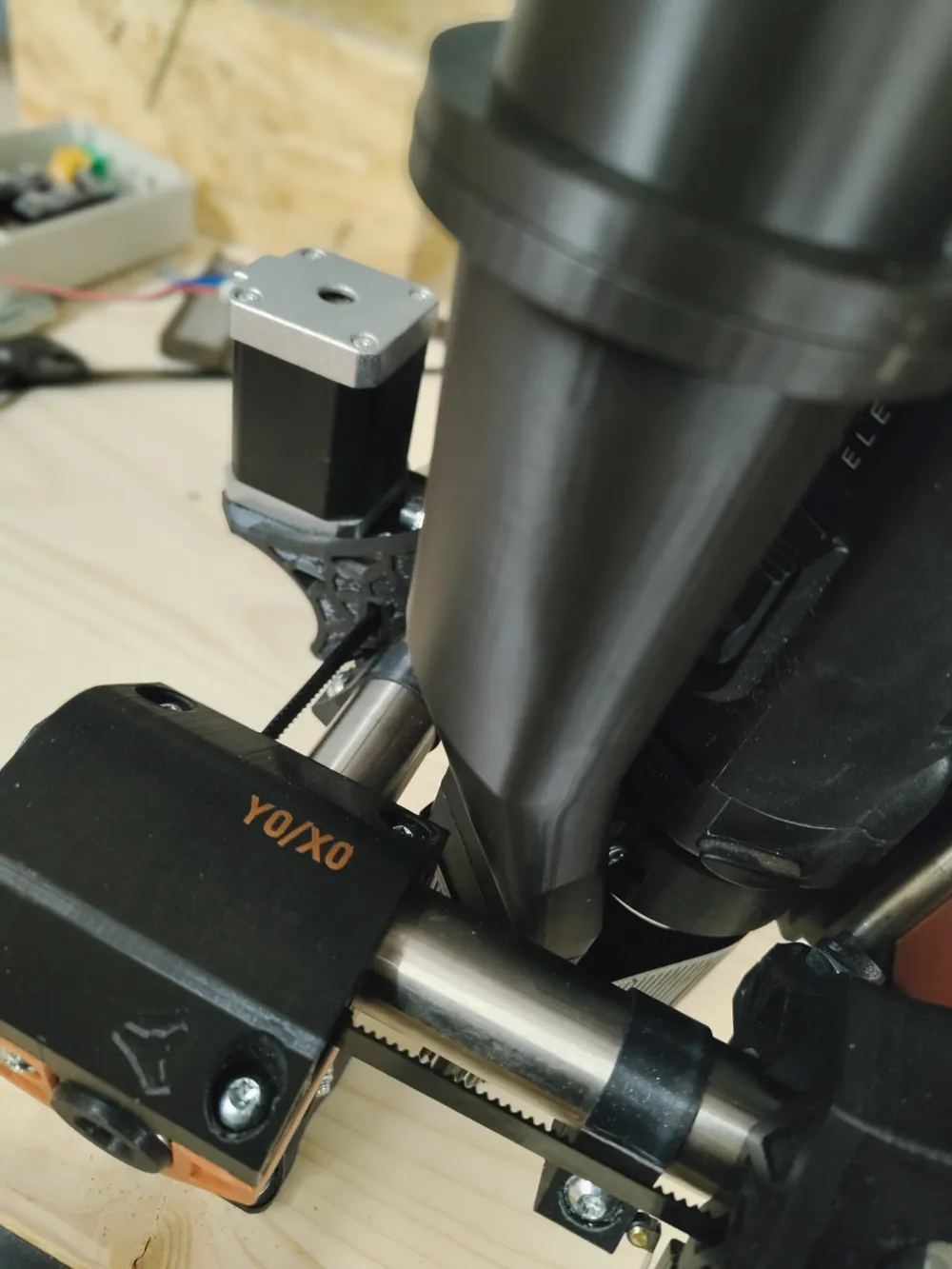
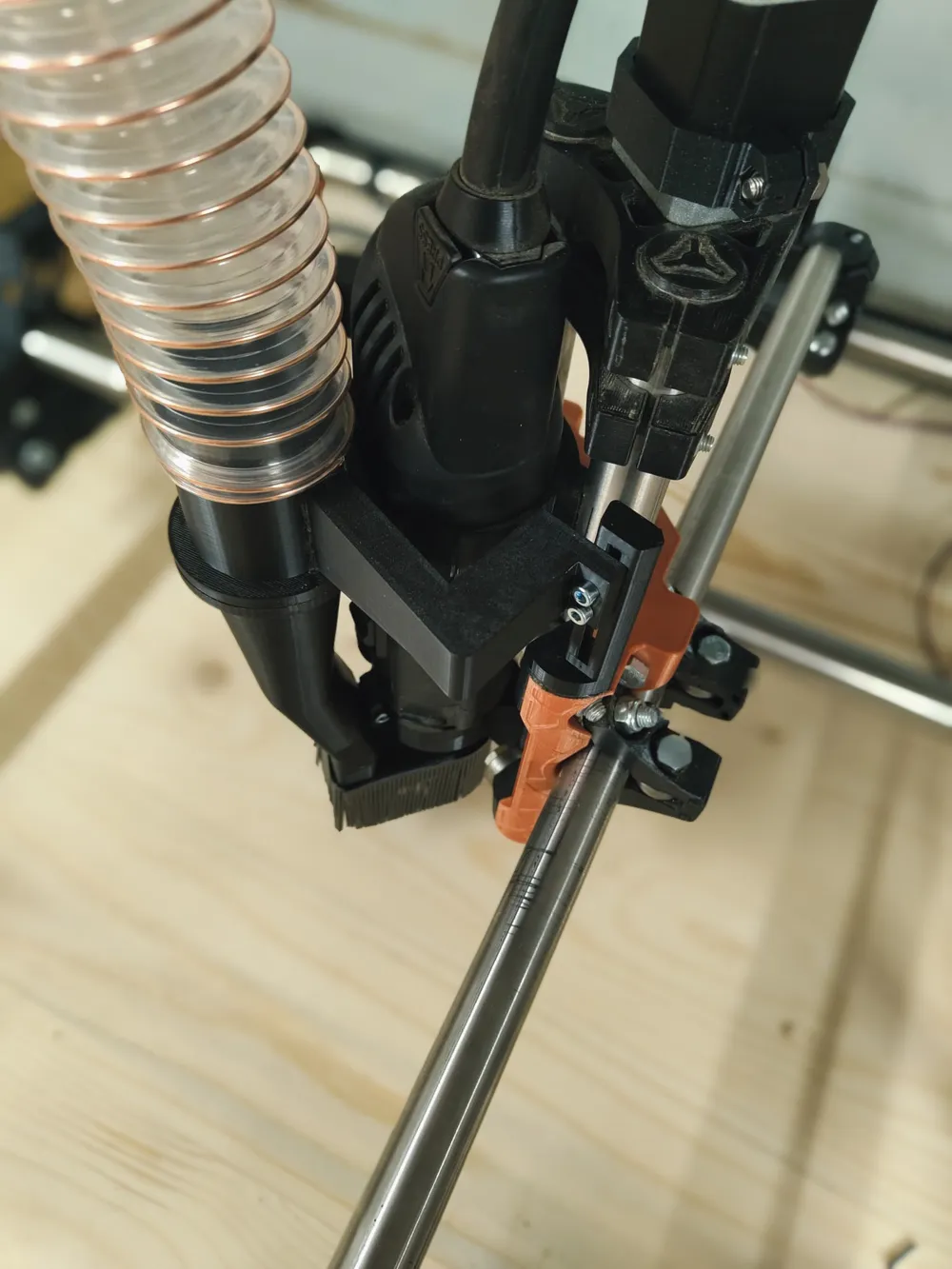
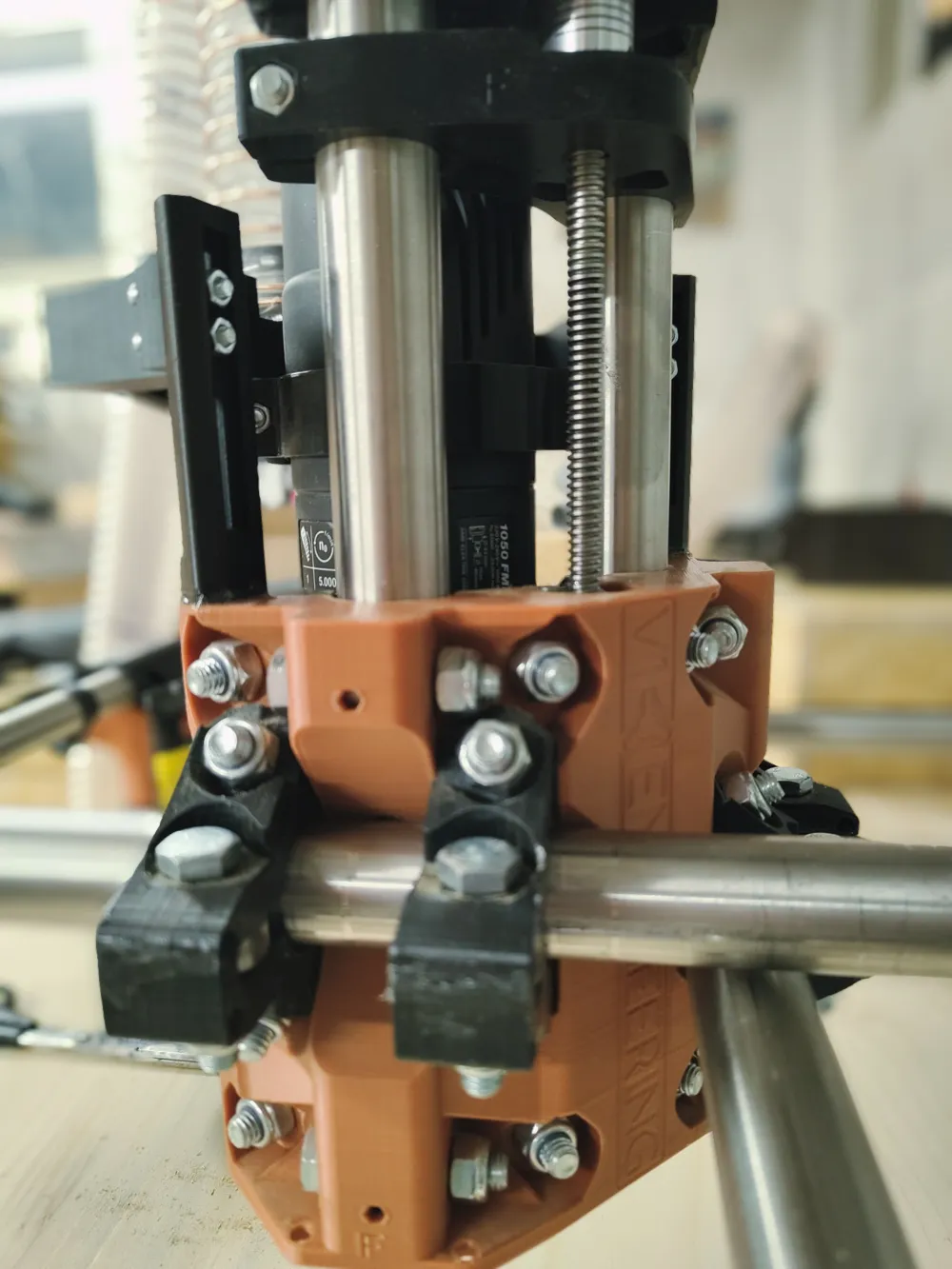
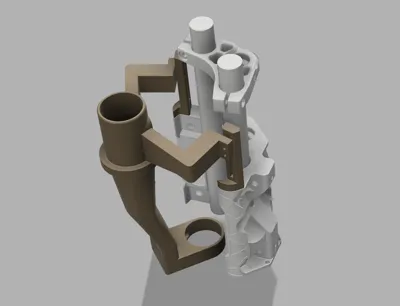
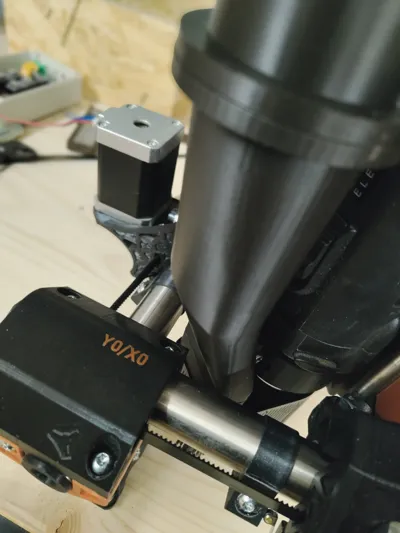
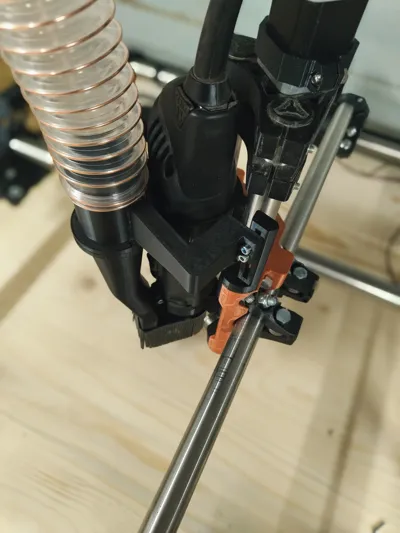
This is an independent floating dust shoe designed for the MPCNC Primo, specifically made to fit an AMB 1050 FME spindle. It allows unrestricted movement in both the X and Y axes. The lower part of the dust shoe is detachable (using magnets) for convenient tool changes. It provides powerful suction when connected to a shop vacuum.
The compatibility of this dust shoe should not depend on which Primo version you use (F, J, etc.) as the cores should be generally the same. However, please double-check this to ensure compatibility. This design was specifically made for the F version.
Additional Parts Required:
- AMB-Spindle Mount: Use this mount, as the dust shoe is designed with it in mind: MPCNC Primo AMB 1050 FME 43mm Tool Mount (Thanks to: @Antigreen_67187).
- Optional: Brush for the Dust Shoe: Print this model (3x) in TPU as the brush: Alternative TPU Brush for Dust Shoe (Thanks to: @slynn1324_320579).
Hardware:
- 6x Strong Magnets (8x3mm)
- 4x Metric Allen Screws (M4 x 20mm)
- 4x M4 Nuts
- 50mm Hose or adapters for other hose diameters
Printing Recommendations:
- Wall Thickness: At least 4 walls.
- Infill: 30% recommended.
- Supports: The bottom part (shoe) requires supports.
- Material: Printed the shoe in ABS for added flexibility and heat resistance. PETG or PLA should also work fine. Really - dont use ABS for the Towers (you dont want too much flexibility there). Approximately 190g of filament is required.
Assembly and Installation:
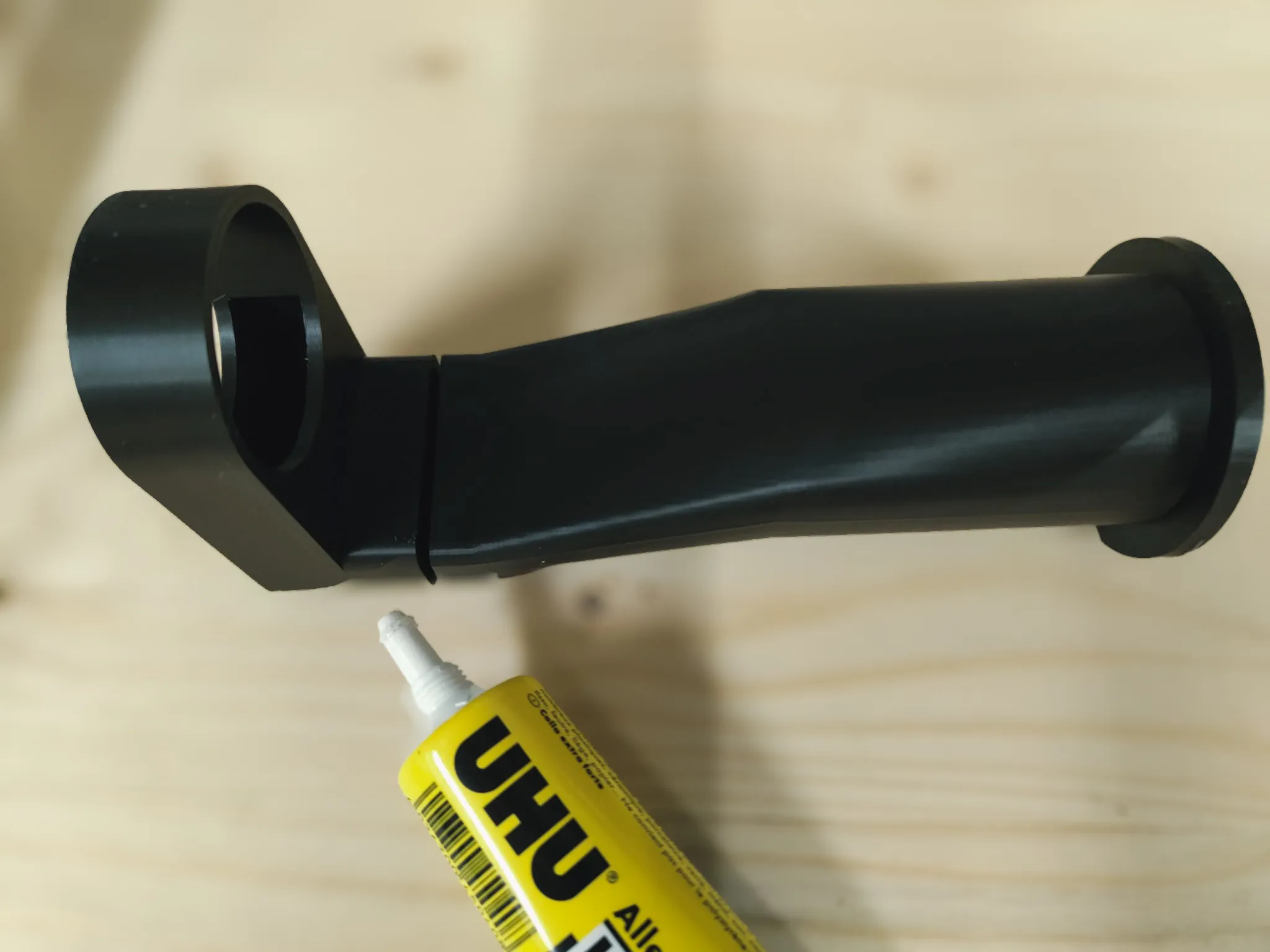
These parts are designed to minimize the need for supports but require gluing during assembly. Use strong, high-quality adhesive for the best results.
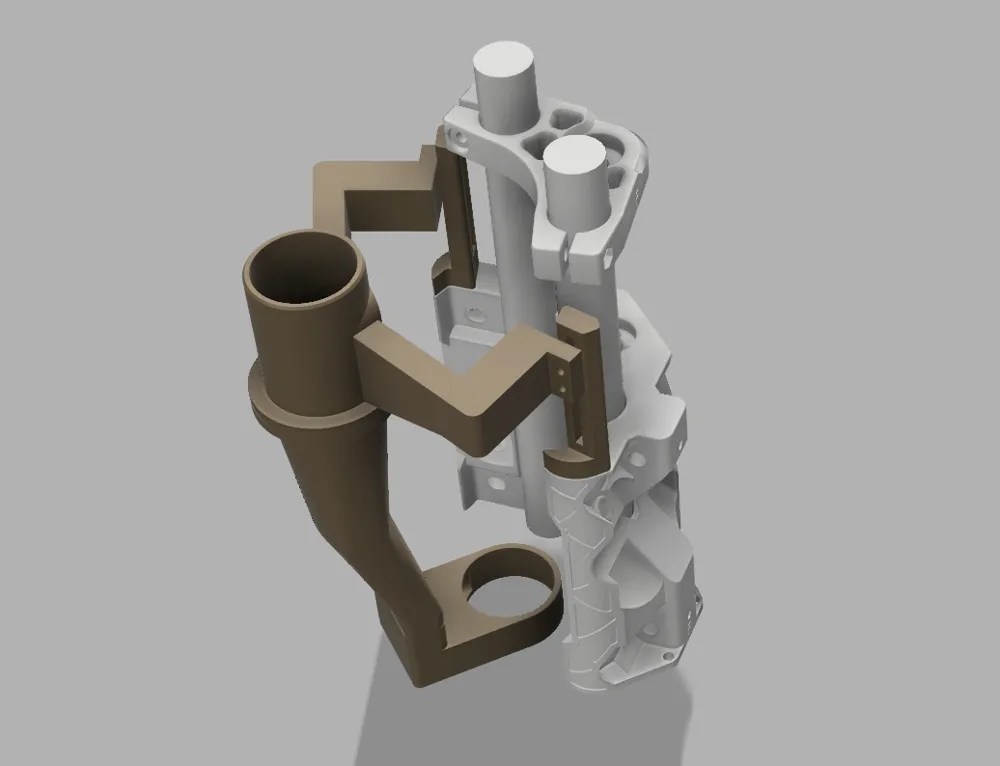
You can refer to the provided STEP file for orientation, but overall, assembly should be straightforward.
1: Magnets: Glue the magnets into the top and middle parts.
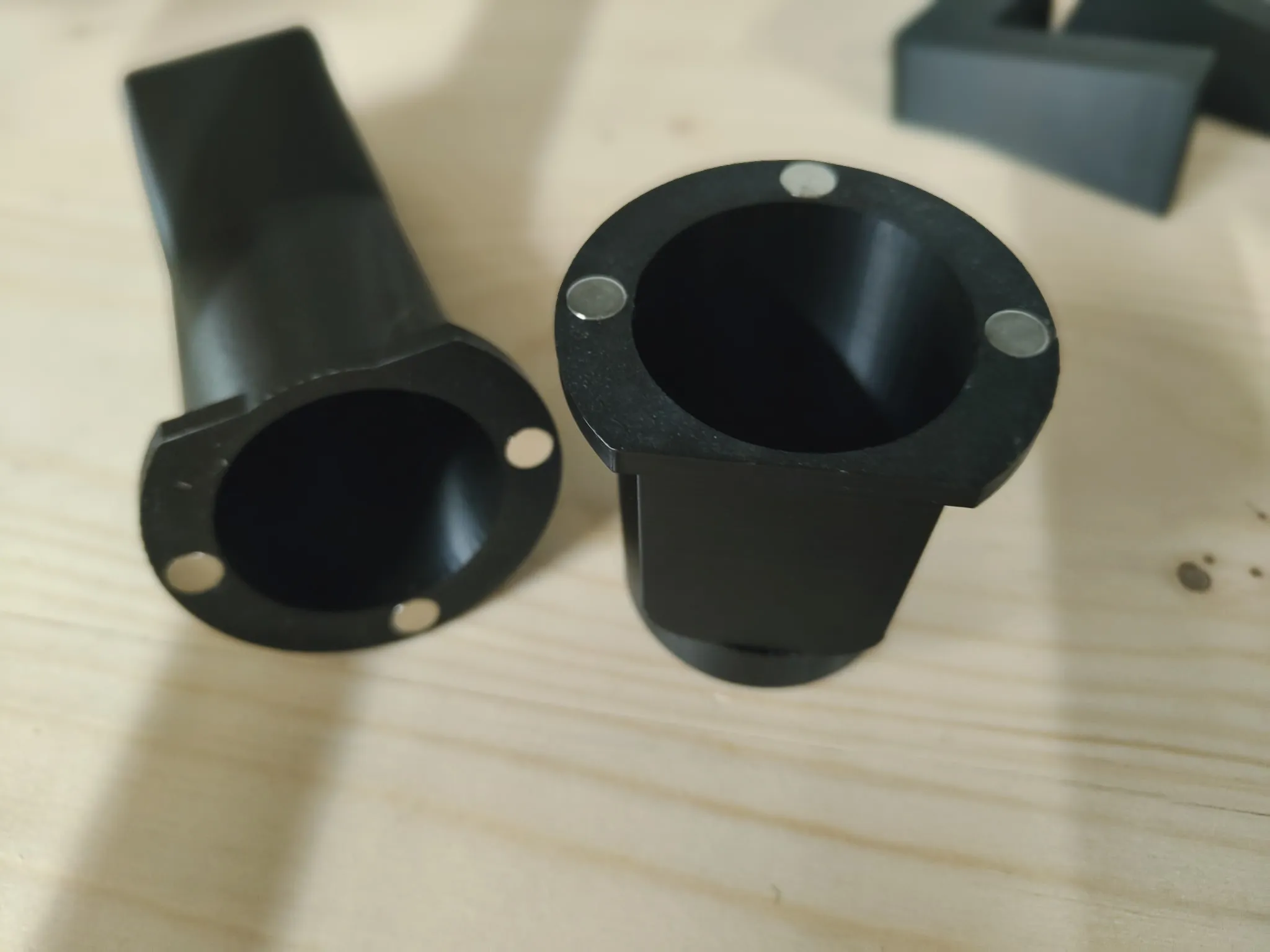
2: Bottom and Mid Parts: Glue the bottom part of the shoe to the mid part.
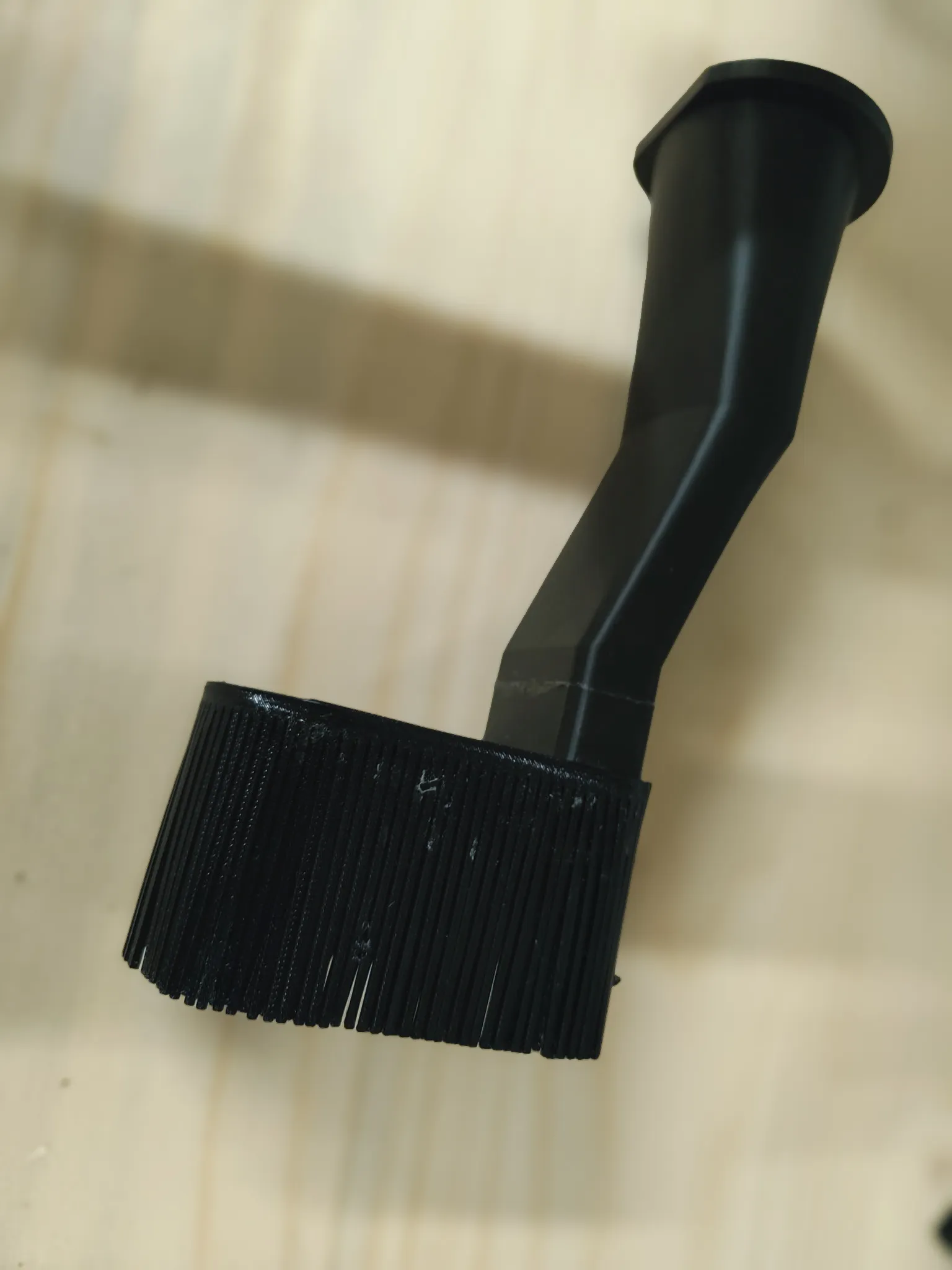
3: Brush: Attach the TPU brush to the shoe using glue and trim it to the desired length. This step is completely optional and can be done later. For my setup, I printed the brush three times and glued the layers around the shoe, stacking them on top of each other.
4: Mounting Arms to the Top Part: First, mount/screw the arms to the corresponding towers. Then, glue the two arms to the top part. Be careful with alignment: corner to corner, ensuring the front/bottom edges are even. Take your time here.
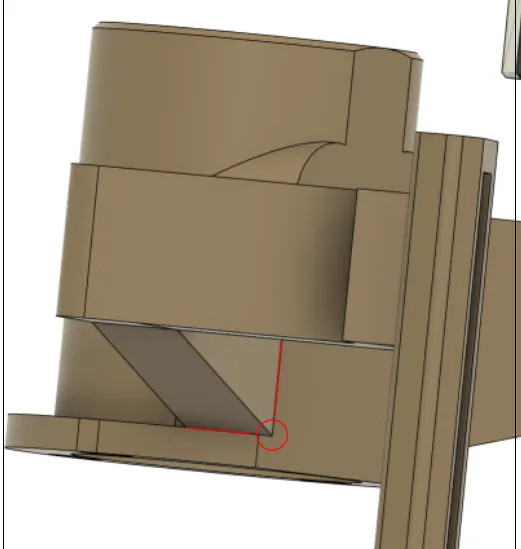
5: Assemble All Components: Attach the bottom part to the newly assembled top part. This is where the magnets come into play!
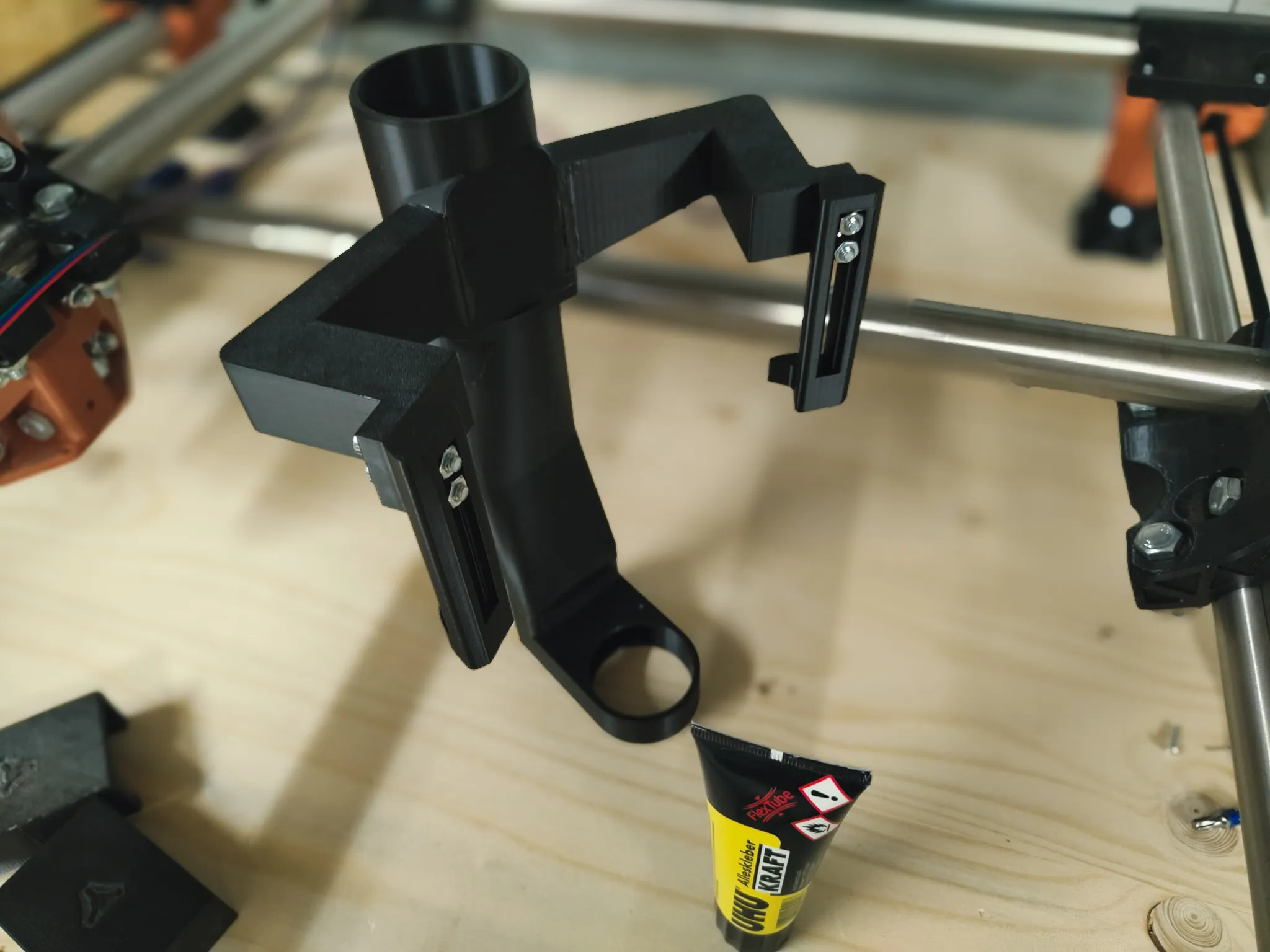
6: Attach to the Core: Glue the entire assembled dust shoe to the core. The correct position should be obvious. You can bend / stretch it a bit for perfect fit. The shoe should touch the bottom mount from @Antigreen_67187. While pressing the towers onto the core, remove the bottom part of the dust shoe (attached via magnets) to reduce unnecessary weight during this step.
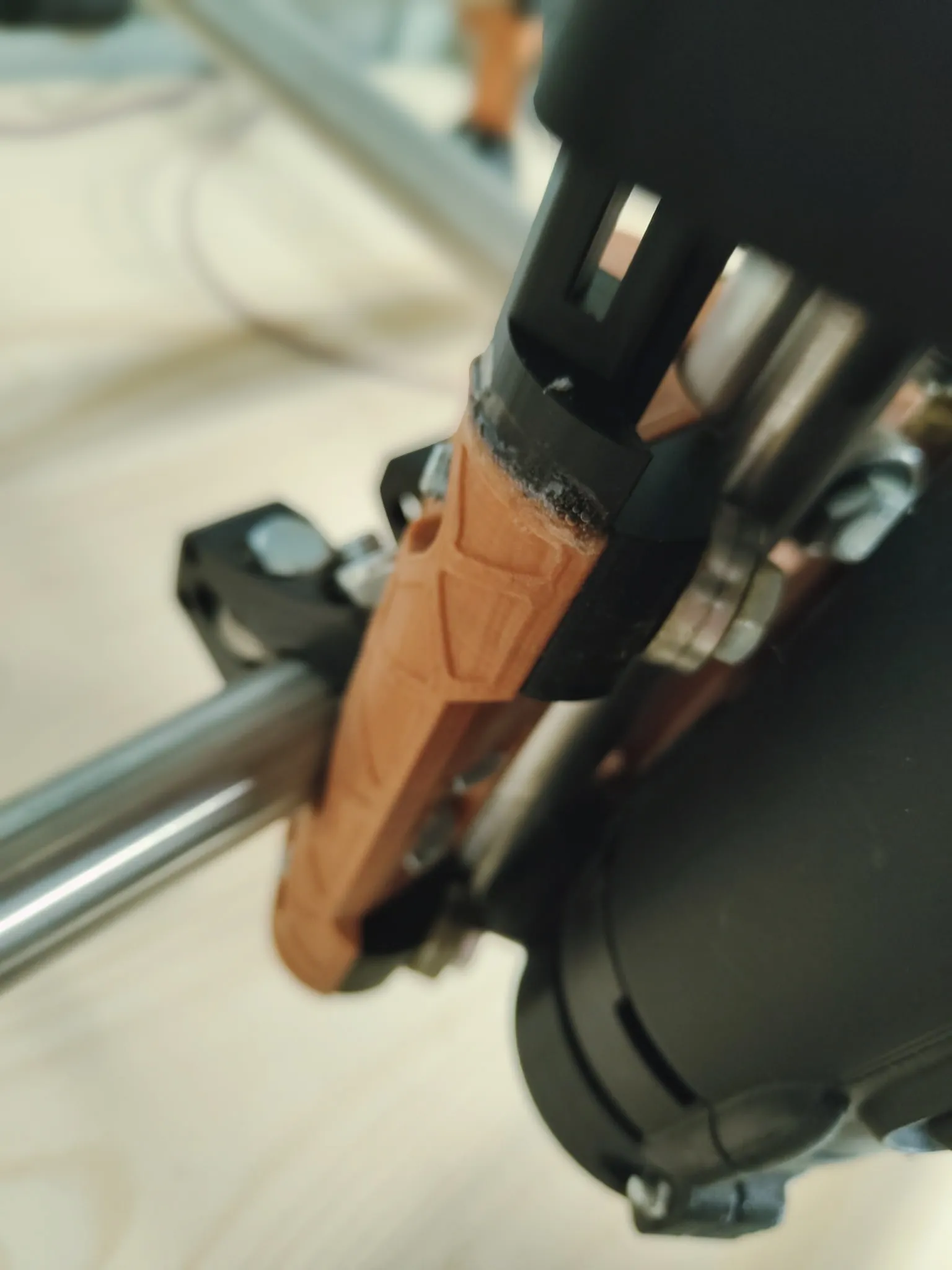
7: You are done!

Adjustments:
Once assembled, the dust shoe’s position can be adjusted by loosening the four screws, moving the shoe to the desired position, and then tightening the screws.
Notes on Z Height:
This dust shoe is designed for a Z-axis height of 81mm (recommended Z height). If your setup uses a taller Z-axis, you can modify the provided STEP files to make adjustments. However, the design offers some flexibility due to its brush and efficient airflow, so it may still function as-is for slightly taller setups.
License



Comment & Rating (5)