
Gift Card Christmas Box


Print Profile(11)



Description
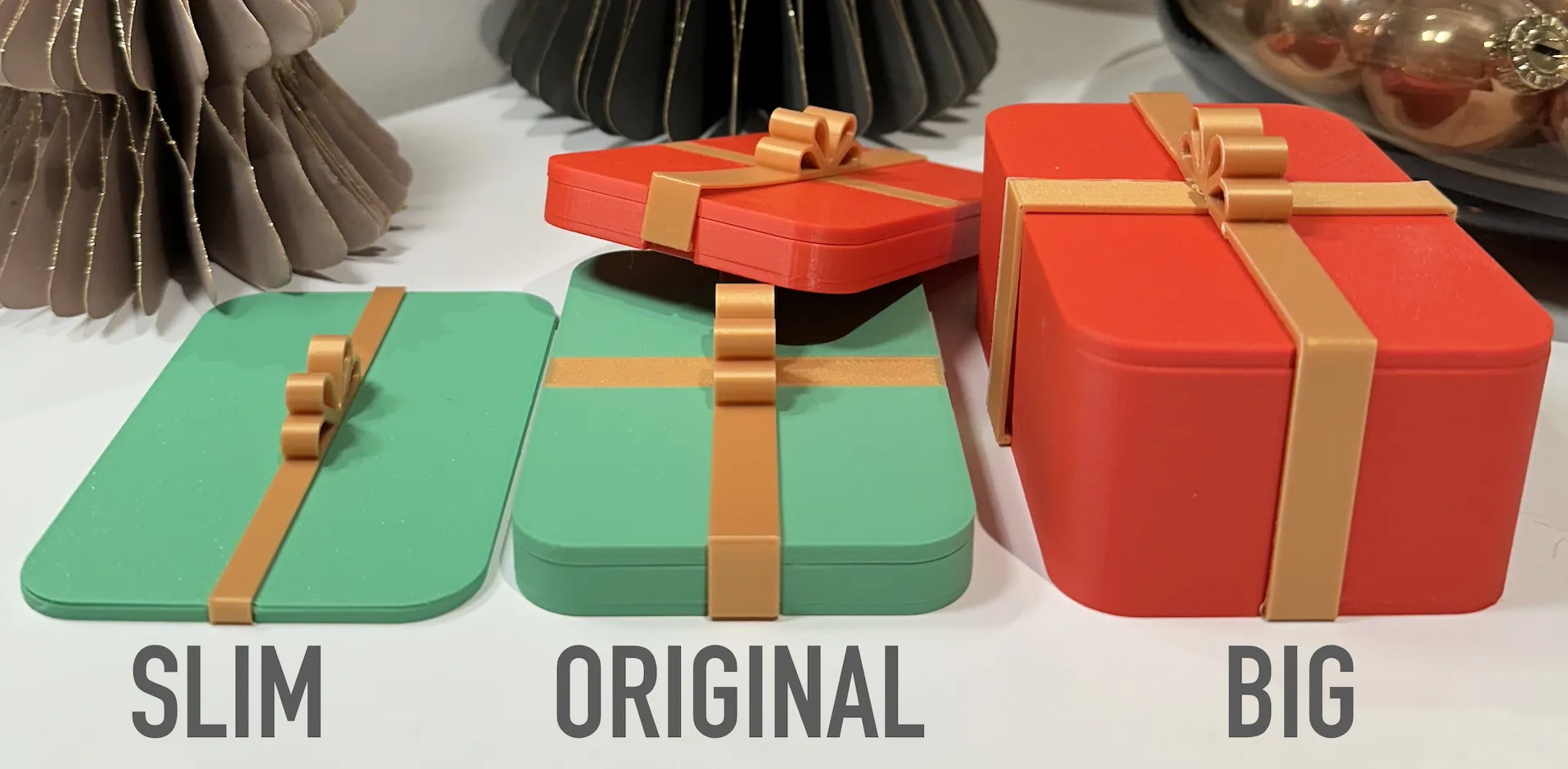
UPDATE: Multiple sizes now available:
Slim: https://makerworld.com/it/models/85628#profileId-91531
Large: https://makerworld.com/it/models/85631#profileId-91534
Check out this multicolor christmas-themed gift card box! Super easy to print, takes just an hour and about 40g of filament. There's a printed ribbon on one side and a separate ribbon that acts as a lock to keep the box closed.
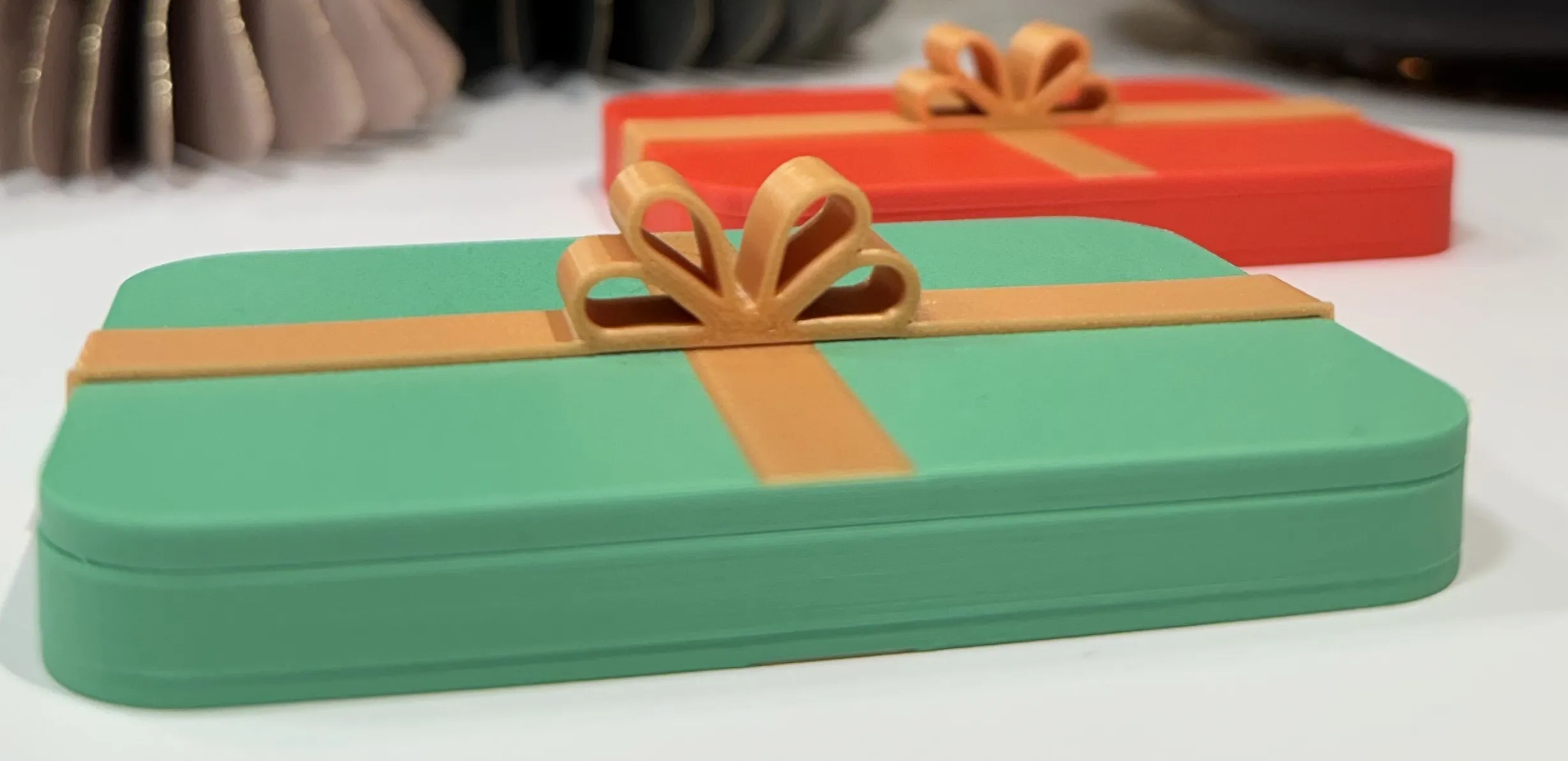
If you don't have an AMS, no worries—I've also added a "single color" profile. Print the box in one color and the ribbon in another. You won't get the ribbon on both sides, but it still looks cool with the separate print.
The quickest multicolor option gives a slick look in just one hour. It trims some of the ribbon print on the sides for a quicker print, but it's still quite good. Another profile extends the ribbon effect across the entire box, requiring two hours due to color changes. Many would say it provides the most appealing look. The choice is yours!
Note: For a more secure placement of the ribbon on the box, I recommend applying a small amount of glue to the ends. Ensure it adheres firmly but use just enough so that the person opening it can easily peel it off!
License



Comment & Rating (1602)