
D20 Christmas Ornament - Single or multicolor
Print Profile(2)


Description
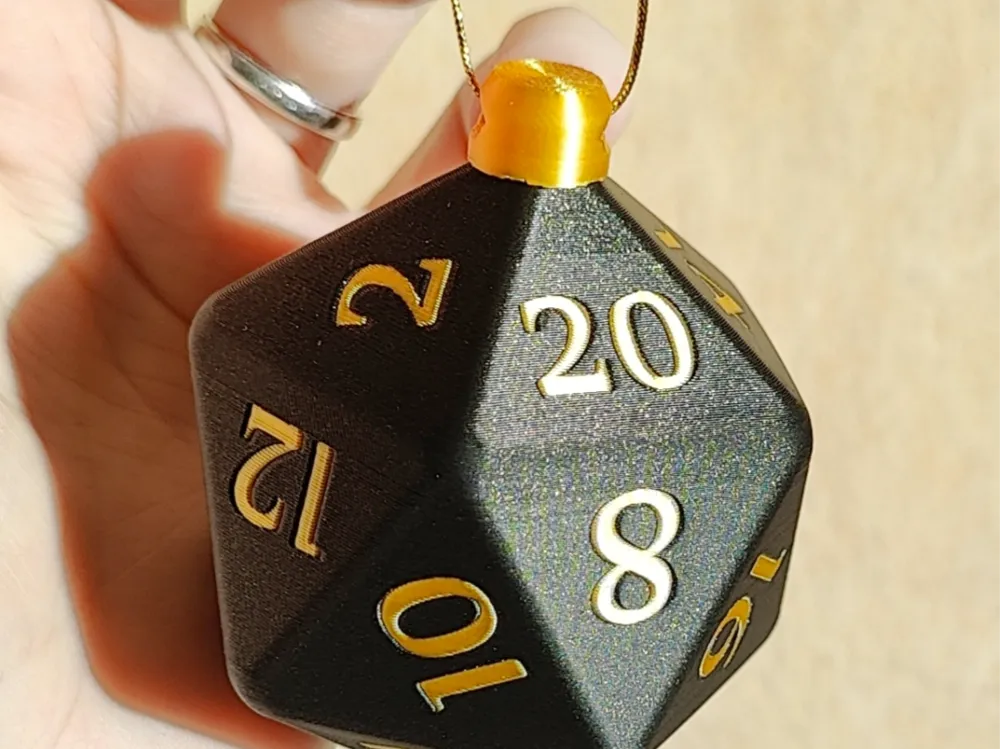
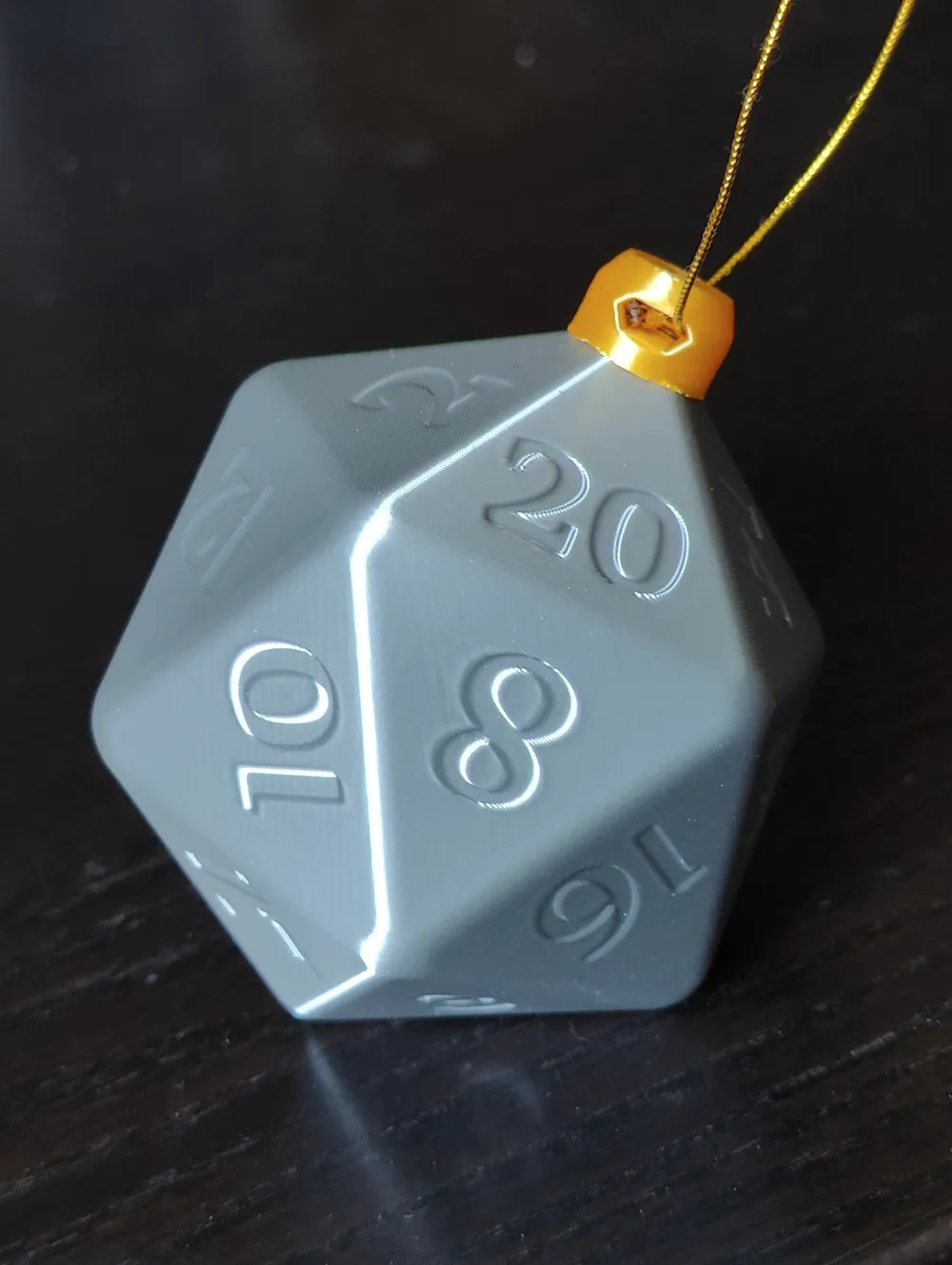
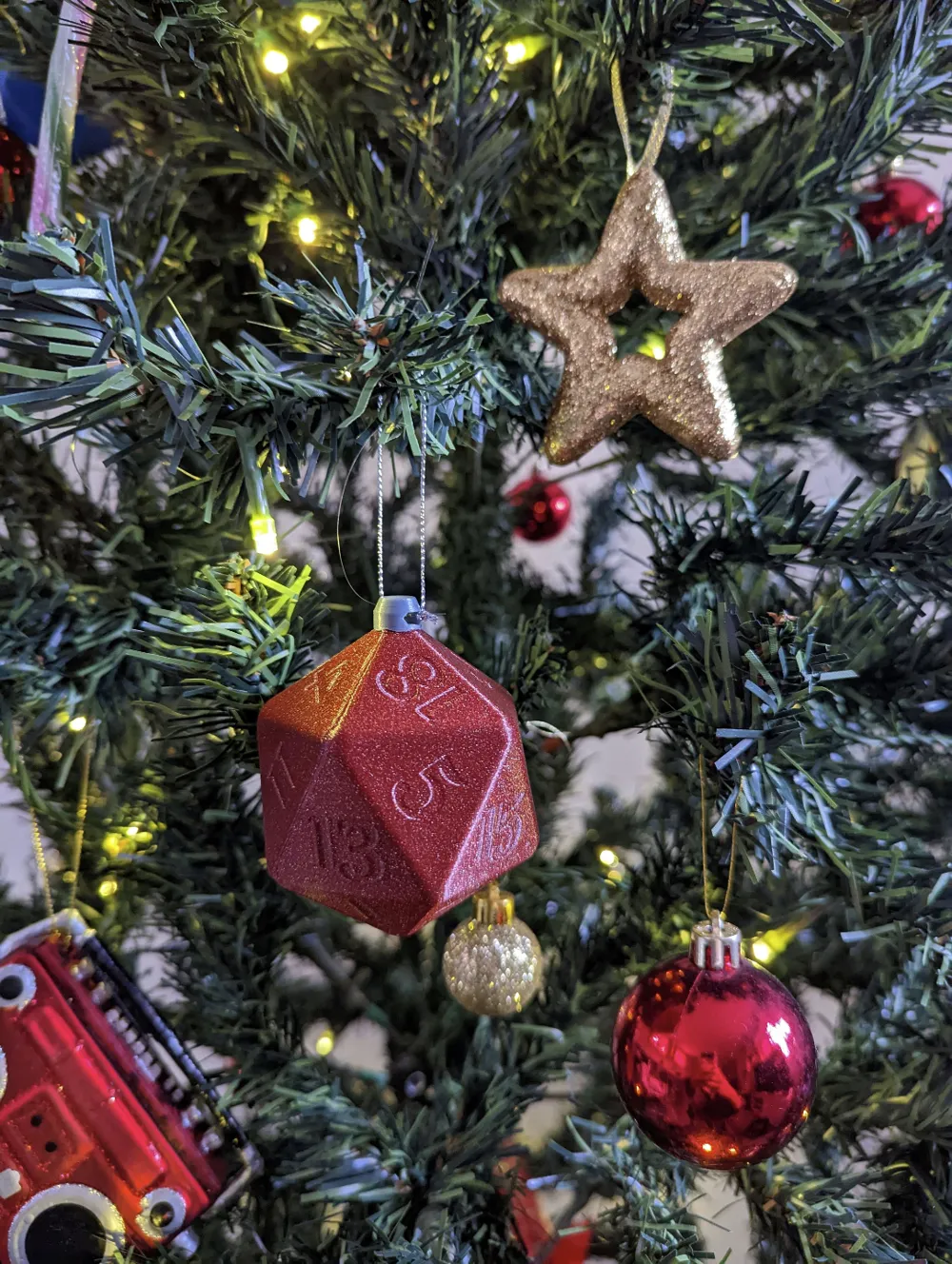
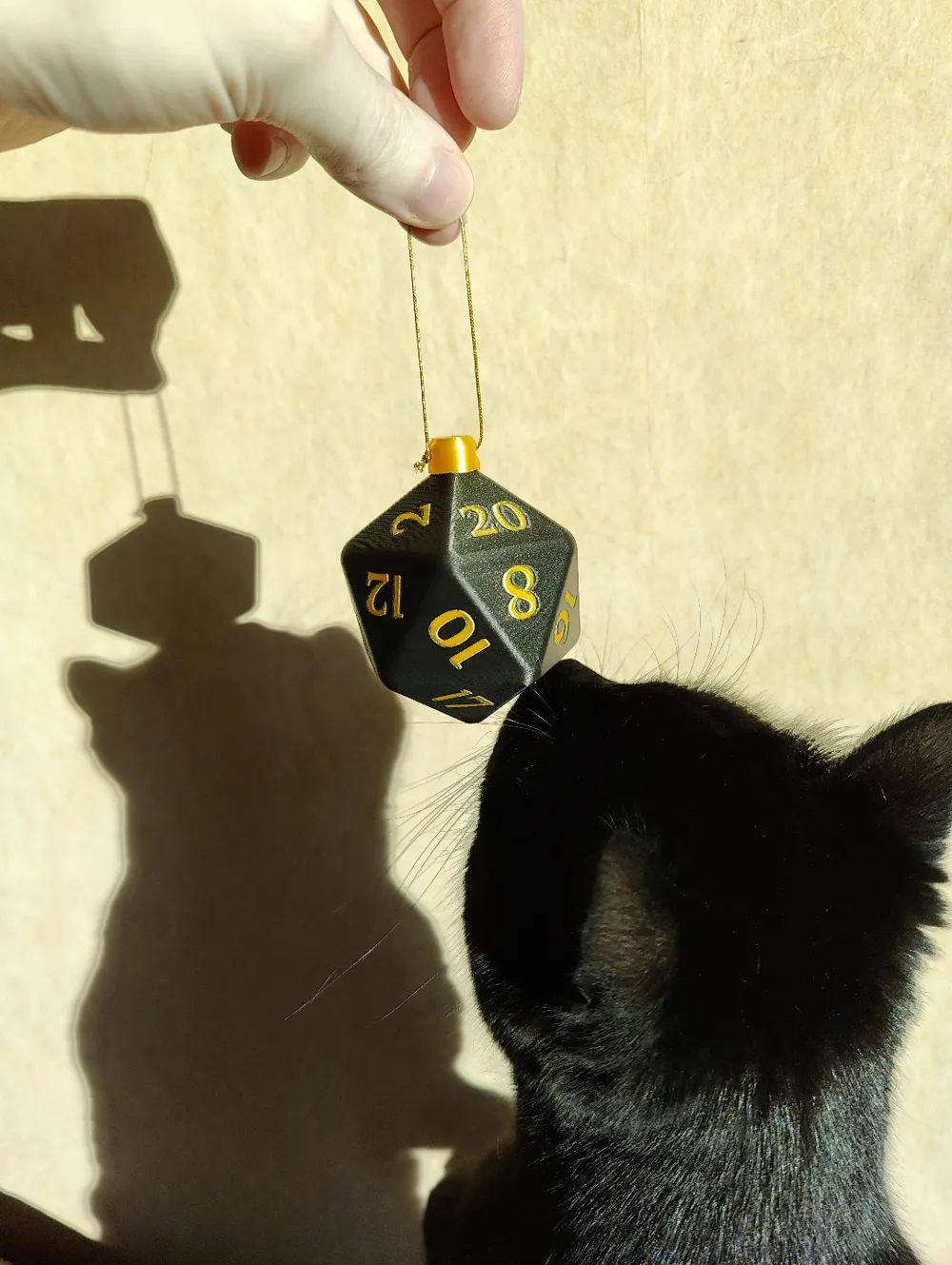
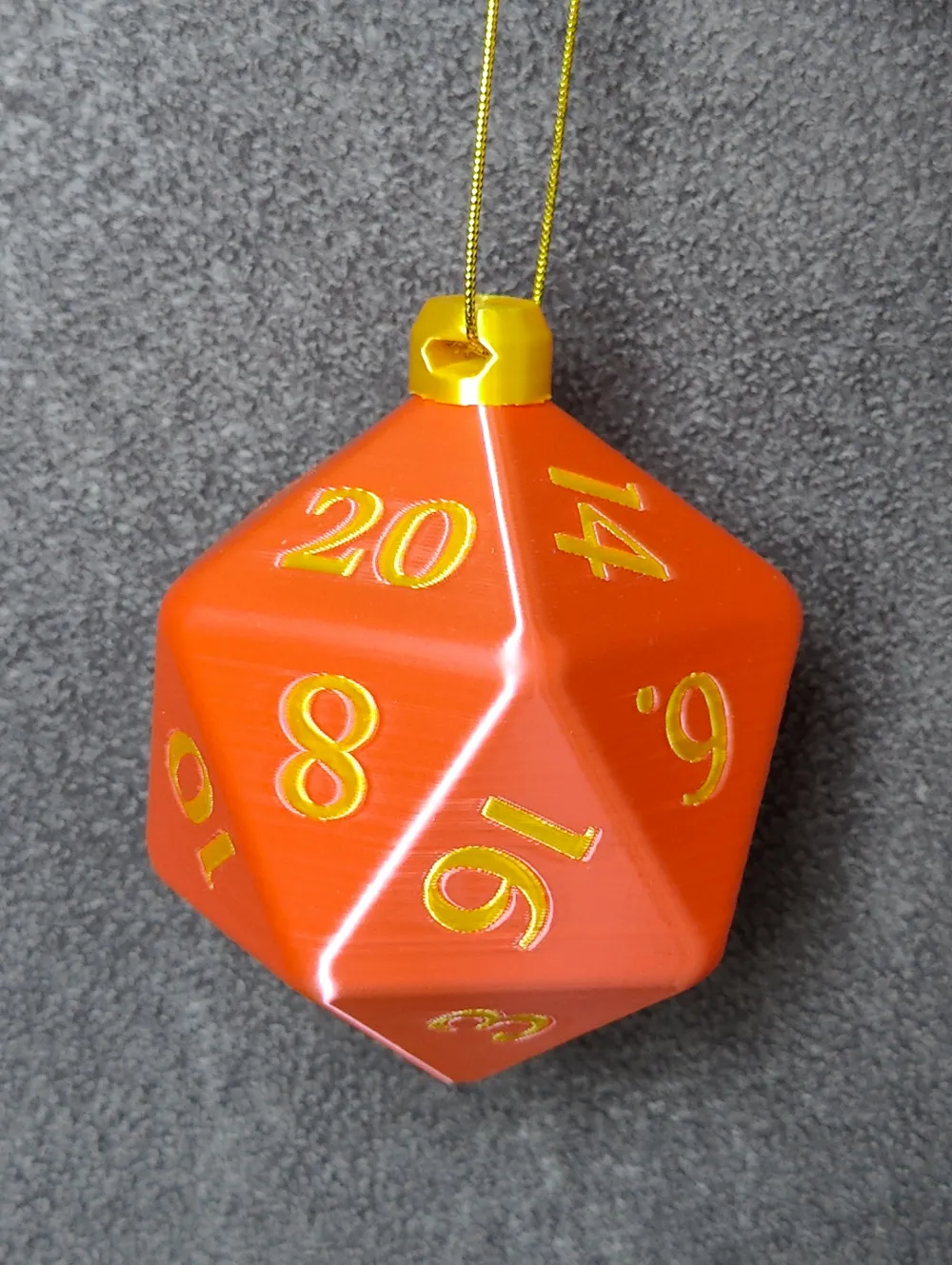
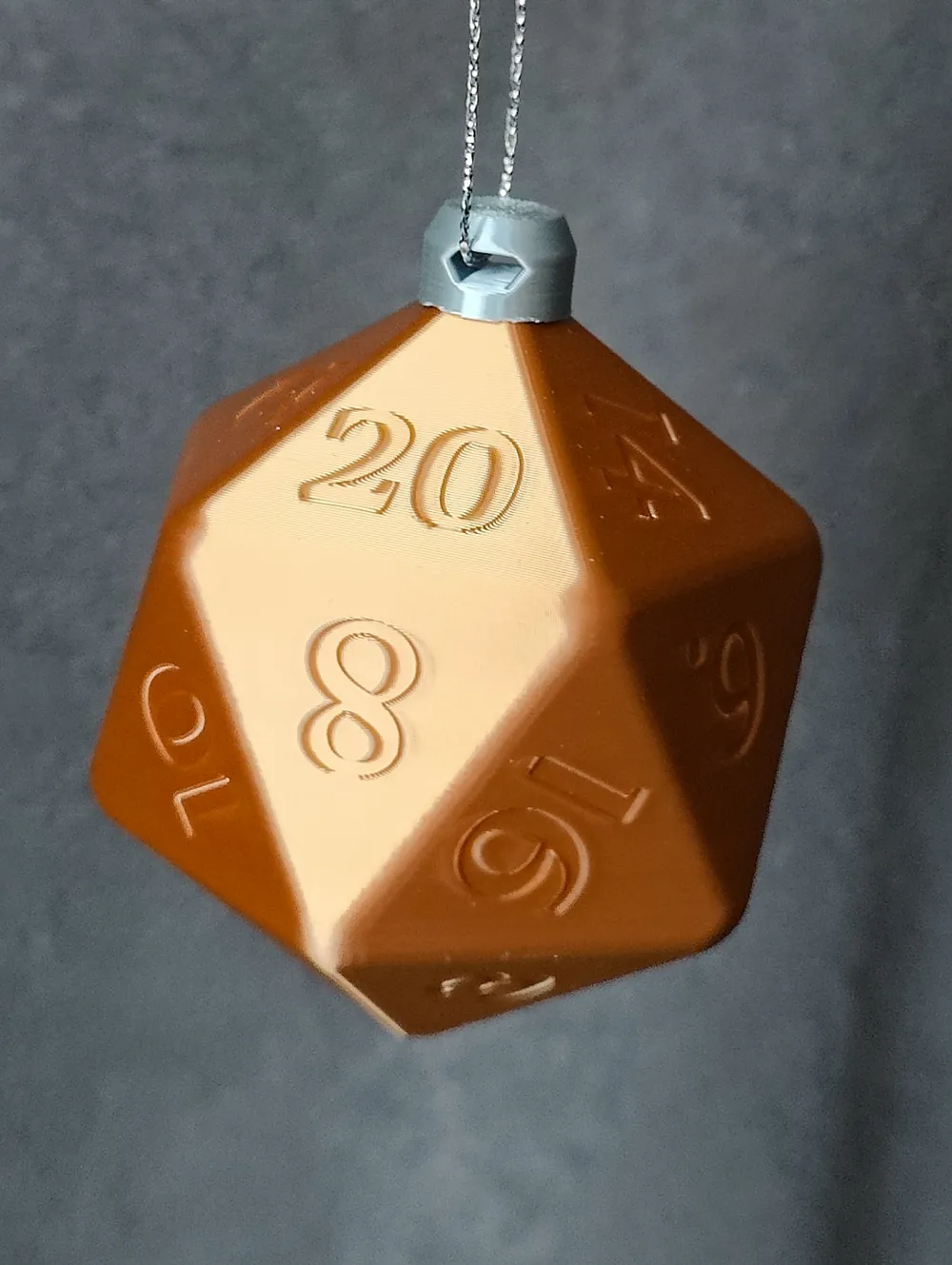
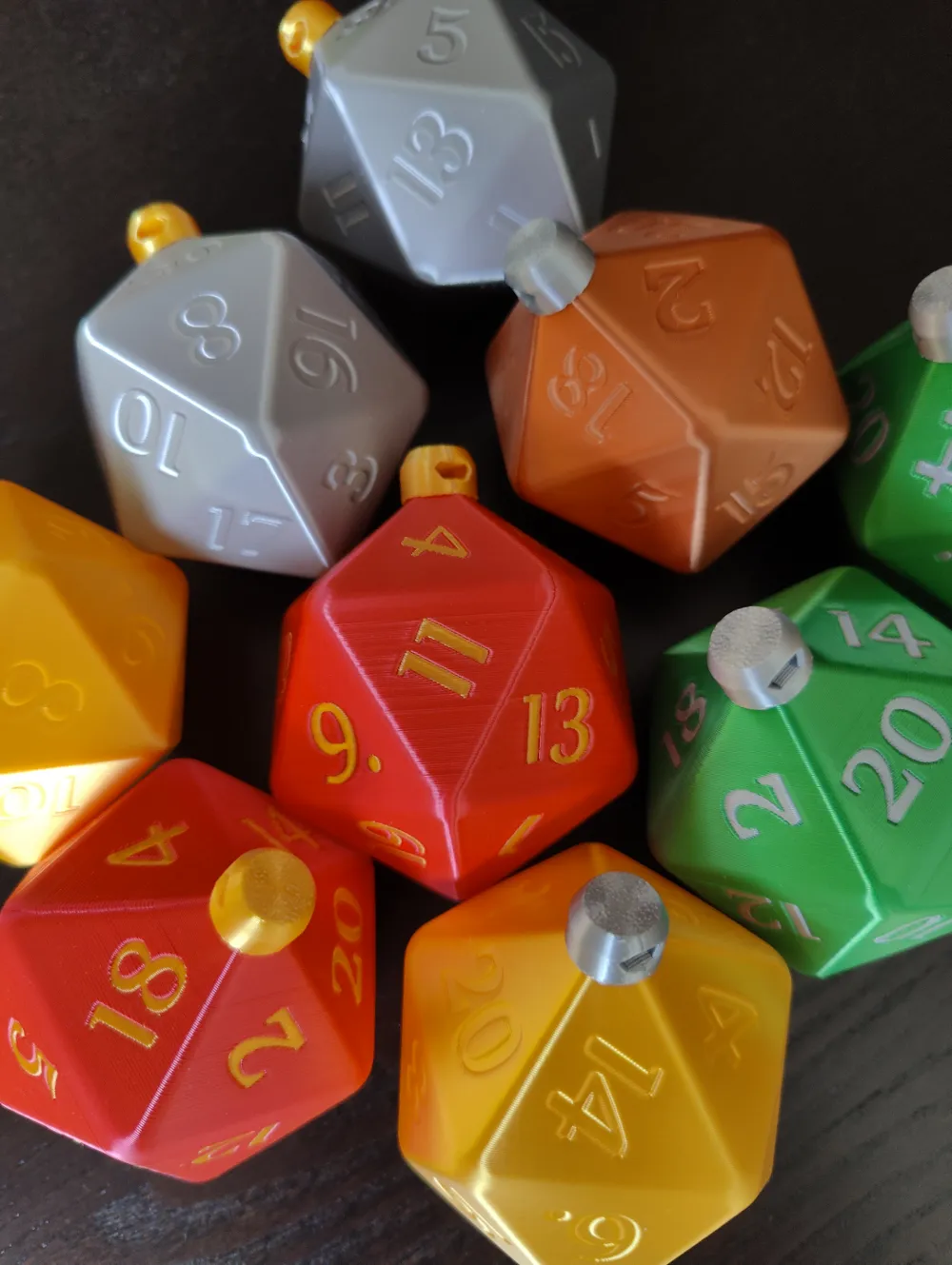
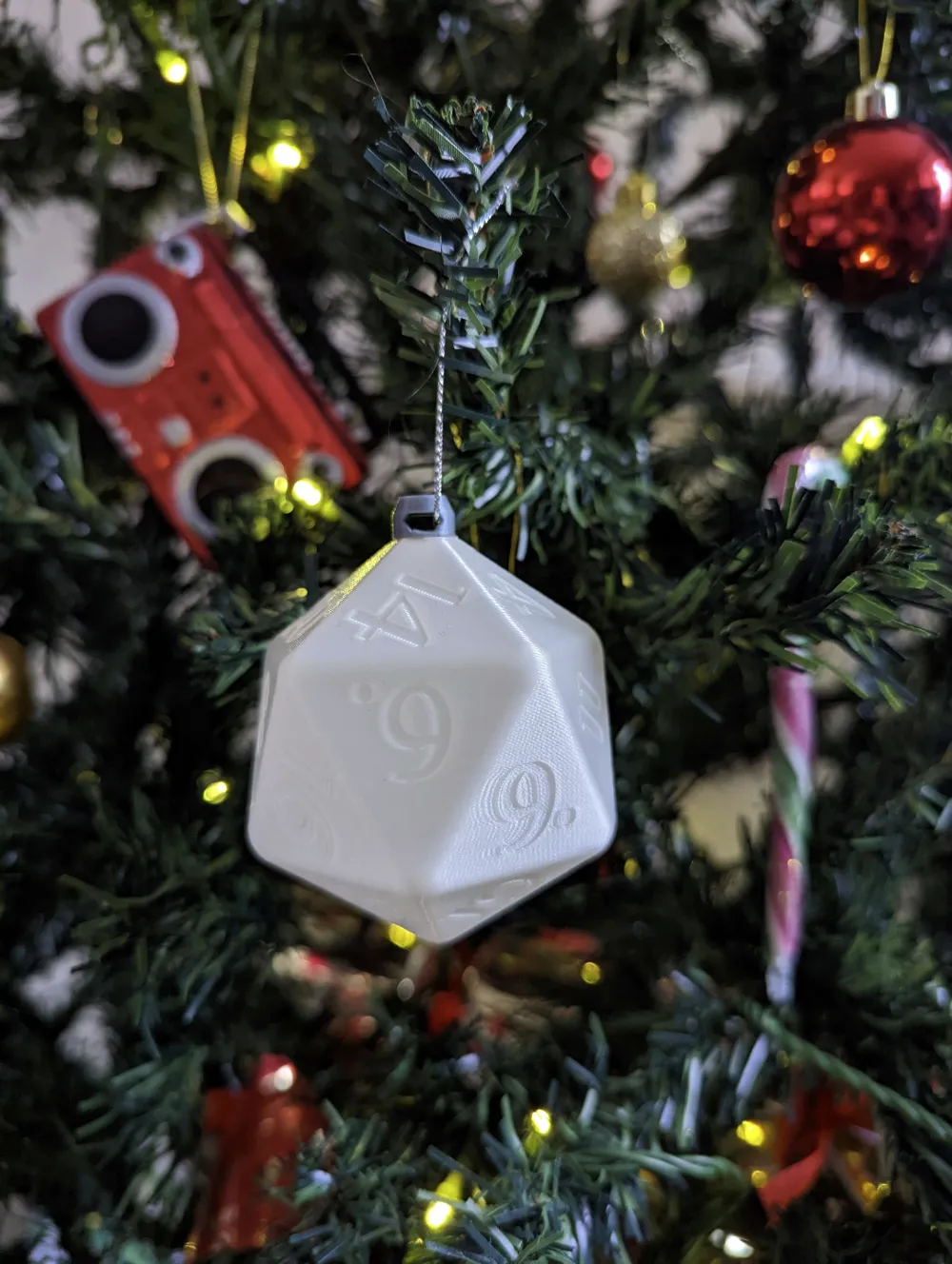
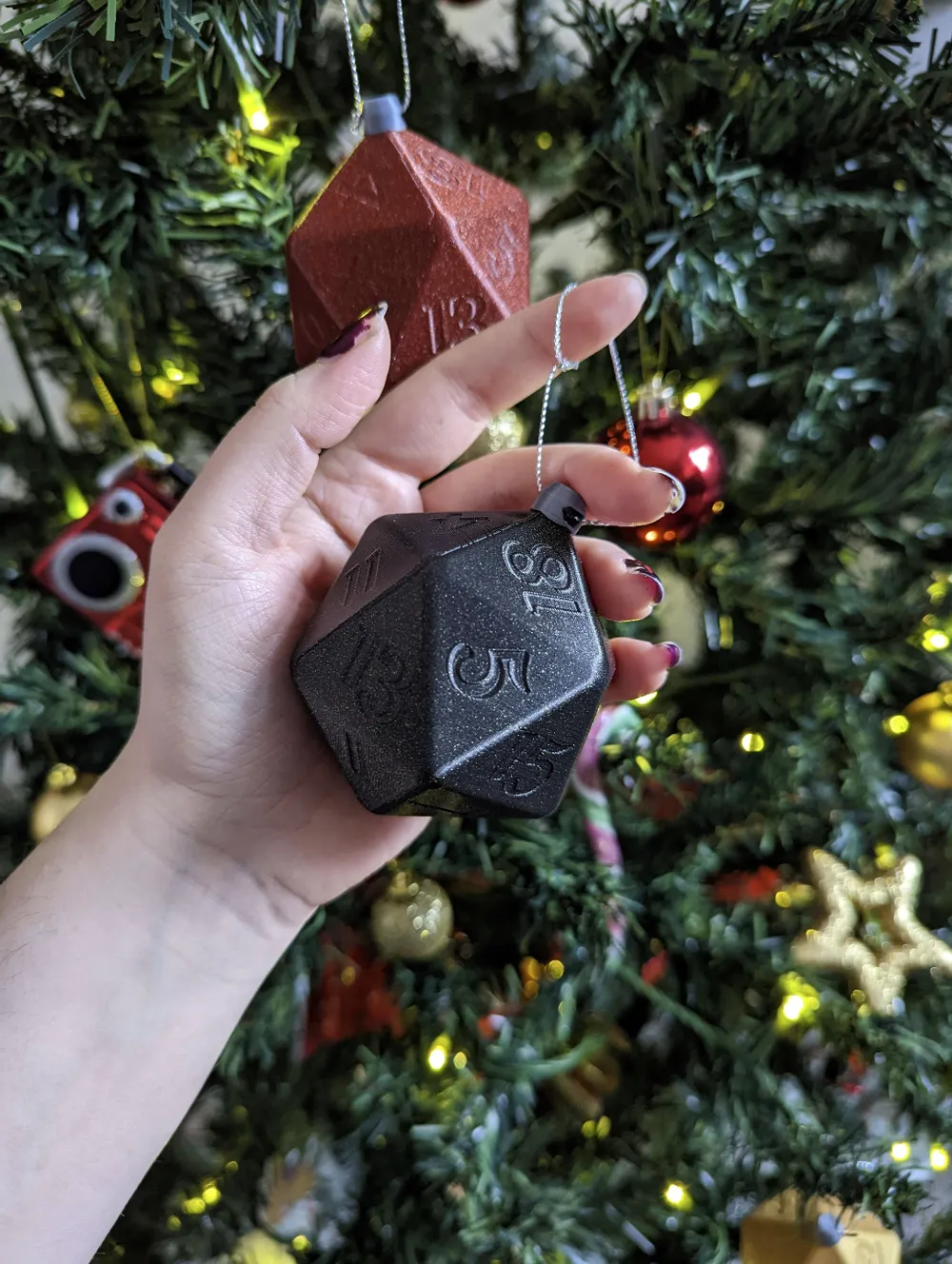
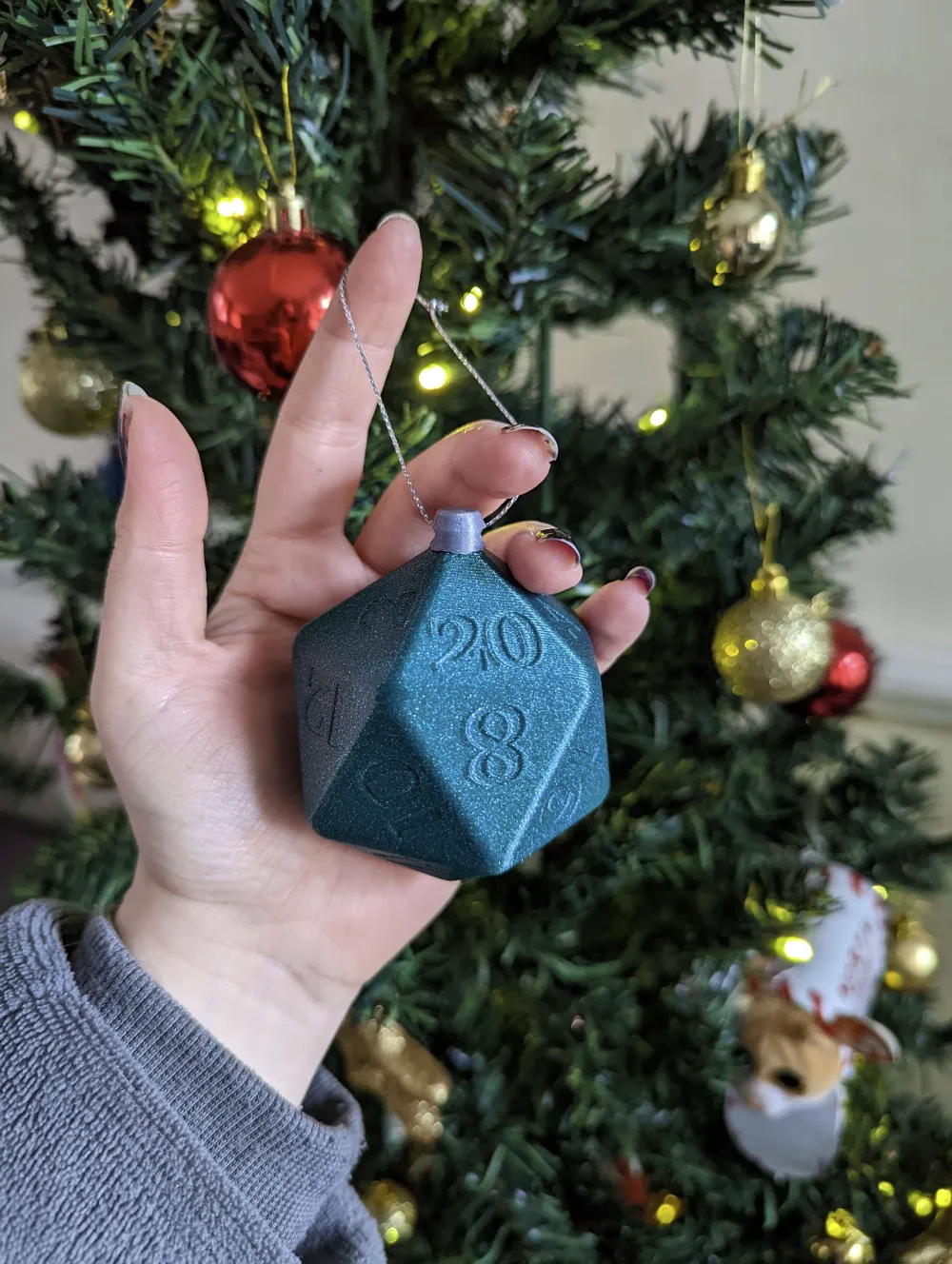
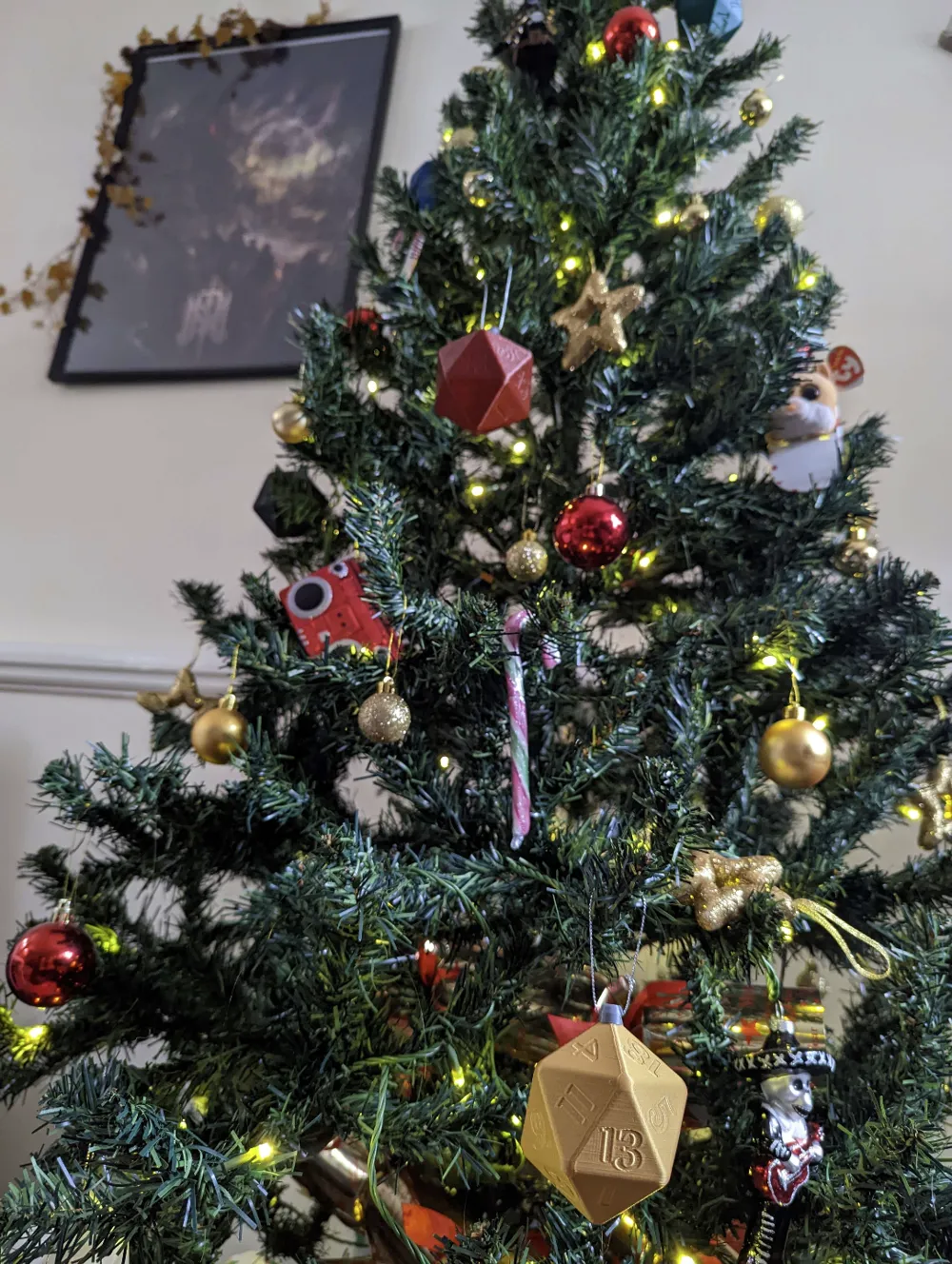
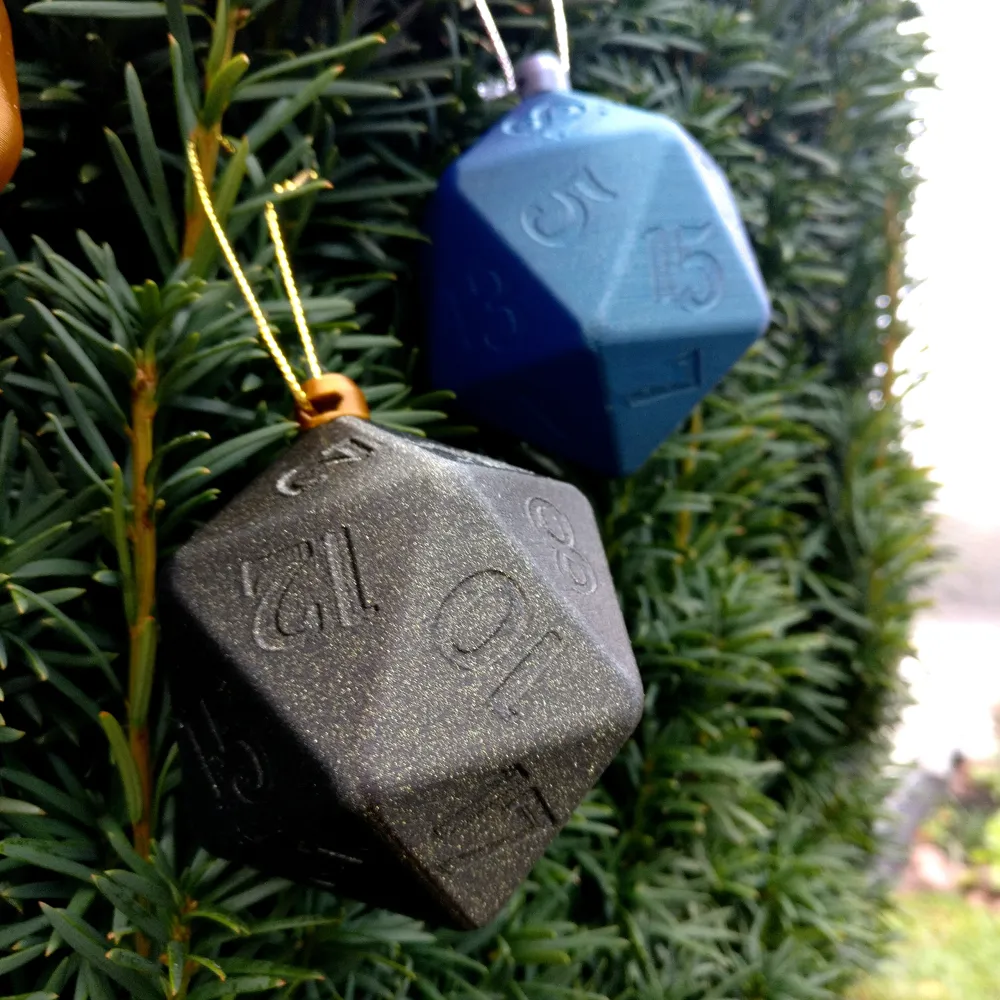
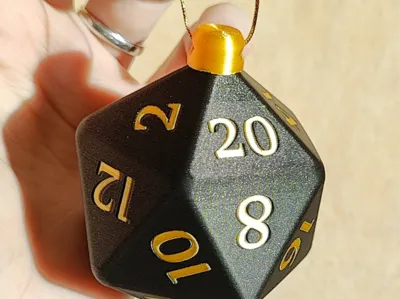
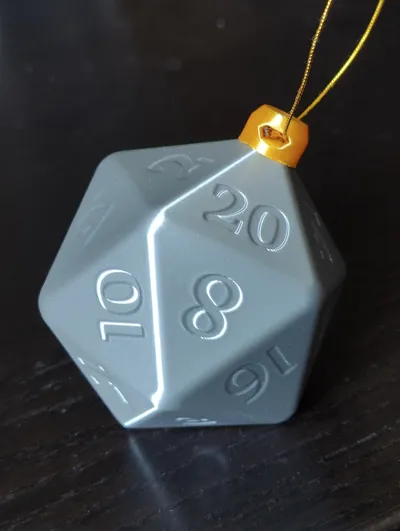
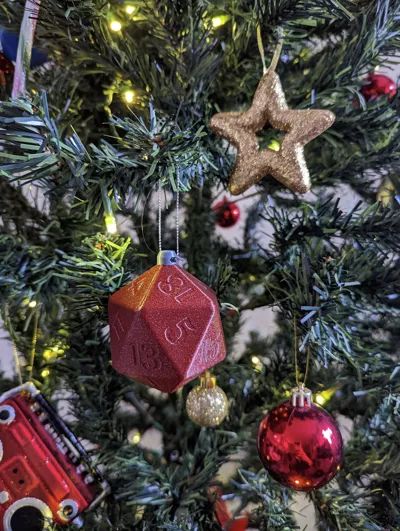
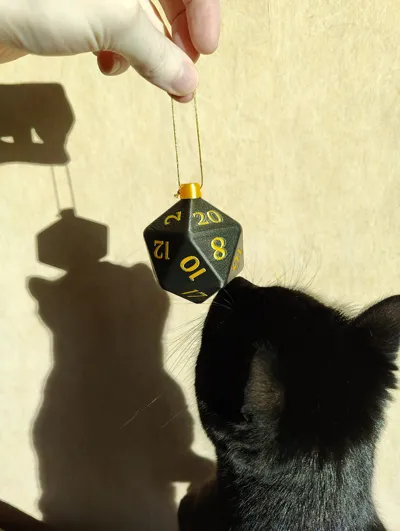
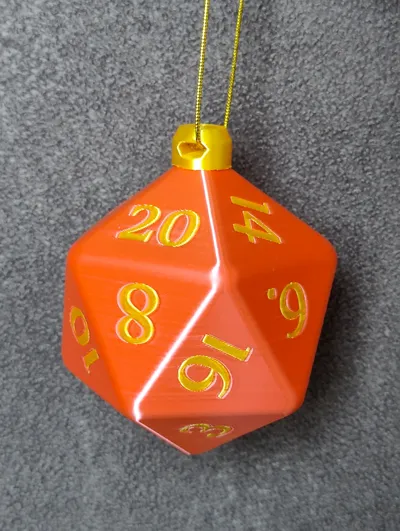
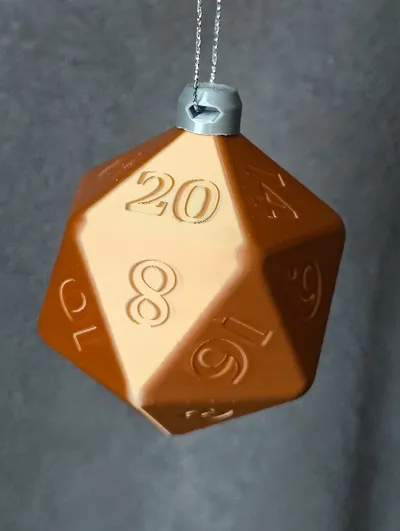
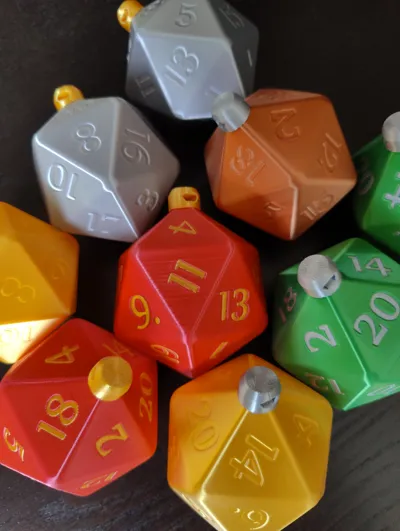
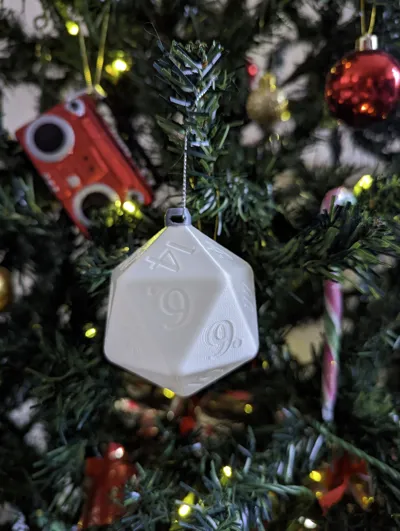
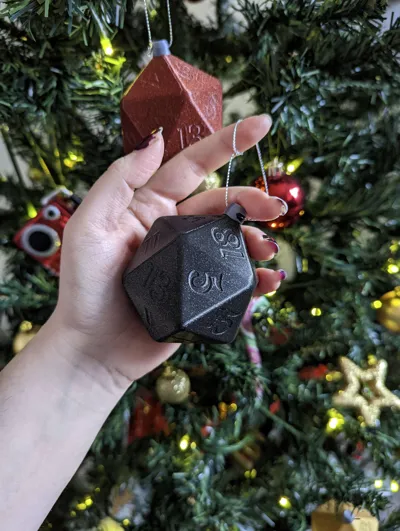
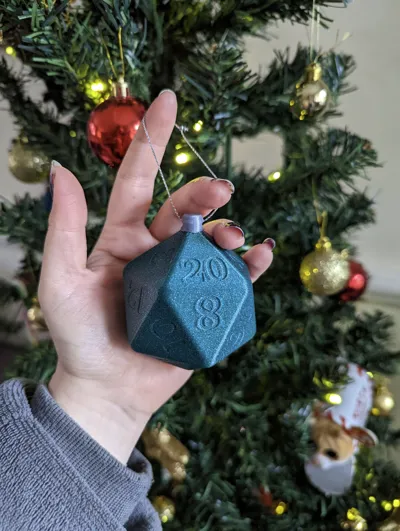
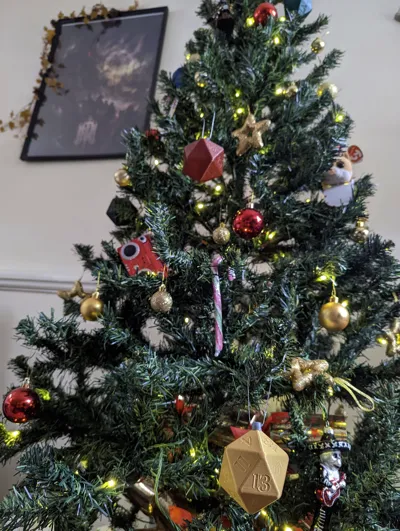
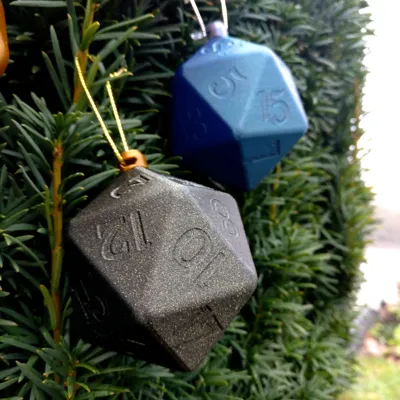
Make your holiday season a critical hit with this unique D20 Christmas Ornament! Perfect for your tree or as a gift to any tabletop or Dungeons and Dragons nerd. Fill the tree with dice or mix with items representing everyone's interests.
Design features
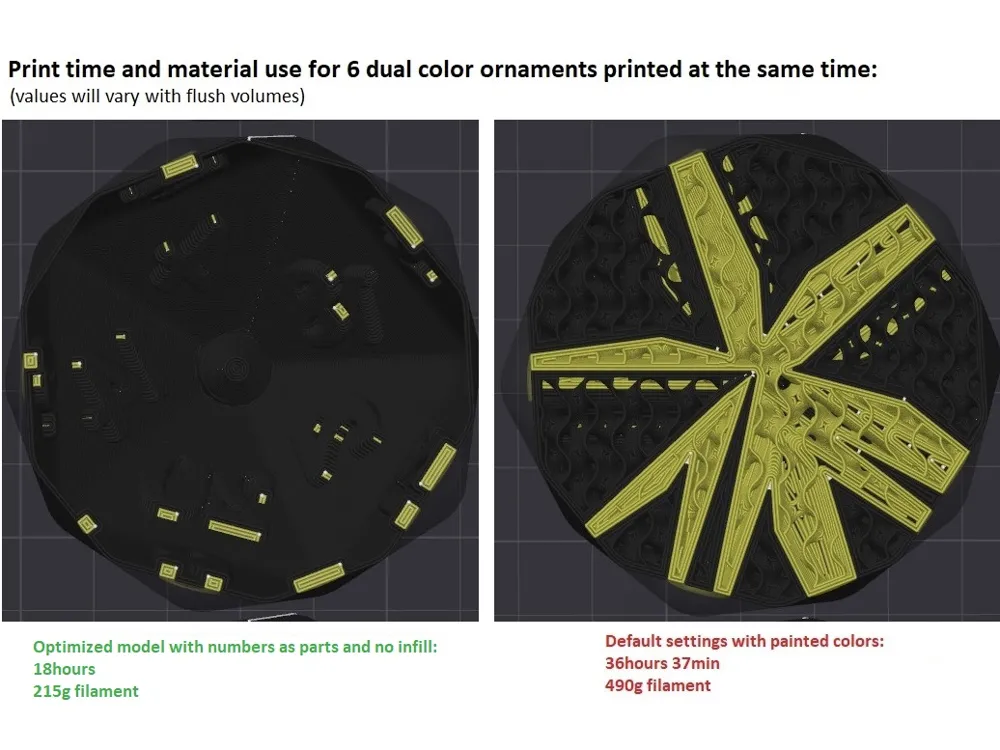
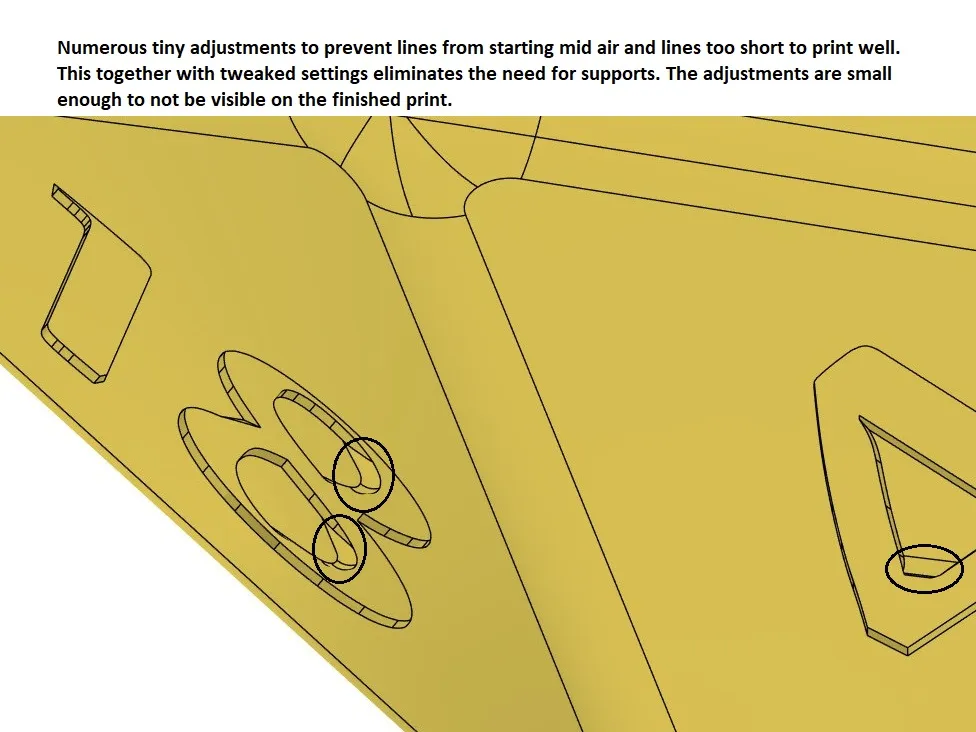
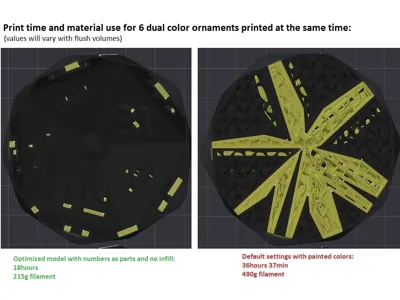
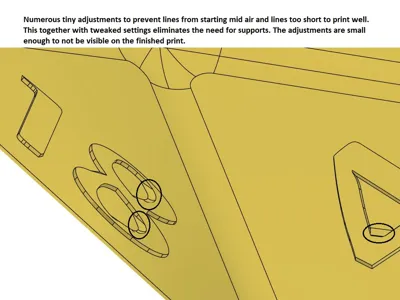
-No infill or support; quick and economic print with optimized settings.
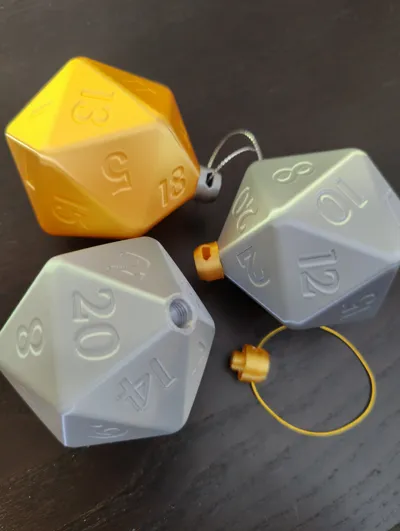
-Includes an optimized model for dual color (see pictures).
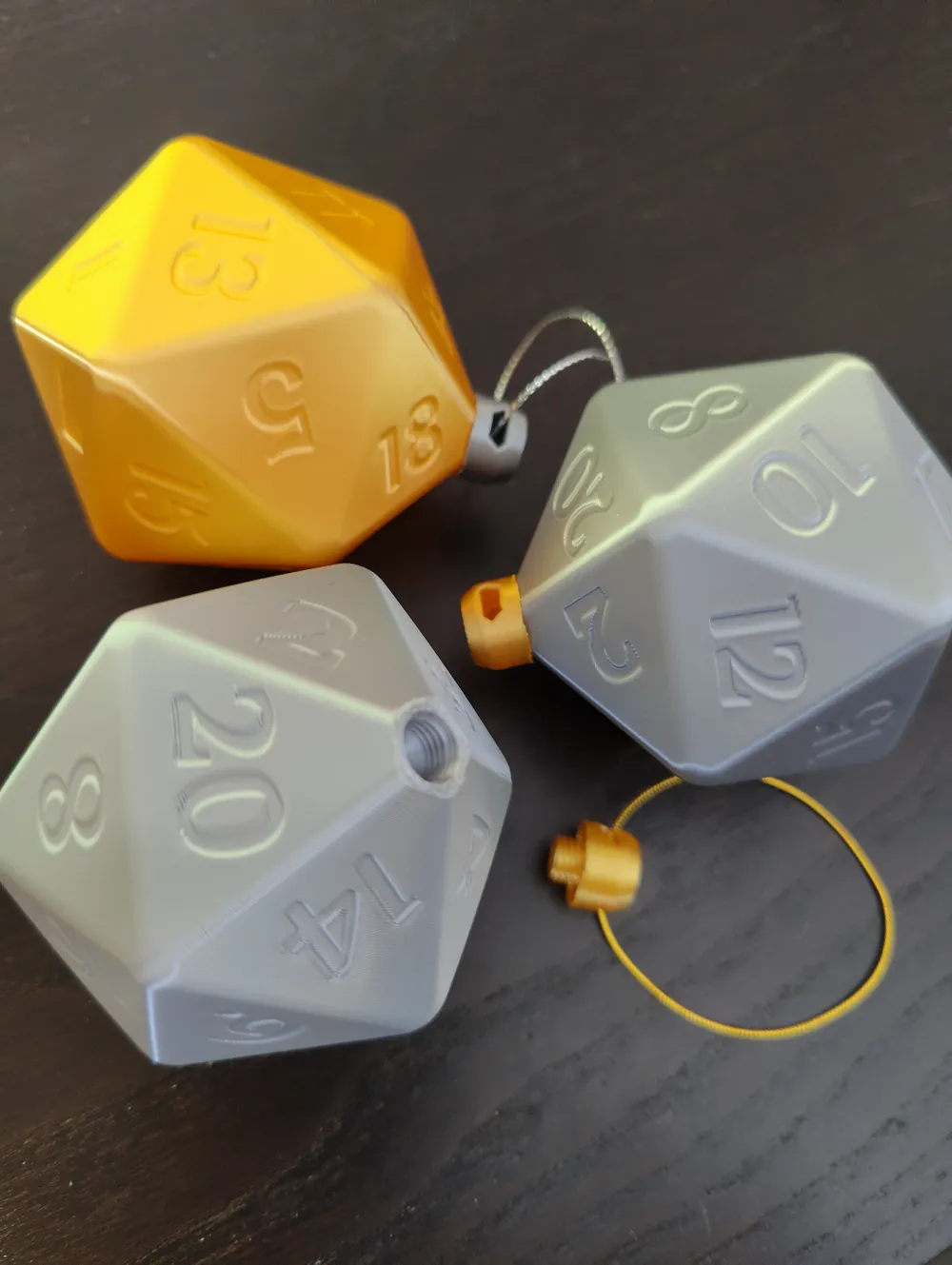
-The cap has a hole in it for a string or ribbon and the D20 and cap are printed separately and screwed together.
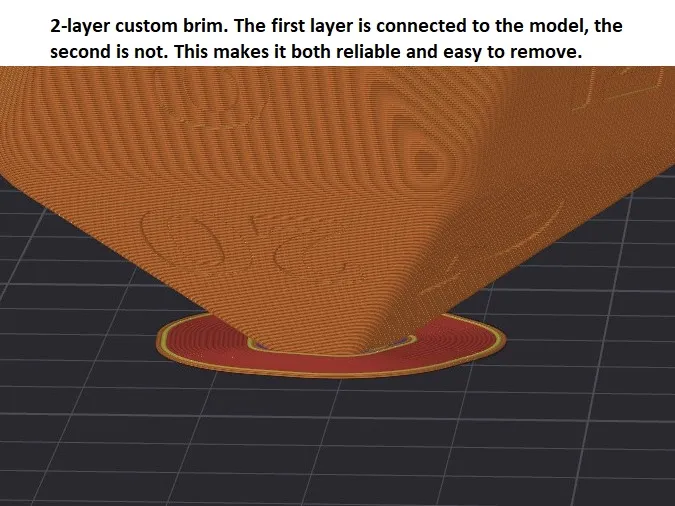
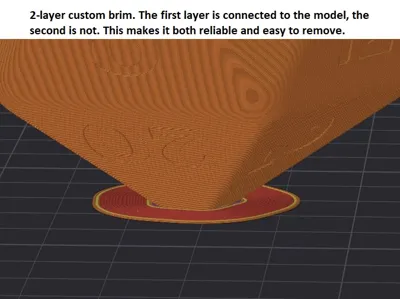
-Reliable and easy to remove custom brim (but always make sure that the entire bed is clean and has good adhesion)
I recommend printing these in PLA or Silk PLA.
Any issues let me know.
Dimensions
ů70mm
Suggested Settings if you are not using my prepared print profile (you can open my project in Bambu studio and have a look at mine):
D20:
0.16mm layer height (do not increase or overhangs will suffer)
0.5mm wide inner walls (helps with overhangs)
3 walls
5 Top layers
2 Bottom layers
Turn OFF “Ensure vertical shell thickness” so that the D20 does not have top/bottom layers on the inside of the walls. This will save a lot of time and material. (Not needed if using Cura, If necessary, change skin expansion and removal width).
0% sparse infill
High cooling
Print slow
No supports should be needed as long as your printer has decent cooling.
Paint the seam along the edges between the numbers 1/19, 13/11 and 18/4.
If using Cura, seams can't be painted. Instead;
set Z-seam alignment to “user specified”
set Z seam X to -18
set Z seam Y to 50
enable "Z seam relative"
Cap
0.16mm layer height
6 walls
5 Top layers
4 bottom layers
Turn ON “Ensure vertical shell thickness”
0% sparse infill
Paint the seam at one of the openings.
If using Cura;
set Z-seam alignment to “user specified”
set Z seam X to 3
set Z seam Y to 5
enable "Z seam relative"
License

You shall not share, sub-license, sell, rent, host, transfer, or distribute in any way the digital or 3D printed versions of this object, nor any other derivative work of this object in its digital or physical format (including - but not limited to - remixes of this object, and hosting on other digital platforms). The objects may not be used without permission in any way whatsoever in which you charge money, or collect fees.


Comment & Rating (54)