
Plant Cell Anatomy Model (No AMS required, Assembled)
Print Profile(1)
Description
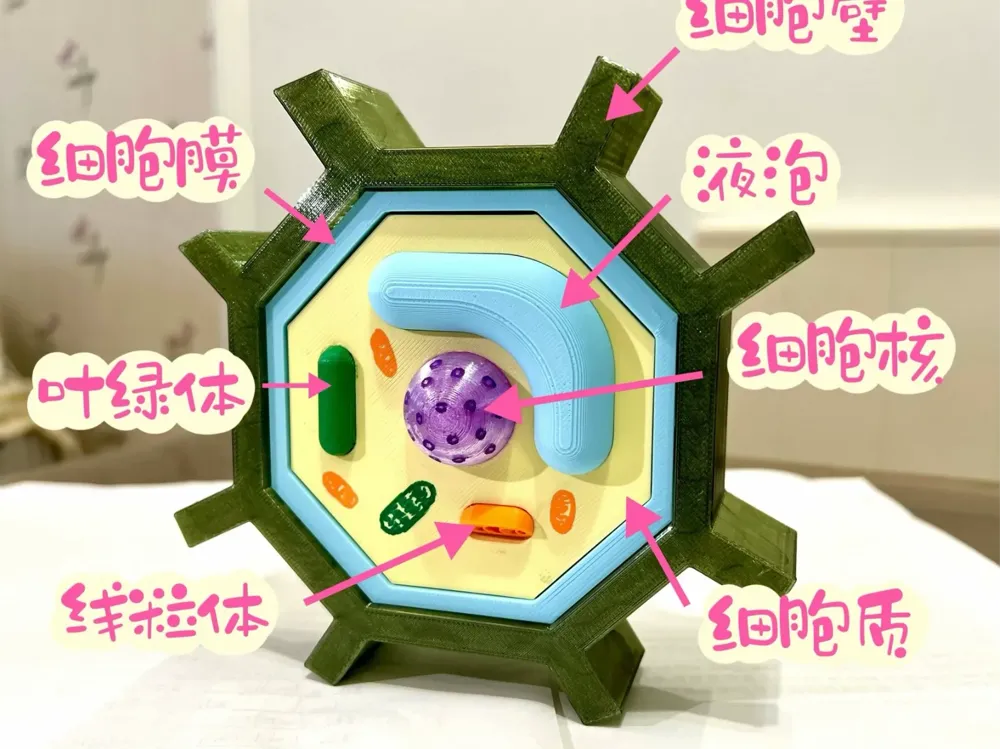
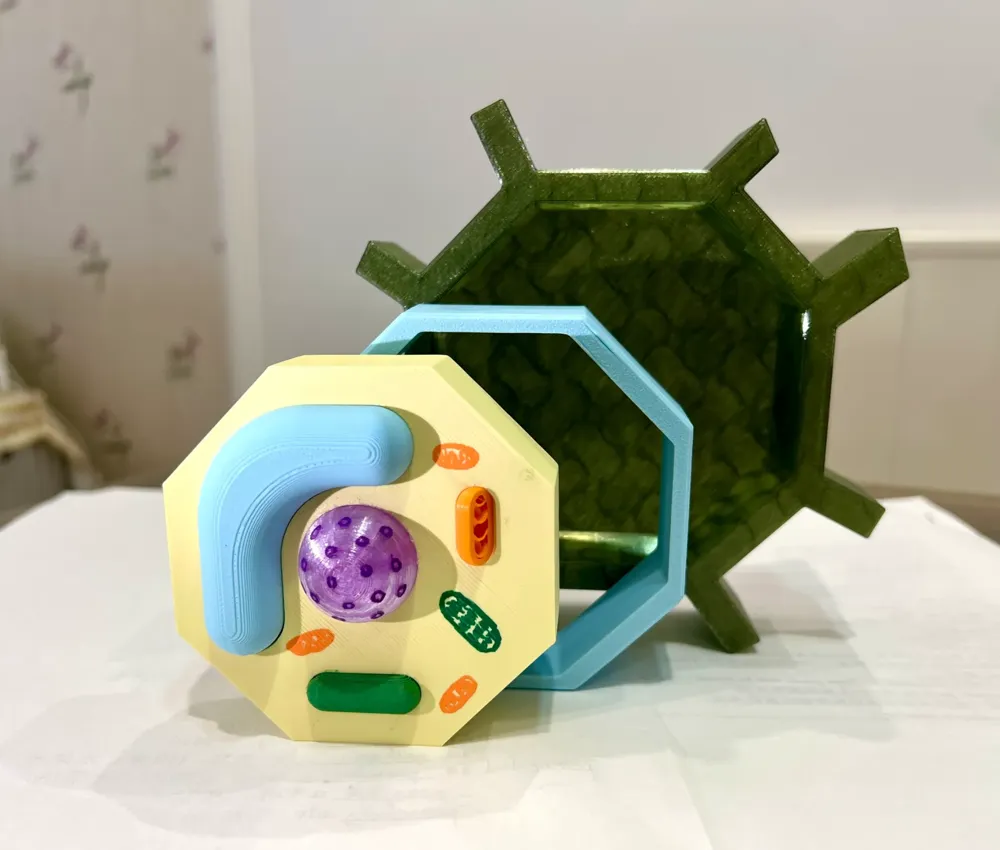
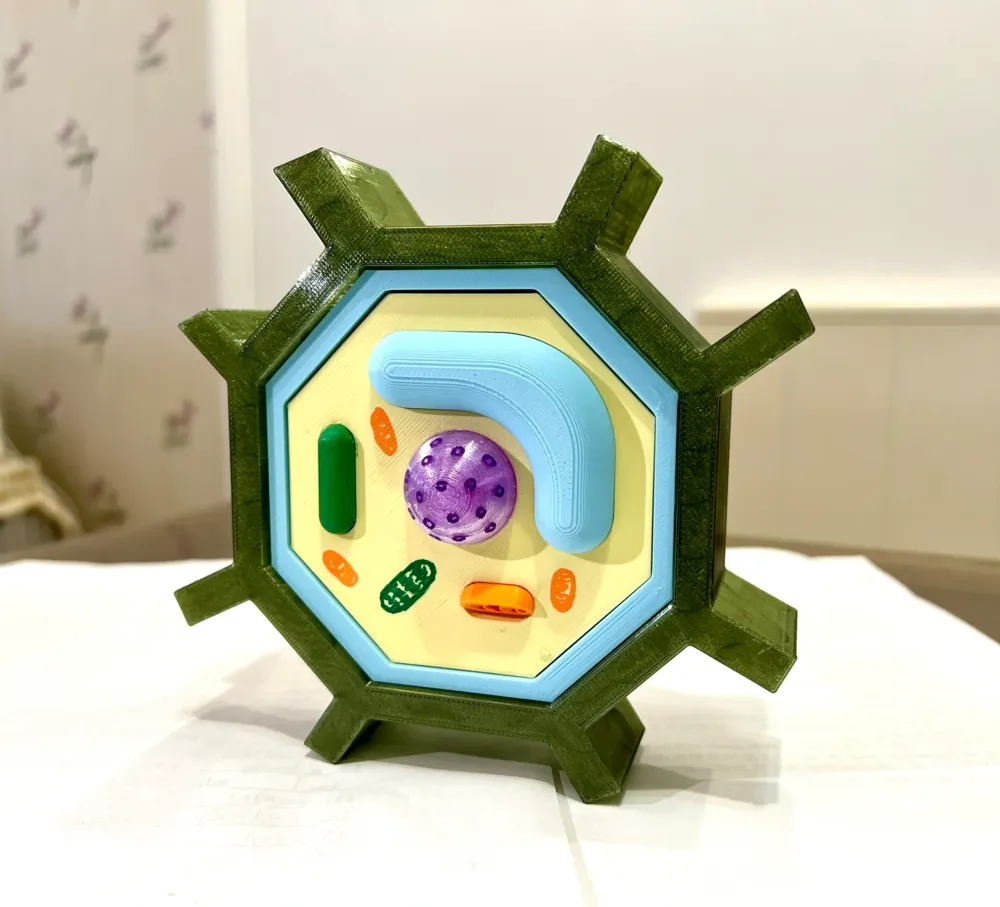
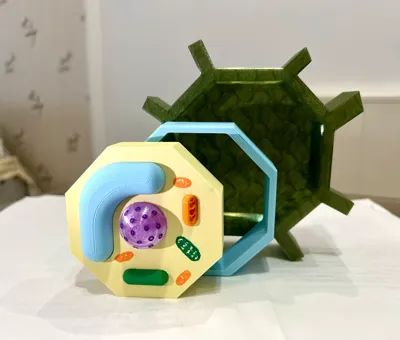
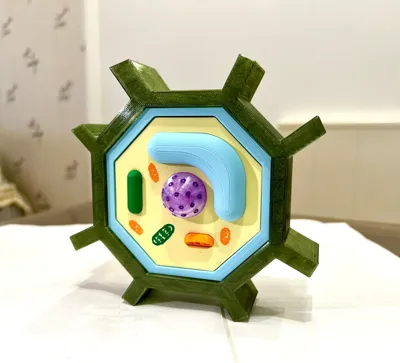
Quickly print this multicolored plant cell model without AMS—perfect for middle school curricula—resizable to your liking. Enjoy!
Boost Me (for free)
3D Printing Tips and Precautions
(Most creator-uploaded models are tested for compatibility with all machine types. Printing problems often stem from printer or filament malfunctions. Troubleshooting these issues is a vital 3D printing skill. Feel free to discuss any challenges in the comments—that’s what this community is all about)
I’ve outlined some key considerations below. For further assistance, consult customer support or explore the extensive resources available on the Bambu Wiki.Print Quality and Troubleshooting | Bambu Lab Wiki
- Ensure a clean build plate; regular cleaning is highly recommended! Oils from your fingers can significantly reduce adhesion. Similarly, remnants of previous prints can compromise the first layer's quality, impacting the overall success rate.
- Proper filament drying is crucial for optimal print quality and user experience! Filament inevitably absorbs moisture over time. If stringing occurs, consult the manufacturer’s drying specifications. Also, note that most manufacturers do not pre-dry filament, so newly opened spools may be slightly damp and should be dried before use.
- When using new filament, calibrate the filament flow immediately and adjust the calibration factor. This significantly impacts print quality and helps the new filament adapt to your printer.
- If print quality suddenly deteriorates or the success rate drops, check for nozzle clogs and recalibrate the printer if necessary.
- Adhere to the recommended print speed specified in the model instructions. Overhang quality is directly related to print speed. An appropriate speed (avoiding both excessively fast and slow settings) allows sufficient cooling time for proper material solidification.
- Set appropriate bed and nozzle temperatures for the filament type. Extreme temperatures (too high or low) can cause warping, layer defects, or adhesion problems, ultimately affecting print quality and success.
License

You shall not share, sub-license, sell, rent, host, transfer, or distribute in any way the digital or 3D printed versions of this object, nor any other derivative work of this object in its digital or physical format (including - but not limited to - remixes of this object, and hosting on other digital platforms). The objects may not be used without permission in any way whatsoever in which you charge money, or collect fees.


Comment & Rating (0)