
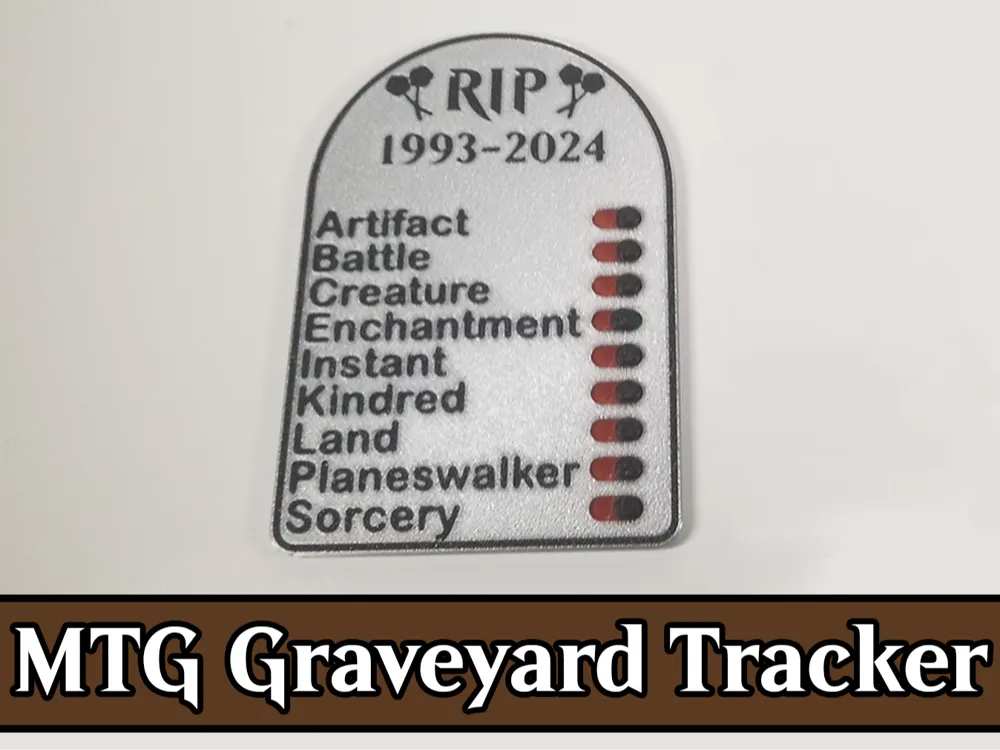
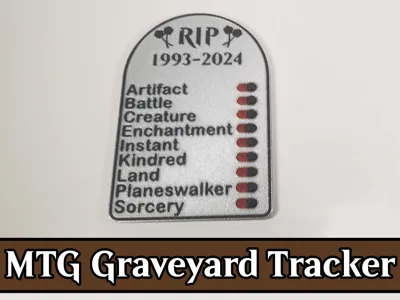
MTG Graveyard Tracker - Delirium / Tarmogoyf
Print Profile(2)


Description
If you like this model and it's not too much trouble, please hit the 👍 button - it helps out a lot 😀
This is a remix of 3deez's awesome Graveyard Tracker to track what permanents are in your graveyard for (affiliate link) Tarmogoyf and/or Delirium! If you'd like to boost this model, I ask that instead you please boost 3deez's model! The following changes have been made:
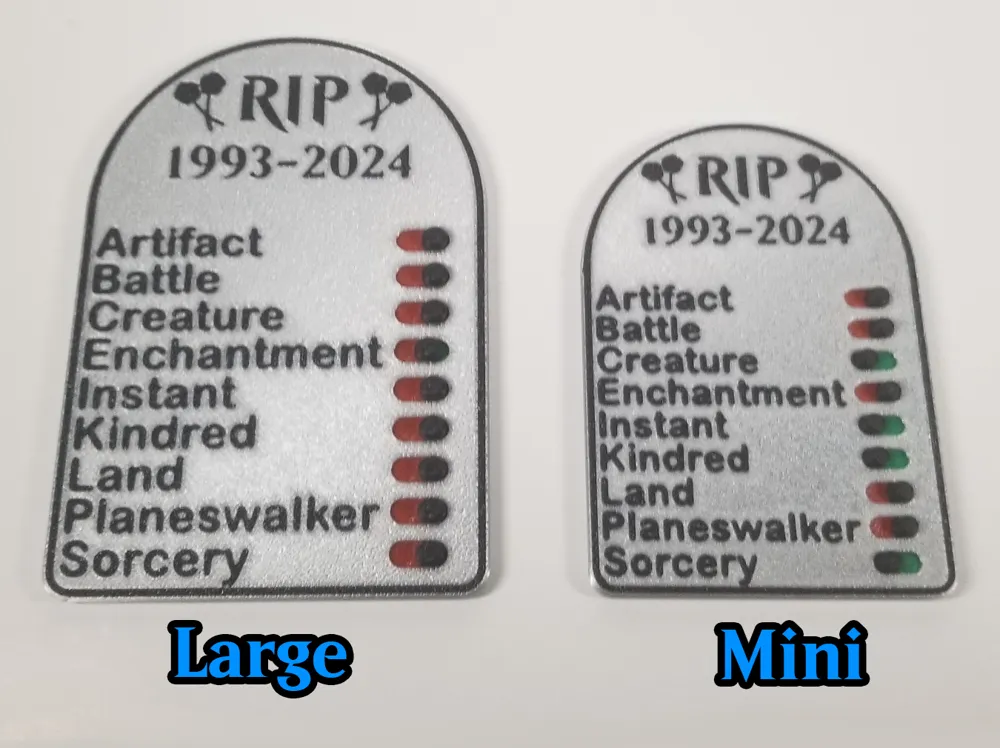
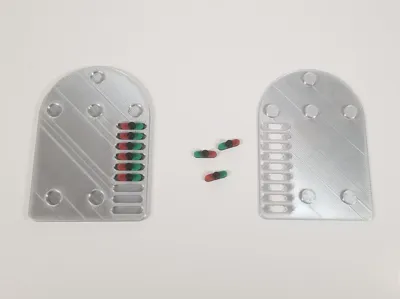
- Added buttons / snaps to make aligning and assembly easy (ideally no glue needed)
- Overall slimmer to save on filament usage (4mm tall once assembled)
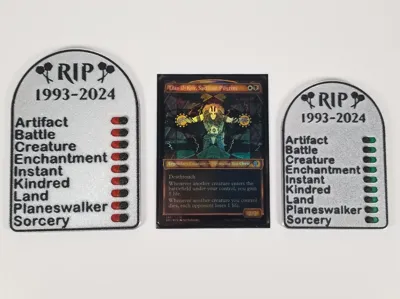
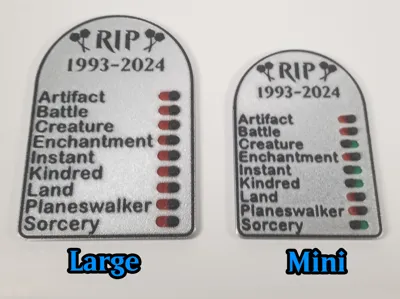
- Created a custom faceplate with logos and text for multicolor
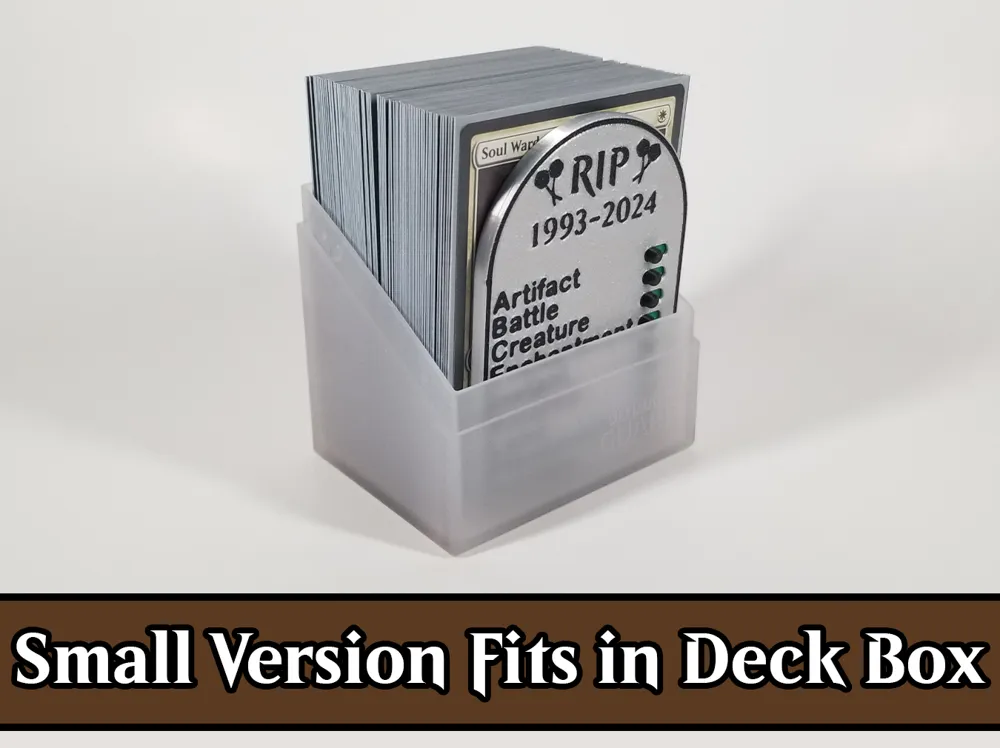
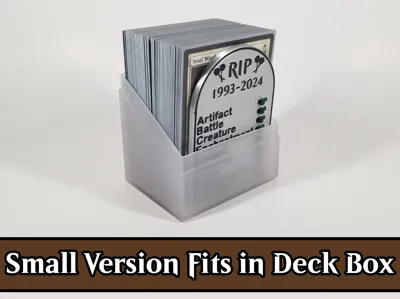
- Chopped the sliders height down quite a bit to make it slim enough to fit inside of a deck box
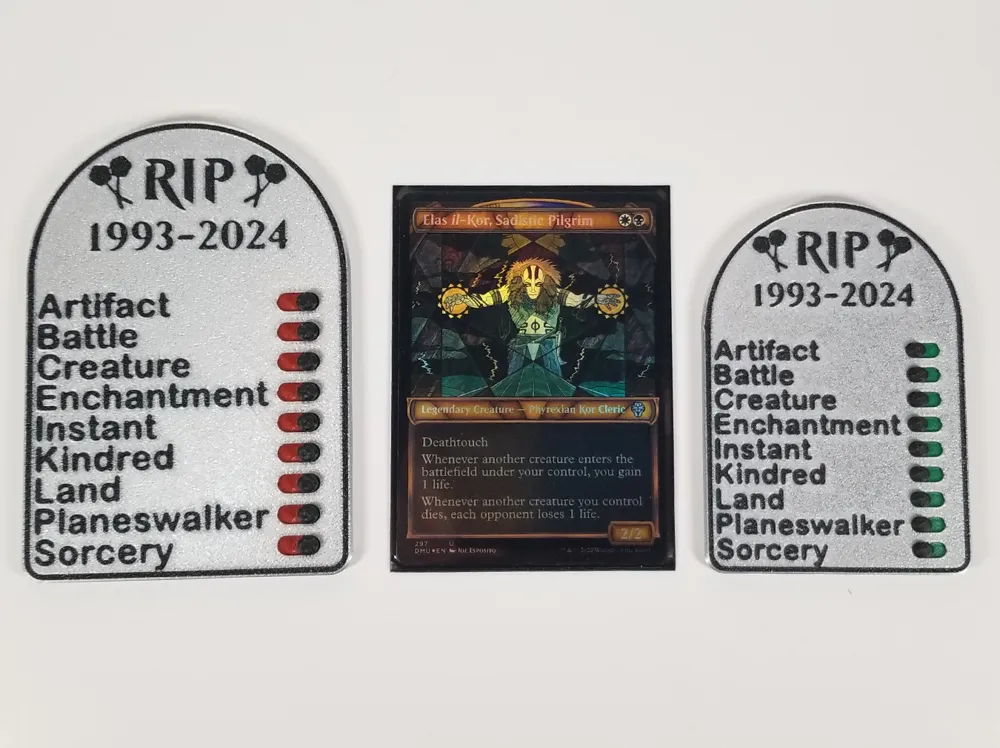
- Added green / red colors to the sliders to represent in / not in your graveyard
Assembly
Print either the regular version or the mini version. The mini version is roughly the same dimensions as a card and can fit inside of a deck box.
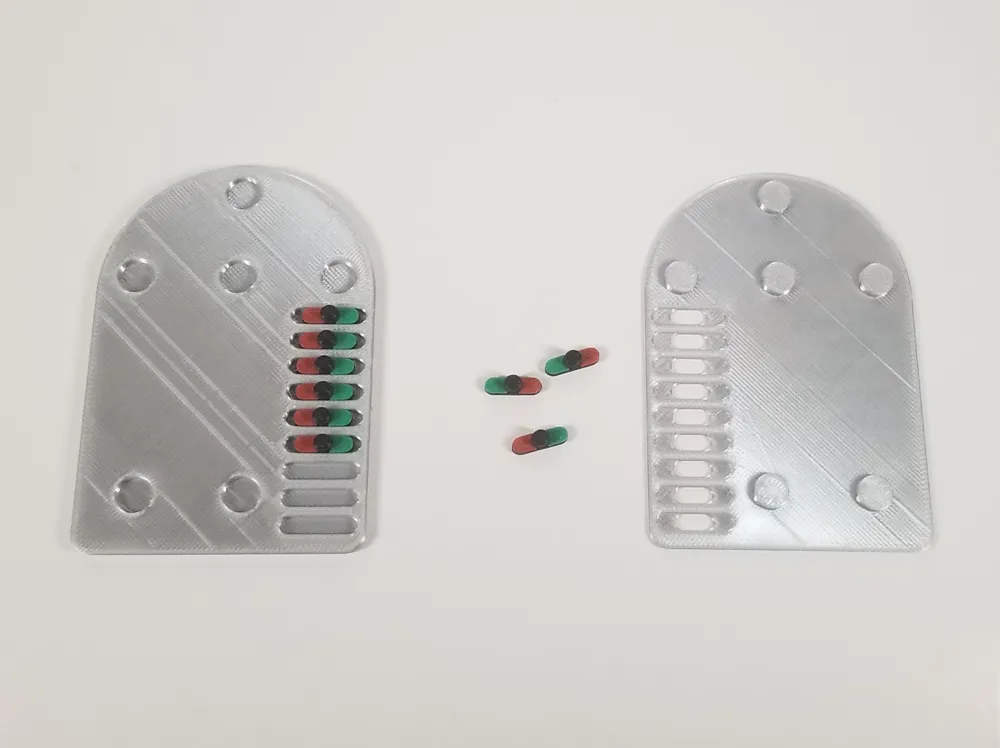
Once all the parts are printed out, place each slider inside the holes on the bottom piece and then snap the top piece on and you should be good to go. Just a quick word of caution, the sliders may be very tight - if so, you can try sliding them back and forth a few times to loosen them up or try scaling them down ever so slightly in the y-axis (leave the width and height as is).
For my printer, the tolerances were perfect and everything snapped together without glue. If for whatever reason yours is a bit loose, use a small drop of super glue inside each snap to secure the top part and the bottom part together.
Printing Tips
- I highly recommend printing the text & logos in black and using a light colored background so the text/logos are easily seen
- You will need to make sure you have near perfect bed adhesion
- There are some small sections when the logos and text are printing
- Make sure you thoroughly wash your build plate with Dawn dish soap to remove any hand/finger oils. If you are still having trouble with adhesion and are using the PEI Smooth/Textured plate, try bumping the bed's temperature up 5 or 10 degrees (60 or 65 degrees).
- It is not recommended to use ‘Sport’ or ‘Ludicrous’ mode when printing this
- Please just use the ‘Standard’ option to ensure a successful, great looking print
Be sure to check out my MTG 3D Print Projects page if you are interested in even more MTG prints like this from myself and other very talented makers!
This remix is based on


License



Comment & Rating (19)