
Woodworking Knob for Jigs

Print Profile(3)


Description
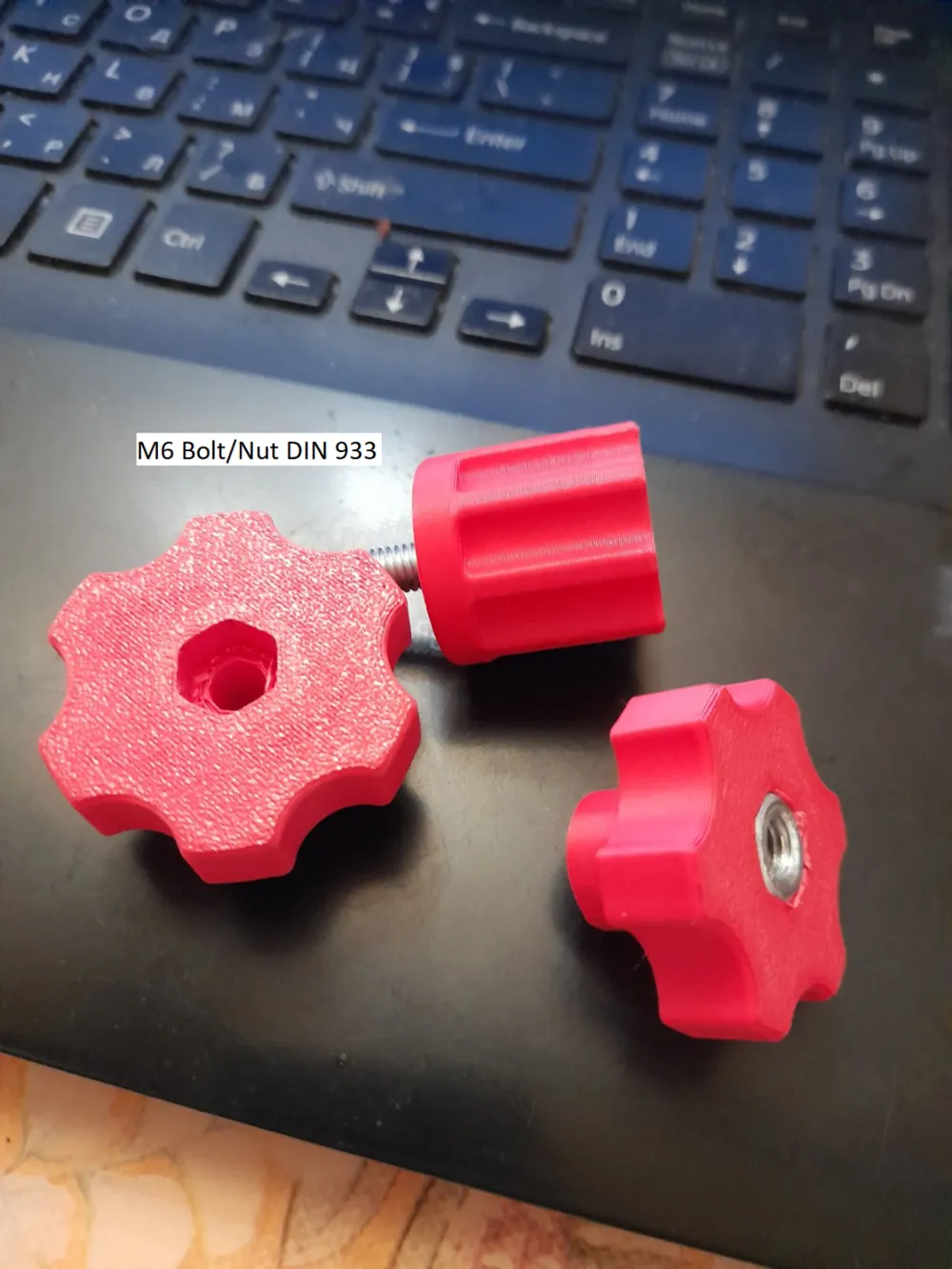
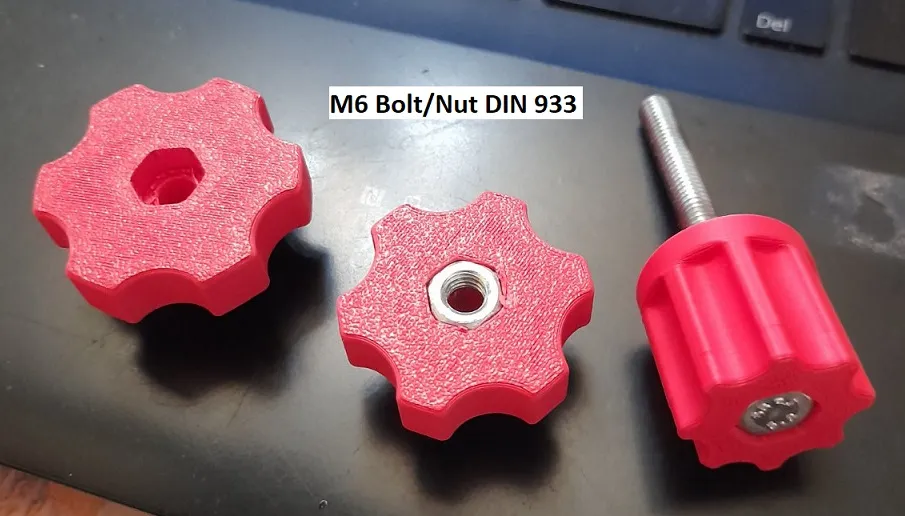
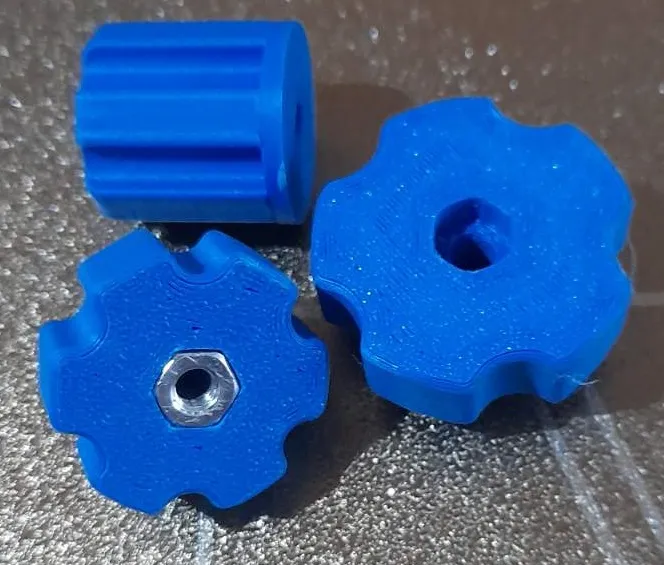
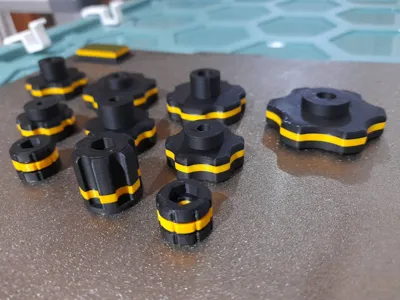
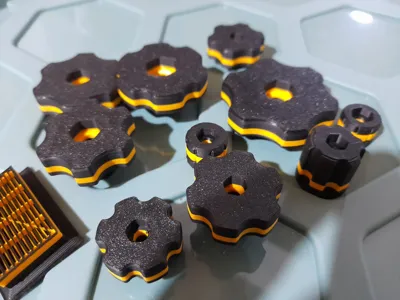
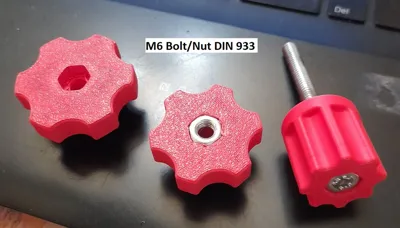
In the woodwork shop we often need knobs to finish some Jigs.
They can be very expensive so I dicided to print them on my Bambulab A1 3D printer.
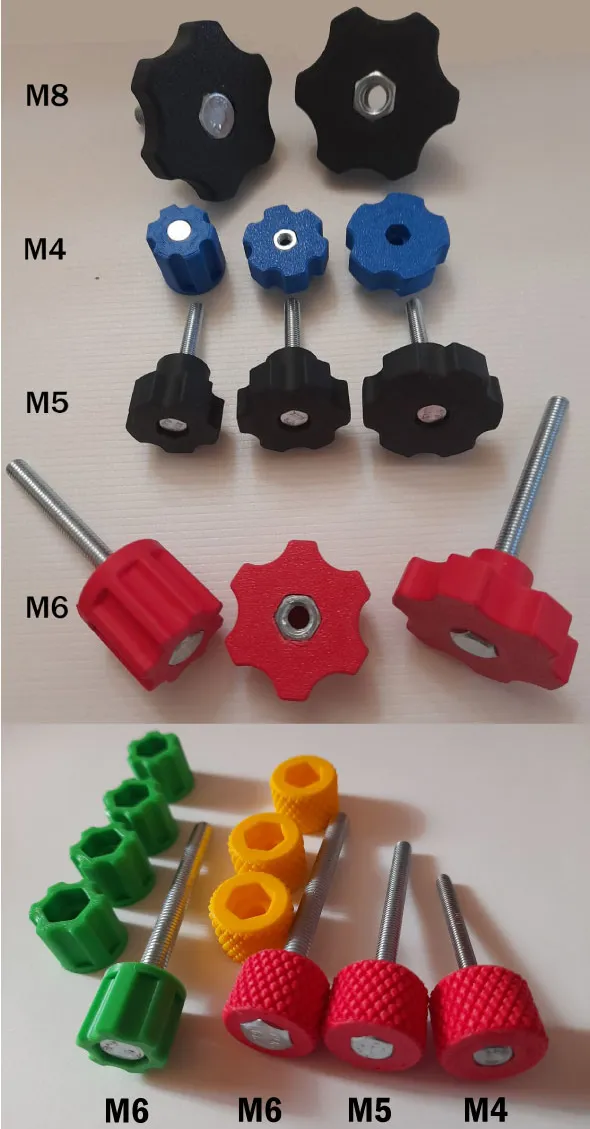
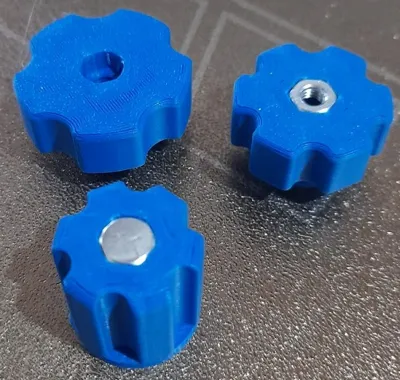
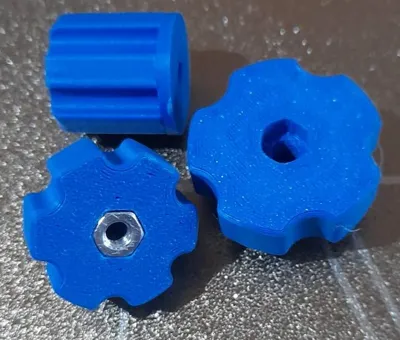
Aded metric M4 Bolt or Nut with 3 diferent diameters of the body - D20 , D 25 , D 30
Aded metric M5 Bolt or Nut with 3 diferent diameters of the body
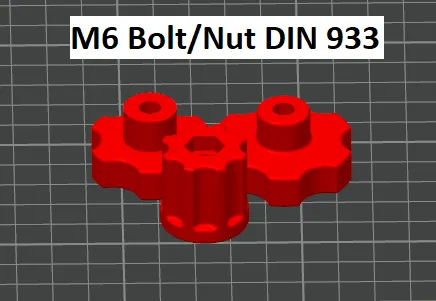
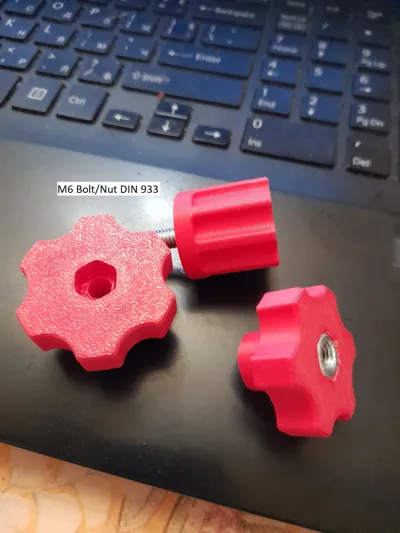
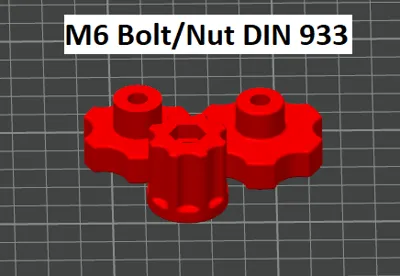
Aded metric M6 Bolt or Nut with 3 diferent diameters of the body - D 25 , D 35 D 40
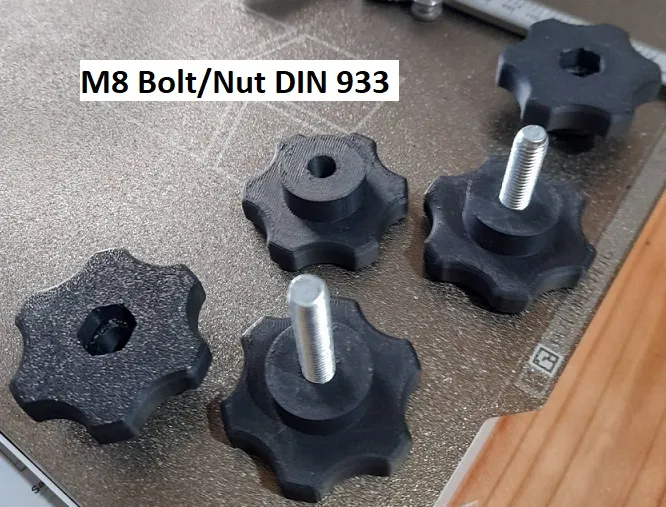
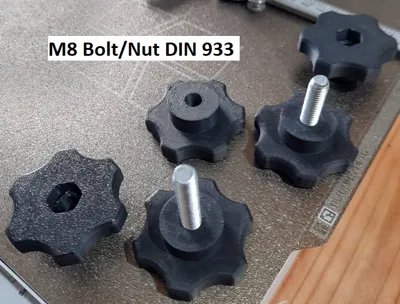
Aded metric M8 Bolt or Nut
Aded metric M6 Bolt or Nut Diameter : 18 mm.
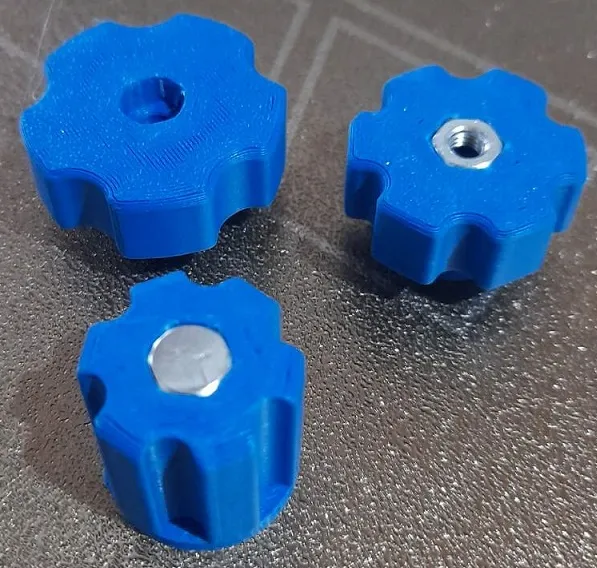
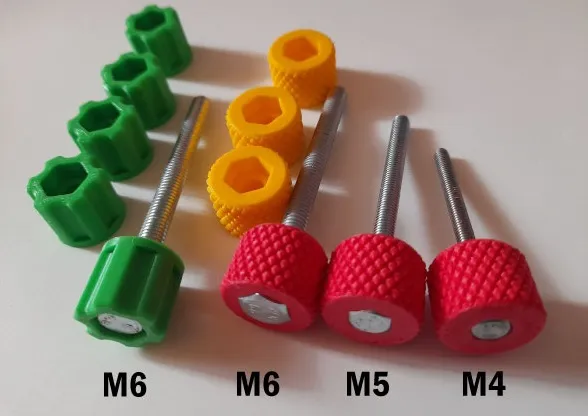
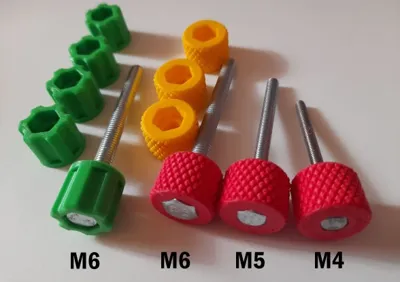
Aded metric Small Knurled Knobs : M6 M5 M4 Diameter of body : 20 mm.
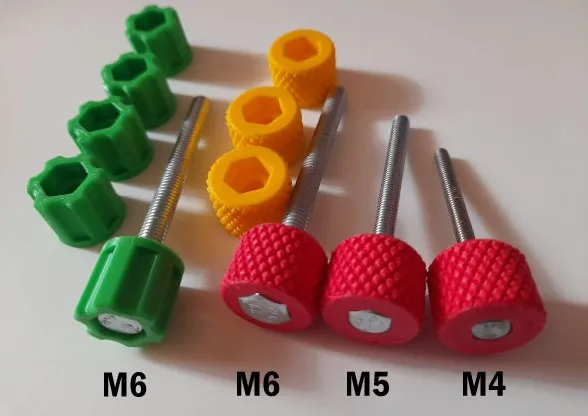
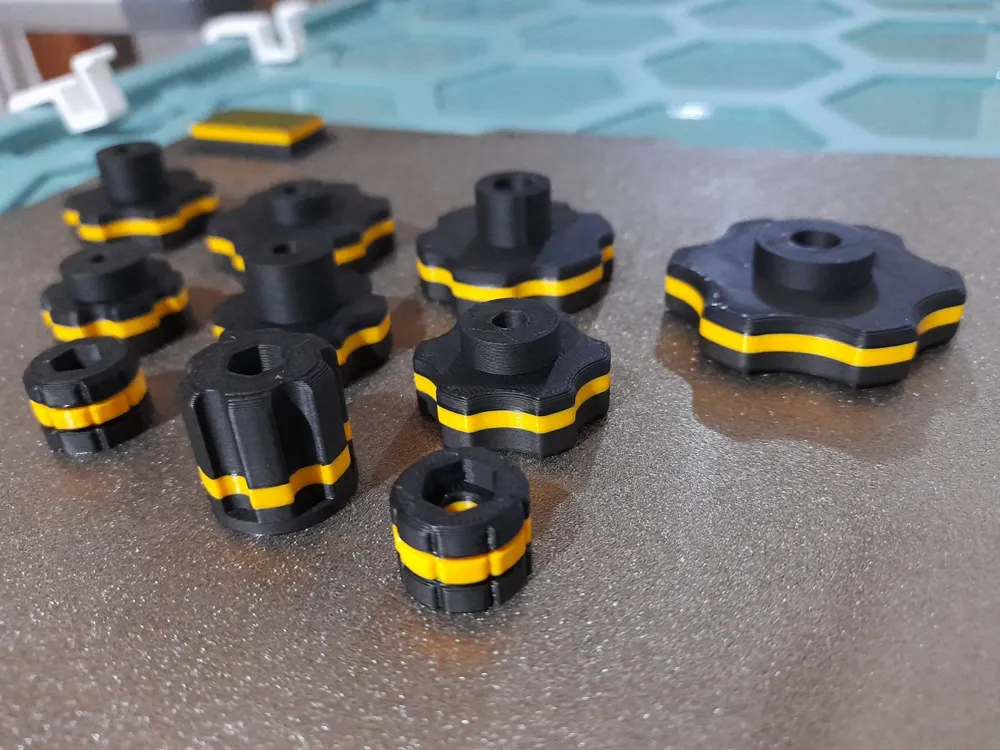
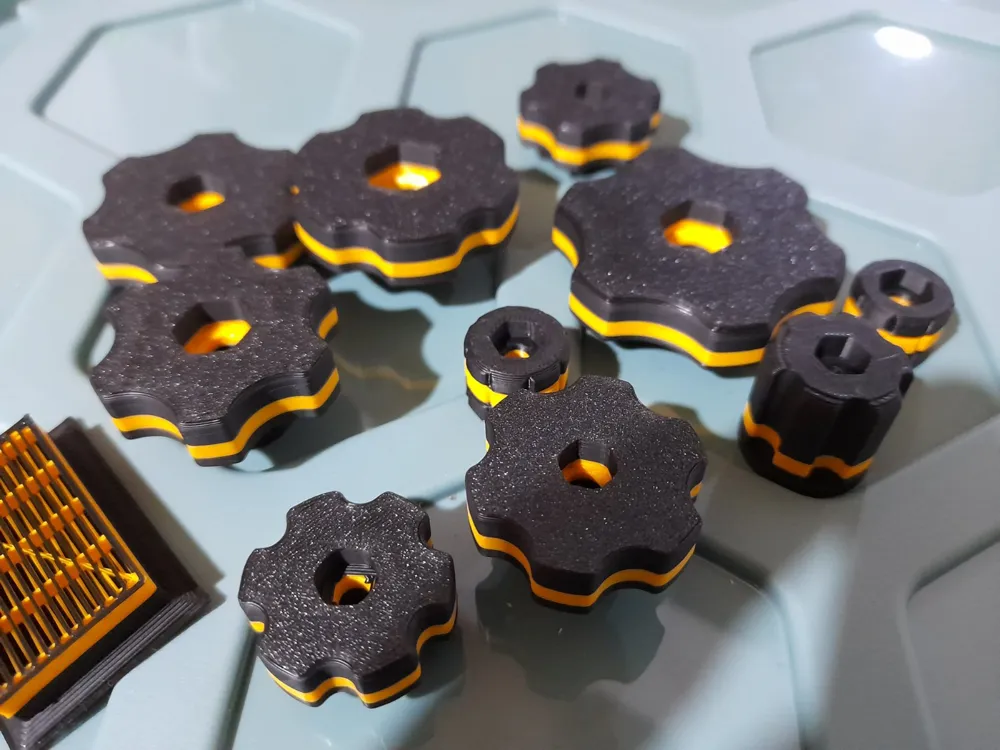
Printed Filament PLA/ Nozzel: 0,4 / Layer height: 0.2 / Disable support
All Bolts/Nuts that I use are Metric : DIN 933 standard
WARNING: Turn OFF the Support . In your slicer - turn OFF the Support.
All files were edited and modified using the techniques from the video
Look on video below.
I have tried this technique and I can confirm that it works very well.
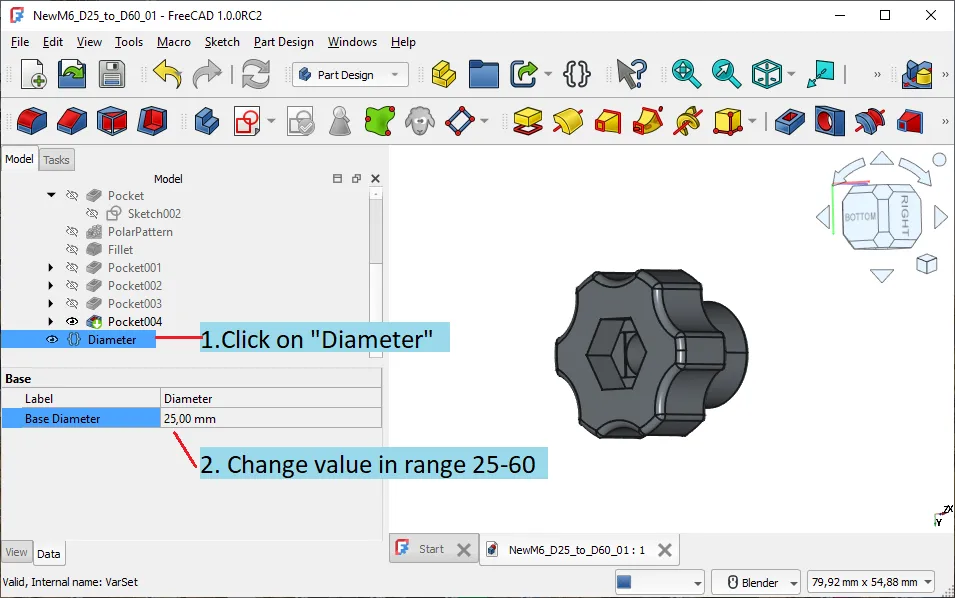
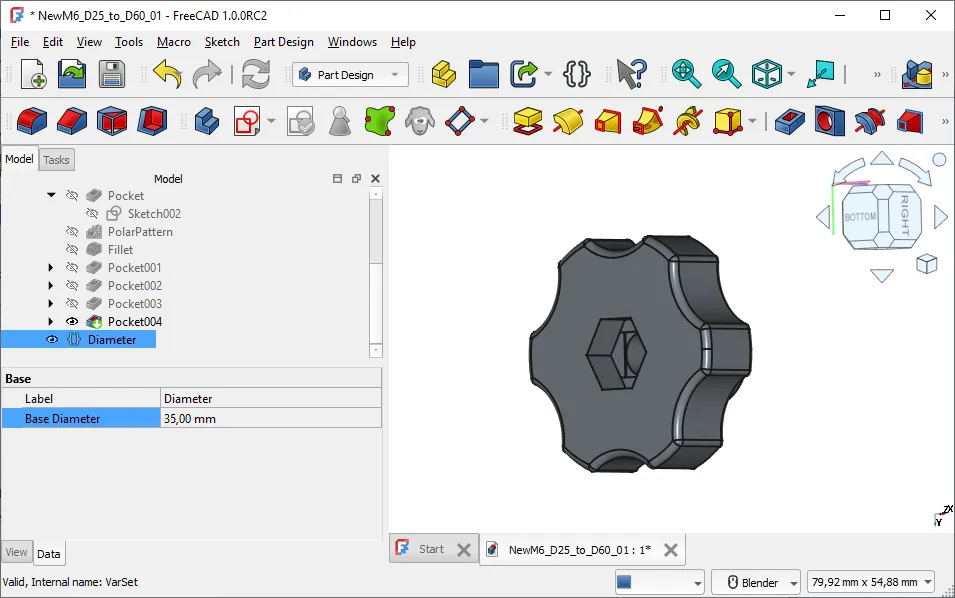
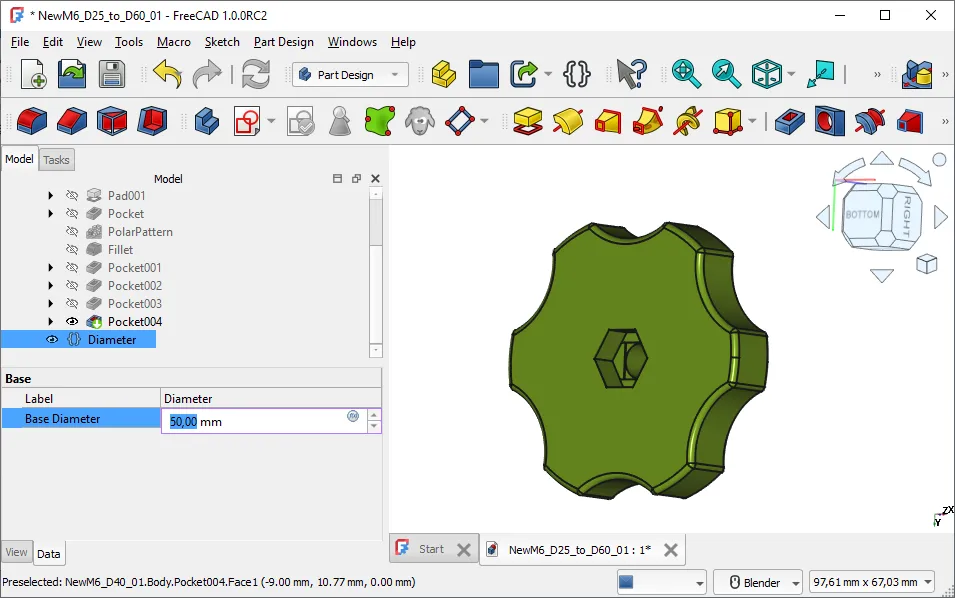
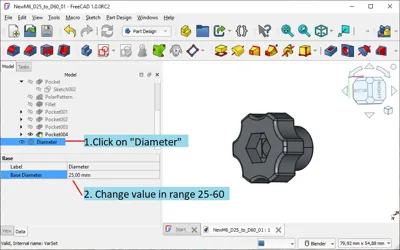
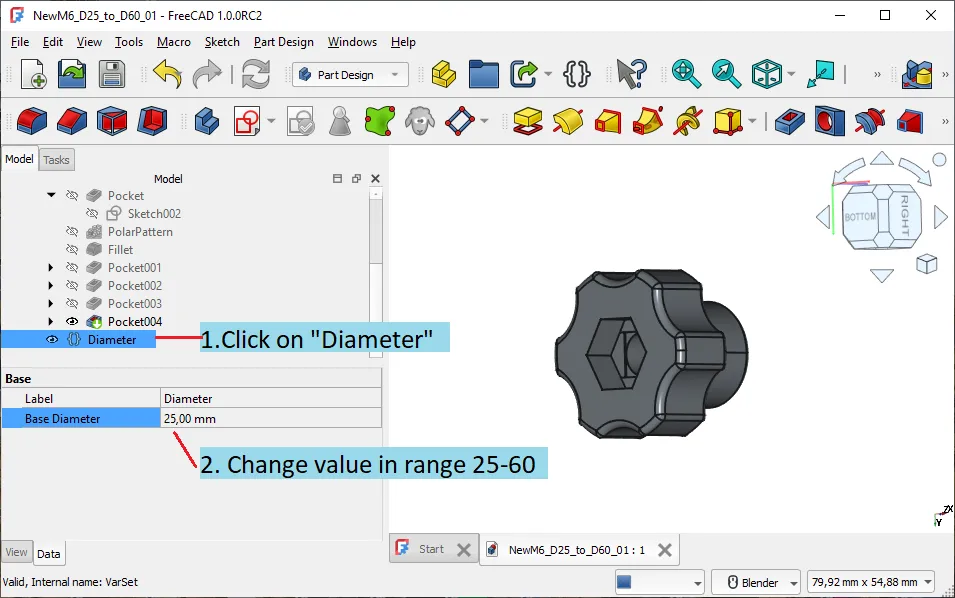
Aded Free CAD files for knobs : M5 , M6 , M8 where you can esaly edit the diameter of the base .
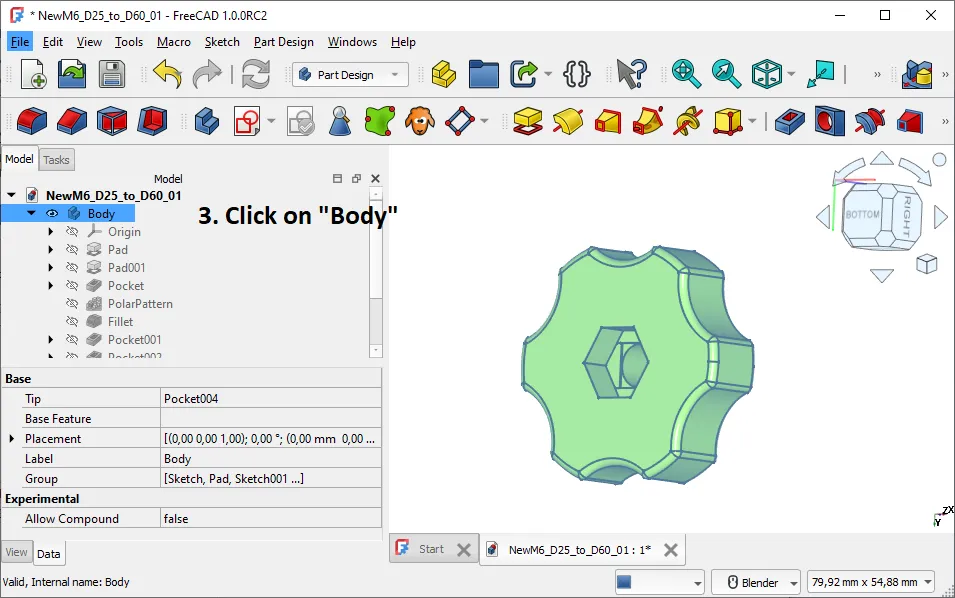
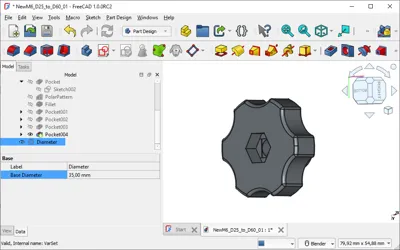
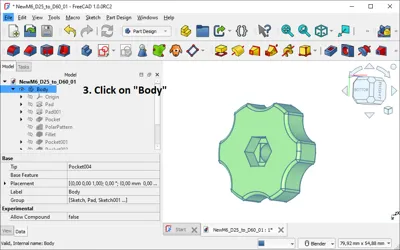
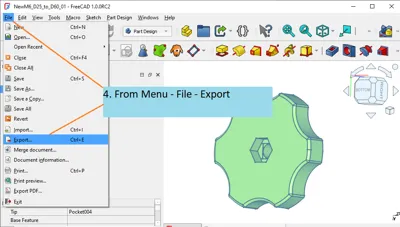
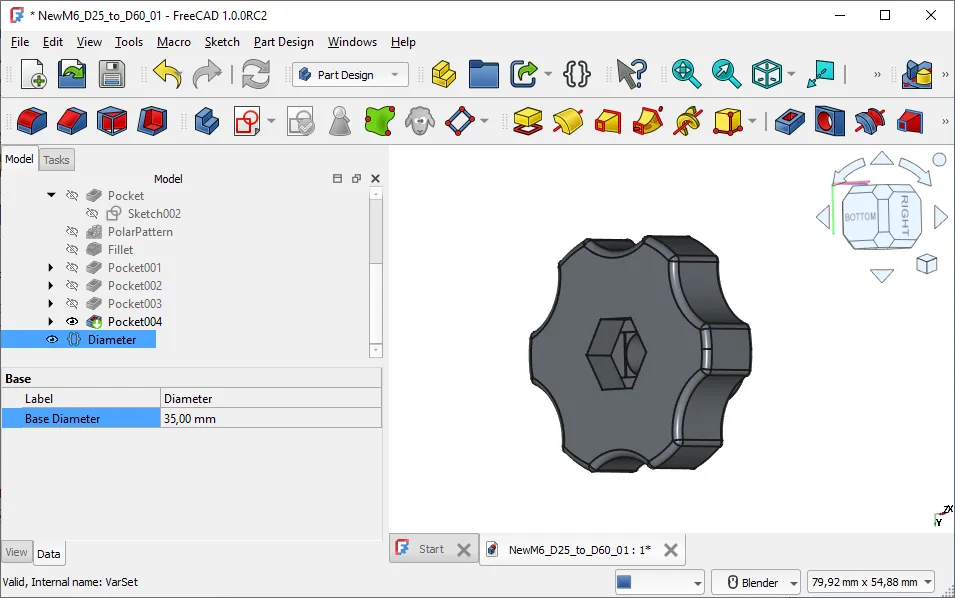
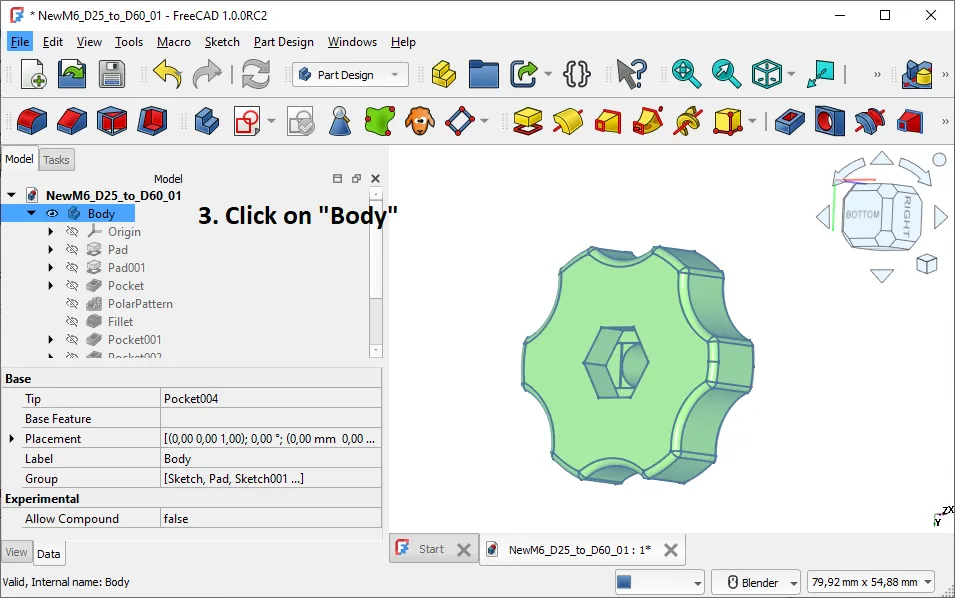
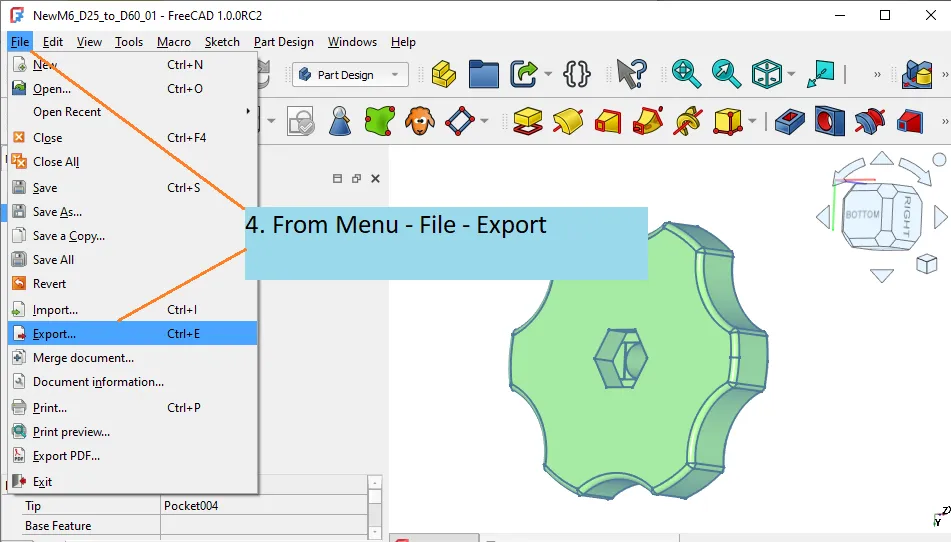
Look on the pictures below for instructions. You will need to install the Free CAD software on your computer.
The Free CAD is open source app and it is free of charge.
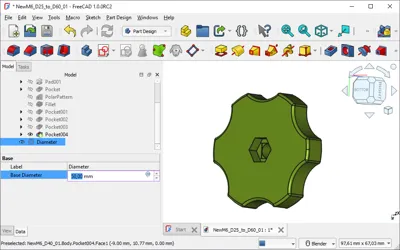
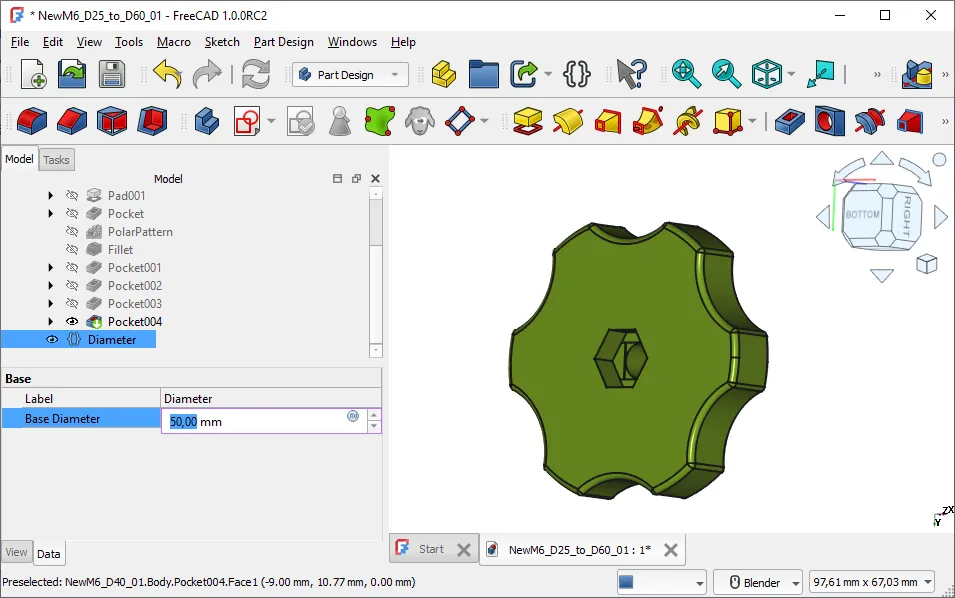
Load the Free CAD file and then click on text “Diameter”. In Data - change value of the diameter and then click on the : Menu - Recomputes or click on canvas near to picture of knob.
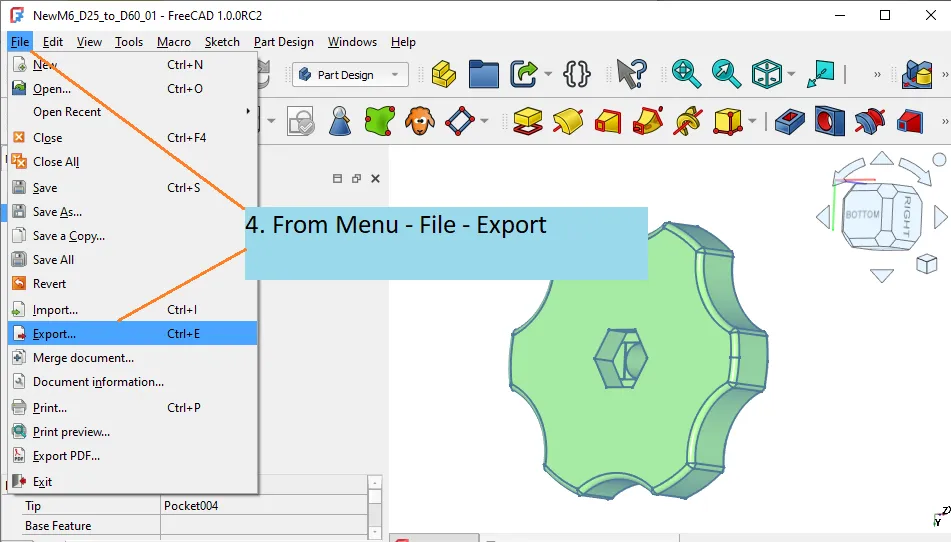
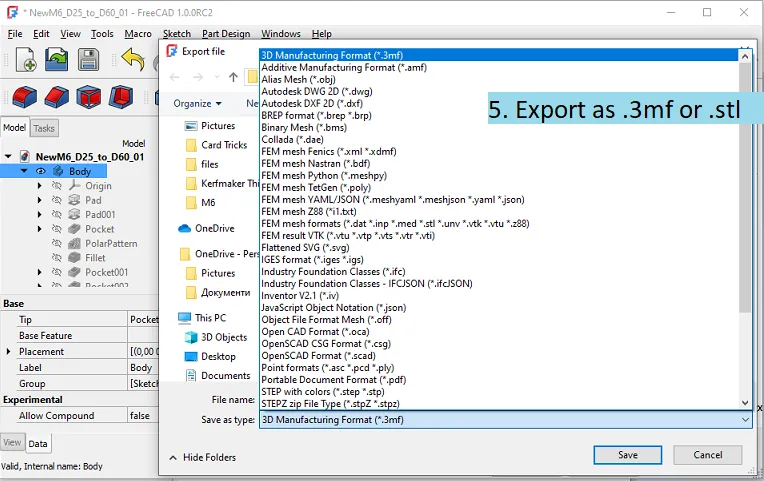
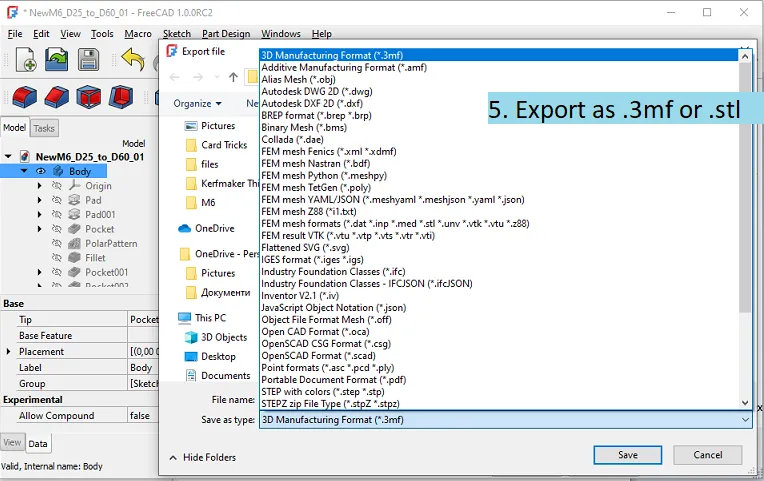
If you like the new diameter - click on the text “Body”and then go to Menu - Export .
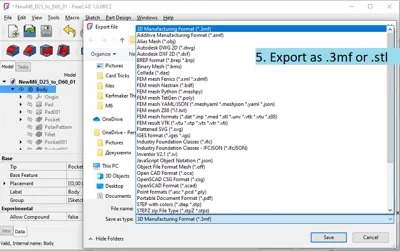
Choose file format that is suitable for your printer - in most cases .3mf or .stl are good to go.



Comment & Rating (109)