
Yoto Dock & Card Storage [2nd & 3rd Generation]
Print Profile(4)
![Yoto 3rd Generation [Wireless Charging Dock Compatible]](https://makerworld.bblmw.com/makerworld/model/USb4b57ef94babc6/185131993/instance/2024-12-24_3c228495ebba6.png?x-oss-process=image%2Fresize%2Cw_100%2Fformat%2Cwebp)

![Yoto Tray [3rd Generation - No Name]](https://makerworld.bblmw.com/makerworld/model/USb4b57ef94babc6/543893388/instance/2025-12-31_21d7bb5000e998.png?x-oss-process=image%2Fresize%2Cw_100%2Fformat%2Cwebp)
![Yoto Tray [2nd Generation - No Name]](https://makerworld.bblmw.com/makerworld/model/USb4b57ef94babc6/543891732/instance/2025-12-31_67364a97db723.png?x-oss-process=image%2Fresize%2Cw_100%2Fformat%2Cwebp)
Description
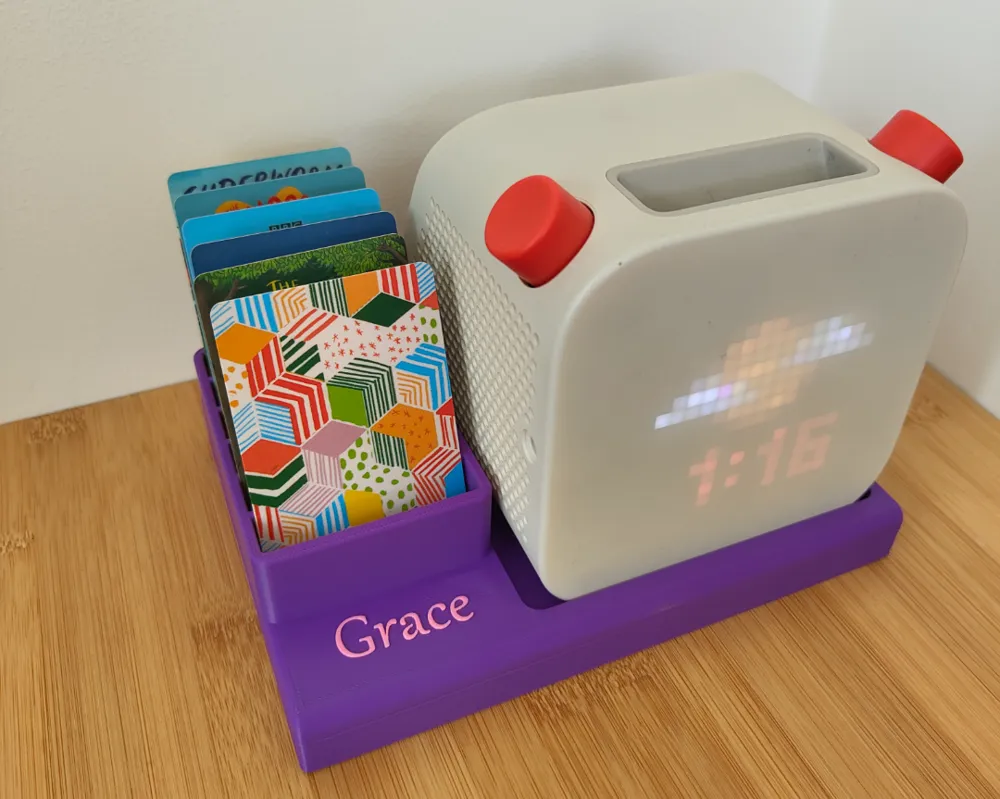
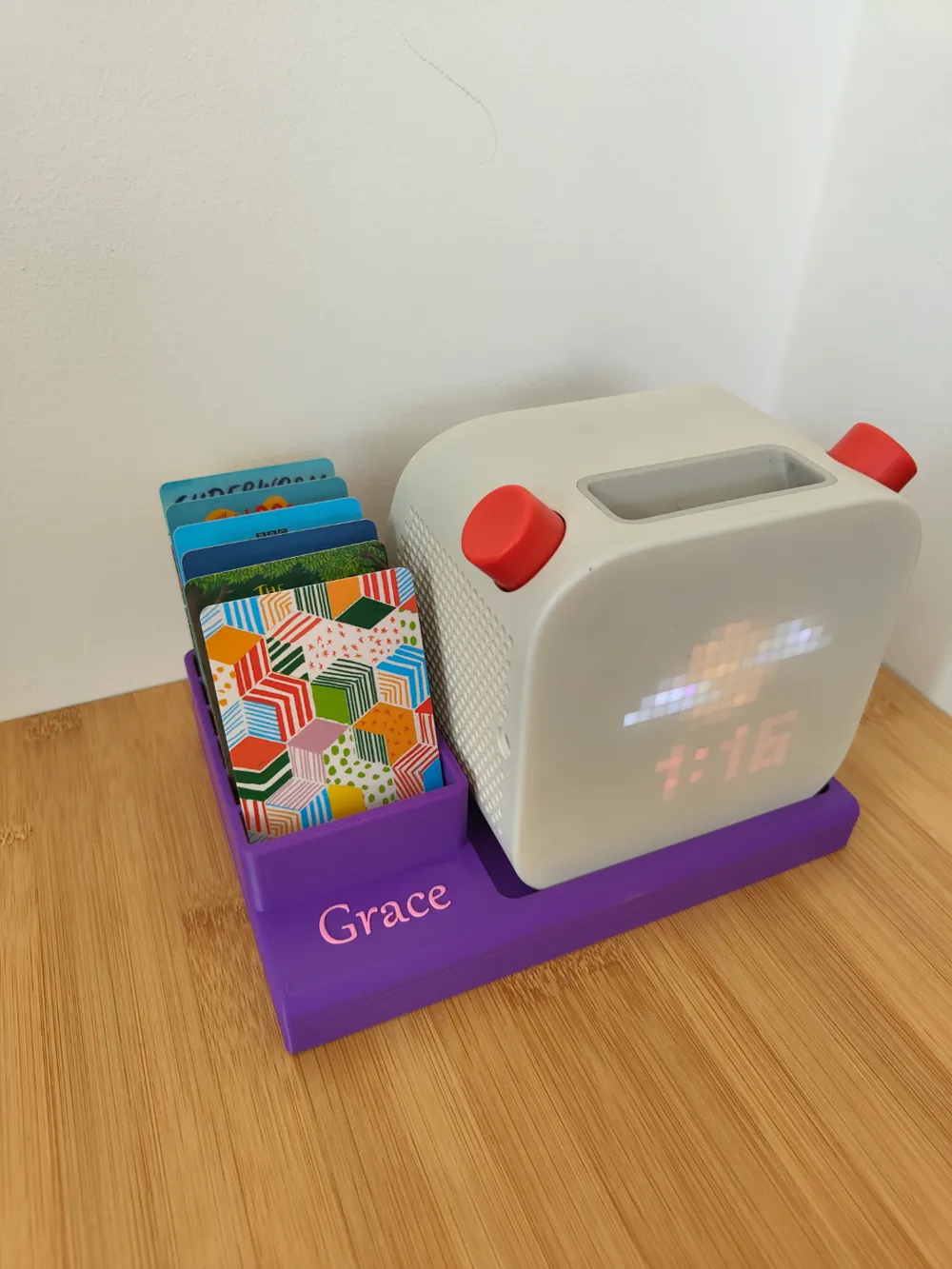
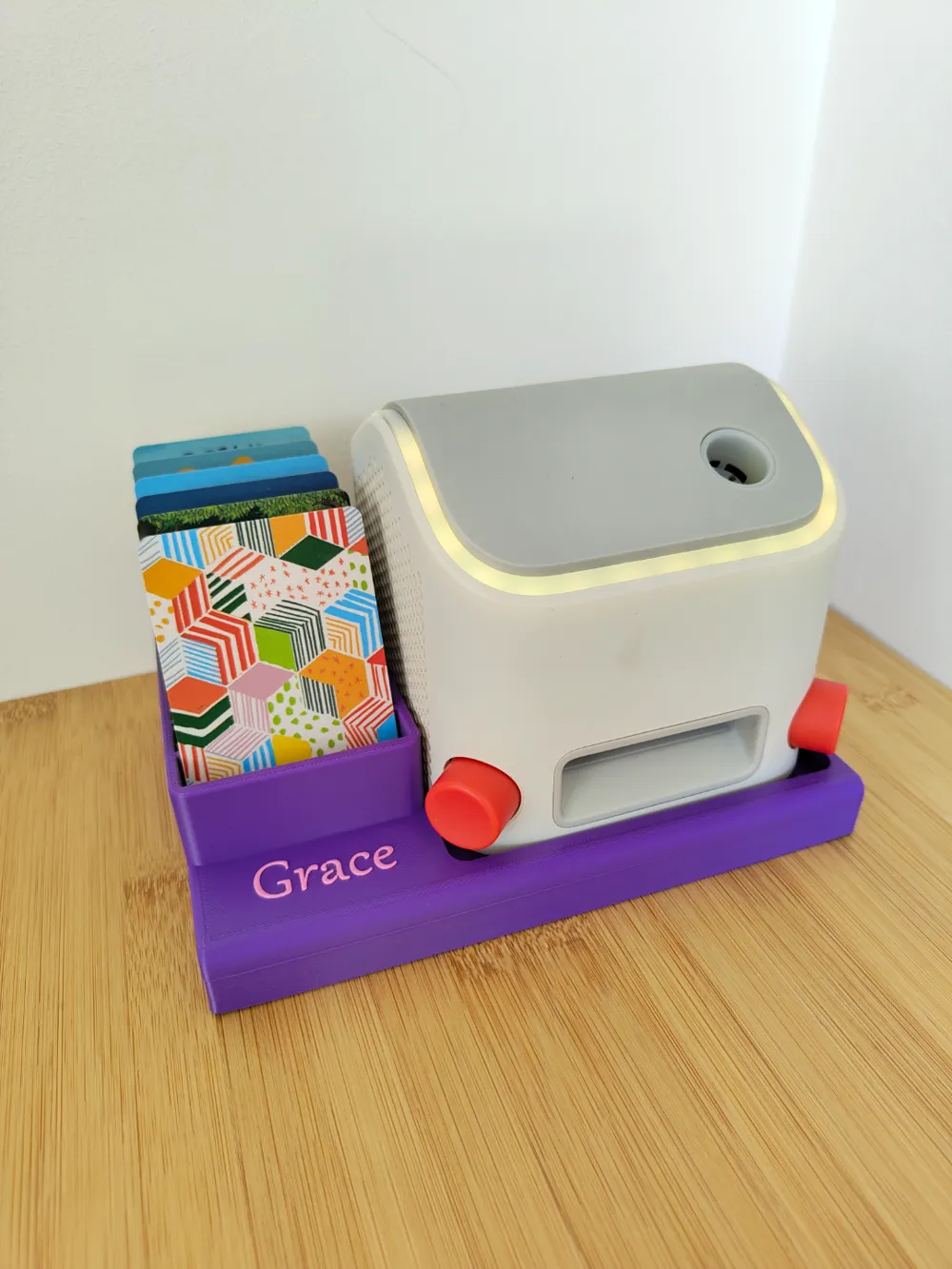
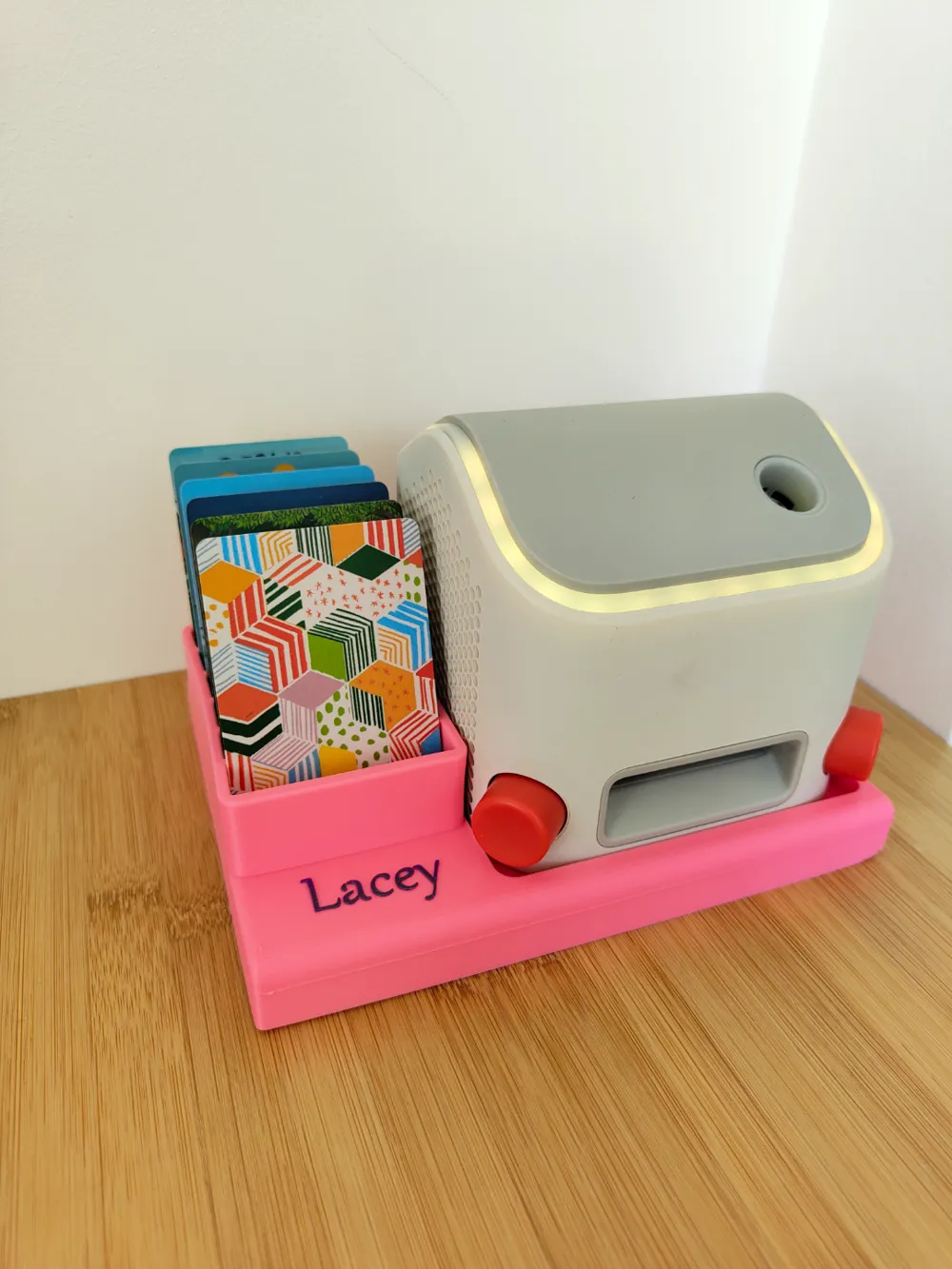
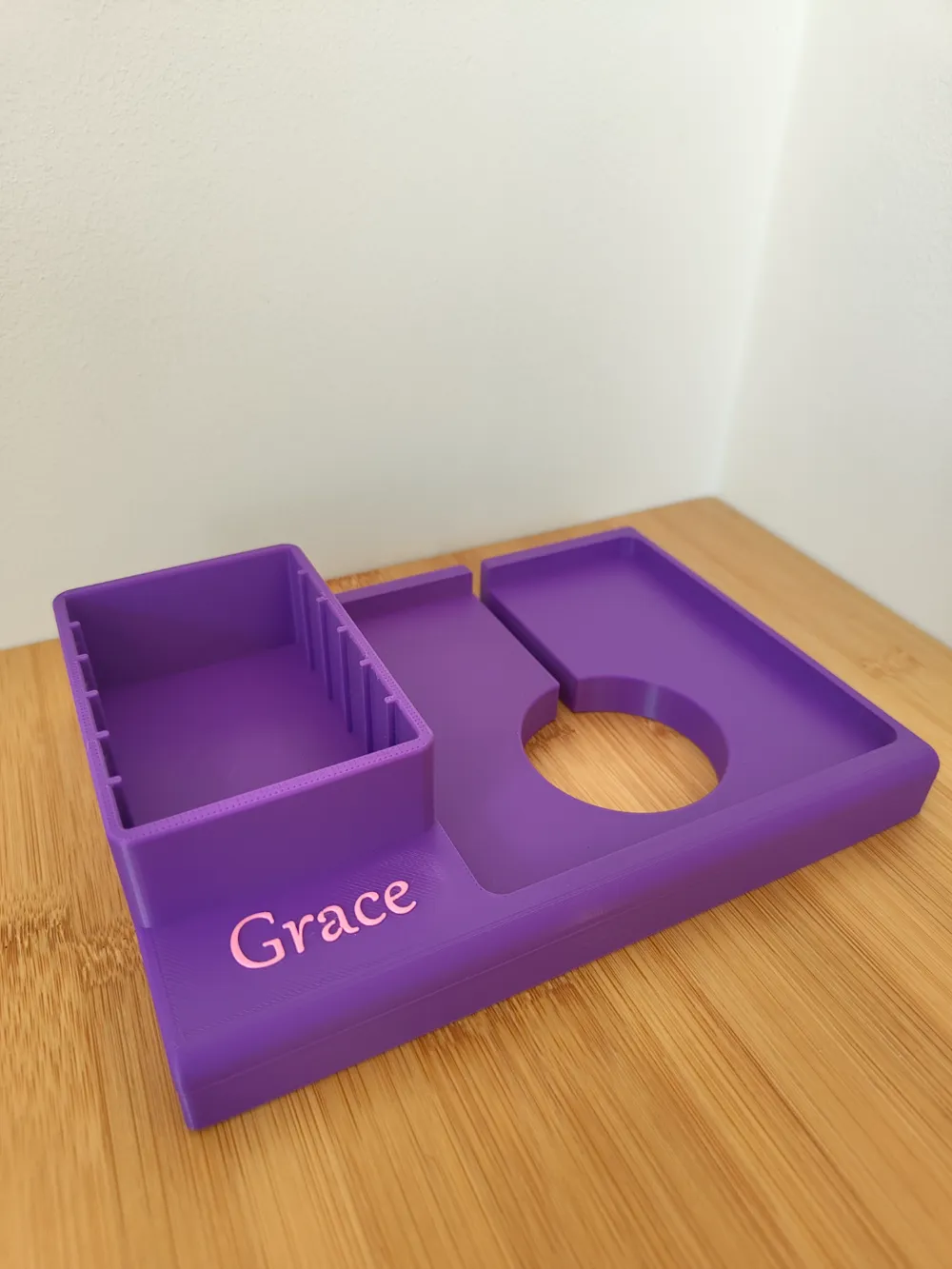
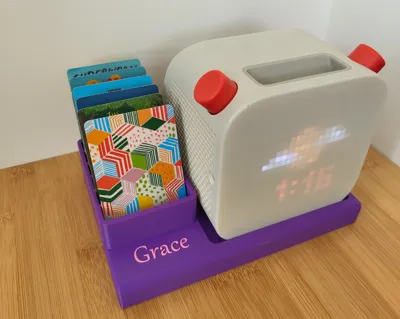
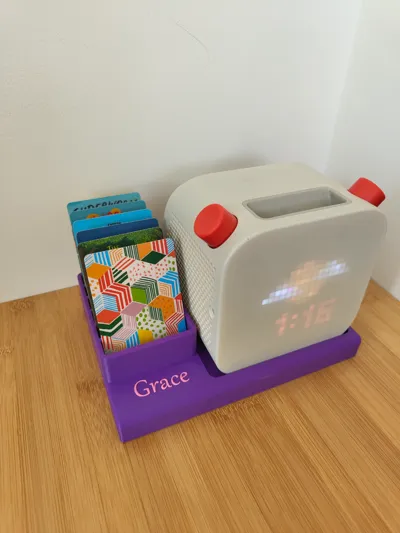
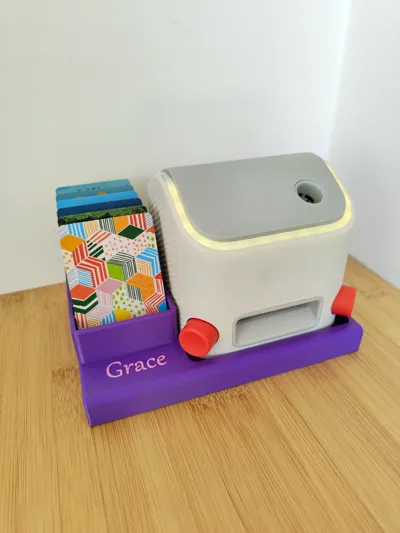
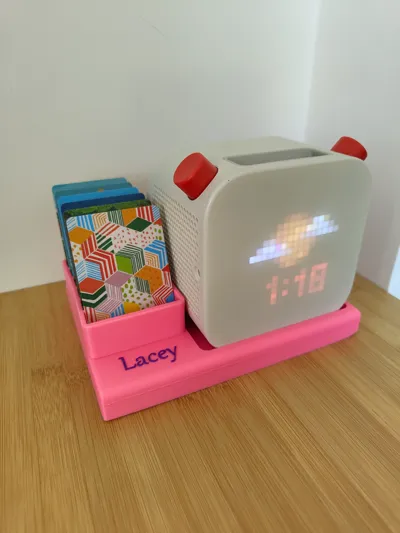
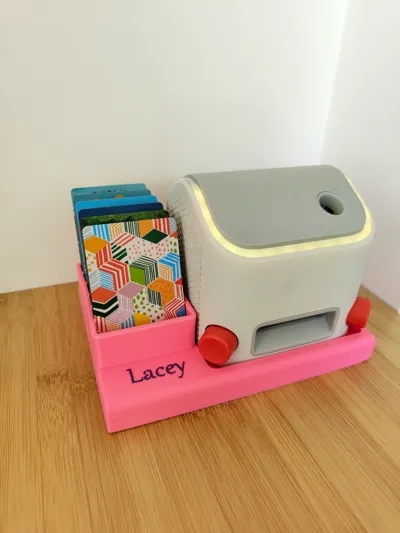
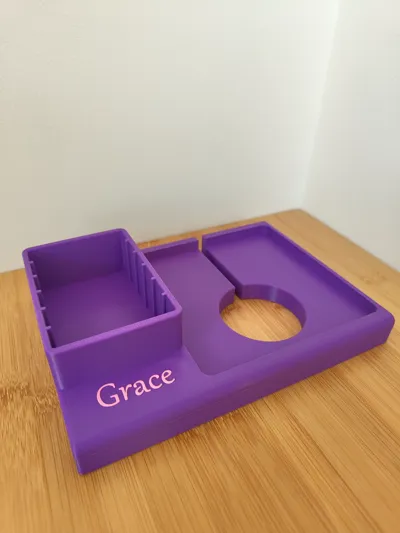
Designed for 2nd and 3rd Generation Yoto Players, this storage tray offers space for up to 78 Yoto cards and allows for two orientations: screen forward for listening or screen down for nightlight mode.
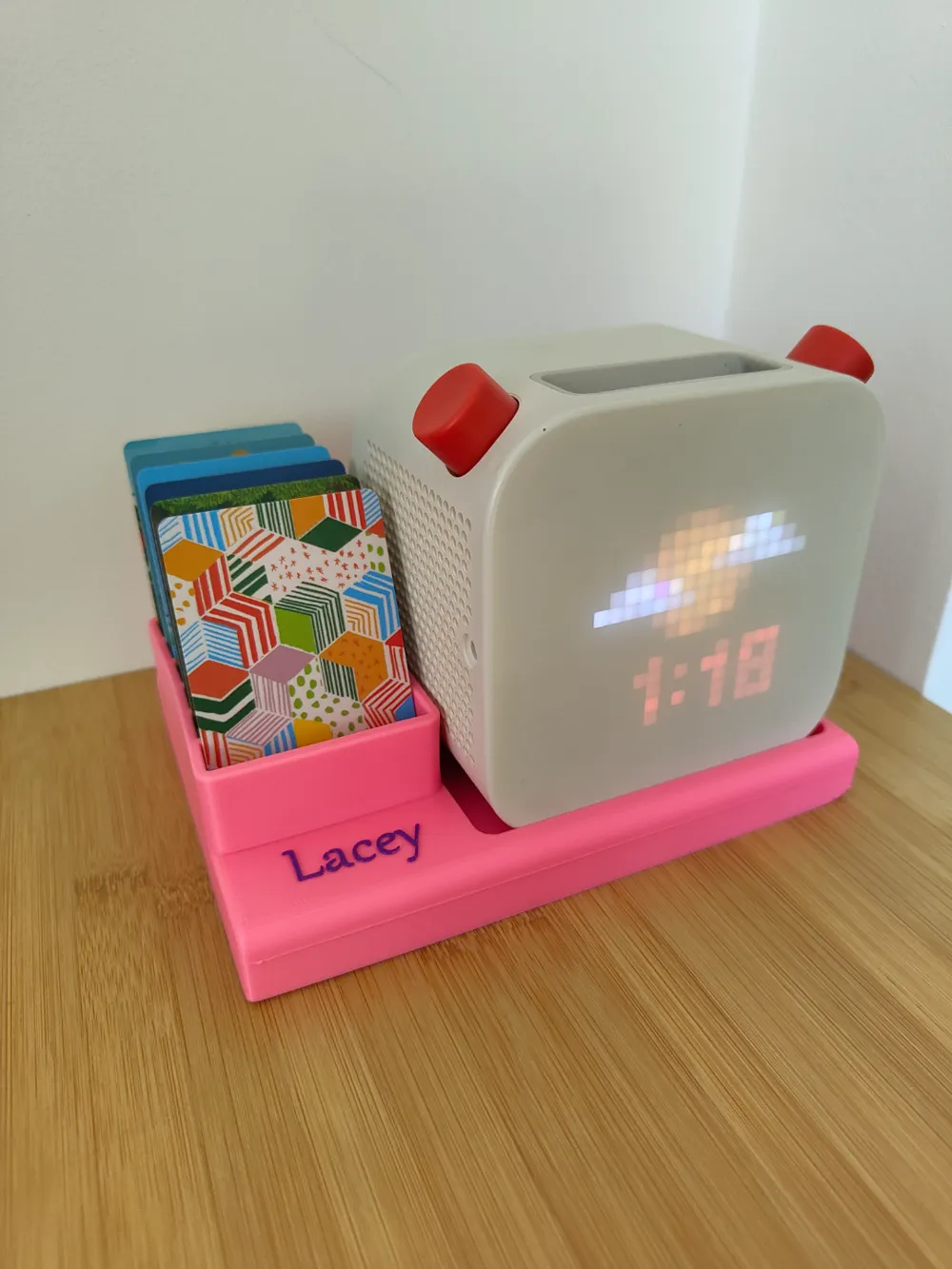
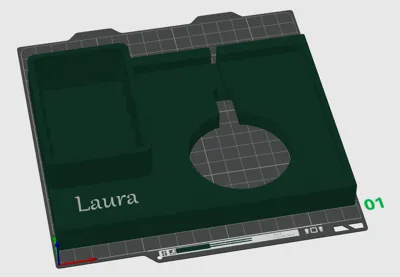
Personalize the front with custom text, and choose your preferred colours for both the tray and the text. Keep your Yoto player and cards neatly organized in a stylish and functional way, perfect for any child's room.
Two print profiles are available:
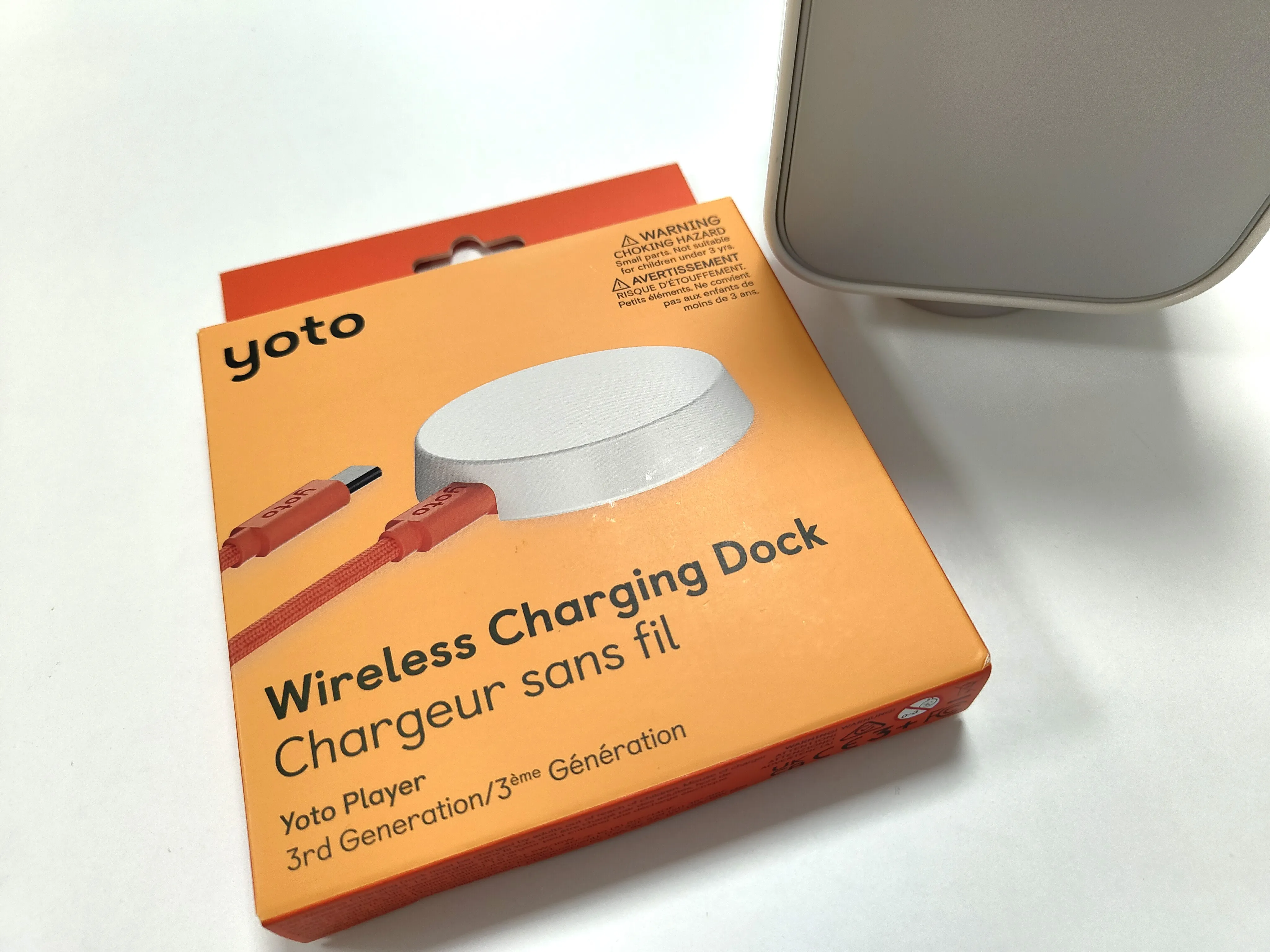
Profile 1: This is compatible with 2nd Generation Yoto Players with the magnetic charging dock AND the 3rd Generation Yoto Player when charging using the side USB-C port. This profile is not compatible with the Wireless Charging Dock accessory for the 3rd Generation Players
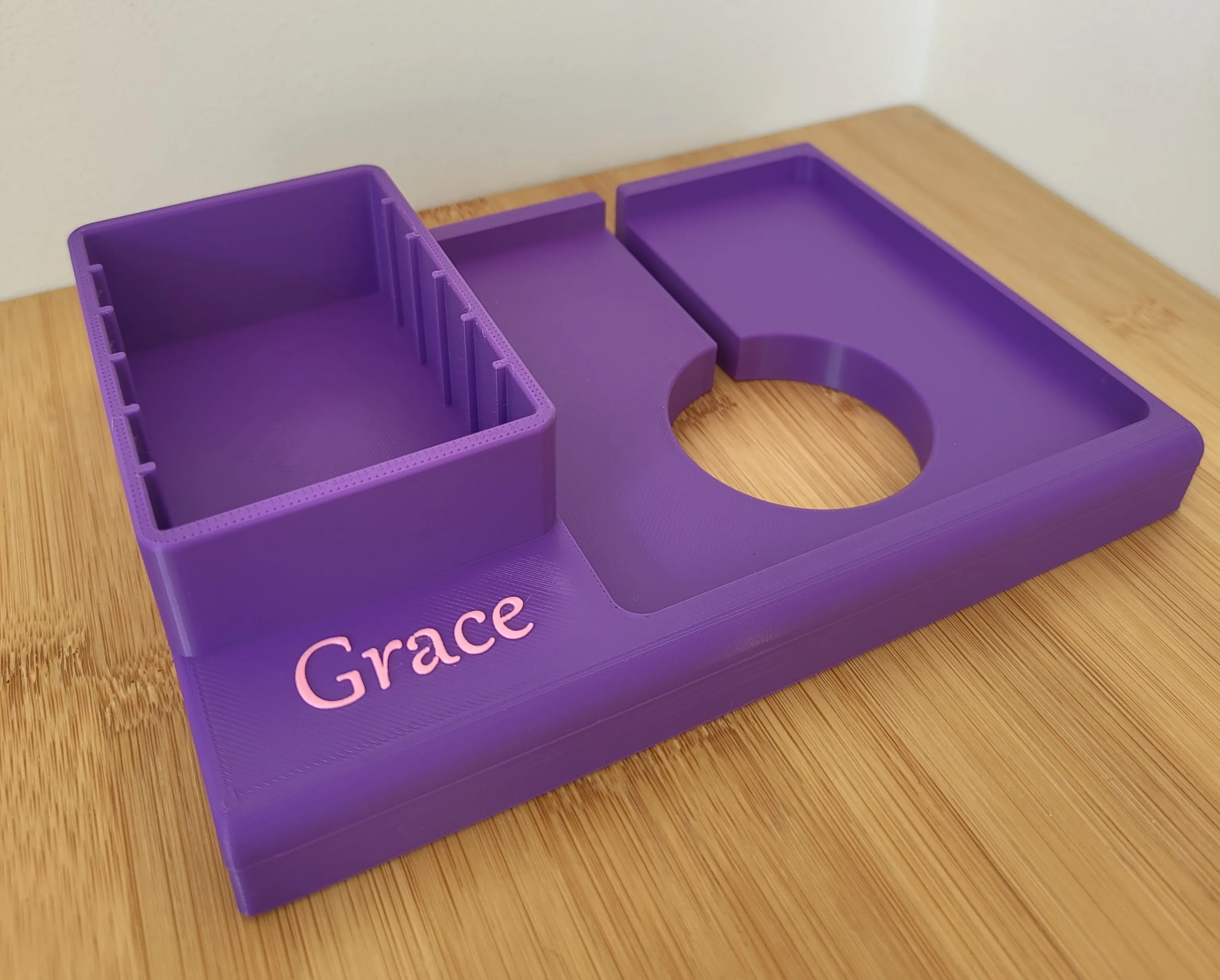
Profile 2: This is compatible with the 3rd Generation Yoto Player with side USB-C charging AND is compatible with the Wireless Charging Dock accessory. This Profile is also compatible with the 2nd Generation Yoto Player BUT the magnetic charging dock will be rather loose in the larger slot designed for the 3rd Generation Wireless Charging Dock.
Boost Me (for free)
If you appreciate my design, please consider using MakerWorld's Boost feature to show your support. Each boost not only highlights the value of the design but also directly supports my work. Thank you for your encouragement!
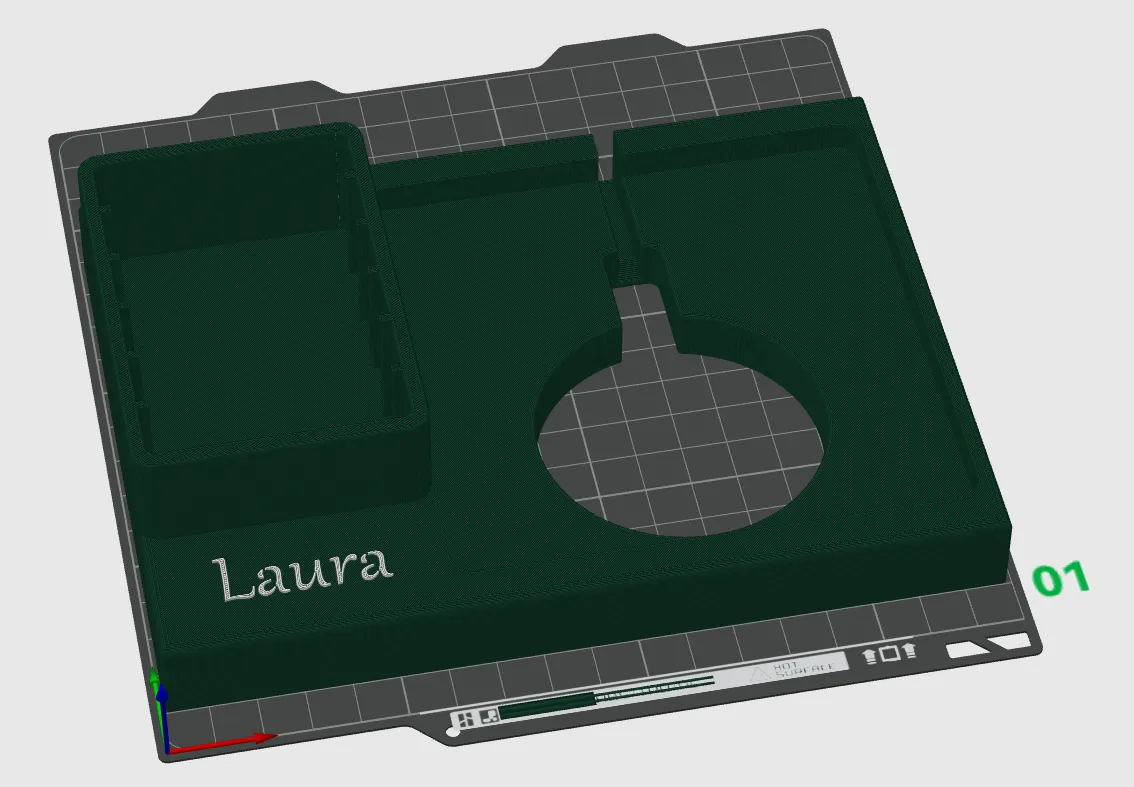
To change the text you can follow the below instructions:
Download and Install Bambu Studio on your Windows, Mac, on Linux device (https://bambulab.com/en/download/studio)
Once installed, open Bambu Studio
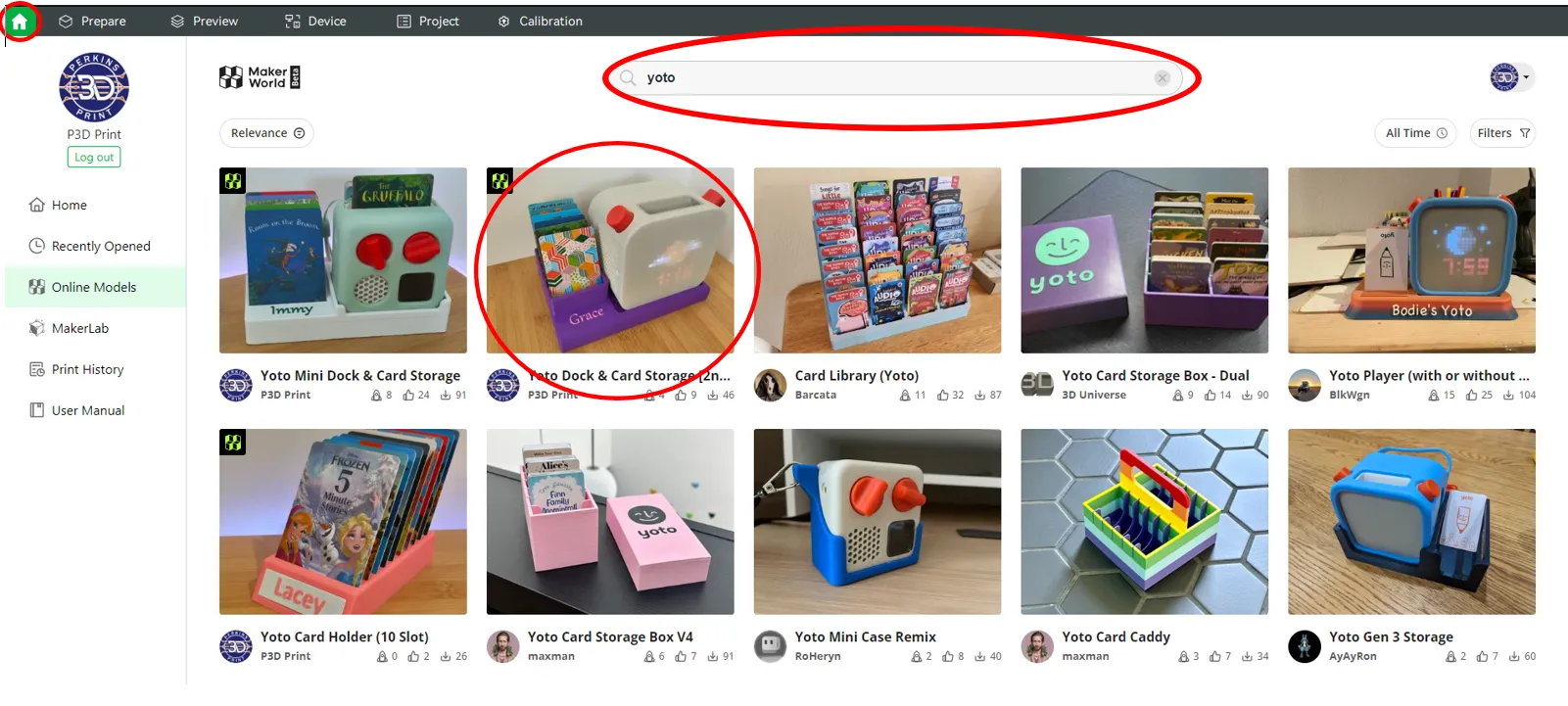
- Click on the Home button at the top left, then type "Yoto" into the search bar and hit Enter
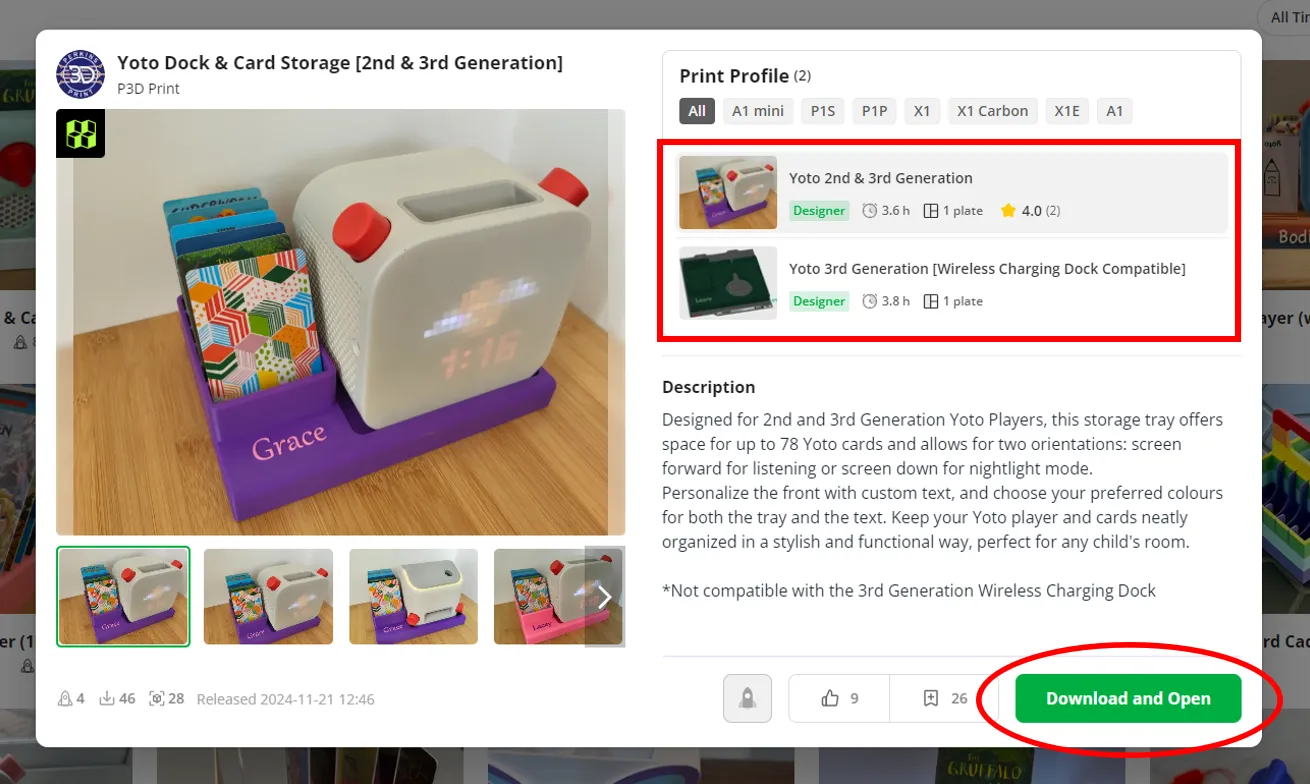
4. Select on the print profile you want and click "Download & Open"
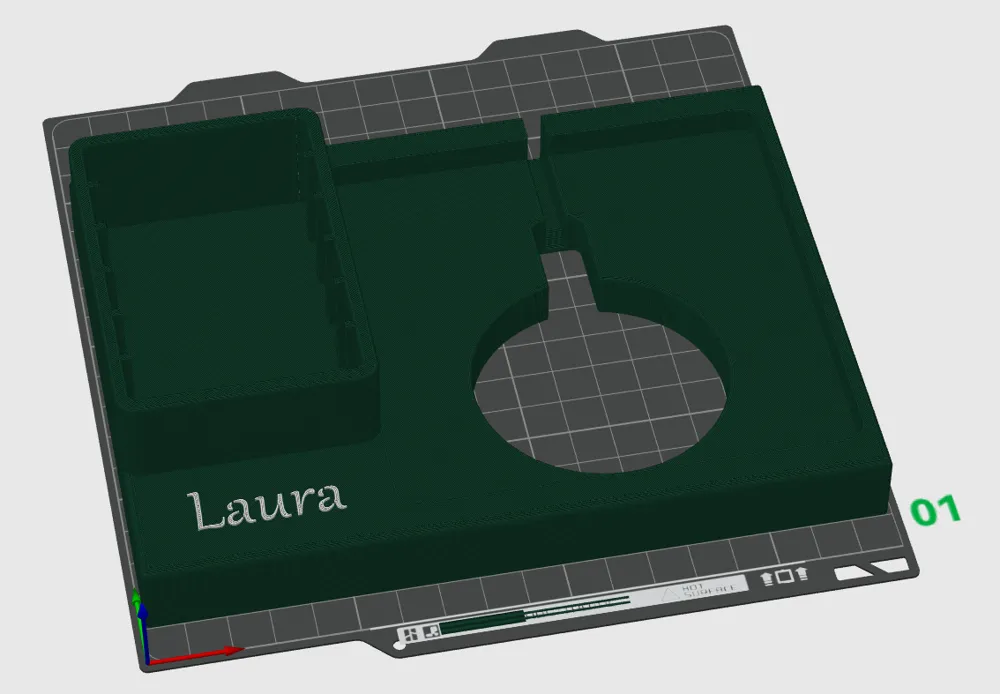
5. Once open, go to the panel on the left side and change the view from "Global" to "Objects"
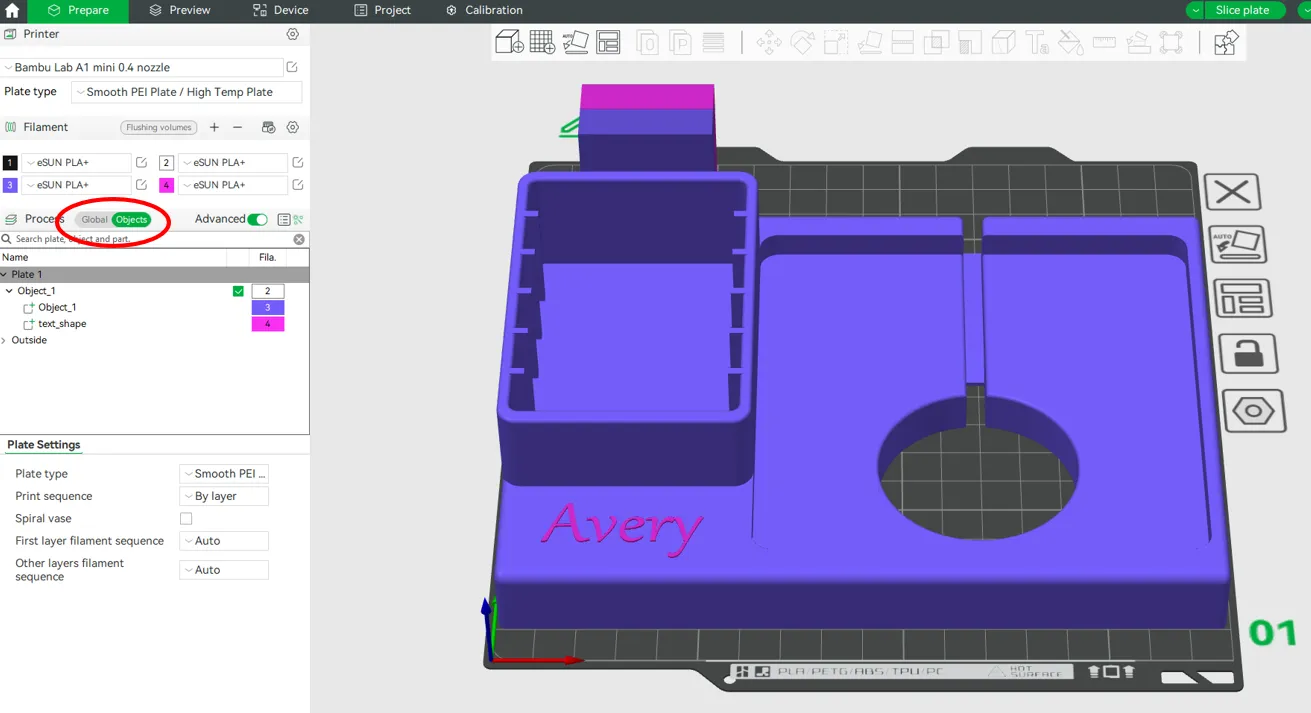
6. Select “text_shape” from the panel on the left
7. Select the "Ta" text symbol on the top panel, this will bring up a text editing panel
8. Use the panel to adjust the text to whatever you desire! ("Thickness" is how far you want the text to stick out from the body of the object, “Embedded depth” is how far you want it to go into the body of the object)
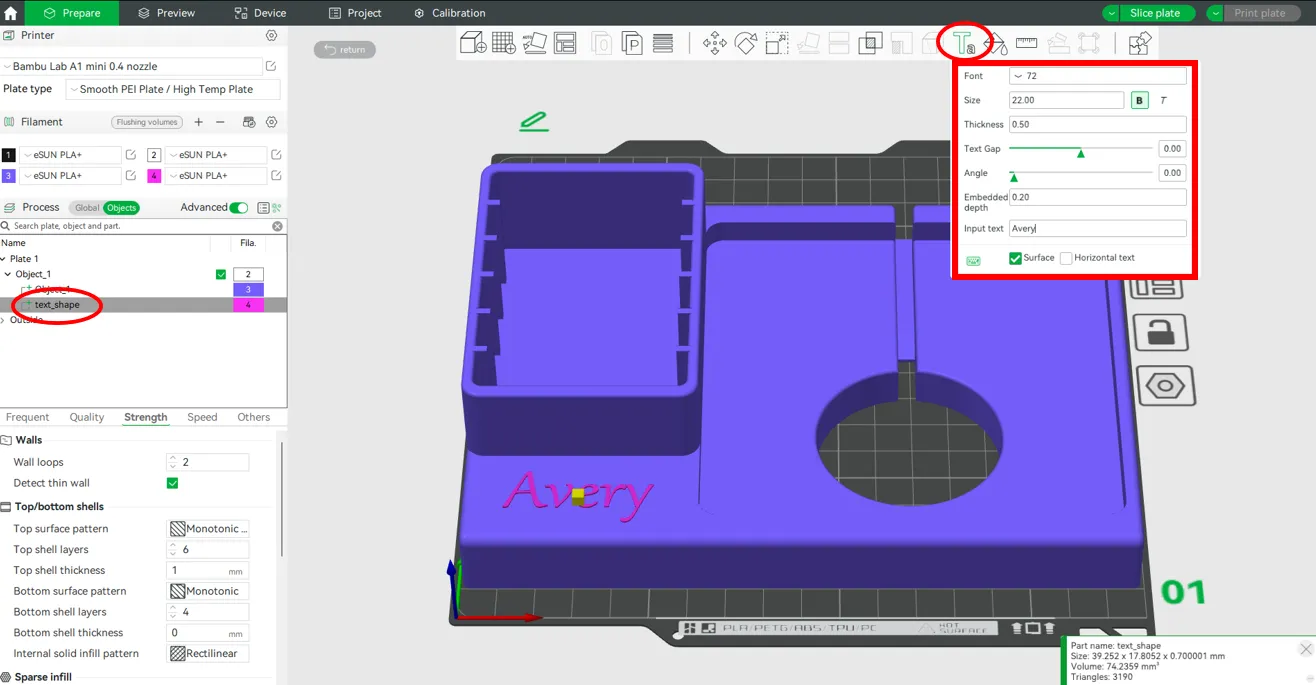
9. After adjusting the text, you may wish to move it to centralise it to the card pocket. To do this, close the text window by pressing “Ta” again, select “text_shape” from the left panel, and then select the 4 directional movement arrow symbol on the top panel. You can then use the Green, Blue, and Red arrows to move the text.
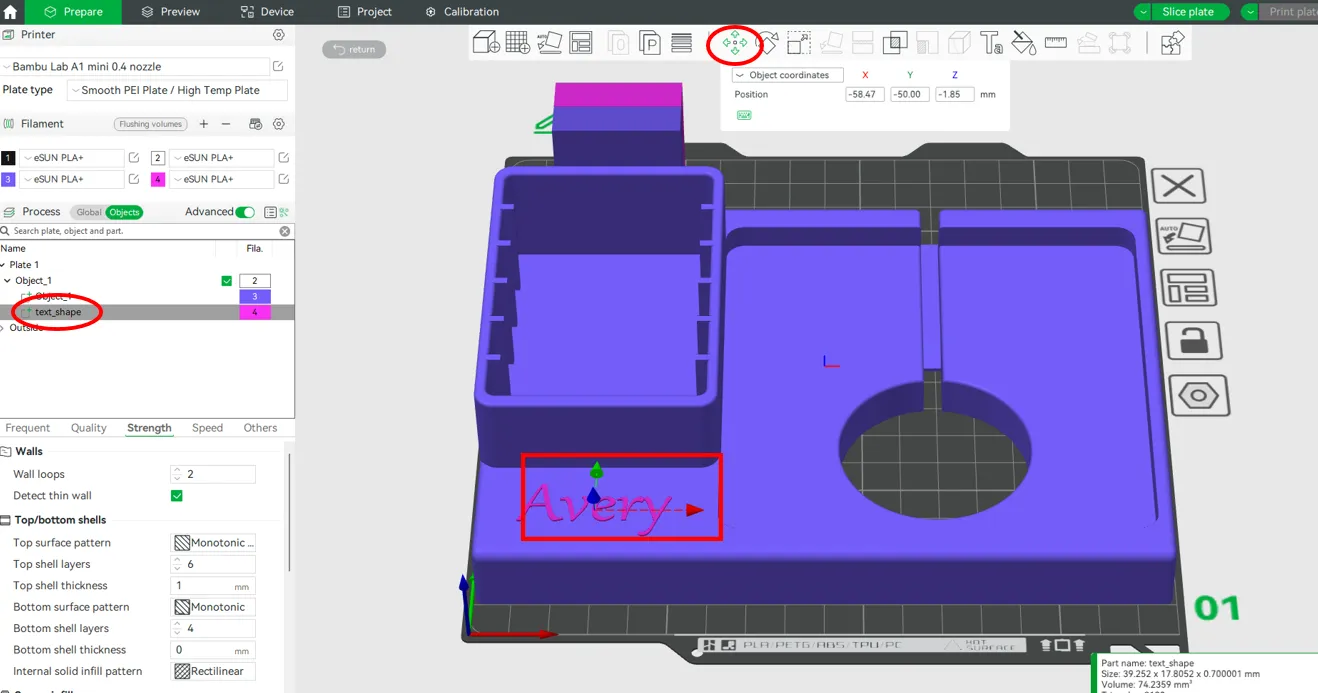
This completes the instructions on how to edit and move the text. Once you have completed your adjustments (text, colour etc.) and are ready to print, press “Slice Plate” at the top right corner, and then press “Print Plate”
I hope this helps those of you that are new to 3D printing
Good Luck!
License

You shall not share, sub-license, sell, rent, host, transfer, or distribute in any way the digital or 3D printed versions of this object, nor any other derivative work of this object in its digital or physical format (including - but not limited to - remixes of this object, and hosting on other digital platforms). The objects may not be used without permission in any way whatsoever in which you charge money, or collect fees.


Comment & Rating (80)