
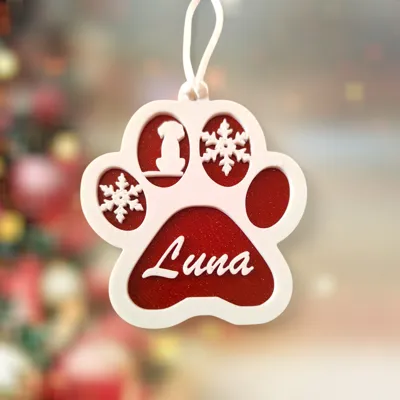
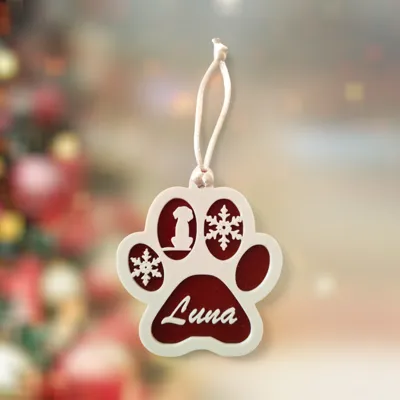
Customizable Christmas Tree Decoration - Dog Paw
Print Profile(0)
Description
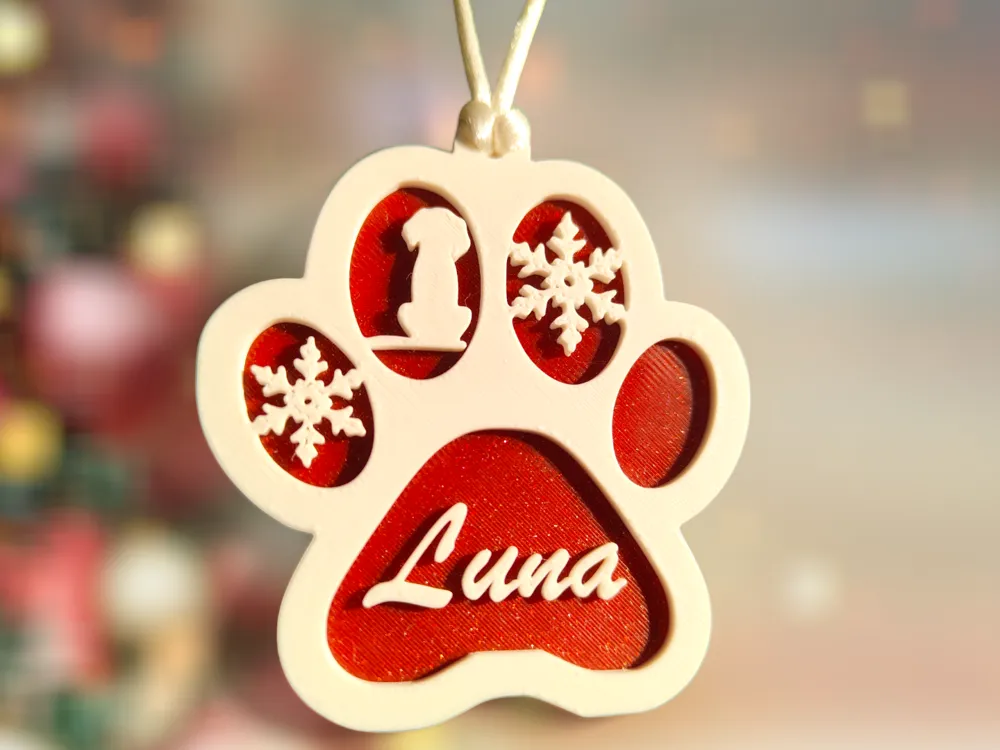
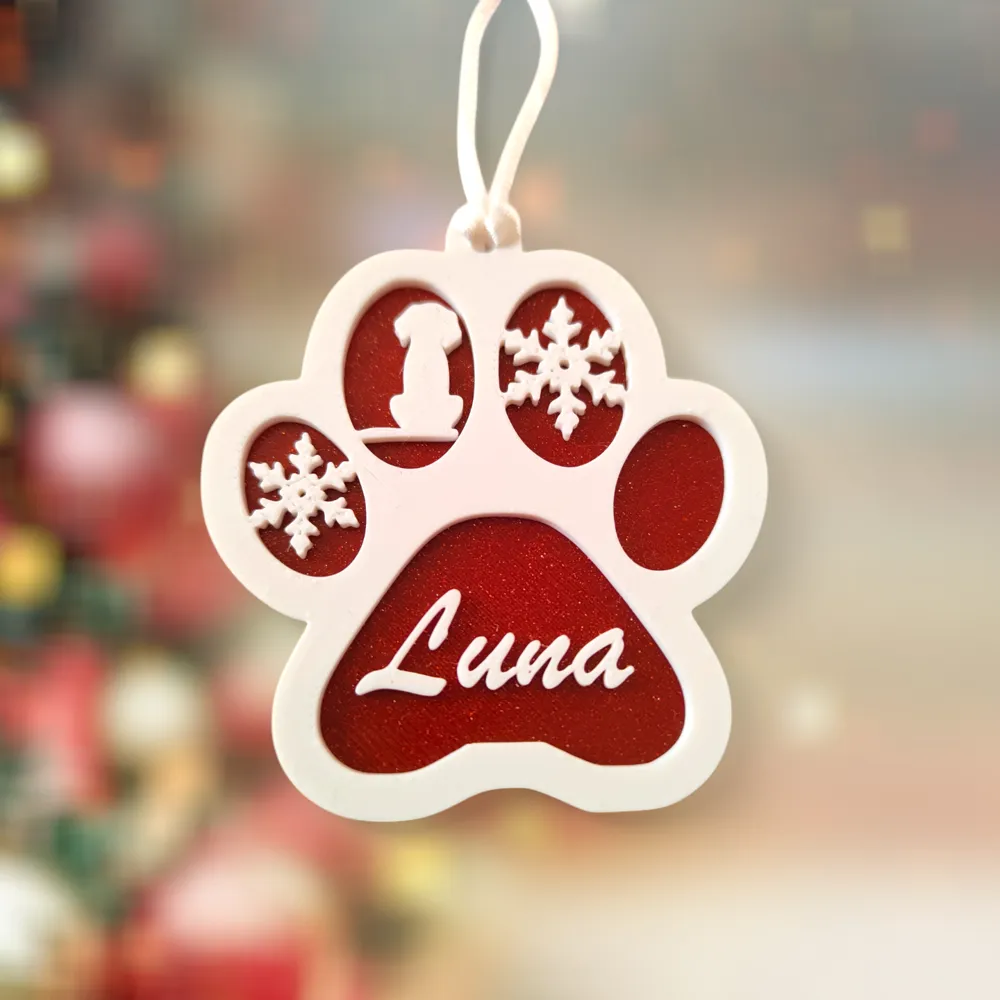
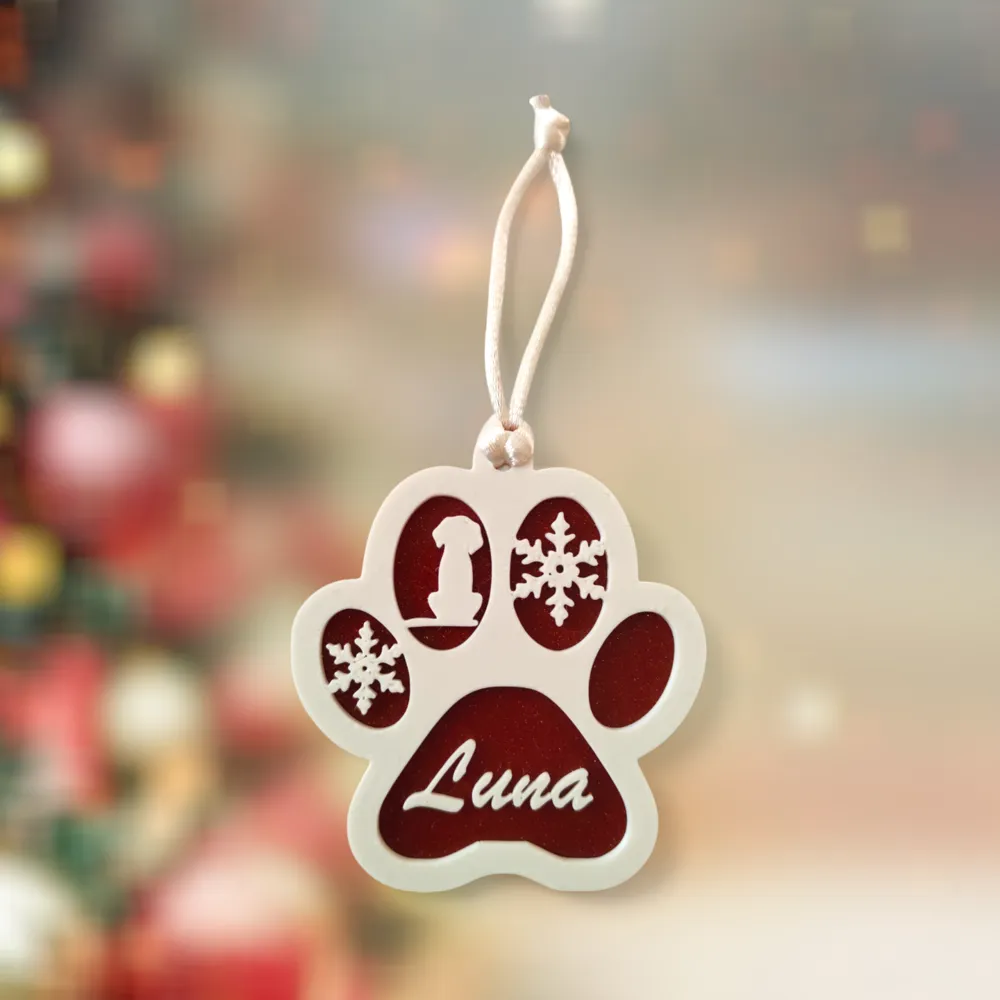
It is said that the dog is man's best friend, so I wanted to create a Christmas decoration dedicated exclusively to your puppy.
You can personalize it by inserting your dog's name, so that he also has a place of his own on your Christmas tree.
A beautiful decoration for you but also a beautiful thought for your friends and loved ones.
I Give You the Various Steps to Customize It.
INSTRUCTIONS FOR CUSTOMIZING THE LETTERING:
1 - Once the Project is opened on BambuStudio select the Paw
2- In the top toolbar click on the TEXT FORMAT icon (T)
3- Select the Font (I used the BRUSH SCRIPT MT font), select the size of the text and the thickness you want to give to the writing
4- When you have set the writing enter the text you want in the INSERT TEXT box
5-With the cursor click on the green check mark of SURFACE (Deactivating it) and move with the mouse to the outer edge of the Paw. It will take a few seconds for the writing to appear. Once it is out press enter.
6-To select the writing, to move it where you like it, you have to look on the left side of the screen at the PROCESS Item. Click on OBJECTS and it will show you the two objects on the print bed separately.
7-Select TEXT_SHAPE, once clicked it will select only the inserted text.
8- Adjust the size of the text, set it as you like, lower the text so that it touches the plane of the paw, Color it and you're done.
Si dice che il cane sia il migliore amico dell' uomo, perciò ho voluto creare Un addobbo Natalizio Dedicato esclusivamente al tuo cucciolo.
Puoi personalizzarlo inserendo il nome del tuo cane, in modo che anche lui abbia un posto tutto per sè sul tuo albero di Natale.
Una Bellissima decorazione per te ma anche un bellissimo pensiero per i tuoi amici e i tuoi cari.
Ti Fornisco i Vari Passaggi Per Personalizzarla.
ISTRUZIONI PER PERSONALIZZARE LA SCRITTA:
1 - Una Volta Aperto il Progetto su BambuStudio selezionate la Zampa
2- Nella Barra degli strumenti in alto cliccate sull'icona FORMATO TESTO (T)
3- Selezionate il Font (Io ho utilizzato il font BRUSH SCRIPT MT), selezionate la dimensione del testo e lo spessore che desiderate dare alla scritta
4- Quando avete Impostato La Scritta inserite il testo che desiderate nella casella INSERISCI TESTO
5-Con il cursore cliccate sulla spunta verde di SUPERFICIE (Disattivandola) e spostatevi con il mouse sul bordo esterno della Zampa. Ci vorrà qualche secondo prima che la scritta compaia. una Volta che è uscita premete invio.
6-Per selezionare la scritta, per spostarla dove più vi piace, dovete guardare sul lato sinistro dello schermo alla Voce PROCESSO. Cliccate su OGGETTI e vi mostrerà in maniera Separata i due oggetti presenti sul piano di Stampa.
7-Selezionate TEXT_SHAPE, una volta aver cliccato vi selezionerà soltanto il testo inserito.
8- Regolate la Grandezza del testo, impostatelo come più vi aggrada, abbassate il testo in modo che tocchi il piano della Zampina, Coloratelo ed il gioco è fatto.
License



Comment & Rating (98)