
Hooping Station for Embroidery (for Mighty Hoop)
Print Profile(2)


Description
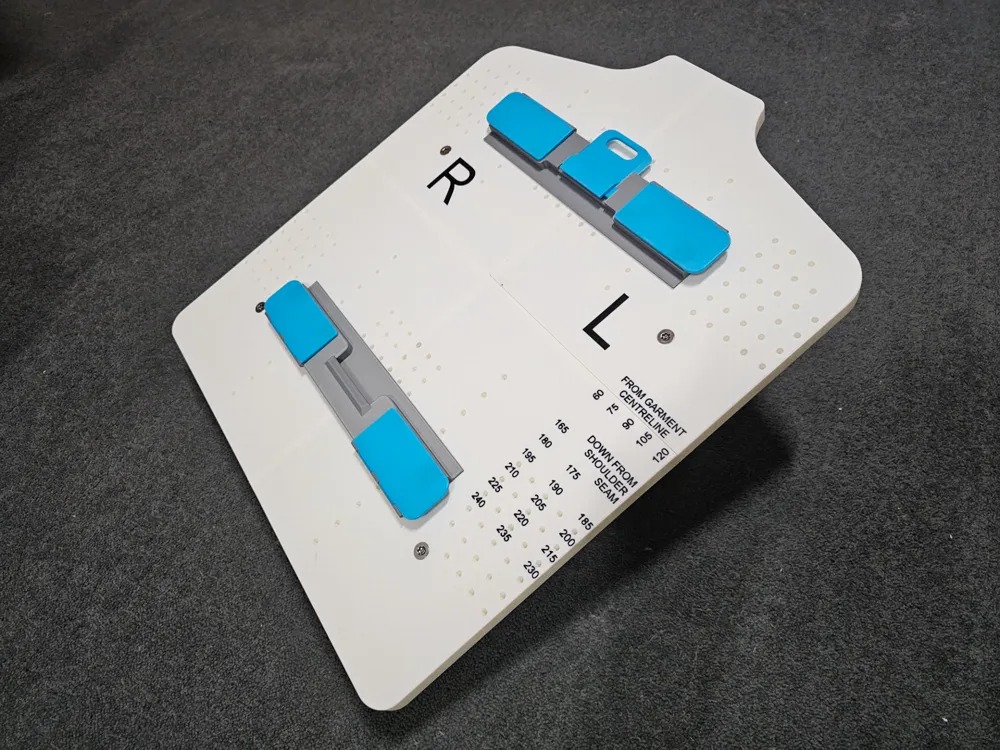
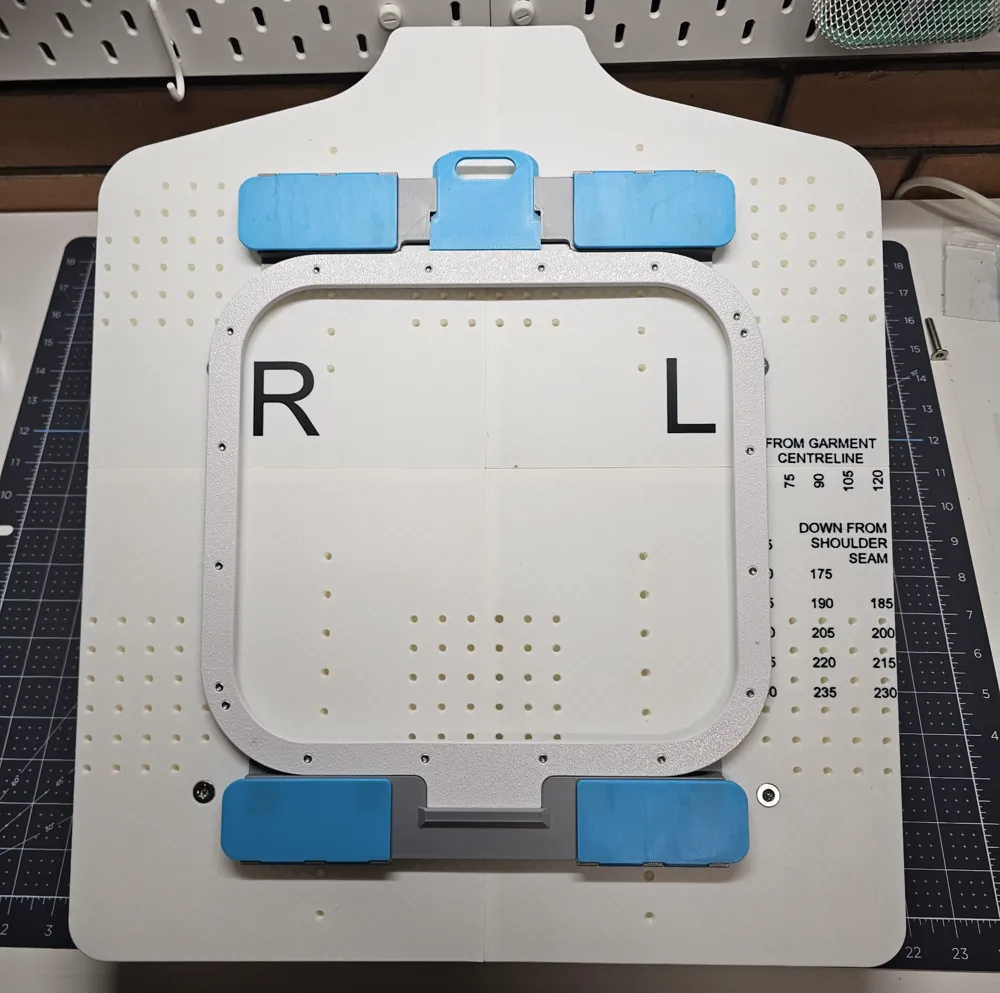
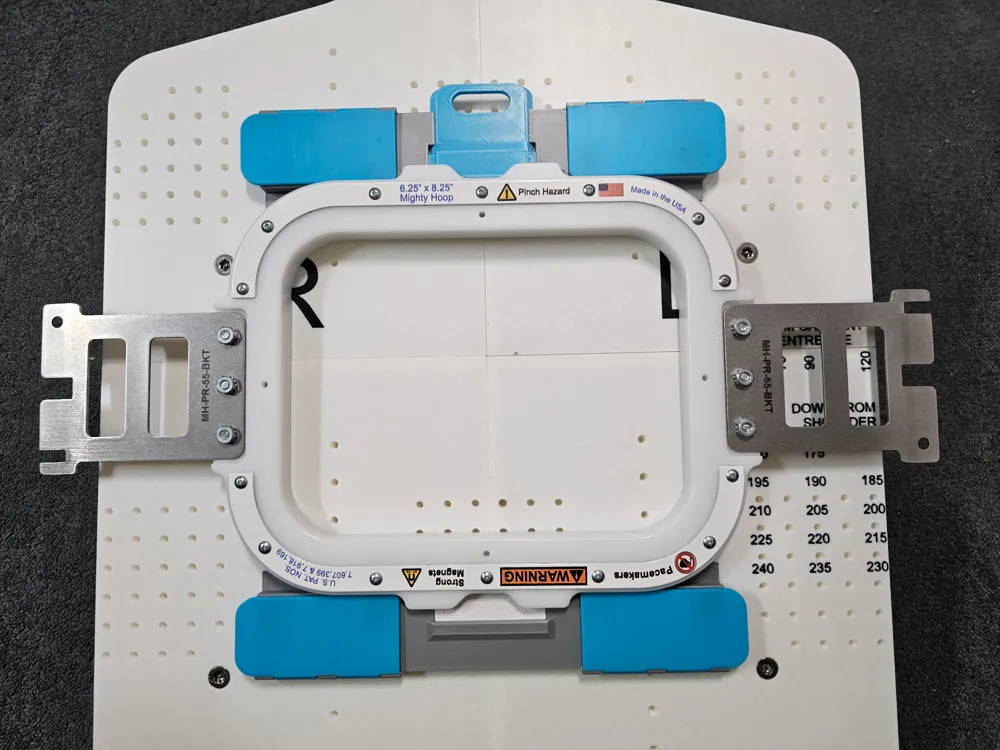
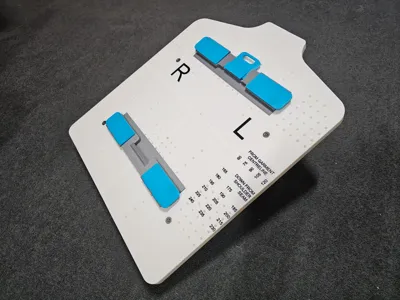
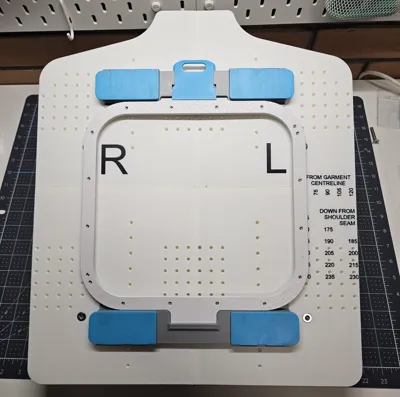
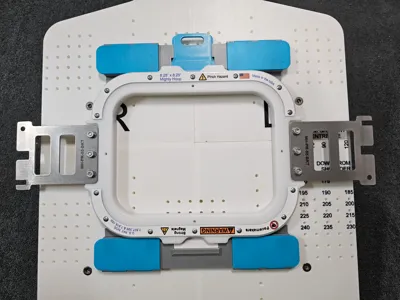
If you are into embroidery and use “Mighty Hoops", then this large print may be very useful for you.
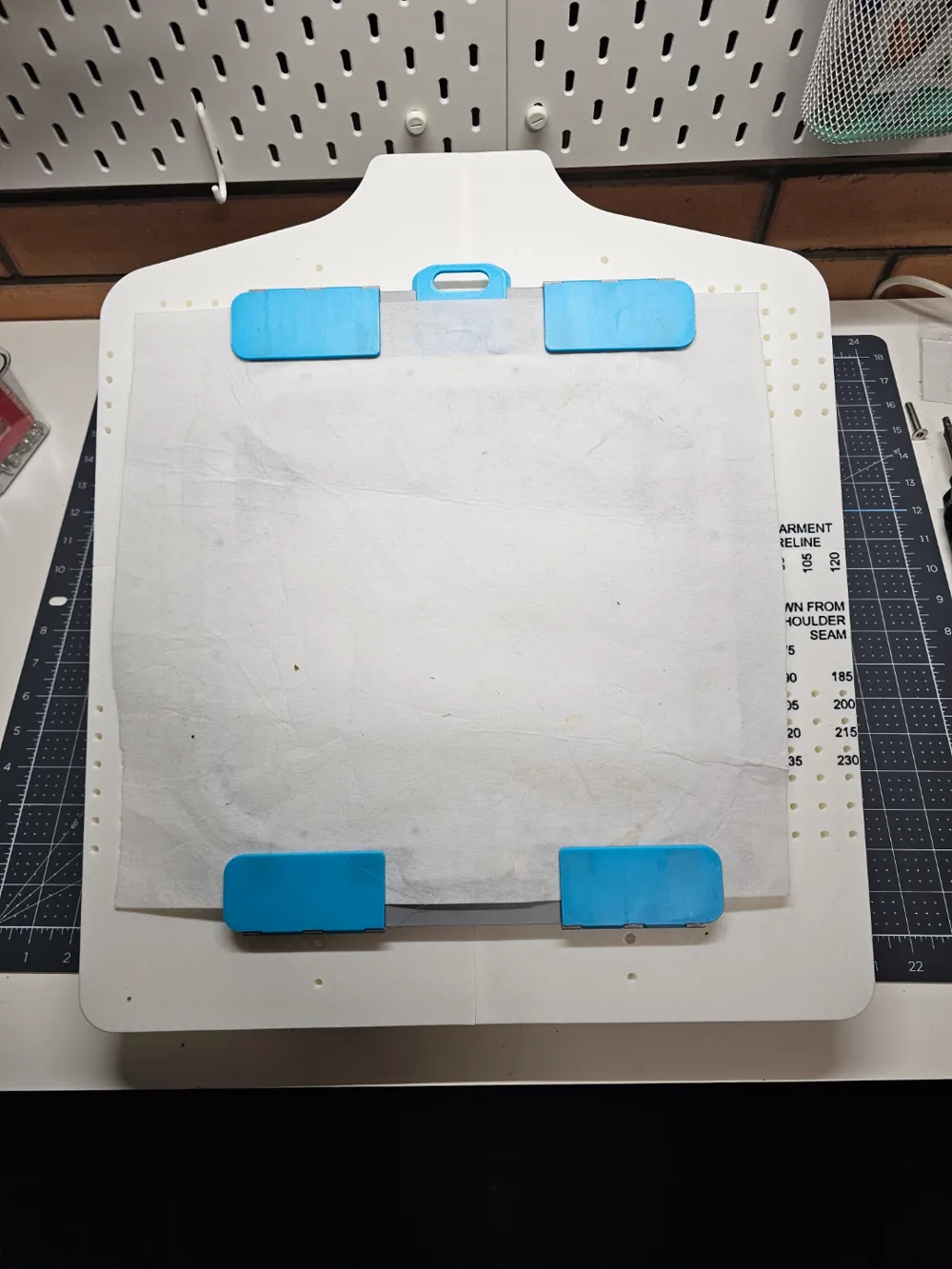
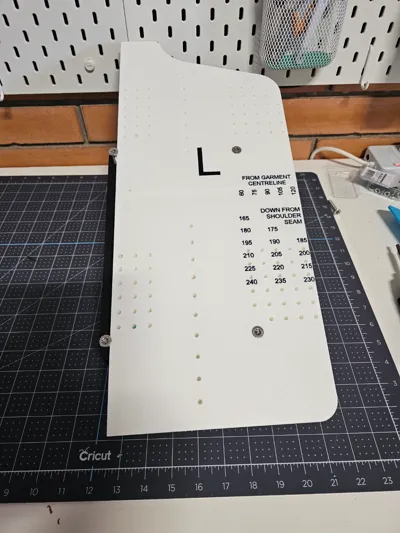
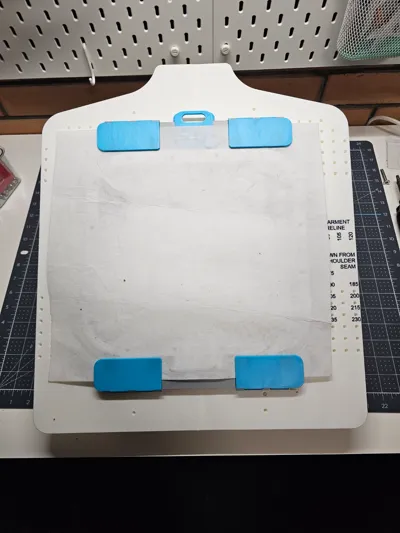
A hooping station greatly simplifies setting up garments (and other items) ready for embroidery. Professional hooping stations are available, but they are extremely expensive. With a bit of work, some screws, magnets and around 1kg of filament, you could build your own and save a considerable amount of money.
Hardware Required
You will require:
- 6 x M6 x 35mm countersunk screws (I used stainless steel security screws)
- 16 x neodymium magnets 15mm x 15mm x 1mm thick
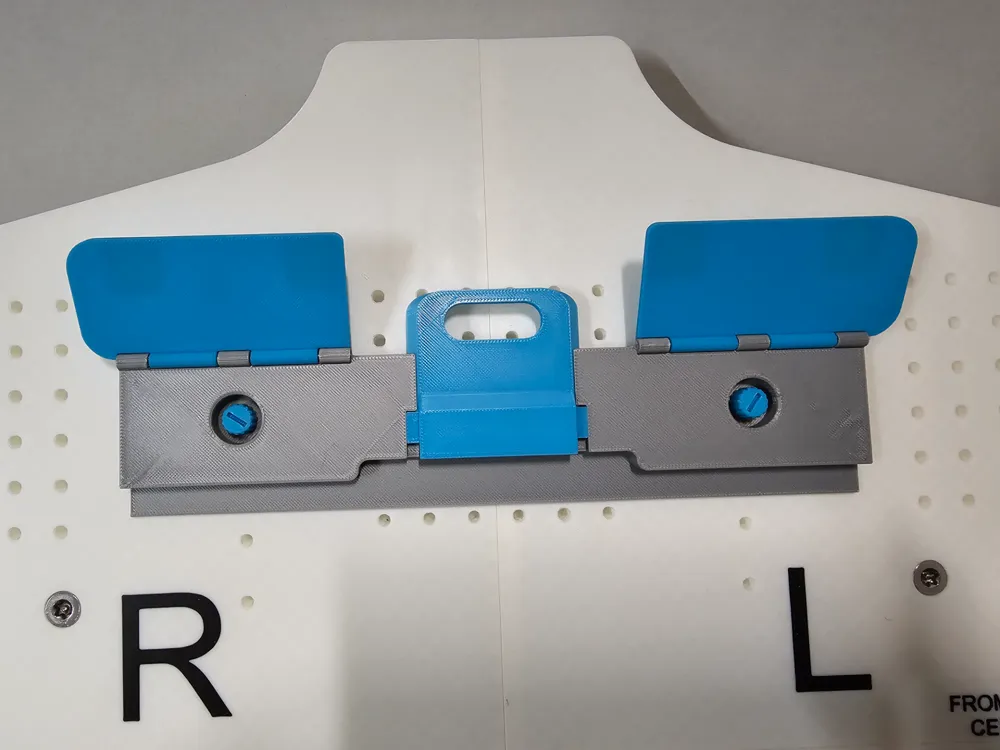
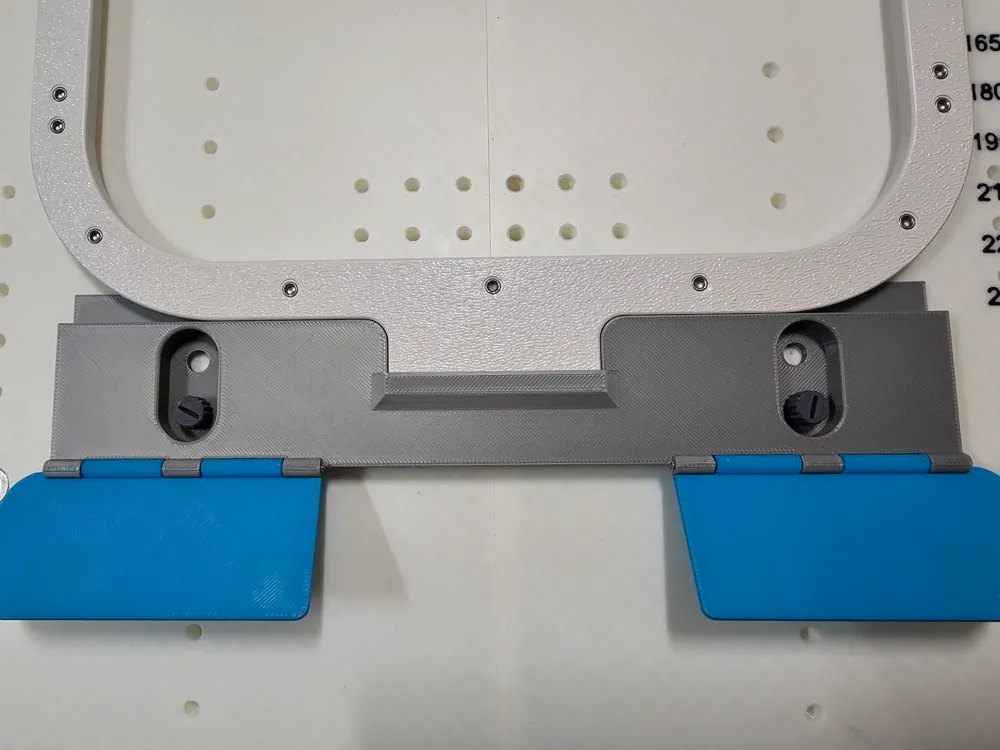
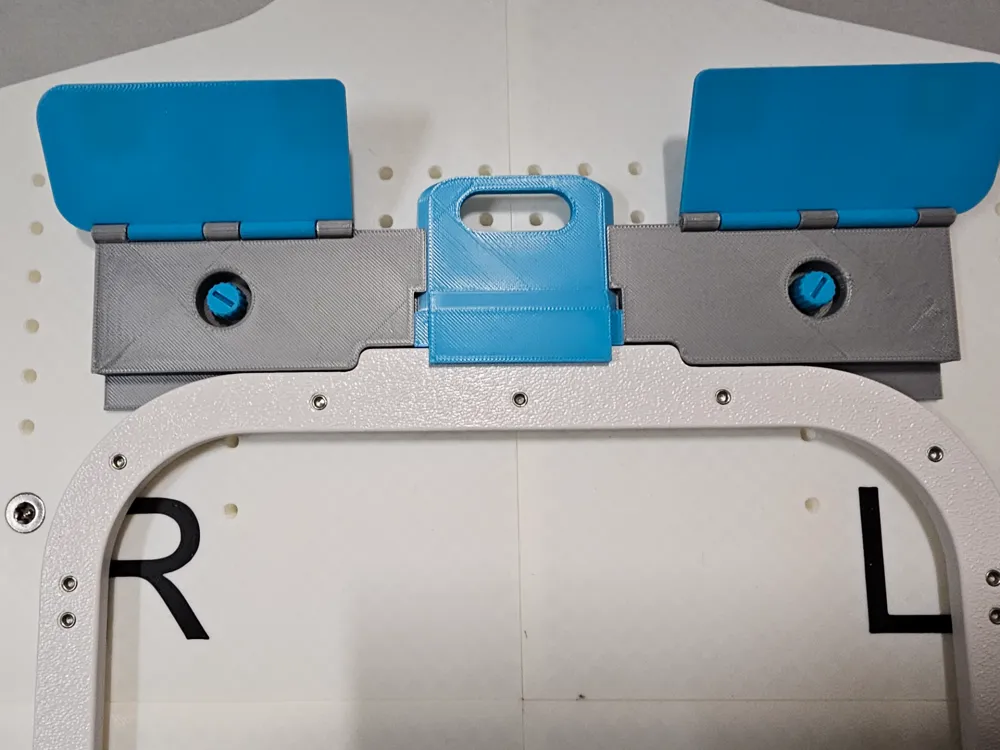
Printing the Clamp Sections and hinged Flaps
The print files have been instructed to pause when the magnets needs to be inserted.
It is critically important to place the magnets in the correct orientation/polarity.
- Place the 8 magnets for the two clamp plates in the same orientation into the square holes of the print.
- Place the 8 magnets for the four hinge flaps in the same orientation - BUT - opposite to the clamp plates.
i.e. if the clamp plate magnets are all placed with the positive (+) terminal facing UP into the print - place the positive (+) DOWN for the hinge flaps.
Assembly Instructions
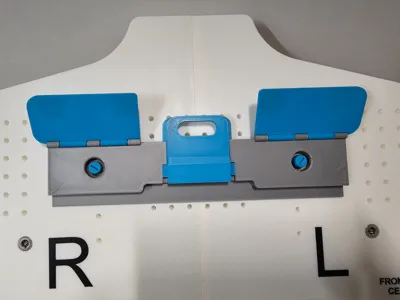
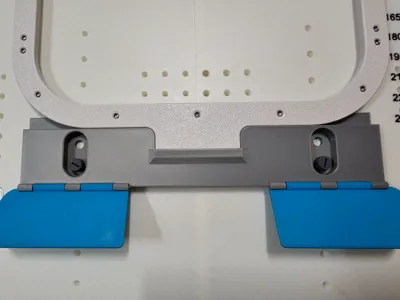
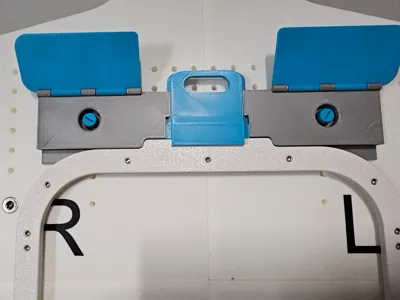
Place the 4 x hinge flaps onto the top and bottom clamps. The magnets will hold them together (if they push apart, you will need to reprint the hinge flaps again - but reverse the orientation of the magnets.
Use a piece of filament as the hinge shaft for each flap.
Main Table Assembly Instructions
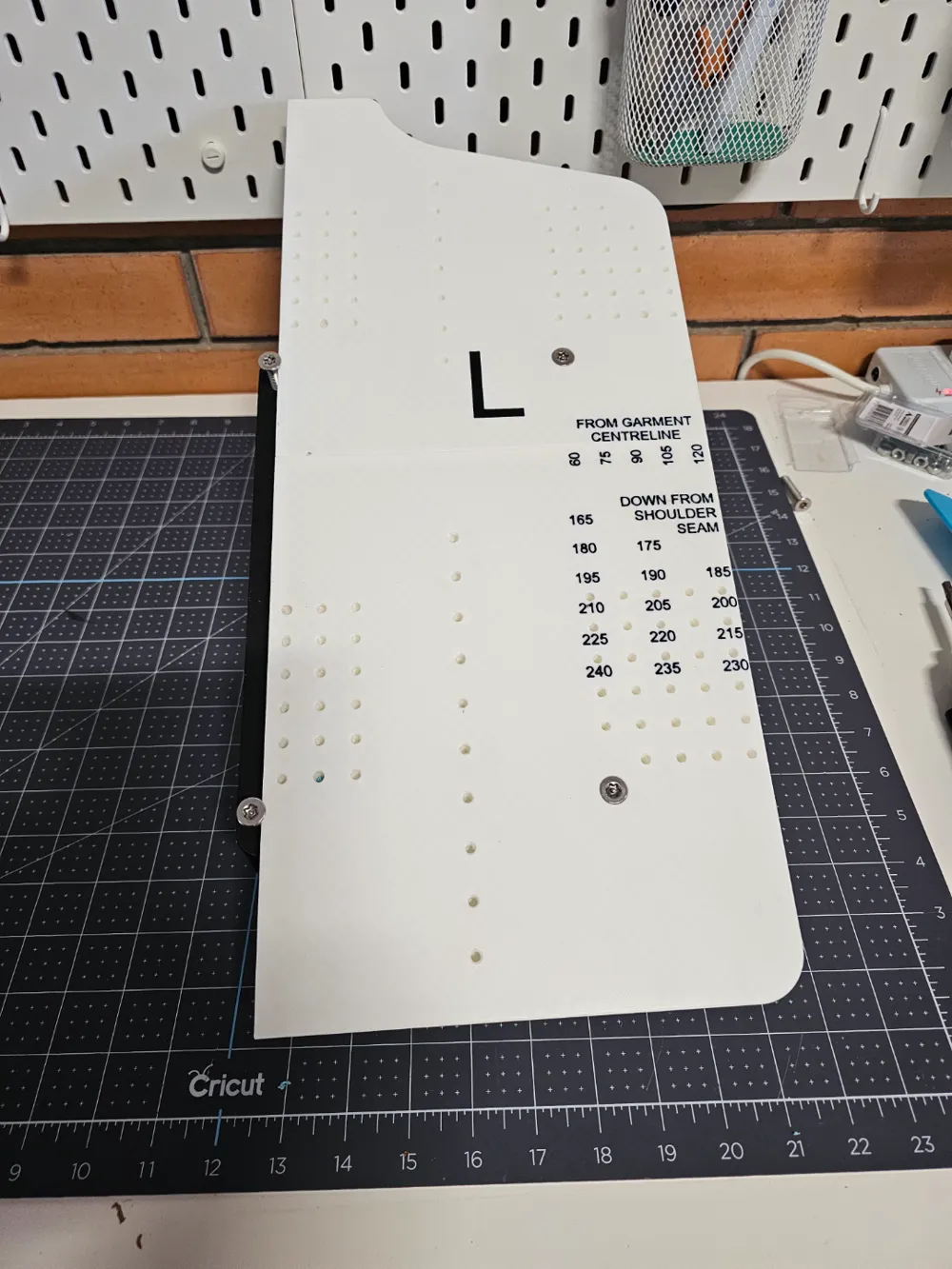
- Print the 4 panels (top left, bottom left, top right, bottom right).
- Slide the top left panel onto the mating edge of the bottom left panel (as per one of the photos).
- Slide the top right panel onto the mating edge of the bottom right panel.
- Slide the left and right halves together. You may find that some talcum powder or light oil in the join will assist assembly.
- Use 2 countersunk screws to fit the stabiliser bar between the two support legs (to form a H pattern looking from above. The support legs have countersunk holes on one side for fitting the screws into.
- Use the remaining 4 countersunk screws to fit the main table onto the supports. The top (neck shaped end) of the main table must be at the highest point.
Depending on your printer, the threads may need cleaning out with a 5mm tap. If the stepped screws are a little tight or loose - try reprinting with them slightly scaled up/down.
To use Metal instead of Plastic Stepped Screws
I originally designed this model to use metal stepped screws salvaged from old computer systems. As these did not appear to be readily available, I made plastic alternatives included in the main print profile.
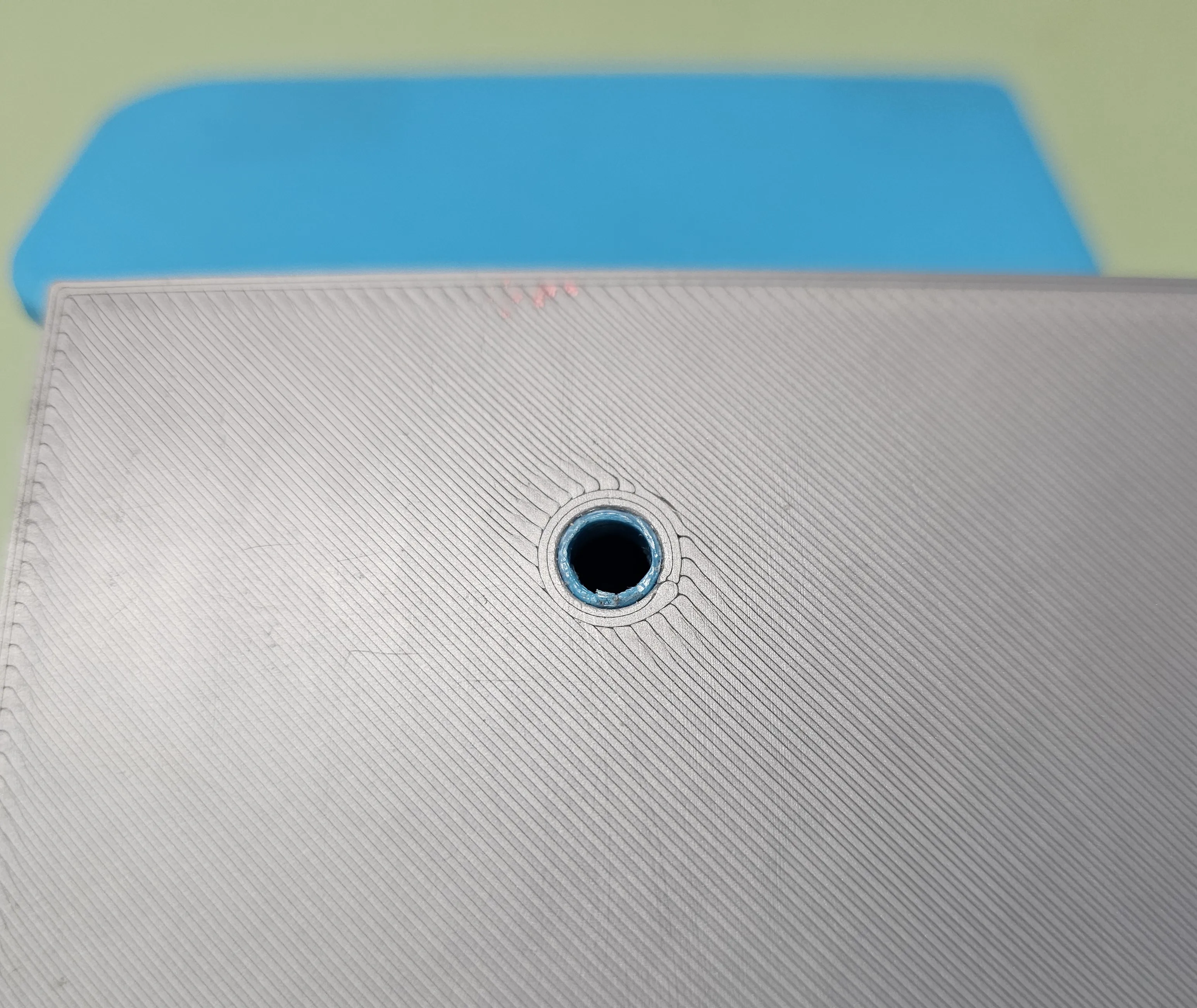
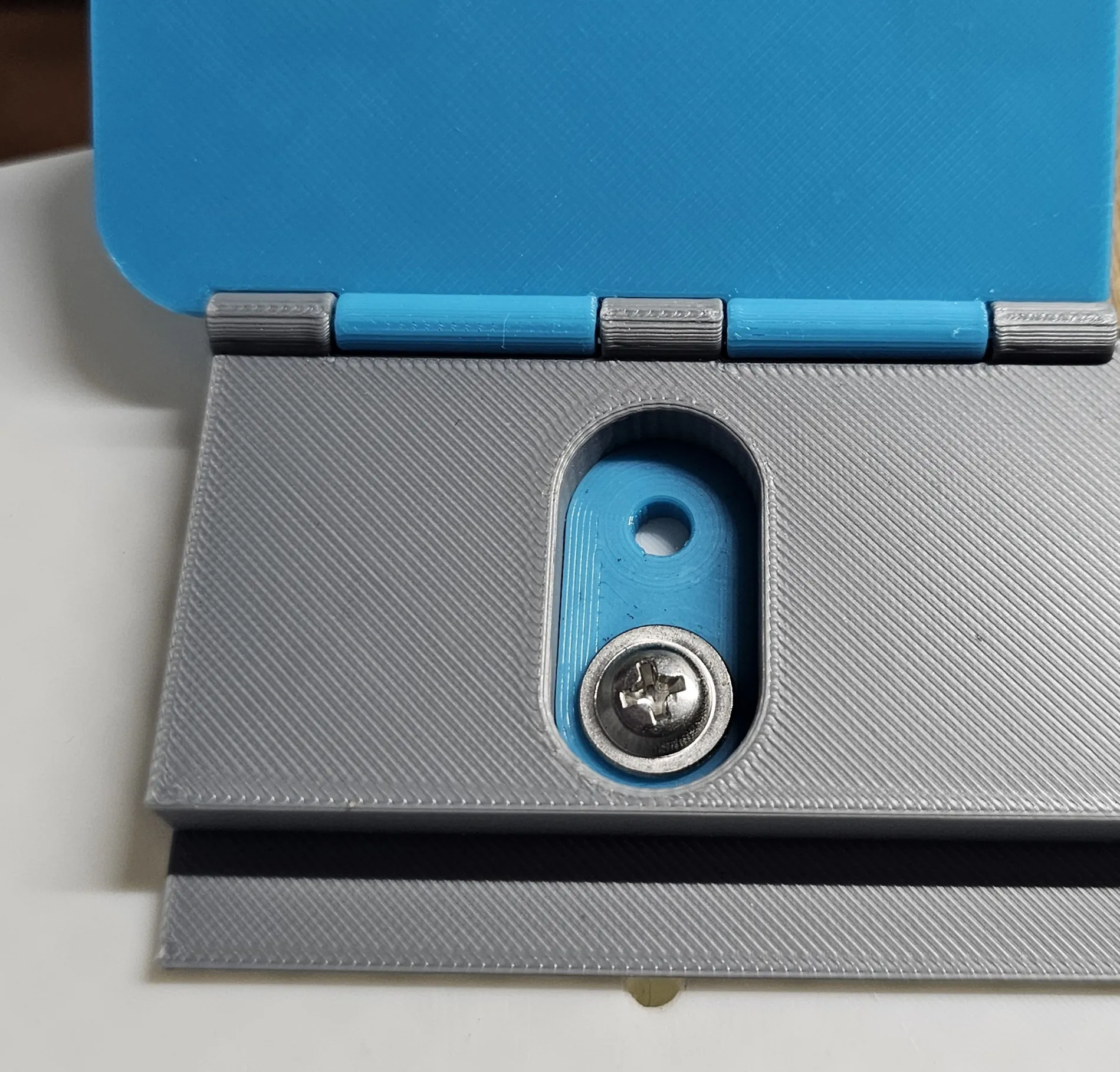
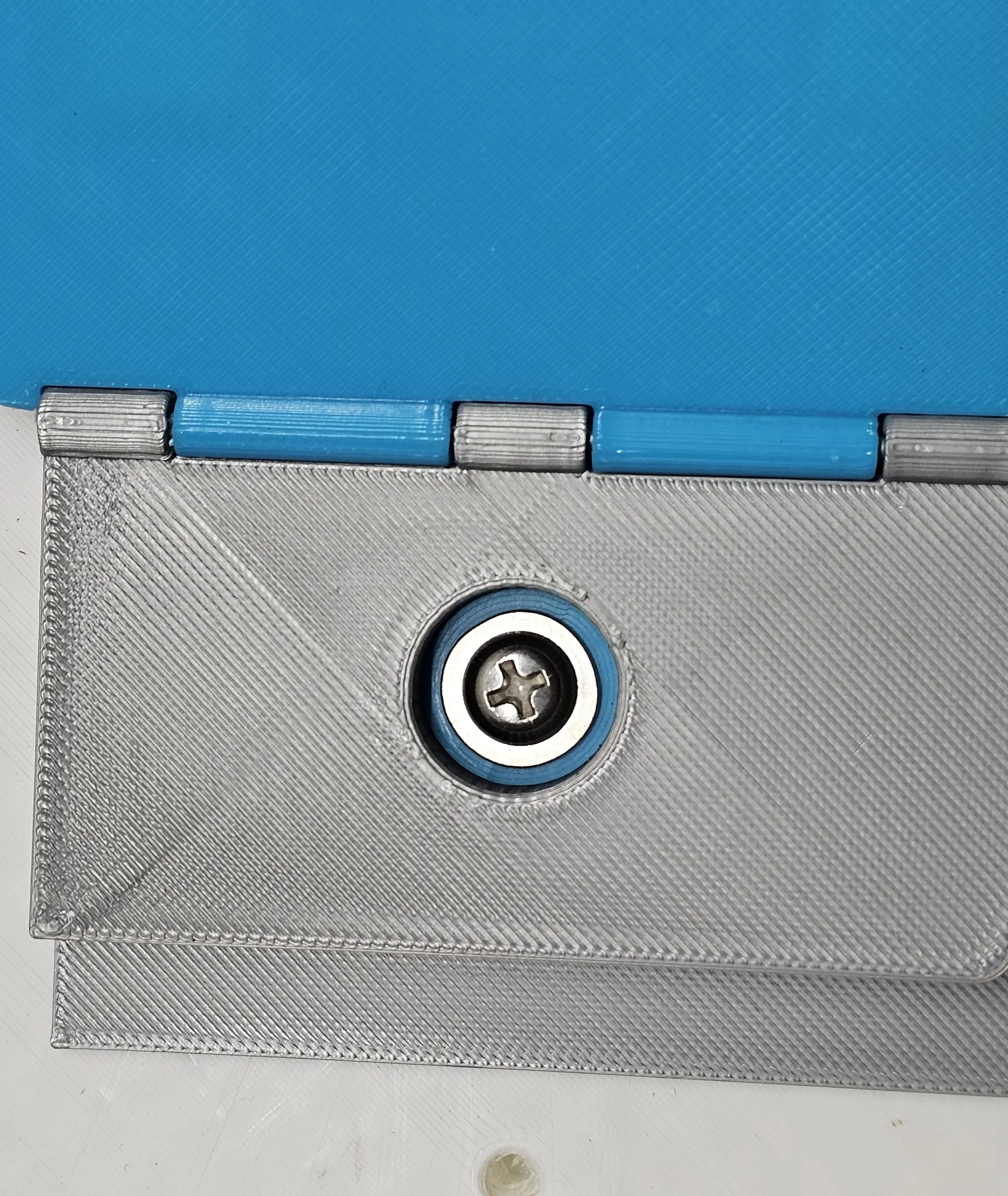
I recently came across some M5 x 12mm washer head metal screws and made some adapting washers to use them instead of the stepped plastic screws.
The adapters (for the single hole and double hole clamp plates) are located on the second build plate. These are a close tolerance fit and will fit flush with the bottom of the clamp plates. These adapters allow the screws to sit in the centre of the holes.
License

You shall not share, sub-license, sell, rent, host, transfer, or distribute in any way the digital or 3D printed versions of this object, nor any other derivative work of this object in its digital or physical format (including - but not limited to - remixes of this object, and hosting on other digital platforms). The objects may not be used without permission in any way whatsoever in which you charge money, or collect fees.


Comment & Rating (57)