
Mōcintosh Mini Secondary Screen




Print Profile(2)


Description

Boost Me (for free)
Life is short, seize the moment for leisure
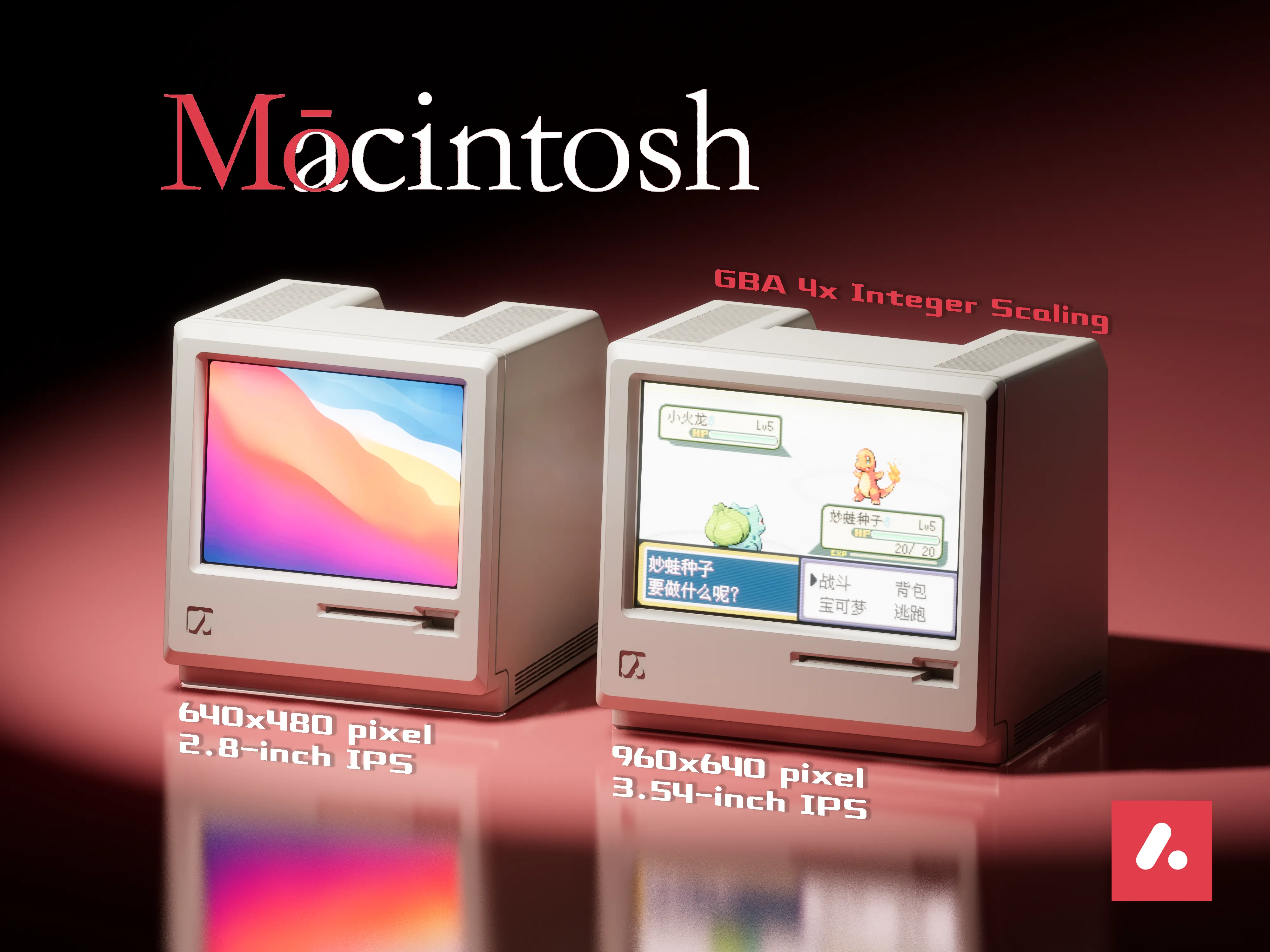
Mōcintosh Mini Secondary Screen for Leisure
This secondary screen uses a screen driver kit purchased from Taobao|88CNY
International users may find it difficult to purchase, apologies…(*Leisurely procrastination: originating from the Chinese idiom “浑水摸鱼”, it implies taking a break from work or being idle during work)
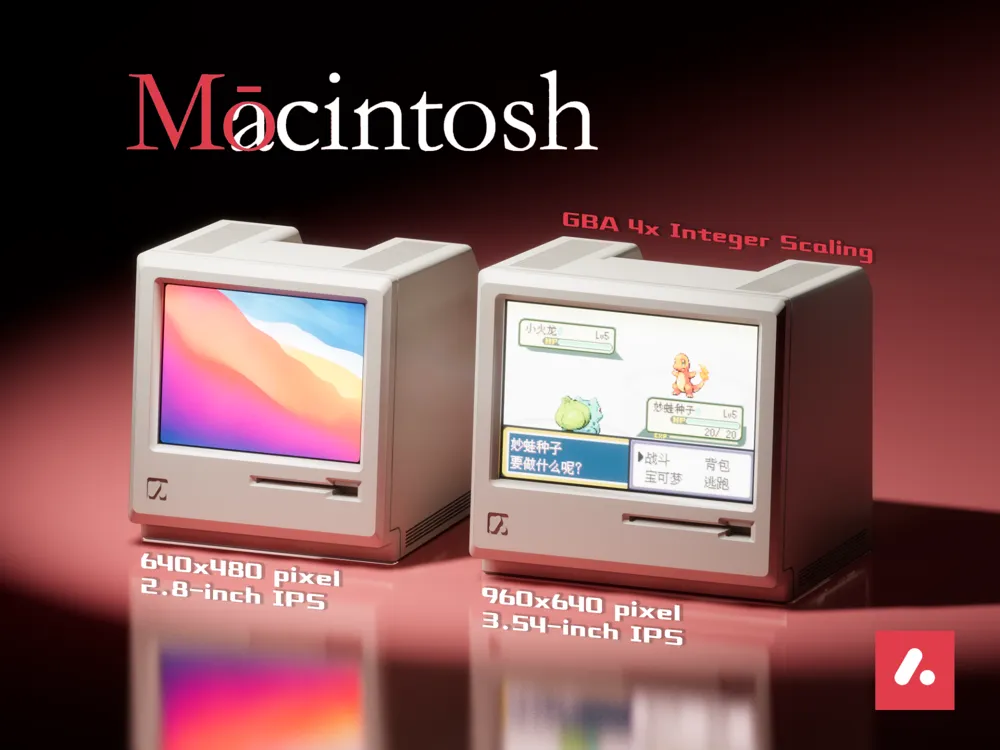
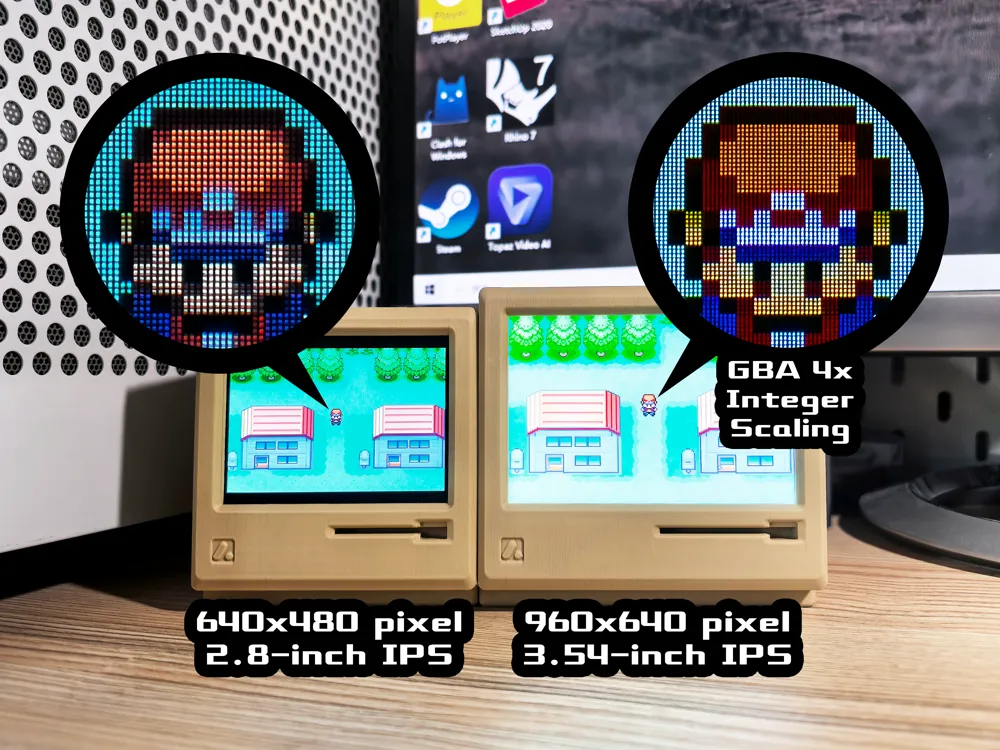
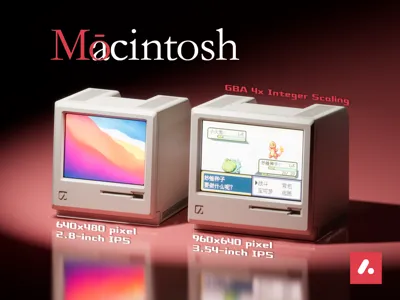
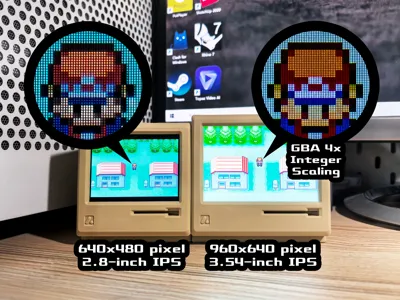
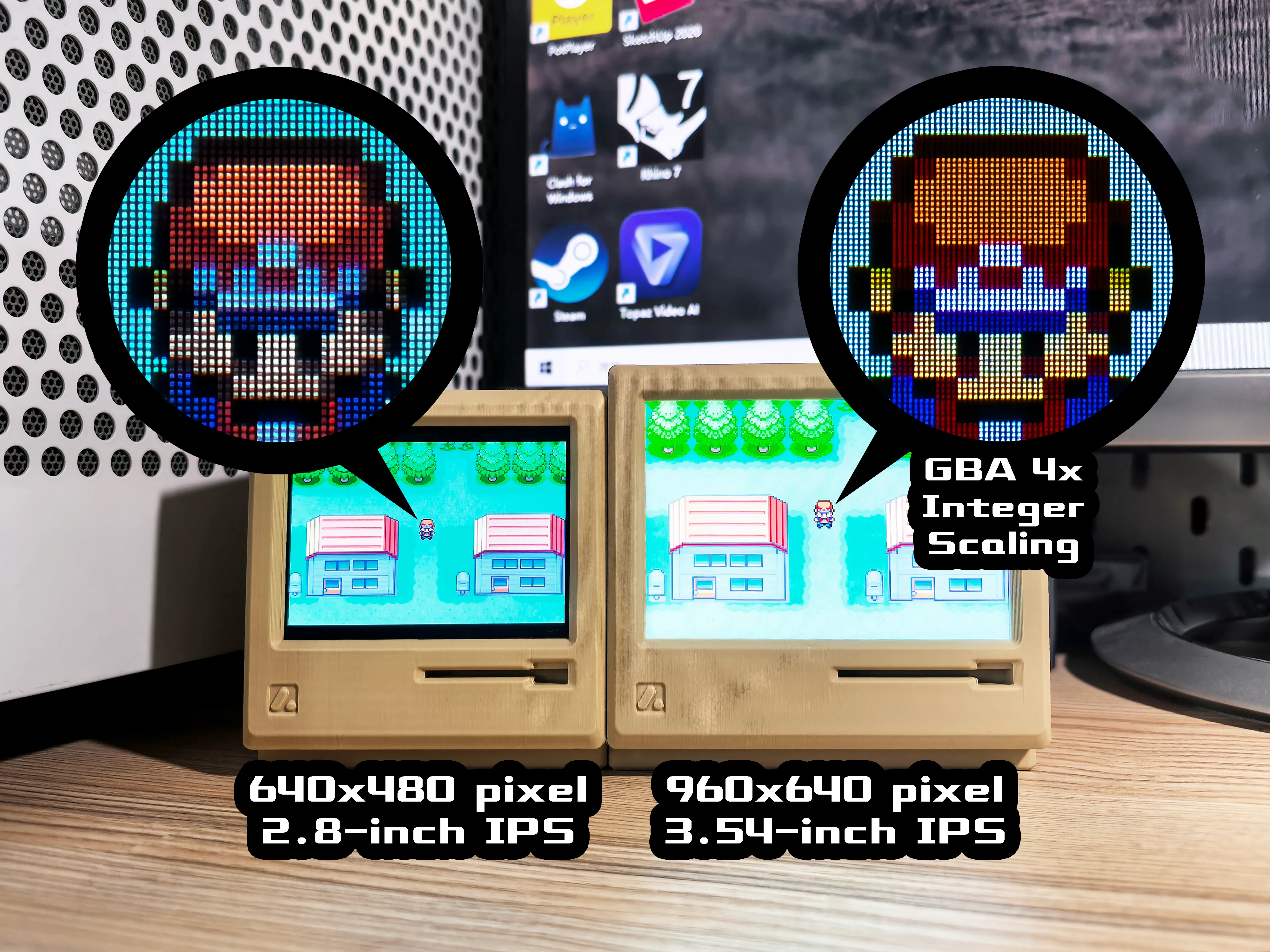
Screen Specifications: IPS Panel|2.8-inch|640x480|Mini-HDMI Interface|Type-C Power Supply
Purchase Link:2.8-inch Macintosh Model Screen RGB Interface Computer Monitor with Capacitive Touch Support - Taobao
Other Accessories: M2x12 Hex Socket Head Cap Screws x4 (Maker's Supply AA024), M2 Hex Nuts x4 (Maker's Supply AB003)
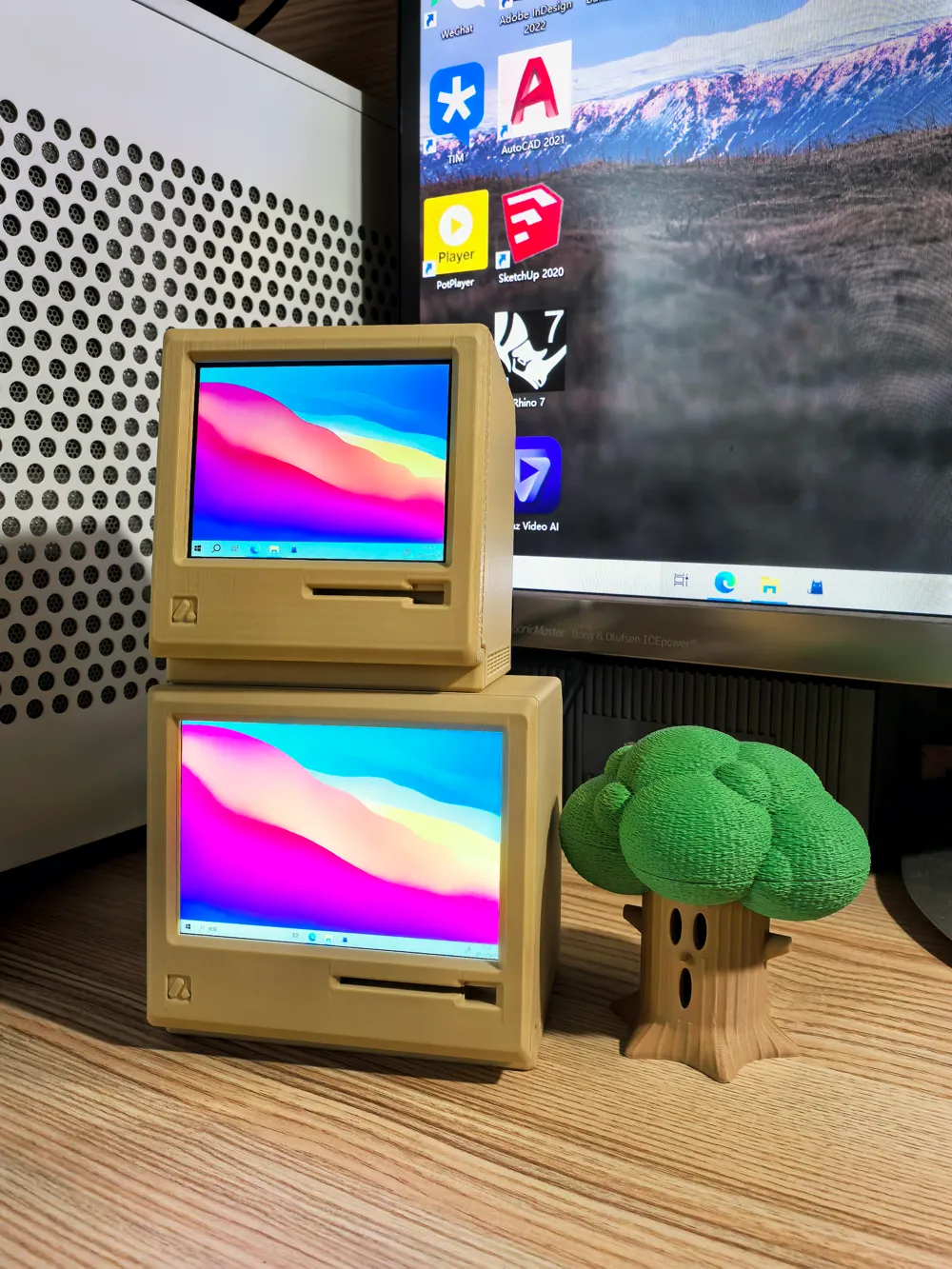
- A miniature secondary screen, perfect for everyday leisure! It can also be combined with various dynamic wallpaper software to create an attractive desktop setup
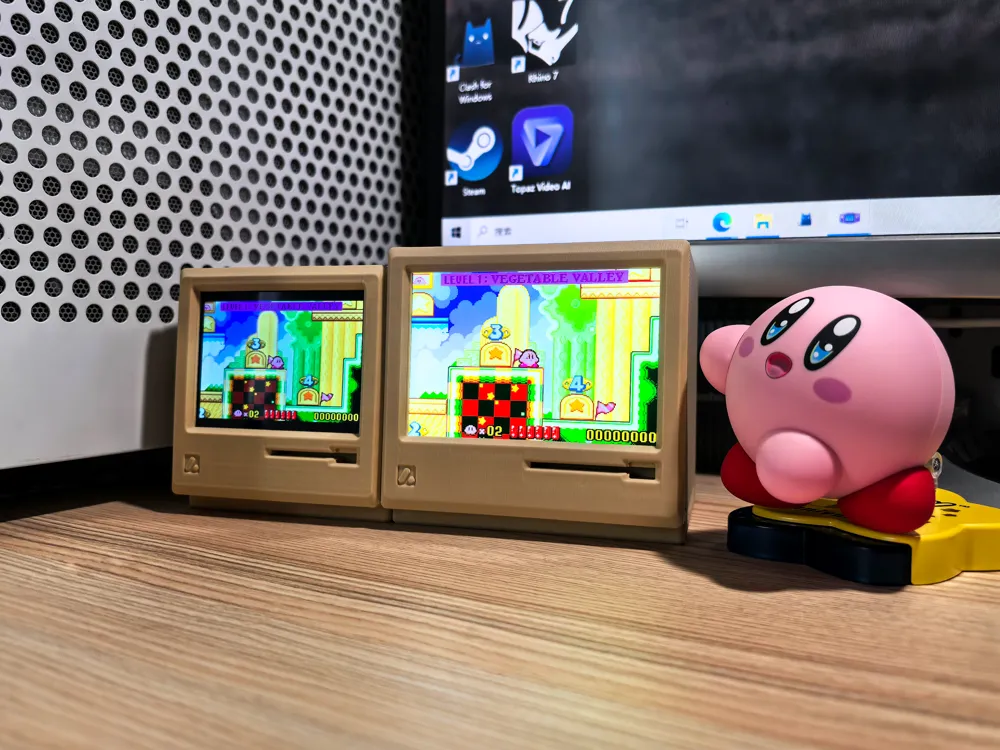
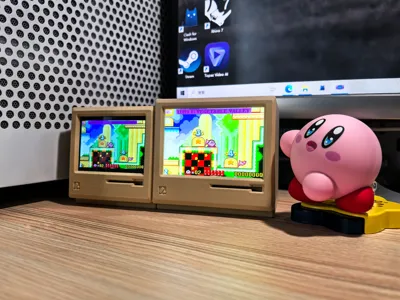
Balancing resolution and price, this screen was chosen. It can barely accommodate a WeChat window, and the 4:3 aspect ratio is suitable for playing classic animations
(Considered a 3:2 screen for point-to-point GBA game display, but unfortunately, a suitable one wasn't found QAQ)
- A small drawer is incorporated at the rear for storing data cables or USB drives and other small items
- Printable on a single A1 mini plate, with minimal and easily removable supports
- Recommended filament color: Takuhaku Ivory White or Desert Yellow (to simulate the yellowing effect of aged plastic)
- Assembly instructions are shown below:
- Secure the driver board inside the driver board enclosure using screws and nuts (If unavailable, screws can be omitted, but it might be slightly loose)
- Insert the driver board enclosure and drawer into the screen back cover
- Insert the screen into the front panel (After multiple tests, using Takuhaku Matte filament allows for a more suitable fit of the screen into the front panel, pre-drying the filament is recommended)
- Snap the top latches of the screen and front panel into the recesses, arrange the ribbon cable orientation, and then push the bottom in to secure it
————————————————
2025.06.18 Update:
- 2.8-inch version optimized ribbon cable space to avoid excessive bending and reduce the likelihood of damage
- Added support to the back of the screen; the screen can no longer be pushed in after assembly
————————————————
2025.06.01 Update:
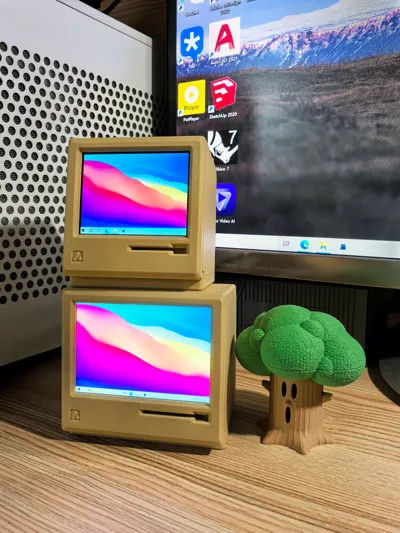
Addressing user feedback, a 3.54-inch leisure mini secondary screen is added
Screen Specifications: IPS Panel|3.54-inch|960x640|Mini-HDMI Interface|Micro-USB Power Supply
Purchase Link:3.54-inch TFT 640*960 Resolution IPS LCD Screen HDMI Driver Board Color Screen LCD Screen NV3502 - Taobao(Screen + Driver Board Set, please avoid purchasing the wrong item)
Other Accessories: M2x12 Hex Socket Head Cap Screws x4 (Maker's Supply AA024), M2 Hex Nuts x4 (Maker's Supply AB003), the screen set only includes a video cable, a Micro-USB power cable needs to be prepared separately
- Due to user feedback that the 2.8-inch screen is too small, and to fulfill my desire to use a 3:2 screen for GBA gaming, this screen was chosen
- There is no distinction between new and old versions of the model, the functions are basically the same, only the screen size differs, choose according to your needs (I still think the 2.8-inch is cuter 😭)
- The screen resolution is 4 times the GBA resolution, allowing 16 pixels to 1 pixel display of GBA emulation games, achieving pixel-perfect reproduction
- The default screen orientation is vertical; adjusting the orientation and resolution requires graphics card support. Since I don't have a MAC device, I can only test it on a PC. Independent graphics cards should work; settings are found in the desktop right-click -> display settings
- For international users, I apologize that I haven't found this screen on AliExpress. However, I asked the store, and they said they have many international orders, but shipping costs may be higher… I still hope that Takuhaku will soon release its own screen kit~
- Installation method is the same as the 2.8-inch version
————————————————


License

You shall not share, sub-license, sell, rent, host, transfer, or distribute in any way the digital or 3D printed versions of this object, nor any other derivative work of this object in its digital or physical format (including - but not limited to - remixes of this object, and hosting on other digital platforms). The objects may not be used without permission in any way whatsoever in which you charge money, or collect fees.


Comment & Rating (252)