
DGT Bookmark set HueForge
Print Profile(1)

Description
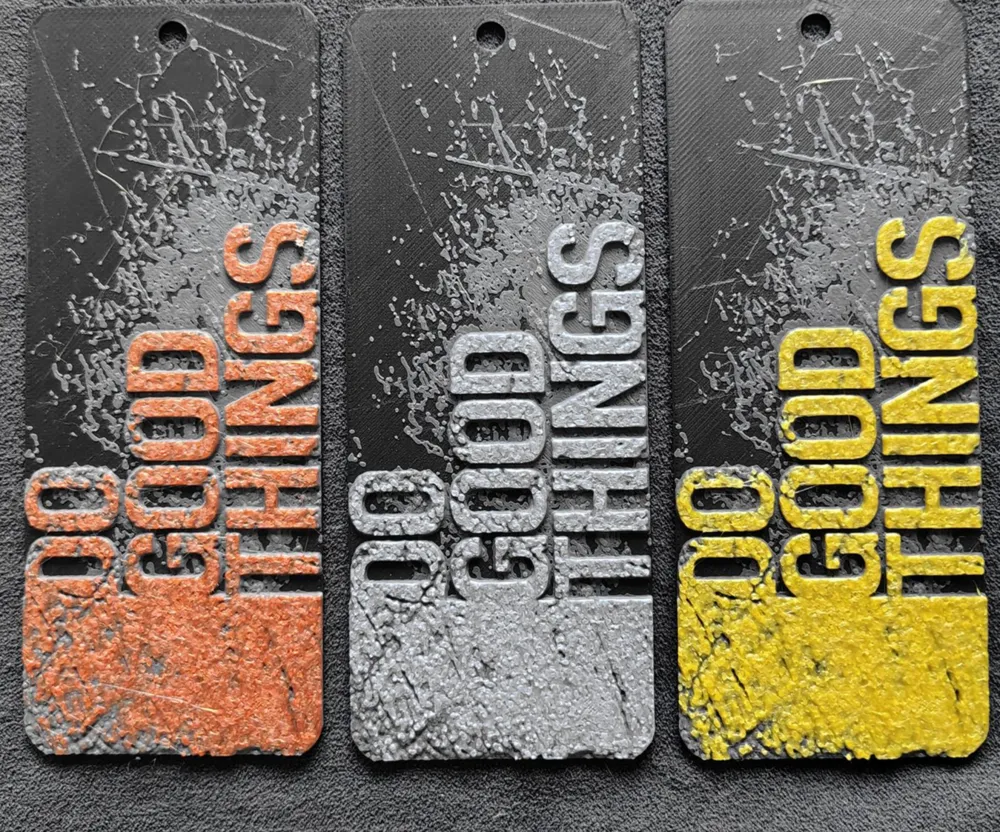
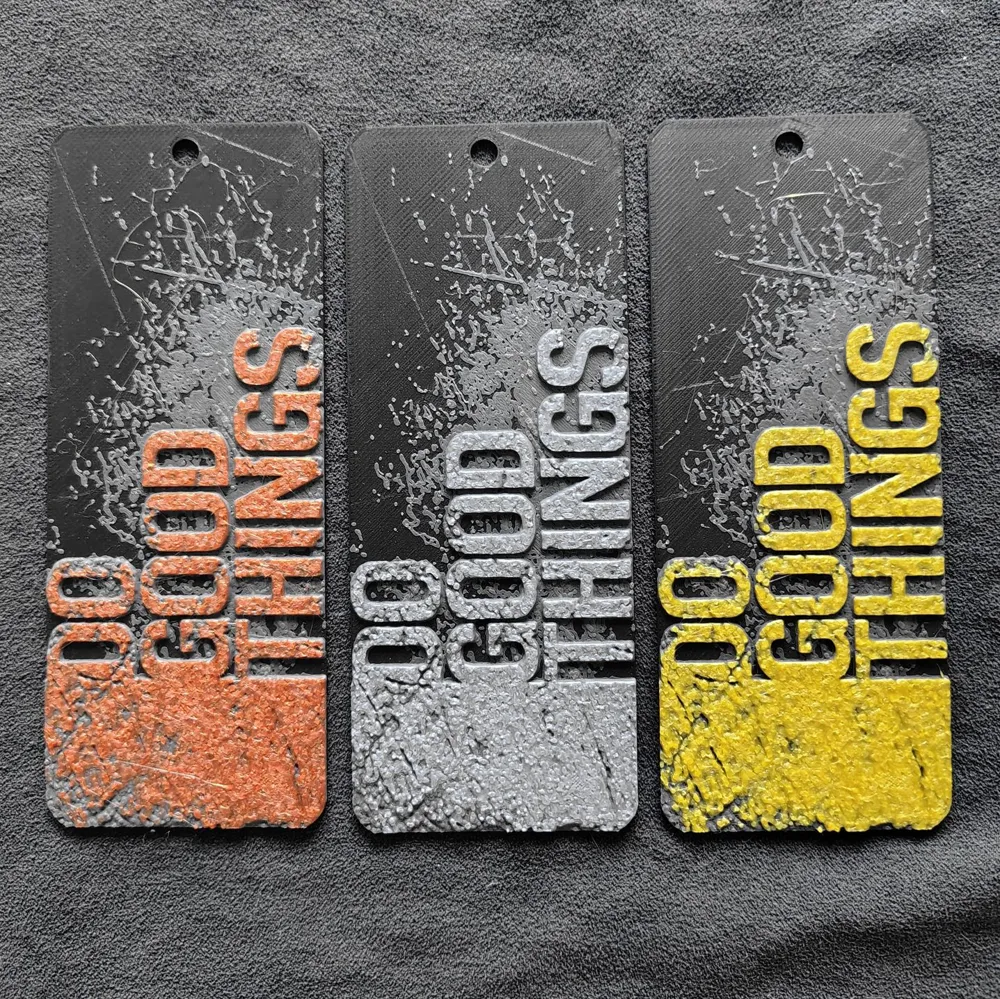
I used Silk Bronze/Silver/Gold filament to print the last color. It's not visible in the photo :D but I really recommend it, looks cool! You can use any, it still looks good.
!Note, the version model "gold" has a different change value to the last color. My gold has a high TD.
If you dont want a hole on the bookmark, so remove the negative part in project, before final print.
For creation used HueForge v0.8.0 to create the model.
All models are size 50x125mm. Do NOT adjust the thickness (Z) in your slicer! The layers will not come out right. You CAN adjust the other dimensions (X,Y) though to make it bigger or smaller, just not the thickness.
Nozzle: 0.4
You may print at higher layer heights below the Min Depth of 0.80mm. The Max Depth is 1.8mm and the Actual Depth is 1.8mm
These were my settings and colors for my print that you see in the picture. Your results may be depending on the filament you use.
Filaments Used:
PLA Elegoo+ Black Transmission Distance: 0.3
PLA BambuLab Basic Dark Gray Transmission Distance: 2.4
PLA Elegoo Silk Gold Transmission Distance: 5
PLA Elegoo Silk Silver Transmission Distance: 1
PLA Crality Silk Bronze Transmission Distance: 1
This print uses 3 unique filaments (every bookmark)
Swap Instructions:
Gold
Start with Black
At layer #10 (0.88mm) swap to Dark Gray
At layer #16 (1.36mm) swap to Gold for the rest.
Silver
Start with Black
At layer #10 (0.88mm) swap to Dark Gray
At layer #18 (1.52mm) swap to Silver for the rest.
Bronze
Start with Black
At layer #10 (0.88mm) swap to Dark Gray
At layer #18 (1.52mm) swap to Bronze for the rest.
Please share your prints.
License



Comment & Rating (2)