
X/P - P2S AMS Buffer Dust Cover
Print Profile(3)


Description
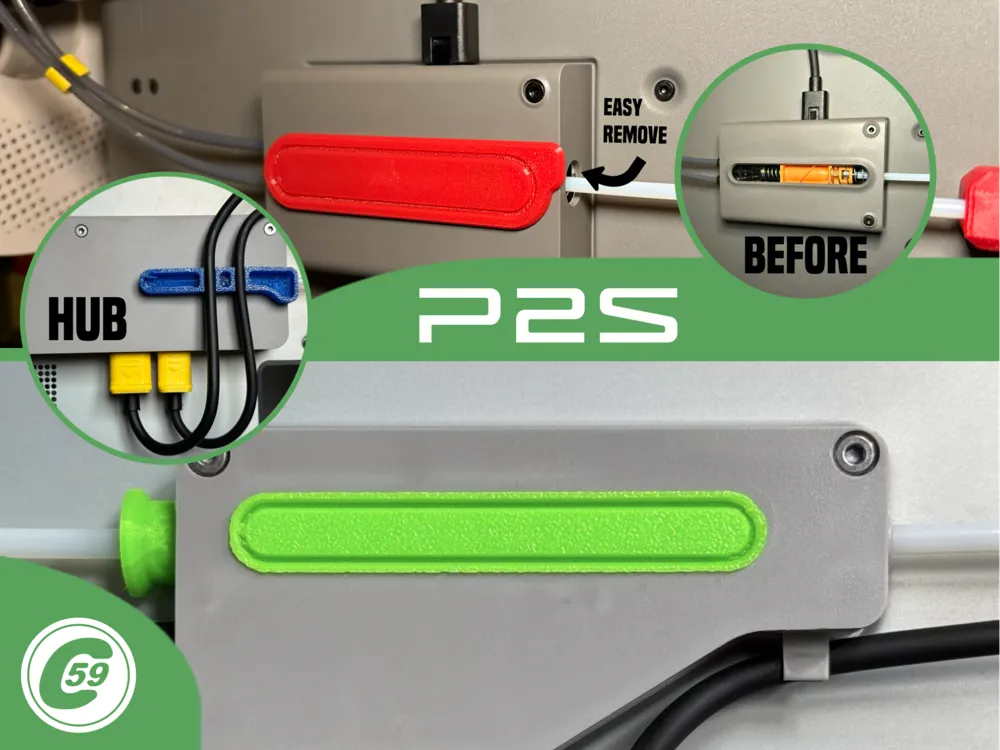
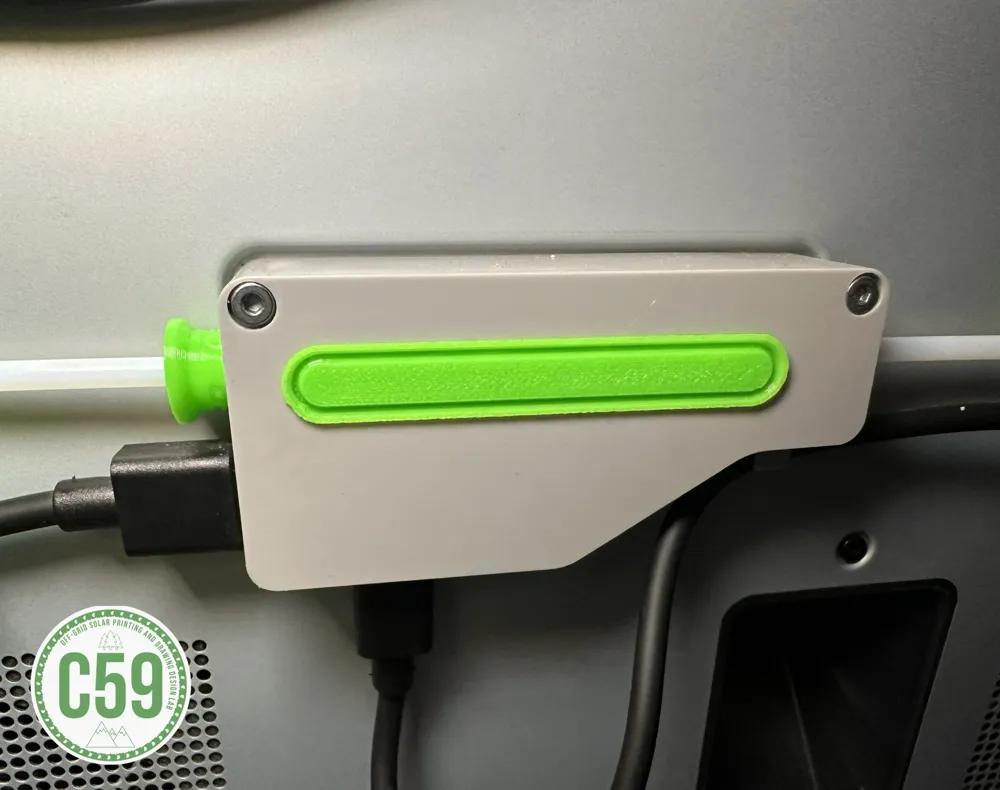
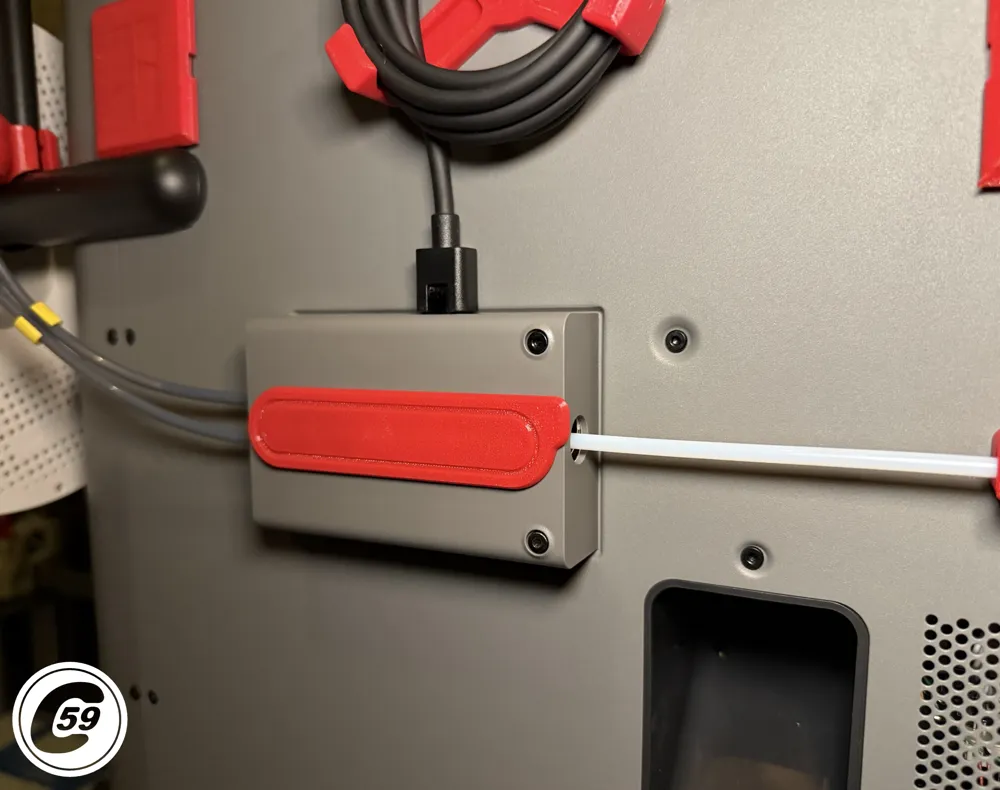
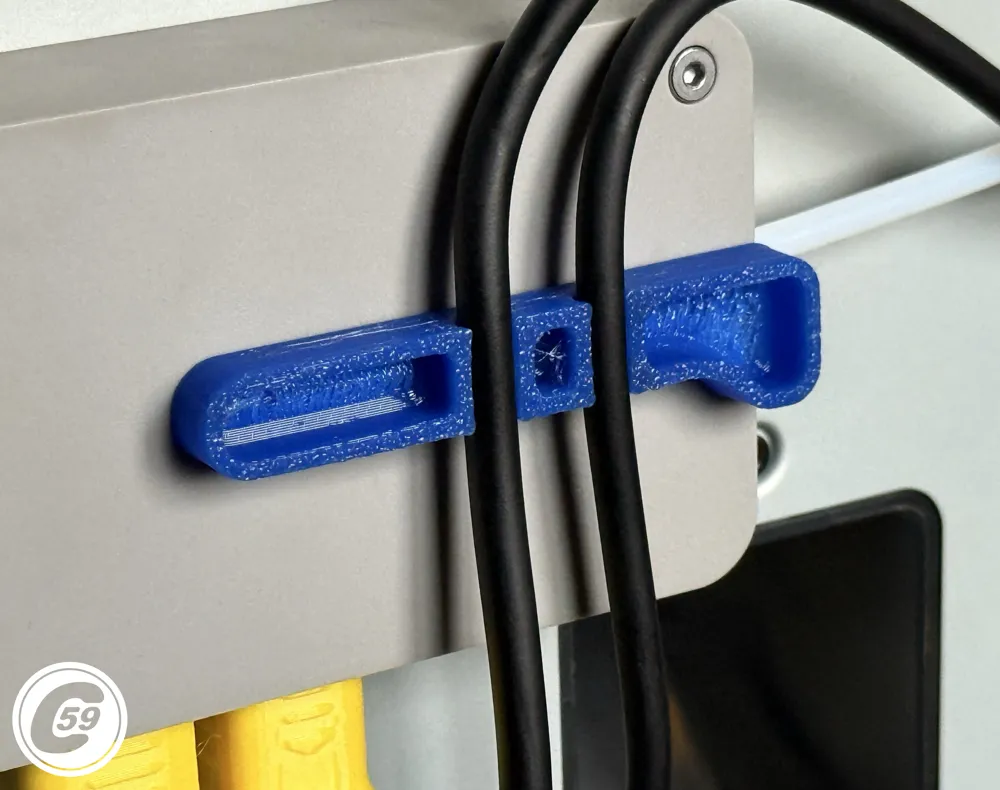
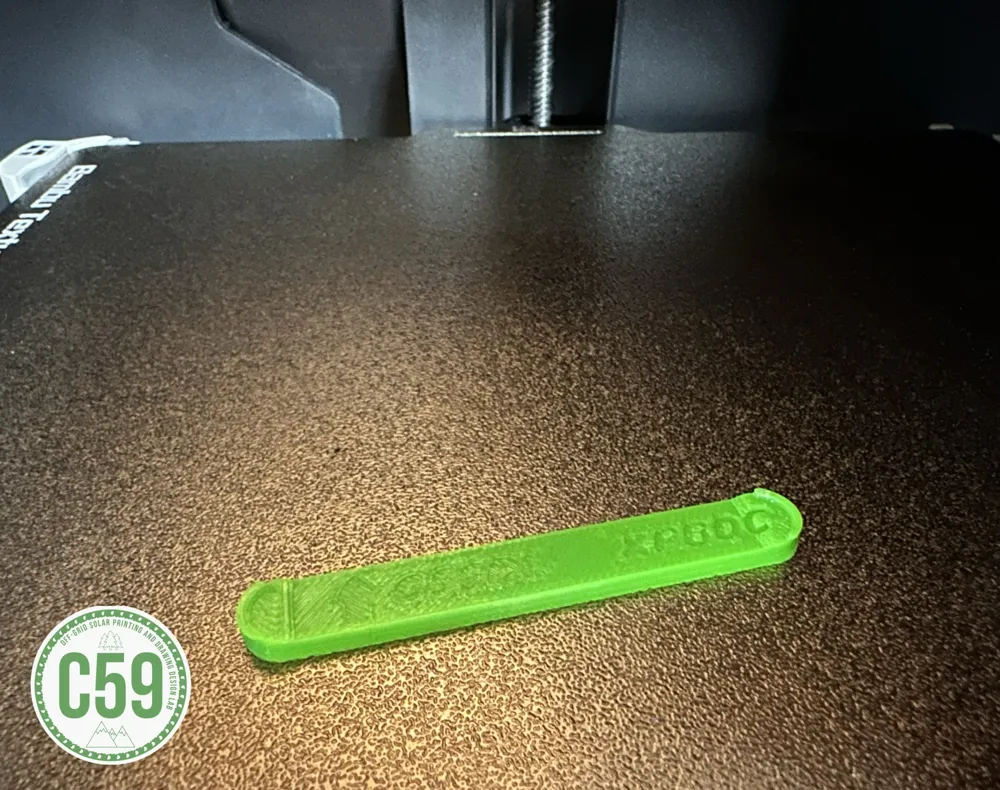
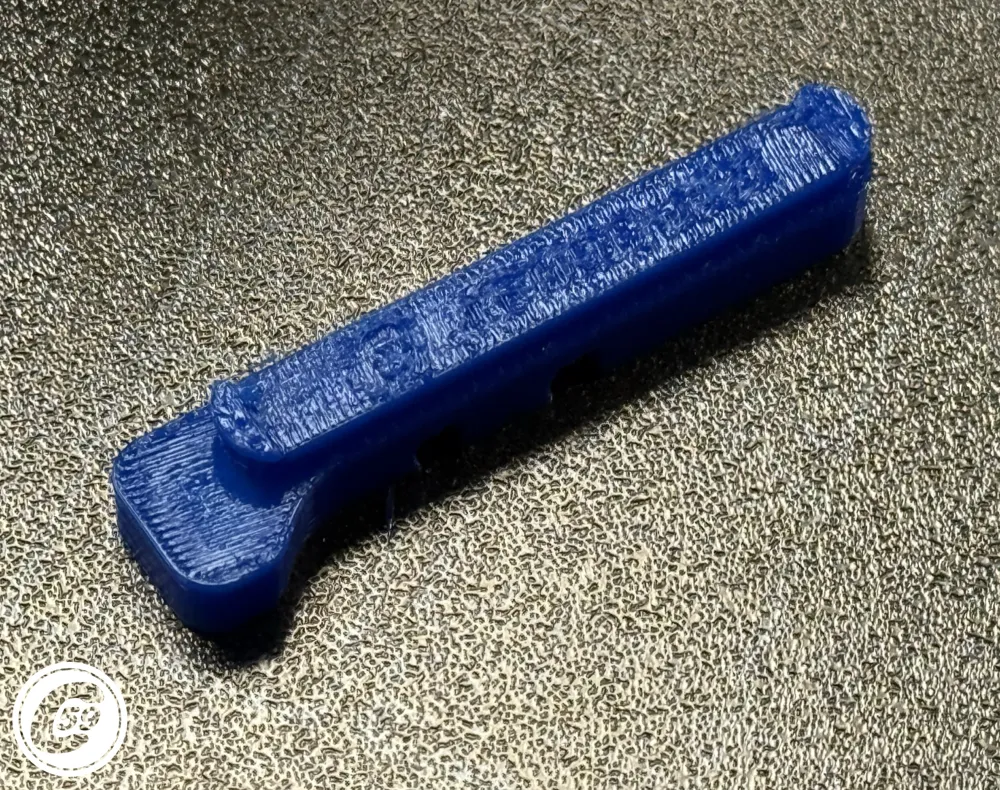
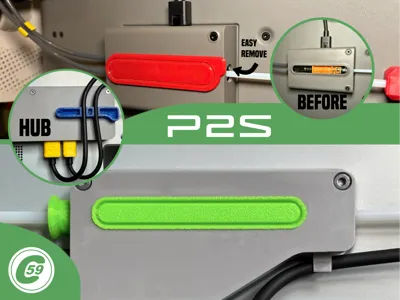
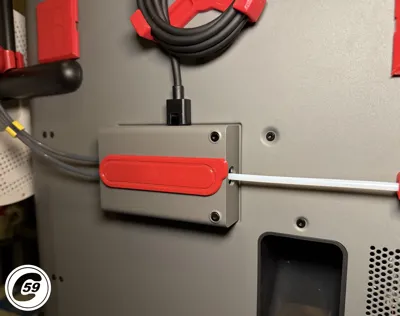
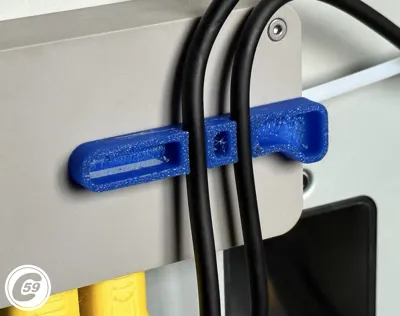
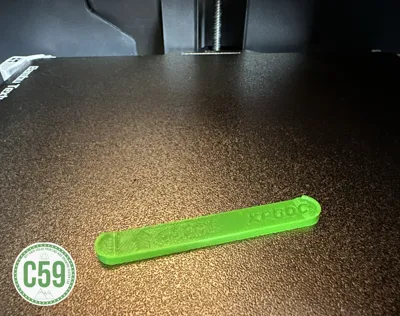
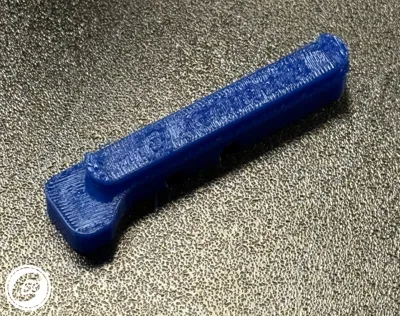
X/P Series Buffer and Hub Dust Cover XPBDC - XPHDC
Dust Cap Overview
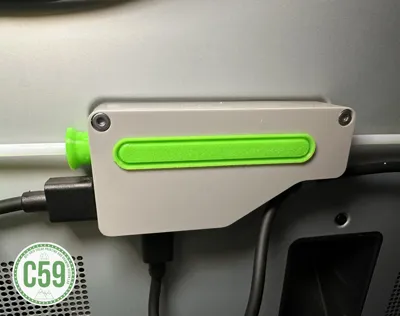
These caps are designed to keep dust out of the buffer's internal sliding mechanism, preventing errors caused by the slider catching on accumulated debris. They are especially helpful if you’ve applied grease to resolve pre-existing issues.
Compatible with: Gen 1 (Hub and Buffer) P1P, P1S, X1C And Gen 2 (Buffer) P2S
- P2S Version Now v1.1! Fine tuned the tabs length and width at one end for a tighter fit!
Installation Instructions
- Prepare for Installation:
- Ensure the arrow on the dust cap is oriented upward in the slot.
- Insert the Cap:
- Insert the right side of the cap into the slot first.
- Slightly bend the dust cover outward in the middle to allow the left clip to pass inside the buffer.
- Check for Proper Fit:
- Ensure the cap is securely in place and flush with the buffer.
For The Hub Version insert both wire into dedicated slots.
Removal Instructions
- Pull gently at the center of the dust cap using a nail or a small prying tool.
- Avoid excessive force to prevent damaging the cap or buffer.
P2S Install/ Removal Action HD Shorts: Snap-it!
Install Action HD Video (X1C, P1S, P1P):
v1.0 Specifications
Material: PETG (recommended for optimal clip bonding; PLA can be used but PETG is preferred).
Printer Settings:
- Profile: Standard
- Layer Height: 0.20 mm
- Mode: CERTIFIED LUDICROUS
- Infill: 15%
- Walls: 2
- Bottom Layers: 3
- Top Layers: 5
Printing Details:
- Supports: Not required
- Print Time: 5:20
- Filament Usage: 0.06 oz
- Estimated Cost: ~$0.05 (based on a $26 PETG spool)
Boost Me (for free)
🚀 Boost Your Project! 🚀
If you love what I'm working on, hit the Boost button! Your support helps me continue to create, improve, and share even more exciting designs. Thank you for being part of this journey!
Enjoy your printing journey, and remember—keep your fingers away from the poop chute, she's angry!
"I’ll be sure to keep you updated with any future developments. If you come across any issues or need assistance, don’t hesitate to reach out—I’m here to help!"
You shall not share, sub-license, sell, rent, host, transfer, or distribute in any way the digital or 3D printed versions of this object, nor any other derivative work of this object in its digital or physical format (including - but not limited to - remixes of this object, and hosting on other digital platforms). The objects may not be used without permission in any way whatsoever in which you charge money, or collect fees.
Current ver.1.1_12/01/2025
© 2025 C59 Design Lab. All rights reserved.
License

You shall not share, sub-license, sell, rent, host, transfer, or distribute in any way the digital or 3D printed versions of this object, nor any other derivative work of this object in its digital or physical format (including - but not limited to - remixes of this object, and hosting on other digital platforms). The objects may not be used without permission in any way whatsoever in which you charge money, or collect fees.


Comment & Rating (270)