
Deck Flick Box (fidget card game magnetic storage)
Print Profile(4)


Bill of Materials

Description
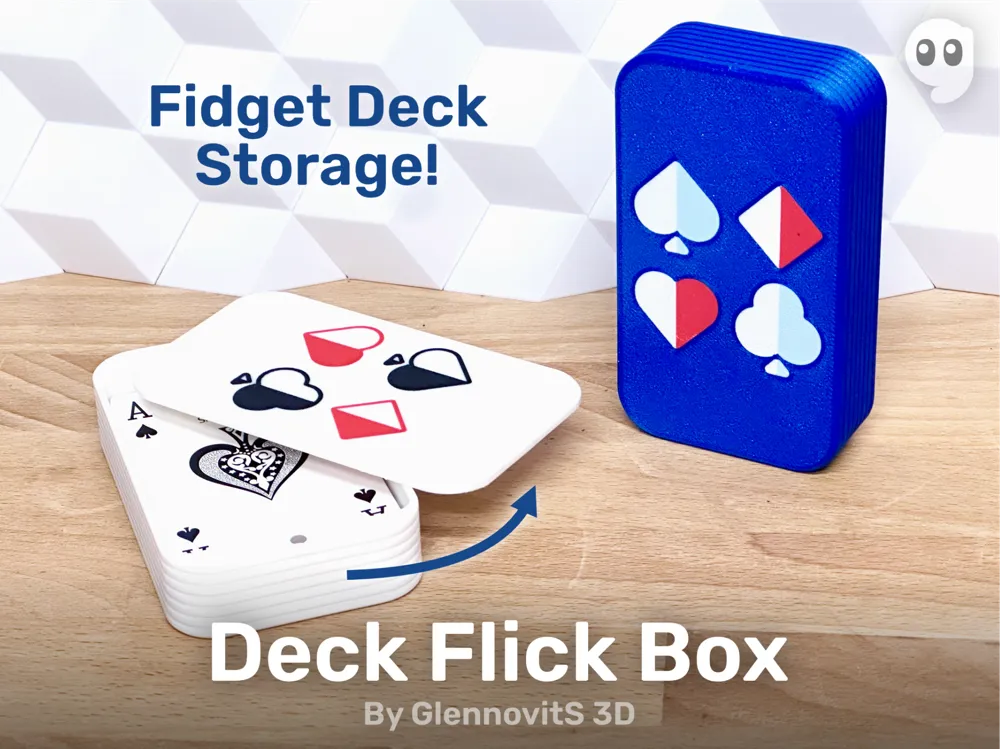
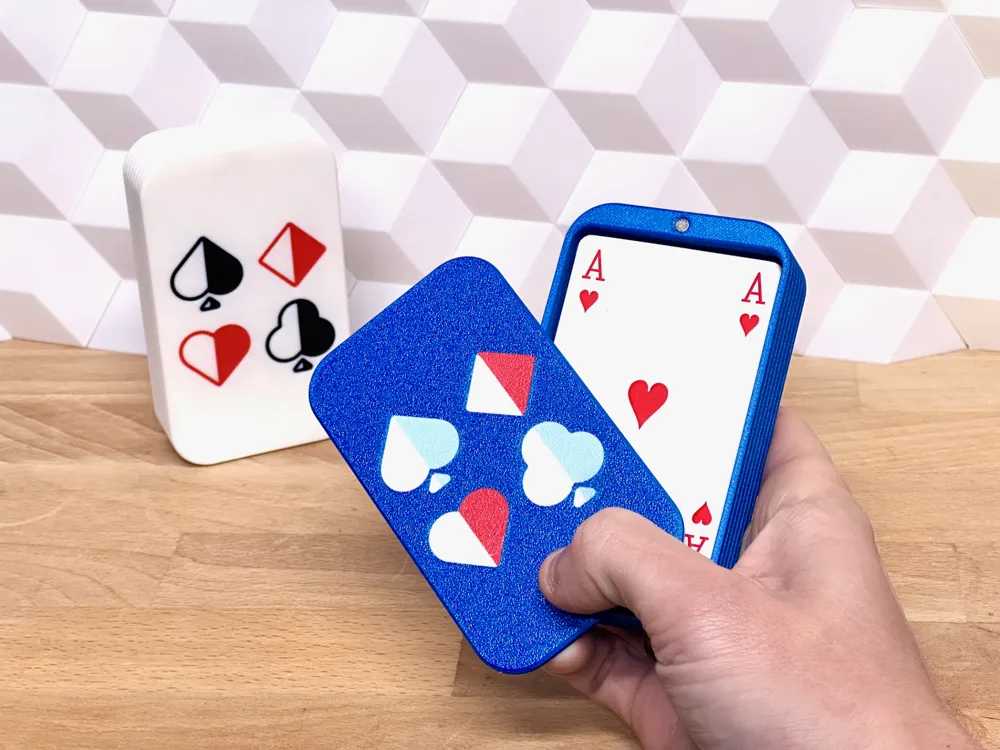
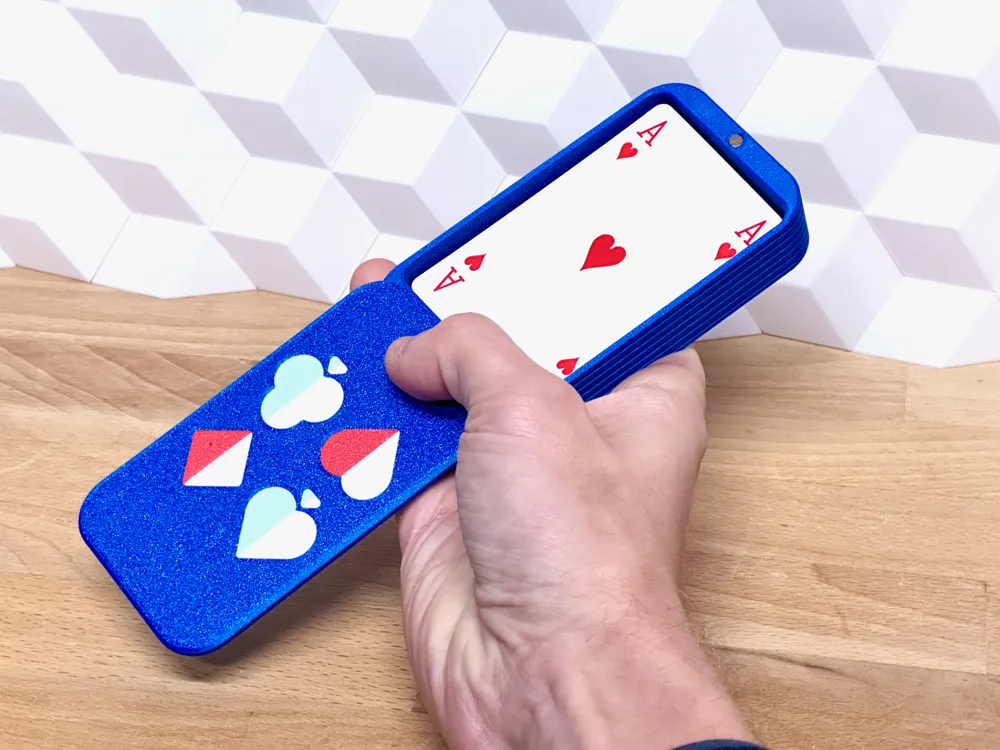
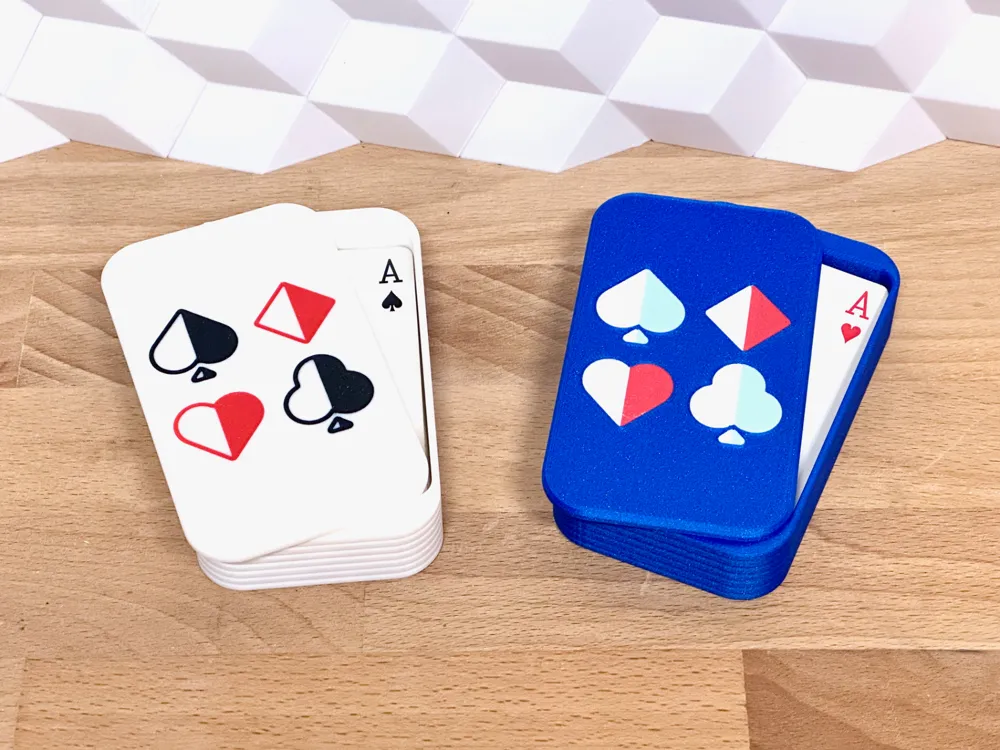
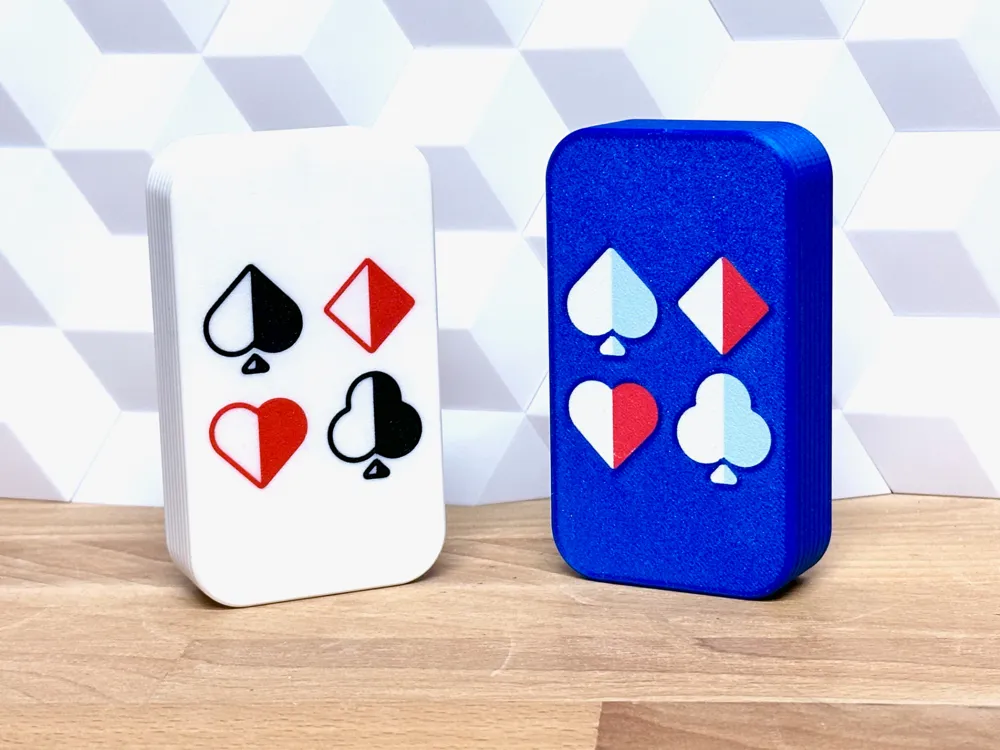
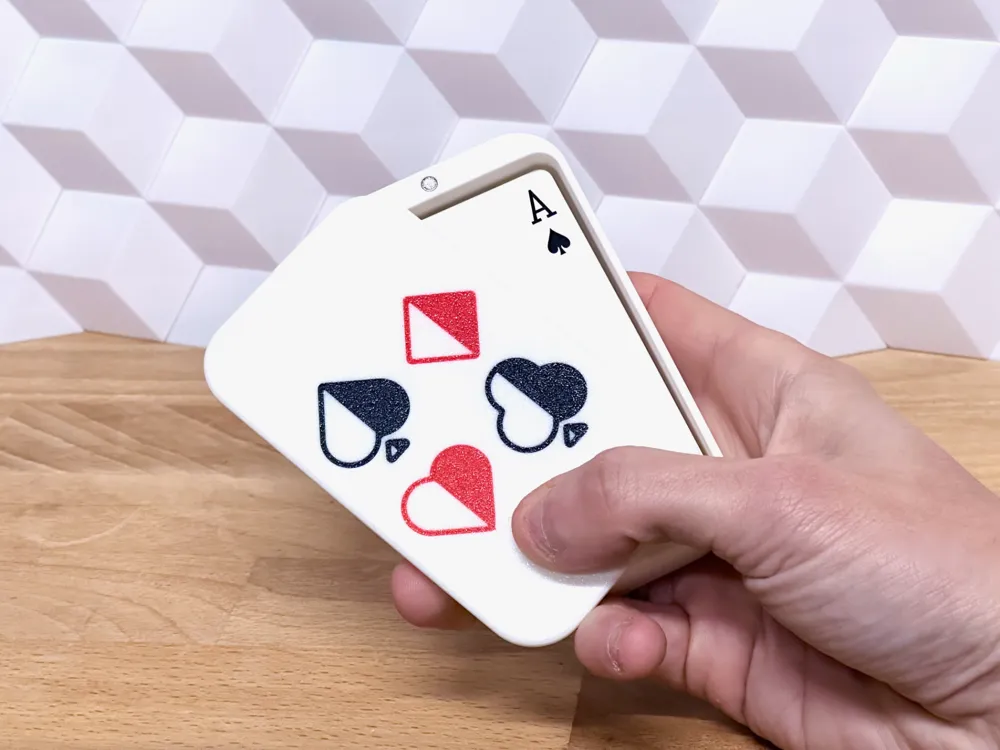
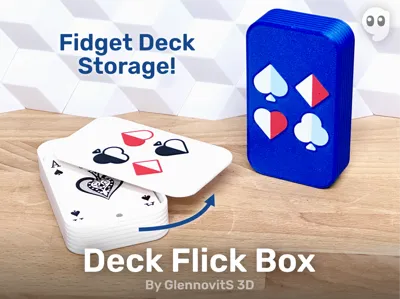
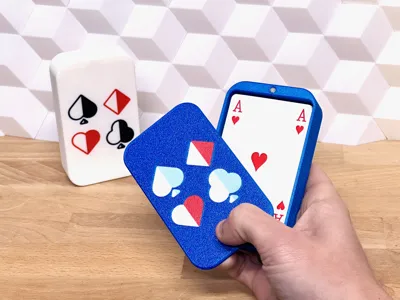
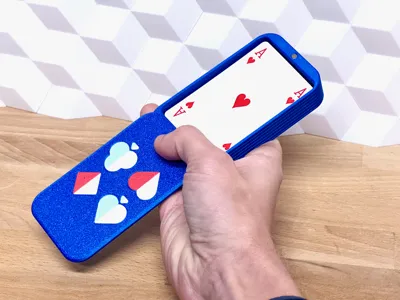
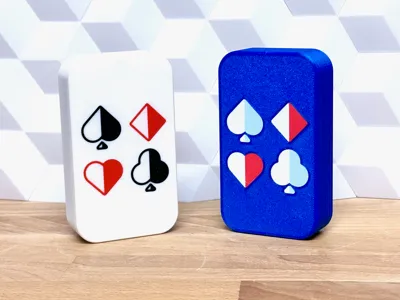
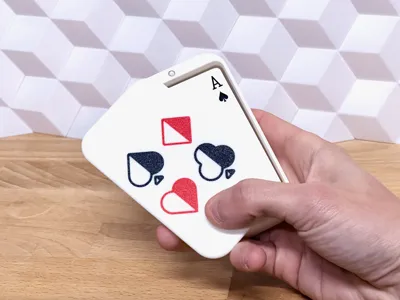
Introducing the Deck Flick Box — the cardholder with a flair for the dramatic! With a quick flick, this magnetic box flips open to reveal your deck like it’s about to perform a magic trick. Perfect for your playing cards, and doubles as your new favorite fidget fix. Shuffle, store, flick, repeat!
Perfect for storing card used for poker or bridge, or in boardgames like Touché or Sequence. Enjoy!
| Welcome to GlennovitS3D. Join the Club on Printables.com to support creation of new models, get access to exclusive models, and get commercial rights, to sell prints of my models. Join today - GlennovitS3D - or check out my model collection 🗂️ and my popular models 🔥 |
Overview
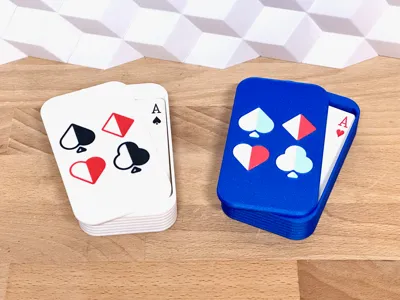
For now i comes in 6 sizes to fit different decks (the dimensions are internal space):
- Poker - 60x91 mm
- Bridge - 60x91 mm
Every deck size comes in 3 depths:
- 15 mm
- 20 mm
- 25 mm
All sizes use the same magnet size = D4x2 mm
| More games and puzzles? I got you covered! Check out this collection of fun models - everything from toys, to puzzles and games. |
Assembly
This should be fairly simple:
- Insert magnets in the lid and box (4 magnets in total - glue can be used, depending on the tolerances of your printer)
- Put the lid onto the box (if glue is used for magnets, please let it dry before putting on the lid!)
- Start fidgetting!
Boost Me (for free)
A boost to help finishing the next project coming up..? 😉 Thanks!
Hardware needed
Not much is needed here. If you don’t have the magnets already, you can buy them on Bambu:
- 4x Round Magnets: D4x2 mm
Filament
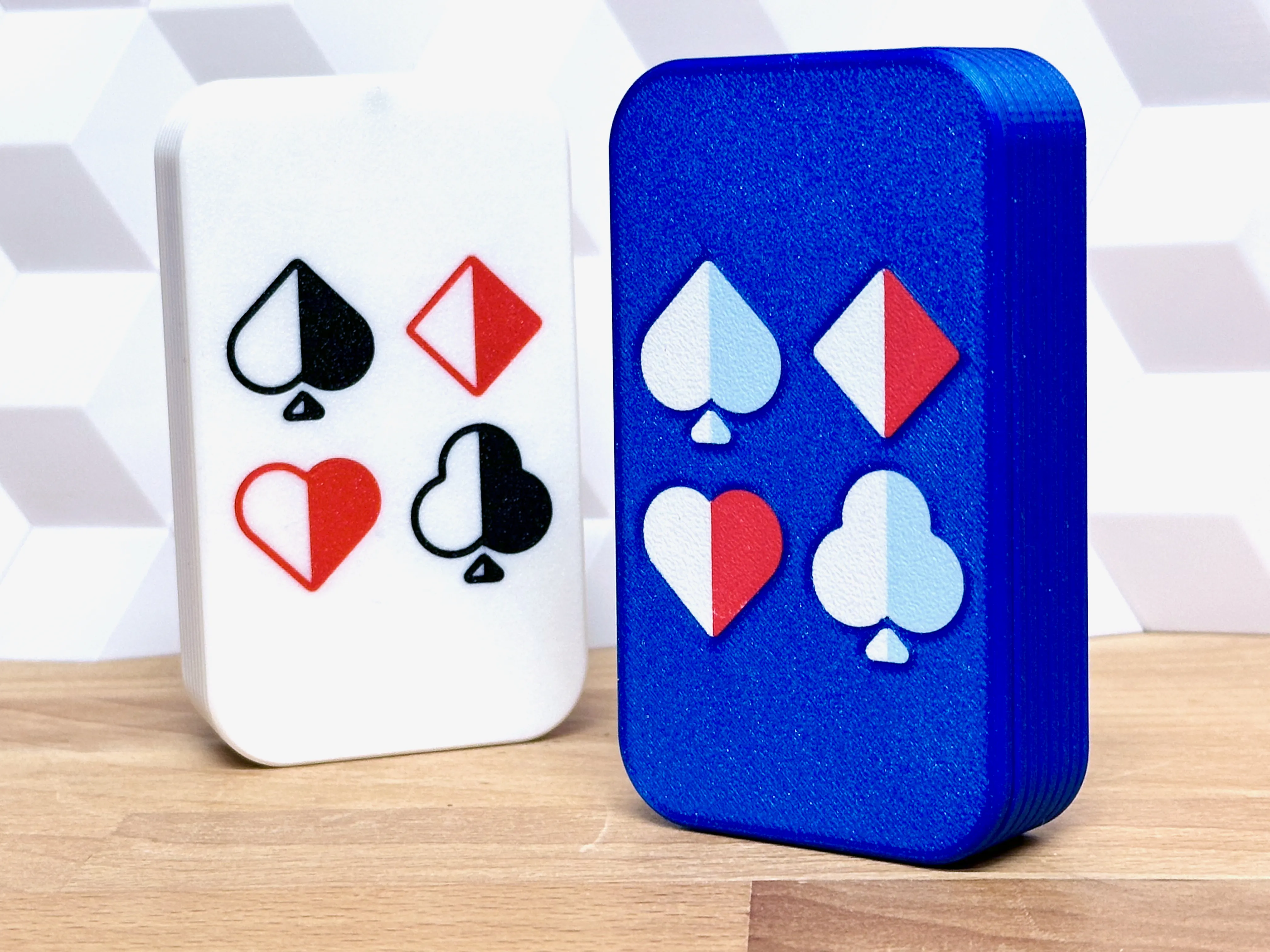
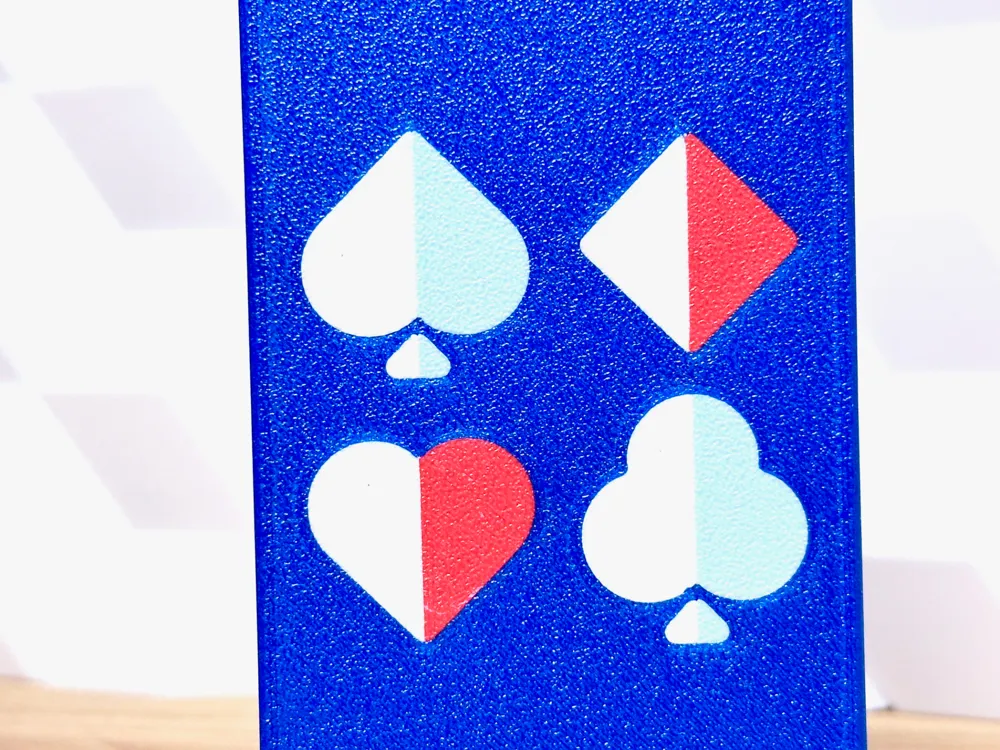
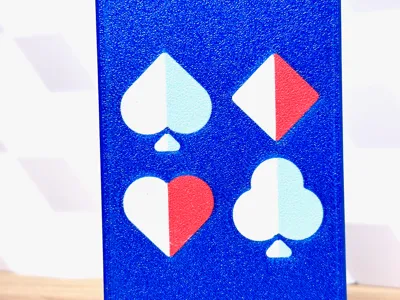
Printed in Protopasta: Joel's Highfive Blue - gorgeous blue color! Looks stunning!
Multicolor prints
This looks really nice. You can do like this (in Bambu Studio):
- Insert the Lid in correct size
- Right click on the model and click on Split > To parts
- In the left pane Process click on Objects
- Select individual parts of the Caps and choose filament for each.
Possible combinations:
- Solid icons
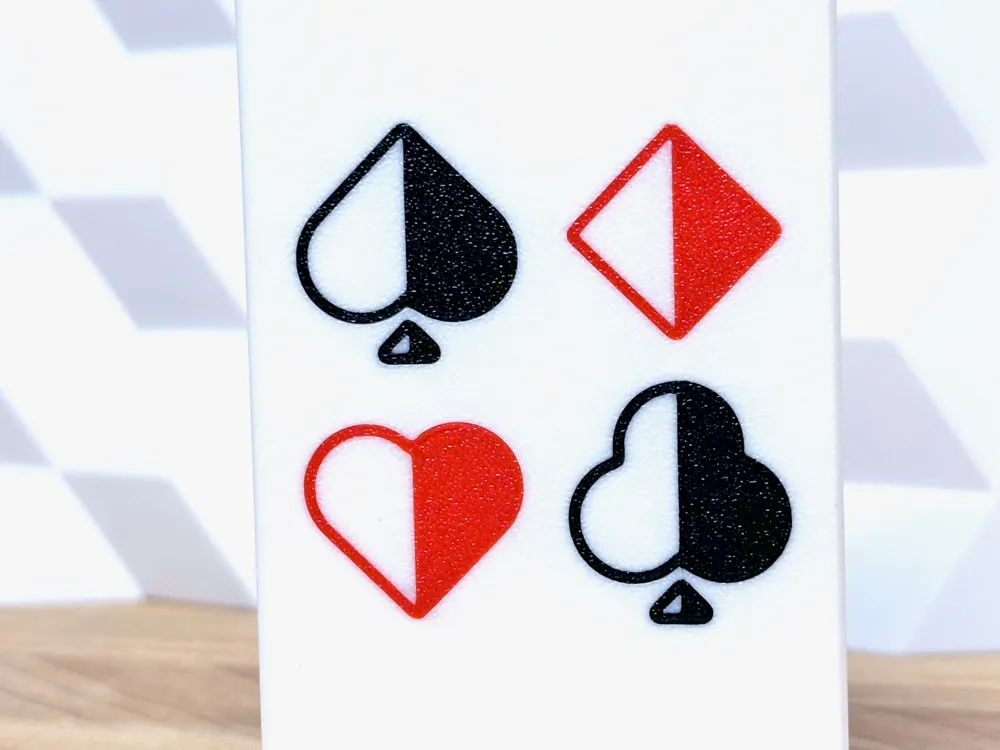
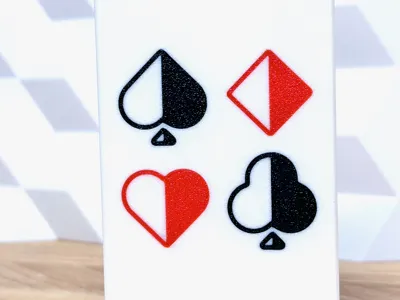
- Half half (2 colors)
- Half solid + half outline
- … get creative in Bambu Studio!
Print instructions
This is pretty simple, but here is a few tips:
- Speed: First layer slow! For the adhesion of small details on the cover
- Ironing: Yes: Top surfaces - makes sliding and quality feel much better!
- Orientation: Box standing normal - lid upside-down.
Happy printing!
License

You shall not share, sub-license, sell, rent, host, transfer, or distribute in any way the digital or 3D printed versions of this object, nor any other derivative work of this object in its digital or physical format (including - but not limited to - remixes of this object, and hosting on other digital platforms). The objects may not be used without permission in any way whatsoever in which you charge money, or collect fees.


Comment & Rating (5)