
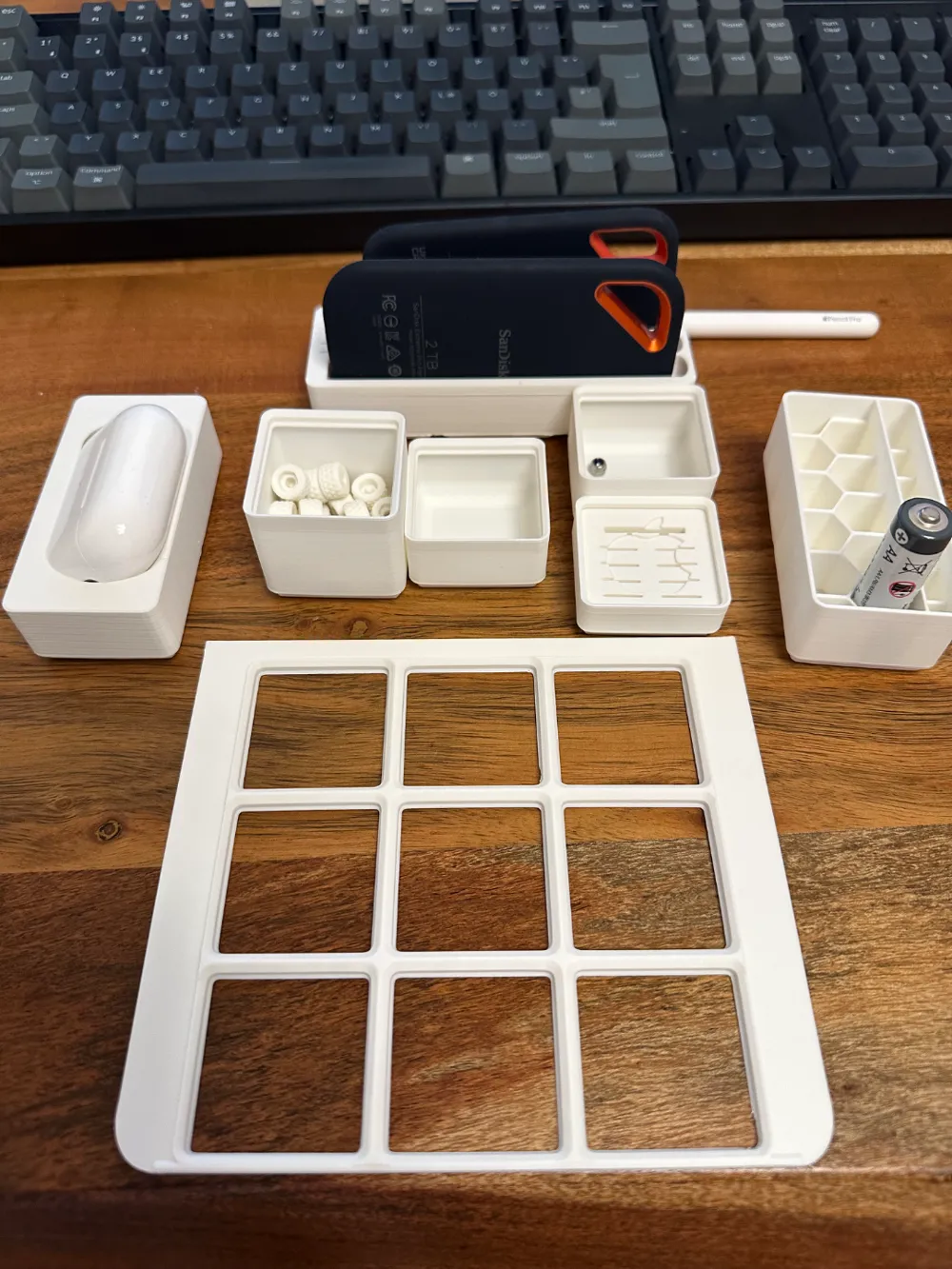
Apple Studio Display 27" Gridfinity Baseplate 3x3
Print Profile(1)

Description
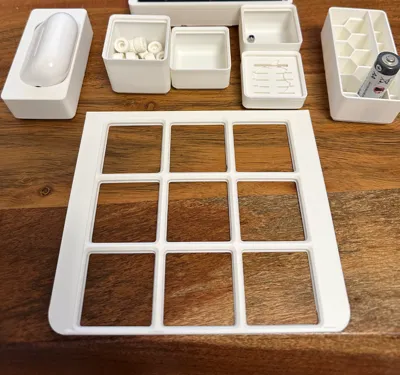
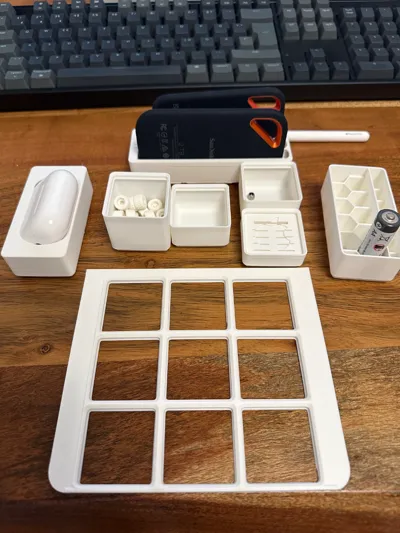
Studio Display Stand Base with Gridfinity Baseplate
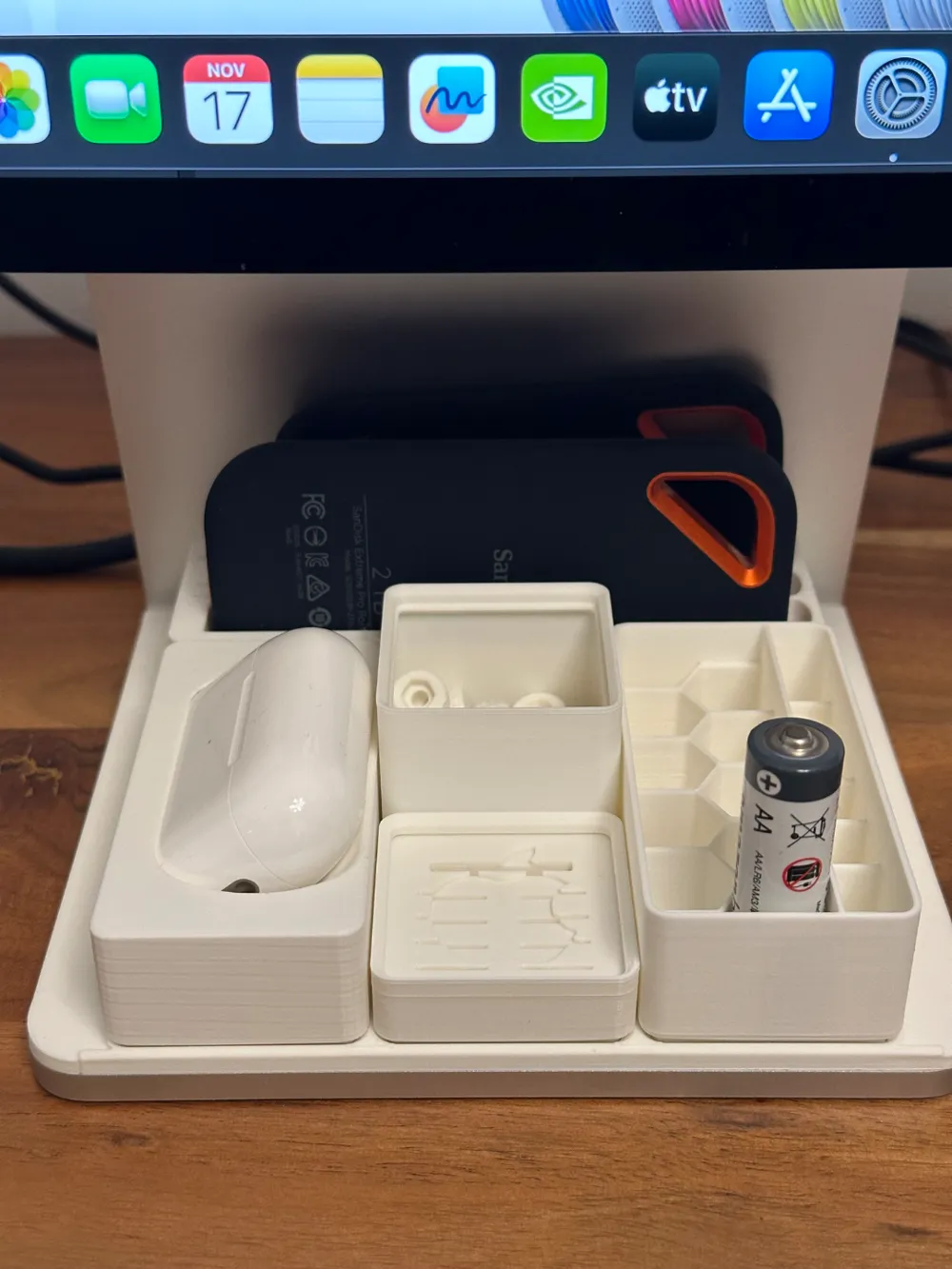
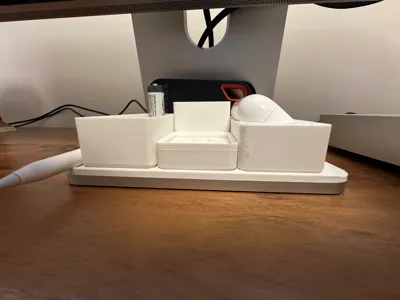
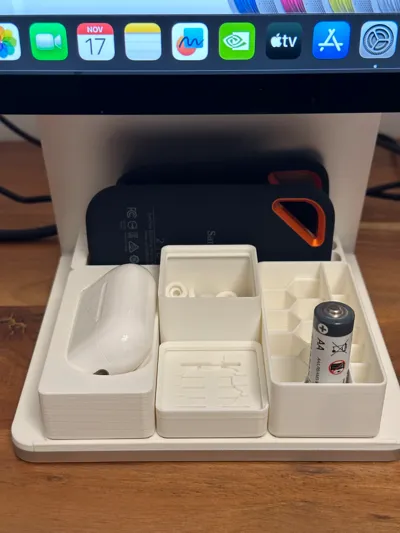
The 27" Apple Studio Display offers a fantastic opportunity to organize everyday essentials right under its stand.
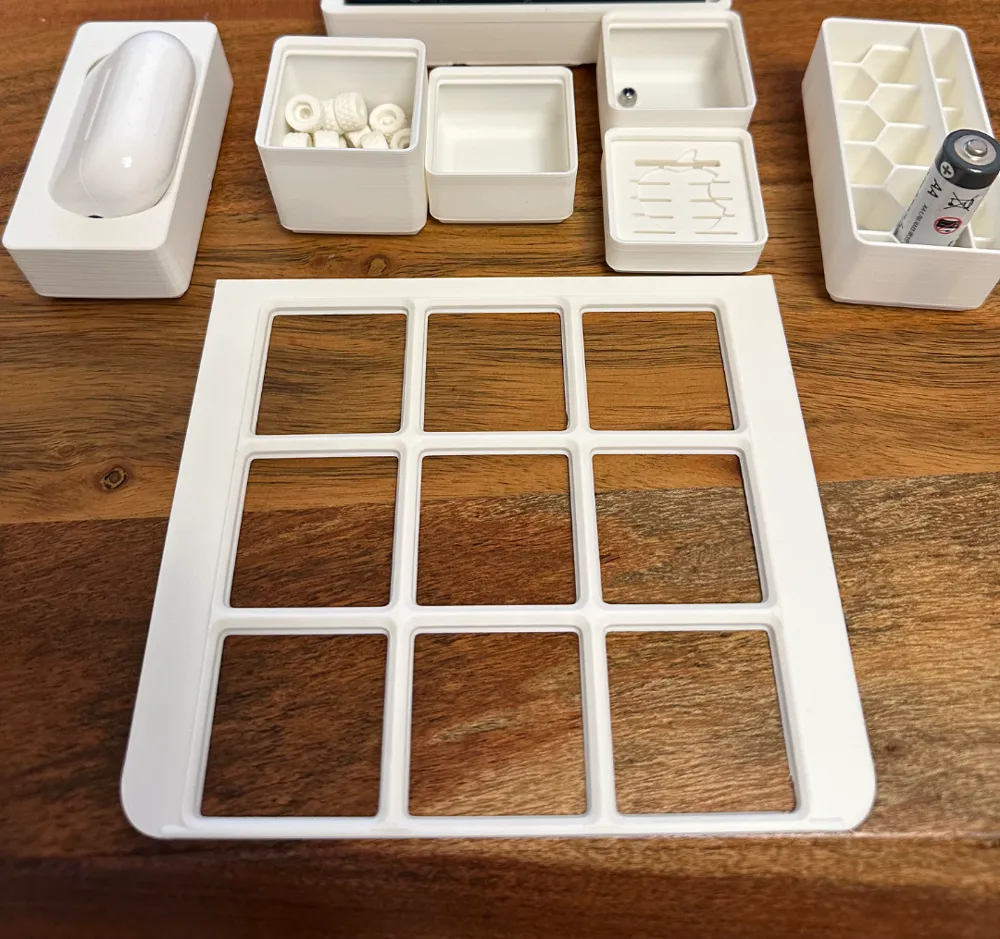
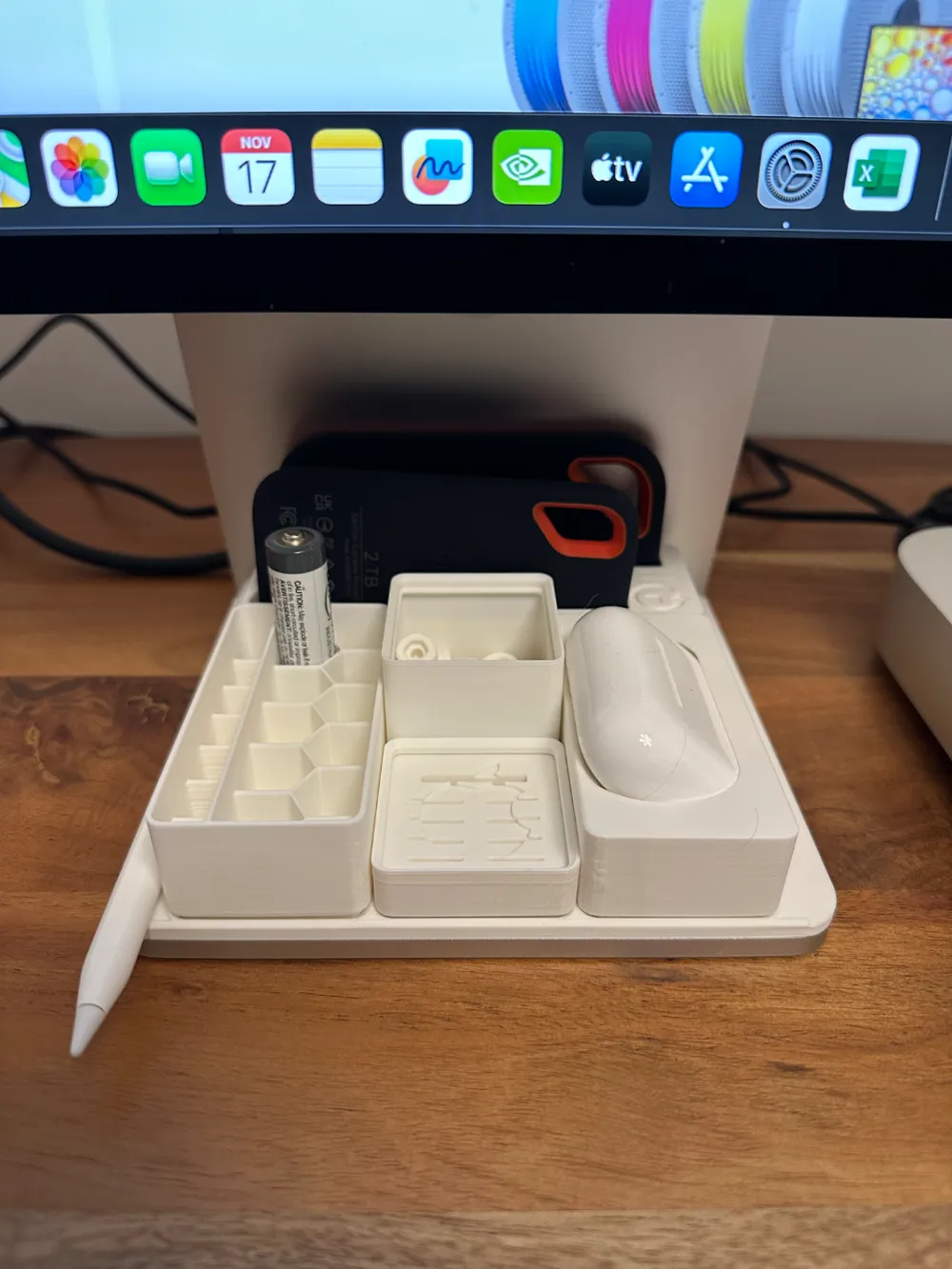
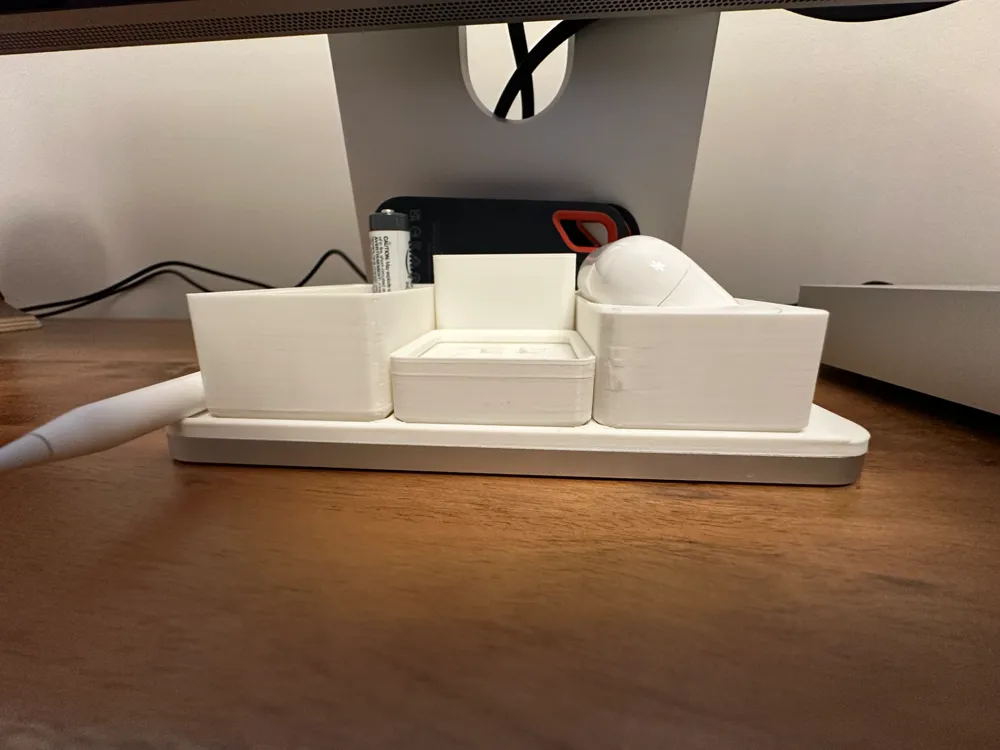
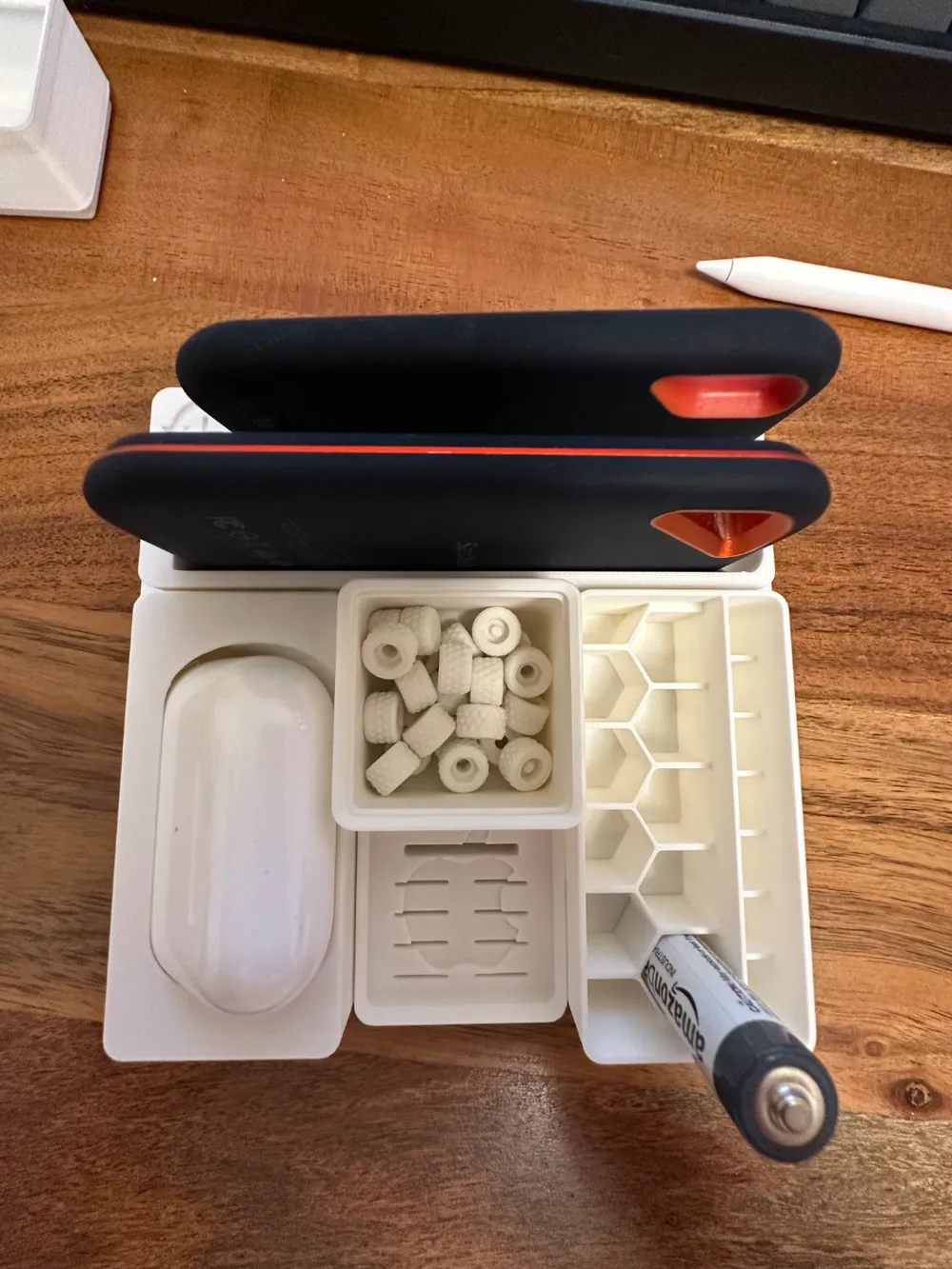
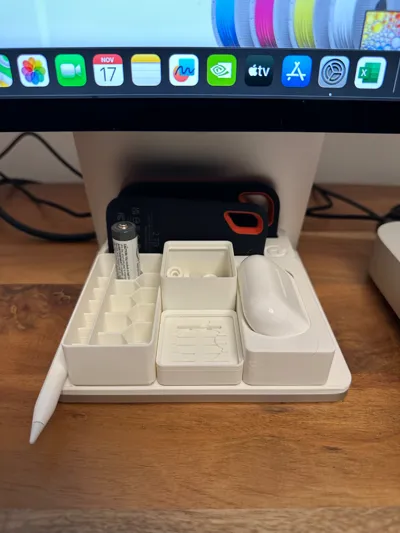
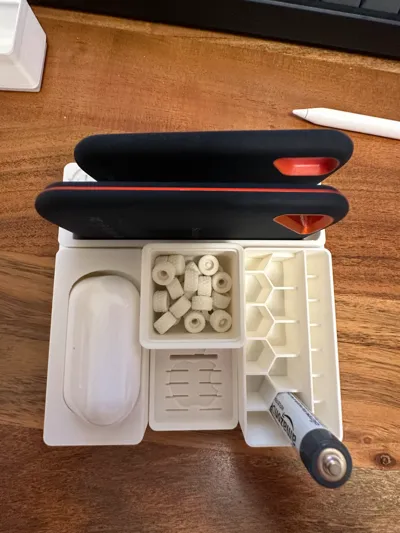
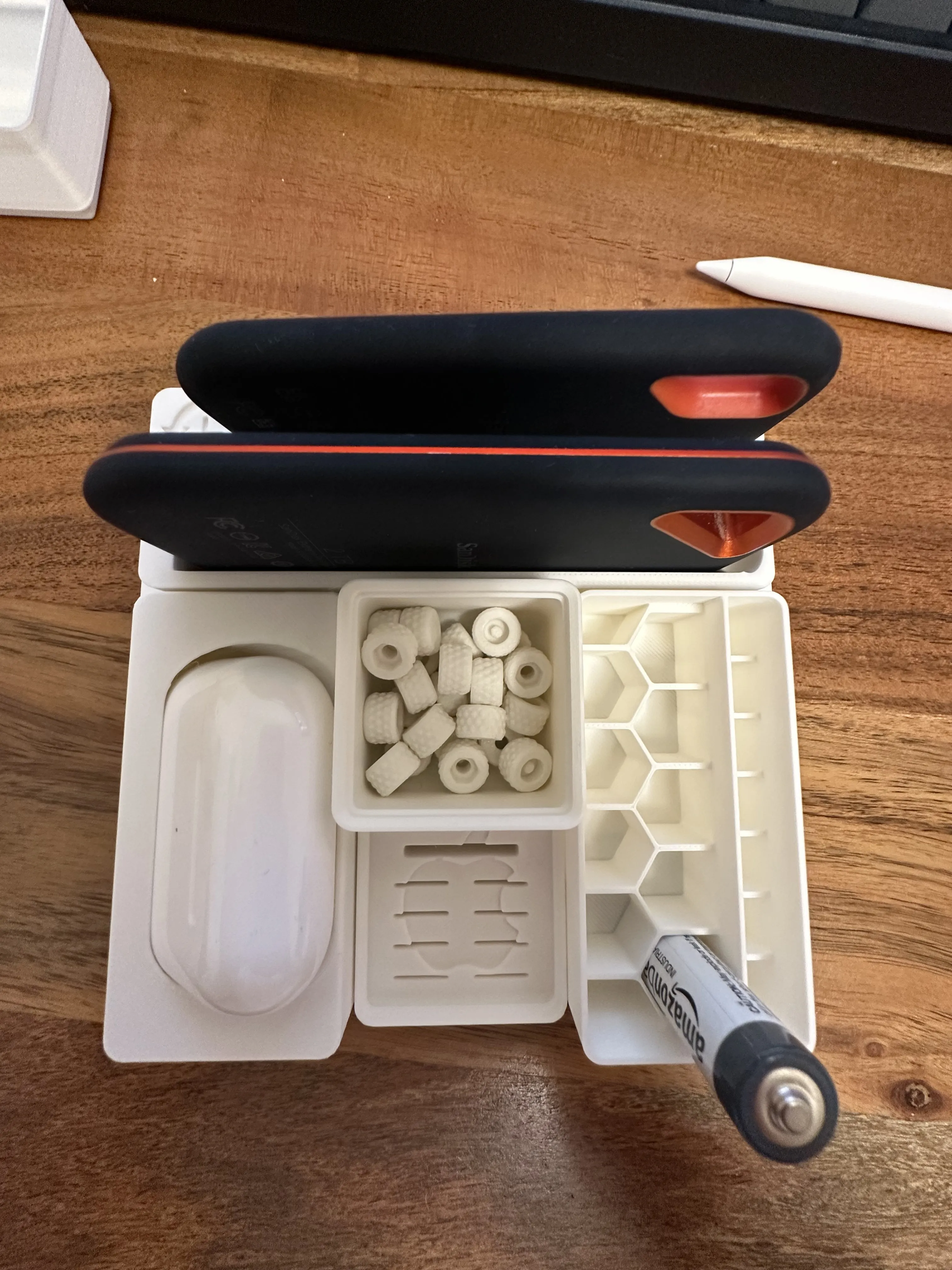
With my setup, I’ve created a custom Gridfinity 3x3 Baseplate that keeps everything neat and within easy reach:
- External SSDs
- AirPods Pro Gen 2
- Batteries
- Apple Pencil
Why I Created This
I always opt for Macs with plenty of RAM but smaller internal SSDs. This keeps costs down and gives me the flexibility to expand storage externally. My Gridfinity Baseplate takes advantage of the often-unused space under the Studio Display stand to house these external drives and more.
What My Baseplate Includes
Using the Gridfinity pattern, my design features:
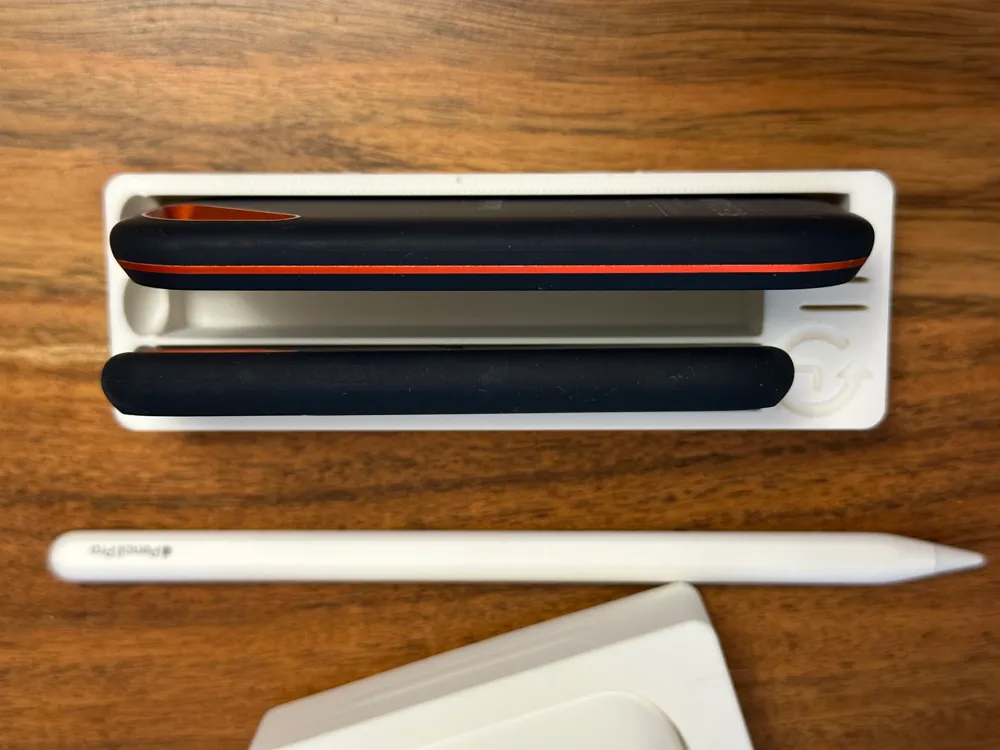
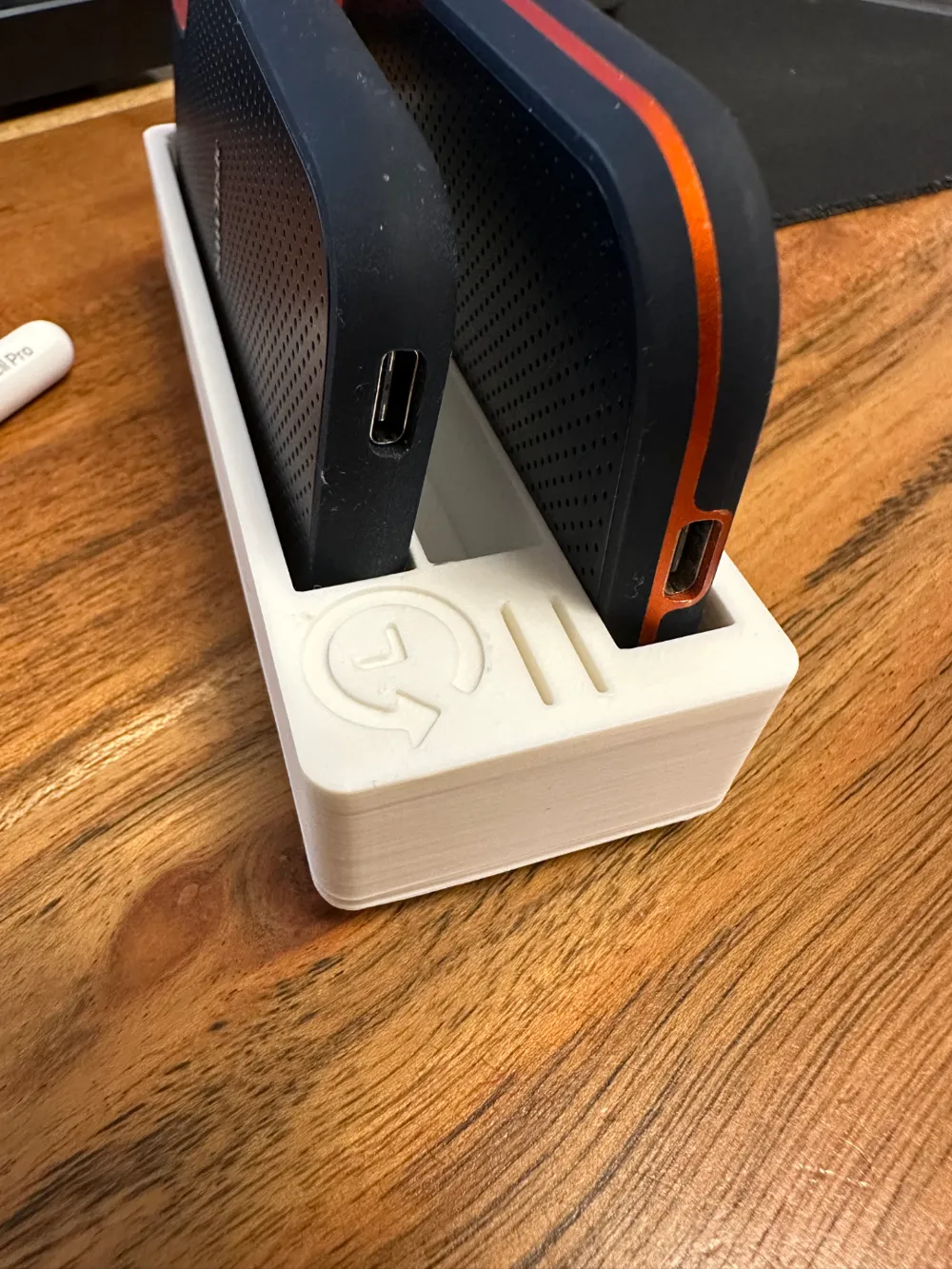
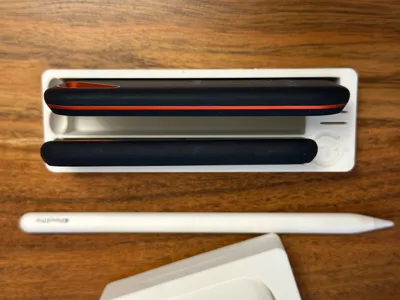
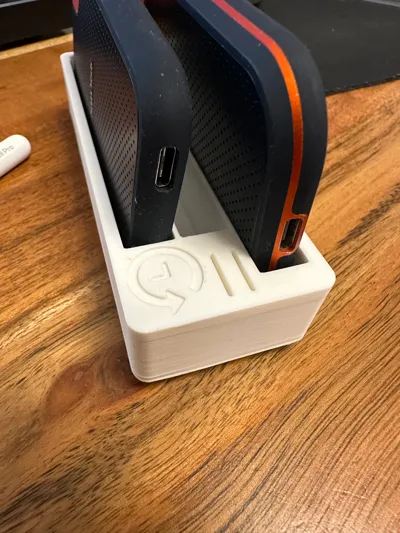
- 3x1 SSD Holder
- 2x SanDisk Extreme SSD (one of them labeled for Time Machine backups)
- 1x SanDisk Extreme Pro SSD
- Dedicated cutouts for USB-C cables, including angled plugs – even bulkier connectors fit comfortably.
- 2 Slots for microSD Cards
Additional Modules
I’ve complemented the setup with Gridfinity Addons (including some custom remixes of my own):
- 2x1 Battery Holder (for AAA and AA batteries)
- 2x1 AirPods Pro Gen 2 Holder, compatible with a strap
- 1x1 microSD Card Holder with an Apple logo (my own remix)
- 1x1 Small Box for screws or other tiny items
- 3x1 SanDisk SSD Triple Holder with a Time Machine logo and 2 additional microSD slots (also my remix)
Compatibility
- Fully compatible with Gridfinity v1 and v2 modules, with or without magnets.
- Designed for PLA or PETG, requiring minimal filament.
Printing Tips
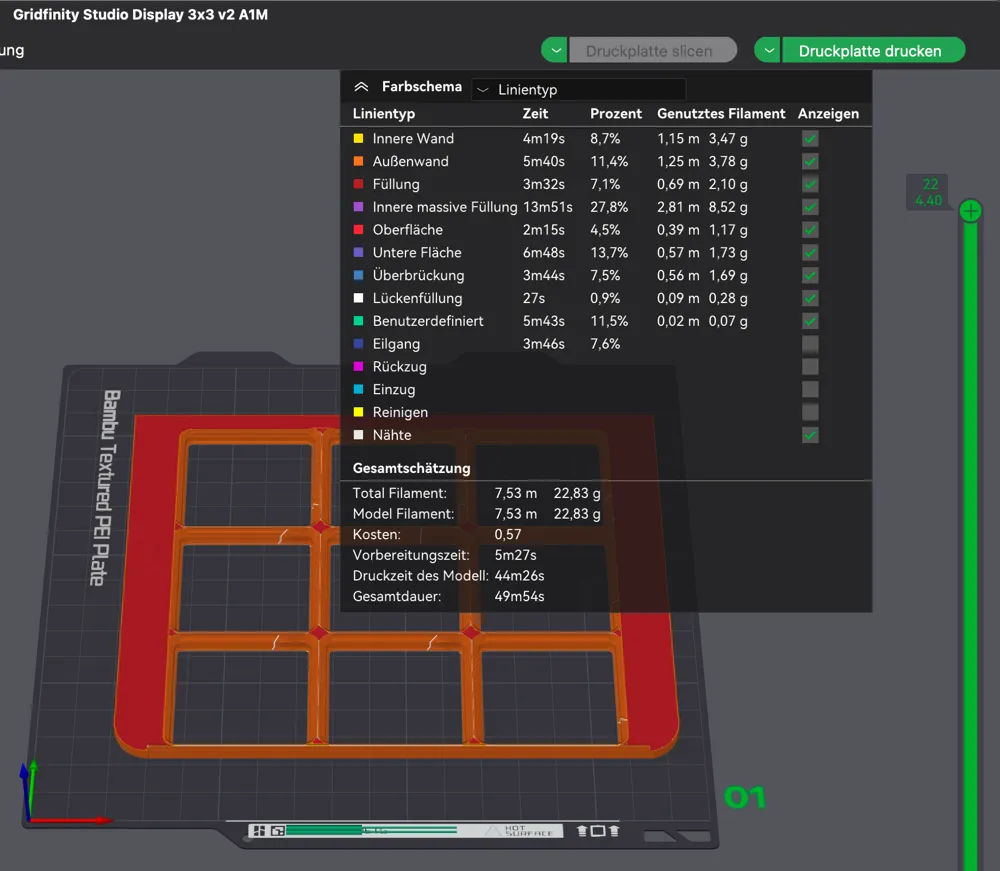
- Bed Temperature: 60–65 °C for PLA (adjust based on your filament).
- Cooling downtime: Let the baseplate cool for 30–60 seconds before removing it from the print bed to avoid warping.
- No support material is needed.
- check for a clean and dustfree bed before printing, please,
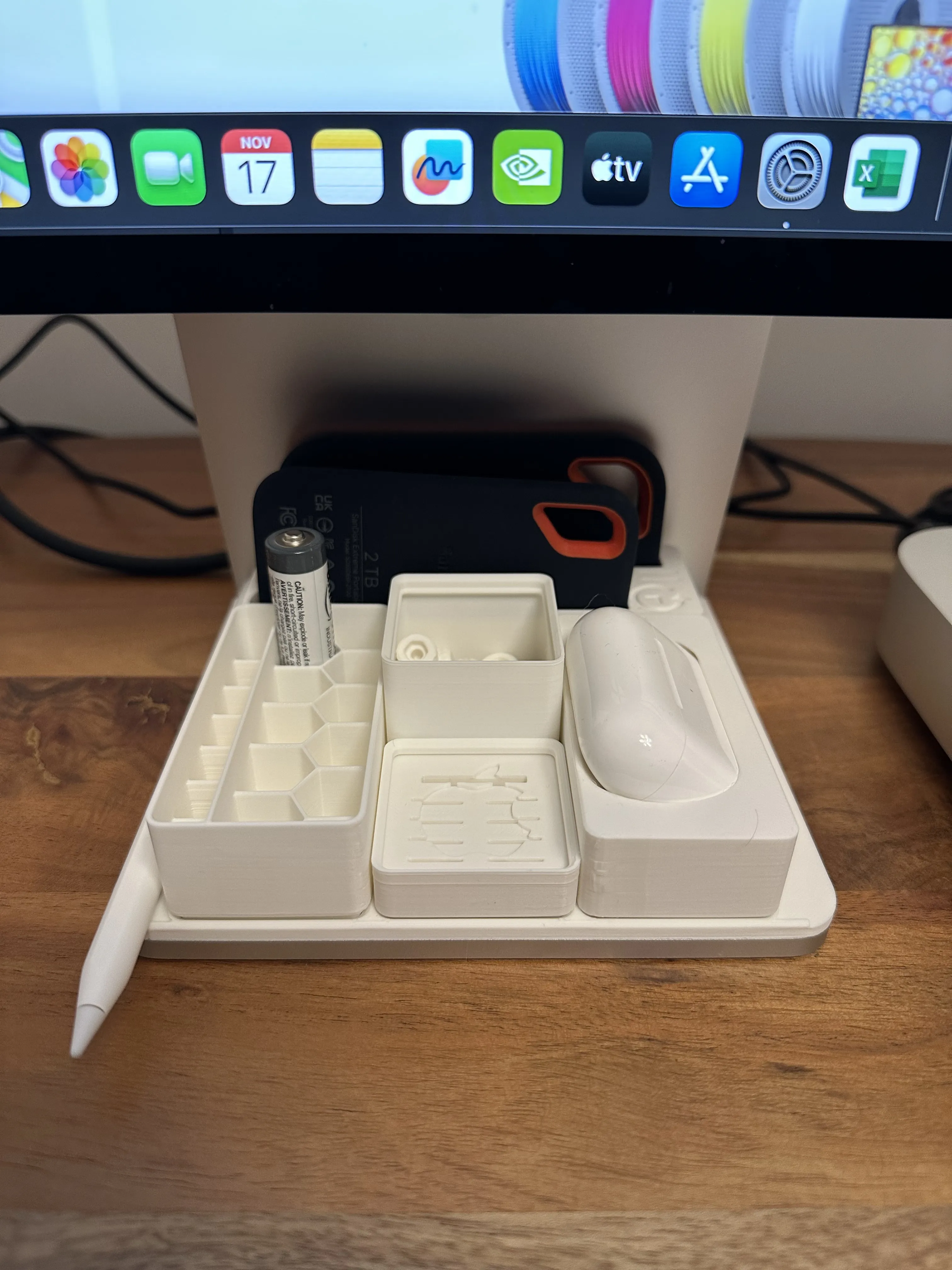 |  | 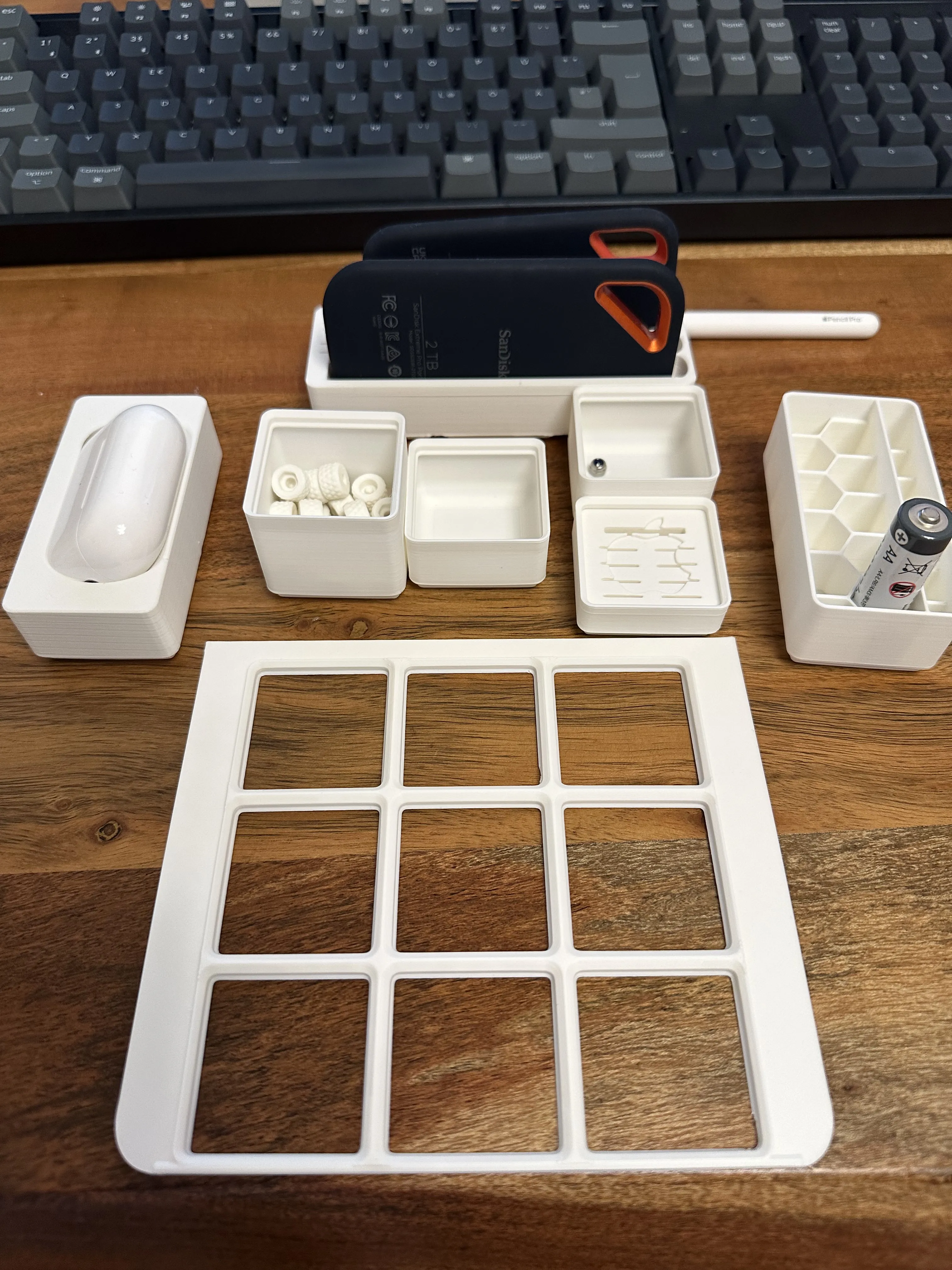 |
I tested with Bambulab PLA Matte and Sunlu PETG, and both worked great. The matte PLA finish pairs especially well with the look of the Apple Pencil Pro.
Frequently Asked Questions (FAQ)
1. Can I share or modify this design?
Absolutely! I encourage adaptations and remixes as long as they are shared under the same conditions. Commercial use or resale, however, is not allowed. I’d be thrilled if you could link back to the original design! 😊
2. Is this your first design?
Yes, it is! I started 3D printing just a few weeks ago and taught myself using Tinkercad.
3. Can I send you suggestions?
Please do! I’m always open to friendly feedback and ideas for improvement.
4. What’s next?
Stay tuned! I’ll be uploading more designs and ideas to expand this setup in the coming weeks.
Photos and Print Results
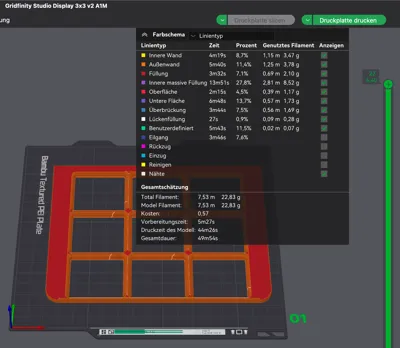
Check out the photos of my setup printed on an A1 Mini. I’ve also included a screenshot from Bambulab with recommended settings to help you get started.
Thank You!
Your feedback, suggestions, and support mean the world to me. If you like this design, feel free to share it or give it a boost! 😊
Boost Me (for free)
this work here is my free time, my hobby, my fun!
boost me for quick support, more uploads.
Thank you very much! :-)
License



Comment & Rating (11)