Search models, users, collections, and posts

Condition Rings with Storage Cases for D&D
GIF

Print Profile(2)

All
P1S
P1P
X1
X1 Carbon
X1E
A1
H2D
H2D Pro
H2S
P2S
H2C
X2D
A2L

0.2mm layer, 3 walls, 10% infill
Designer
14 h
12 plates
5.0(165)

Brims added - 0.2mm layer, 3 walls, 10% infill
7 h
10 plates
5.0(1)

Open in Bambu Studio
Boost
928
3560
234
304
2.6 k
1.2 k
Released 

Description

New & Improved D&D Condition Marker set with Storage Case!
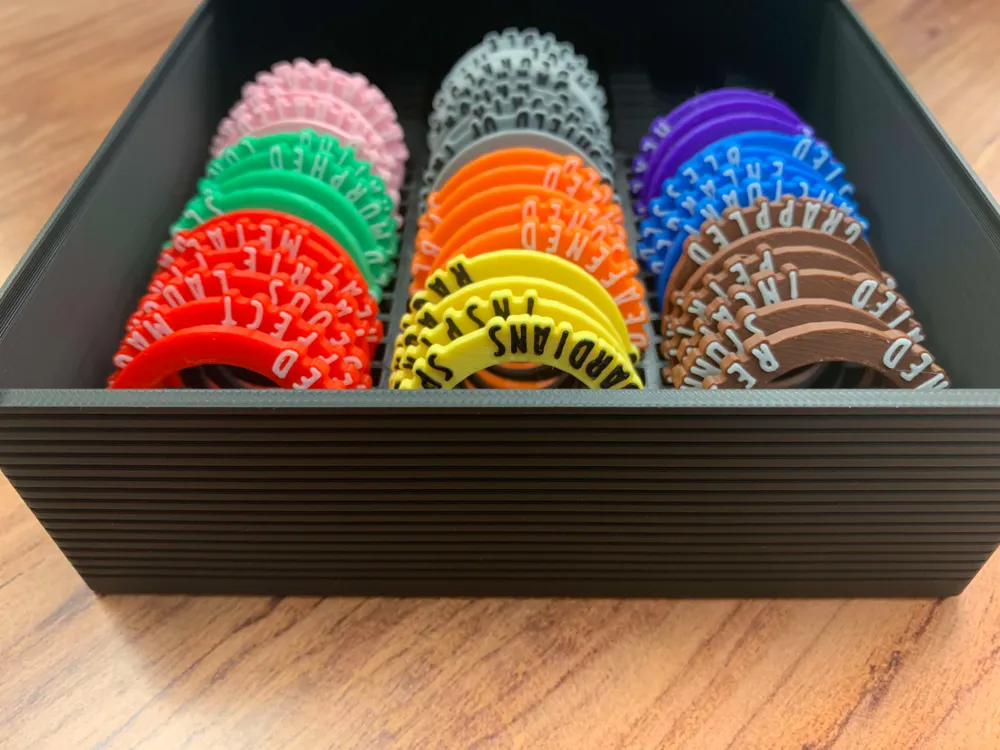
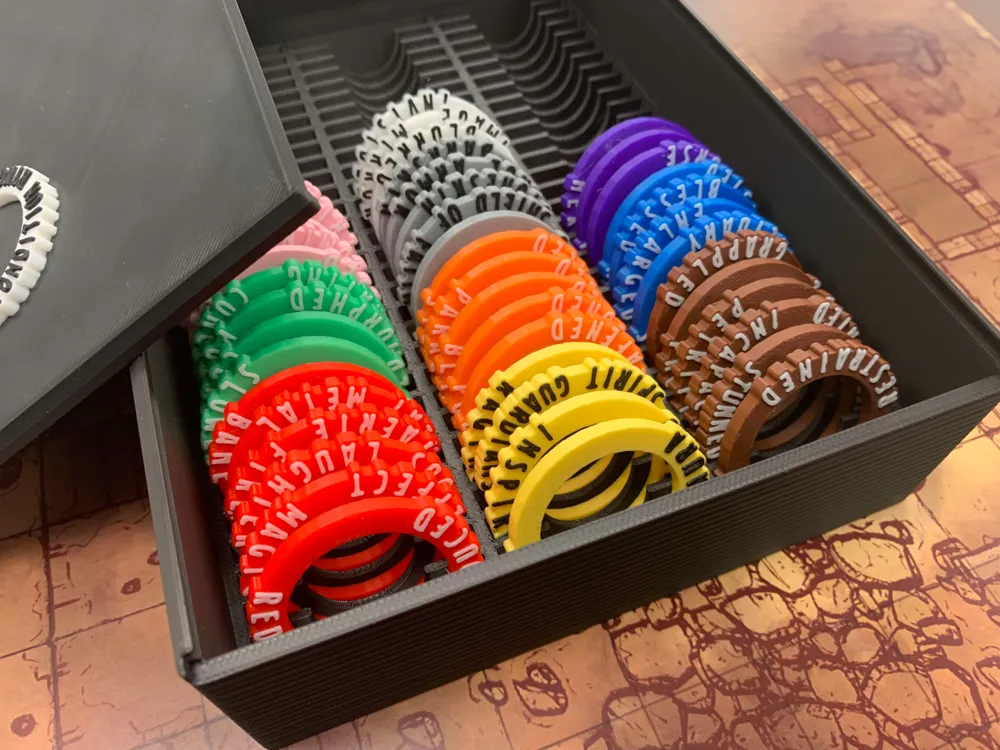
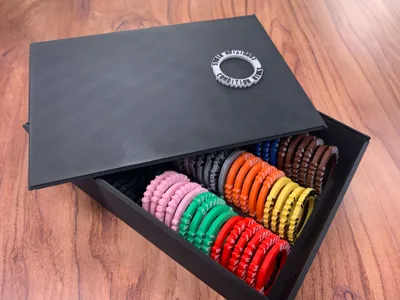
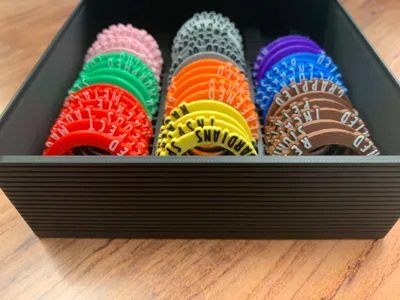
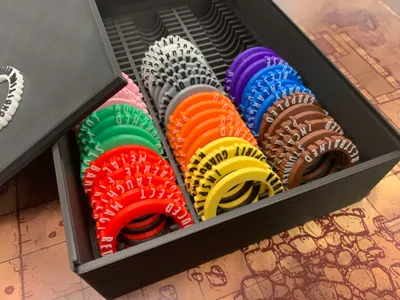
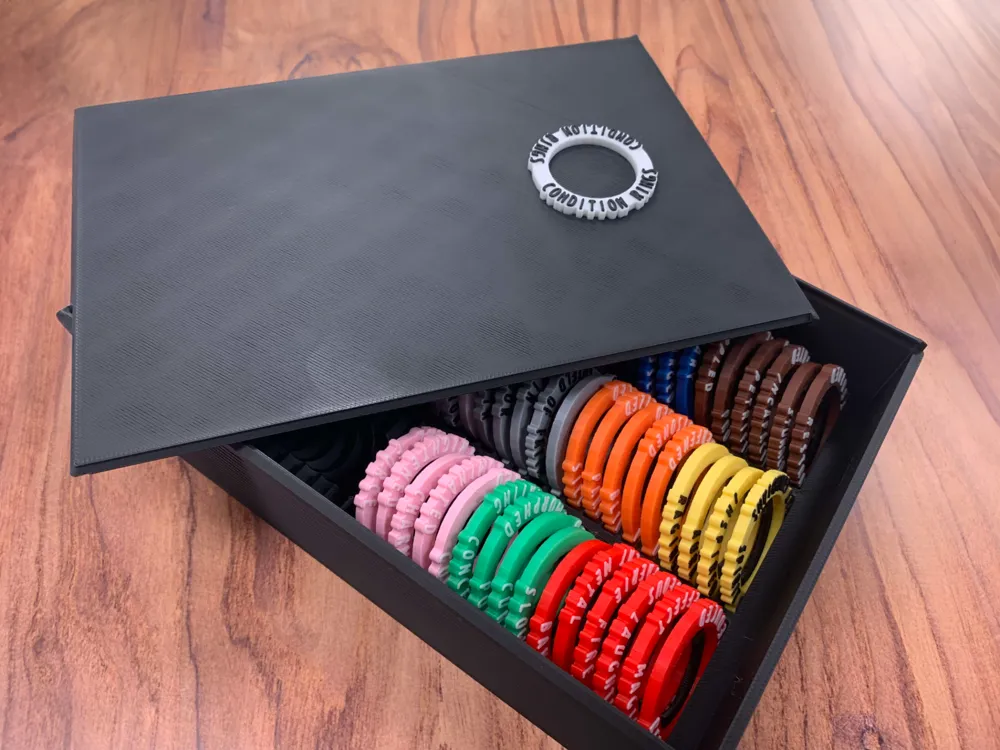
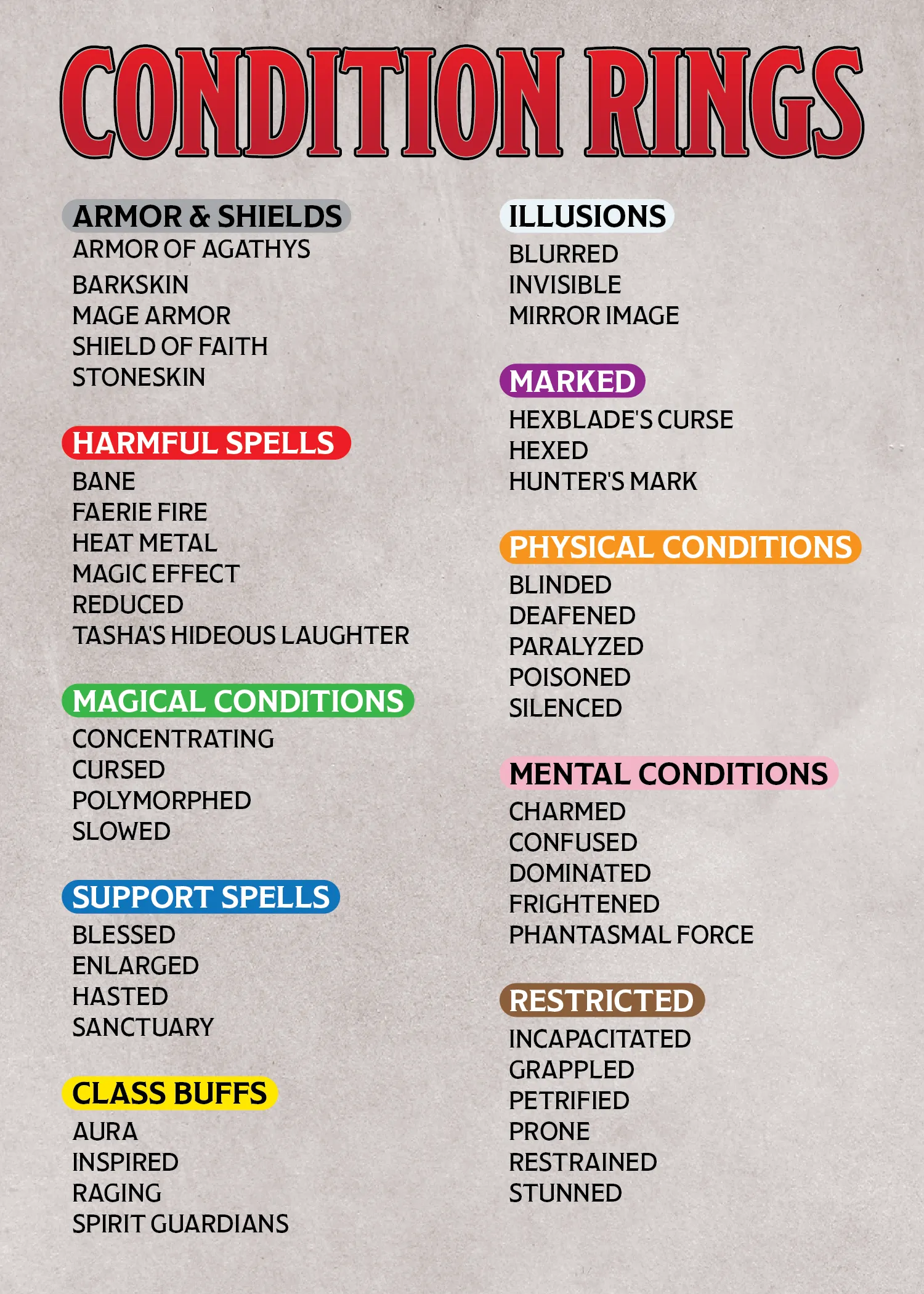
This updated set has a larger array of conditions and are color-coded into different categories to help with organization and speed up game play. They also come with a handy storage case.


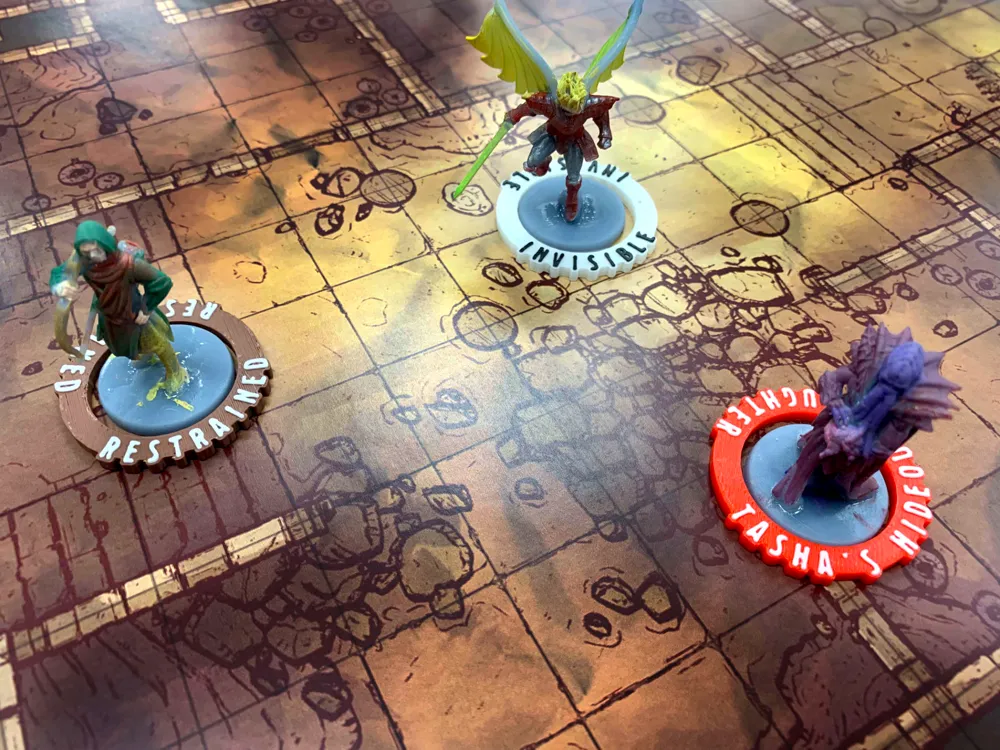
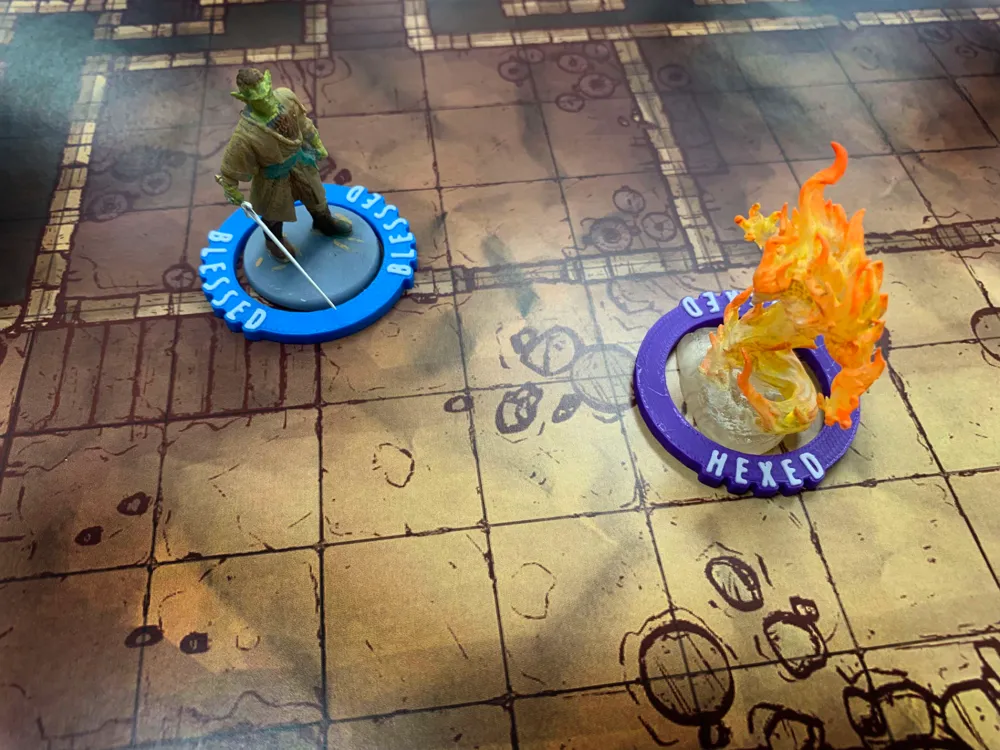
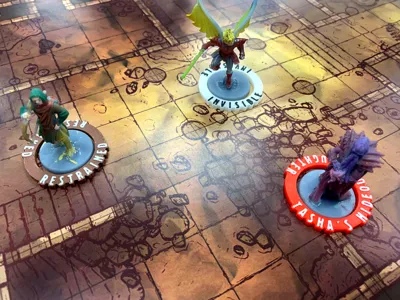
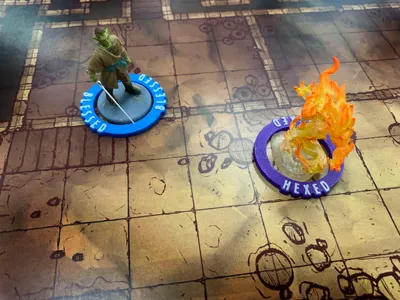
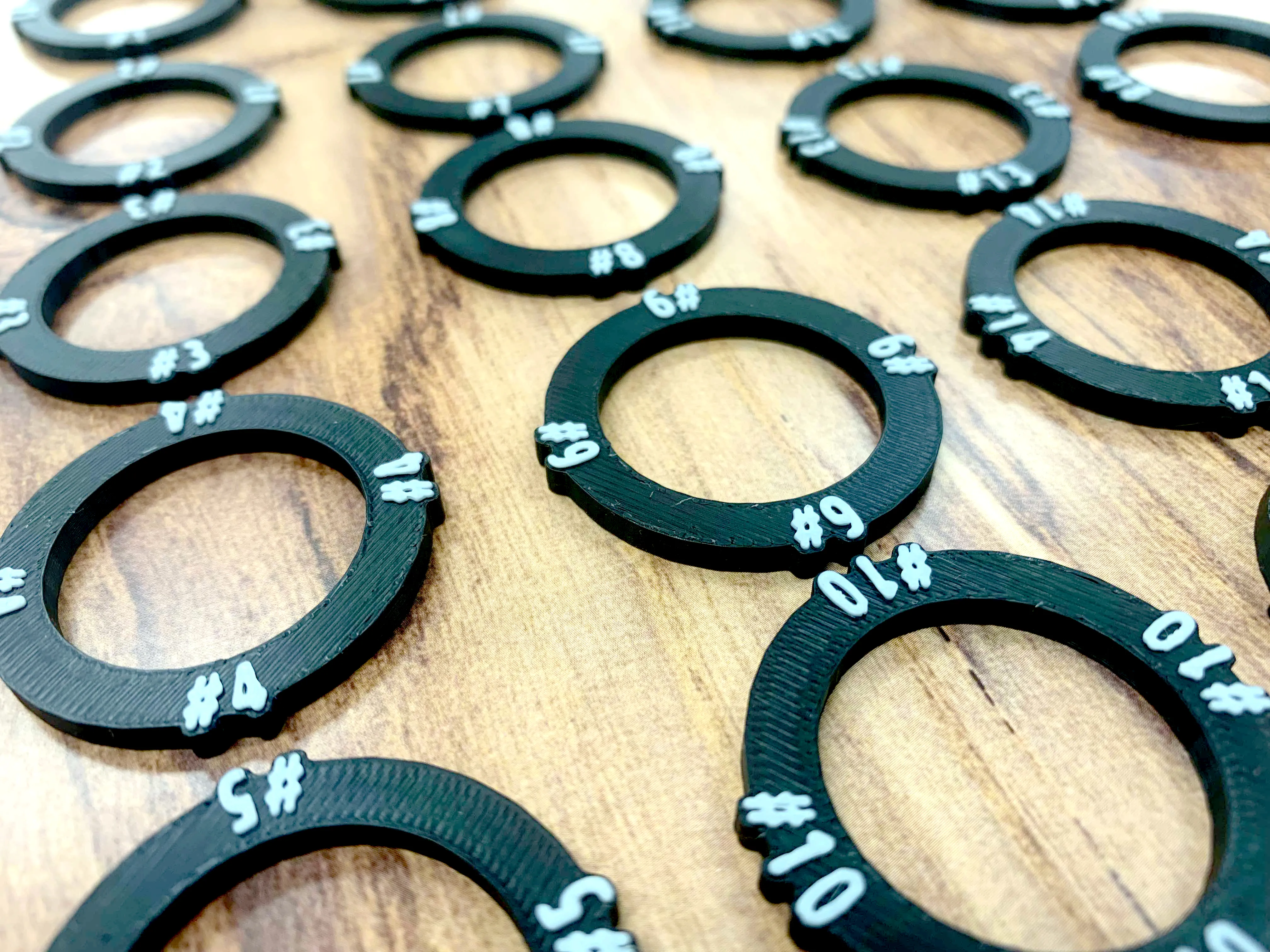
Each ring features labels in the same font used in the D&D books and showcase the different status conditions commonly encountered in Dungeons & Dragons adventures. These rings have a larger center diameter for a better fit that accommodates standard 28mm scale miniatures. For larger creatures, simply hang the ring over and armor or weapon.


Join my Patreon to receive a Commercial Print License.

Boost Me (for free)

Send me a boost if you like this!


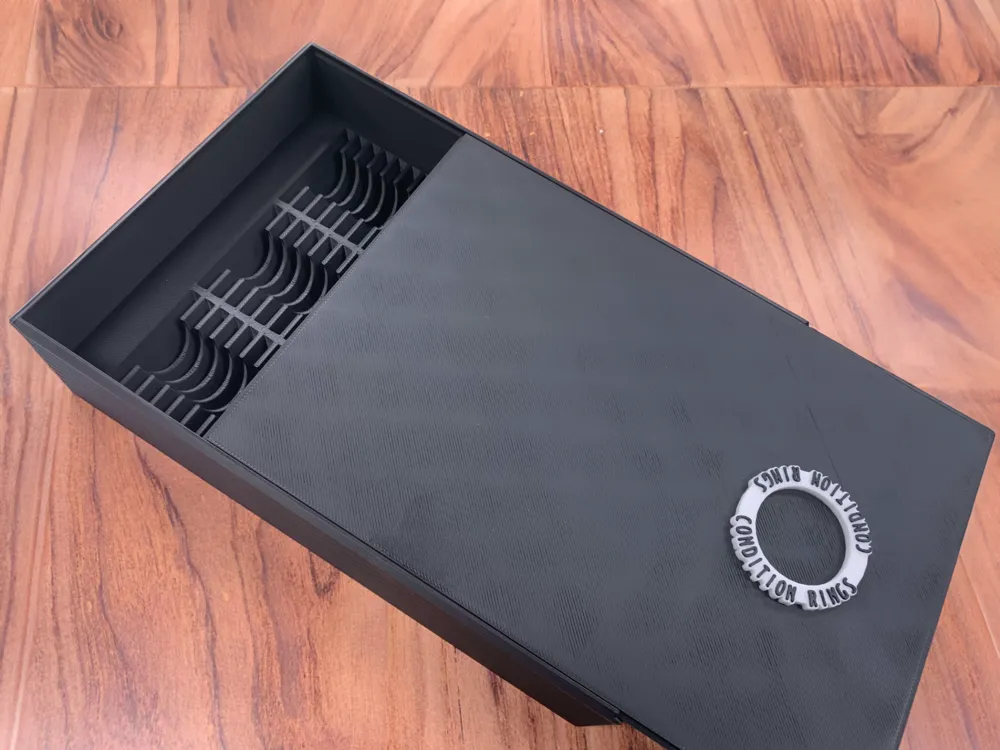
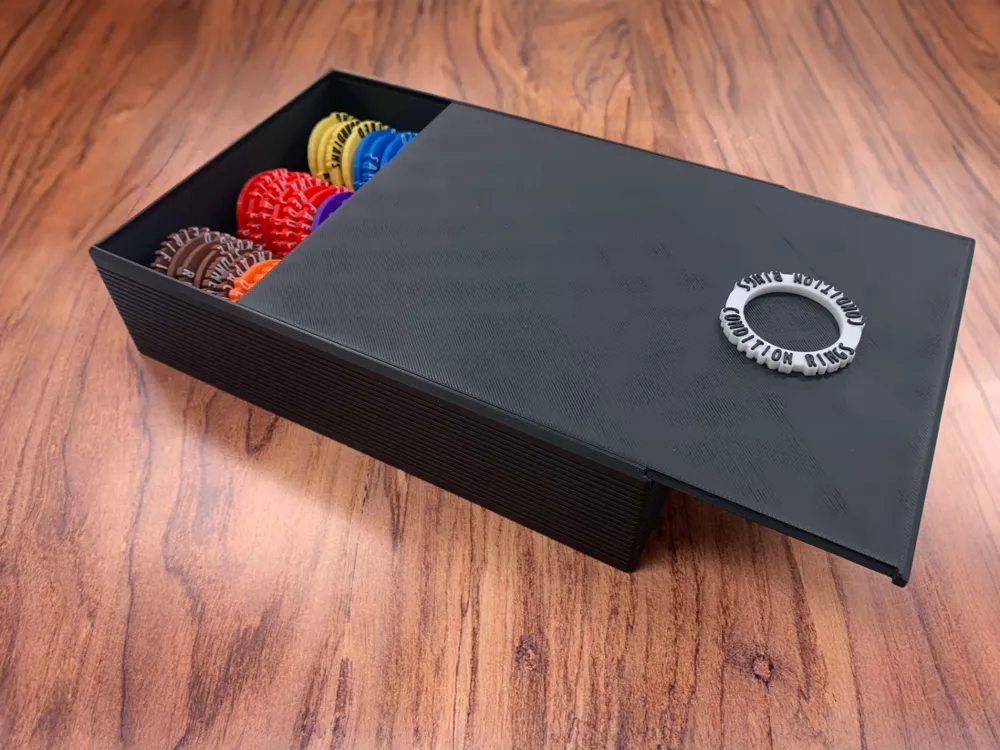
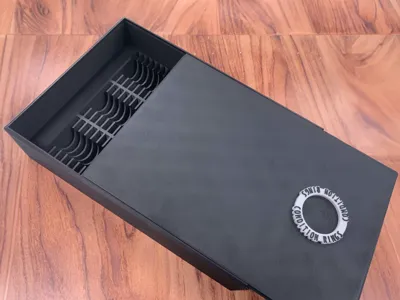
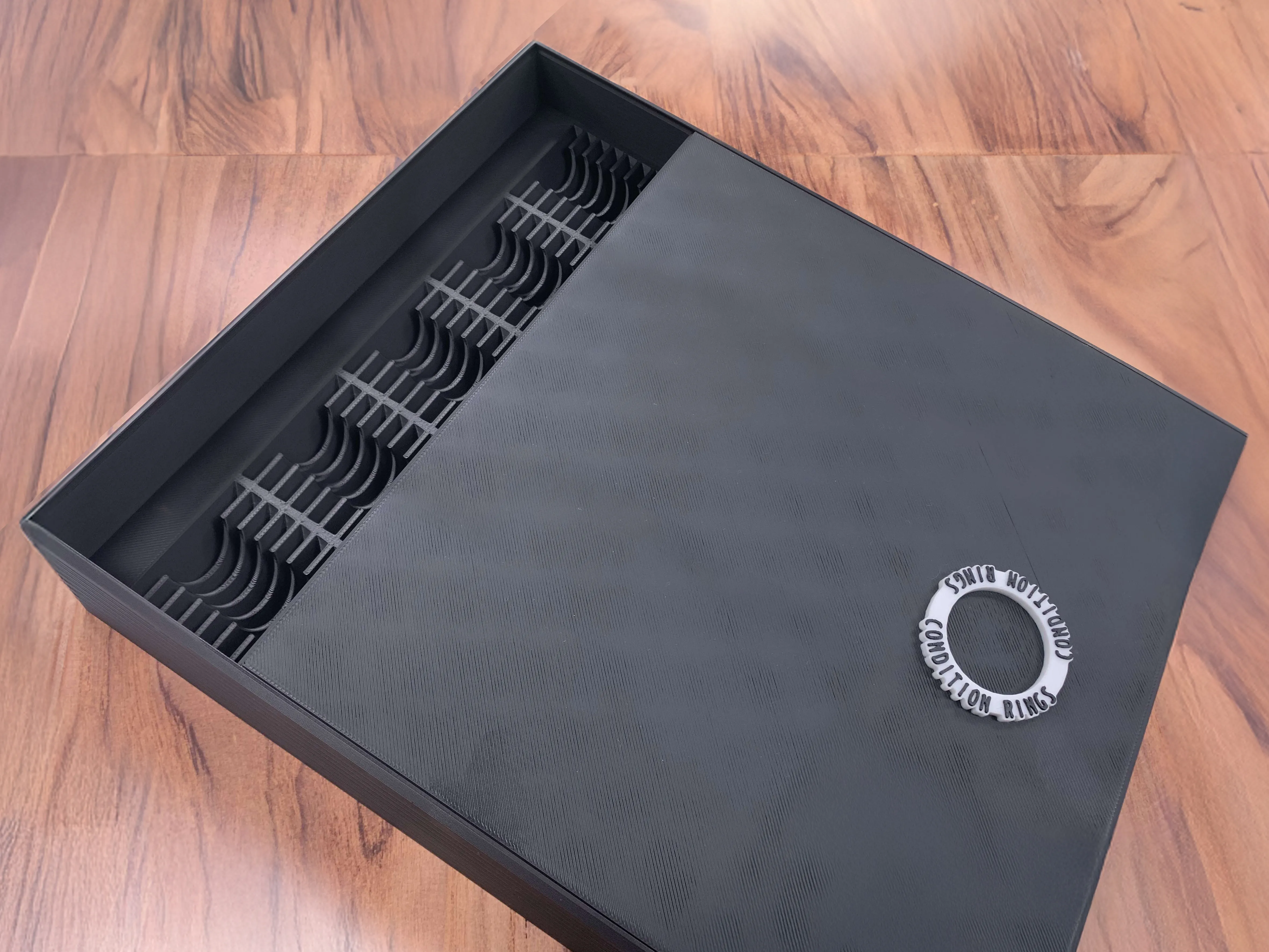
Storage Container

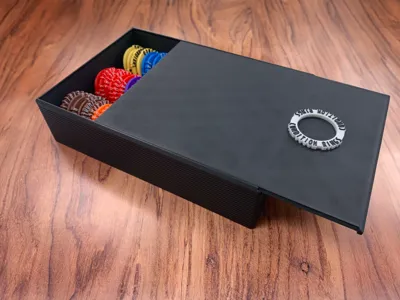
The storage container can hold 87 condition rings, so print duplicate rings for more common conditions based on you gameplay.

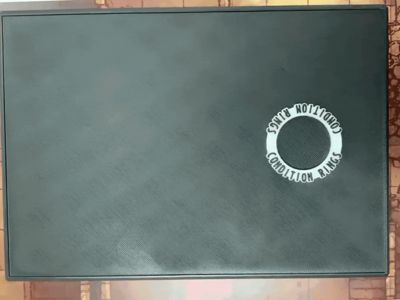

The Condition Ring logo on the top of the container acts as an easy pull tab to open the container.


Color changes

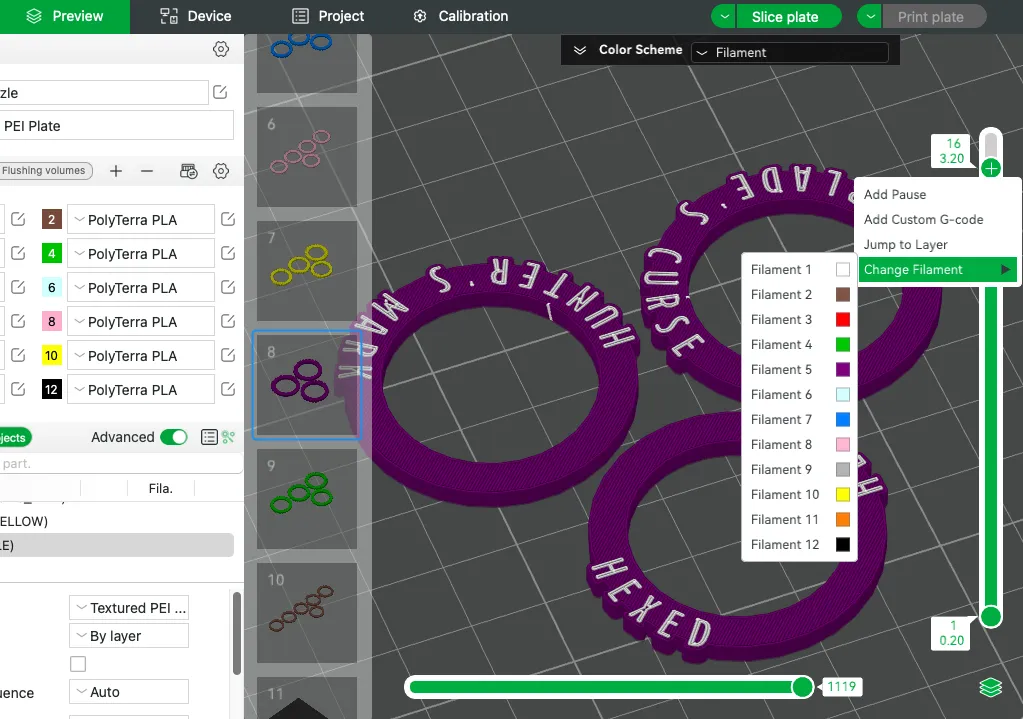
Changing colors are easy with this layout. Each group of rings is already arranged on individual plates with like colors and the text color is set to change on layer 16. This means only one color change per plate for reduced filament waste. 


To customize the colors to your liking, simply change the colors per ring in the object panel on the prepare tab. To change the text color, switch to the preview tab and change the selected filament change at the designated layer (layer 16, see below image) by right clicking on the layer preview slider on the right side of the window. 
 

Organize by Color

Below is a guide to show how we have organized the rings by color. There is also a hi-res PDF attached that you can print out and insert into the Storage Container for reference.
 

You can also click here to find a Larger Storage Container that holds 145 Rings & Initiative Tracker Rings.
Documentation (1)

Other Files (1)
Condition Rings Color Guide.pdf

Comment & Rating (234)

(0/1000)

Boosted
Really love these rings. I modified mine to be about half as thick to save on material.
5
Reply
Would you mind uploading that as a remix?
0
Reply
Boosted
Replying to @benso87 :
The OG won't allow remixes 😒 DM me and I'll send you the files.
0
Reply
I too would be interested!
0
Reply
Boosted
I am printing a set of these and love the design, but I have found some conditions that are missing. I tried to use your "Tabletop Gaming Condition Rings" customization but the fonts are different. Are you going to make a Customize option for this version with matching font?
The designer has replied
5
Reply
what conditions are missing? the font is giving problems embedding in the customization.
0
Reply
Boosted
Replying to @craftyfox3D :
Reckless, Exhaustion 1 to 5, 0 Hit Points, and Unconscious. May think of more later.
3
Reply
Replying to @craftyfox3D :
I would love Bleeding Personally. You product is amazing btw! Thank you so much!
(Edited)
1
Reply
Boosted
Really liked these rings, came out perfect. Made a smaller box for them aswell.
1
Reply
Oh Great, is it possible to you, to share this version?
1
Reply
Boosted
Replying to @Convi :
I have uploaded it to makerworld, here is a link: https://makerworld.com/en/models/951104#profileId-919064
2
Reply
I really liked these, great design! I really like the container. I wish I had seen the larger 150 slot tray before printing the 87 slot container. :) Looking forward to using these in my games. The only feed back I would provide is that the print file had the ring and letterings the same color. So I had to paint the lettering on each ring, before cloning it for the number I wanted to print. Not horrible, just took longer to prep the file to be able to print.
The designer has replied
0
Reply
great to hear. so the color change is on the slice/prepare tab as it changes color at a set layer height. it’s described in the description. I did it this way to reduce waste and unnecessary changes. changing color at a set layer should give a clean print with only 1 change per plate.
(Edited)
1
Reply
Boosted
Don't feel bad. I missed the instructions in the description as well. I had to watch a YT video that told me the same thing.
0
Reply
Print Profile
0.2mm layer, 3 walls, 10% infill
Had a lot of fun with this. Made it as a surprise for my local book store who wants to start a D&D night to be a local hub to host one shots and a place for groups to run their campaigns out of. PRINT CAME OUT FANTASTIC
The profile uploader has replied
0
Reply
awesome. hope they love it!
0
Reply
Print Profile
0.2mm layer, 3 walls, 10% infill
I had some co workers work late with me and I know they’re big into DnD. it’s not my thing but this looked cool and they lit up when I told them about the model. I added a custom touch. I did have adhesion issues with some rings. Not a model issue though. Thanks for sharing it. They’re going to love it.
1
Reply
Print Profile
0.2mm layer, 3 walls, 10% infill
Very nice set! Went ahead and added the logo to complete the box. Changed a couple of colors to match the ones I had. Bringing it to my party tomorrow, I am very excited!
The profile uploader has replied
0
Reply
looks great
0
Reply
Haven't printed this yet, but I was wondering if you could make some rings with just numbers (from 1 to 10 for example) to make it easier for the DM to identify each enemies?
The designer has replied
3
Reply
I’m actually already working on some initiative tracker rings. they should be coming soon and they will fit in this case as well.
2
Reply
Replying to @craftyfox3D :
Awesome! Can't wait! 😃
0
Reply
Replying to @Peter_IsTheWolf :
here is the link for the numbered rings: https://makerworld.com/en/models/877148#profileId-830371
0
Reply
Print Profile
0.2mm layer, 3 walls, 10% infill
pretty good
0
Reply
Print Profile
0.2mm layer, 3 walls, 10% infill
Absolutely perfect!
(Edited)
0
Reply

License

This user content is licensed under a Standard Digital File License.

You shall not share, sub-license, sell, rent, host, transfer, or distribute in any way the digital or 3D printed versions of this object, nor any other derivative work of this object in its digital or physical format (including - but not limited to - remixes of this object, and hosting on other digital platforms). The objects may not be used without permission in any way whatsoever in which you charge money, or collect fees.