
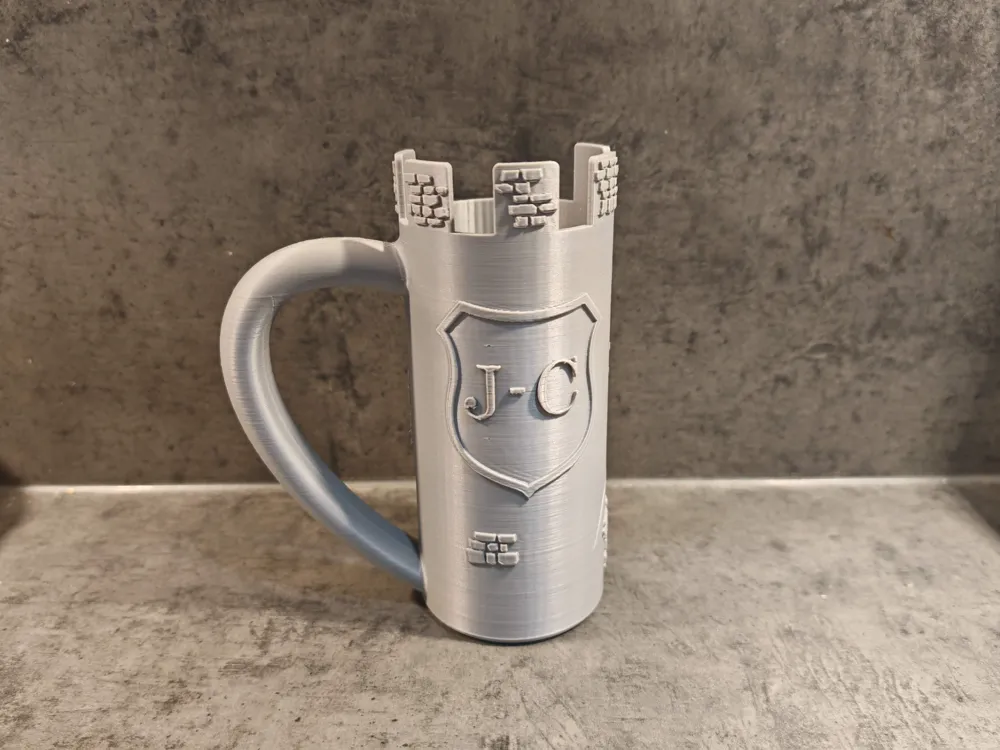
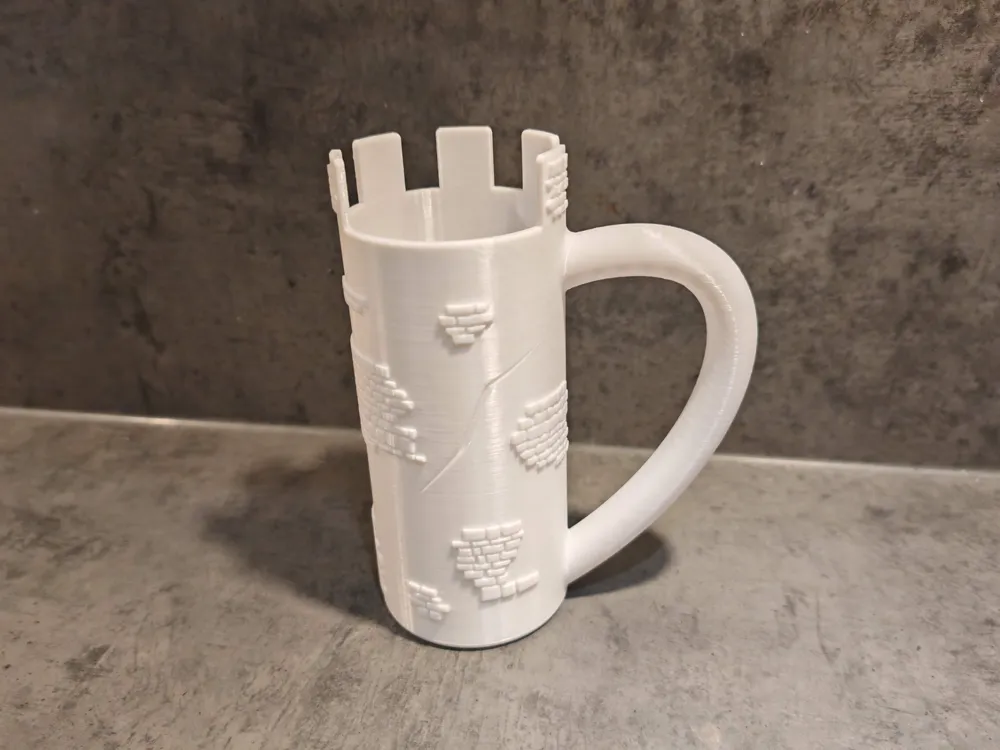
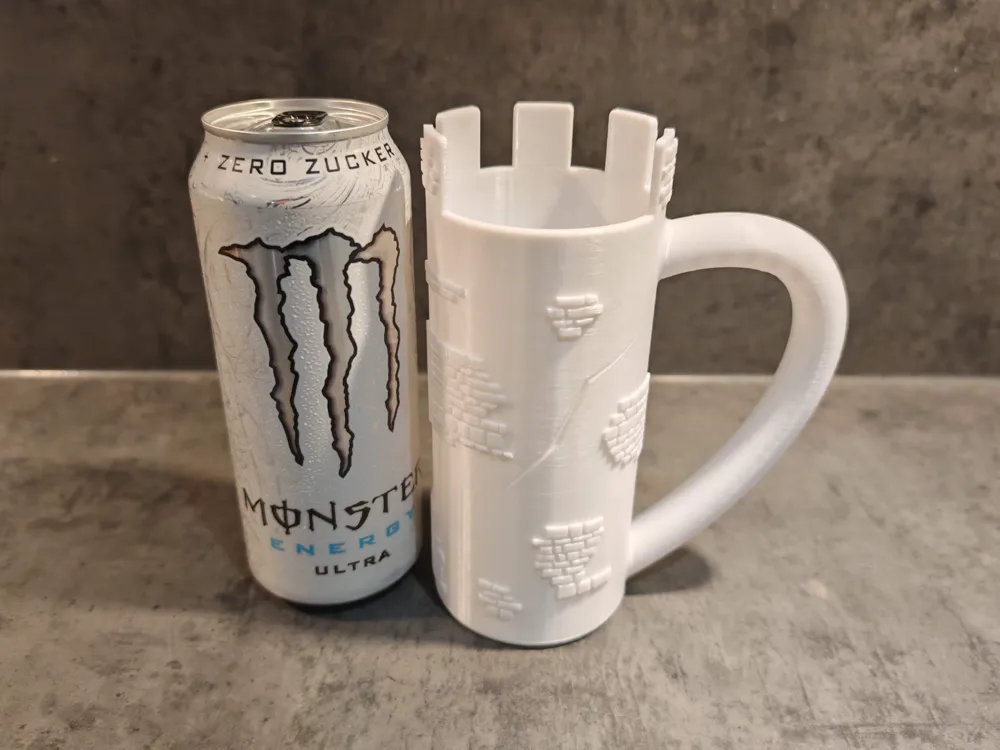
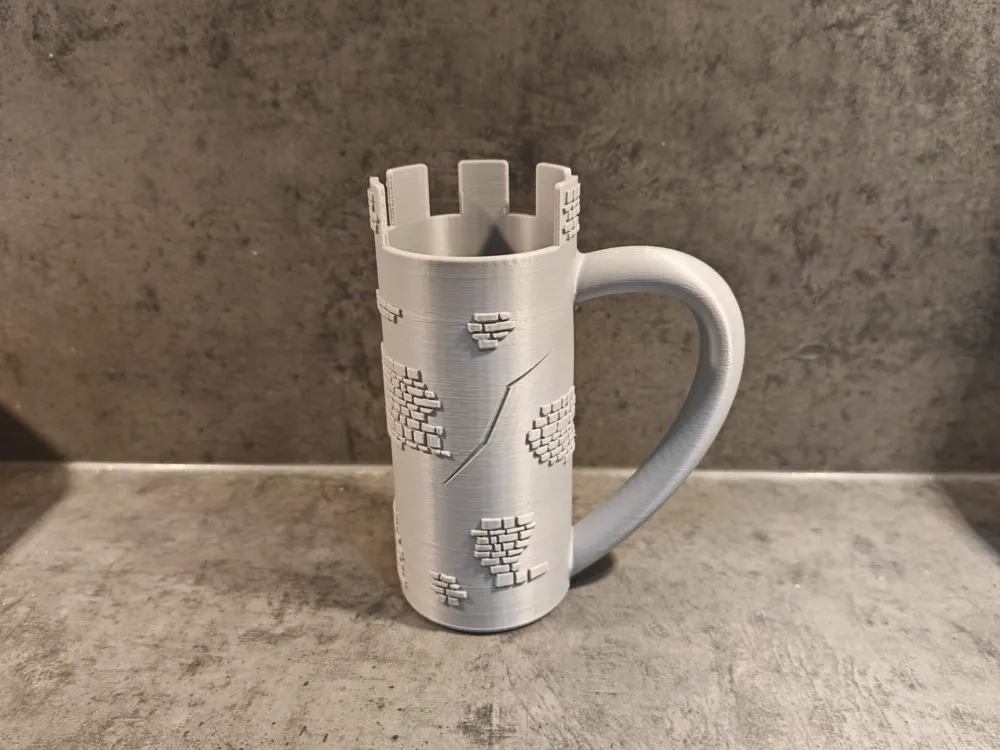
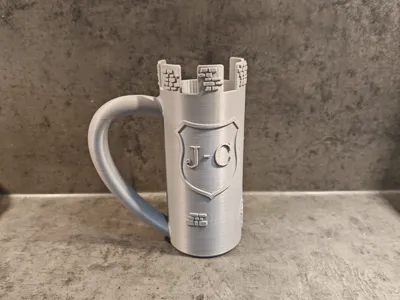
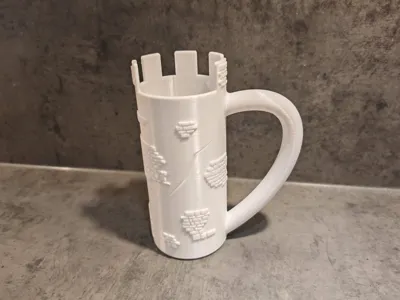
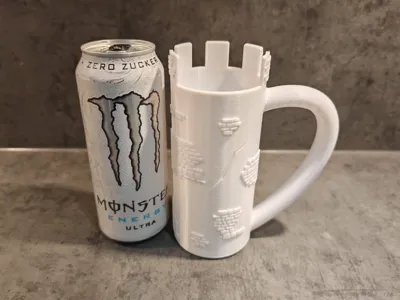
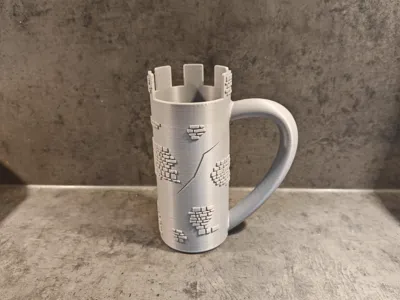
Customizable Castle Mug for 500ml cans with blazon
Print Profile(1)

Description
This is a customizable version of my other design found here: https://makerworld.com/en/models/787390
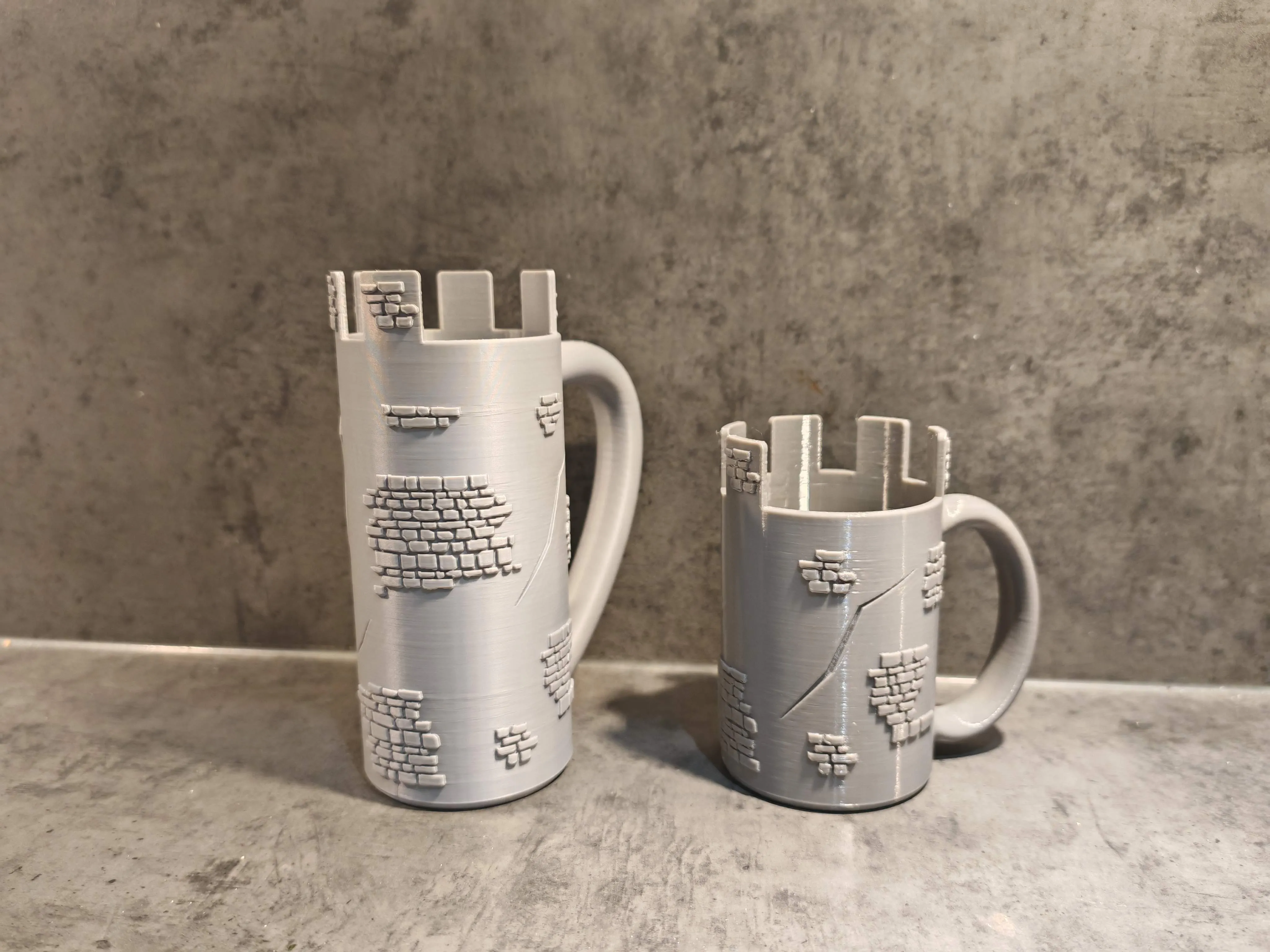
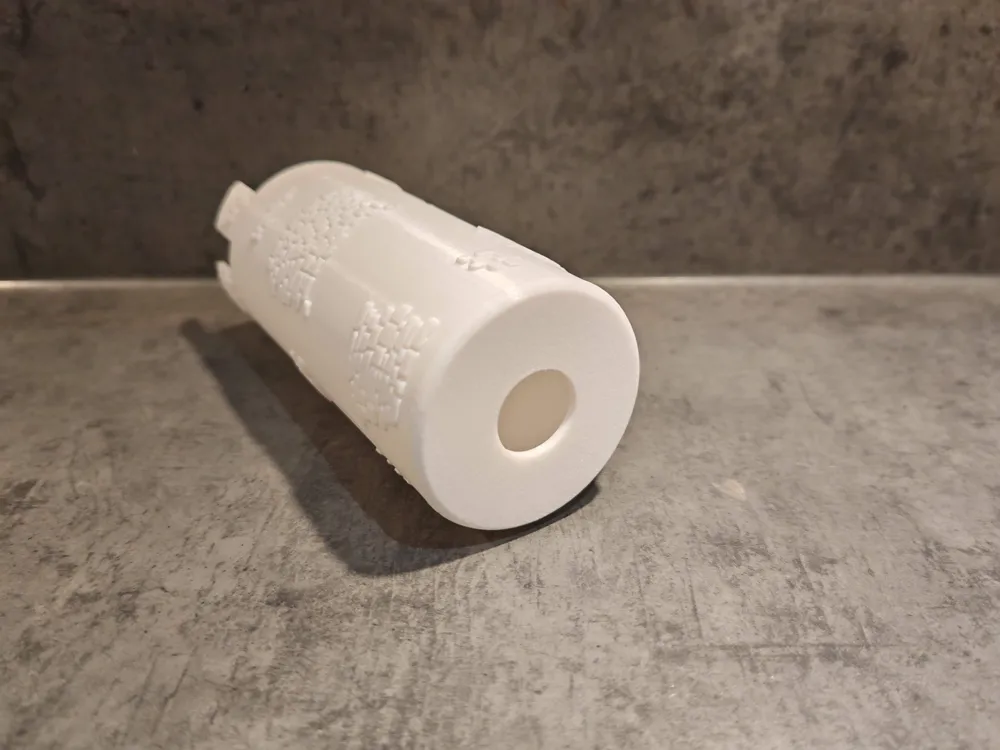
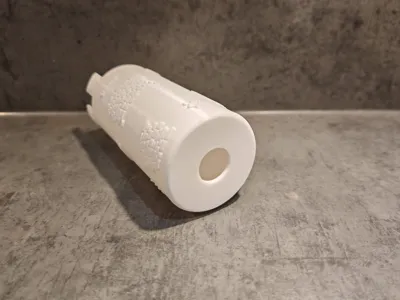
This design fits 500ml cans, has a push out hole in the bottom and includes a customizable blazon. To customize you own mug you have to complete the following steps:
In Bambu Studio:
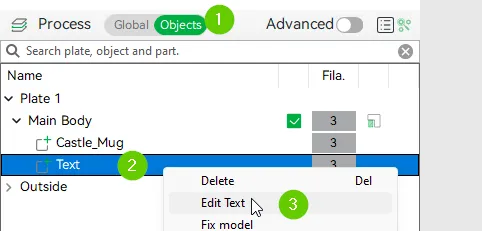
0. Rotate your view so you are facing the text
1. Click on Objects
2. Right click on “Text”
3. Click on “Edit Text
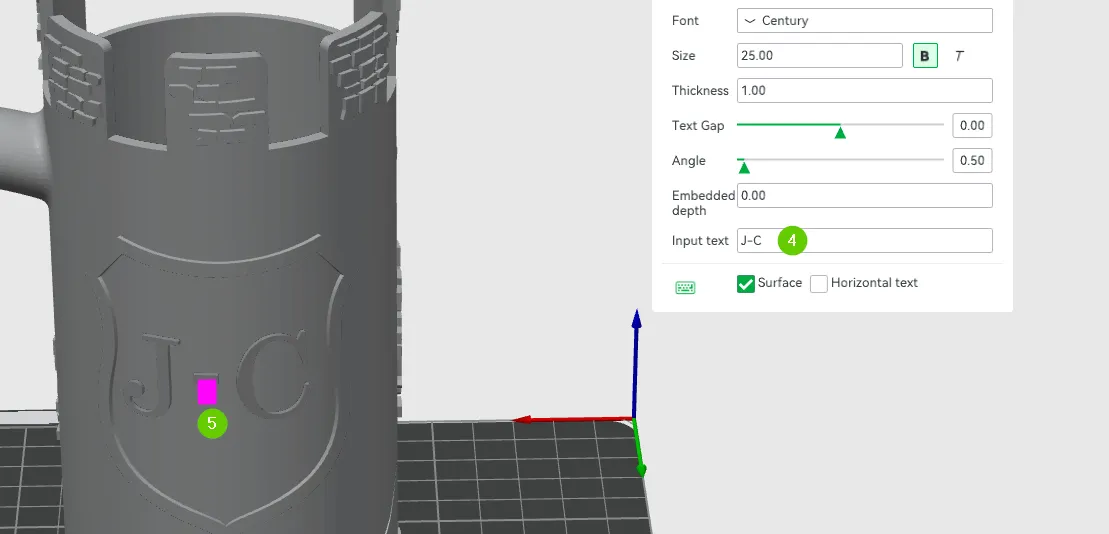
4. Change the text in the “Input text”-field, select the font and font size you like
5. Drag the pink rectangle to center your text in the blazon
Be aware, that support for the text is generated if you change it. If you have big letters like in my example that shouldn't be a problem, if you have more text and smaller letters this could be a problem. If you want to prevent support from generating on your text you can follow this steps:
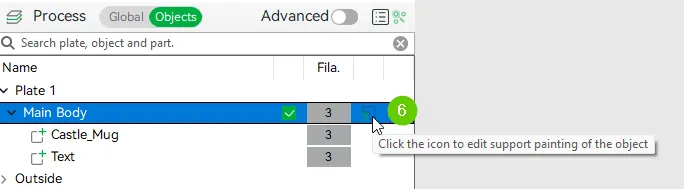
6. Click on the shown icon to edit support
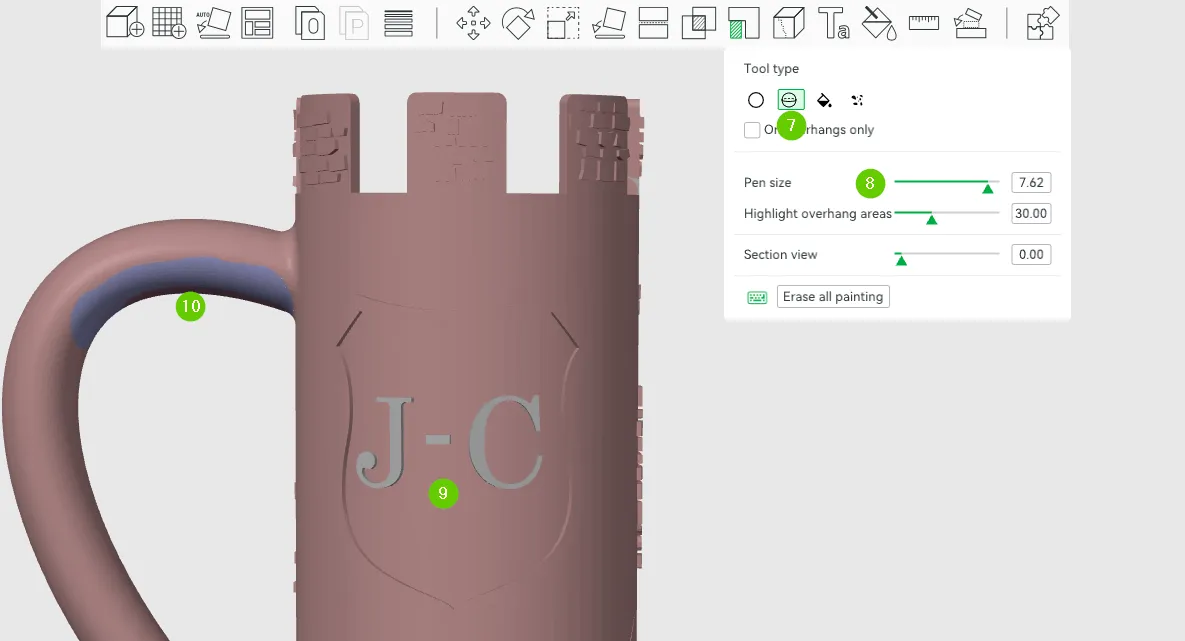
7. Choose the “Sphere”-Tool
8. Increase Pen size as you like
9. Dye your lettes with the tool to not generate support by using the right mouse button. The color of your letters should be the same as the rest of the mug with the exception of:
10. Please Do not change this area. This is the only place whrer support is really needed.
If you are interested in mugs for other can sizes feel free to reach out to me!
Boost Me (for free)
Boost me if you like my designs, its free ;)
License

You shall not share, sub-license, sell, rent, host, transfer, or distribute in any way the digital or 3D printed versions of this object, nor any other derivative work of this object in its digital or physical format (including - but not limited to - remixes of this object, and hosting on other digital platforms). The objects may not be used without permission in any way whatsoever in which you charge money, or collect fees.


Comment & Rating (7)