
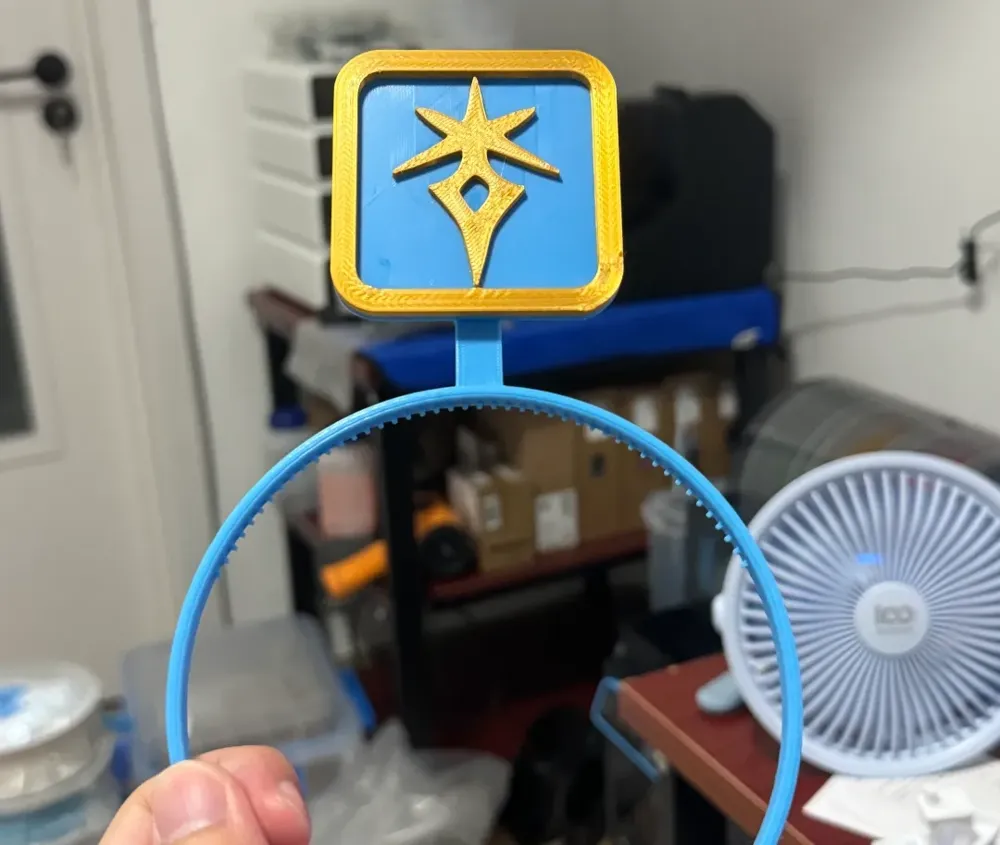
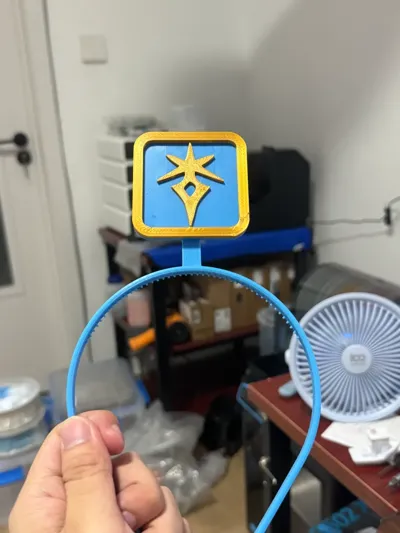
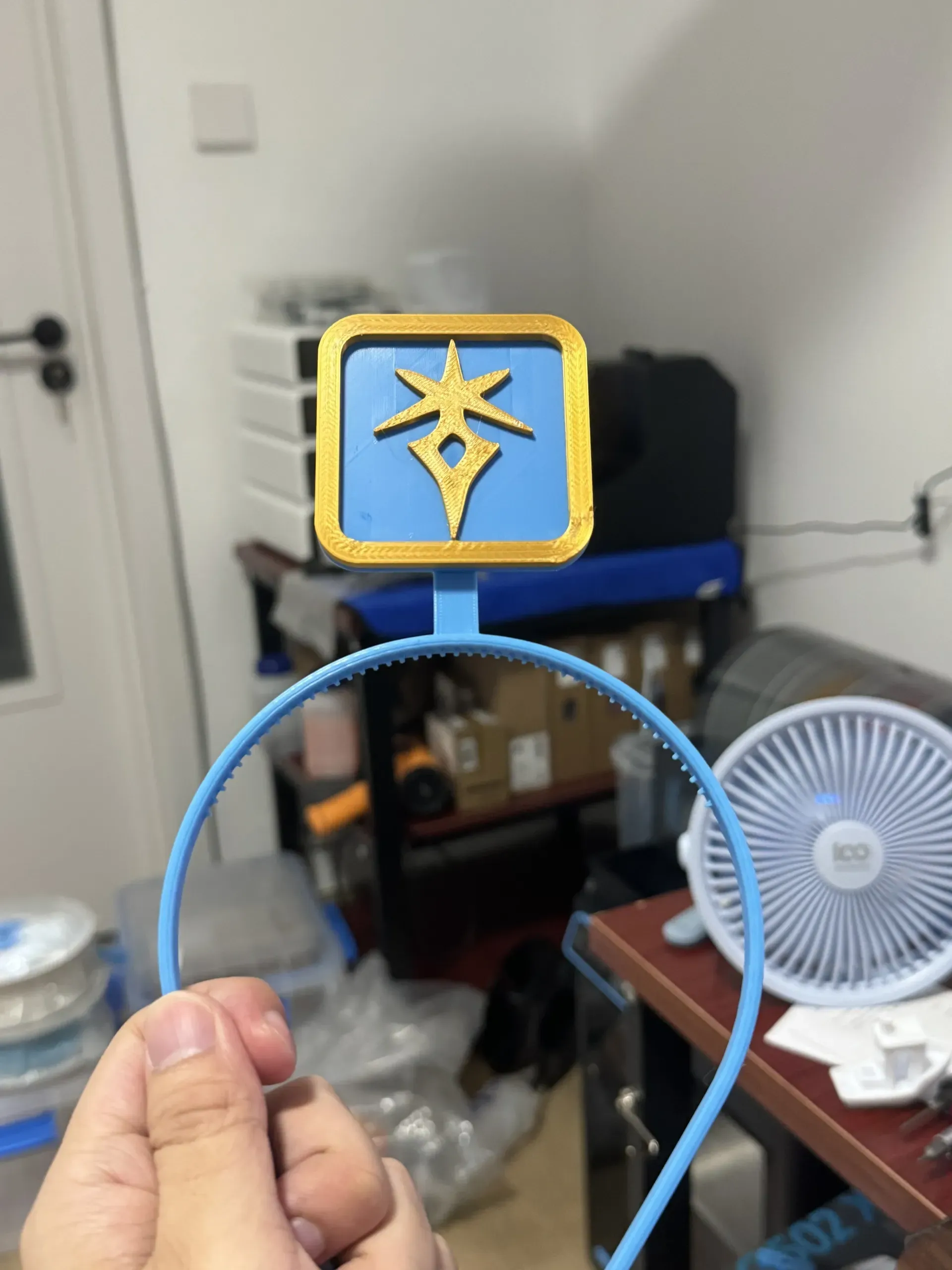
FF14 Job Icon Headband

Print Profile(1)
Description
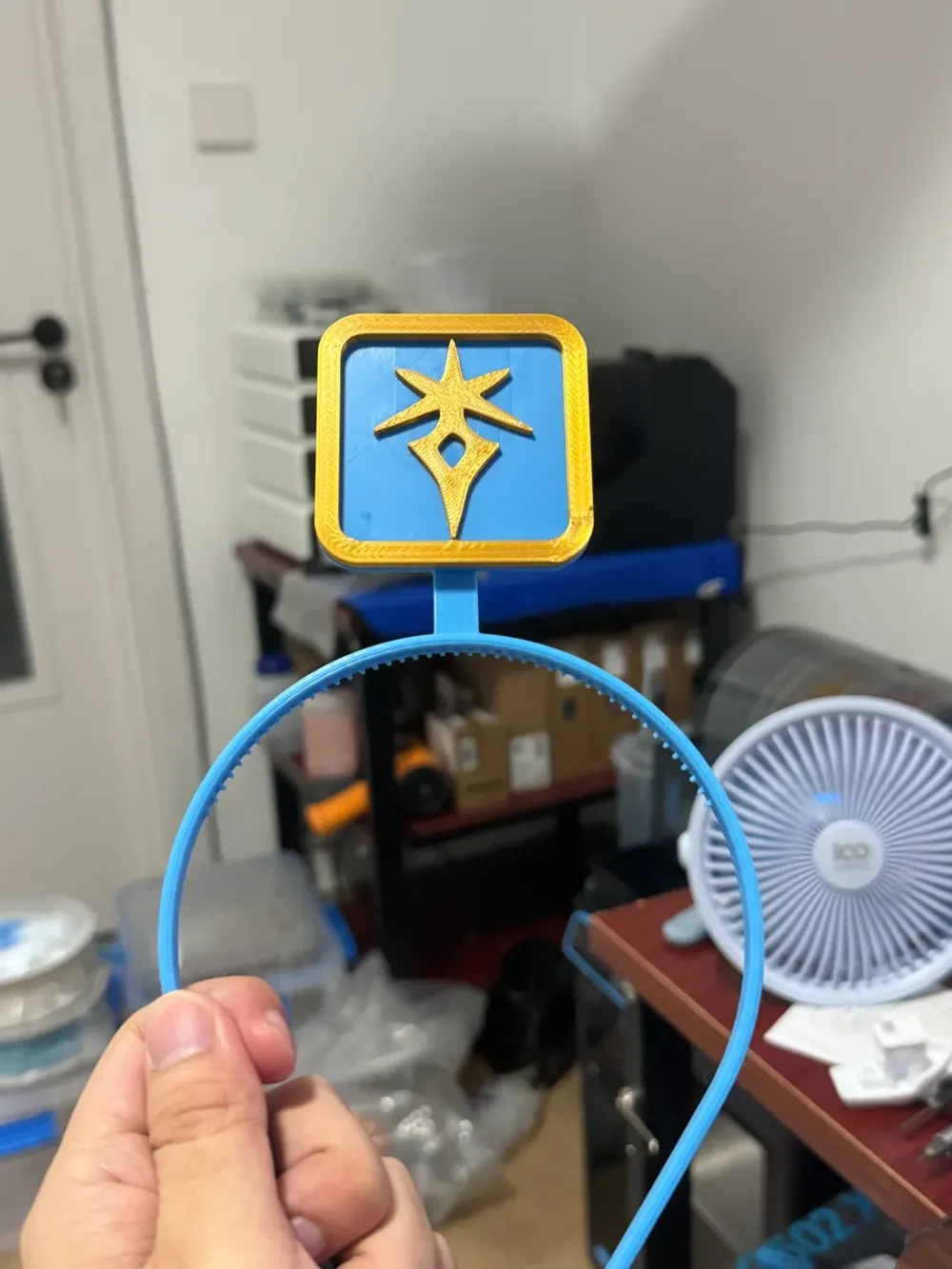
Please note that the headband part should be printed with PETG, and remember to 【turn off the fan】 and set it to one layer. Otherwise, it is easy to get spaghetti.
The head part is modified from https://makerworld.com/zh/models/188790#profileId-208119
Personally tested Tianrui and Ailiz's PETG, there will be some size changes in the small holes and small cylinders, it is best to test it before printing.
If the headband and icon are not firmly stuck together, it is recommended to use glue to bond them, or use double-sided tape
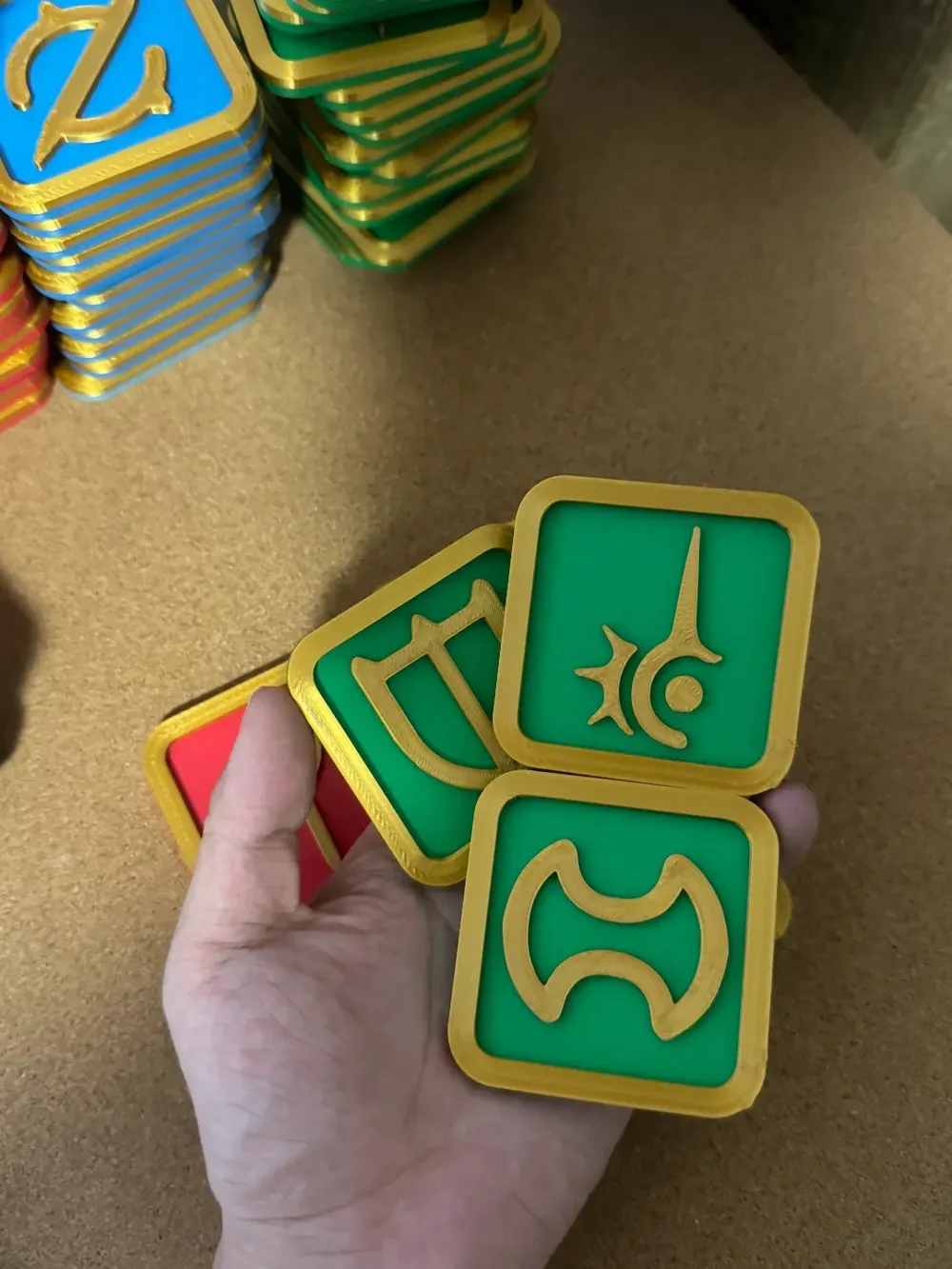
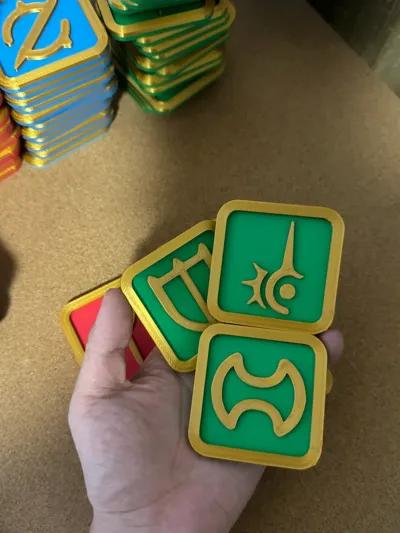
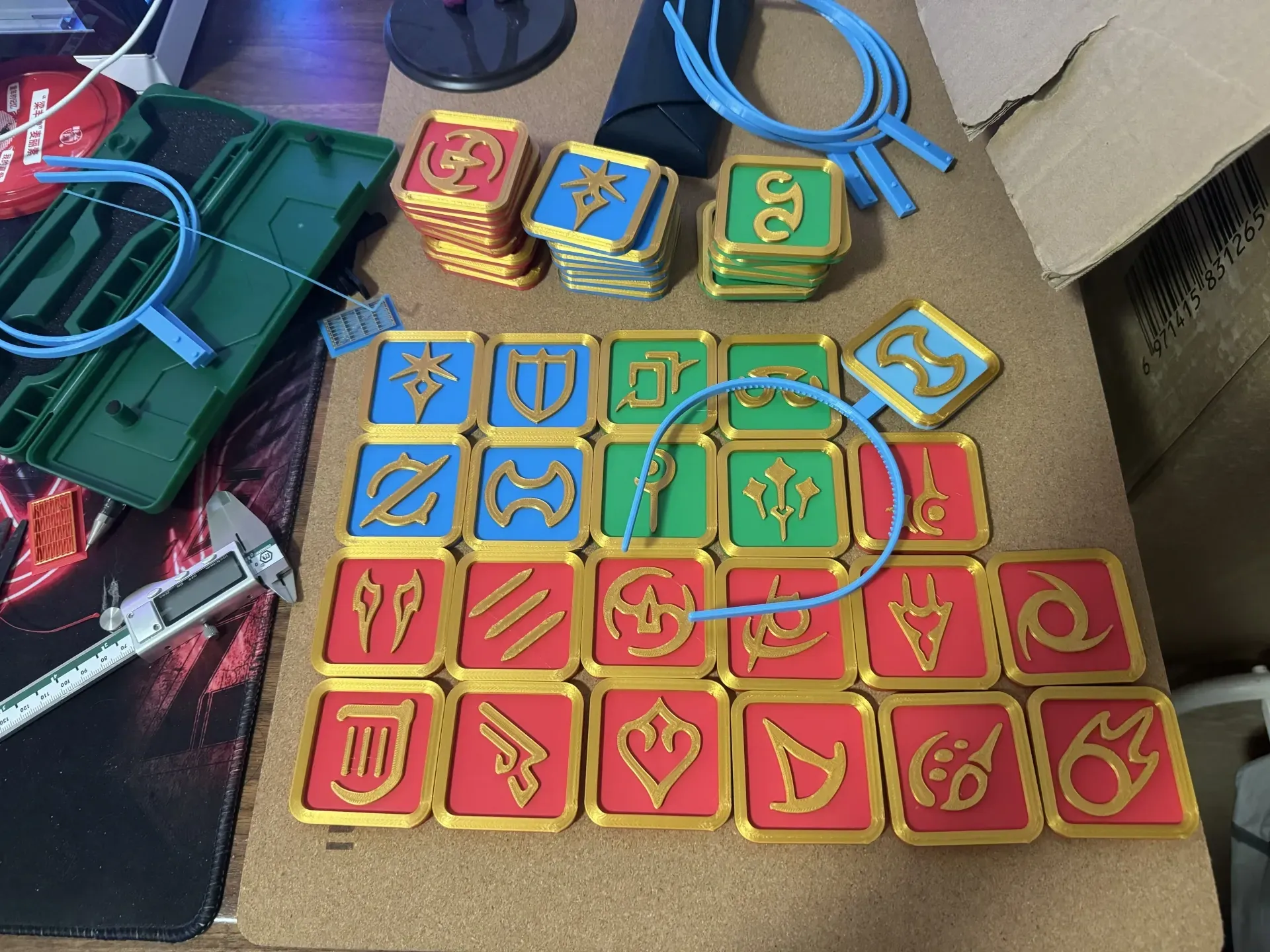
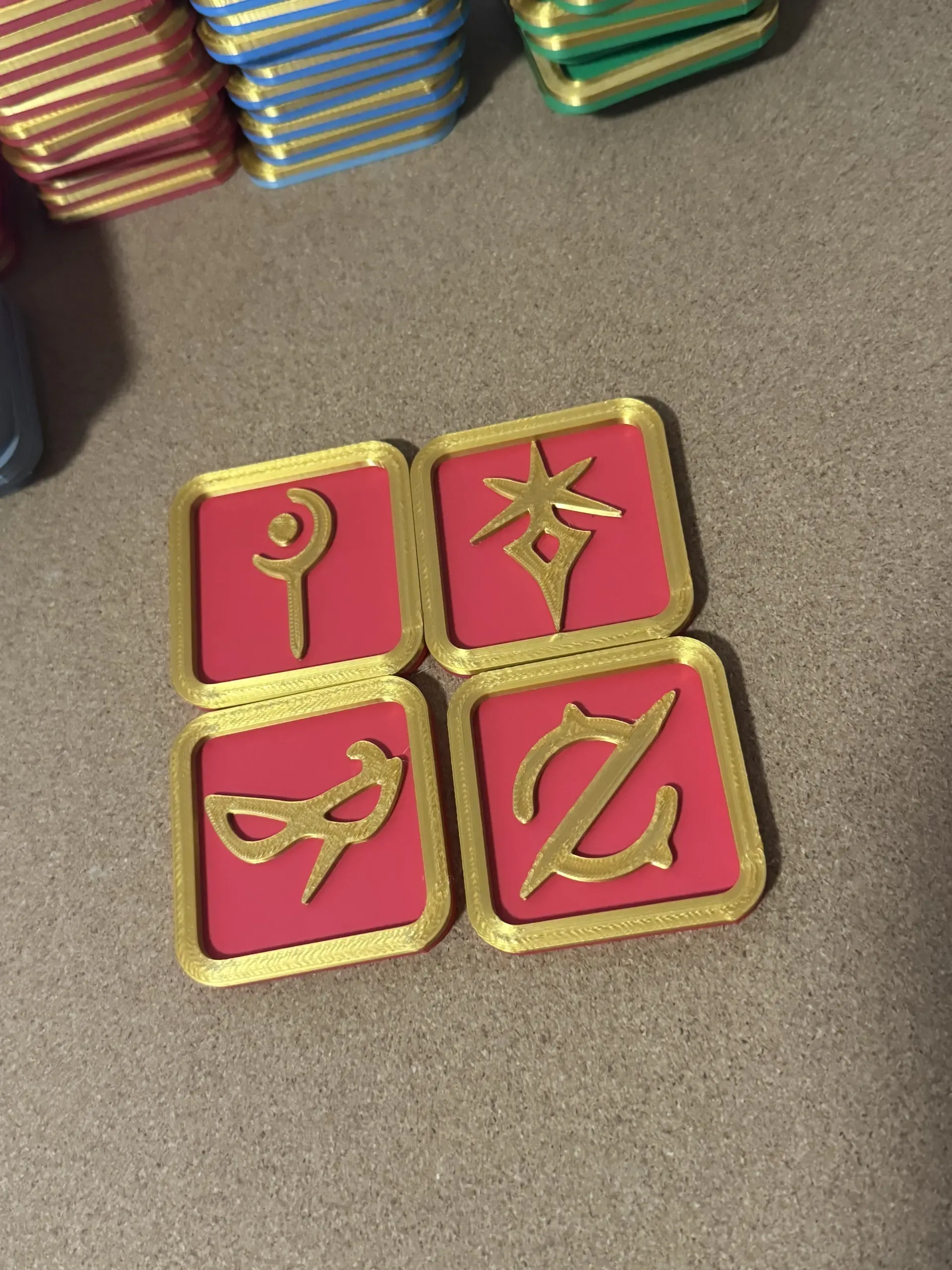
It is recommended to use silk gold as the border for printing the job icon, but after ironing, some silk feeling may be lost, so ironing is not recommended.
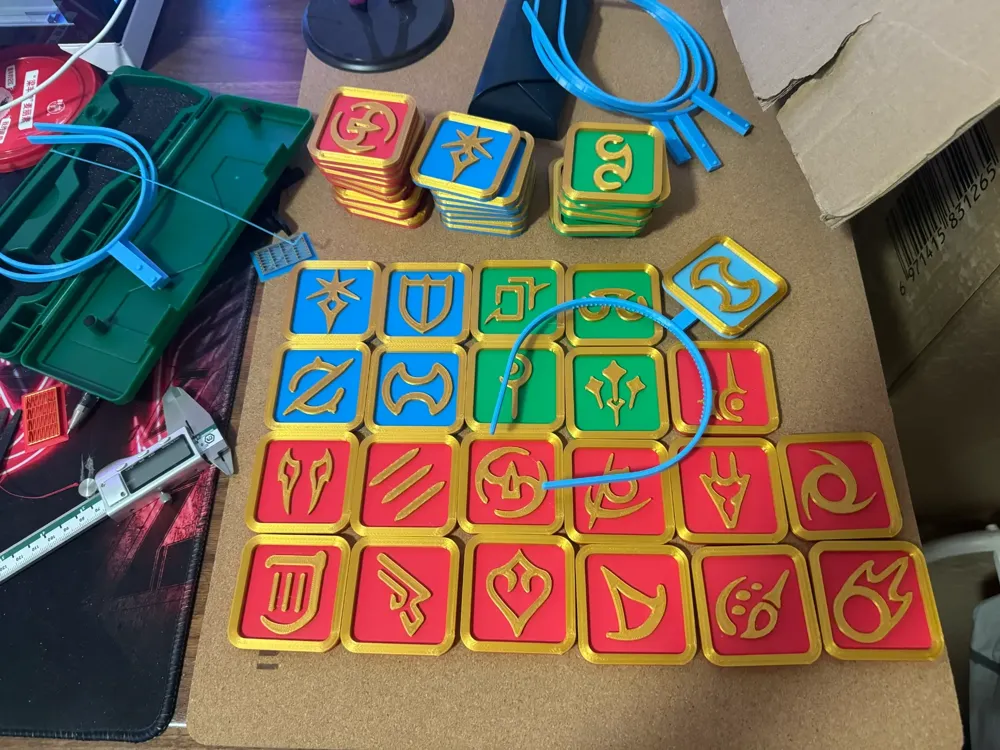
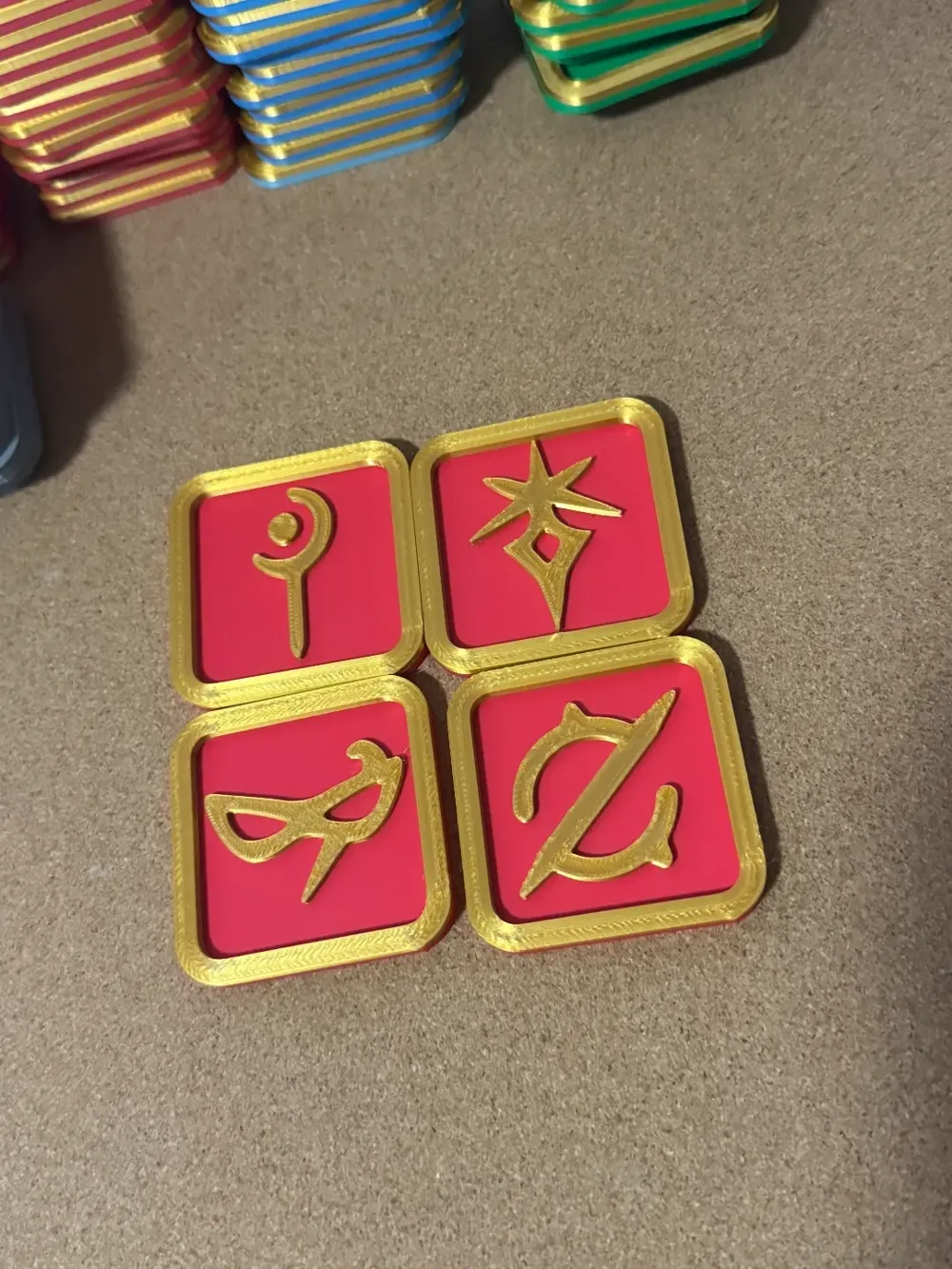
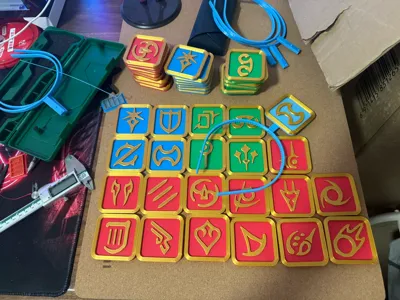
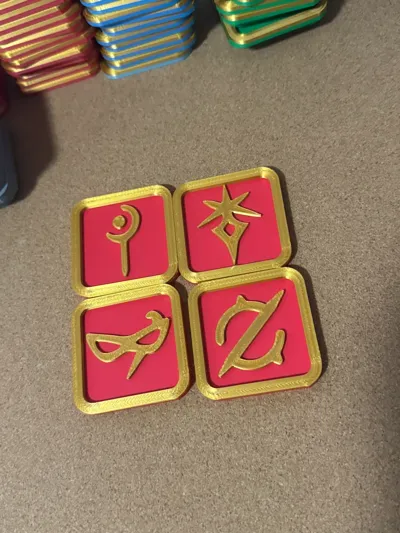
The job icon includes all jobs and a gray dragoon lying on the ground, you can modify the color yourself, if you do not have AMS, you can manually change the material once.
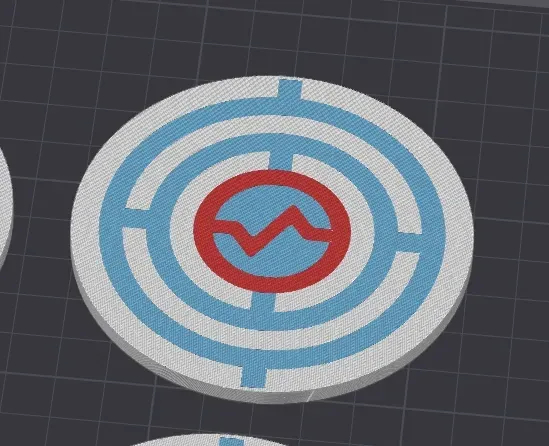
And also includes a big pancake of two sizes.
Boost Me (for free)
License



Comment & Rating (2)