
Print Profile(1)
Description
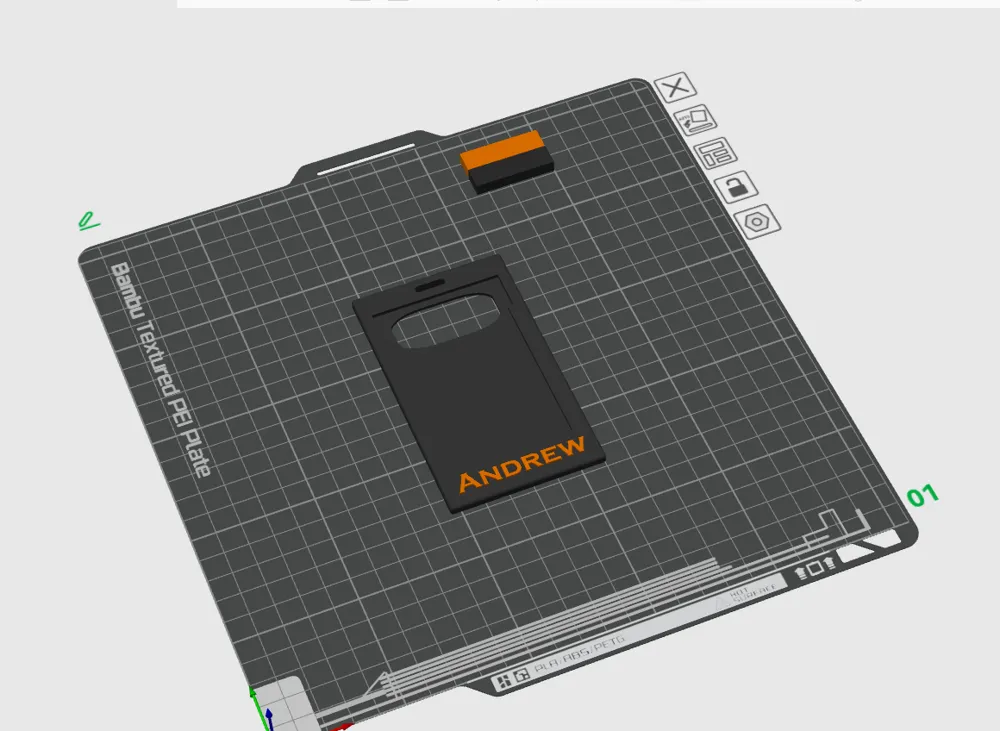
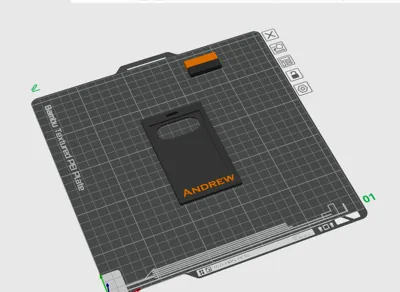
Recommended to print using Bambu Slicer as you can change the name
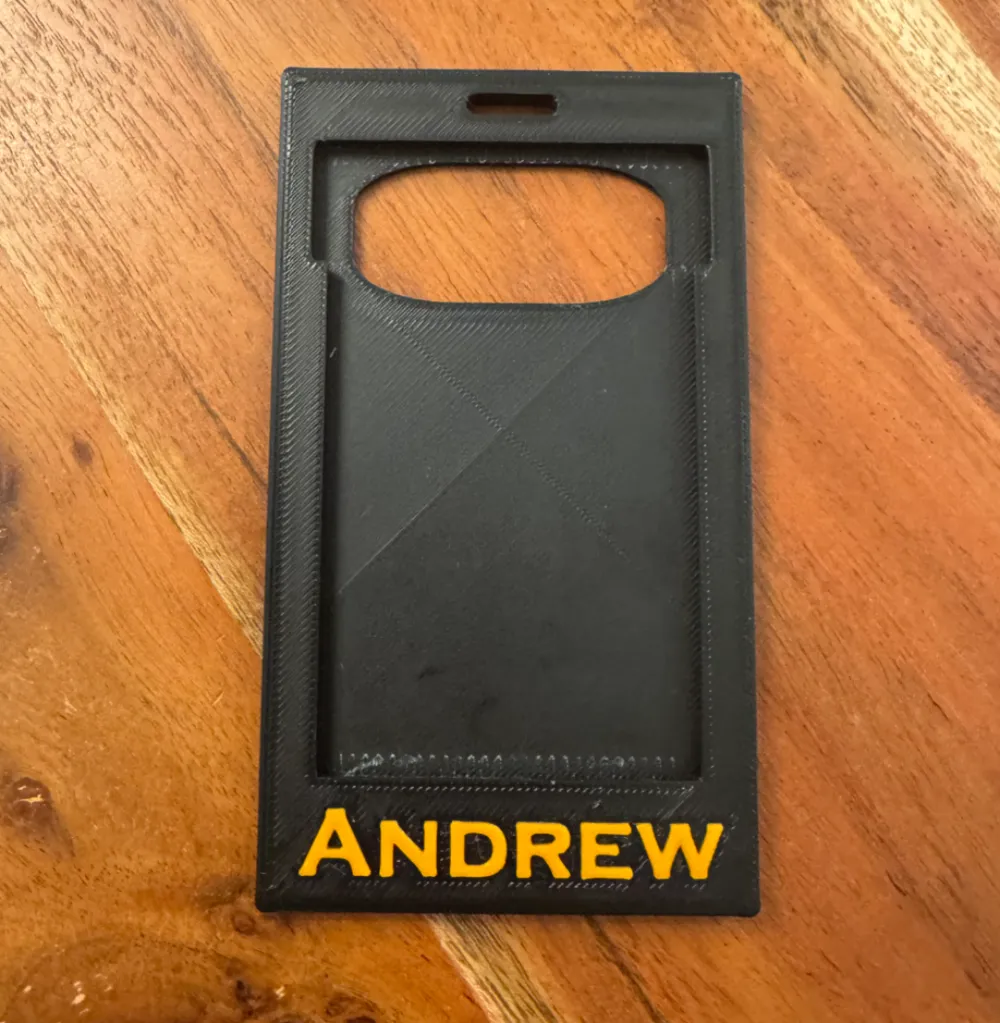
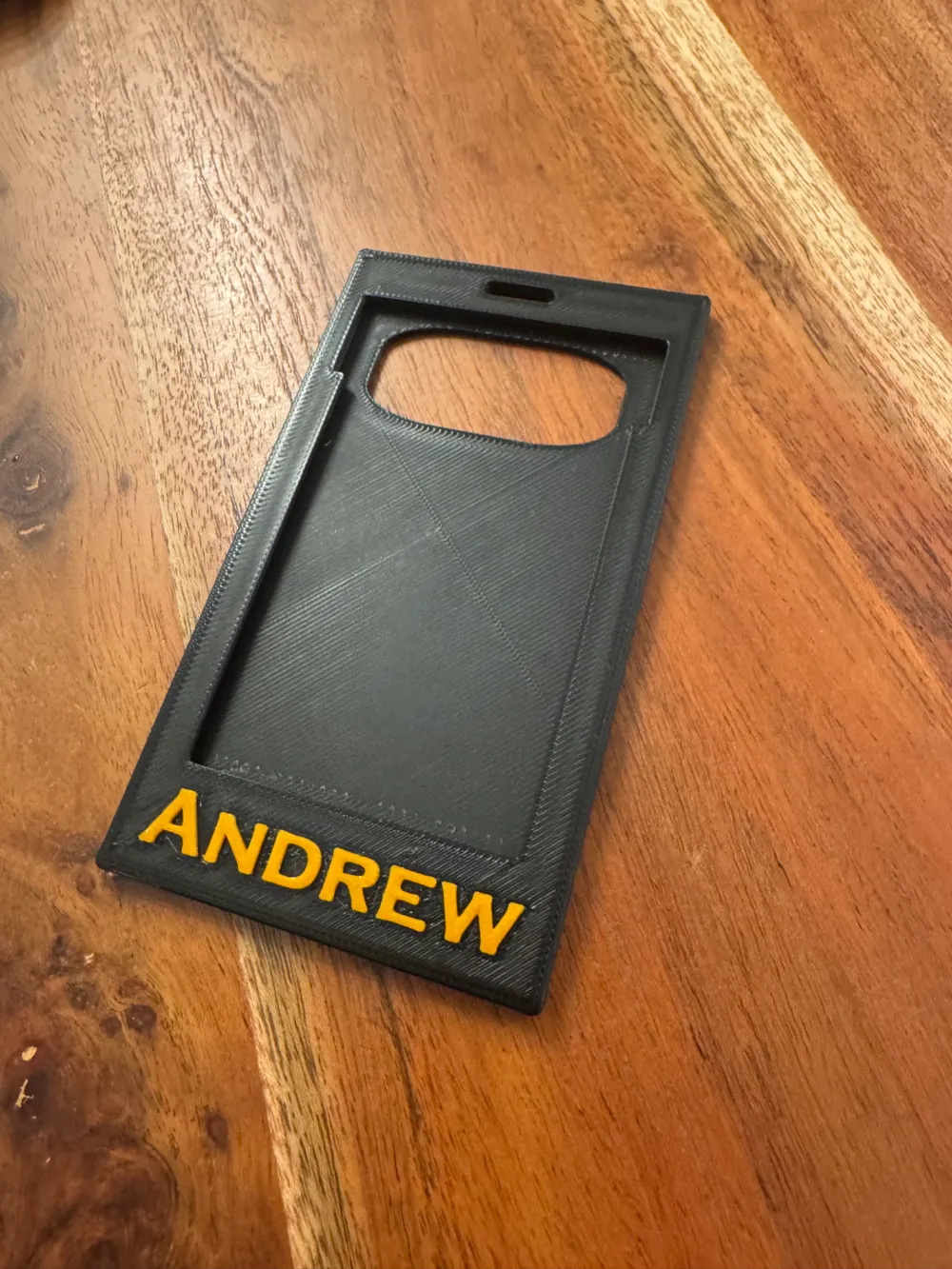
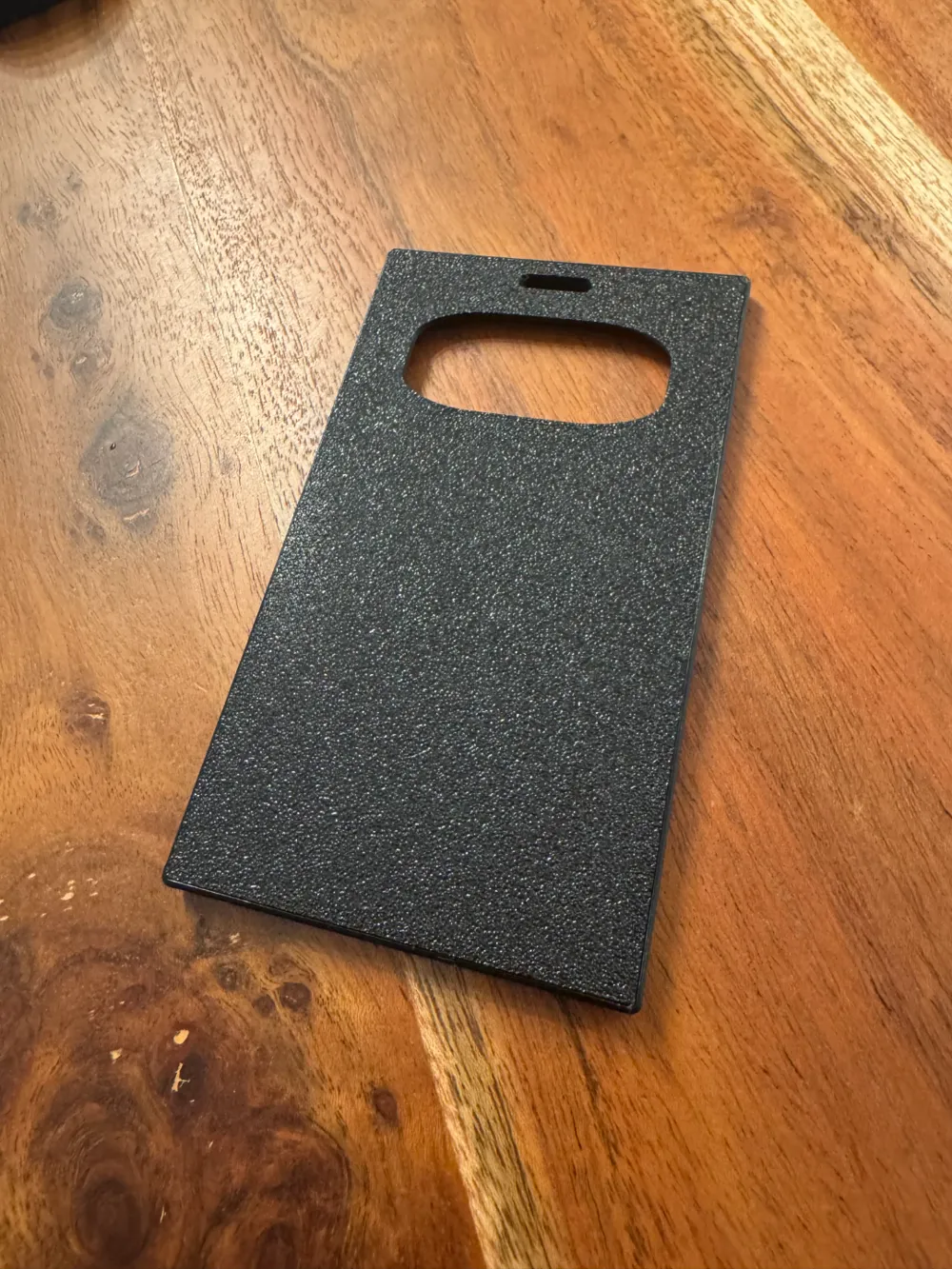
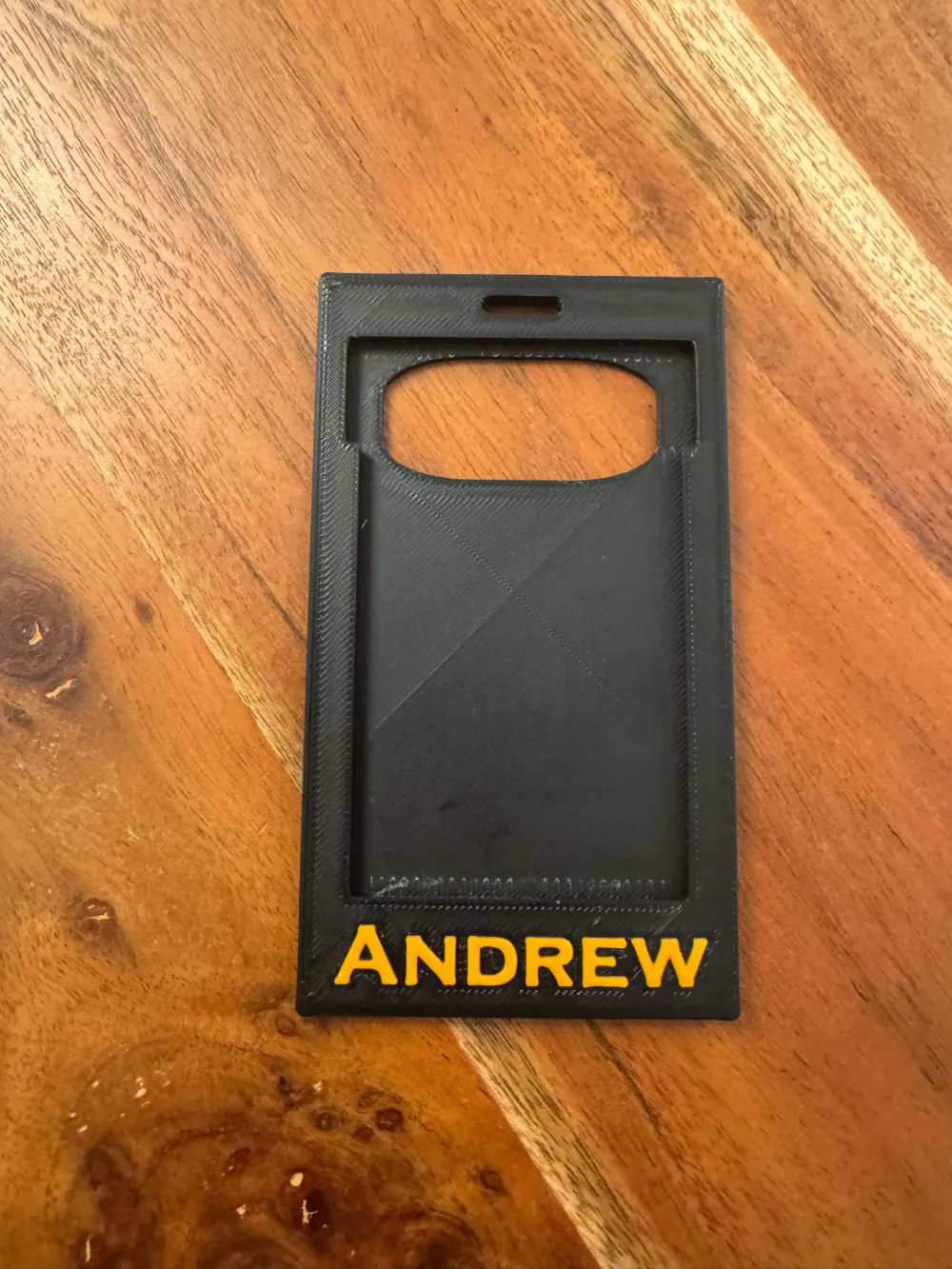
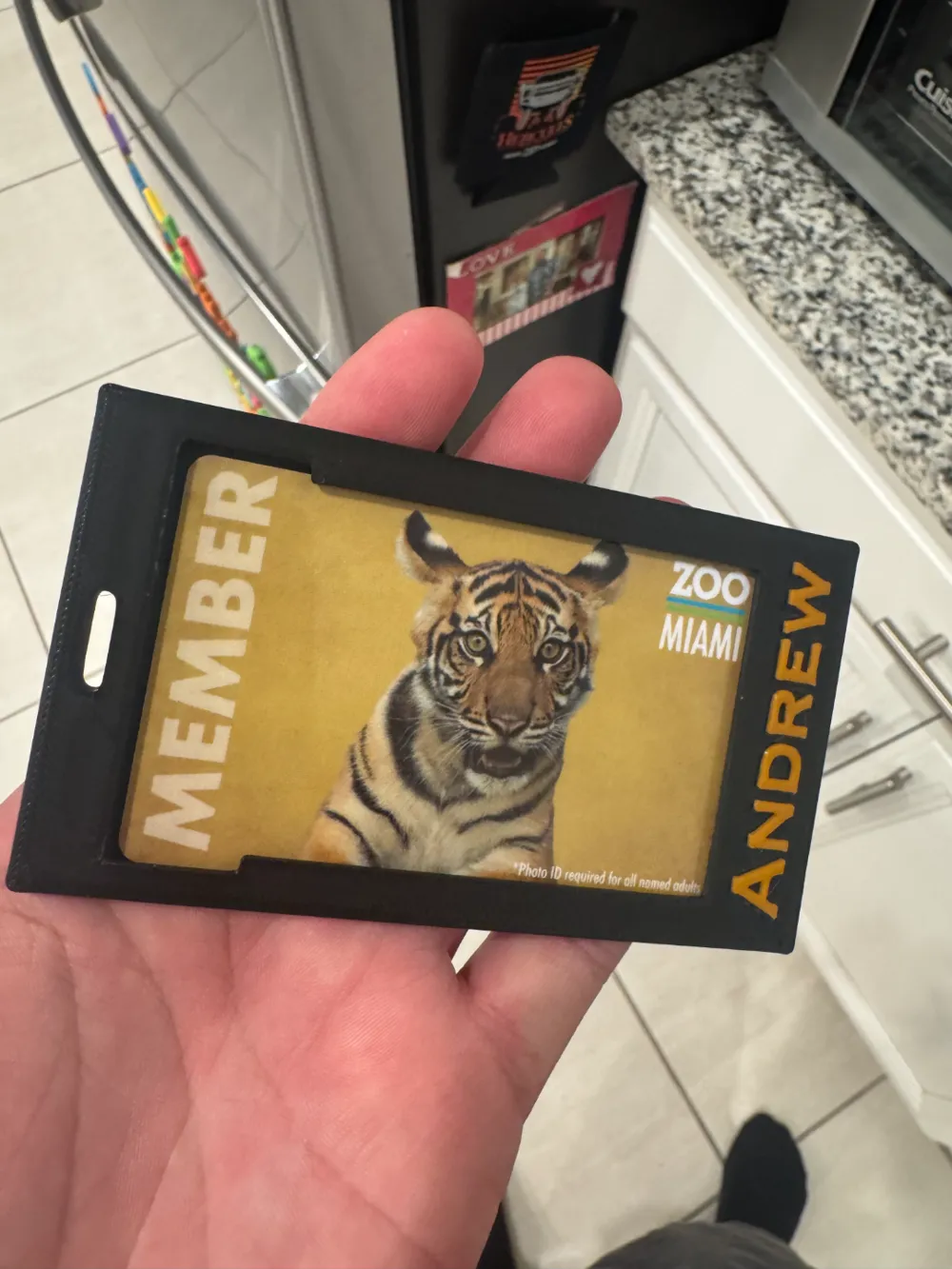
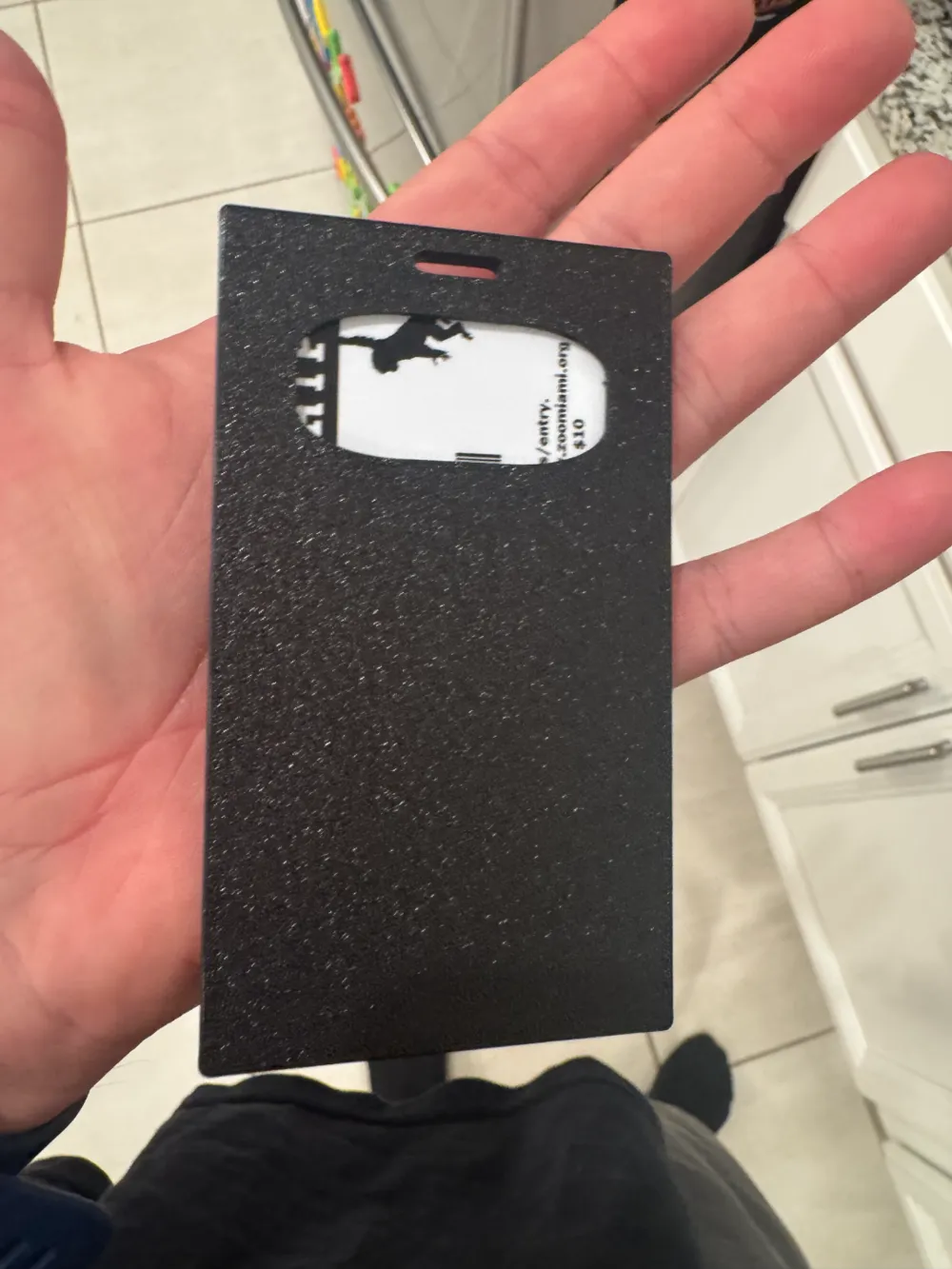
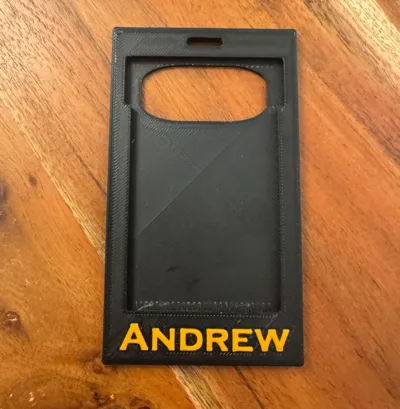
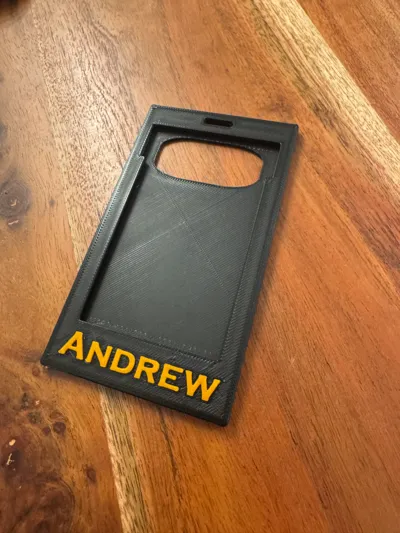
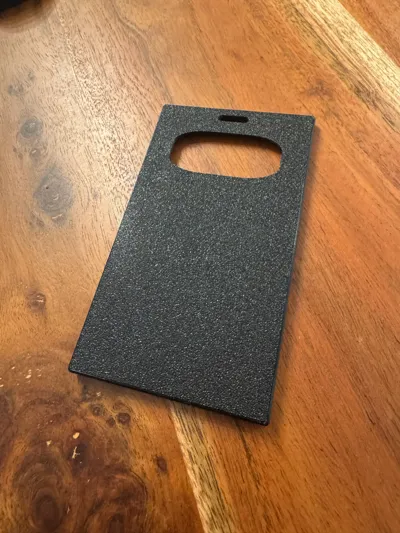
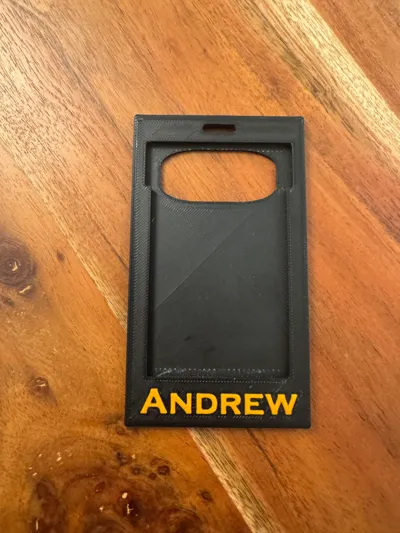
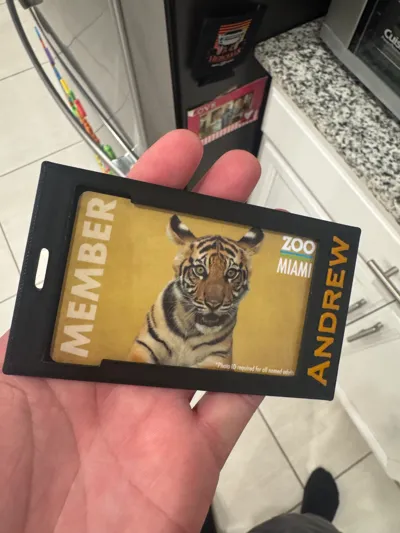
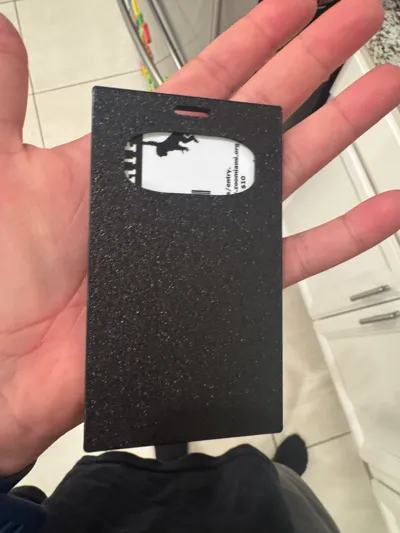
Vertical ID holder with nameplate at the bottom. Hole on the back side is to remove the card. You push up from the back with pushing the card towards the key ring. Depending on the card it might shift a little inside of the card holder but will not fall out.
I've had good results with the supports in the channels at .20 any lower you will risk the chance of not being able to get the supports out.
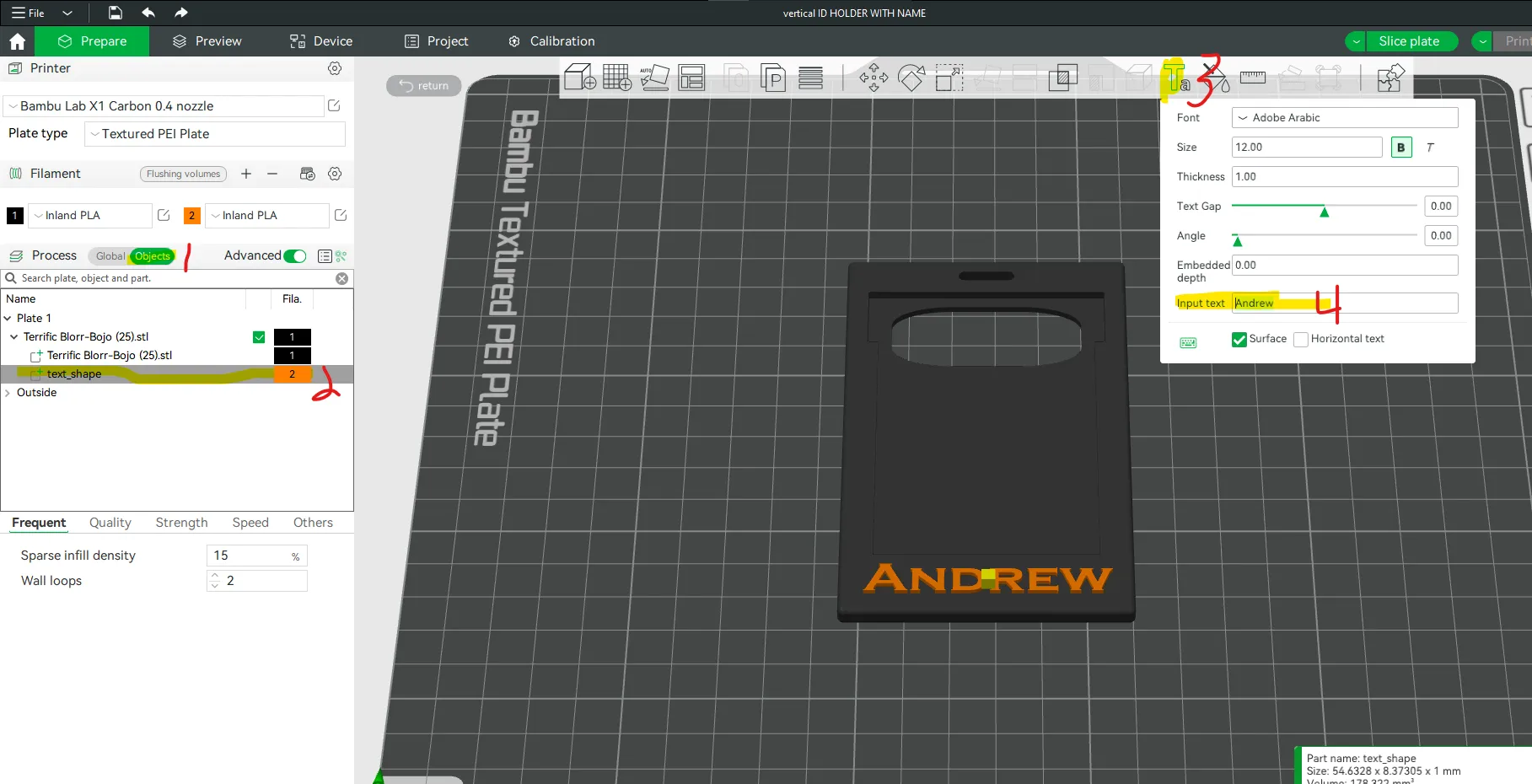
You can change the name in Bambu Lab's Slicer by selecting Object - Clicking on Text_Shape - clicking on text tool and change the name.
Step 1: Click on objects under Process
Step 2: Click on text_shape
Step 3: Click on Text option on the top options bar
Step 4: Change the input text to whatever you want.
License

You shall not share, sub-license, sell, rent, host, transfer, or distribute in any way the digital or 3D printed versions of this object, nor any other derivative work of this object in its digital or physical format (including - but not limited to - remixes of this object, and hosting on other digital platforms). The objects may not be used without permission in any way whatsoever in which you charge money, or collect fees.


Comment & Rating (9)